

The Visual Engine | Terrain Blanket Module Unity: Enhancing Large-Scale Terrain Details
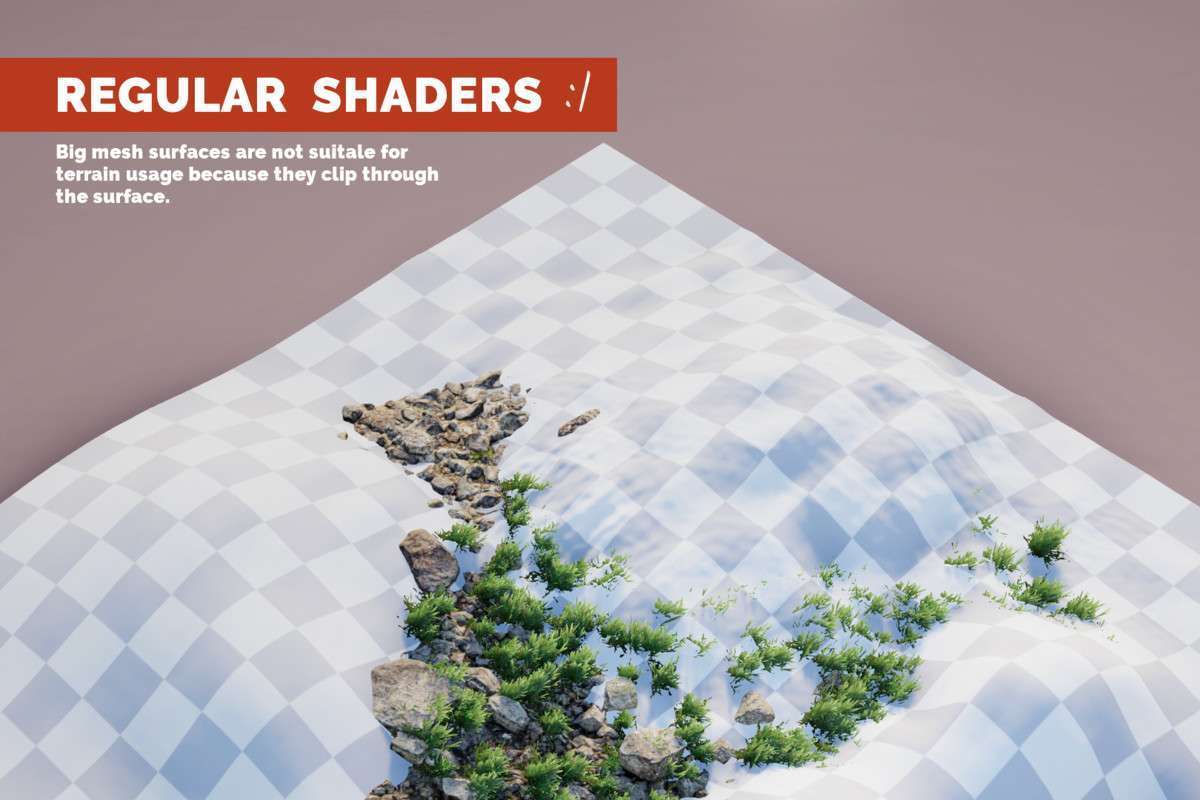
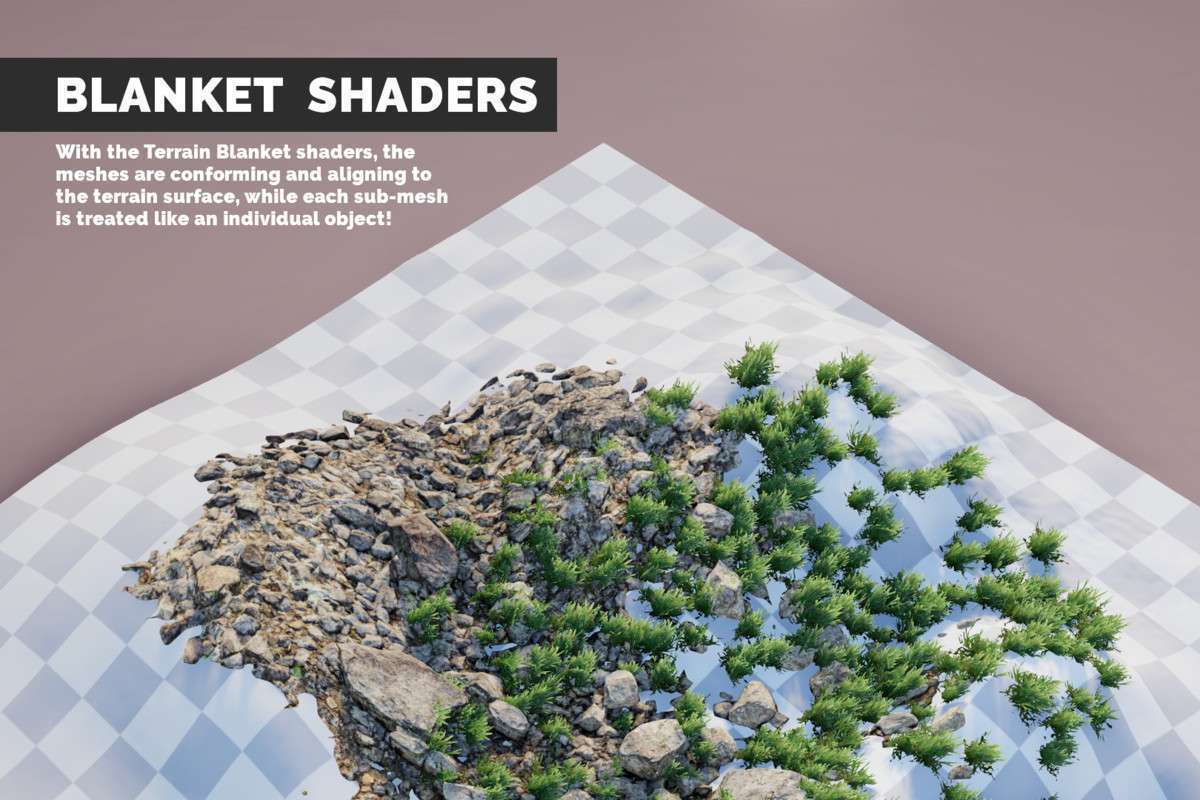
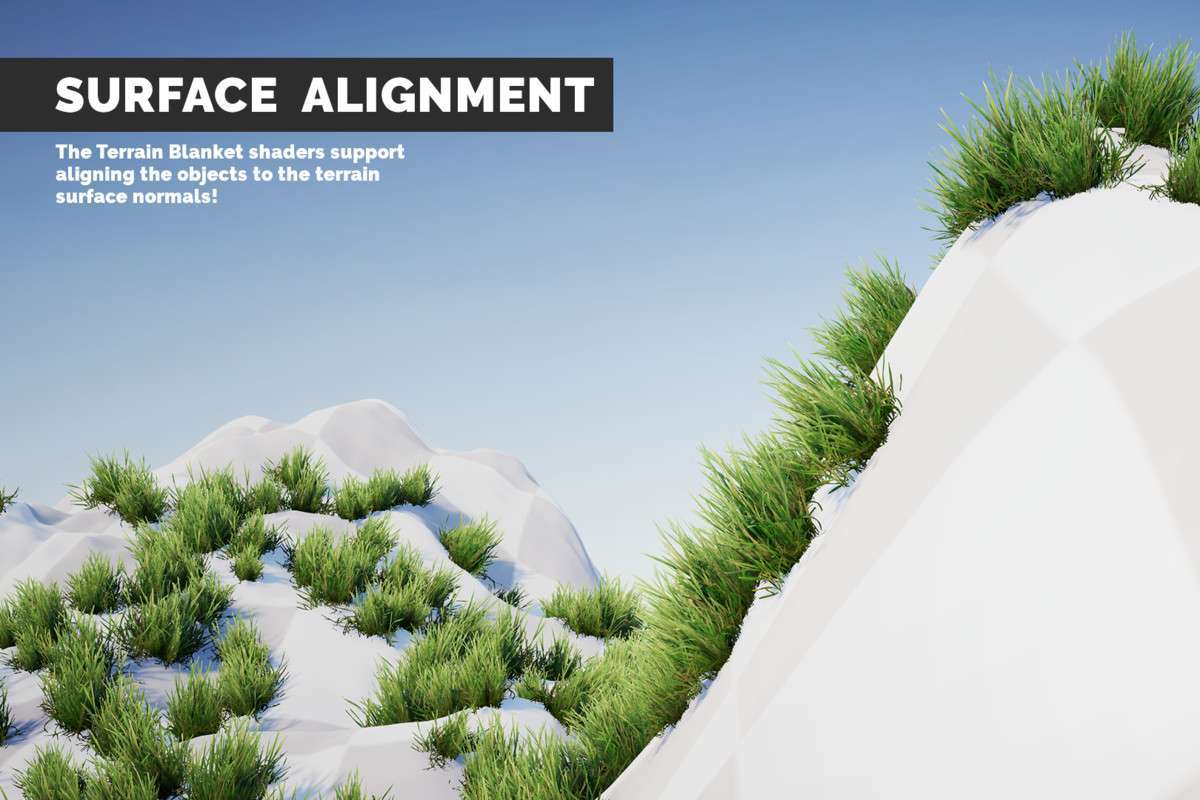
Implementing The Visual Engine | Terrain Blanket Module Unity at version 21.2.0 provides a specialized solution for rendering large, conforming patches of environmental assets across terrains. This module, part of the broader Visual Engine ecosystem, excels at applying meshes like dense grass patches or sprawling root systems that seamlessly align and blend with terrain surfaces and normals. It’s an essential tool for environments requiring high-density ground cover or integrated mesh decals without compromising performance.
Integration Tips
- Requires The Visual Engine Core: This is a crucial dependency. The Terrain Blanket Module is an add-on and will not function without the base “The Visual Engine” asset. Ensure you have the latest version of the core engine installed first.
- Focus on Large Patches/Planar Meshes: Understand the module’s intended use case: large grass patches, root networks, or flat ground cover. It’s not designed for individual small detail meshes (Unity’s terrain detail system or Nature Renderer’s detail placement handles those). The strength here is covering significant areas with fewer, larger conforming meshes.
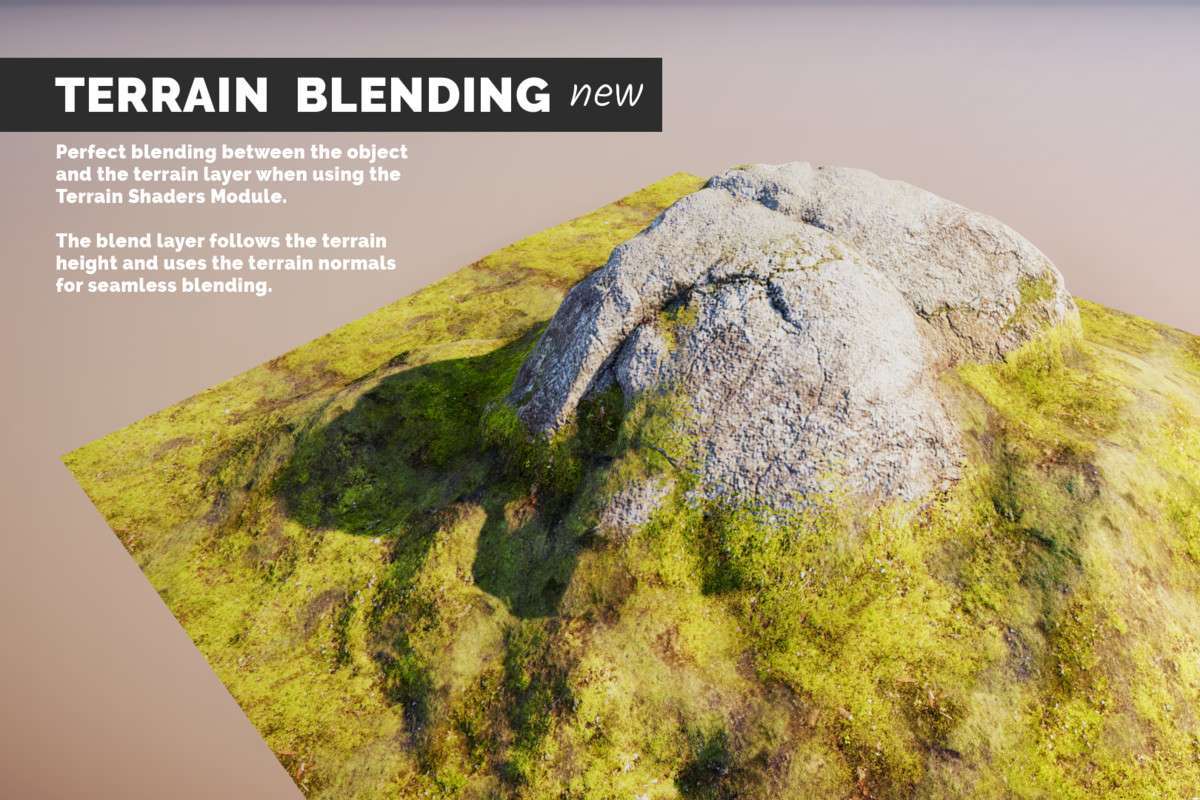
- Seamless Terrain Blending: For optimal visual cohesion, integrate this module with “The Visual Engine • Terrain Shaders Module.” This combination allows for advanced, texture-based blending between your conforming meshes and the underlying terrain, ensuring a natural transition rather than a stark seam.
- Leveraging Procedural Instancing: To maintain performance with dense coverage, utilize its integrations with GPU Instancer, Nature Renderer, Instant Renderer, and Vegetation Studio (Pro). These tools enable procedural instancing and instanced indirect rendering, drastically reducing draw calls for your blanket meshes and making large-scale environments feasible. Configure these companion assets to manage the spawning and rendering of your blanket prefabs.
- Collider Limitations: Be aware that the terrain conforming is a visual effect only. Mesh colliders will *not* be affected or conform to the terrain. If you require accurate collision for these blanket meshes (e.g., for player interaction), you will need to generate or add separate, simplified colliders, potentially using Unity’s physics engine or a custom solution.
- Incompatibility with Amplify Impostors: Due to the nature of mesh conformation, this module is explicitly incompatible with the Amplify Impostors module. Plan your distant rendering strategy accordingly; either use this for closer details or manage transitions to impostors manually for extreme distances.
Best Use Cases
-
Large-Scale Open-World Environments with Dense Ground Cover: For games featuring expansive natural landscapes requiring rich and varied ground textures and vegetation, such as forests, plains, or fantasy worlds. By conforming large grass patches, roots, or moss meshes to the terrain surface and normals, and leveraging GPU instancing, the module enables artists to achieve high visual density over vast areas with significantly optimized draw calls and memory usage, which is critical for maintaining performance in streaming open worlds.
-
Detailed Environmental Storytelling & Mesh Decals: For projects that require complex, integrated mesh elements to enhance realism or convey narrative details, like sprawling tree roots over ancient ruins, creeping vines, or layered rock formations. The module allows designers to place pre-authored mesh structures that visually “hug” the terrain, acting as advanced 3D mesh decals. This provides a more robust and visually compelling solution for integrating complex geometry into the terrain than standard texture decals or manual mesh adjustments, particularly for irregular or organic forms.