
High-Performance LOD Optimization with Amplify Impostors
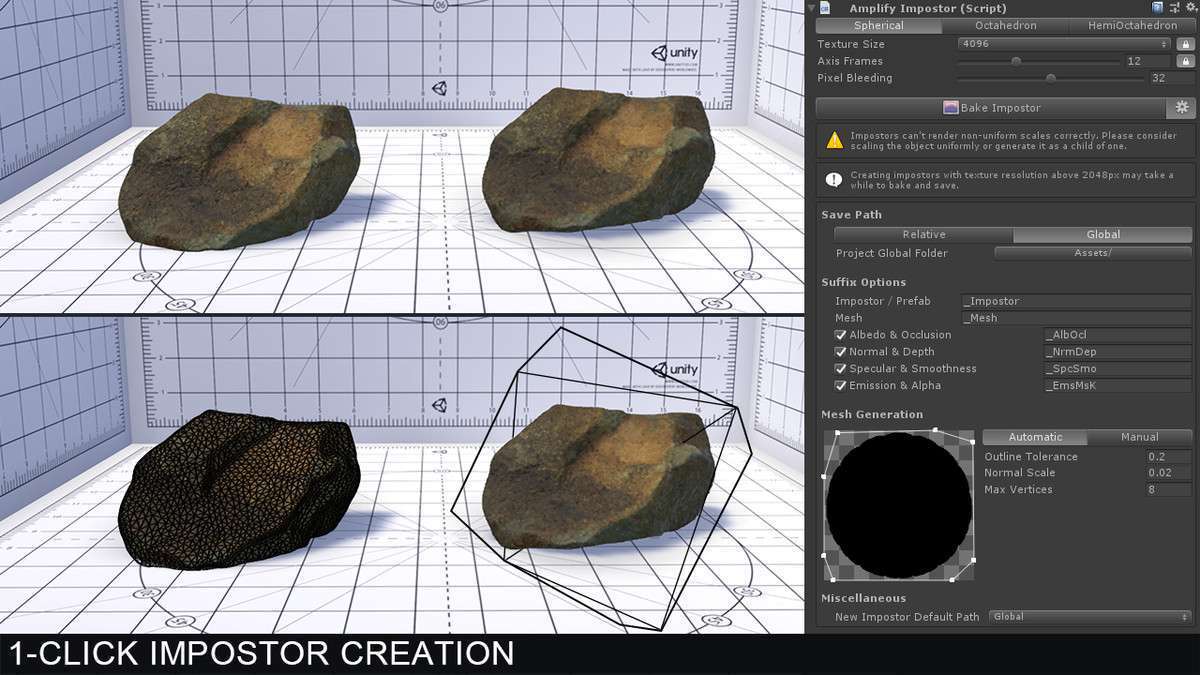
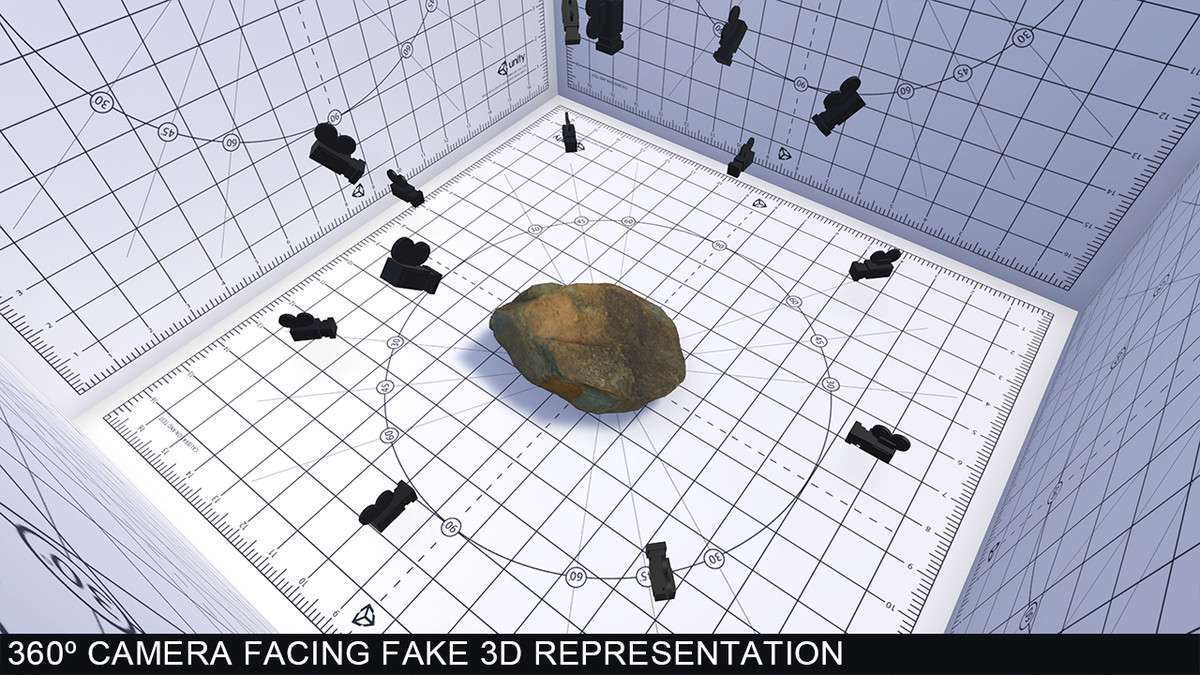
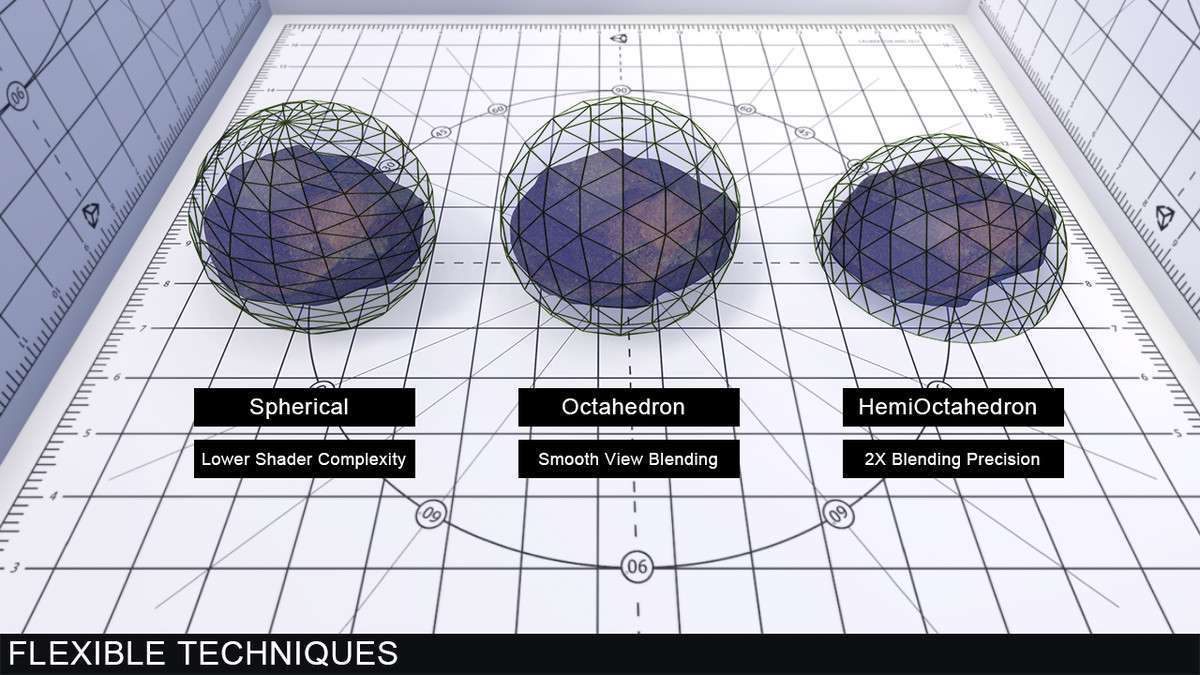
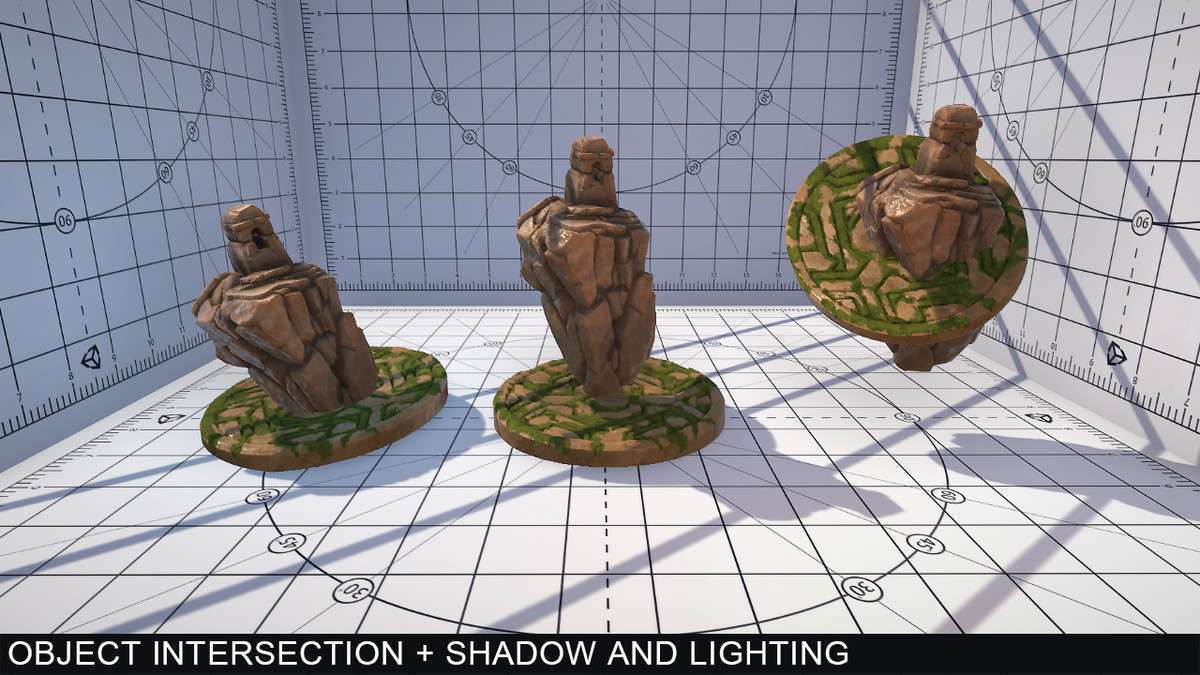
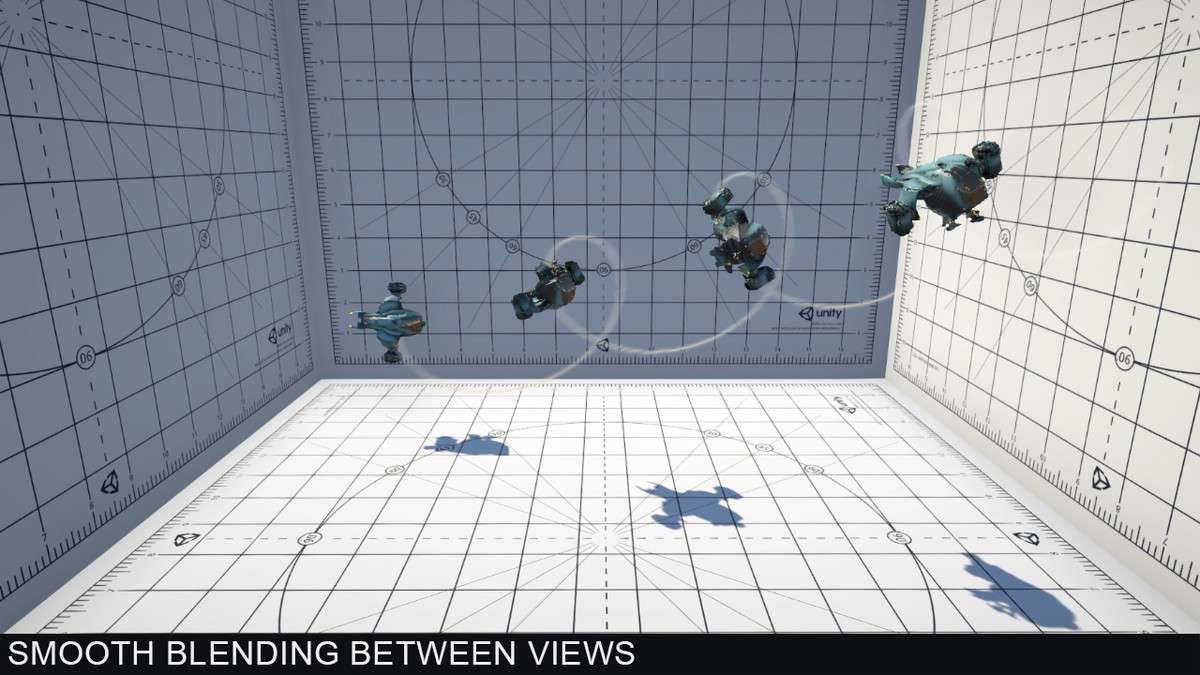
When you are dealing with massive open-world environments, the vertex count of distant meshes can quickly cripple your frame budget. [ASSET_NAME] Unity 1.1.1 solves this by replacing complex 3D geometry with volumetrically accurate billboard representations. Unlike traditional flat billboards, these impostors use octahedral and spherical mapping to capture the object from multiple angles, allowing for smooth camera transitions without the popping typical of low-poly LODs. From a lead dev perspective, the ability to maintain depth-write for proper object intersections while utilizing GPU instancing makes this a mandatory tool for any project targeting high-end PC or console hardware.
Integration Tips
To get the most out of [ASSET_NAME] Unity, ensure your project is utilizing the LODGroup component effectively. The tool integrates directly with Unity’s LOD system, but a common pitfall is not accounting for custom shaders during the bake process. If you are using custom URP or HDRP shaders, utilize the ‘Custom Material Baking’ feature to ensure that emission and occlusion maps are correctly packed. Additionally, keep an eye on your texture budget; while impostors save on vertices, a 64×64 frame axis at high resolution can lead to large VRAM usage. I recommend starting with 32×32 frames and only scaling up for hero assets that occupy a significant portion of the screen at distance.
Best Use Cases
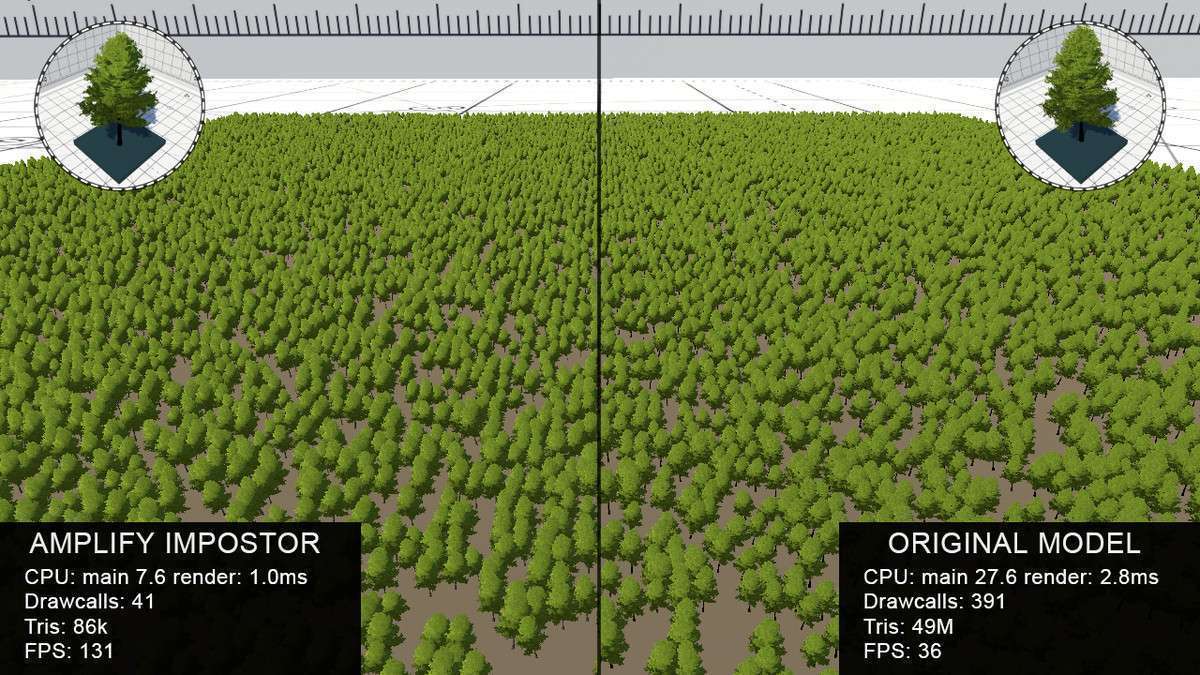
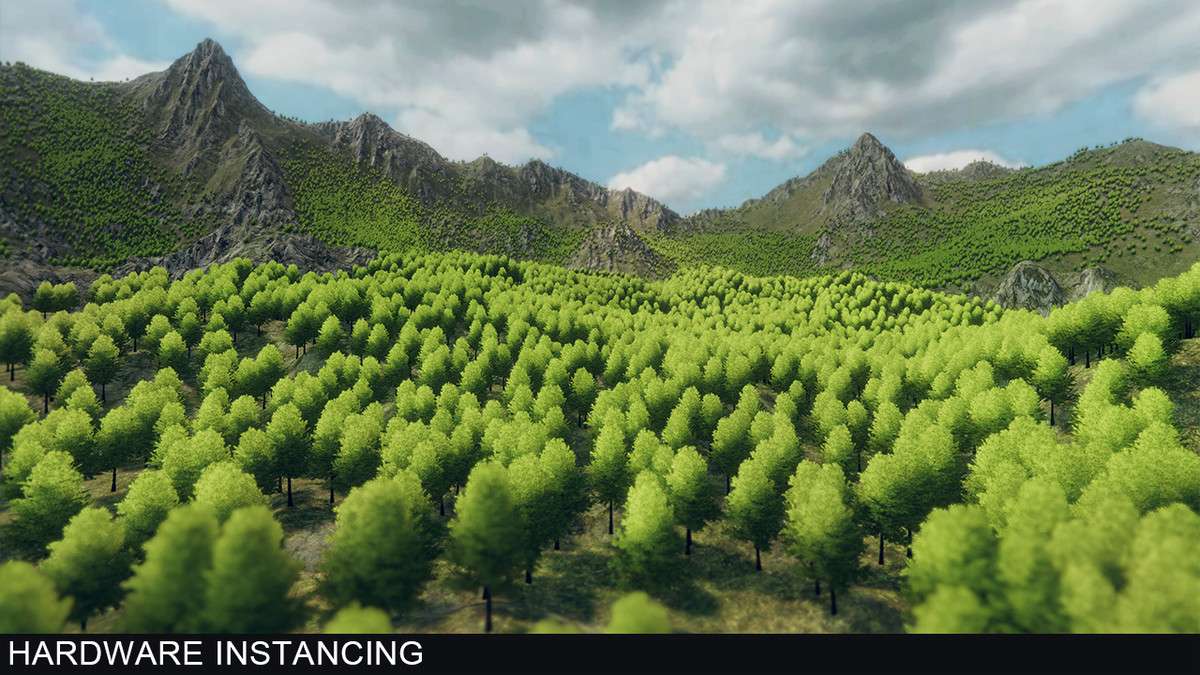
- Open-World Vegetation: In titles with dense forests, the draw call count for thousands of unique trees is unsustainable. Amplify Impostors allows you to batch these into instanced draws, significantly reducing the CPU overhead of the Culling and Batching stages of the render loop.
- Background Urban Environments: For architectural visualization or city-builders, distant buildings can be baked into impostors. This preserves the silhouette and lighting response (including shadow casting) while reducing millions of polygons to a handful of camera-facing quads.