
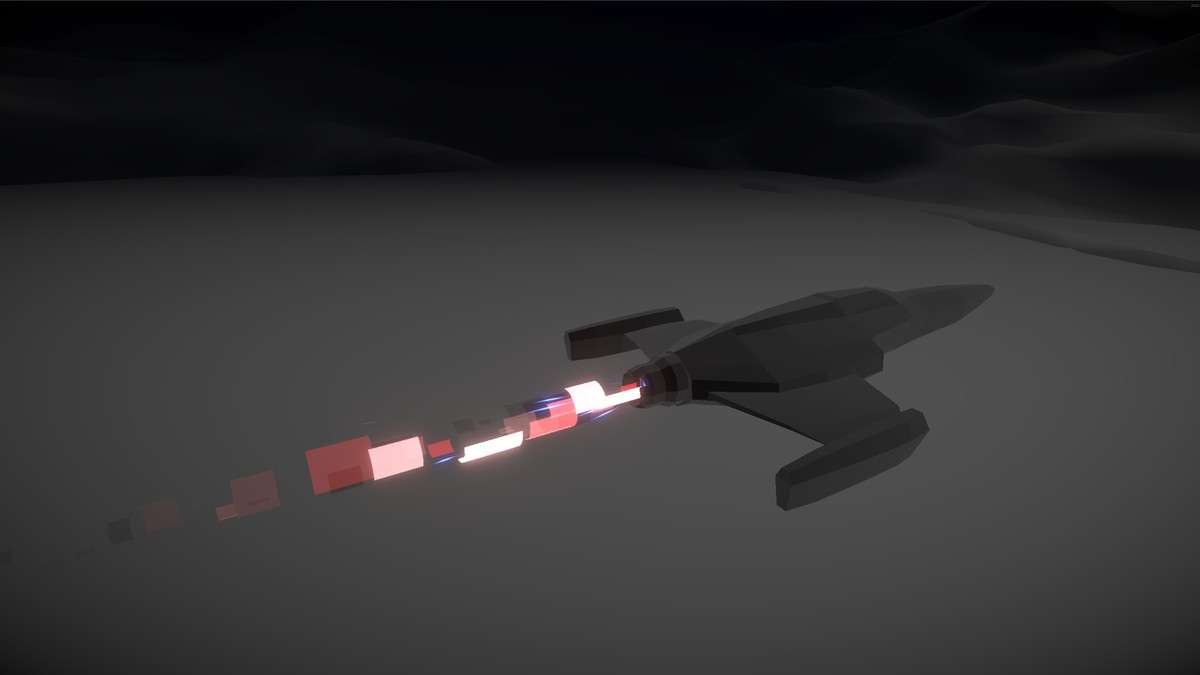
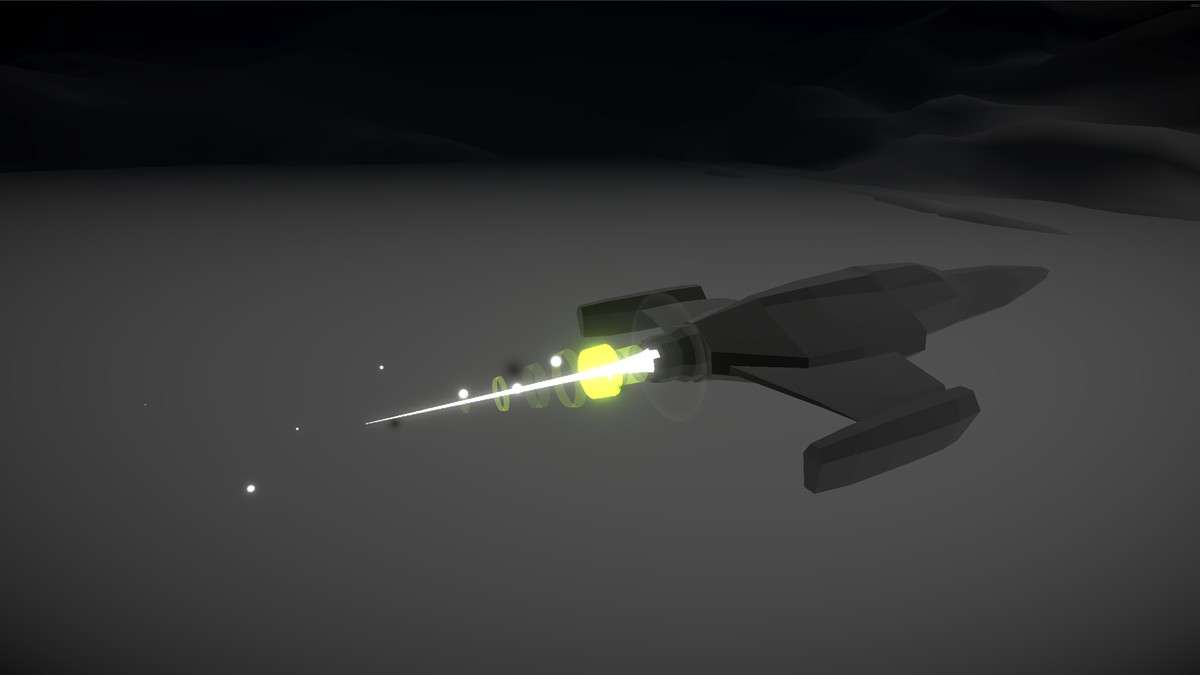
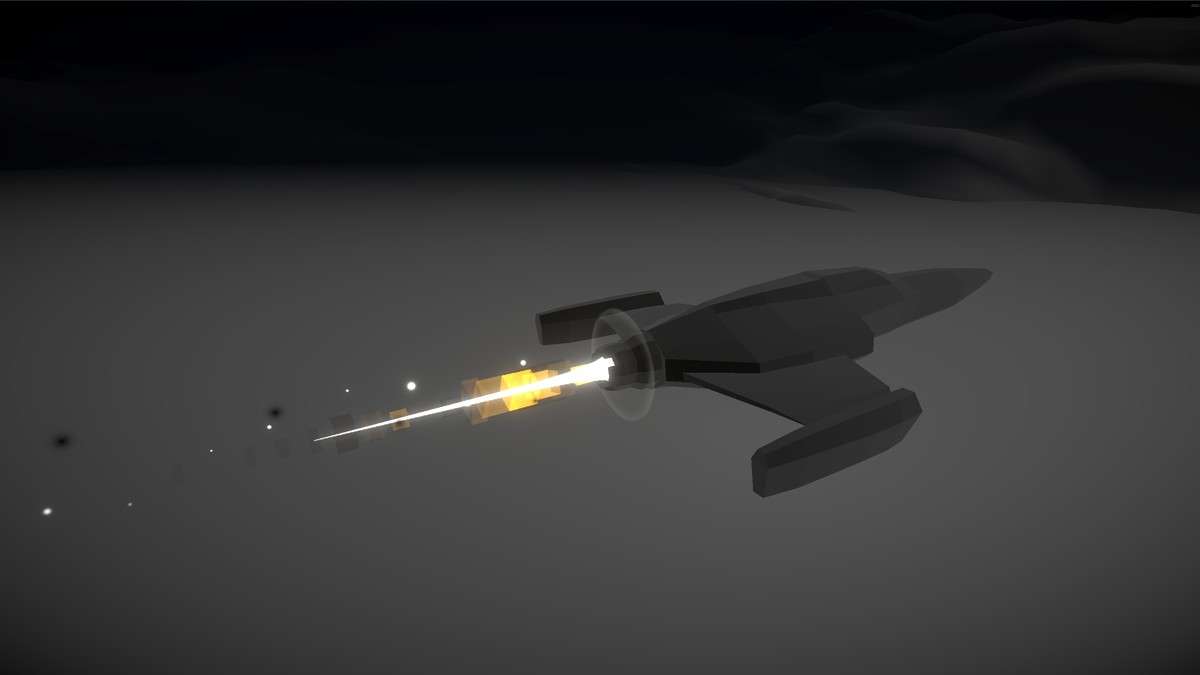
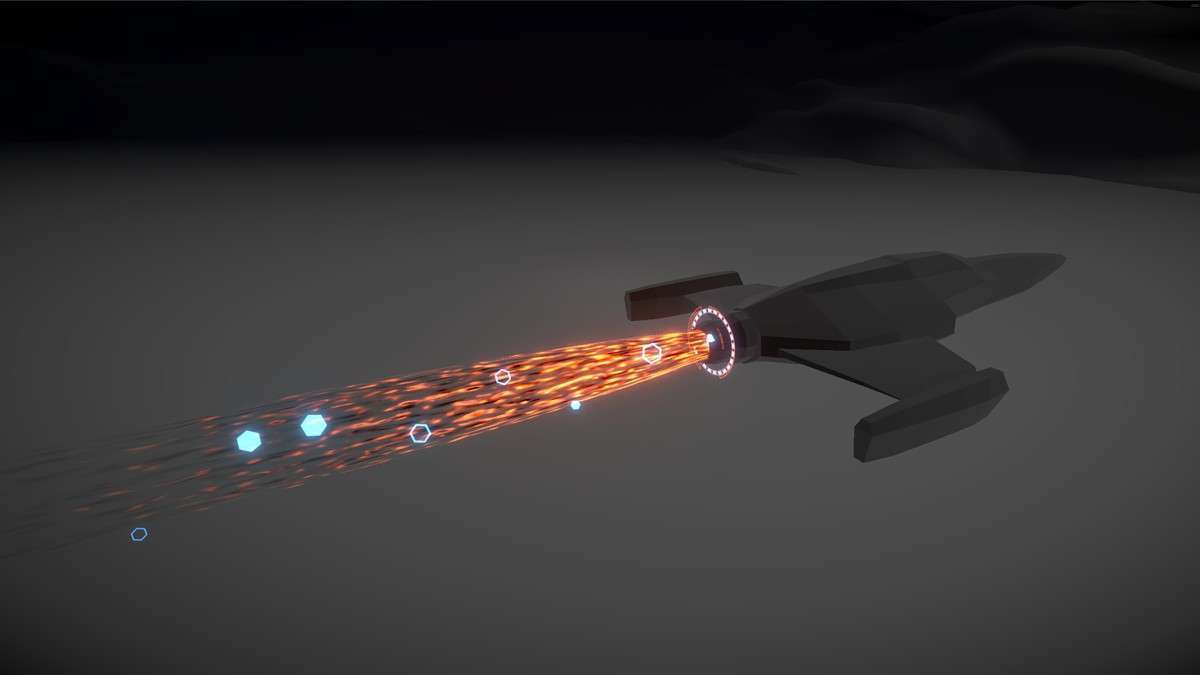
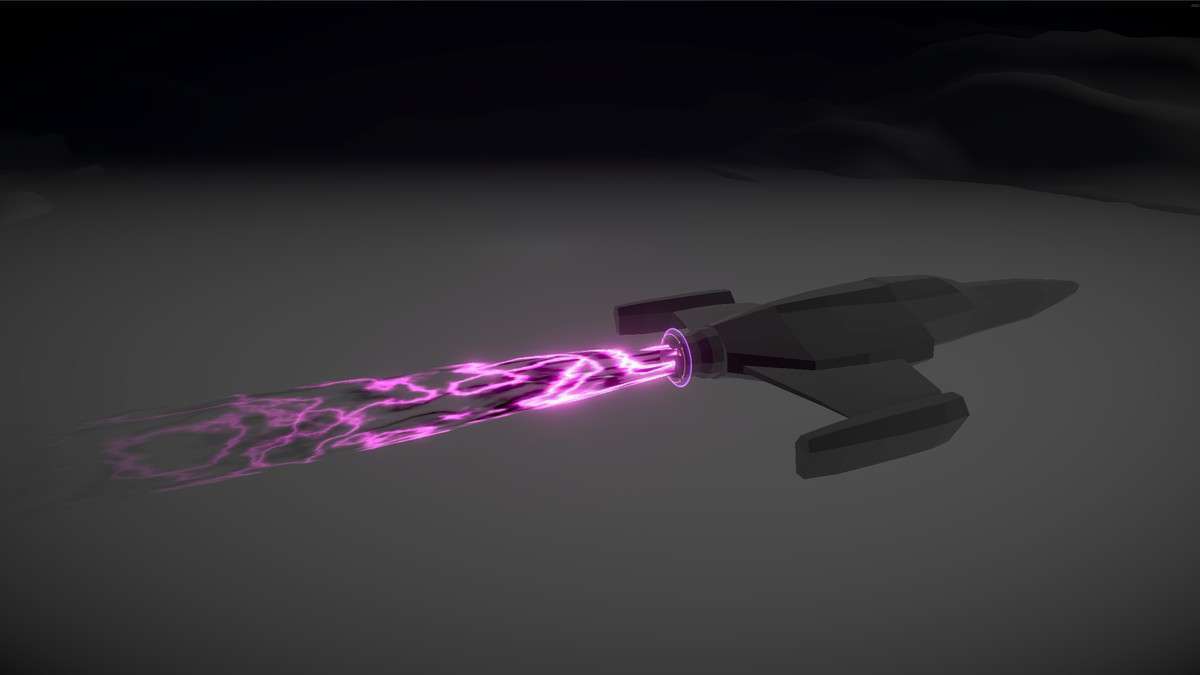
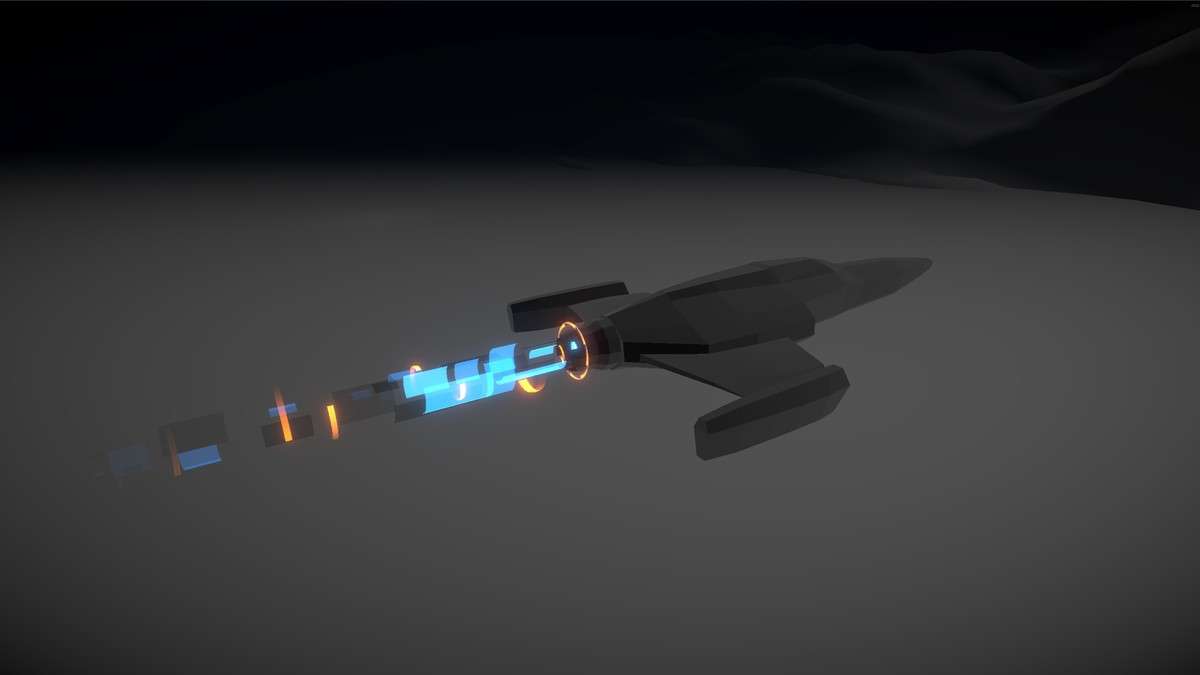
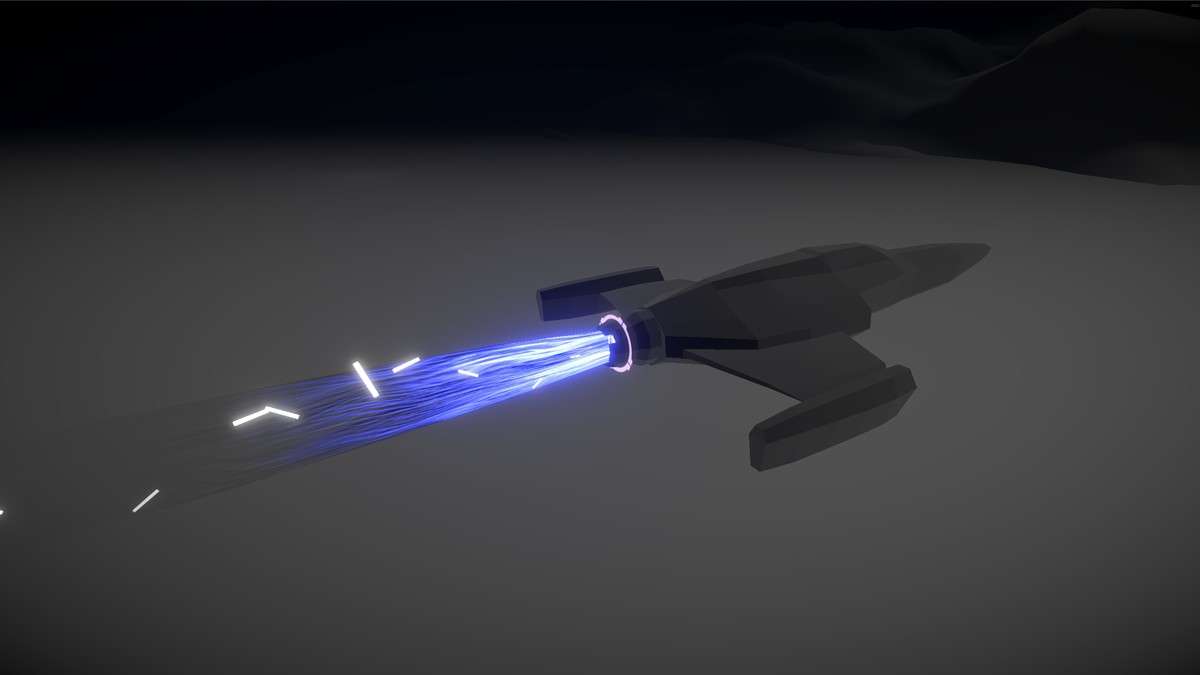
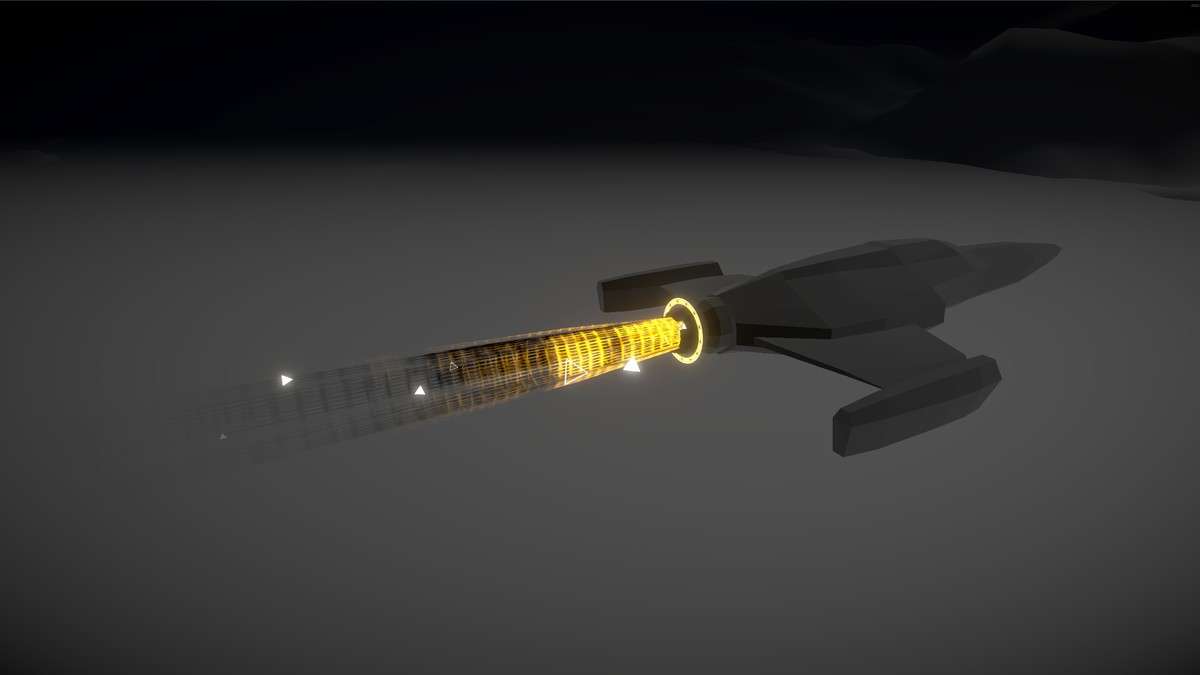
Optimizing Propulsion Visuals
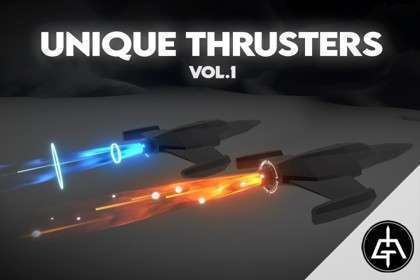
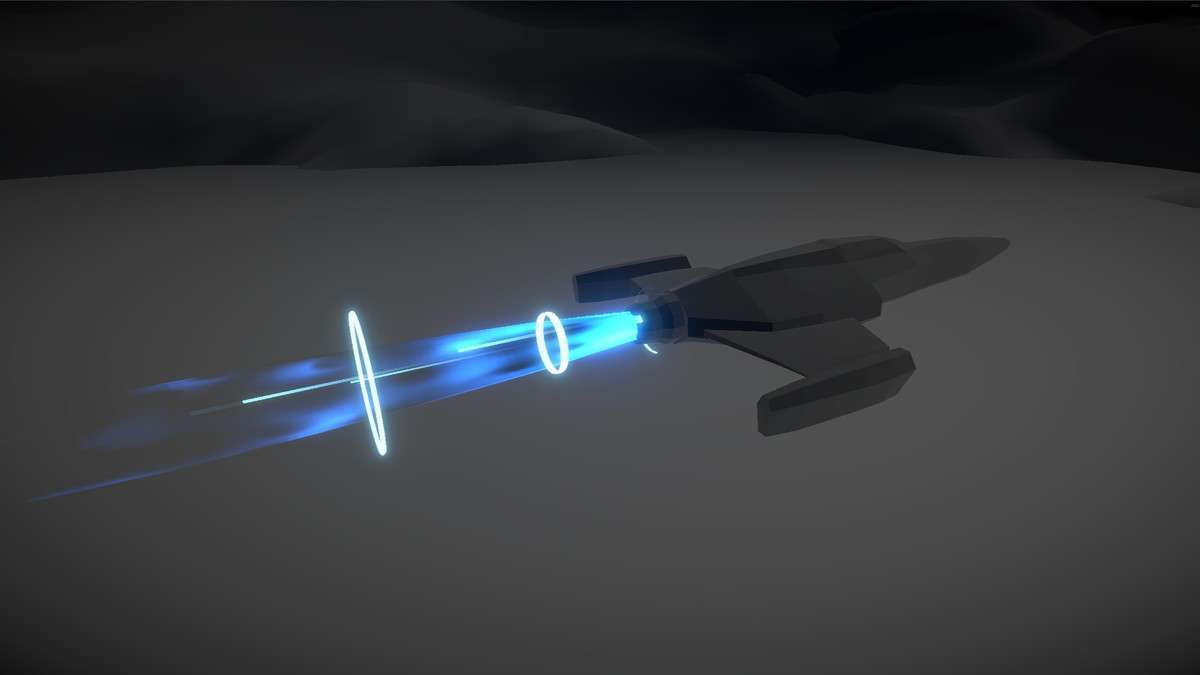
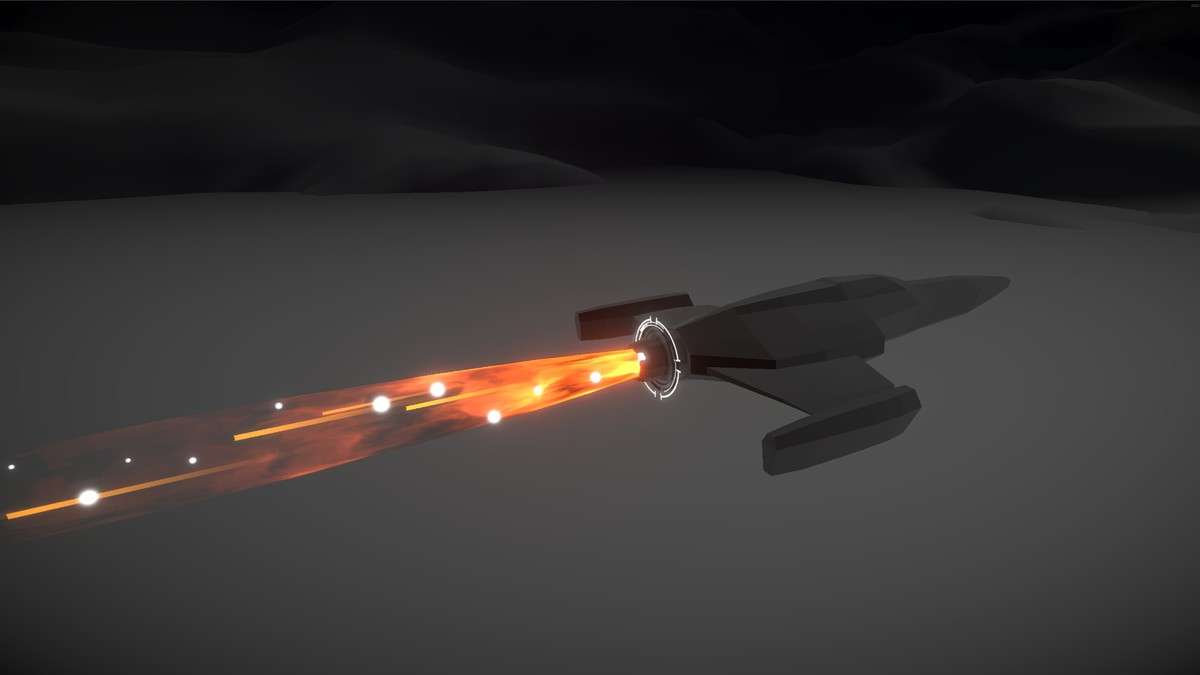
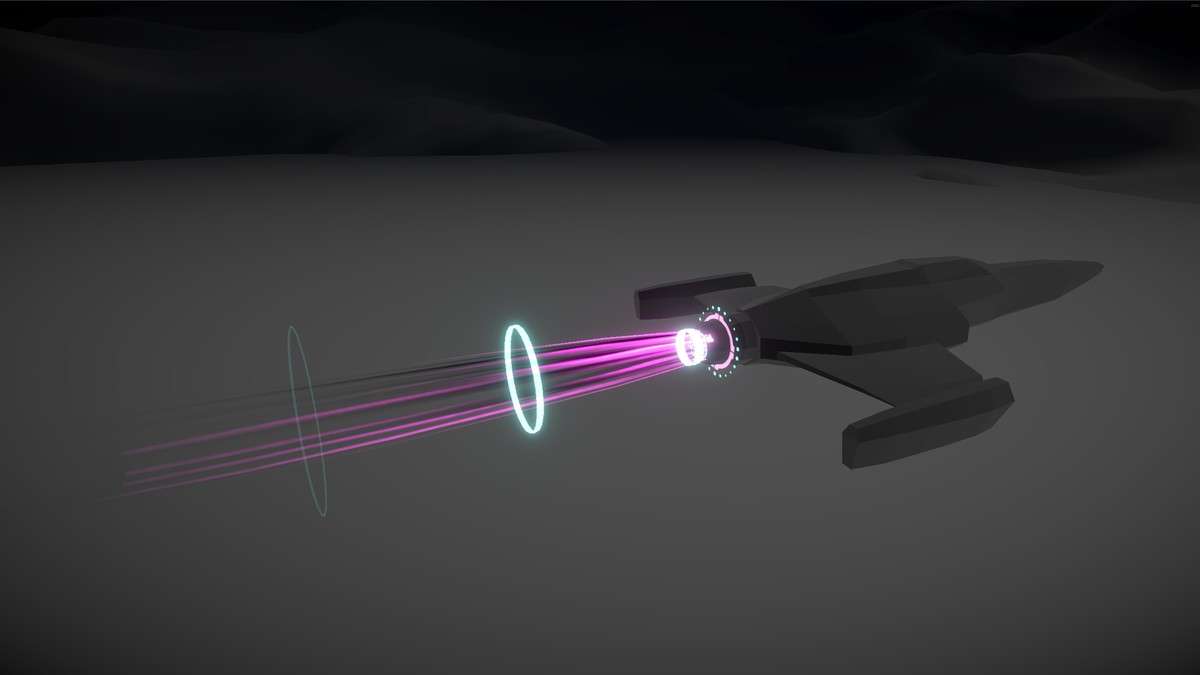
For developers working across all Scriptable Render Pipelines, Unique Thrusters Vol.1 Unity provides a robust solution using the traditional Particle System (Shuriken). Unlike VFX Graph-only assets, this package offers out-of-the-box compatibility with the Built-in Render Pipeline (BIRP), making it a versatile choice for cross-platform titles that need to run on everything from Quest 2 to high-end PCs.
Integration Tips
- Velocity-Linked Emission: To make the thrusters feel responsive, link the
Emission.rateOverTimeandMain.startSizeto your spaceship’s current throttle input. A simpleMathf.Lerpin your ship controller can scale the flame size as the player accelerates. - Shader Variants: The package includes custom shaders for the thruster flares. If you are moving from BIRP to URP, ensure you run the ‘Fix Materials’ wizard or manually swap the shaders to the provided URP variants to avoid the dreaded pink material issue.
- Hierarchy Management: Attach thrusters as children of the engine bones or sockets. Use ‘World Space’ simulation for the trailing particles (like smoke or heat distortion) to ensure the exhaust trail stays in the world as the ship moves, rather than being ‘parented’ to the ship’s transform.
Best Use Cases
- Arcade Flight Simulators: The optimized particle count allows for large fleets of ships to be on screen simultaneously without a significant increase in draw calls, especially when using the SRP Batcher.
- Physics-Based Jetpacks: For platformers or third-person shooters, the ability to quickly re-color and re-scale these thrusters makes them perfect for character-mounted propulsion systems where visual feedback of ‘fuel’ or ‘power’ is critical.