




De-coupling Polish from Game Logic
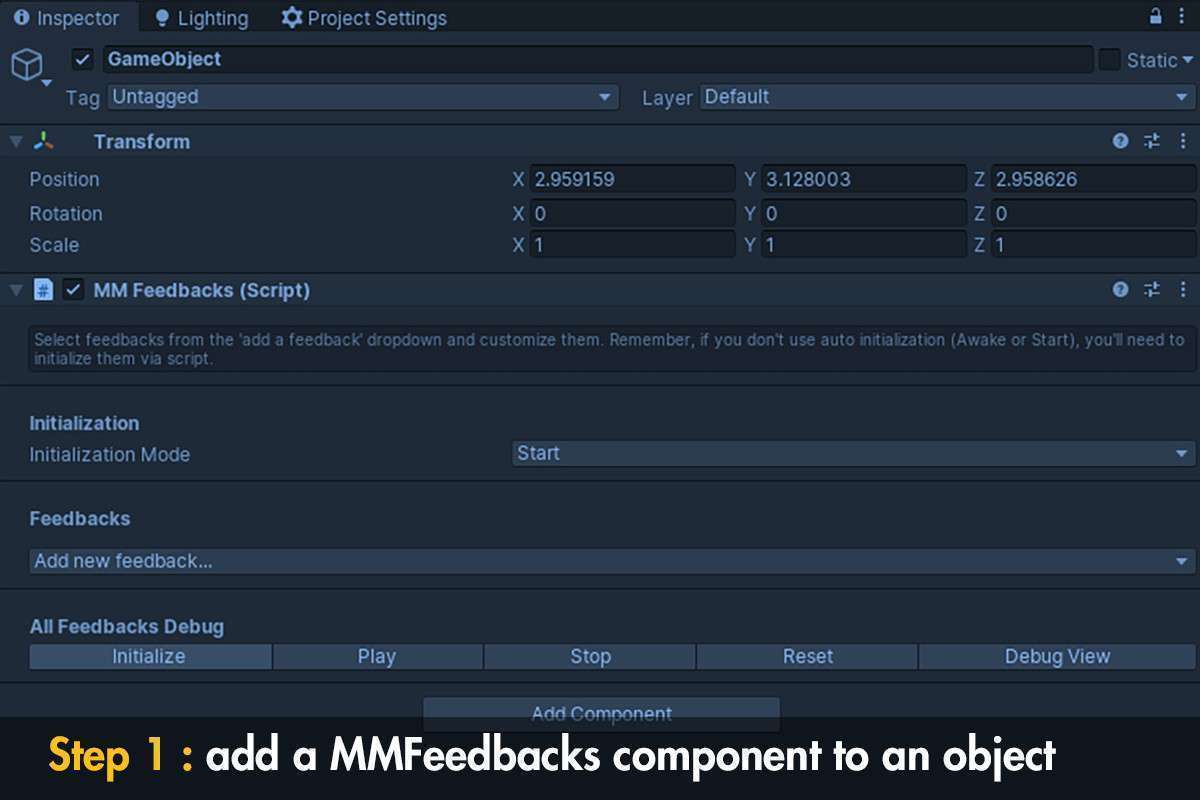
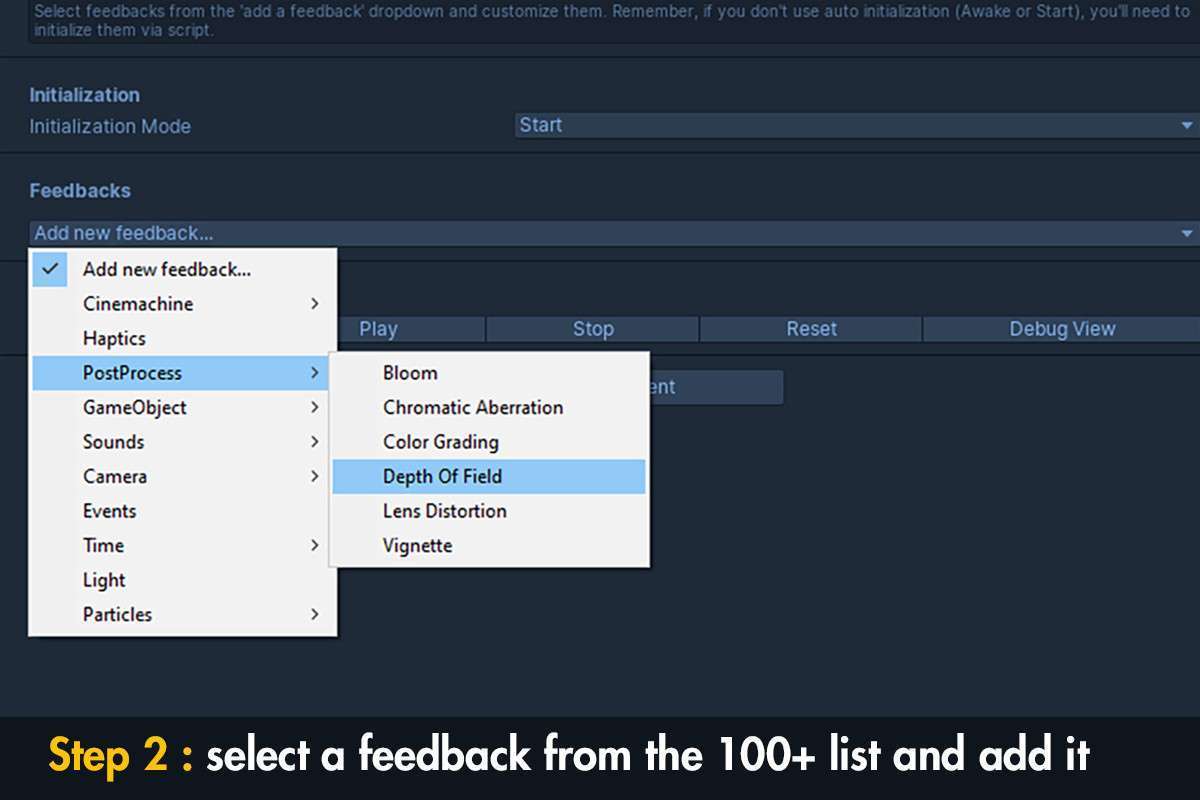
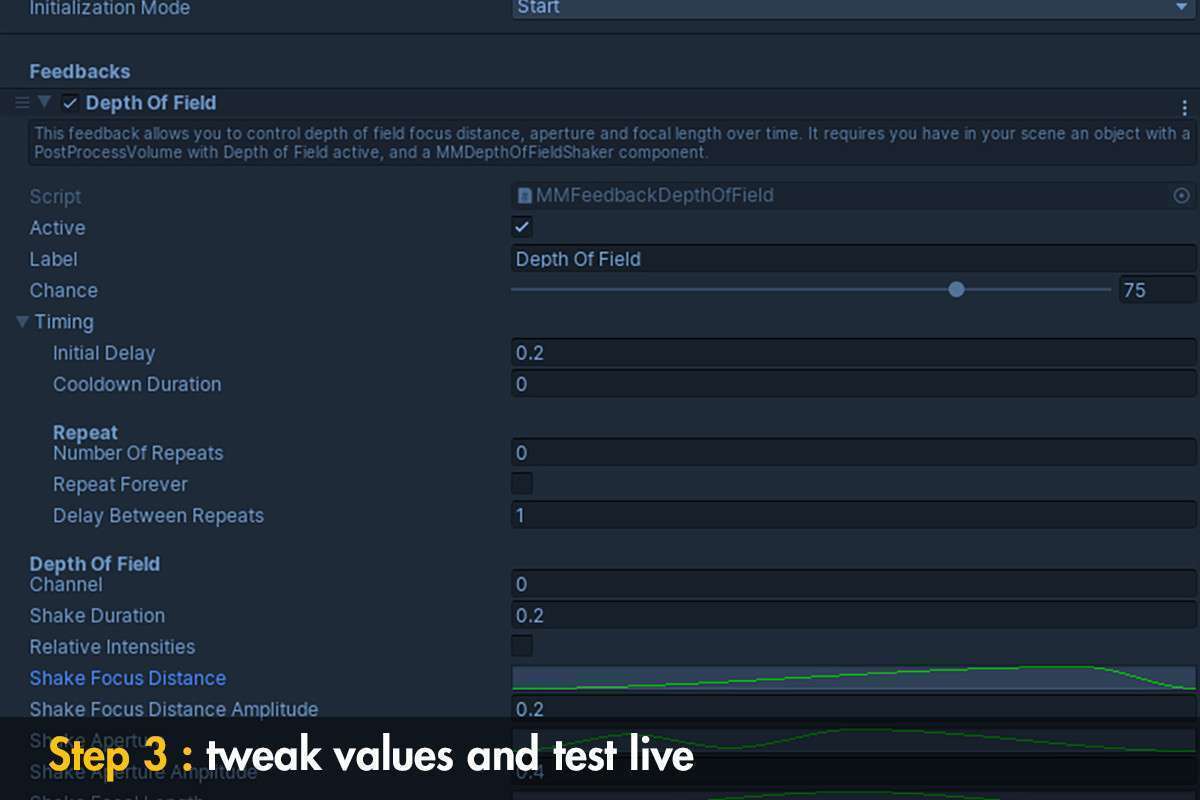
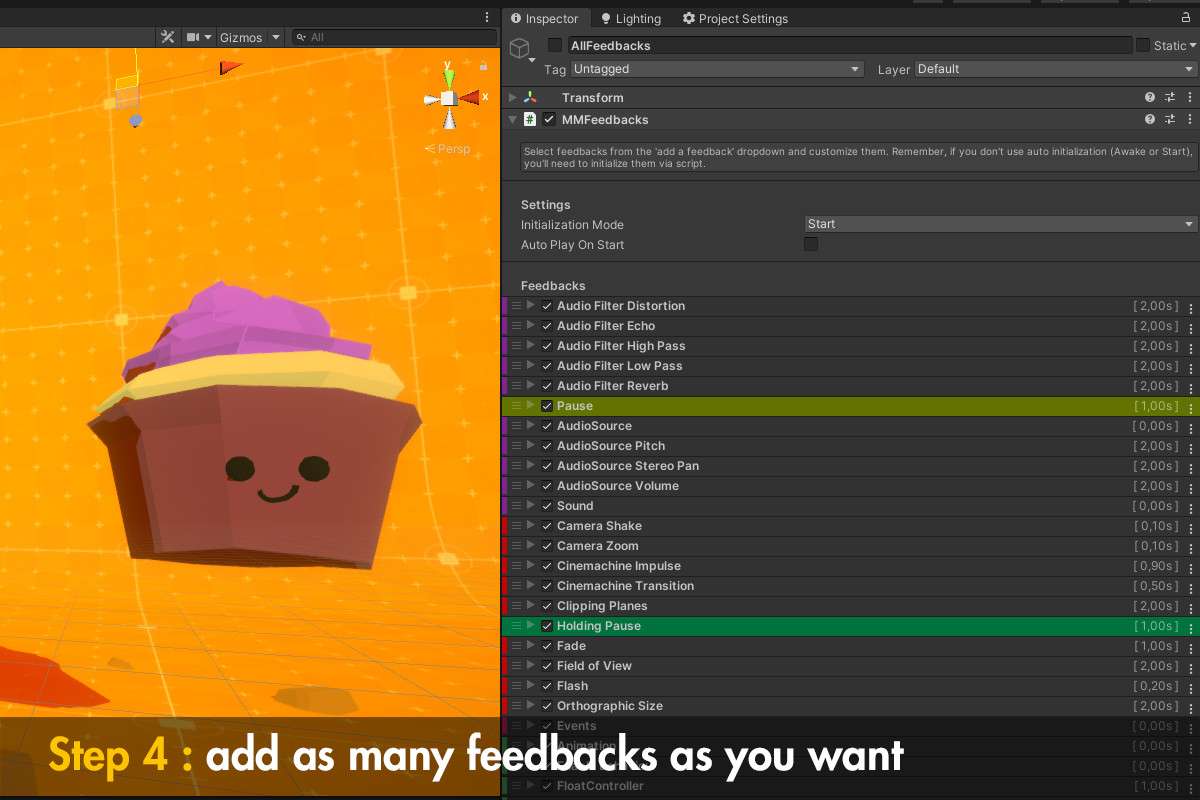
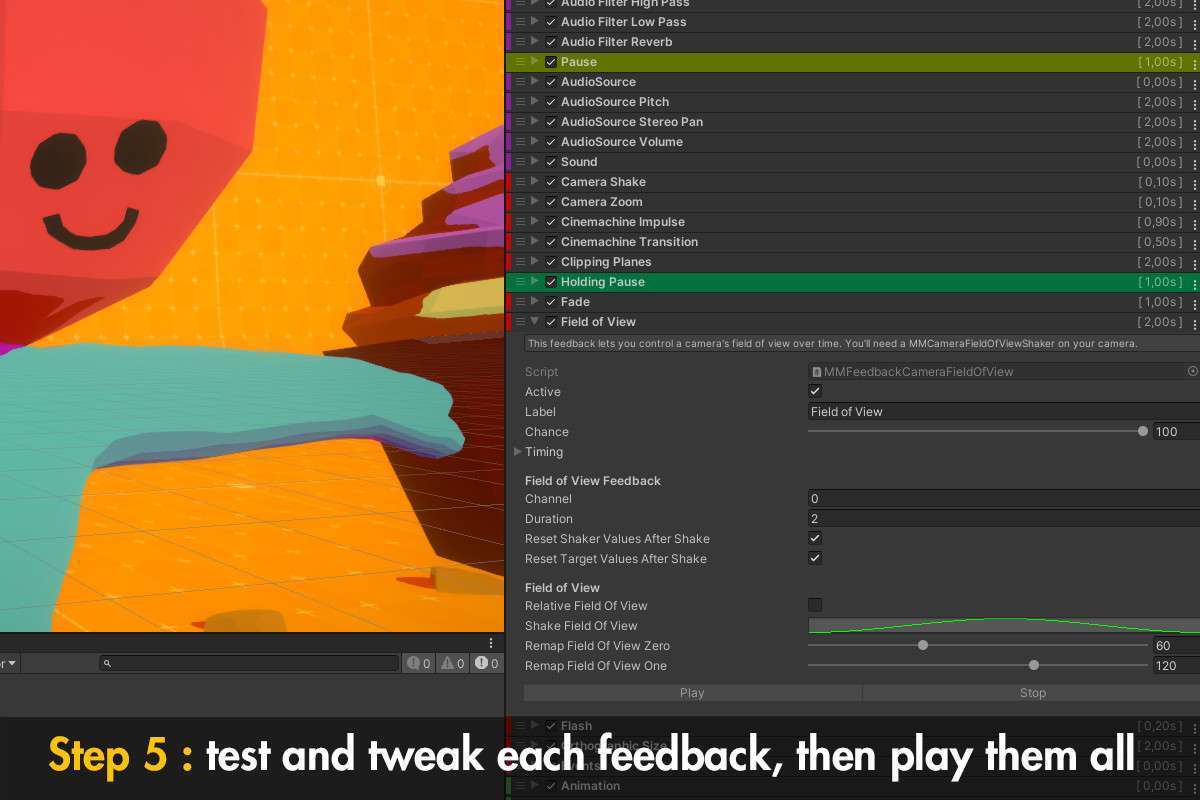
The core philosophy of Feel Unity 2.5.1 is the separation of game events from their visual and haptic representations. Using the `MMF_Player` system allows your gameplay programmers to simply call `.PlayFeedbacks()` while your designers handle the screenshakes, chromatic aberration, and spring-based transform logic entirely within the inspector, preventing your core C# scripts from becoming bloated with ‘juice’ code.
Integration Tips
- Transition to MMF_Player: If you are upgrading from older versions of the Corgi Engine, ensure you use `MMF_Player` instead of the legacy `MMFeedbacks` component. The newer system is significantly more performant and handles memory allocation much better by avoiding unnecessary GC during feedback execution.
- Initialization Timing: Call `Initialization()` on your players during a loading screen or `Awake()`. Initializing 150+ feedbacks at the moment an explosion occurs will cause a noticeable frame spike.
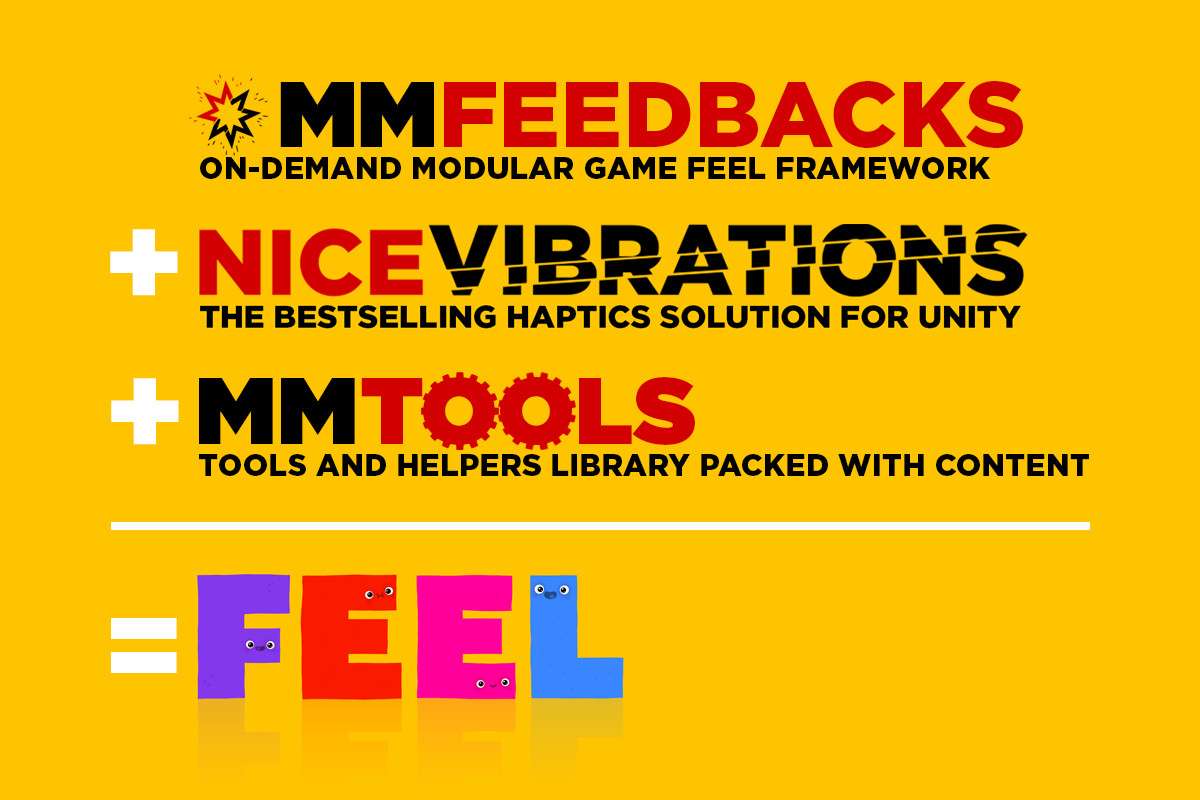
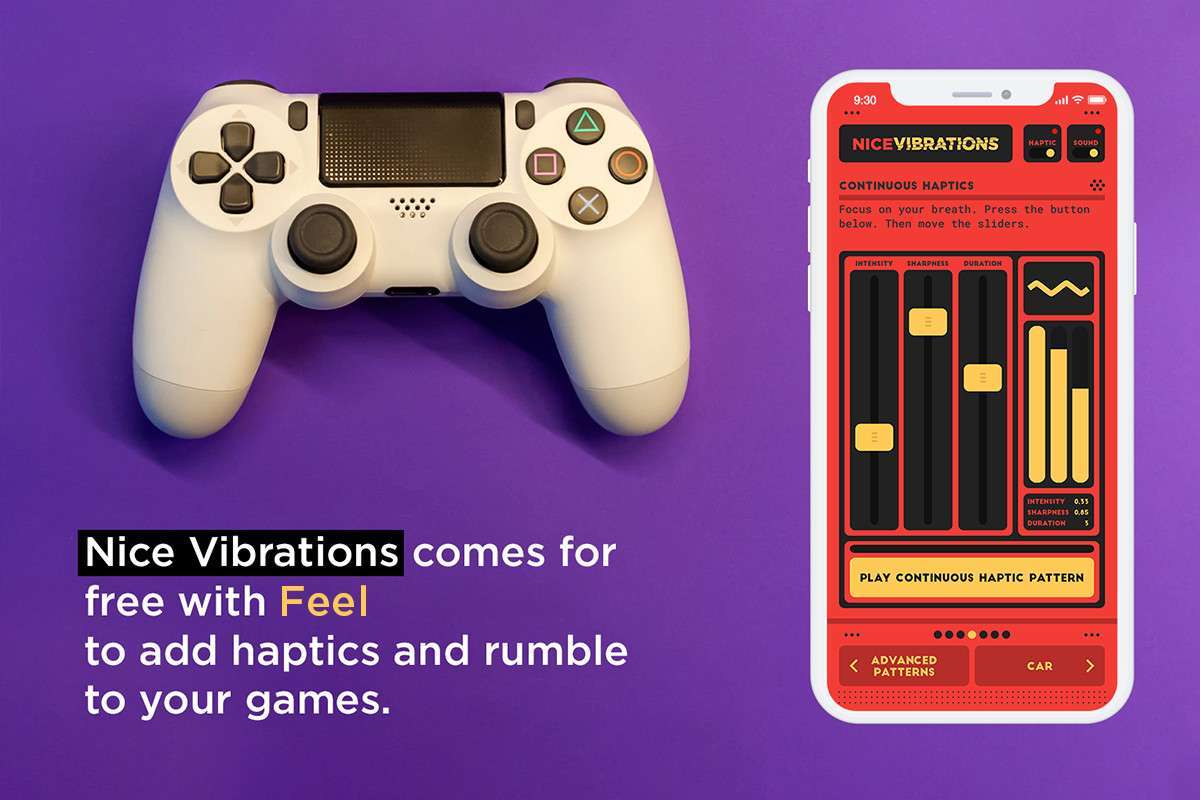
- Nice Vibrations: If targeting mobile, leverage the included Nice Vibrations module. It’s the industry standard for Haptic Feedback and works across both iOS and Android without needing platform-specific plugins.
Best Use Cases
- Action Rogue-Lites: For games requiring intense ‘impact’—where every hit needs a combination of frame-stops, camera shakes, and particle bursts to feel satisfying to the player.
- Hyper-Casual Mobile: When game feel is the primary retention mechanic. The spring systems (MMSprings) allow for organic, bouncy UI and juice that feels premium with very little development overhead.