
Professional UI Workflow with UI Toolkit Playmaker Integration Unity
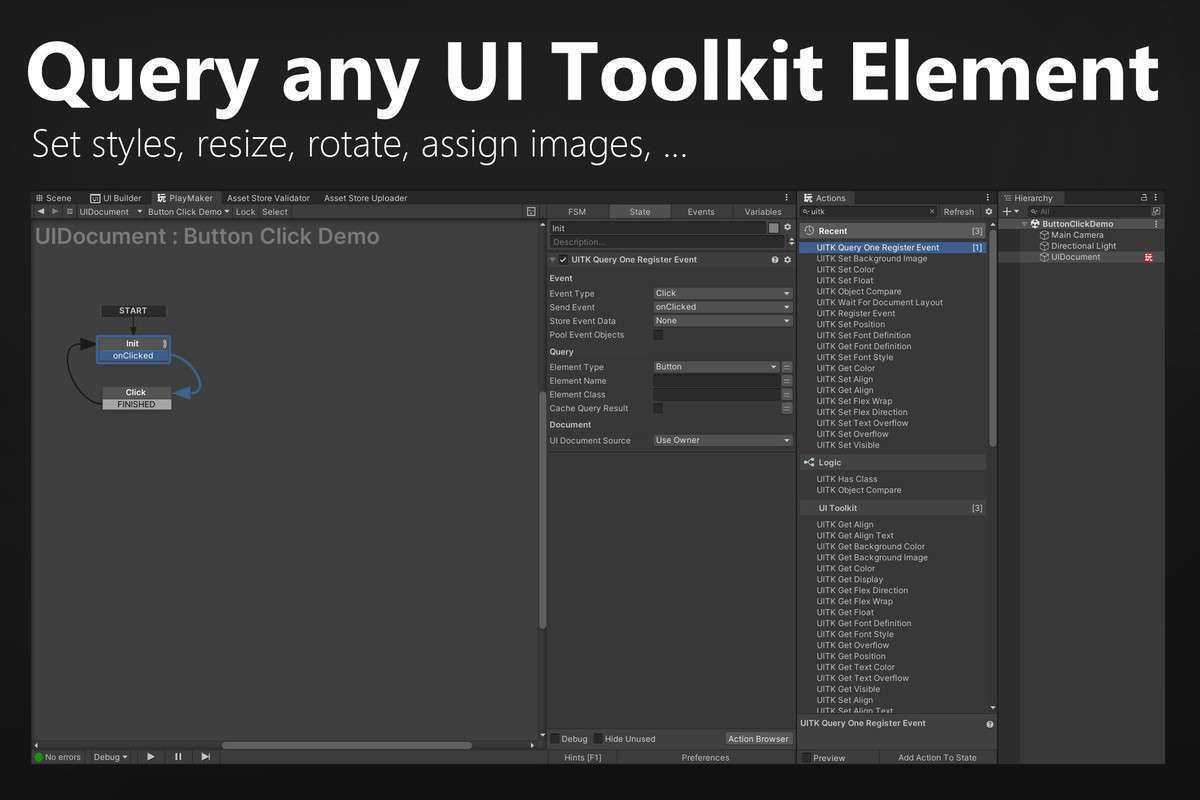
Managing modern UIElements via visual scripting used to be a bottleneck, but UI Toolkit Playmaker Integration Unity 1.3.0 bridges the gap between Unity’s retained-mode UI system and Playmaker’s FSM logic. As a senior developer, I appreciate that this asset doesn’t just wrap simple clicks; it provides granular access to the UIDocument and Query systems, allowing for sophisticated UI state management without writing boilerplate C# for every VisualElement callback.
Integration Tips
- Wait for Layout: Always use the “Wait for Layout” action when initializing dynamic content. UI Toolkit calculates geometry asynchronously; trying to read
resolvedStyledimensions before the layout pass completes will return zero values. - Query Optimization: While you can query by name, using a specific Game Object reference in the Query action is more performant than searching the entire UIDocument hierarchy every frame.
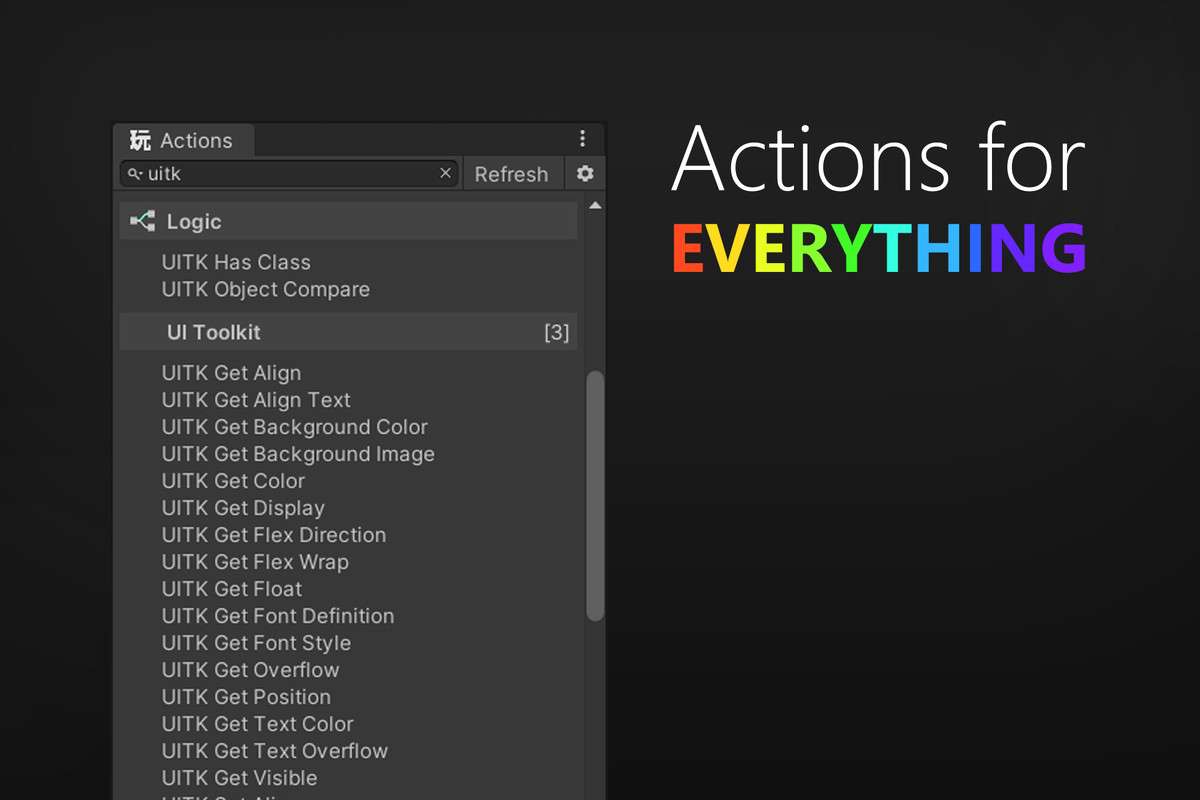
- Custom Styles: For properties not covered by standard actions, use the Set/GetFloat and Set/GetColor actions to manipulate USS variables directly at runtime.
- Object Comparison: Ensure you use the provided UITKObjectCompare instead of the default Playmaker object compare to handle UIElements references correctly within the FSM.
Best Use Cases
- Data-Driven RPG Menus: Ideal for complex inventory systems where UI Toolkit’s flexbox layout handles the heavy lifting, while Playmaker manages the underlying game state and item data transitions.
- Rapid Prototyping for Mobile: Leverages the high performance of URP/HDRP UI rendering with the speed of visual scripting, allowing for quick iterations on touch-responsive buttons and scrolling lists without recompiling scripts.