

Playmaker: A Lead Developer’s Perspective
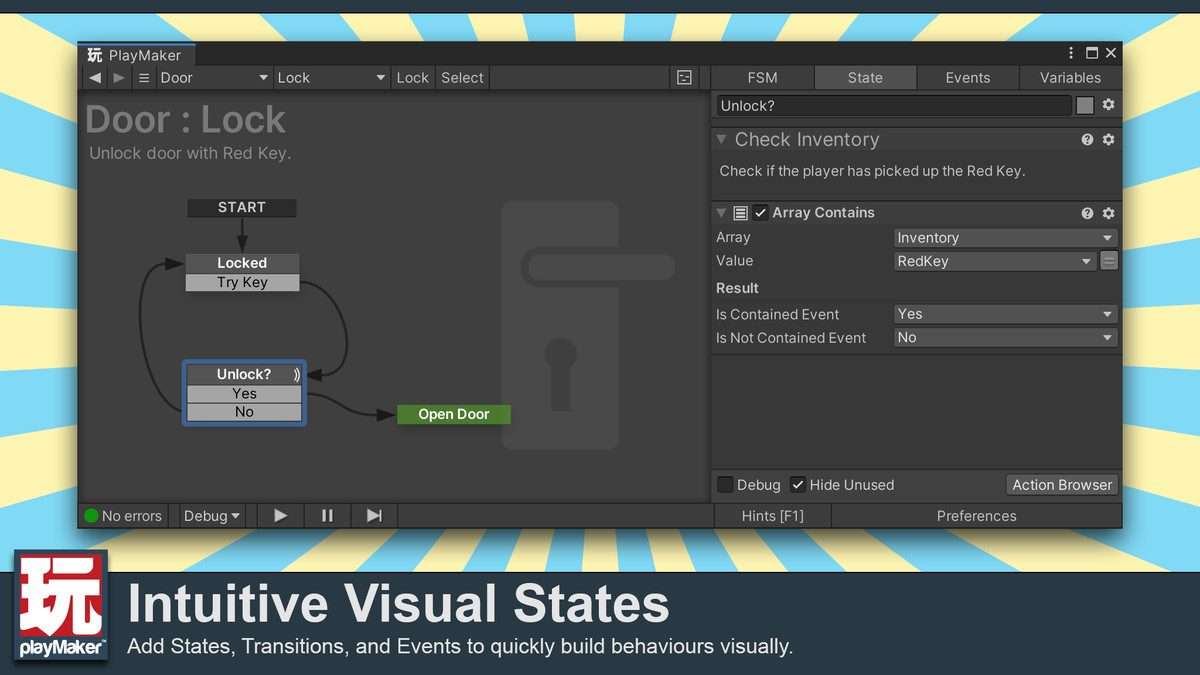
Playmaker Unity is a battle-tested visual scripting solution that empowers both designers and programmers to define complex game logic using state machines. Having relied on Playmaker 1.9.0 for numerous prototyping phases and even core gameplay systems in shipped titles, I appreciate its intuitive state-based paradigm, which significantly accelerates iteration cycles and reduces the barrier to entry for non-coders. Its clear separation of states, actions, and events offers a more structured and manageable approach than generic node-graph APIs.
Integration Tips
- FSM Organization and Communication: For larger systems, avoid monolithic
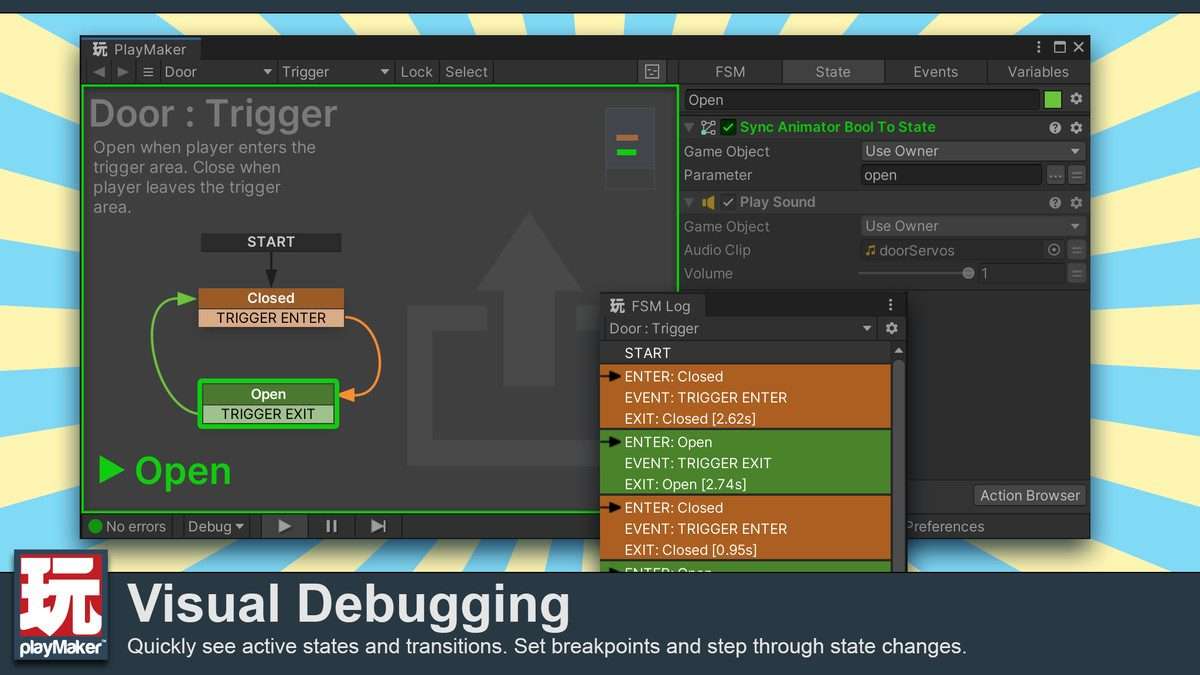
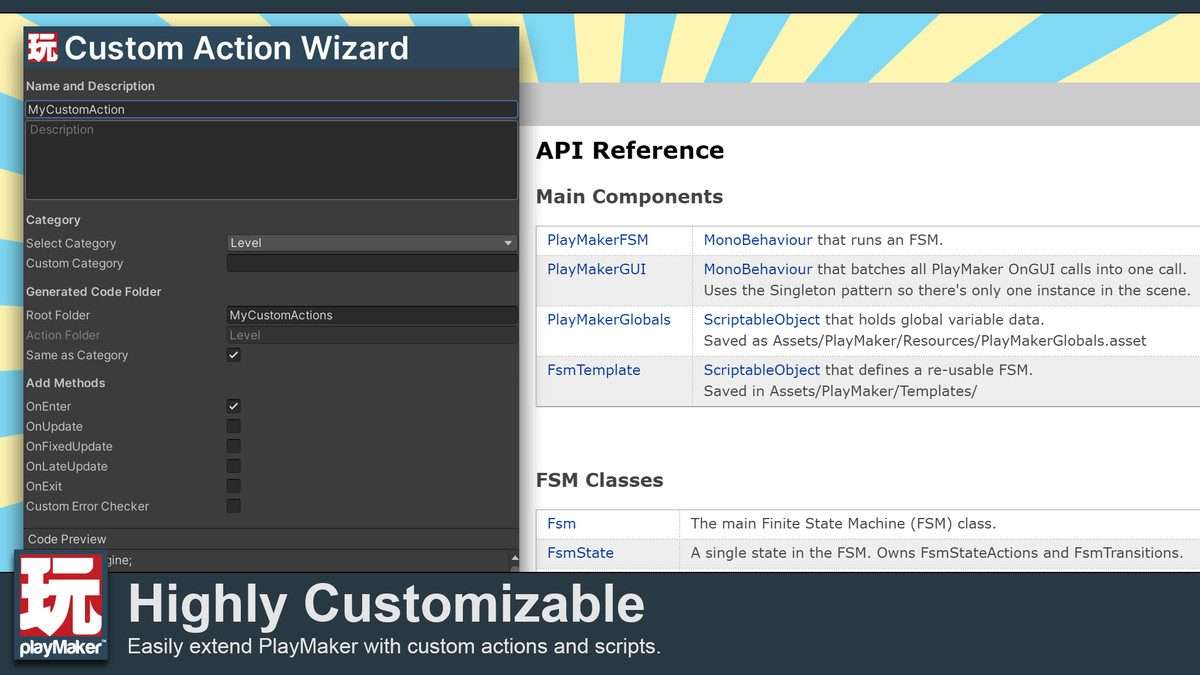
FSMs(Finite State Machines). Instead, break down complex behaviors into smaller, specializedFSMson child GameObjects or even separateprefabs. UseSend Eventactions to communicate between differentFSMson the same GameObject orGlobal Eventsfor project-wide signals. This improves readability, maintainability, and debugging efficiency by compartmentalizing logic. - Developing Custom Actions: While Playmaker provides a vast library of actions, you’ll inevitably need to write
Custom Actionsto interface with specific project scripts or third-party assets that don’t have native Playmaker support. Structure these actions to be as atomic and reusable as possible, exposing relevant parameters asFSM Variables. This extends Playmaker’s functionality while maintaining the visual workflow and avoiding direct script dependencies within the FSM graph. - Performance Considerations: Although Playmaker actions are optimized, excessive polling (e.g.,
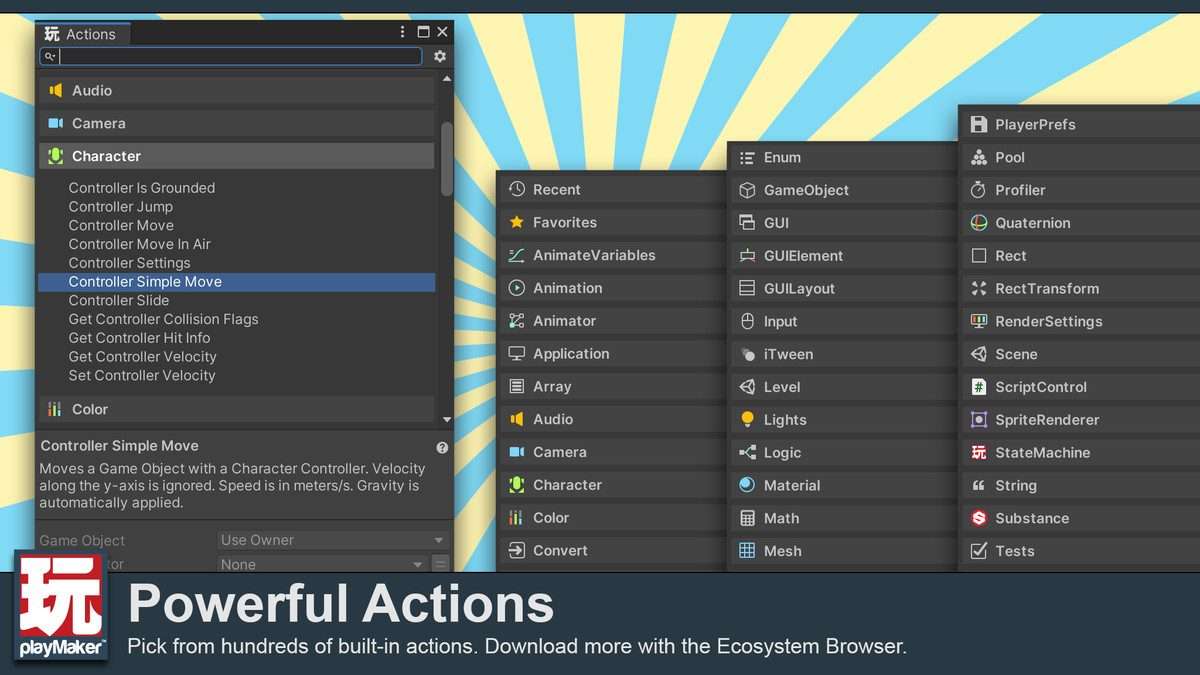
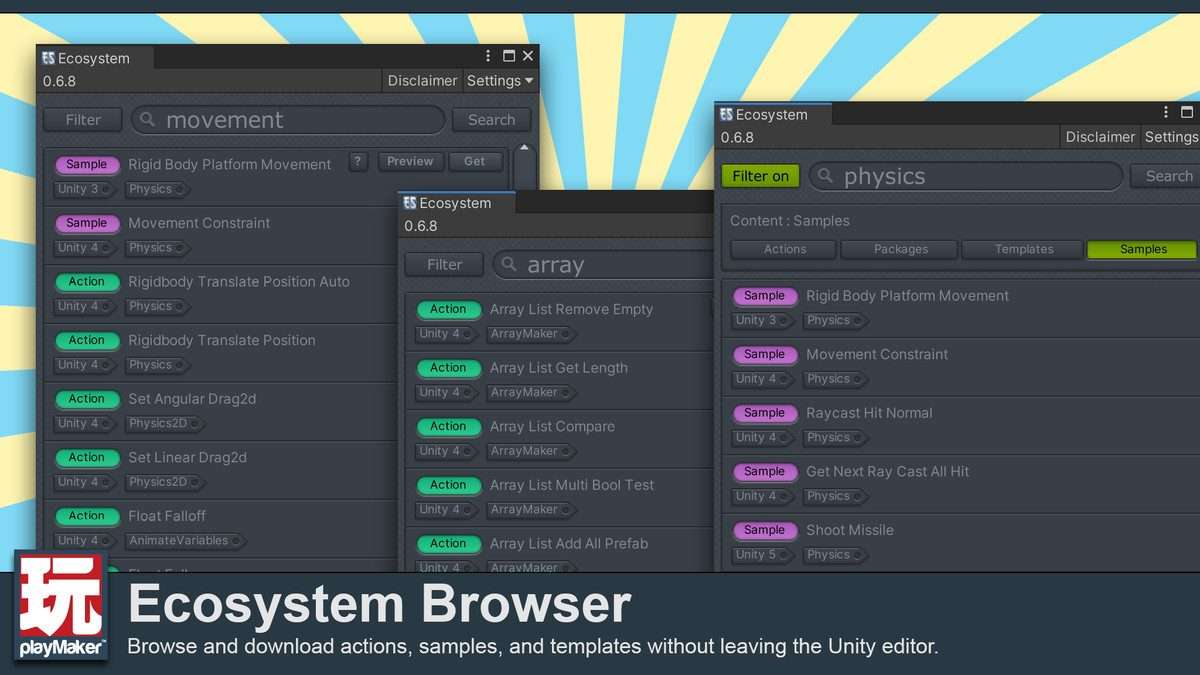
Get PropertyorRaycastactions every frame in a tightly looped state) can still impact performance, especially on mobile. Profile yourFSMswith Unity’s Profiler. Consider usingEventstriggered by C# scripts for state transitions instead of constant checks inUpdatestates, especially for frequently occurring or asynchronously completed events. - Leveraging the Ecosystem Browser: Don’t underestimate the
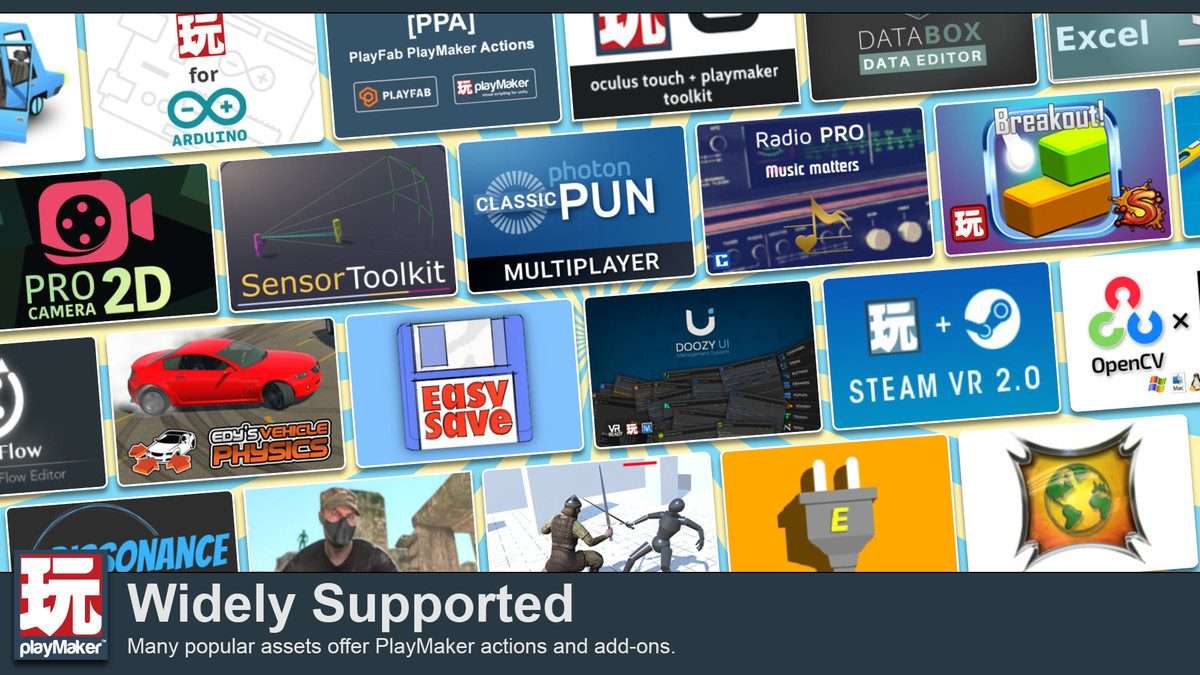
Ecosystem Browser. It’s a goldmine for community-contributed actions, integrations with other assets (likeDialogue System,DOTween), and examples. Always check the Ecosystem before writing a new custom action or trying to integrate with a common third-party asset, as a pre-built solution often exists.
Best Use Cases
- Rapid Prototyping and Iteration: Playmaker’s visual nature makes it incredibly efficient for quickly sketching out core gameplay loops, UI interactions, and enemy AI behaviors. Designers can directly implement and test ideas without programmer intervention, allowing for fast iteration and validation of mechanics early in development. The ability to copy/paste
FSMsand useTemplatesfurther speeds up the process. - Event-Driven Systems and Cutscenes: The
State-Action-Eventmodel is perfectly suited for managing sequential logic, timed events, and branching narratives common in cutscenes or complex mission systems. For instance, a cutscene could be defined as anFSMwhere states trigger animations, play dialogue, move cameras, and wait for specific events before transitioning. This keeps cinematic logic organized, easy to visualize, and simple to debug.