

Visual Scripting Visuals: Post Processing Stack V2 – the Playmaker Actions 1.4.0
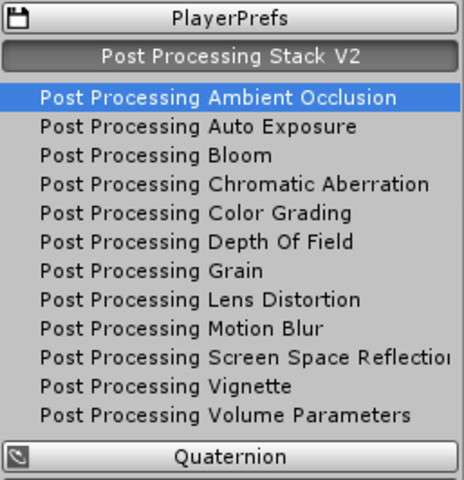
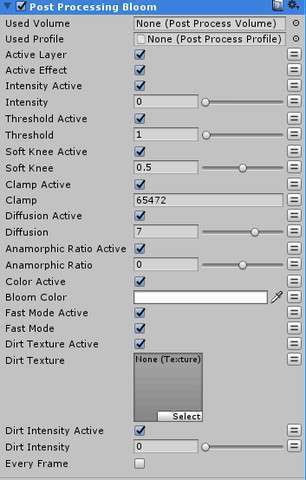
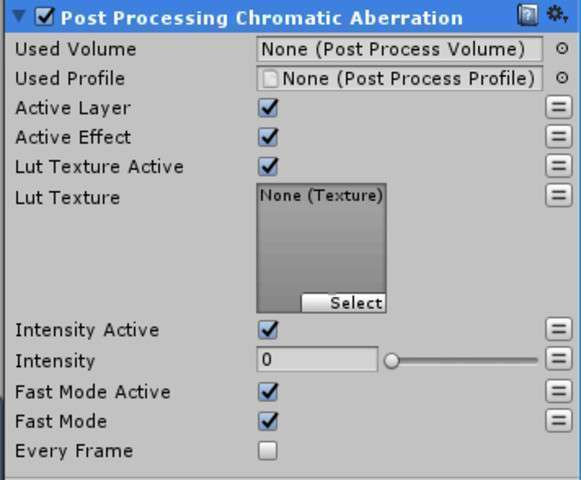
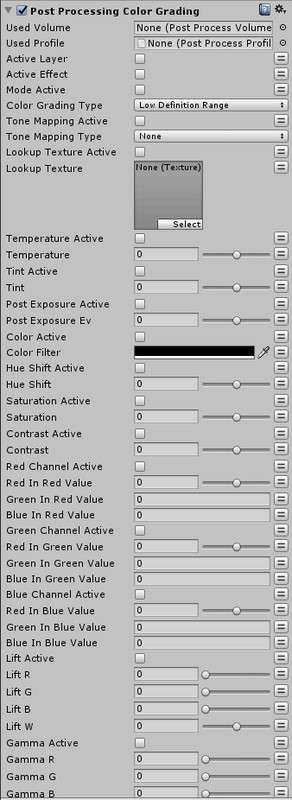
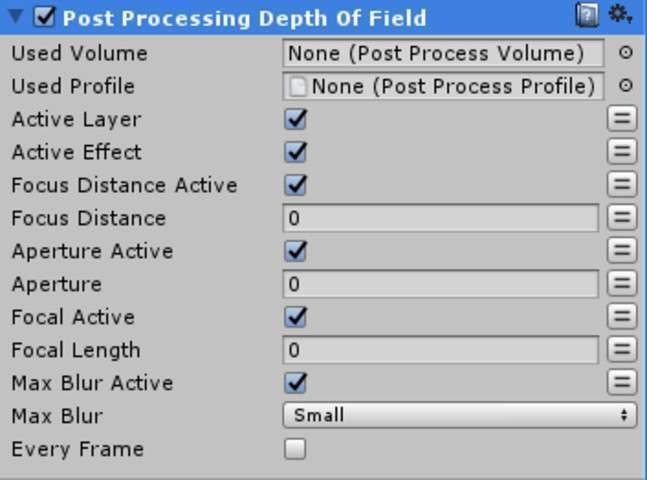
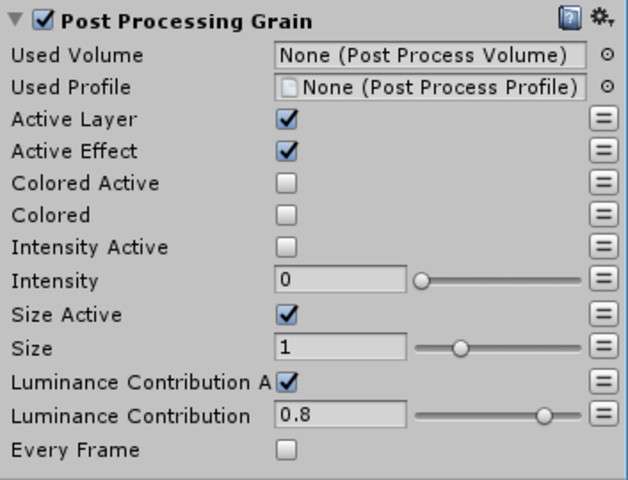
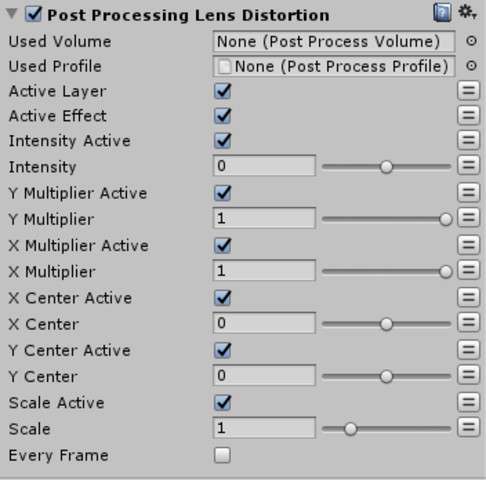
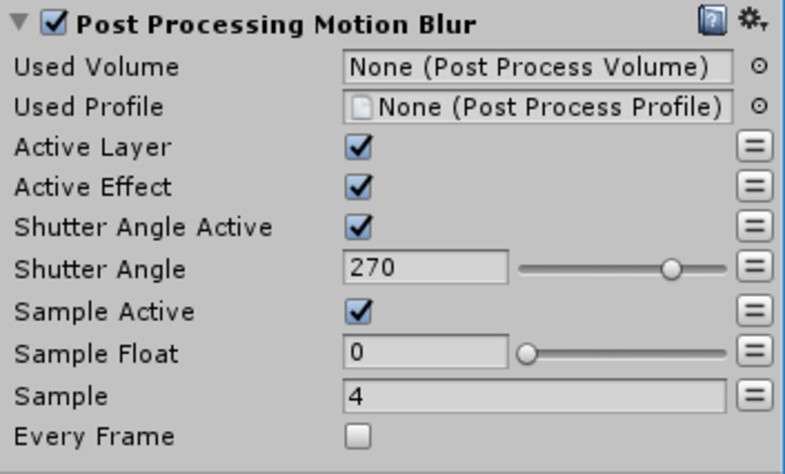
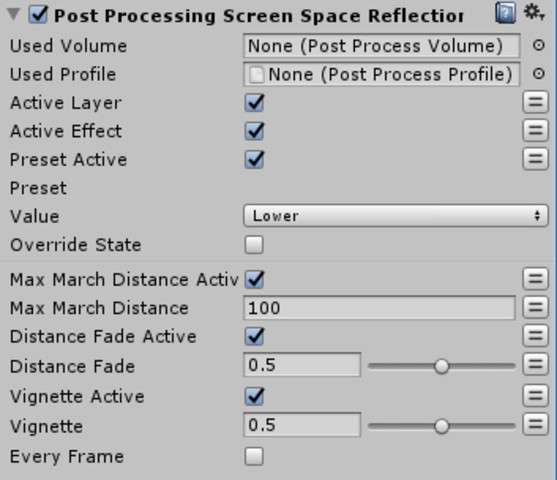
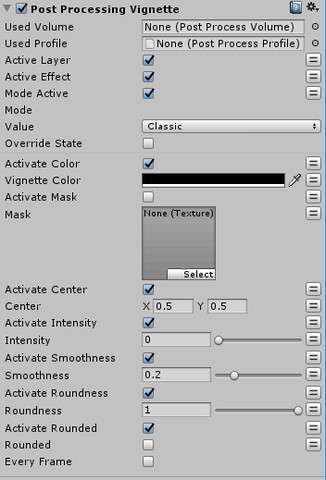
Bridging the gap between design and tech art is easier when you can drive your visual style through FSMs. Using Post Processing Stack V2 – the Playmaker Actions Unity, developers can manipulate every parameter of the PPSv2 volume system at runtime without writing custom C# wrappers. This is particularly useful for dynamic gameplay feedback where post-effects need to respond to game events like health changes or power-ups.
Integration Tips
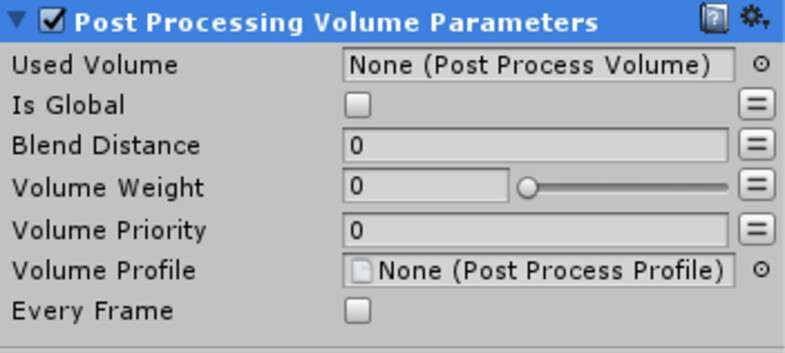
Ensure you have the Post Processing Stack V2 package installed via the Package Manager before importing these actions. A common gotcha is trying to modify a global volume without a weight variable; use the Playmaker actions to lerp the ‘Weight’ property of a Post-Process Volume rather than individual effect toggles for a much smoother visual transition. If you are using multiple volumes, make sure your FSM targets the correct Layer and Priority to avoid conflicts between local and global overrides.
Best Use Cases
- Dynamic UI/Gameplay Feedback: Use these actions to trigger a chromatic aberration pulse or color grading shift when a player takes damage or enters a ‘slow-motion’ state.
- Visual Scripting Heavy Projects: Ideal for designers who want to iterate on the ‘feel’ of a scene—such as changing depth of field during a conversation—without needing a programmer to expose variables to the Inspector.