
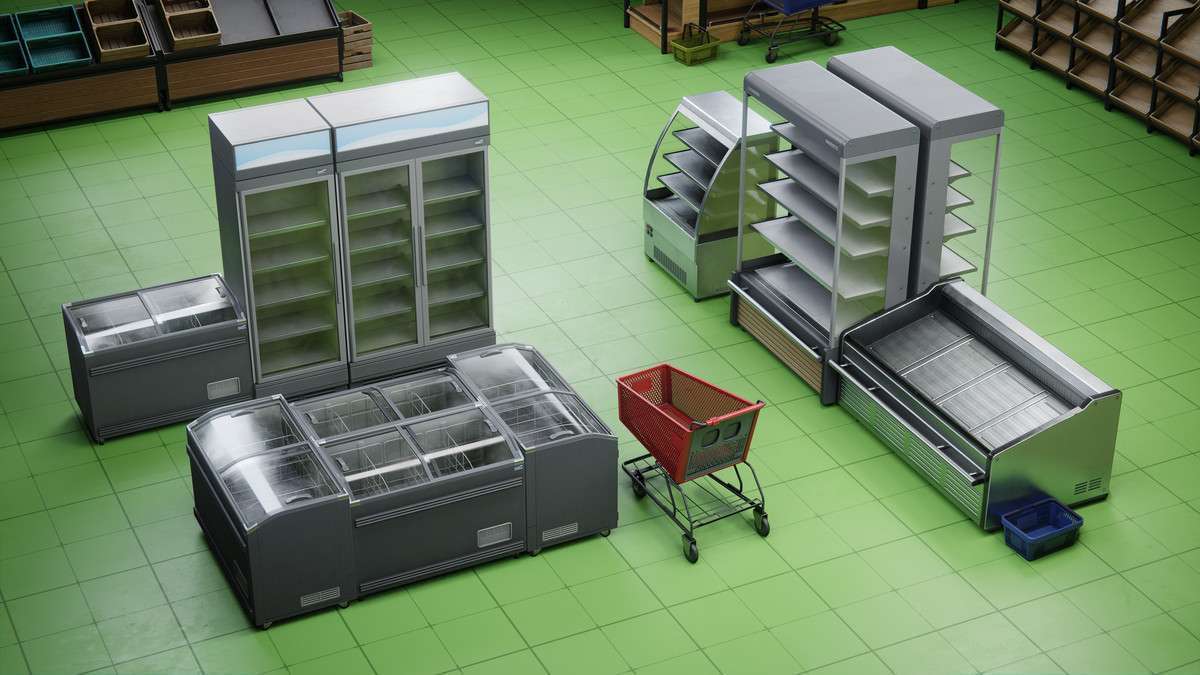
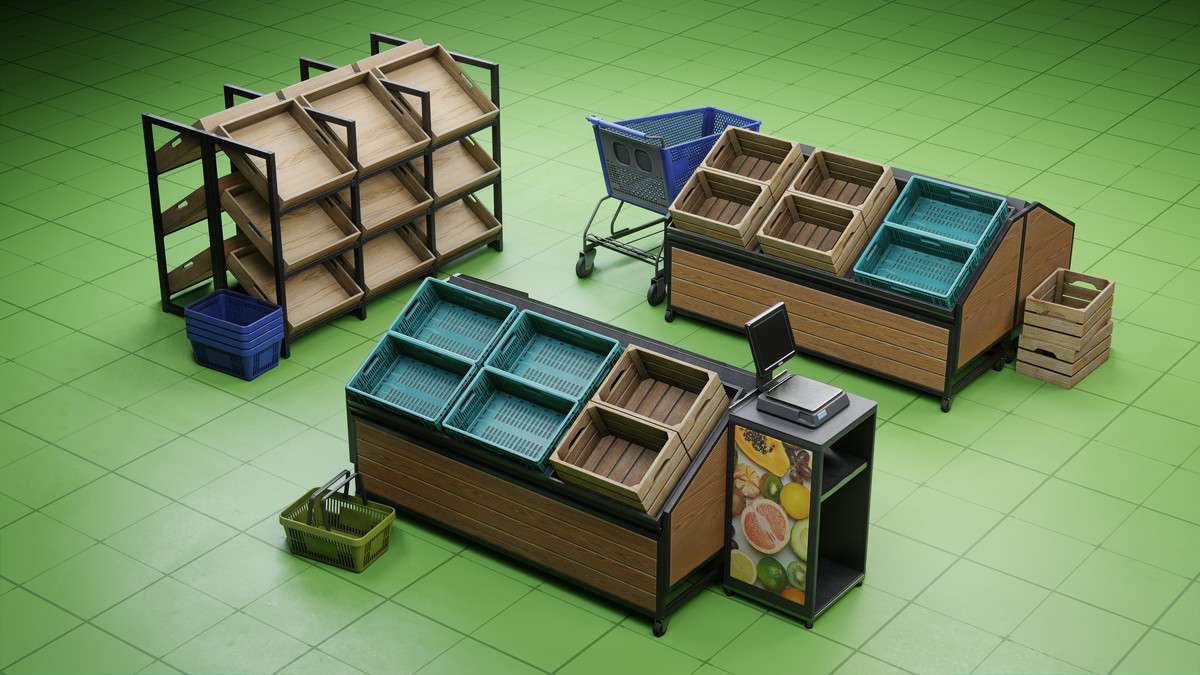
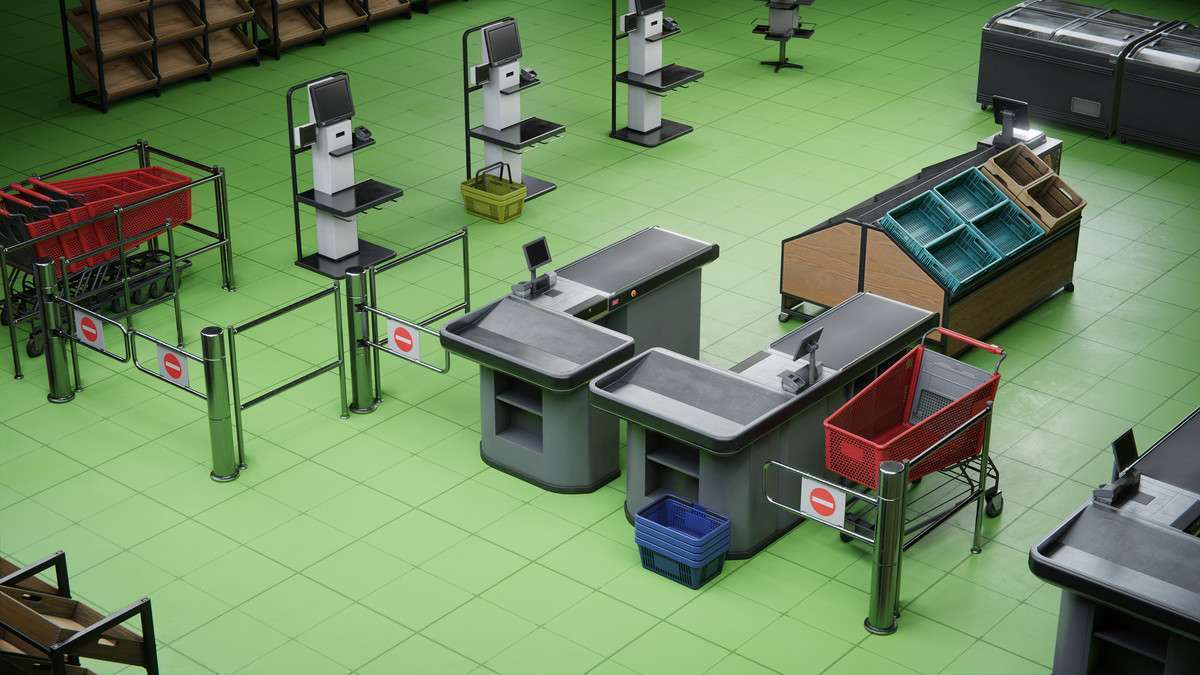
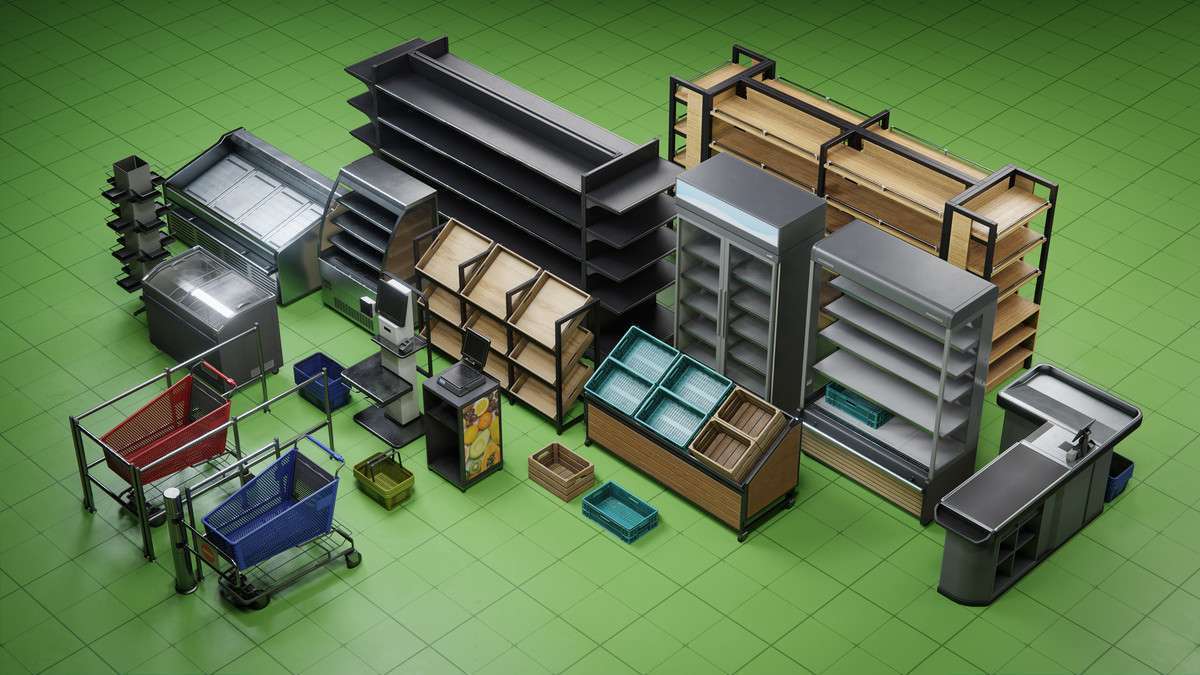
Professional Environment Setup
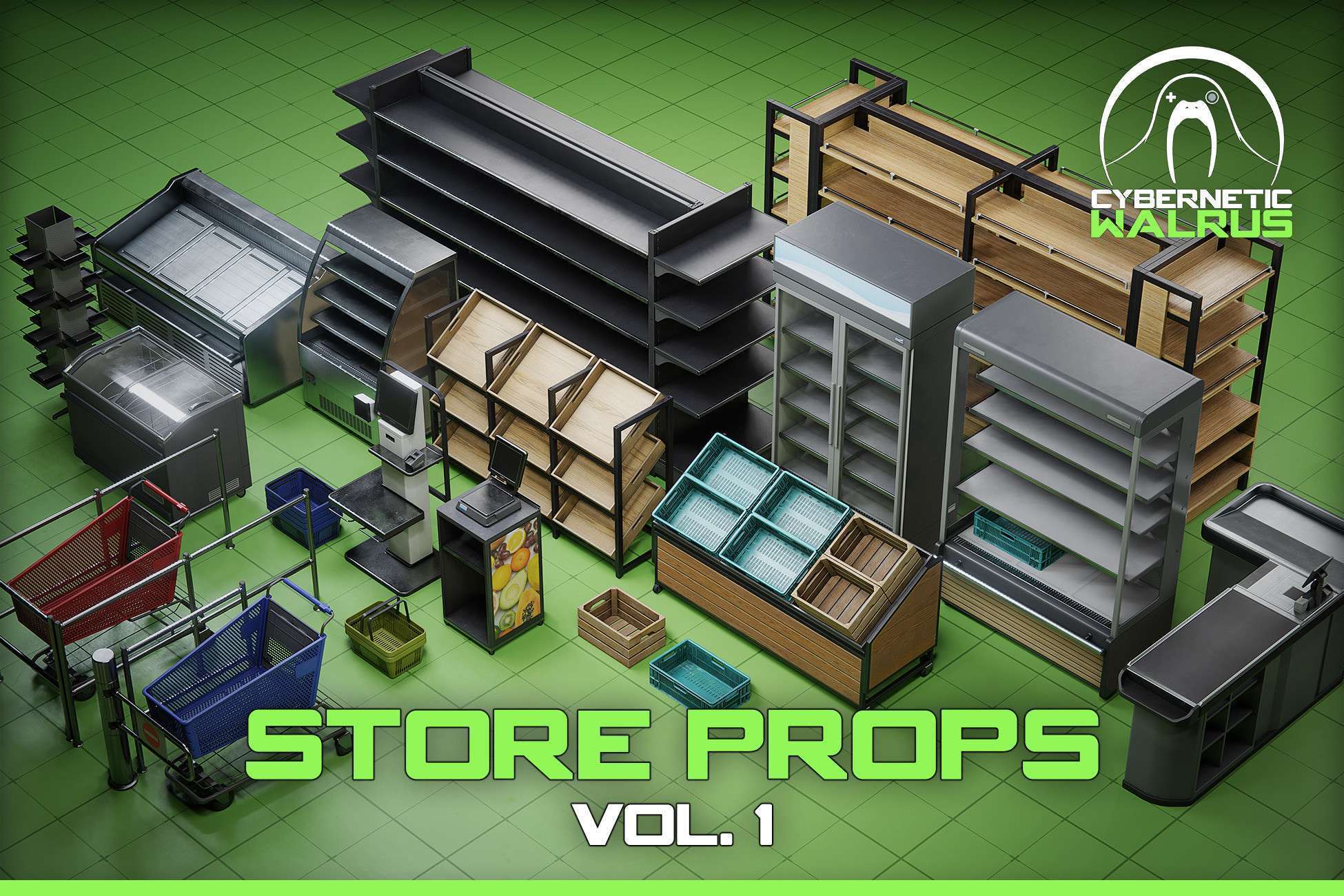
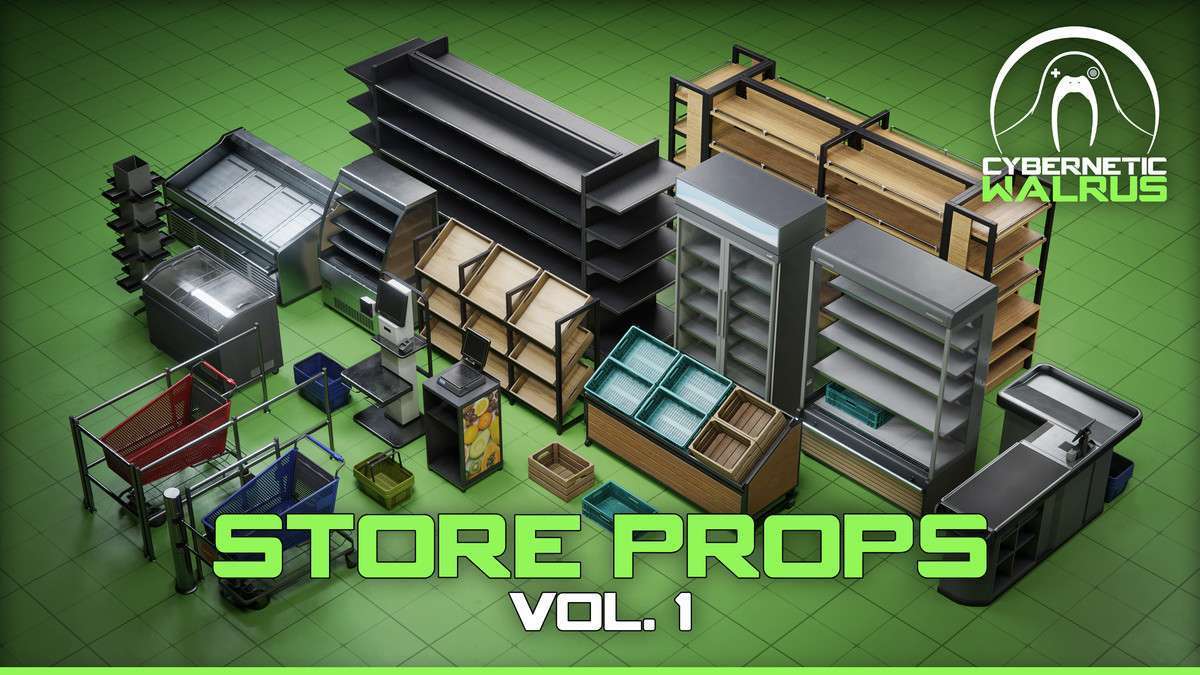
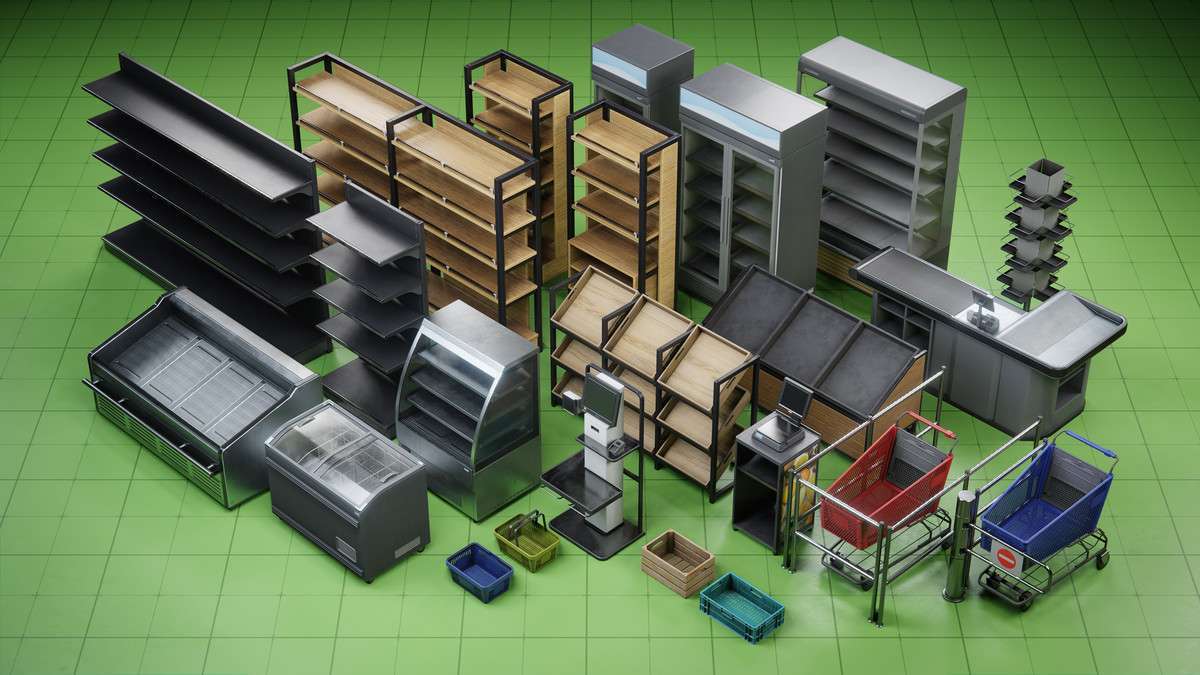
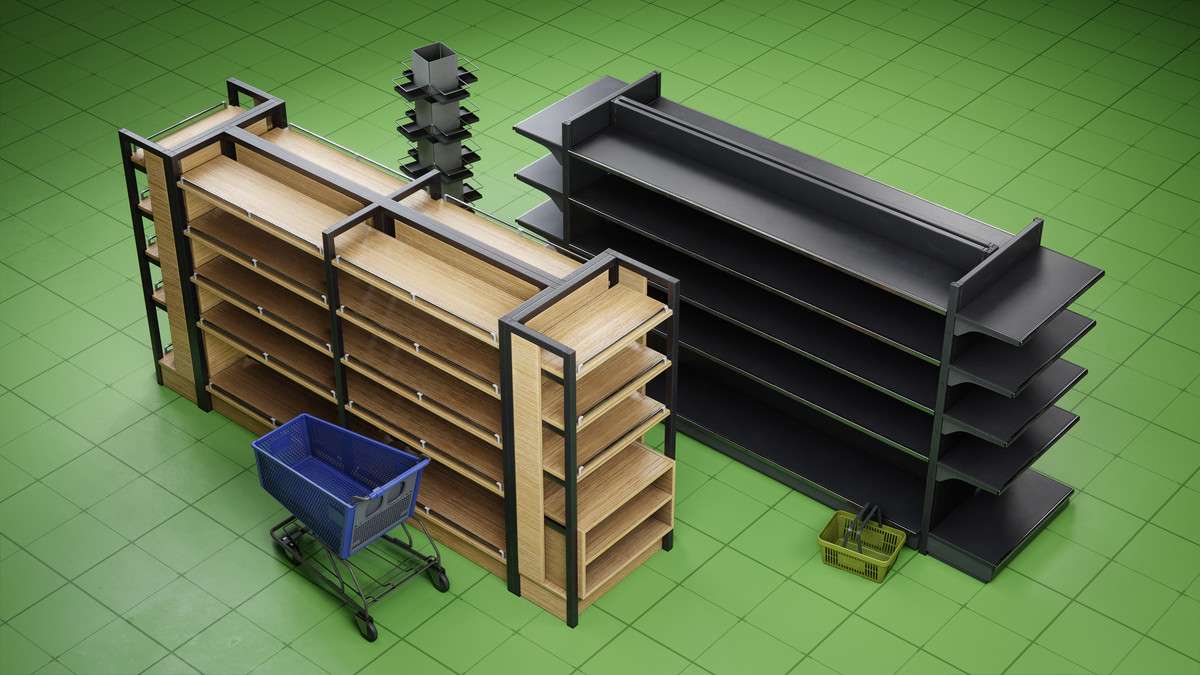
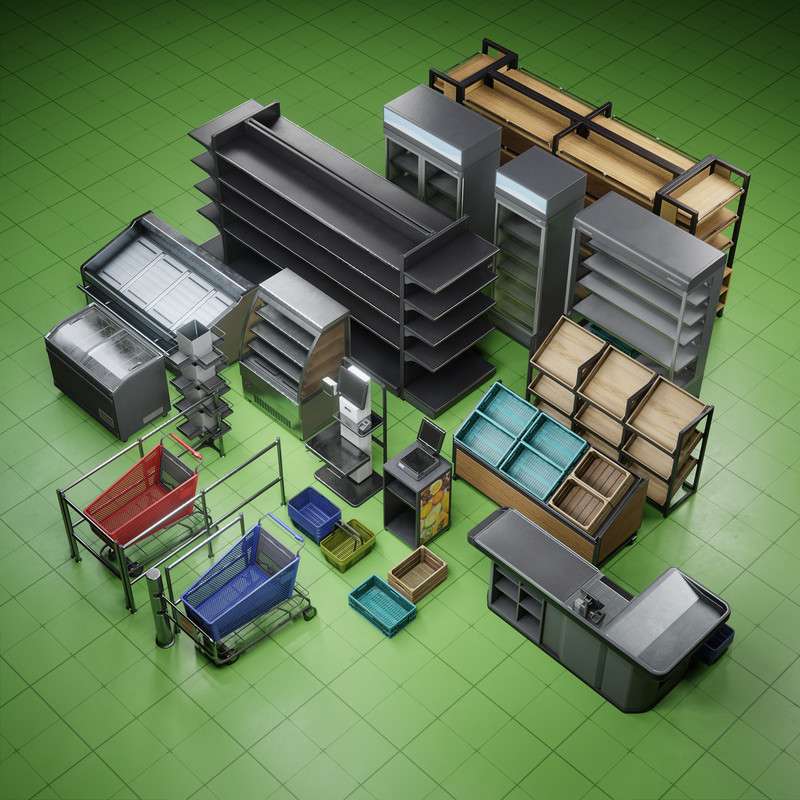
Integrating the Grocery Store Furniture Pack Vol. 1 Unity asset into your project provides a solid foundation for retail-themed environments. Currently at 1.0.0, this pack is particularly well-authored for performance, featuring manually unwrapped lightmap UVs that prevent the bleeding artifacts often seen in auto-generated sets. Because it ships with standard shaders by default, you must import the included .unitypackage files specifically for URP or HDRP to ensure material compatibility across different scriptable render pipelines.
Integration Tips
- SRP Upgrade Path: When moving to URP or HDRP, locate the ‘Render Pipeline’ folder within the asset structure and extract the corresponding package. This will overwrite the standard materials with the correct shader variants.
- Collision Optimization: The pack includes custom collision meshes. For static environments, ensure these are marked as ‘Static’ in the Inspector to take advantage of Unity’s static batching and baked global illumination.
- VR Implementation: Given the ‘VR Ready’ status, these meshes are optimized for the forward rendering path. Keep an eye on your draw calls; while the meshes are modular, you should use the Mesh Baker or similar tools if you plan on populating a large supermarket to keep batch counts low on standalone headsets.
Best Use Cases
- VR Training Simulations: The modularity and custom collisions make this ideal for retail employee training apps. The low-poly nature ensures high frame rates (90 FPS+) essential for comfortable VR experiences.
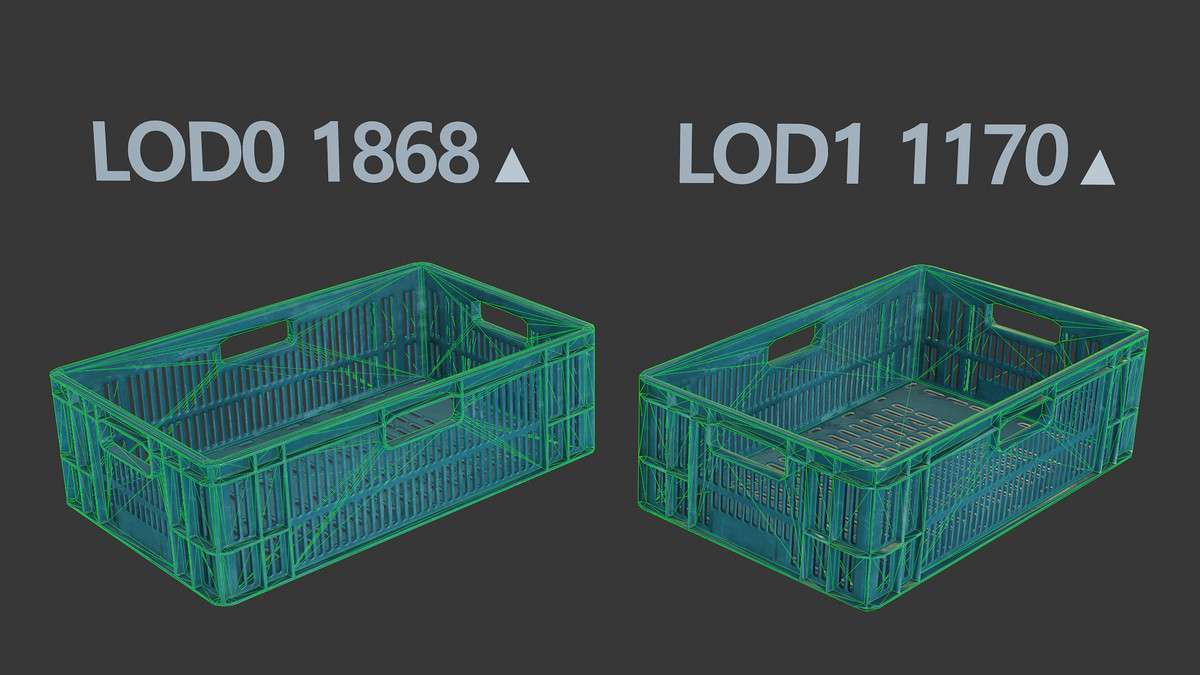
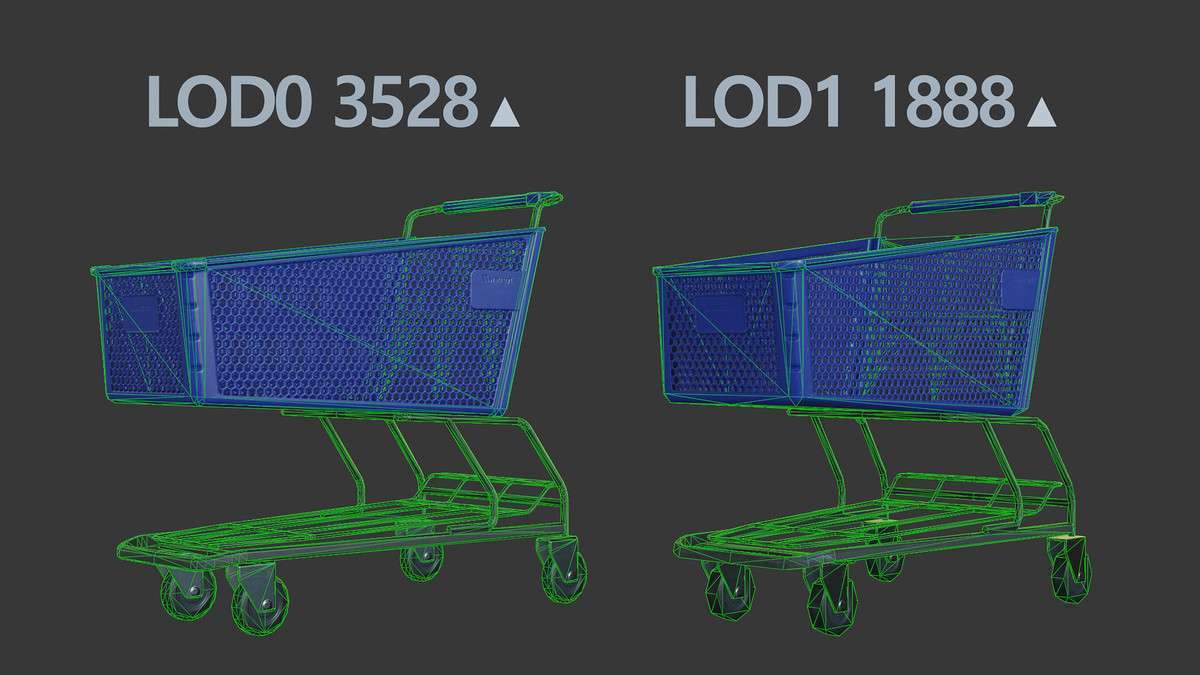
- Stealth or Horror Games: The high-quality LODs allow for detailed close-ups on shelves while maintaining performance in larger, dimly lit store layouts where occlusion culling is critical.