
Advanced Data-Moshing and Memory Corruption Simulation
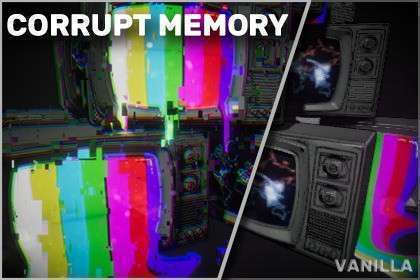
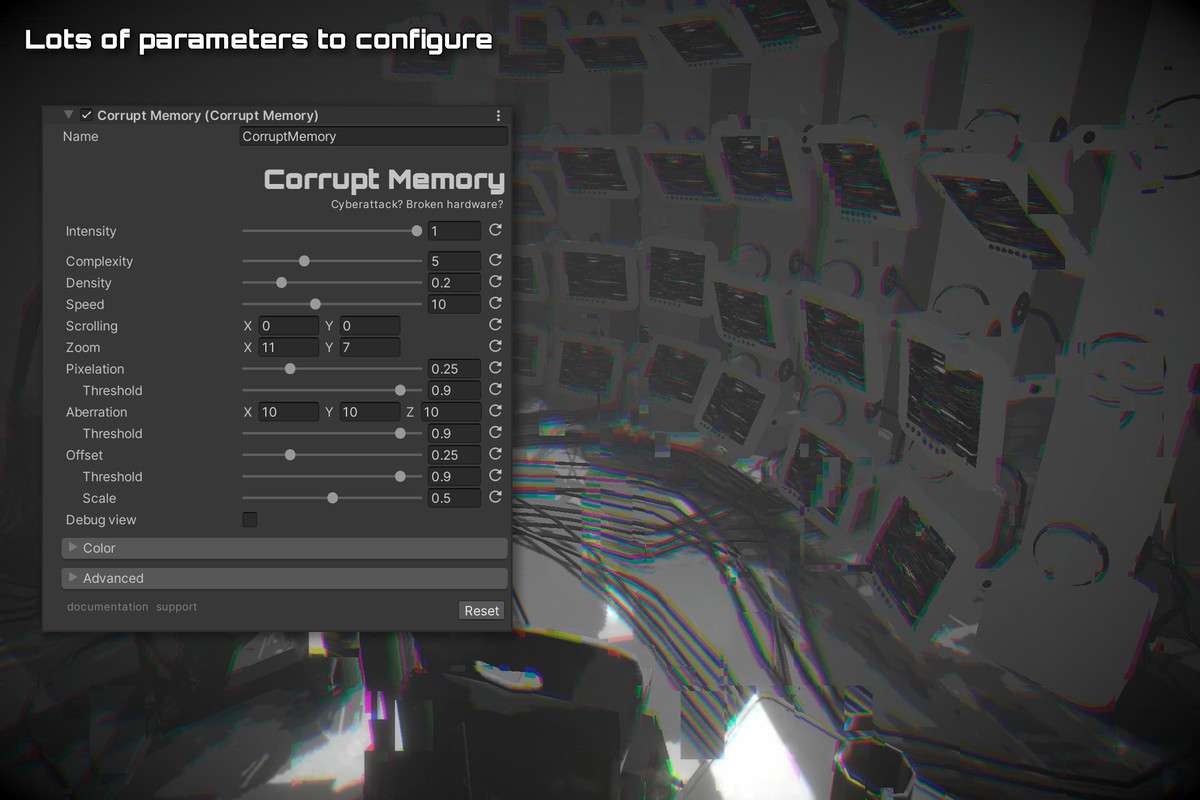
Simulating a ‘system crash’ or a digital attack requires more than just random colors; it requires the logic of memory misaddressing. Glitches: Corrupt Memory Unity 2.1.2 focuses on this specific aesthetic, providing high-performance shaders that mimic data-moshing and buffer overflows. Developed with a focus on the Unity 6 Render Graph, it ensures that these complex visual distortions are handled efficiently in the frame buffer, maintaining a steady framerate even during intense sequences.
Integration Tips
- Layered Volumes: Mix this with a slight ‘Motion Blur’ via Volume Profiles to enhance the data-mosh feel. The combination of corrupted frames and temporal blending creates a more convincing ‘corrupt video’ effect.
- UI Interaction: If your game features a hacking mini-game, render the UI to a Render Texture and apply this shader to the material displaying that texture. This isolates the ‘corruption’ to the in-game terminal rather than the player’s physical screen.
- Mobile Profiling: While optimized, the complex UV offsets used in memory corruption can be heavy on older mobile GPUs. Always use the built-in Frame Debugger to check the draw call order and ensure no unnecessary depth-testing issues arise.
Best Use Cases
- Psychological Thrillers: Use memory corruption as a visual representation of a character’s declining sanity. The unpredictability of the artifacts makes the environment feel genuinely unstable and threatening.
- Hacking Simulators: Perfect for representing ‘Ice’ or defensive measures in a terminal view. The effect can be scaled linearly as the player’s ‘detection meter’ increases, providing clear visual feedback of failure.