
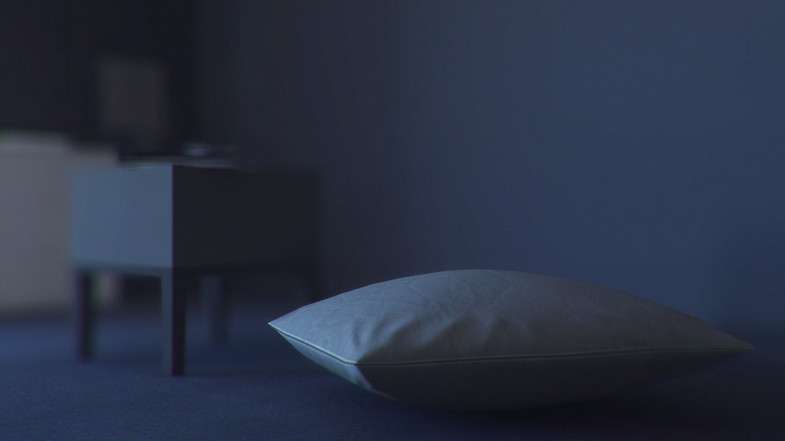
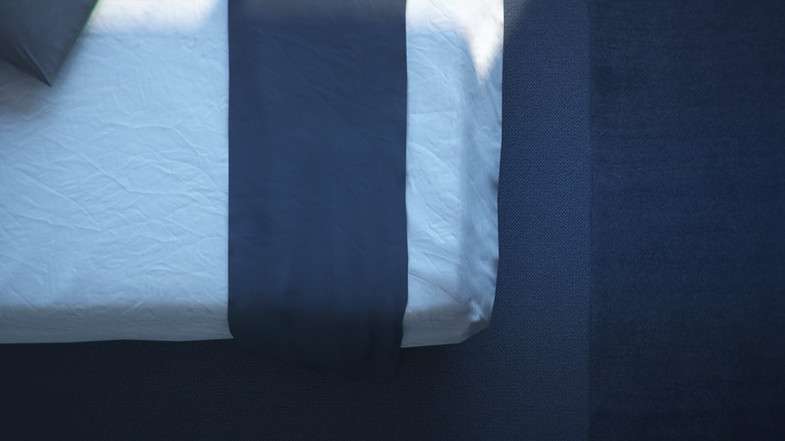

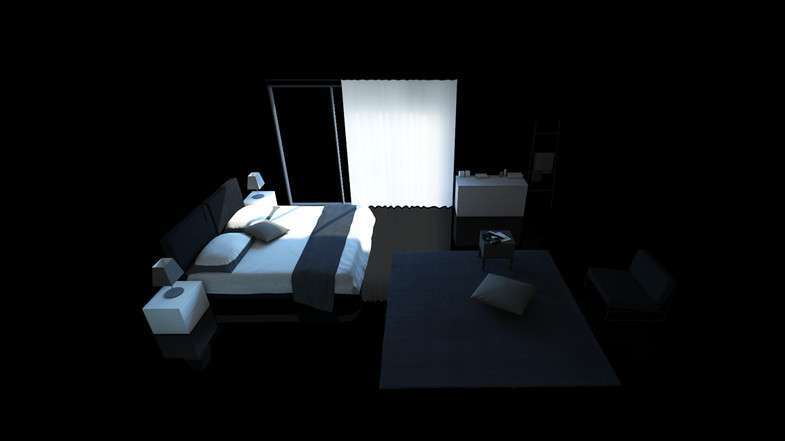
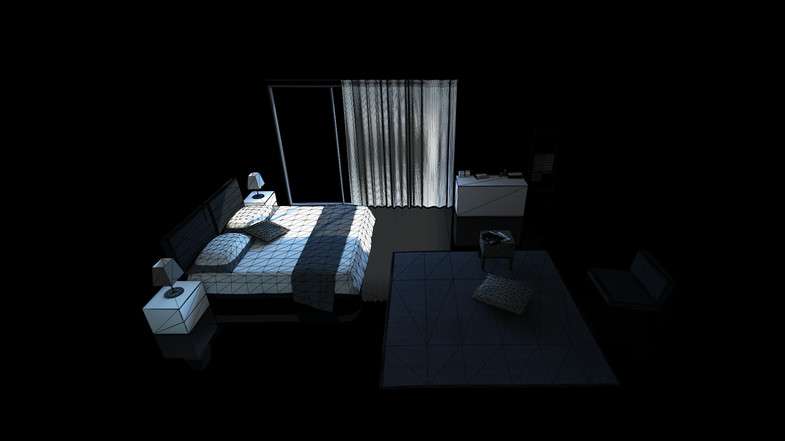


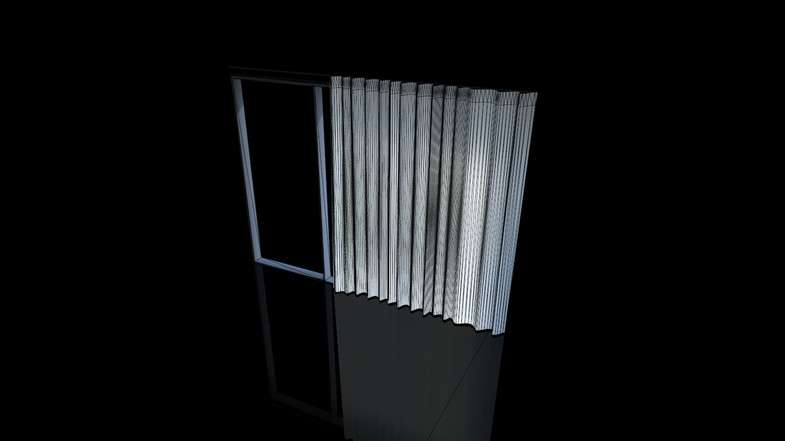
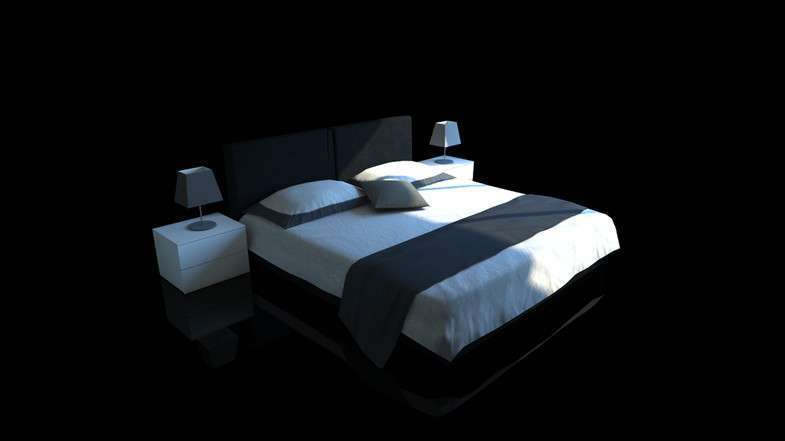
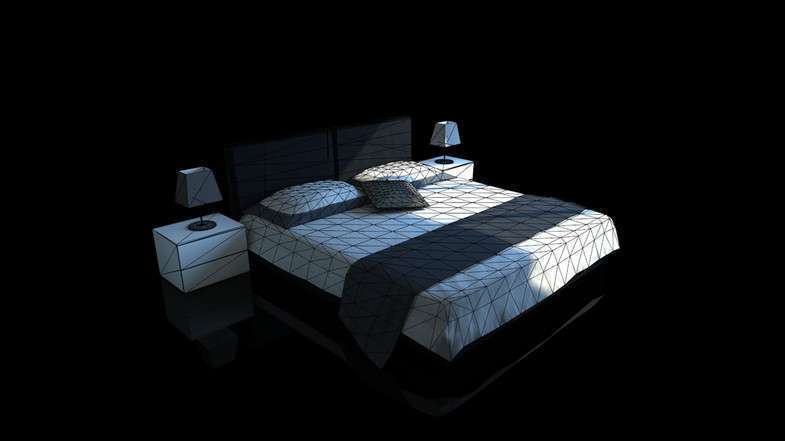
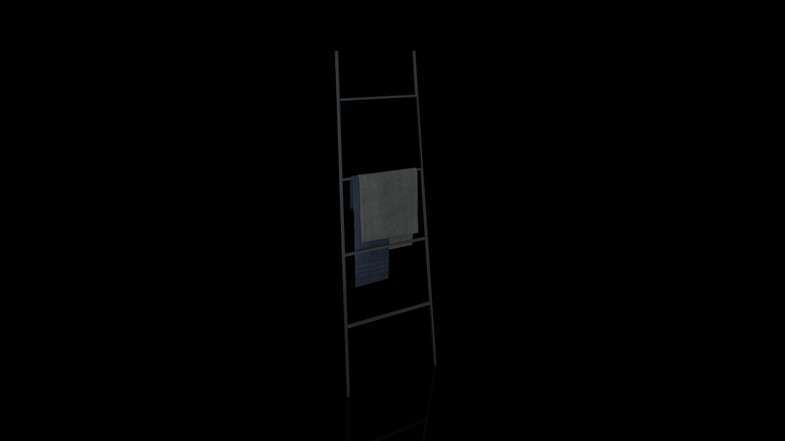
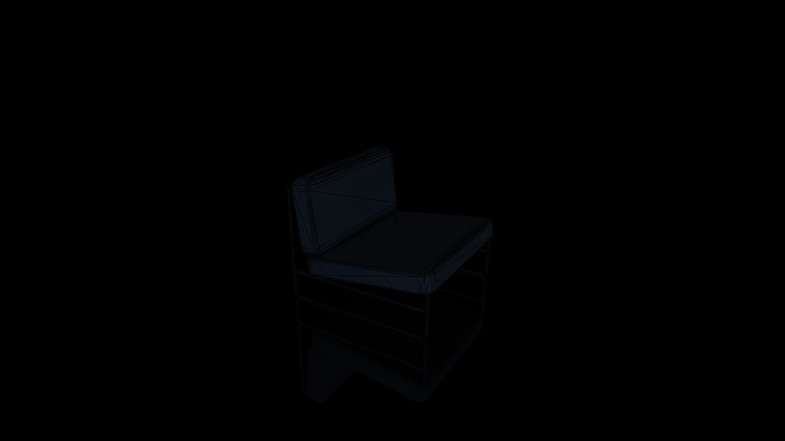
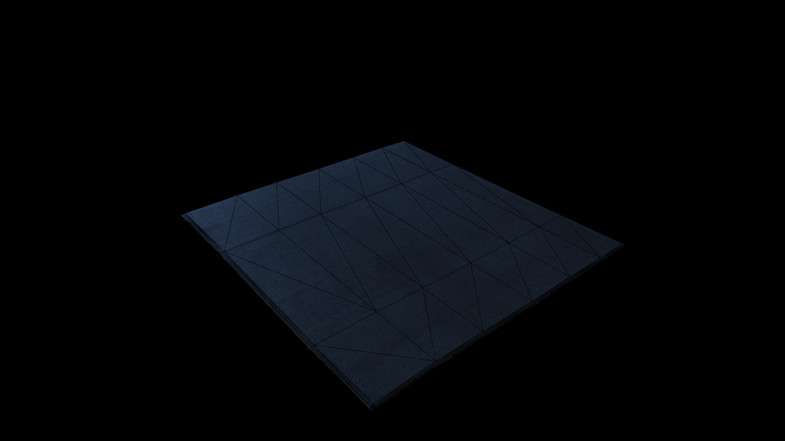
Bedroom Pack Unity: Expert Page
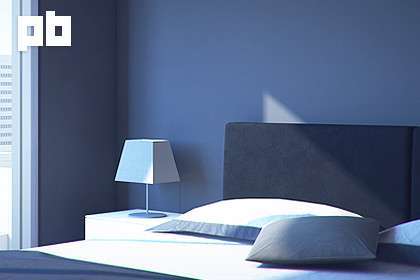
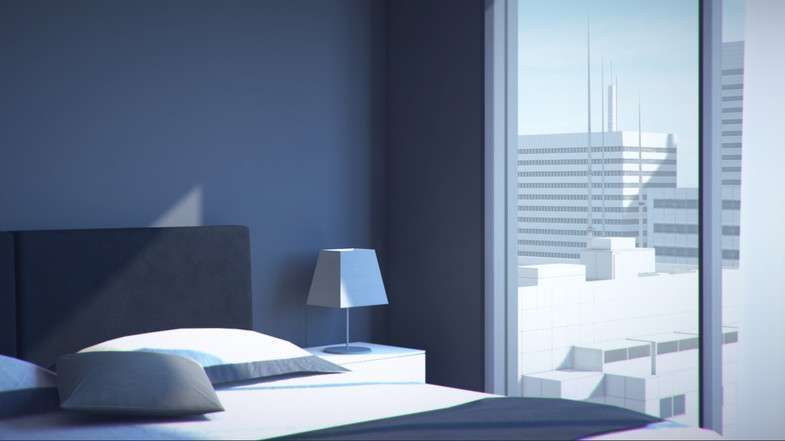
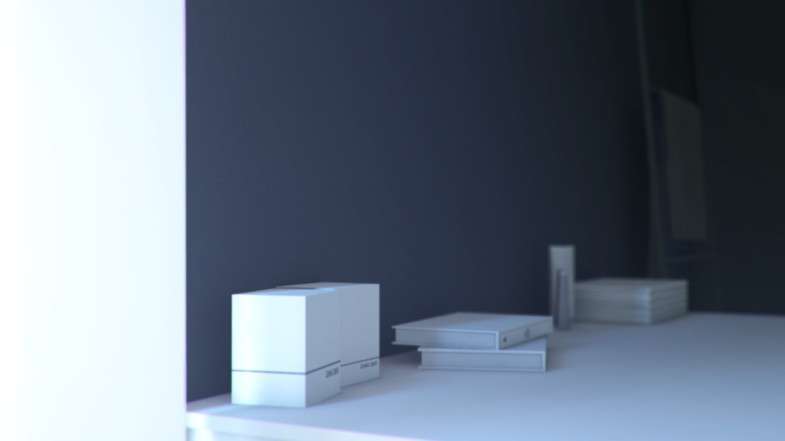
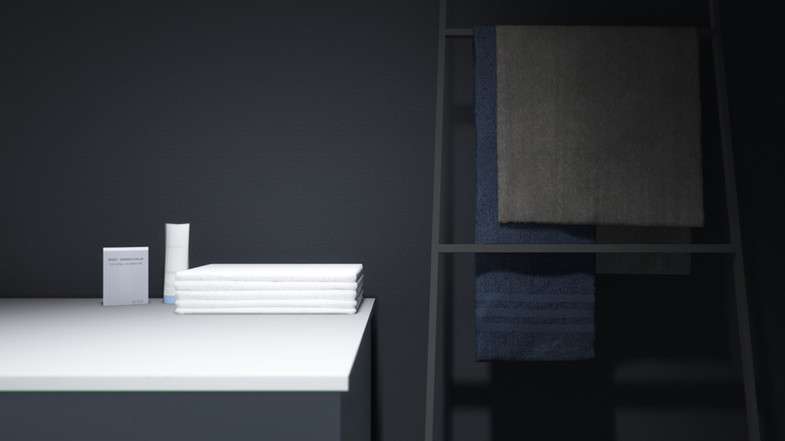
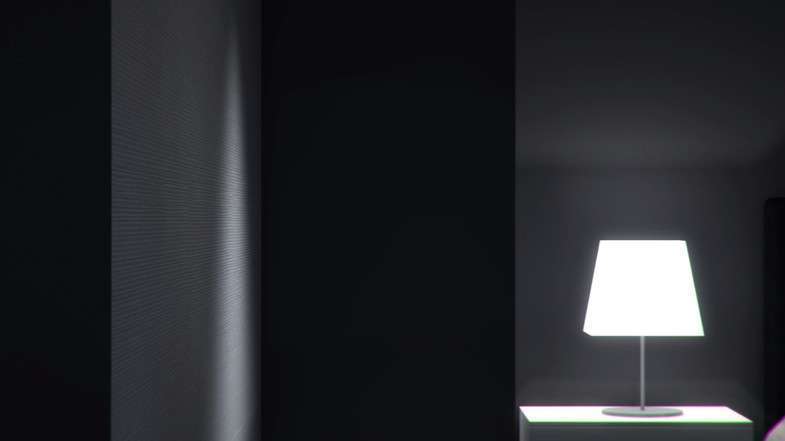
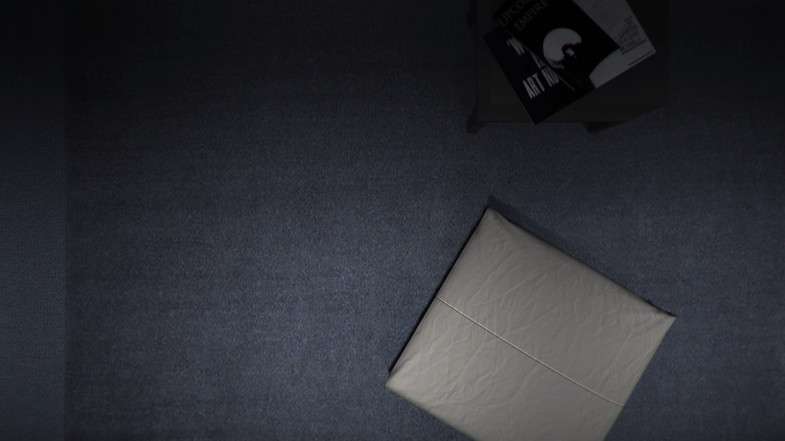
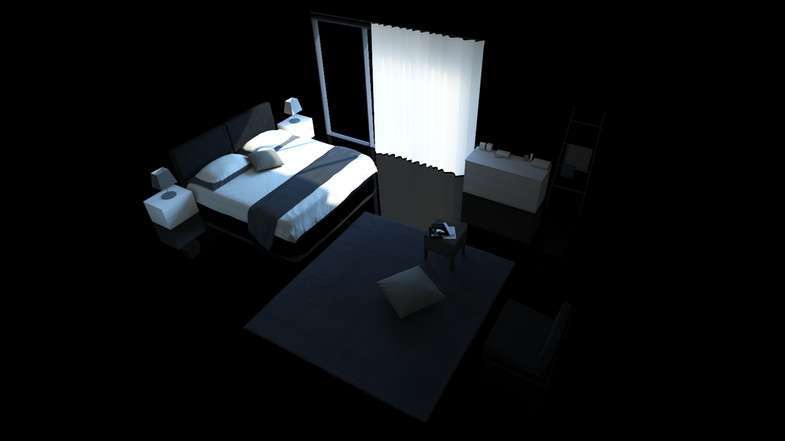
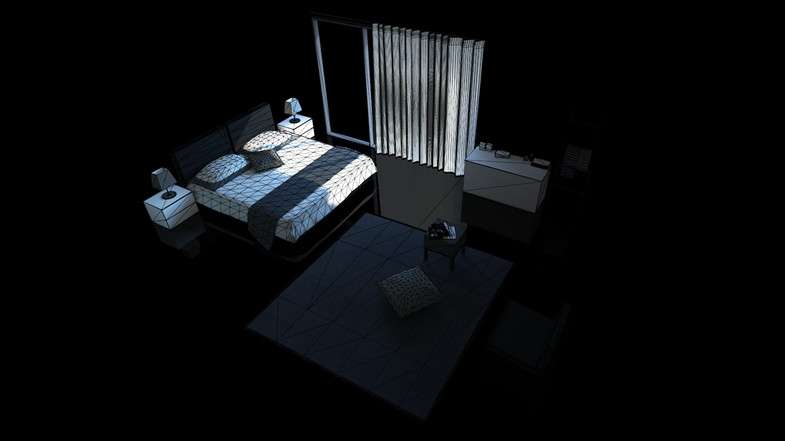
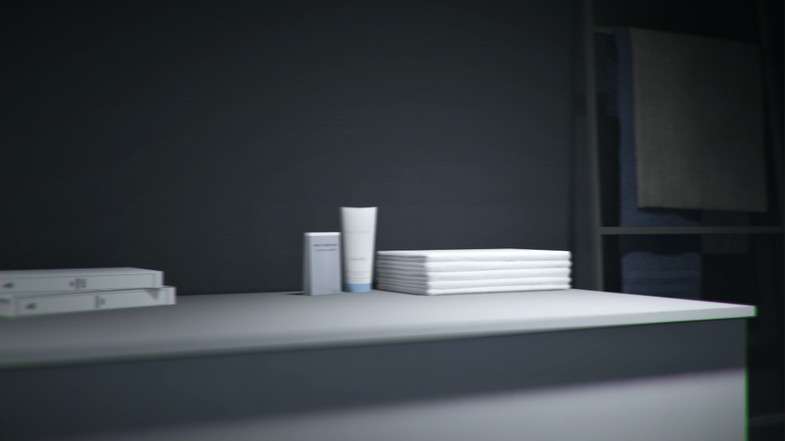
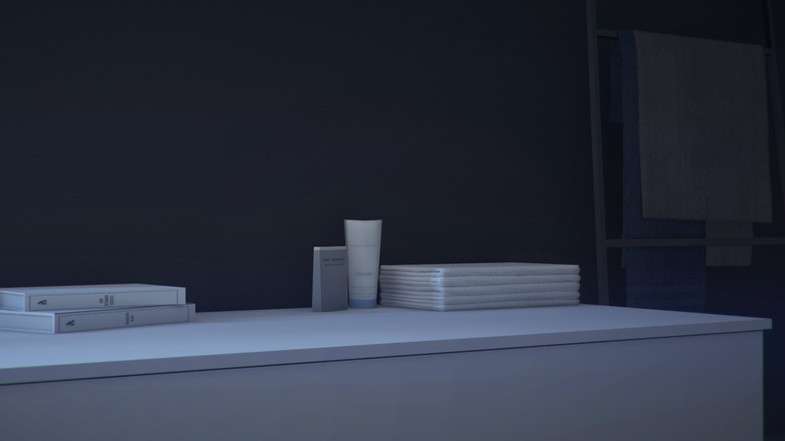
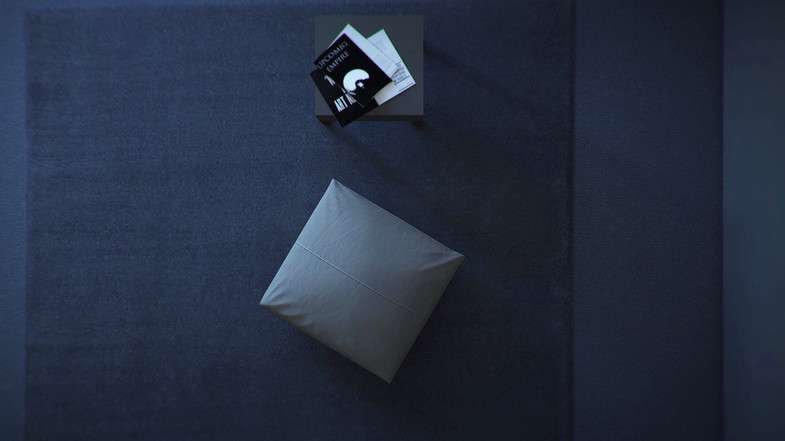
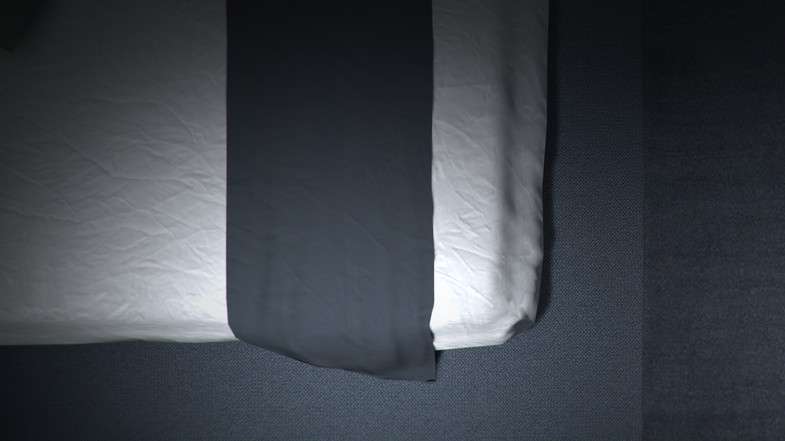
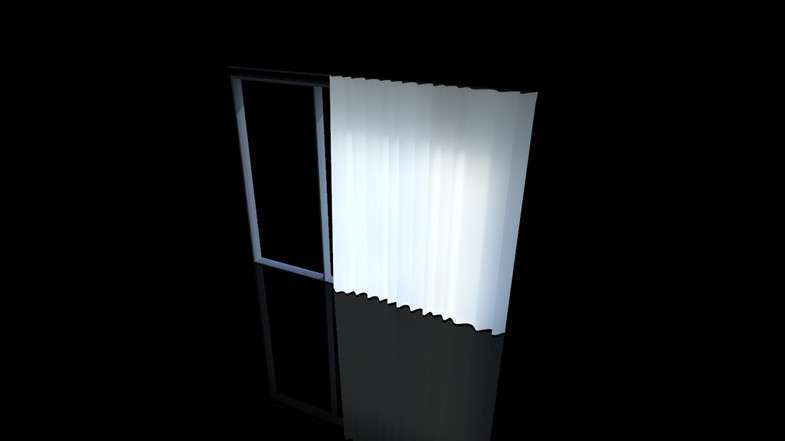
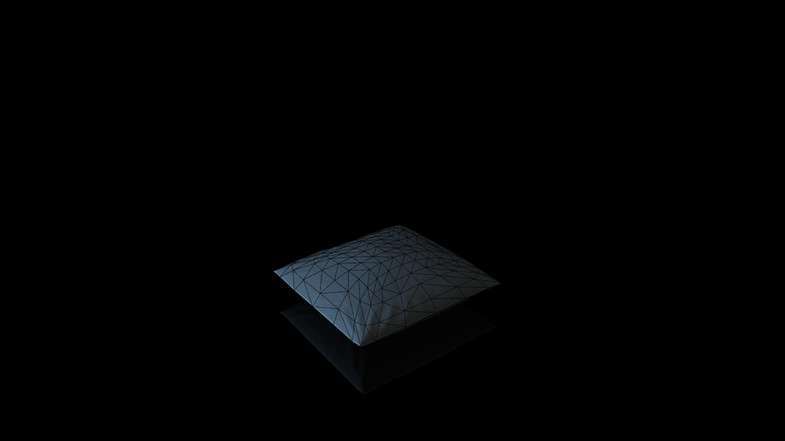
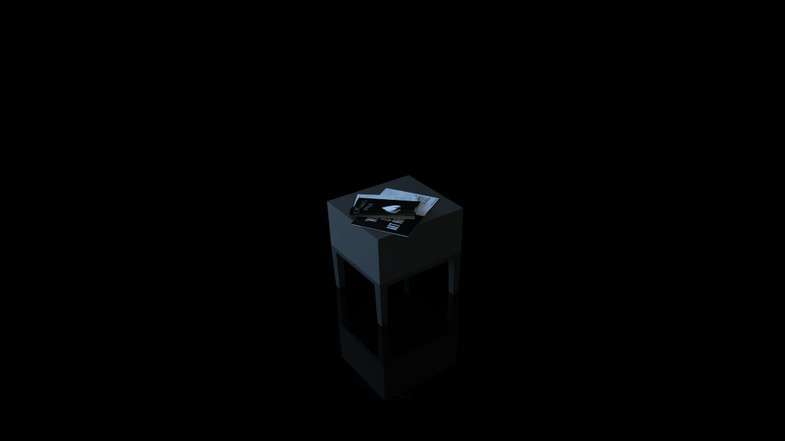
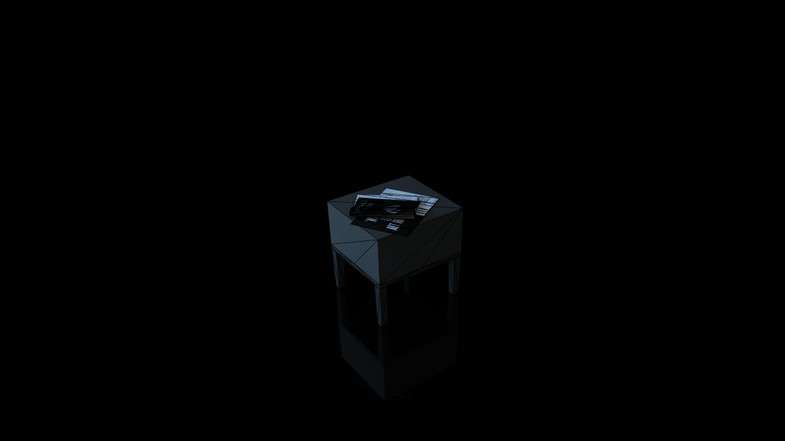
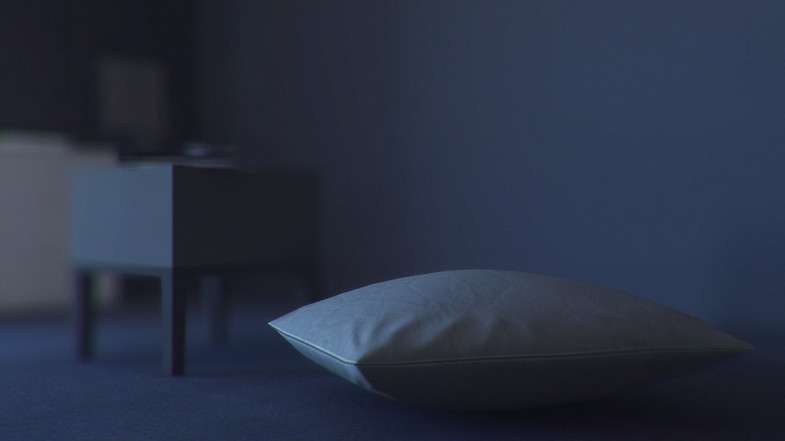
The Bedroom Pack Unity, currently at version 6.0.0, presents itself as a highly optimized and visually appealing interior environment, particularly suited for projects with strict performance budgets like mobile VR. Its emphasis on low-poly models, efficient UV mapping, and externally baked lighting solutions positions it as a strong contender for developers seeking a production-ready scene that delivers visual fidelity without taxing real-time rendering resources.
Integration Tips
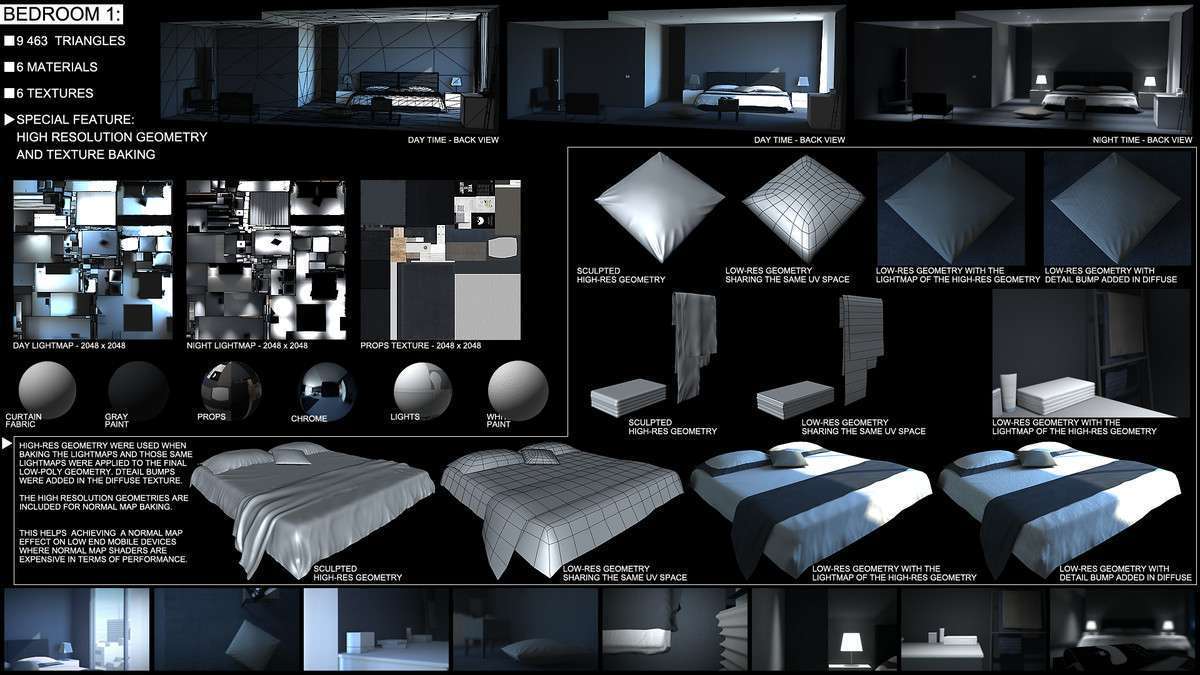
- Baked Lighting Workflow Criticality: The asset’s core strength lies in its pre-baked lighting, specifically mentioning “Mental Ray” external baking. This implies highly optimized lightmaps are provided. To correctly integrate, you’ll primarily be importing the scenes and the provided lightmaps. Crucially, the documentation states that “lighting has to be redone in Unity if the scene needs to be drastically altered.” This means if you move, add, or remove significant objects, the pre-baked lightmaps become invalid, and you *must* rebake the scene in Unity using its own lightmapping system to maintain visual consistency and quality.
- Mobile Optimization Focus: The asset is explicitly designed for mobile and VR. To maintain target framerates (e.g., 30 FPS on low-end mobile), ensure objects marked as ‘Static’ are configured for Unity’s Static Batching (if sharing materials) or that your chosen render pipeline (URP is ideal for mobile) is set up for efficient draw call reduction. Implement Occlusion Culling for optimal performance in indoor environments, which is crucial for mobile.
- Second UV Channel (UV2) Quality: The mention of “efficiently & manually unwrapped” second UV channels for lightmapping is a significant advantage. This provides superior lightmap quality, minimizing artifacts like light bleeding and ensuring optimal texel density compared to auto-generated UV2s. Leverage this by ensuring all static meshes are marked as ‘Static’ and that your Lightmap UVs are set to use the provided channel.
- Material and Shader Setup: Assets likely use PBR materials. Ensure your project’s render pipeline (preferably URP for mobile targets) is configured to handle these materials efficiently. Consider using mobile-optimized PBR shaders if performance becomes an issue, though the provided materials are likely already tuned.
- Modularity for Expansion: The ability to purchase and combine adjacent sections of the ‘Hazelwoodloft’ series suggests a consistent scale and asset pipeline. If expanding, maintain this consistency to ensure seamless integration and consistent lightmap baking.
- Ambient Sounds: The included 3D ambient sounds can be directly integrated via an Audio Source component on an empty GameObject in the scene or on the main camera, configured for 3D spatialization to enhance immersion.
Best Use Cases
- Mobile VR Experiences (e.g., Architectural Tours, Meditative Environments): Where performance on highly constrained hardware is paramount, and a visually appealing, static indoor environment is central to the experience. The asset’s pre-baked lighting (with excellent UV2s) and low-poly meshes deliver high visual fidelity with minimal real-time rendering overhead, ensuring smooth frame rates on mobile VR devices, making it perfect for non-interactive or low-interaction scenes like virtual walkthroughs or relaxation apps.
- Interactive Product Showcases or Learning Simulators: For projects that need to present products in a realistic, confined environment or provide a backdrop for specific educational interactions, without the overhead of extensive dynamic lighting or complex physics. The attention to detail, realistic PBR materials, and efficient mesh topology create a believable static backdrop, allowing developers to focus their resources on interactive elements and UI, while maintaining a consistent and optimized visual quality.