
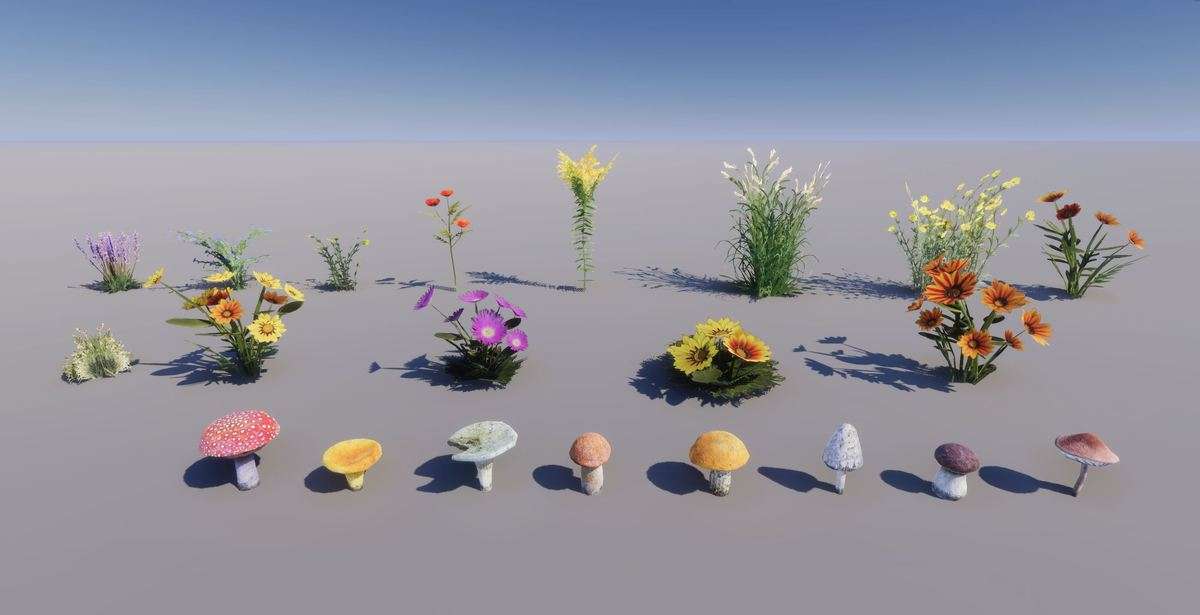
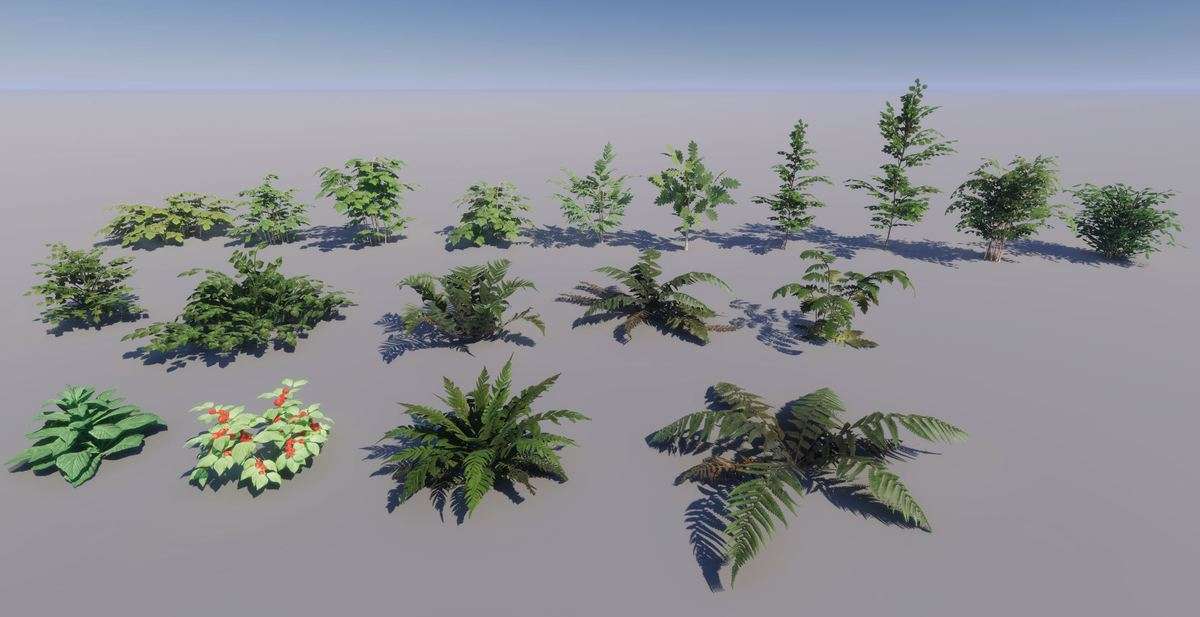
World-Building Optimization with Gaia Pro VS
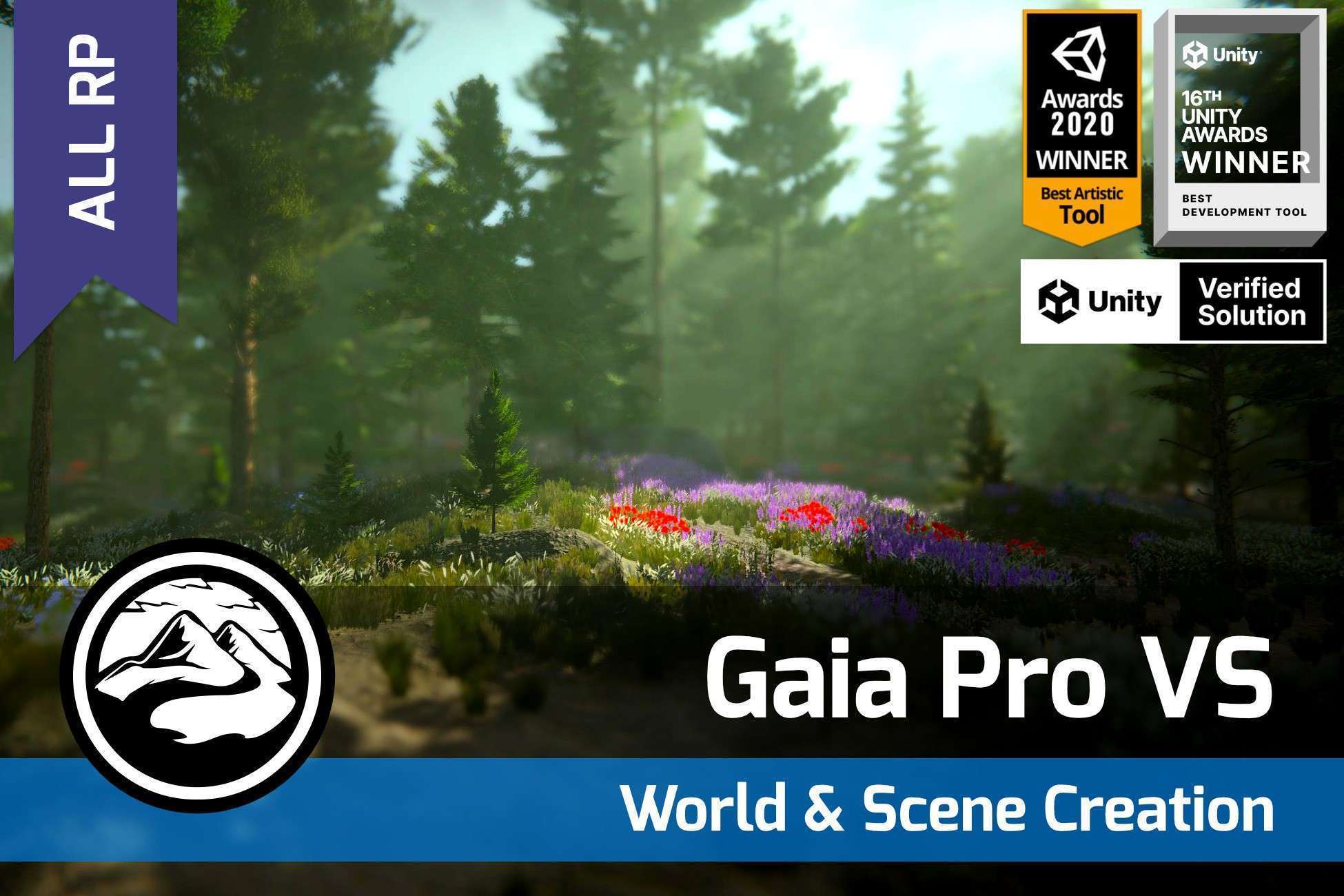
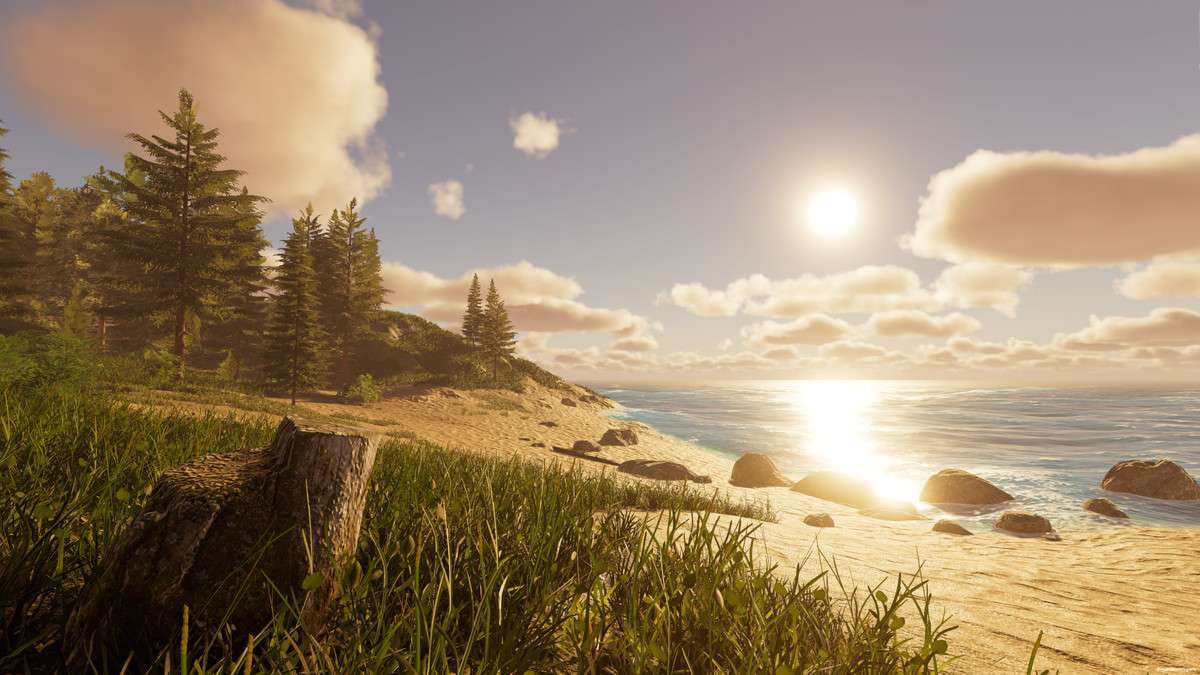
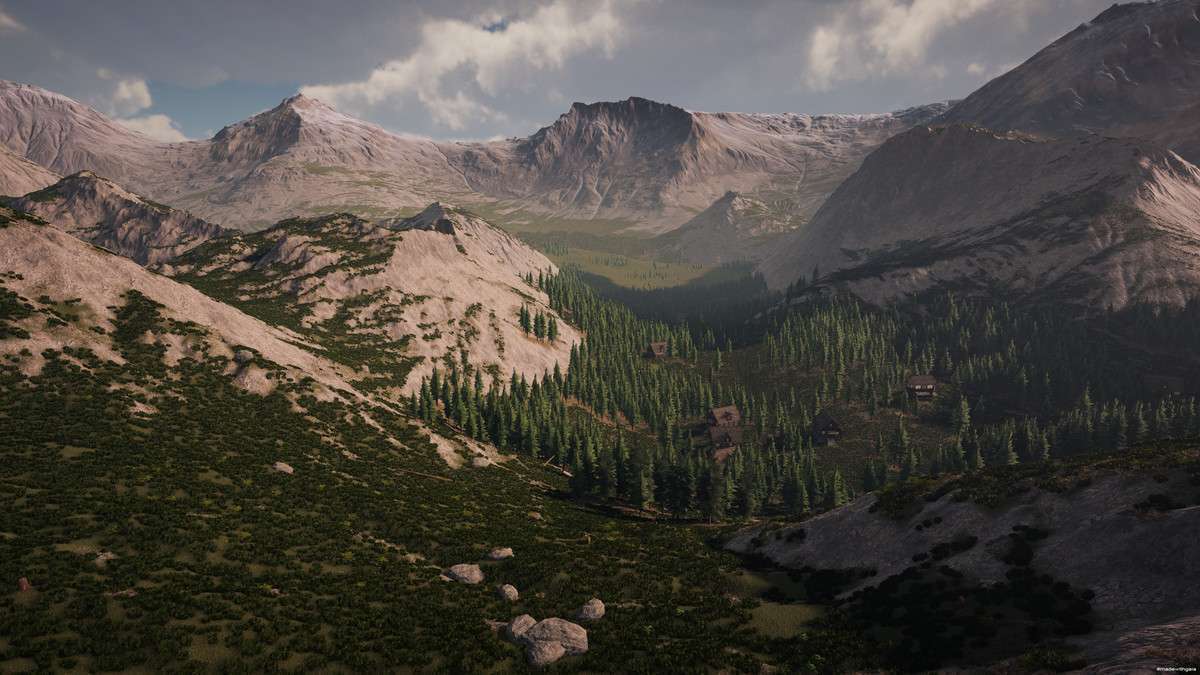
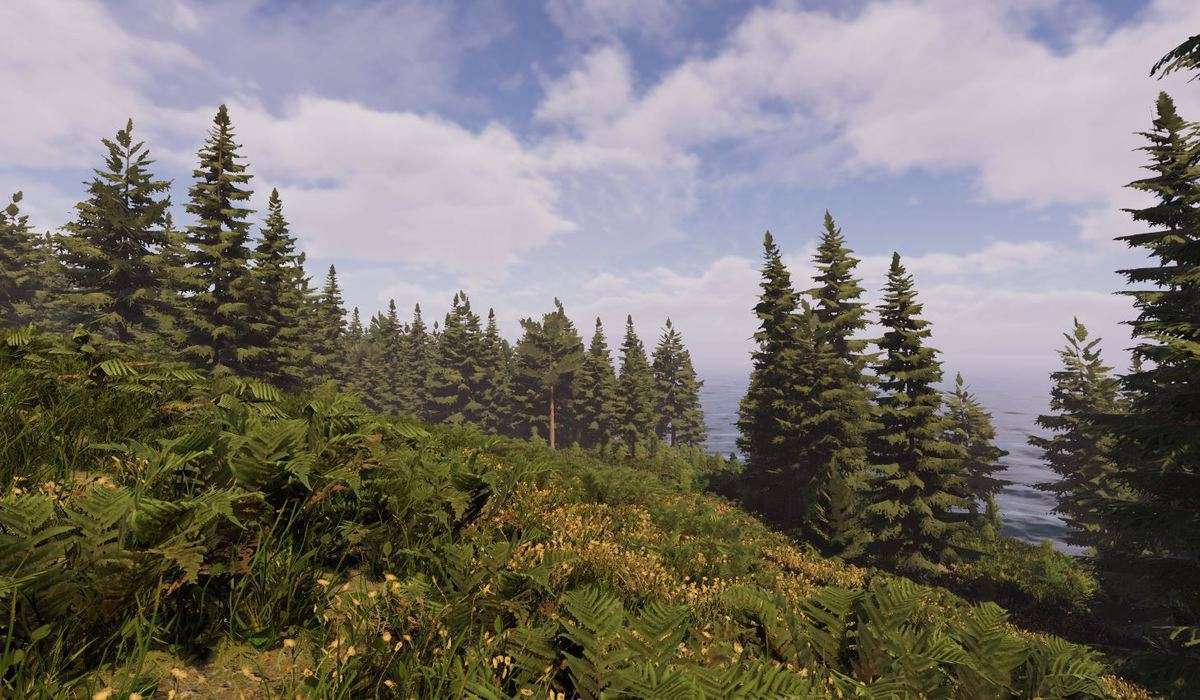
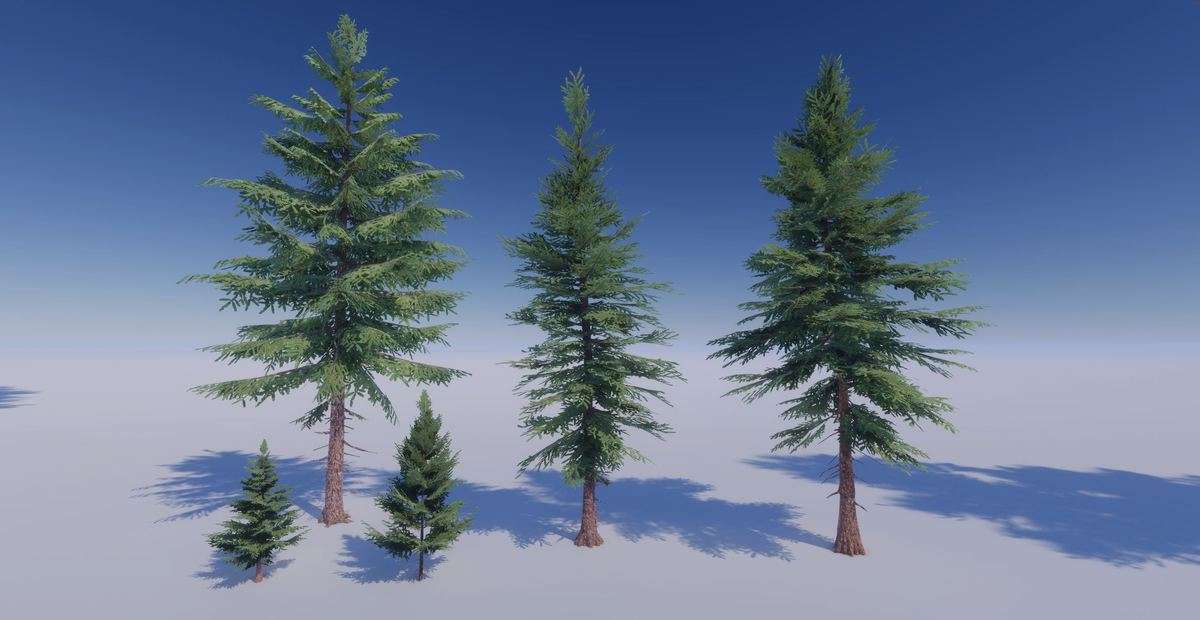
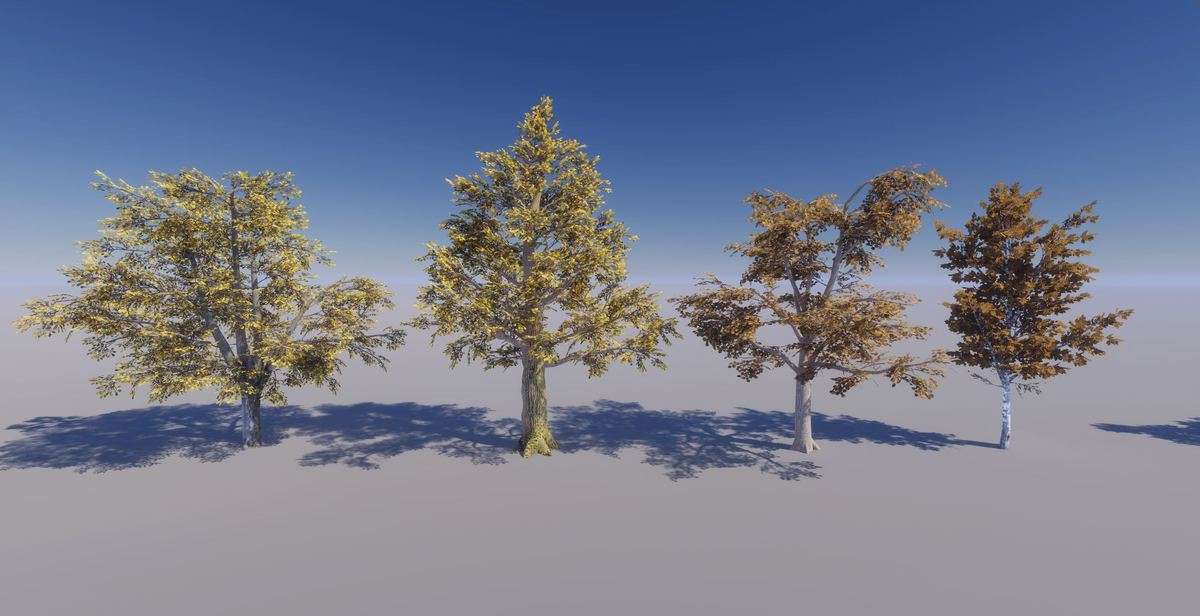
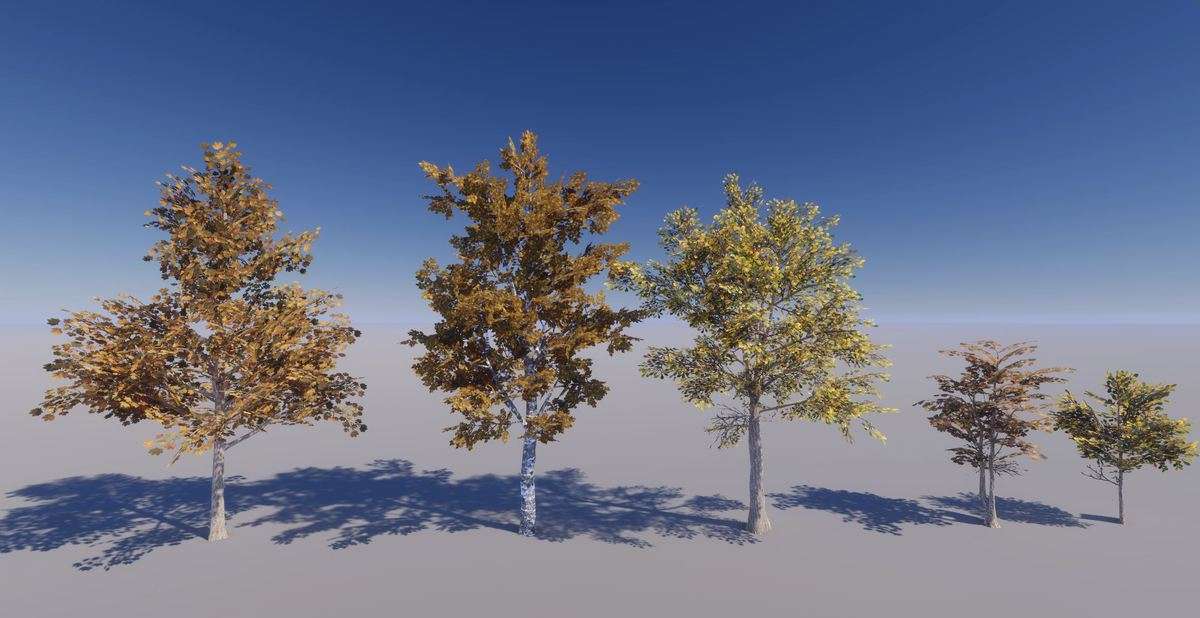
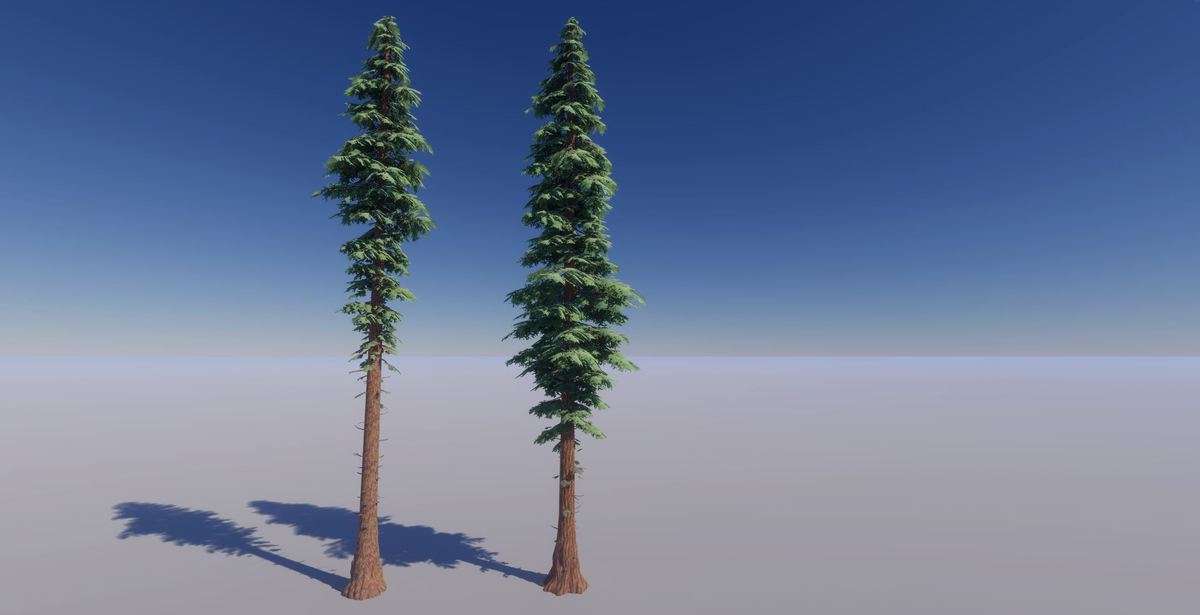
With the shift to Unity 6, terrain management has become more sophisticated, and Gaia Pro VS – Terrain, Trees, Grass & Water for Unity 6 Unity 4.0.9 is the definitive toolset for this transition. The inclusion of the GTS (Glyph Terrain Shader) is a game-changer; it replaces the standard Unity terrain renderer with a much more efficient system that supports advanced blending and better texture tiling. For teams working on massive worlds, Gaia’s ability to split terrains into separate scenes for streaming is essential for maintaining a manageable memory footprint and allowing parallel work by multiple level designers.
Integration Tips
- Unity 6 Compatibility: Ensure you are on Unity 2022.3 LTS or higher. When upgrading an existing project to Unity 6, regenerate your biomes to take advantage of the new GPU instancing improvements for terrain details.
- GTS Shader Setup: Don’t just stick with the defaults. The GTS shader allows for height-based blending and triplanar mapping. Use these features to eliminate the ‘stretched’ texture look on steep cliffs without needing manual mesh placement.
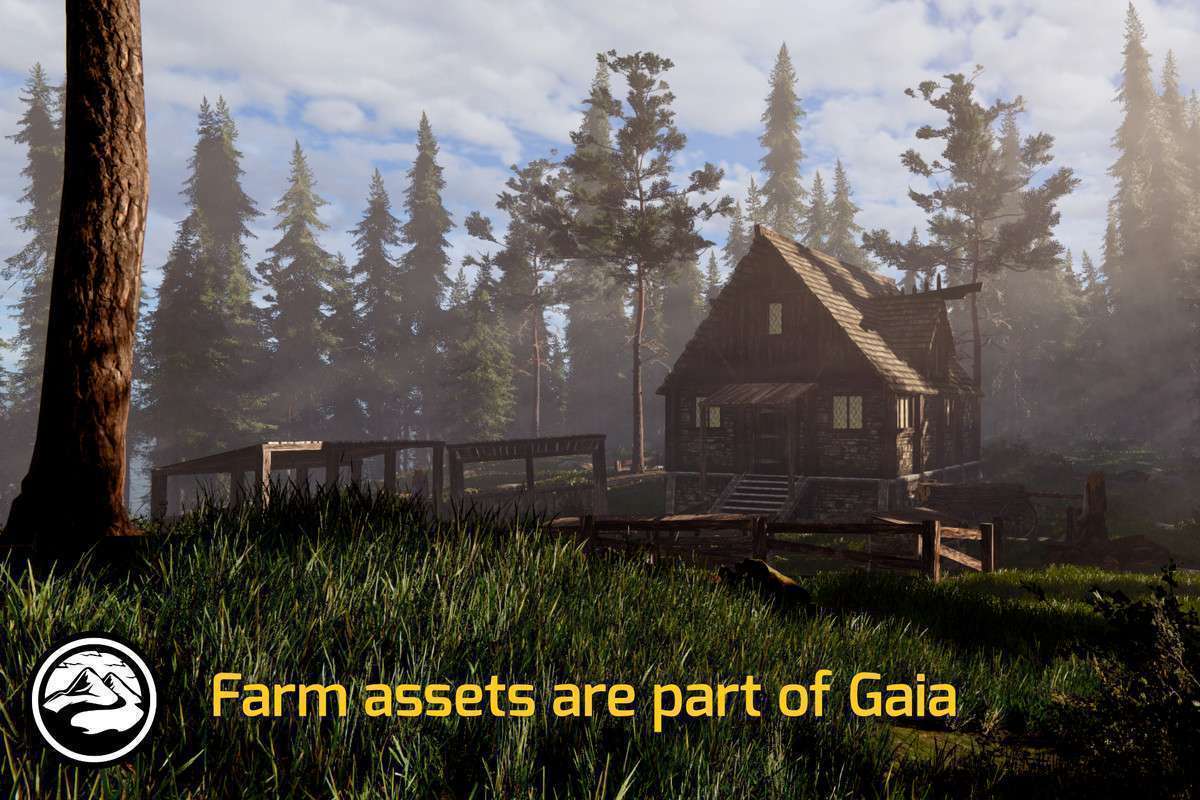
- Biome Customization: Use the Spawning System to create ‘Custom Biomes’ using your own project-specific assets. This ensures your world doesn’t look like a generic Gaia demo and maintains your project’s unique art direction.
Best Use Cases
- Open World RPGs: The terrain streaming and tile management tools are purpose-built for massive maps that cannot fit into memory at once. Gaia handles the loading/unloading logic, allowing the team to focus on content.
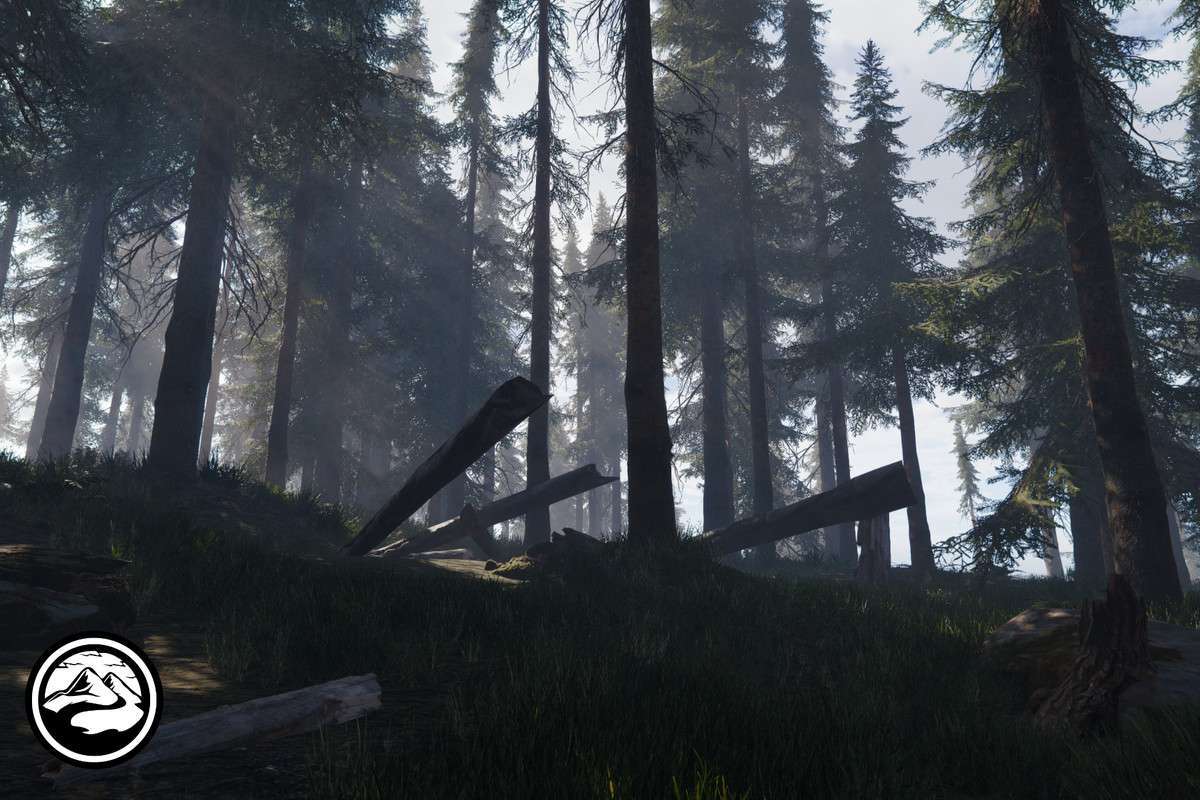
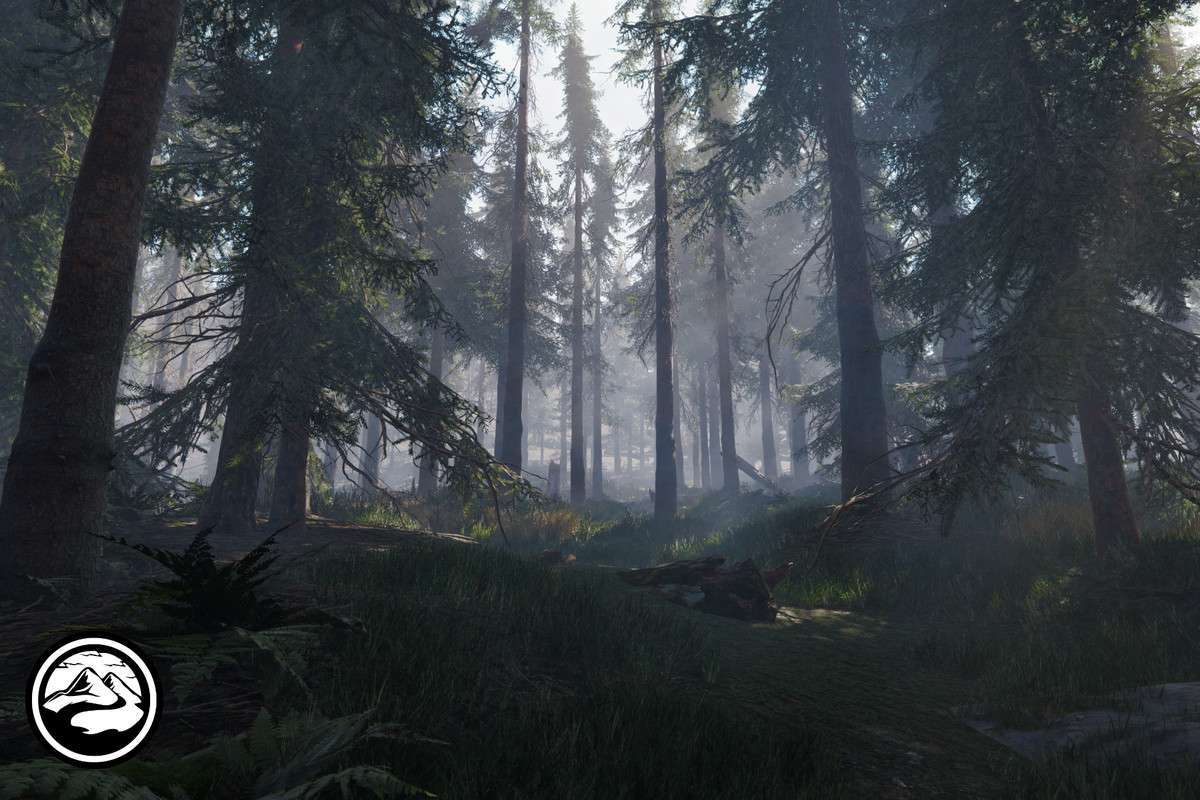
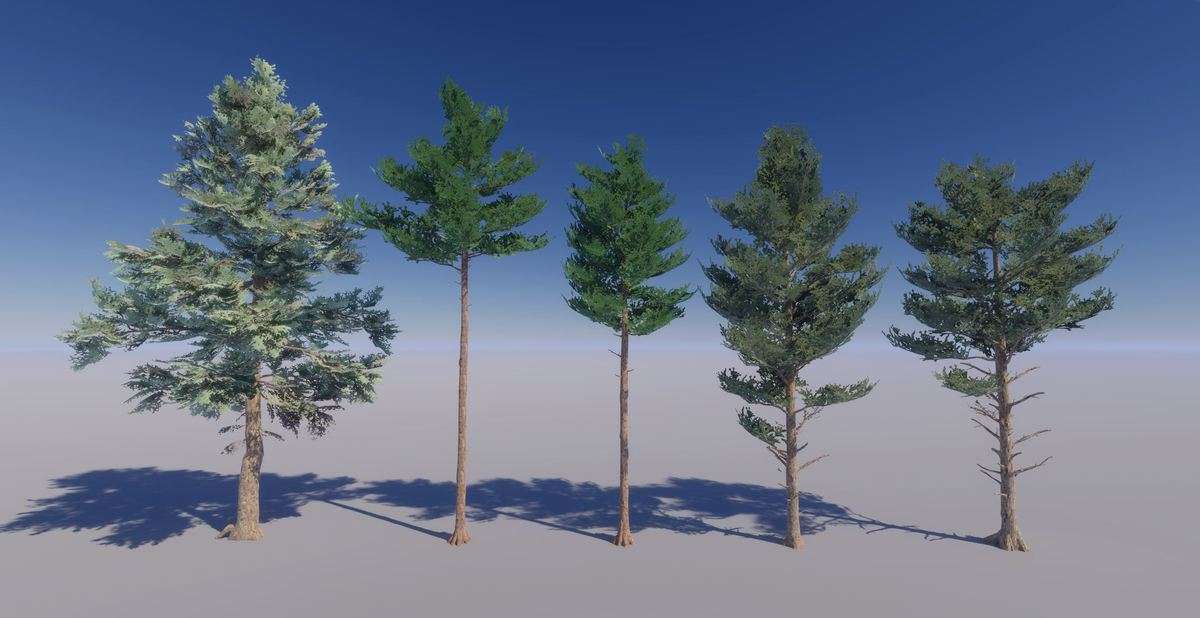
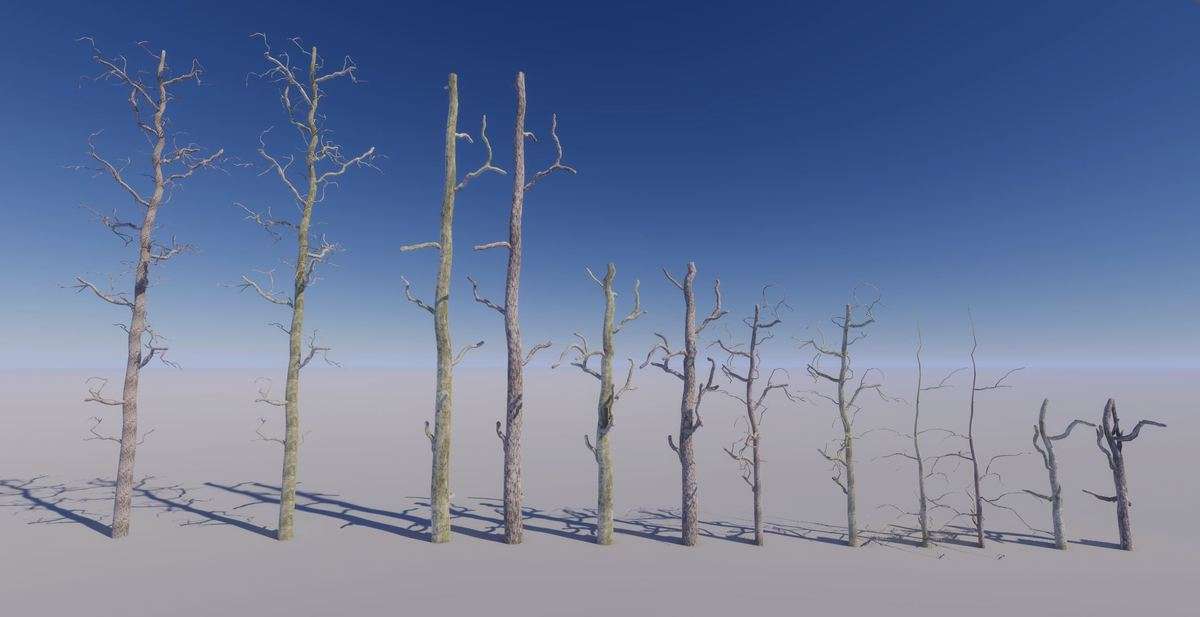
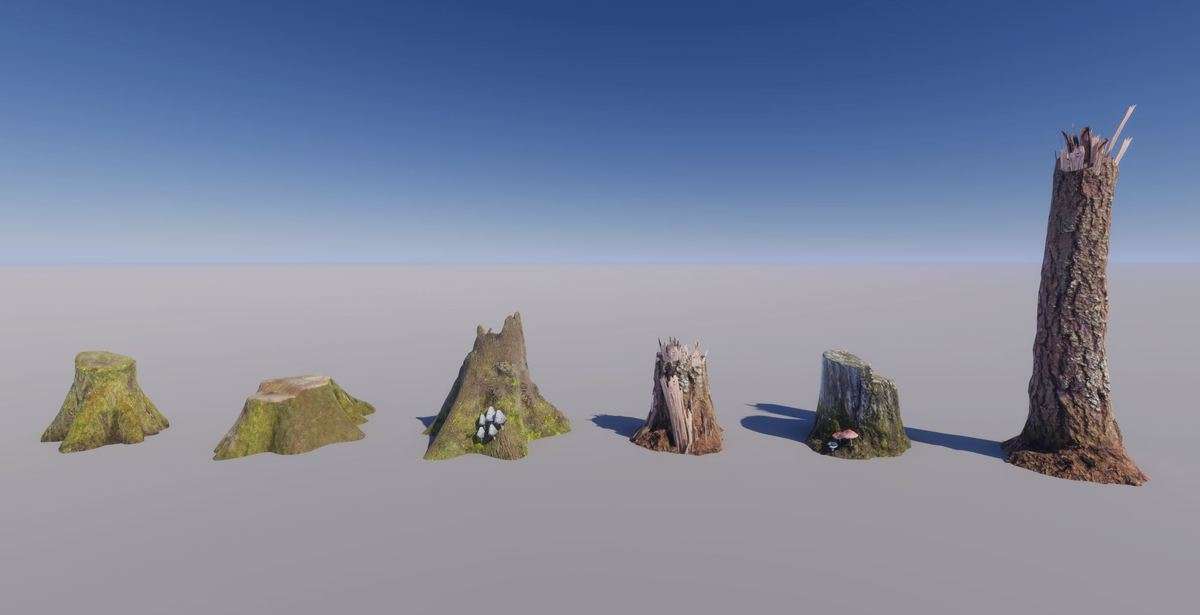
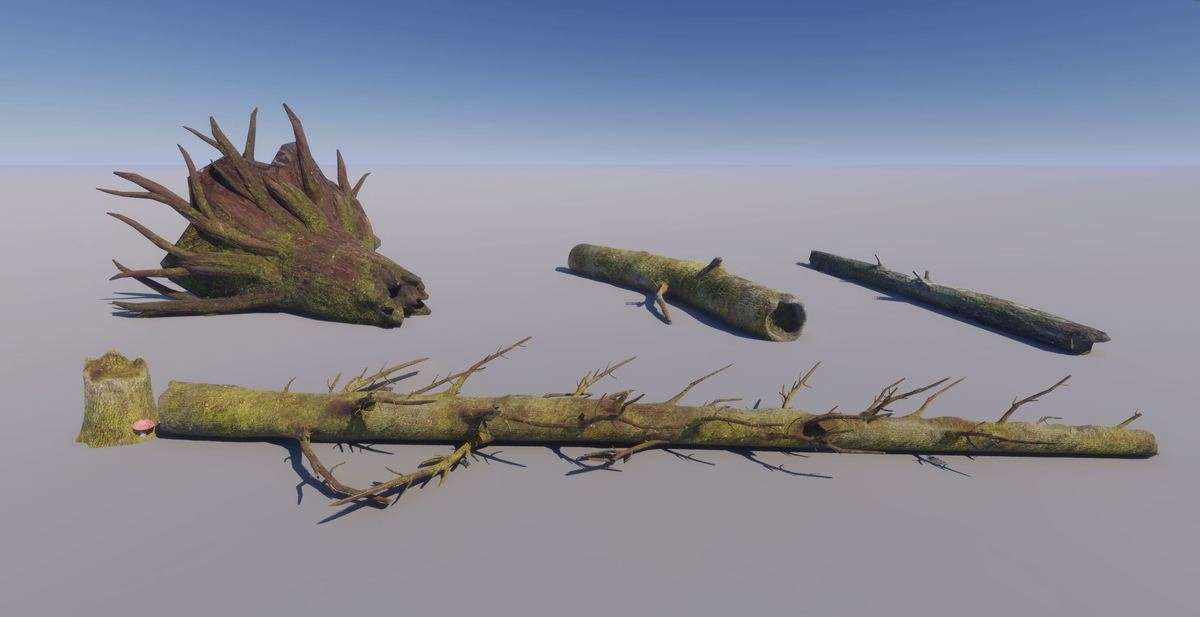
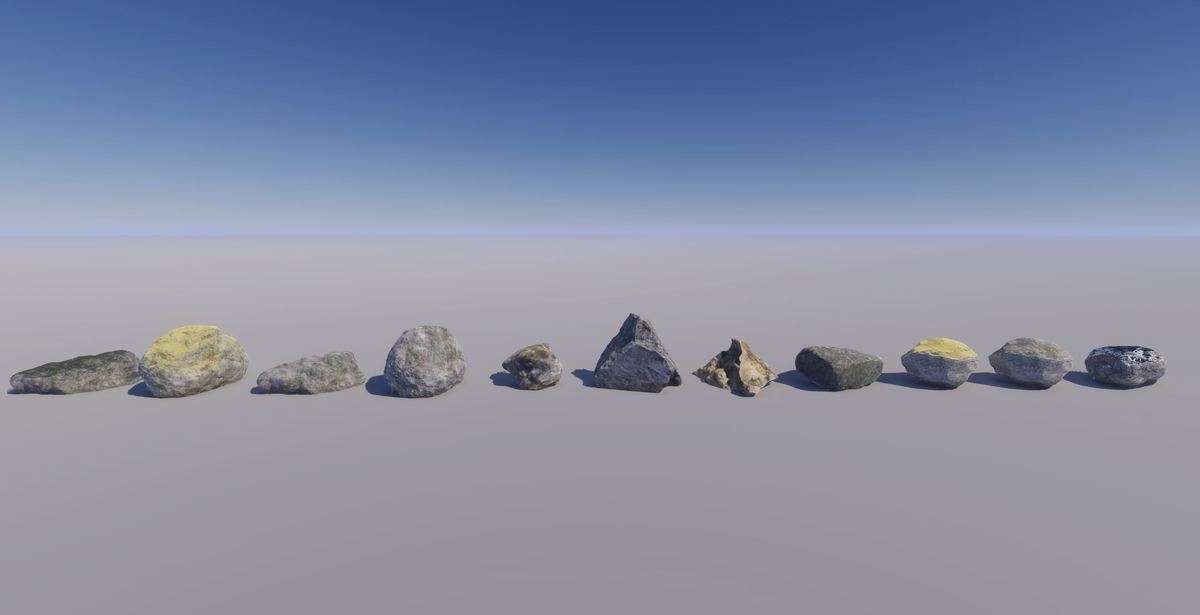
- ArchViz and Simulations: The high-fidelity water system and photogrammetry-enhanced trees provide the visual realism required for non-gaming applications like defense simulations or architectural walkthroughs.