
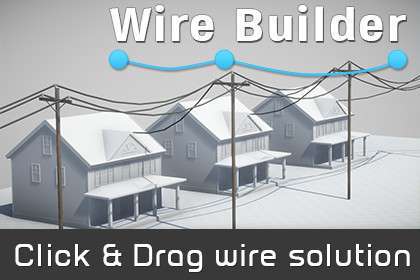
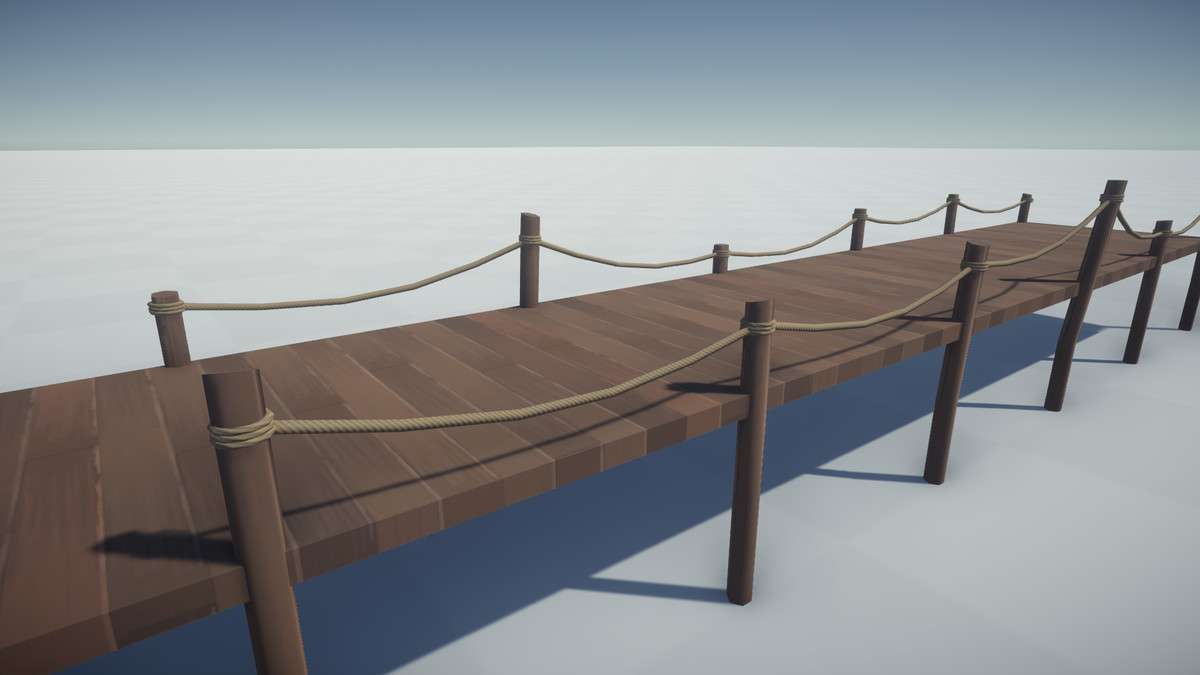
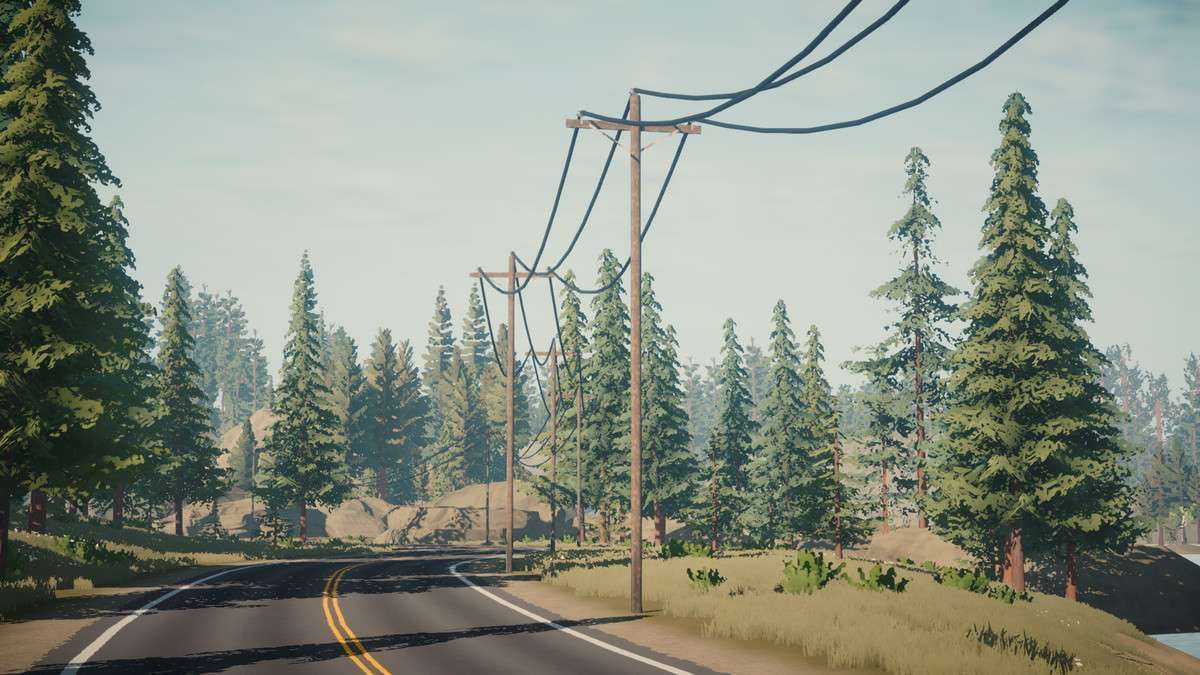
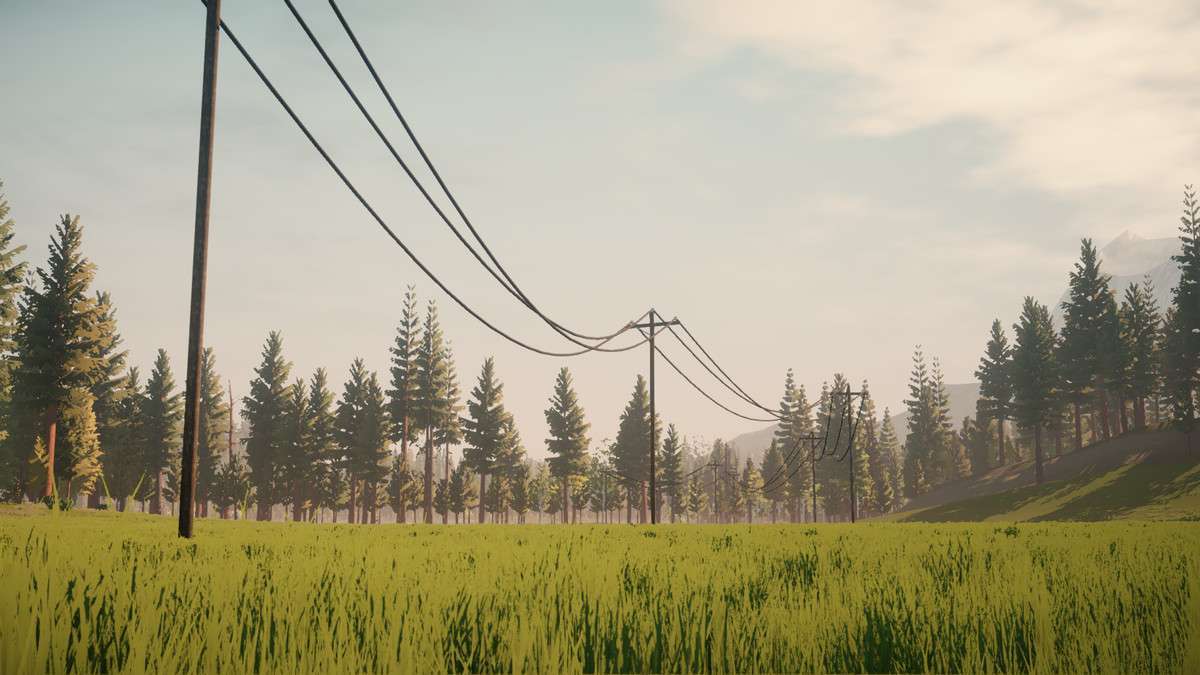
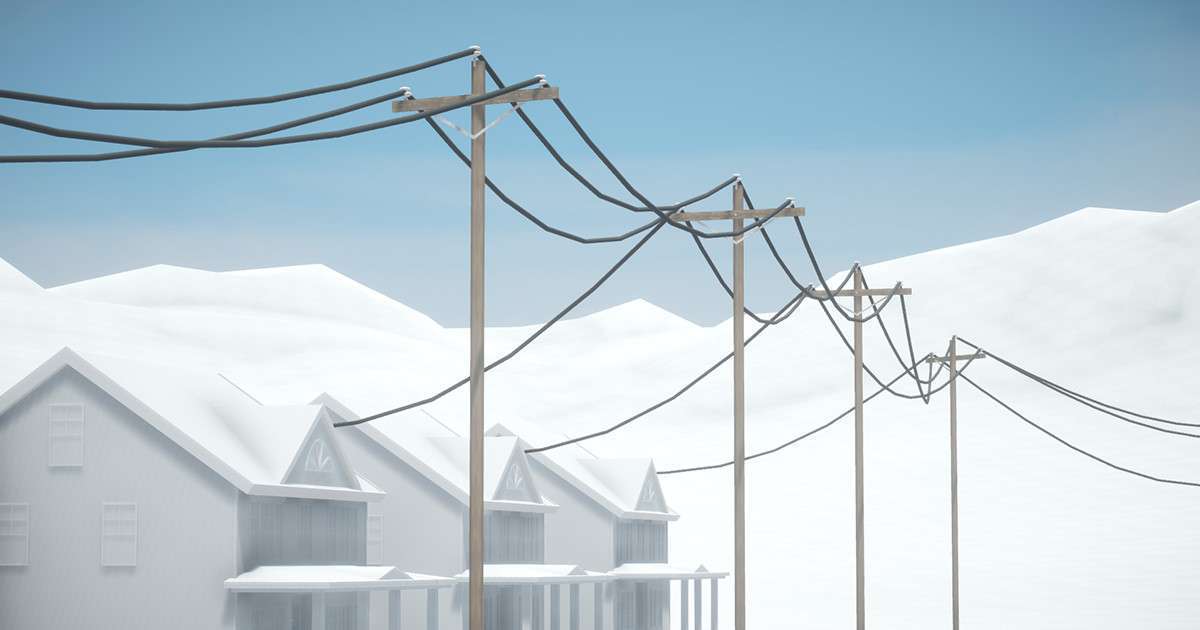
Adding environmental detail like power lines often results in high vertex counts or tedious manual placement, but Wire Builder Unity handles this through a specialized editor tool that calculates catenary curves on the fly. Using 1.0.2, you can bridge connectors with realistic sagging, choosing between LineRenderers for low-cost setups or MeshRenderers for high-fidelity close-ups that require proper shading and thickness.
Technical Overview
- Generation Logic: Bezier-based catenary curves with adjustable resolution per meter.
- Shader Effects: Includes a dedicated shader for wind animation, compatible with both Standard and URP Shader Graph.
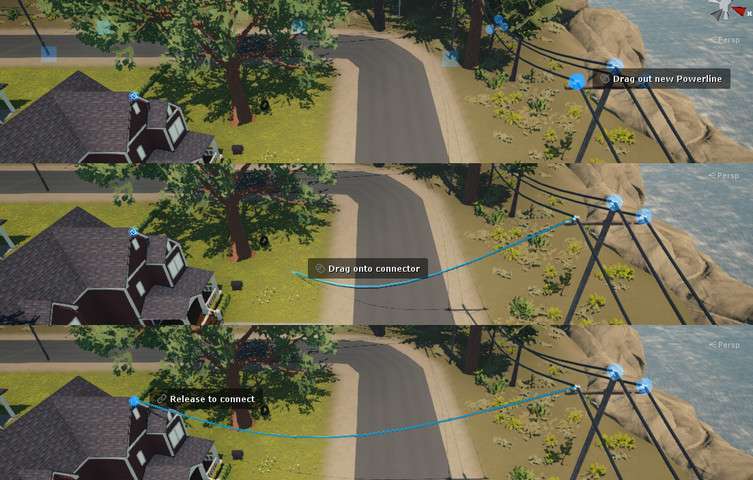
- Workflow: Click-and-drag scene view editing that automatically handles pivots for world-streaming compatibility.
Integration Tips
Wire Builder is an editor-only tool, meaning the final wires are baked into your scene. To keep your project optimized, I recommend using the MeshRenderer option with a low “resolution per meter” setting for background wires and reserving high-res meshes for wires the player might walk under. If you use Vegetation Studio, utilize the built-in tree removal feature to automatically clear branches that intersect with your newly placed power lines. Note that since wires have no physics by default, you’ll need to add a Capsule Collider manually if you need gameplay interaction, like a character ziplining.
Best Use Cases
- Urban/Industrial Environments: Quickly populate streetscapes with telephone poles and sagging wires to break up the silhouette of buildings without manual mesh modeling.
- Narrative Adventure Games: Perfect for adding “lived-in” detail to rural settings. The animated shader adds subtle wind movement that significantly increases immersion in quiet, atmospheric scenes.