
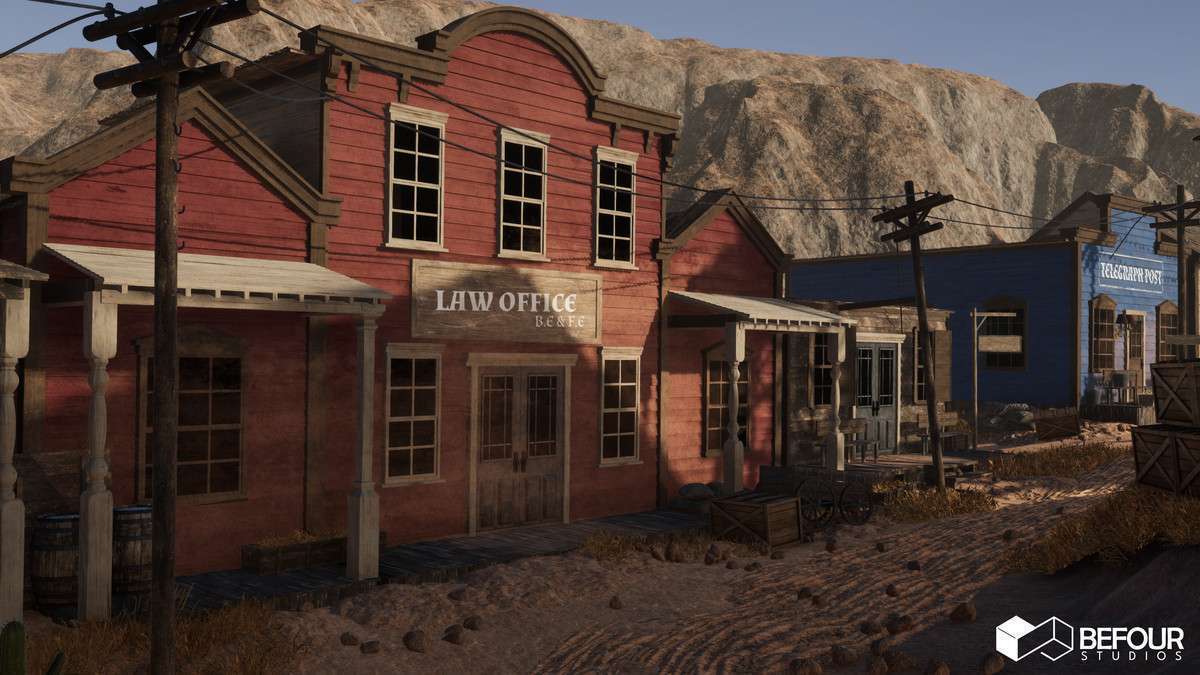
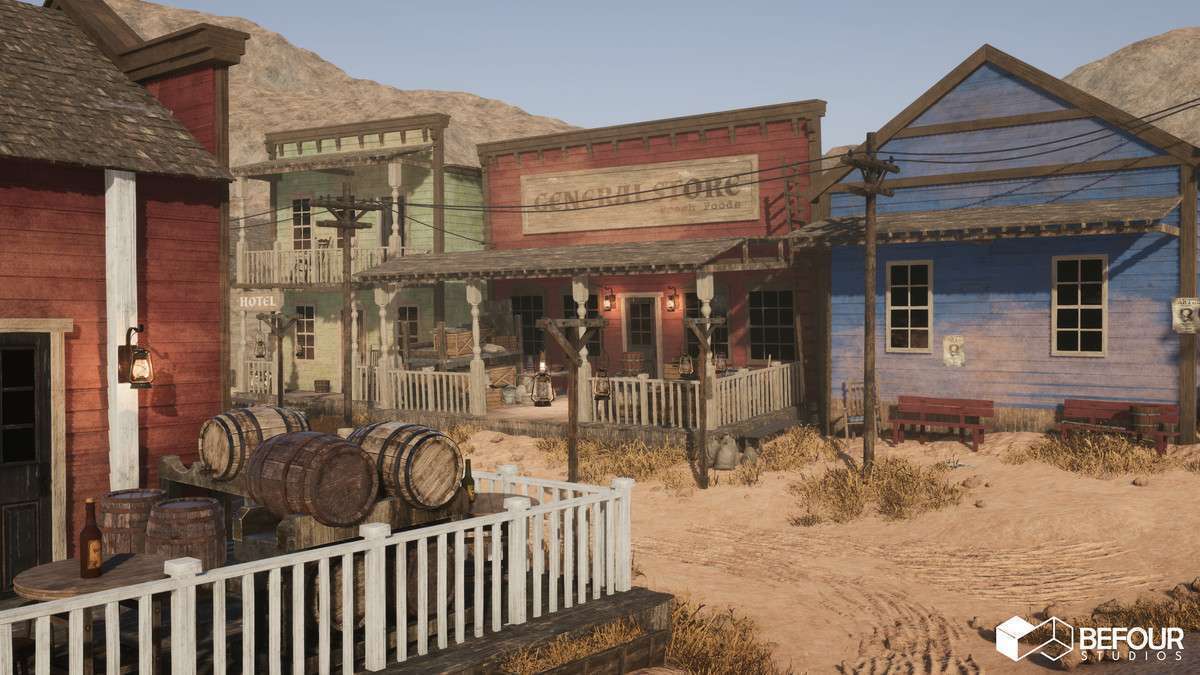
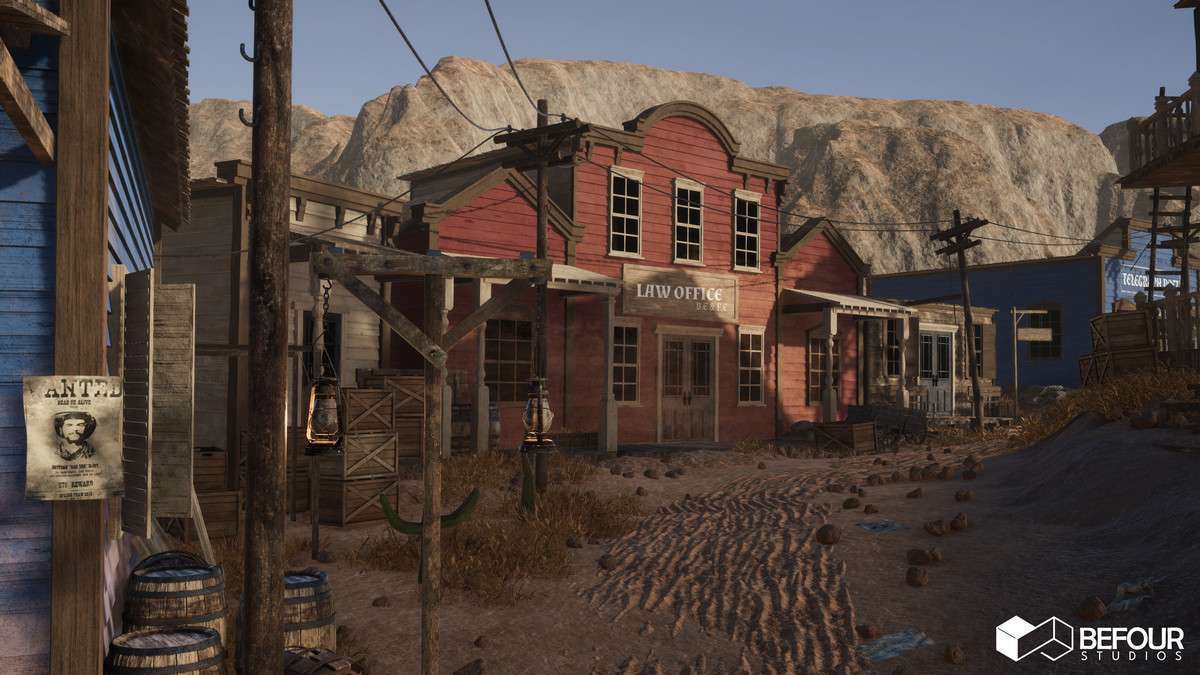
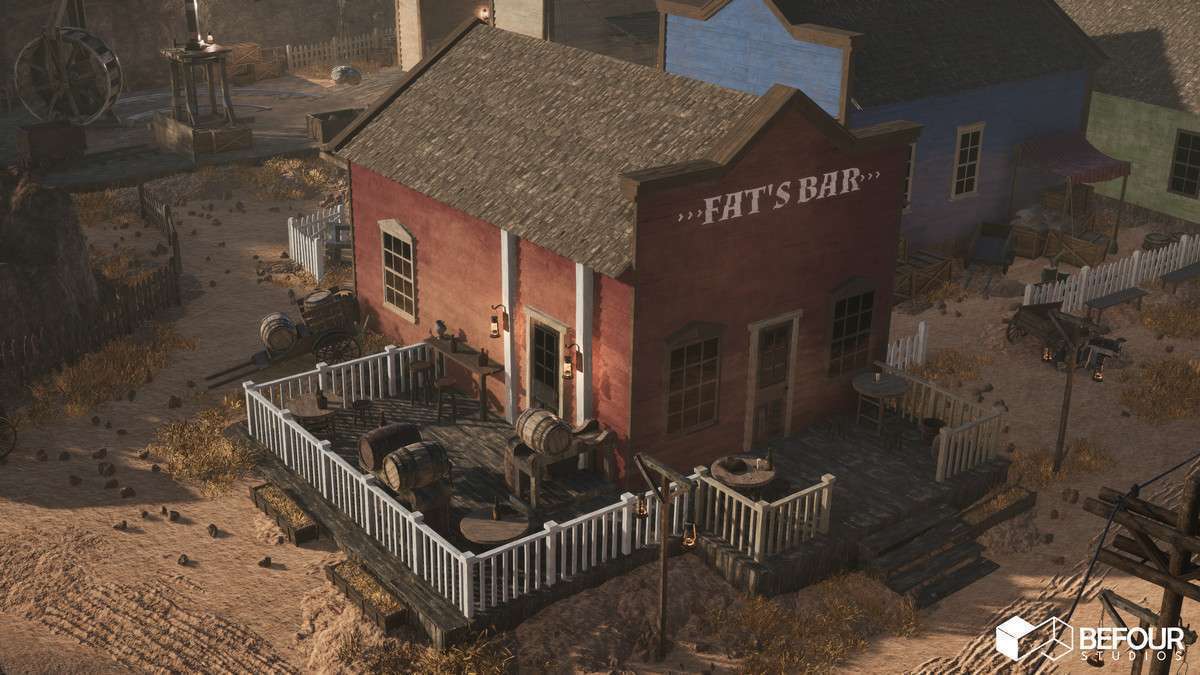
Technical Overview
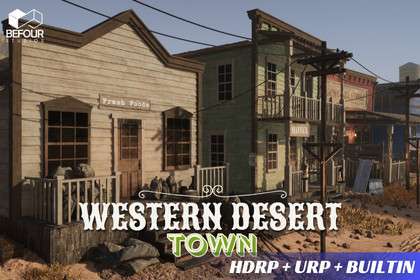
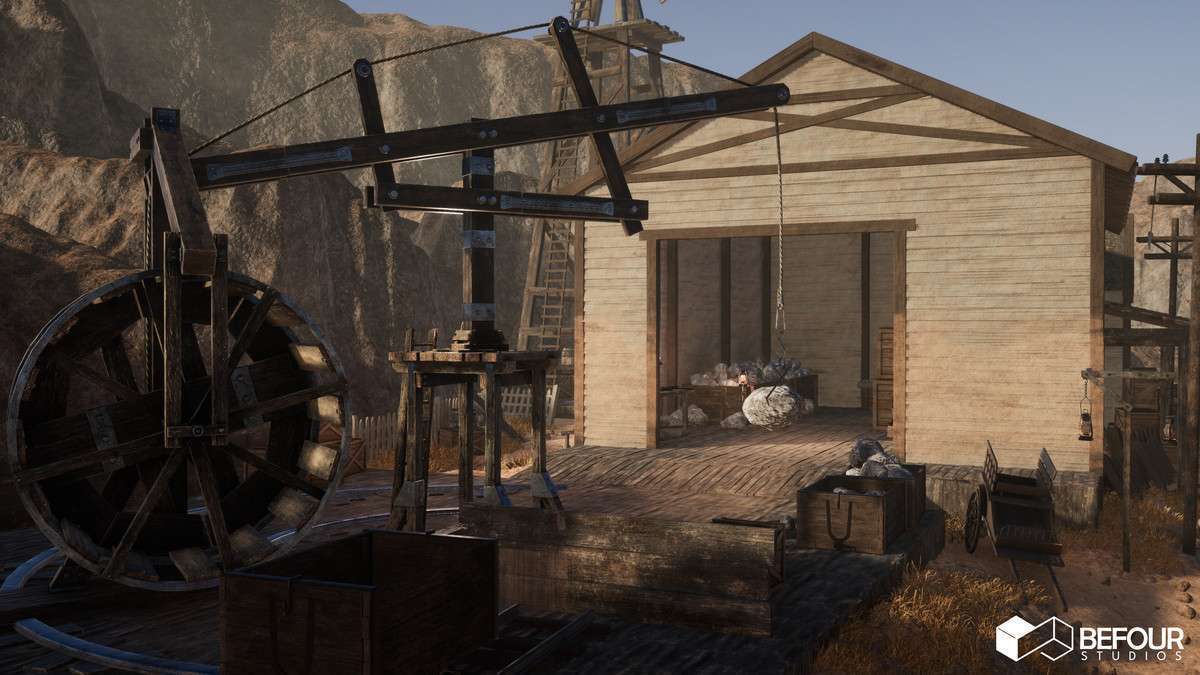
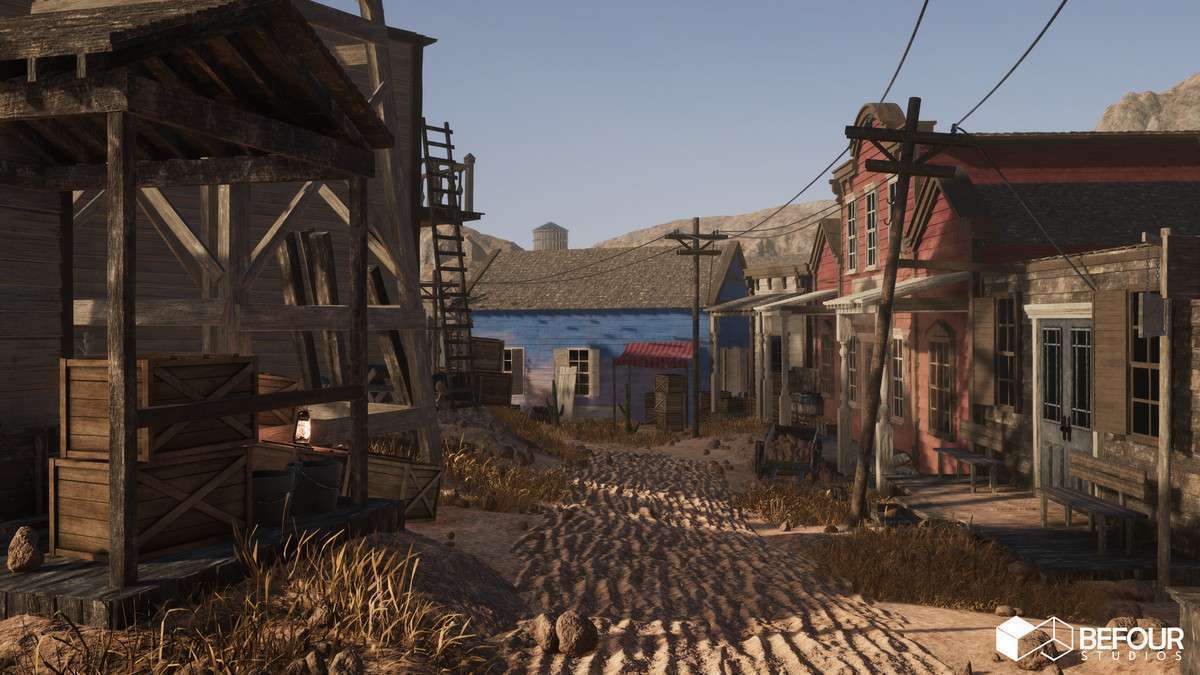
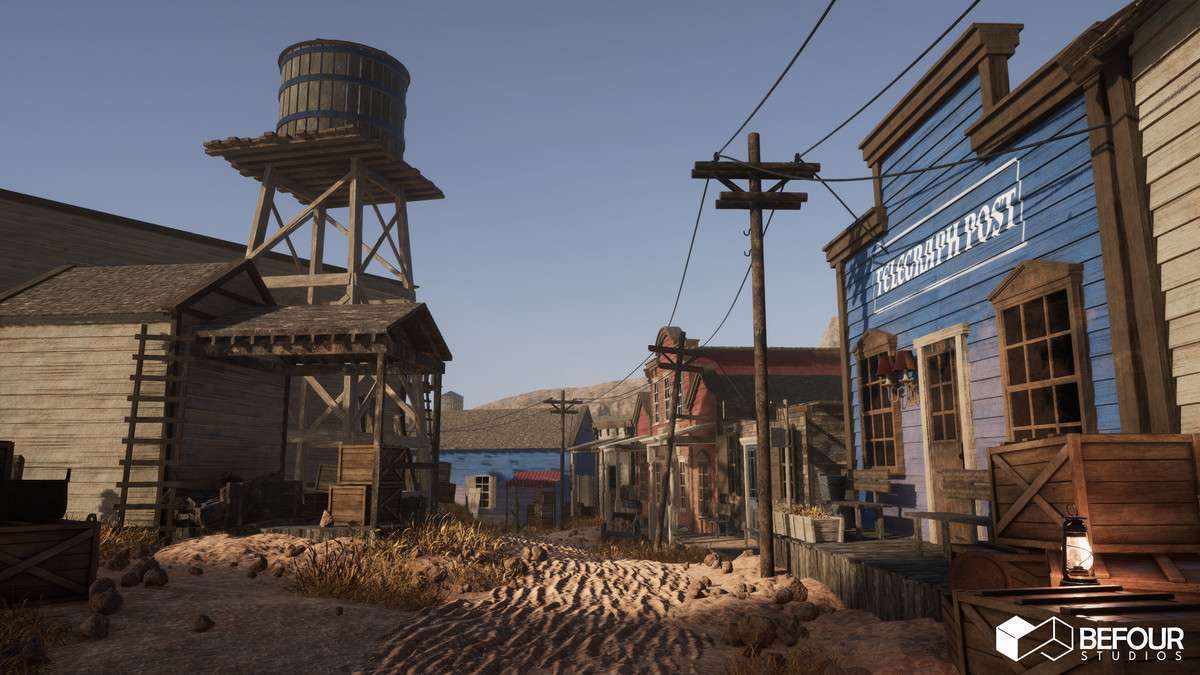
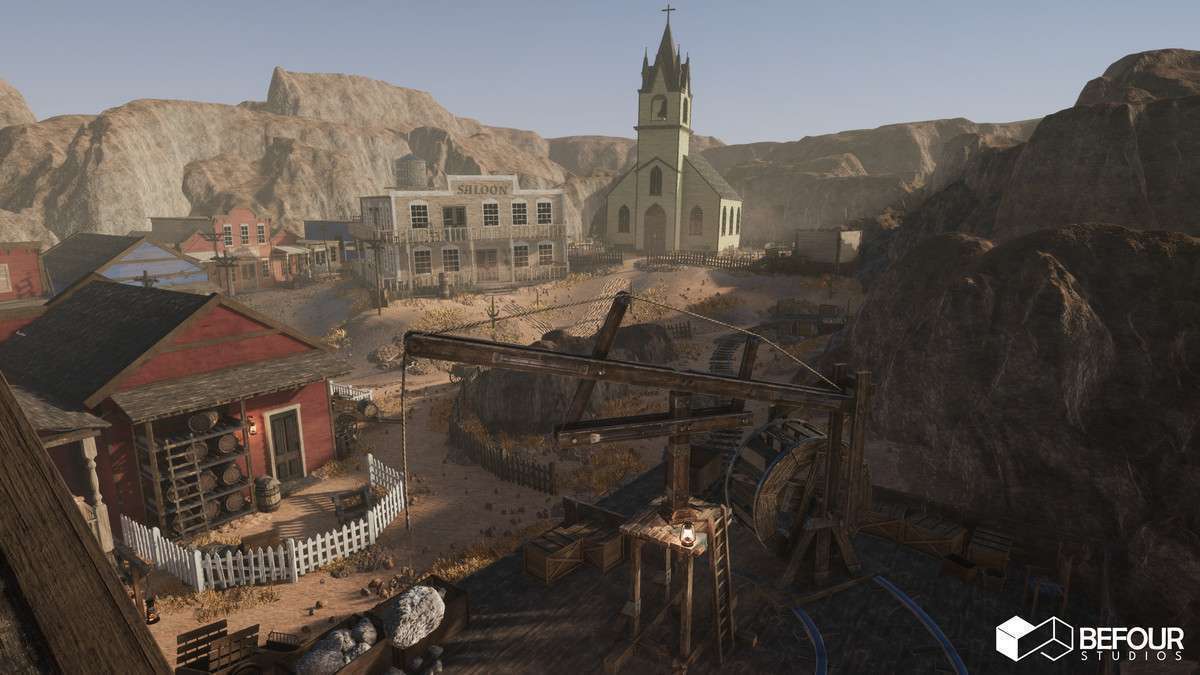
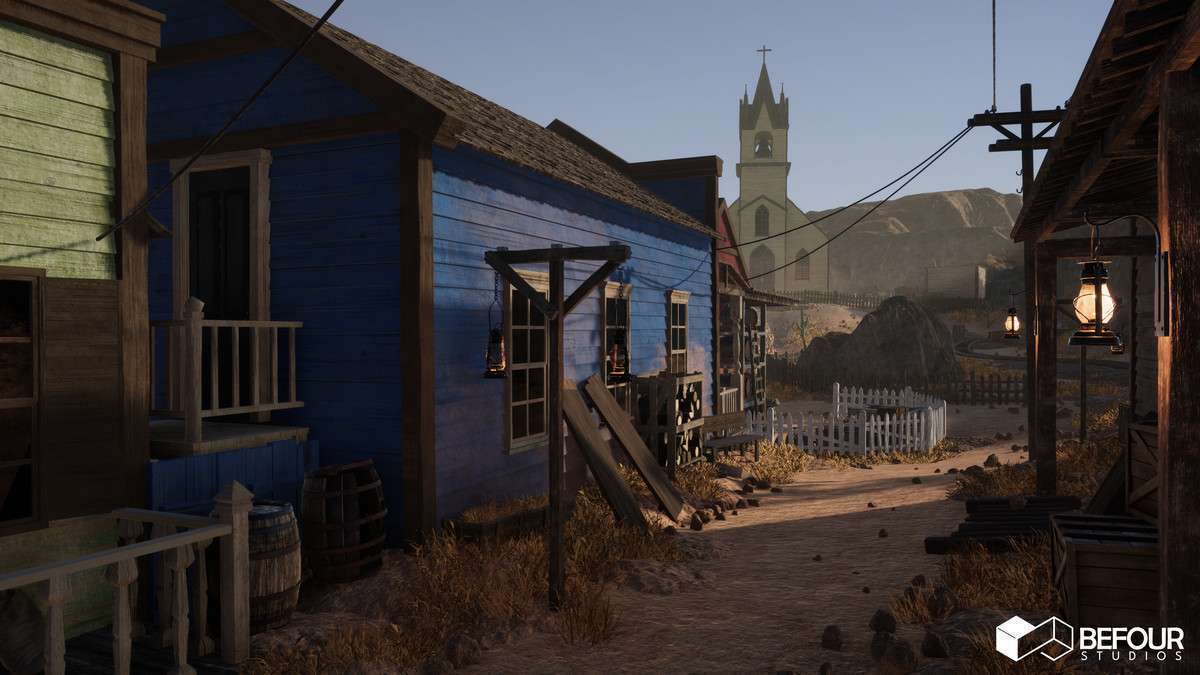
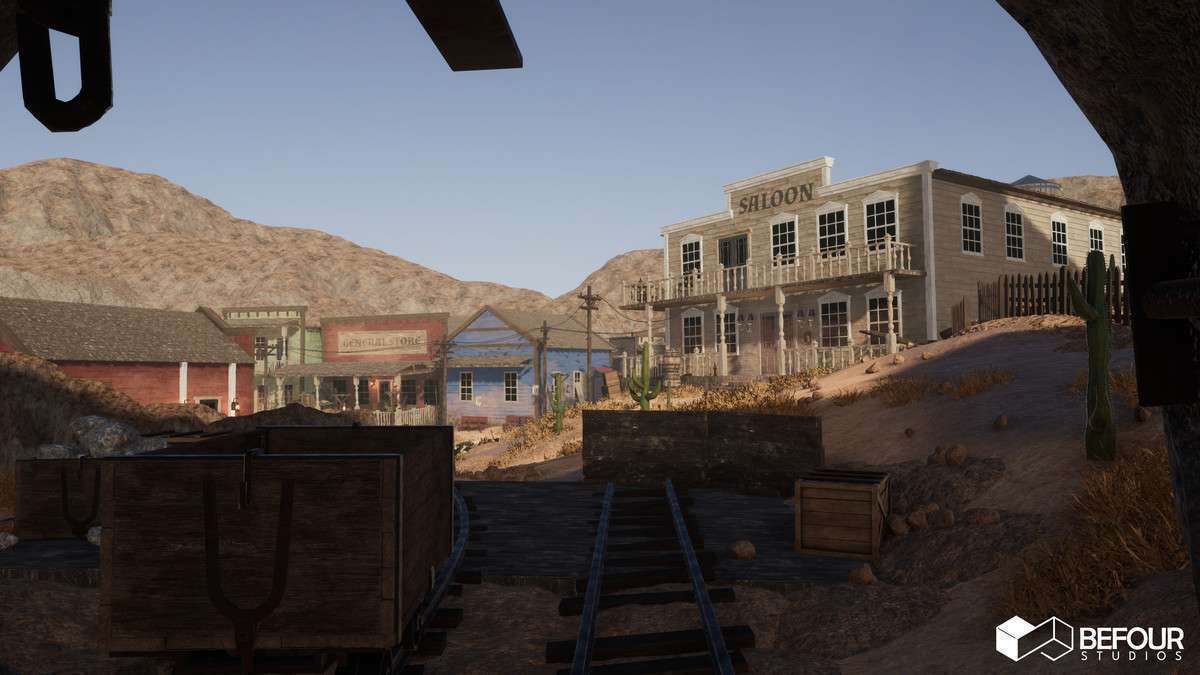
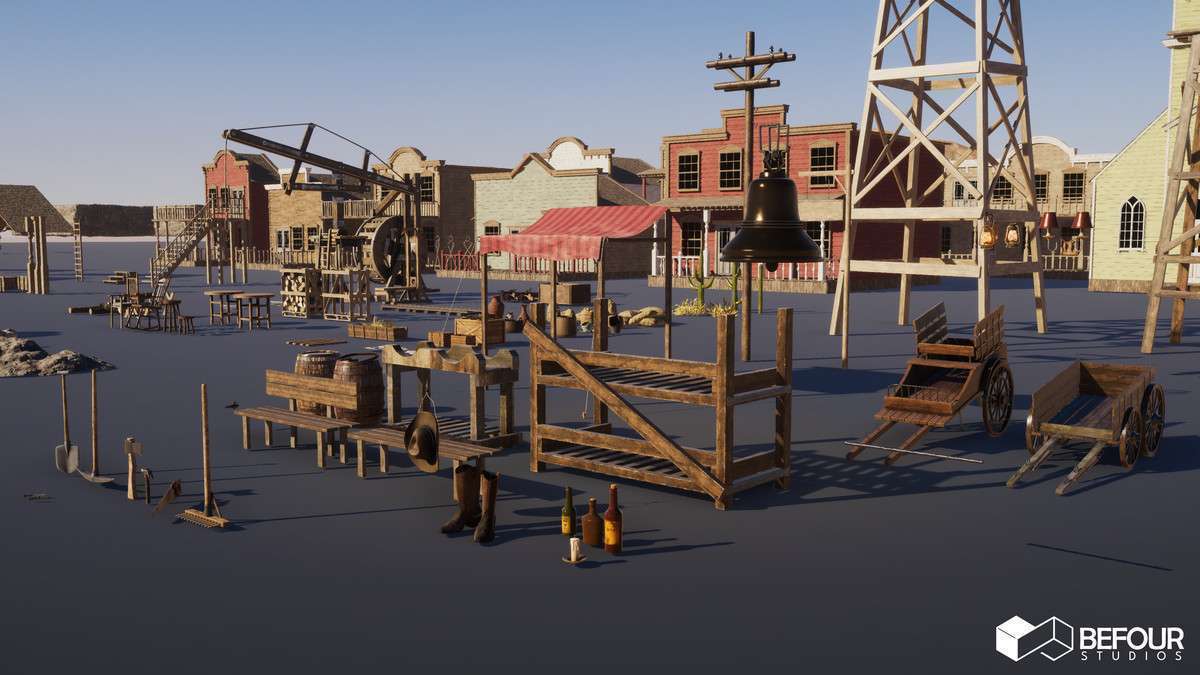
The Western Desert Town Environment Unity pack 1.1.0 is a masterclass in cross-pipeline compatibility. Whether you are targeting the high-end visuals of HDRP or the performance-conscious URP, the inclusion of channel-packed textures (Metallic/Roughness/AO) ensures that your memory footprint remains lean. The world-aligned wall mask materials are particularly useful, allowing you to scale and kitbash modular wall sections without the tell-tale texture tiling issues that usually plague modular environments.
Integration Tips
- Pipeline Switching: Do not just import the asset and expect it to work. You must locate the specific .unitypackage files for URP or HDRP within the settings folder. This ensures the 5 master shaders and shader subgraphs are correctly compiled for your project’s Render Pipeline.
- Decal Implementation: Leverage the hand-drawn decals to break up repetitive ground and wall textures. Since these are separate meshes/textures, ensure your project has ‘GPU Instancing’ enabled on the decal materials to prevent them from breaking batches.
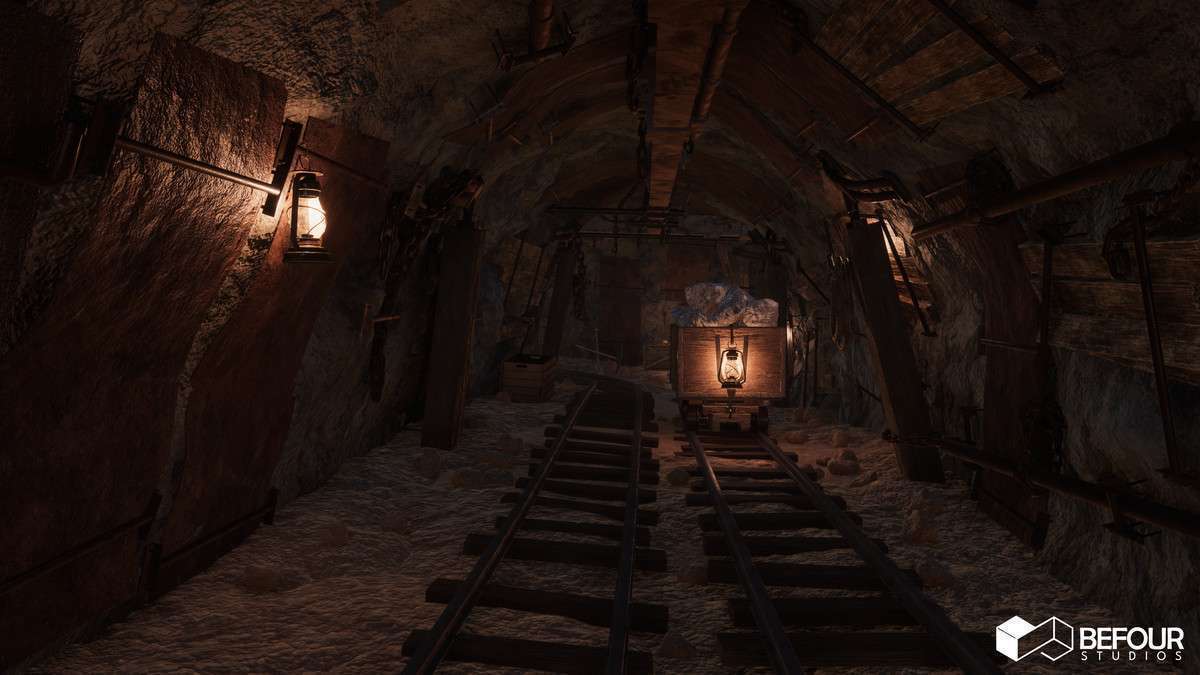
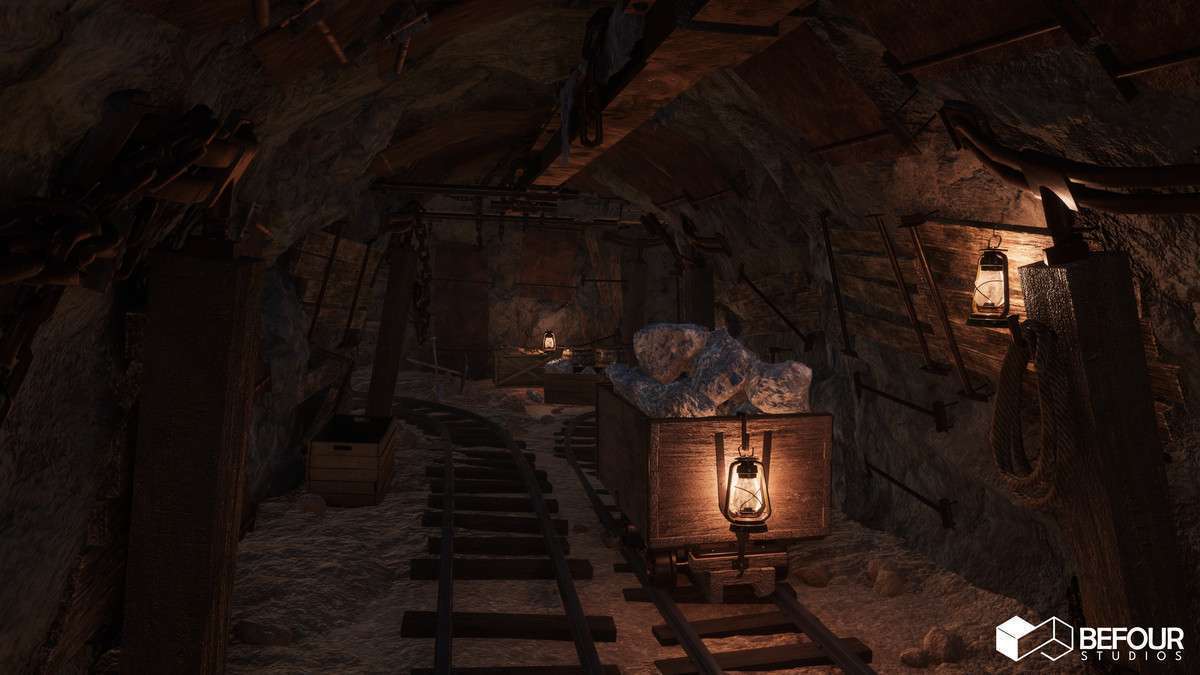
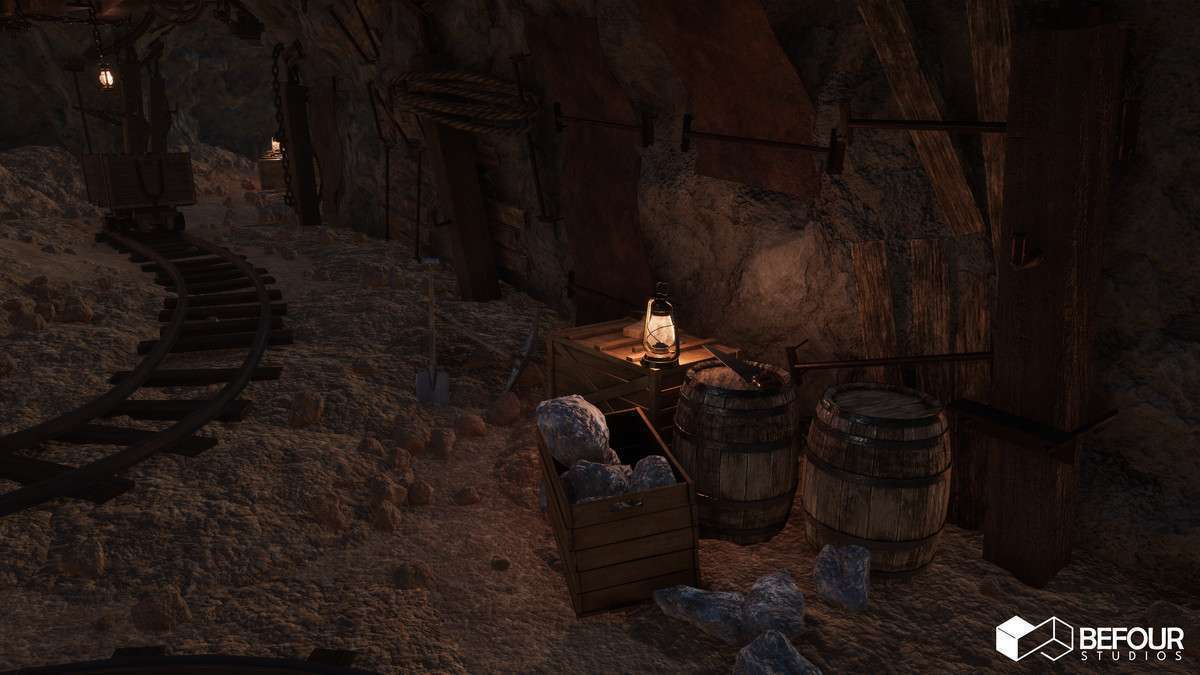
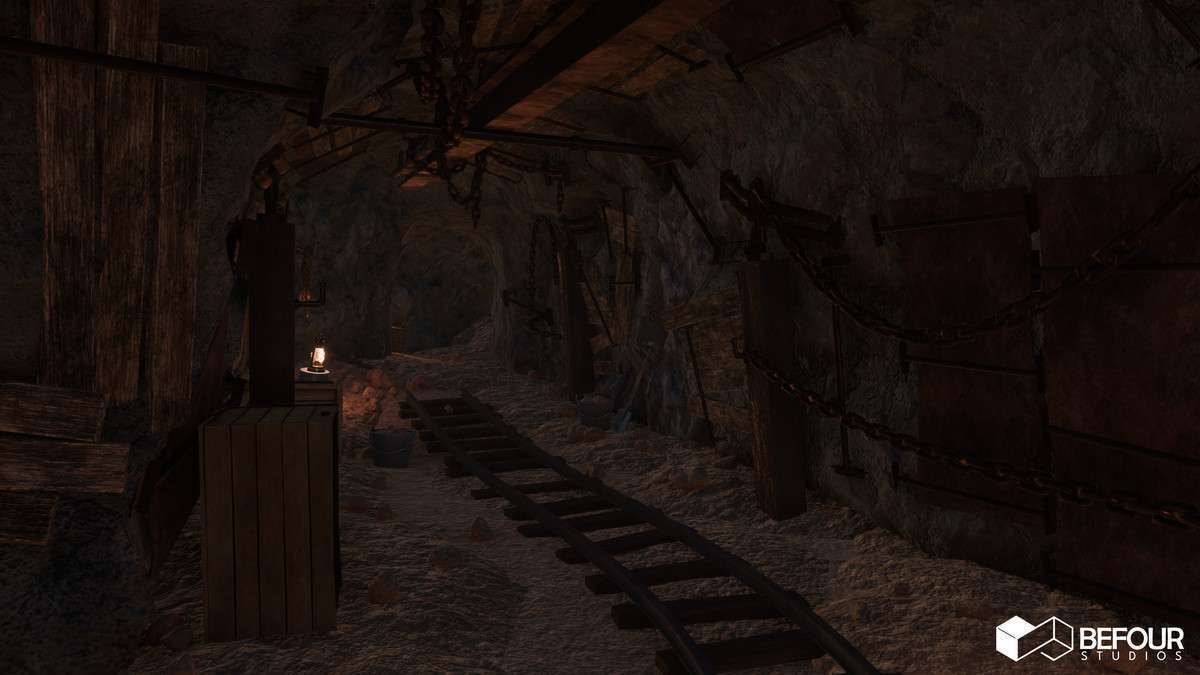
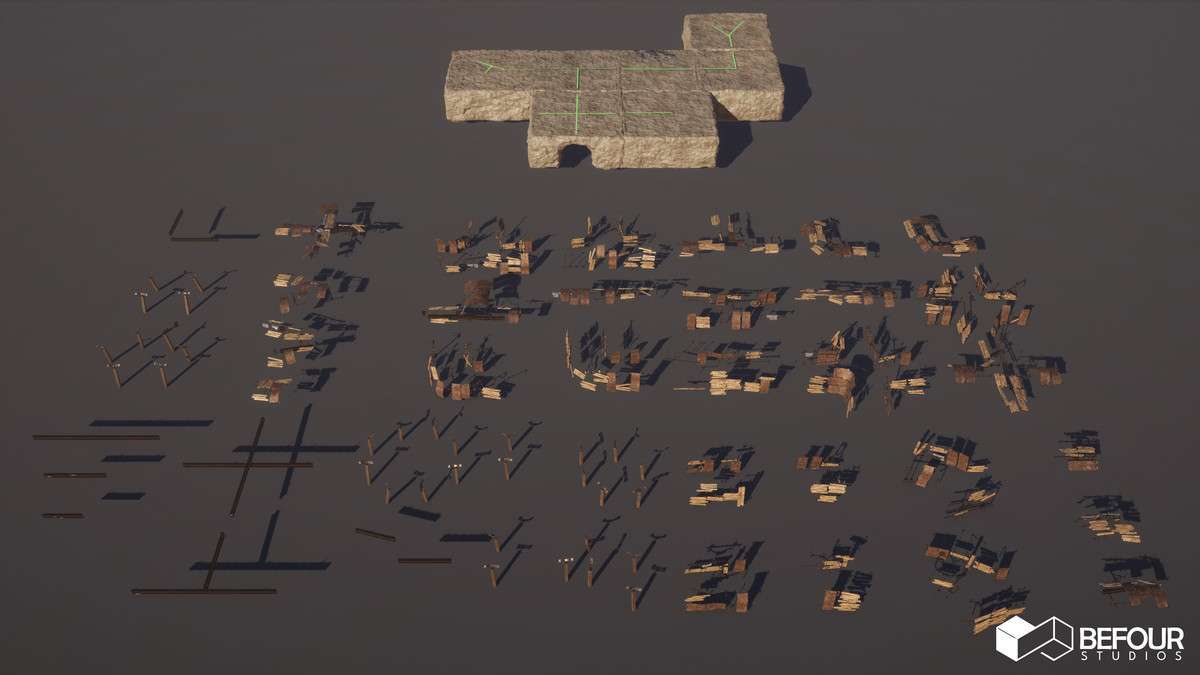
- Cave System Integration: The 7 cave modules use a specific vertex density designed to blend with the terrain. Use a tri-planar shader or the provided world-aligned materials to seam the transition between the Unity Terrain and the modular cave meshes.
Best Use Cases
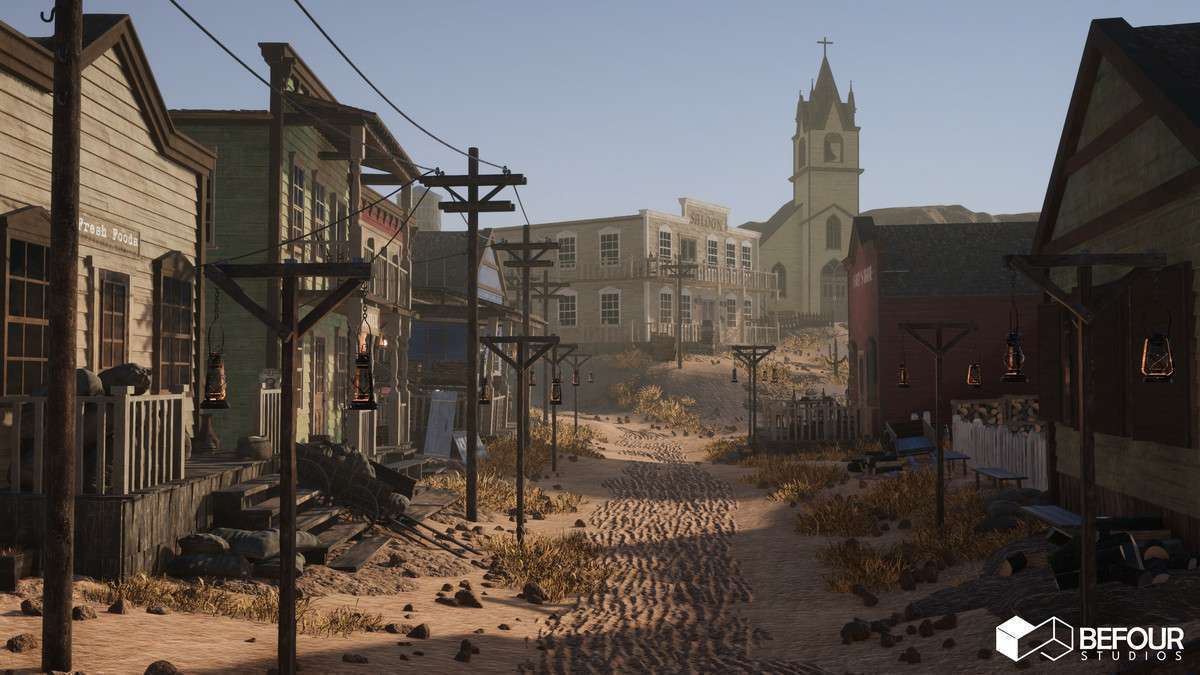
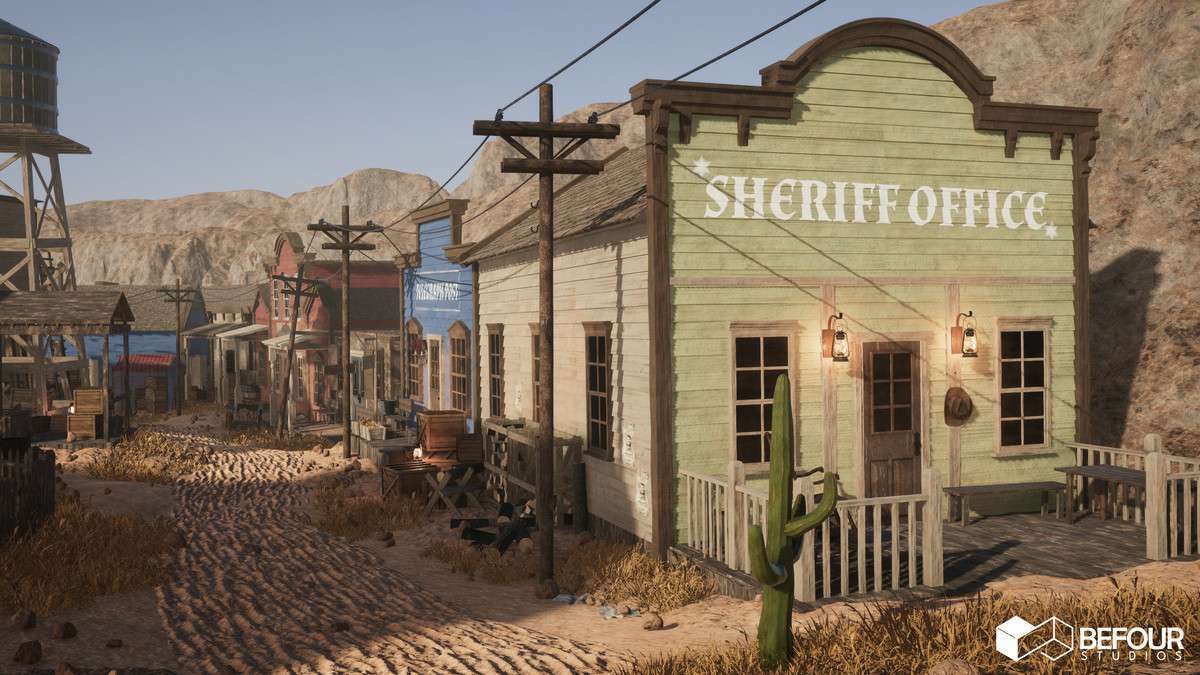
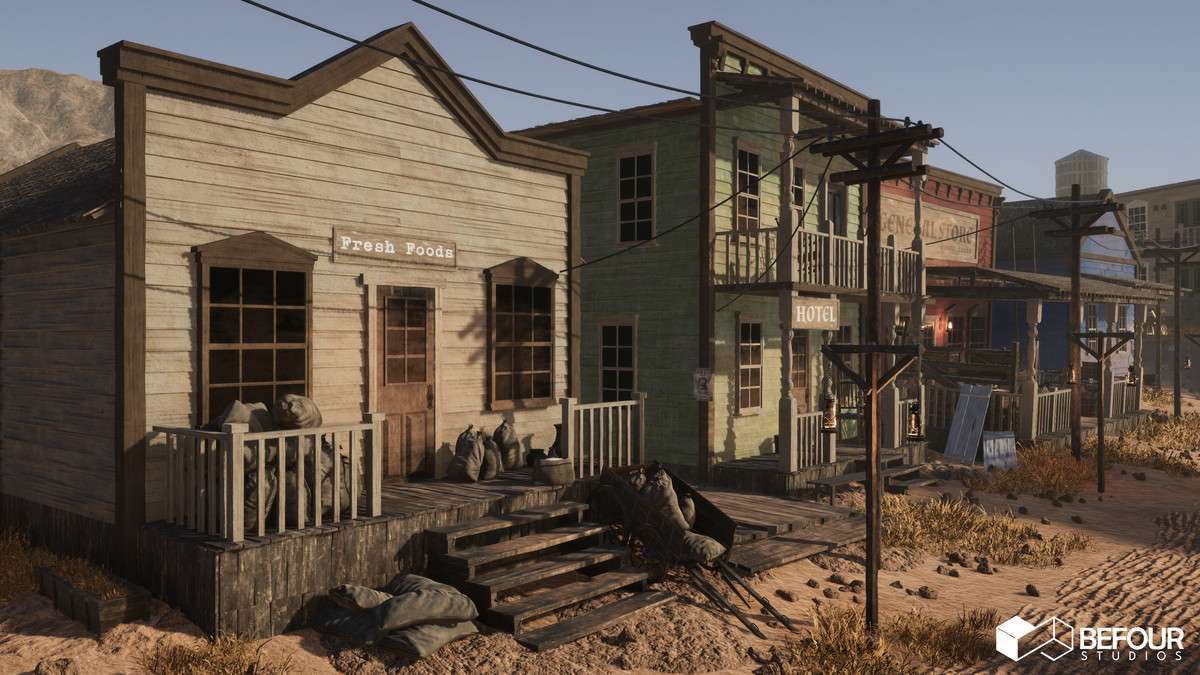
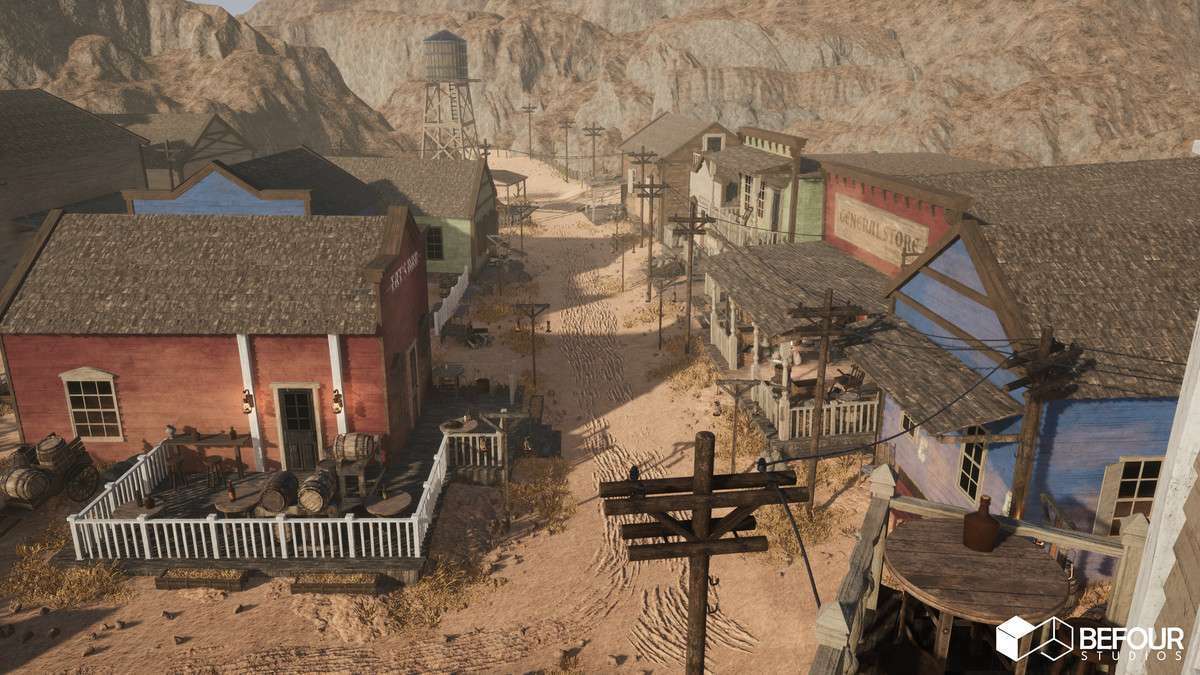
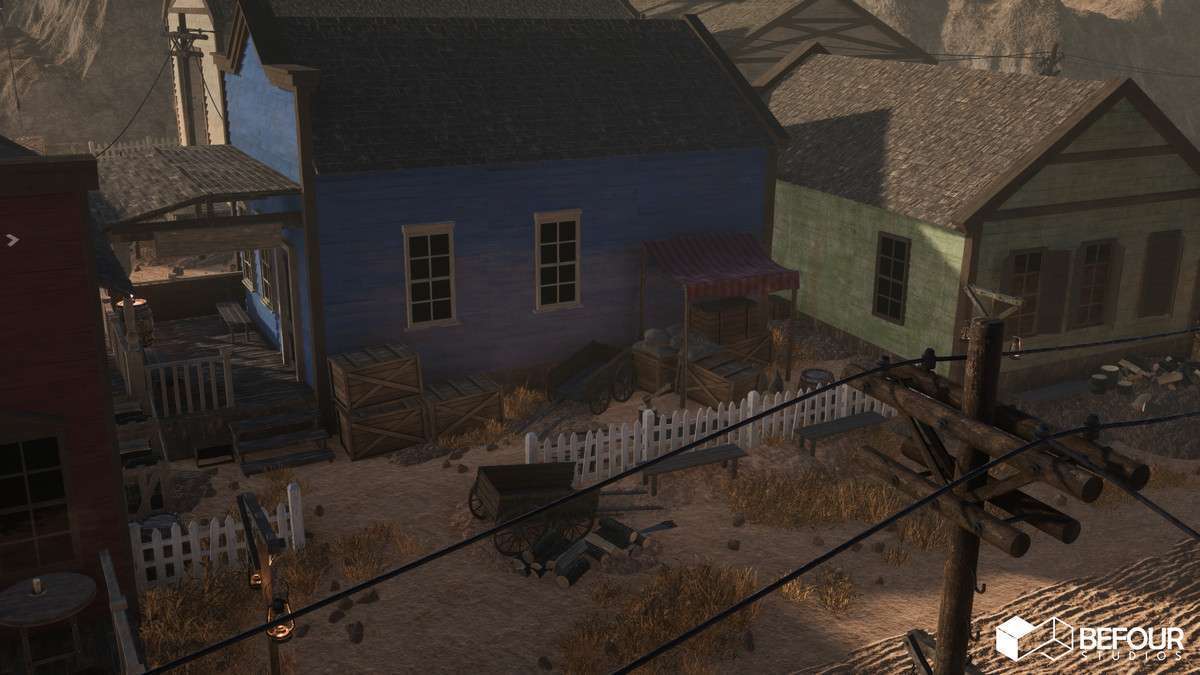
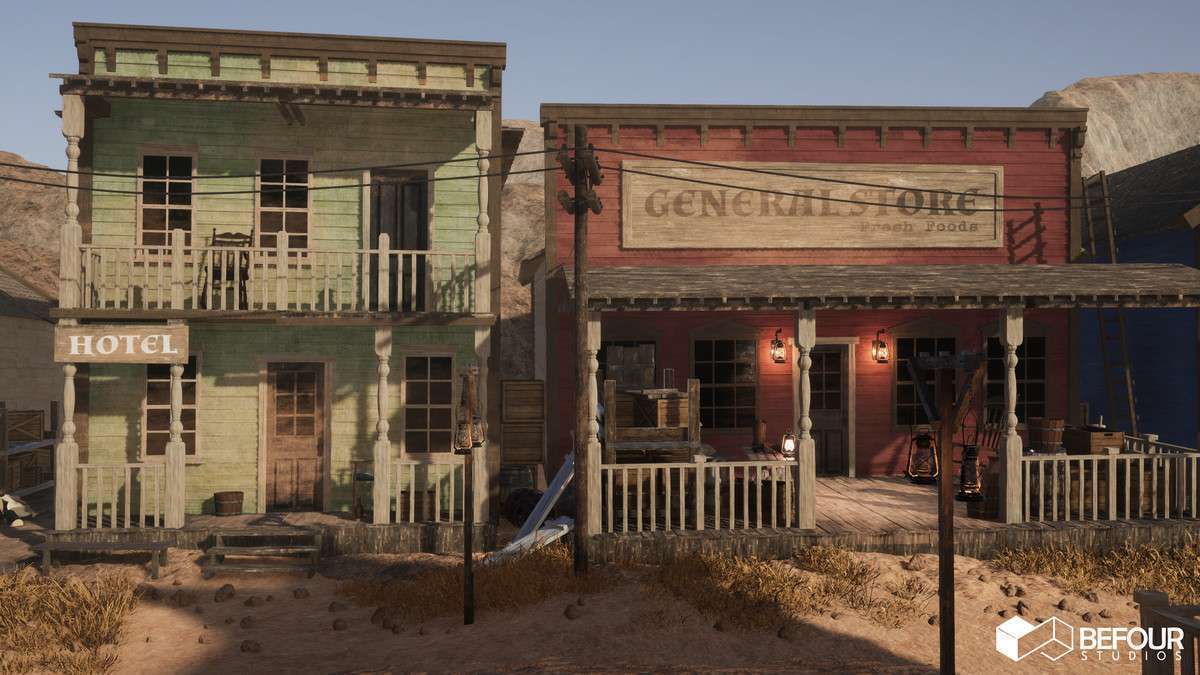
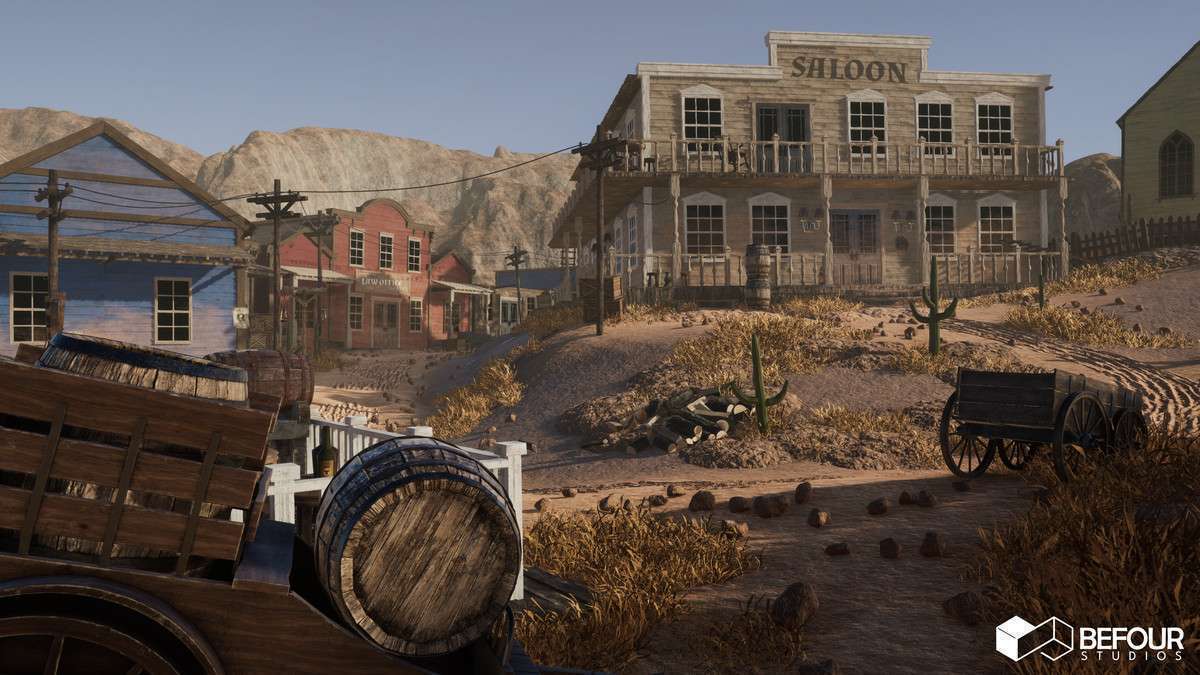
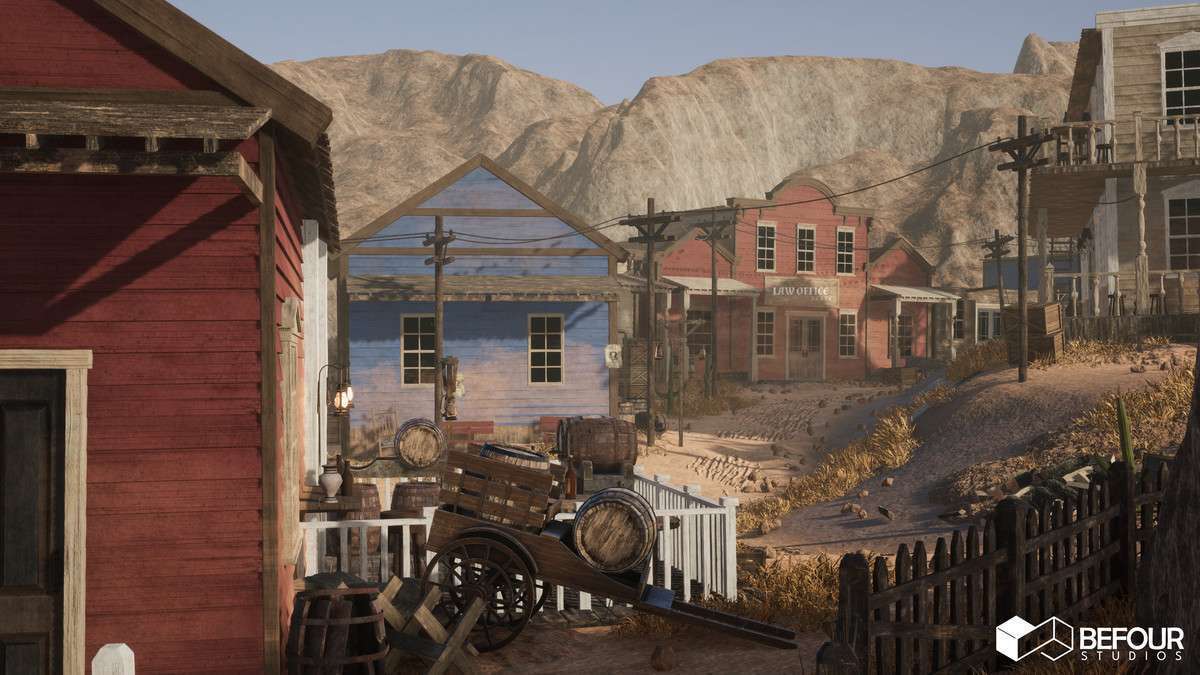
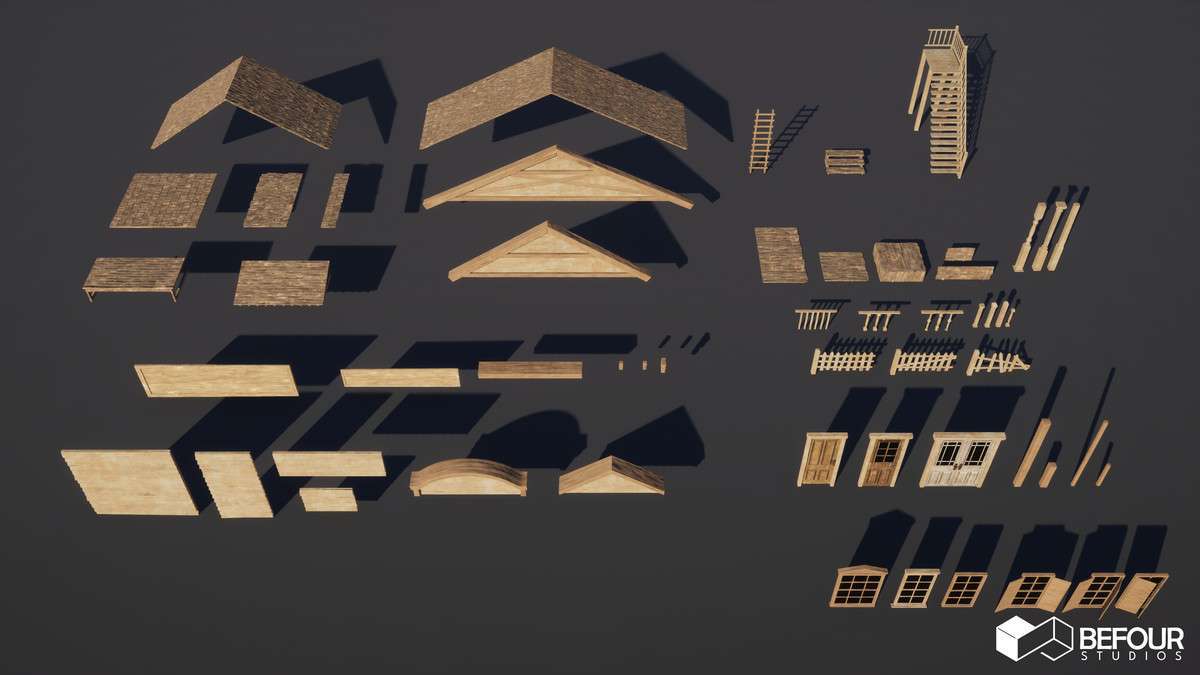
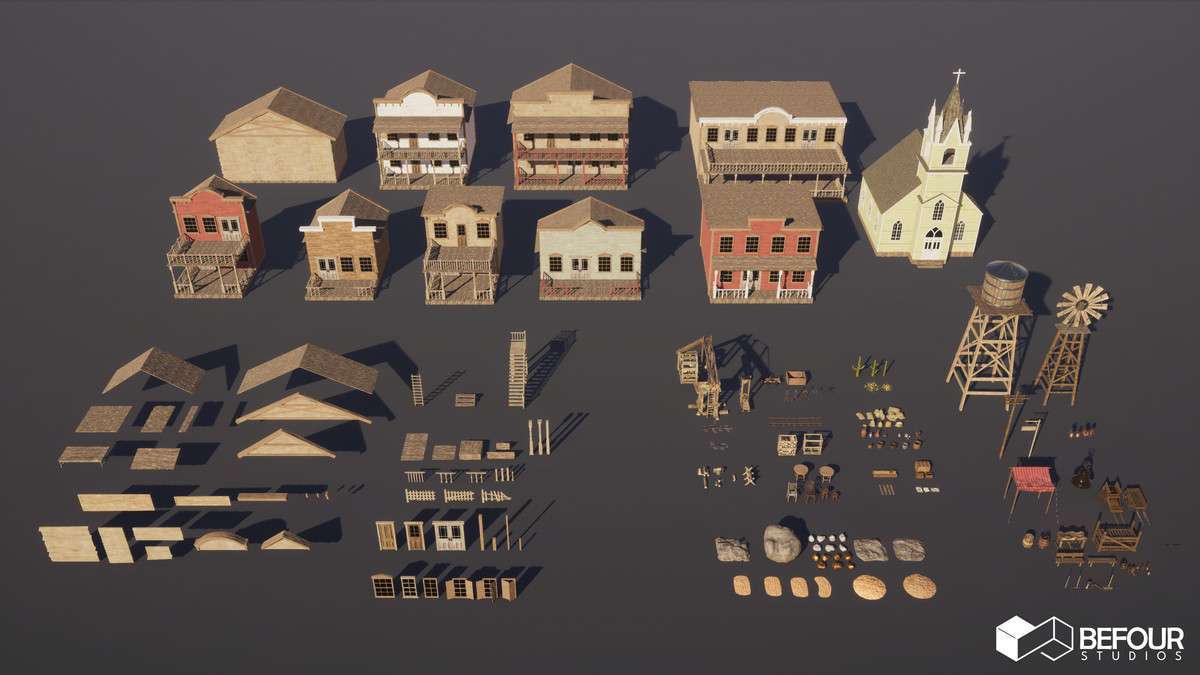
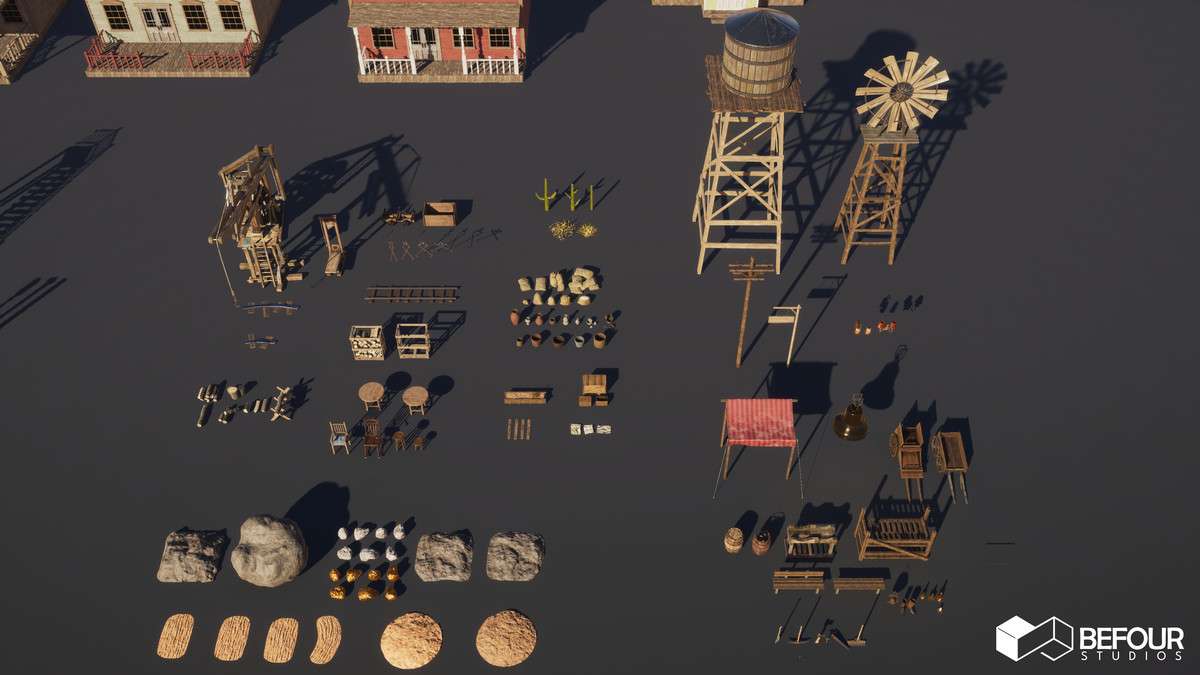
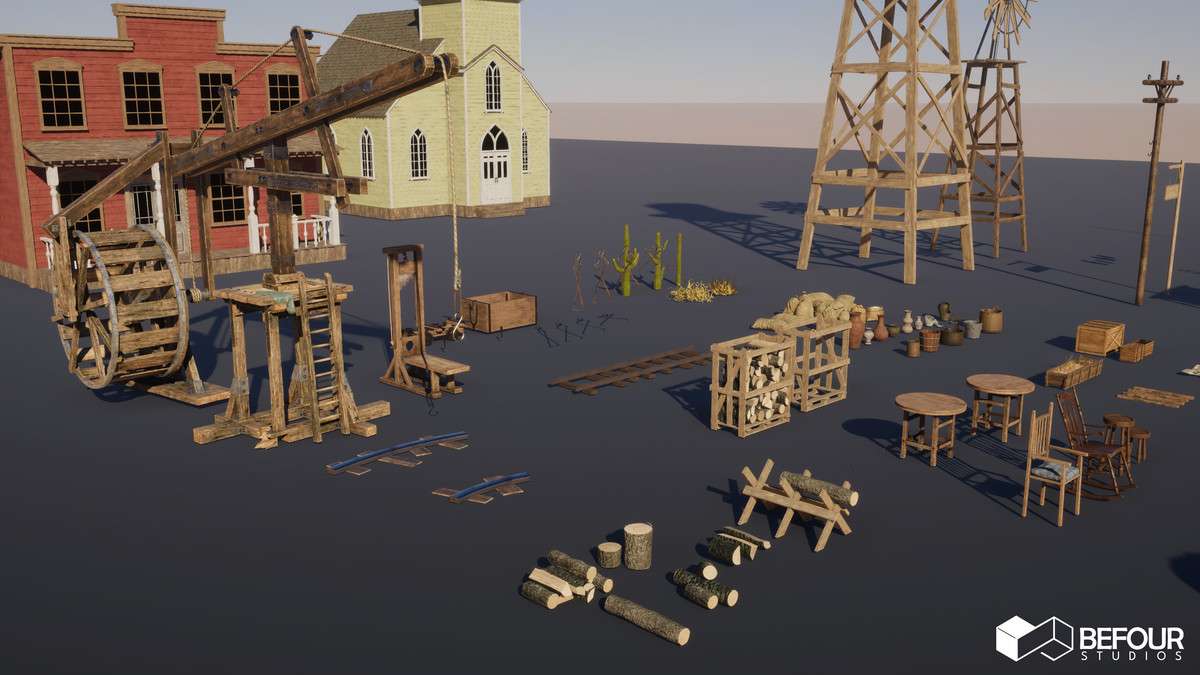
- Open-World RPGs: The modularity of the 231 unique meshes allows for diverse town layouts and interior/exterior transitions, while the LOD 5 support ensures that distant desert vistas don’t tank the frame rate.
- Battle Royale/Large Map Shooters: The shared textures between multiple assets and optimized lighting setups make this ideal for large-scale maps where memory budget and fast occlusion culling are top priorities.