
Technical Overview
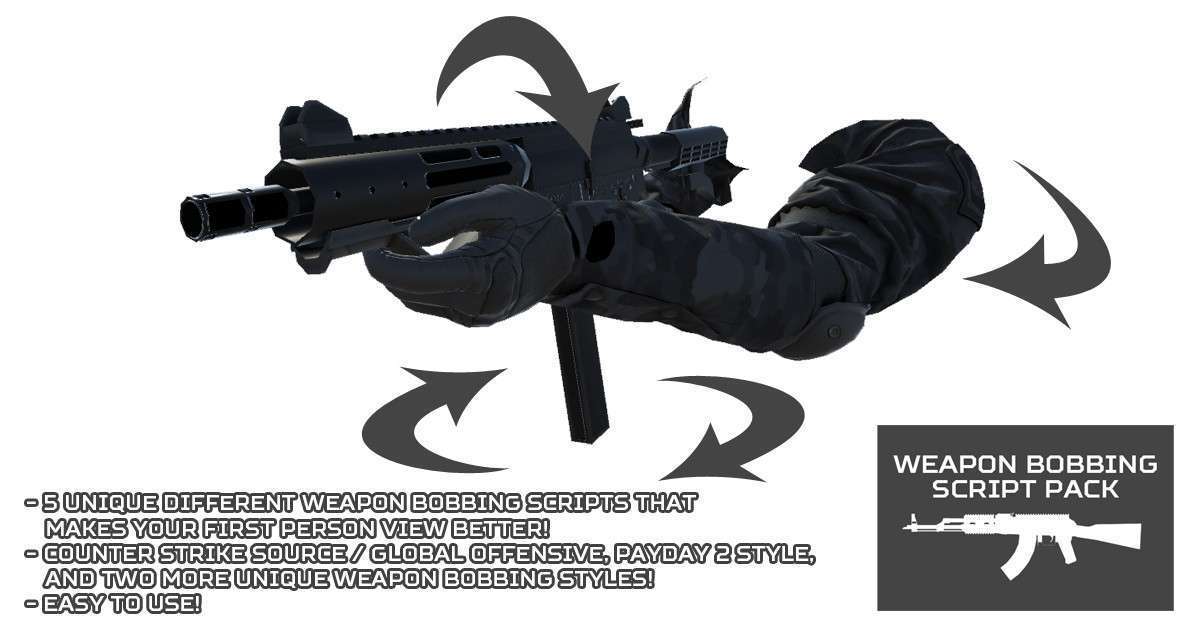
The Weapon Bobbing Script Pack Unity 1.1.0 provides a robust mathematical foundation for procedural weapon movement, moving beyond simple sine-wave oscillations. These scripts manipulate the local transform of weapon prefabs to simulate inertia, weight, and gait. By using these procedural scripts instead of baked animations, you significantly reduce the memory footprint of your project and allow for real-time adjustments to bobbing intensity based on player velocity or stamina states.
Integration Tips
For a clean setup, parent your weapon model to a ‘Bobbing Container’ GameObject rather than applying the scripts directly to the weapon mesh or the main camera. This allows you to stack multiple procedural effects—like recoil or camera shake—without them overwriting each other’s transform data. Ensure your movement controller passes a ‘Normalized Speed’ float to the bobbing scripts; if you are using the new Input System, use the `.magnitude` of your movement vector to drive the frequency variable in the Payday 2 or CS:GO style scripts for the most responsive feel.
Best Use Cases
- Competitive Tactical Shooters: The CS:Source and CS:GO style scripts provide the specific, predictable feedback loops that players expect in high-stakes shooters, where weapon positioning directly affects the feel of movement precision.
- Immersive Horror Sims: Use the custom bobbing profiles to create a more erratic, weighted movement pattern that simulates character fatigue, increasing the displacement amplitude as the player’s ‘Stamina’ variable decreases.