

Technical Overview
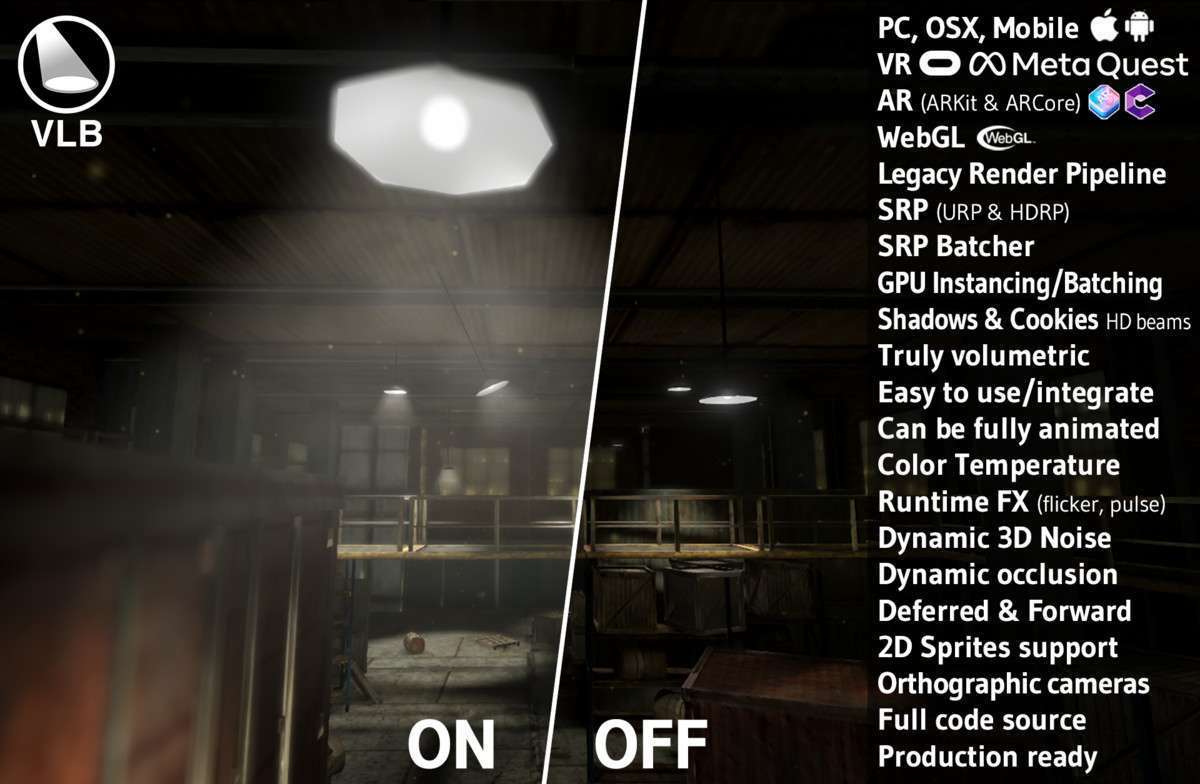
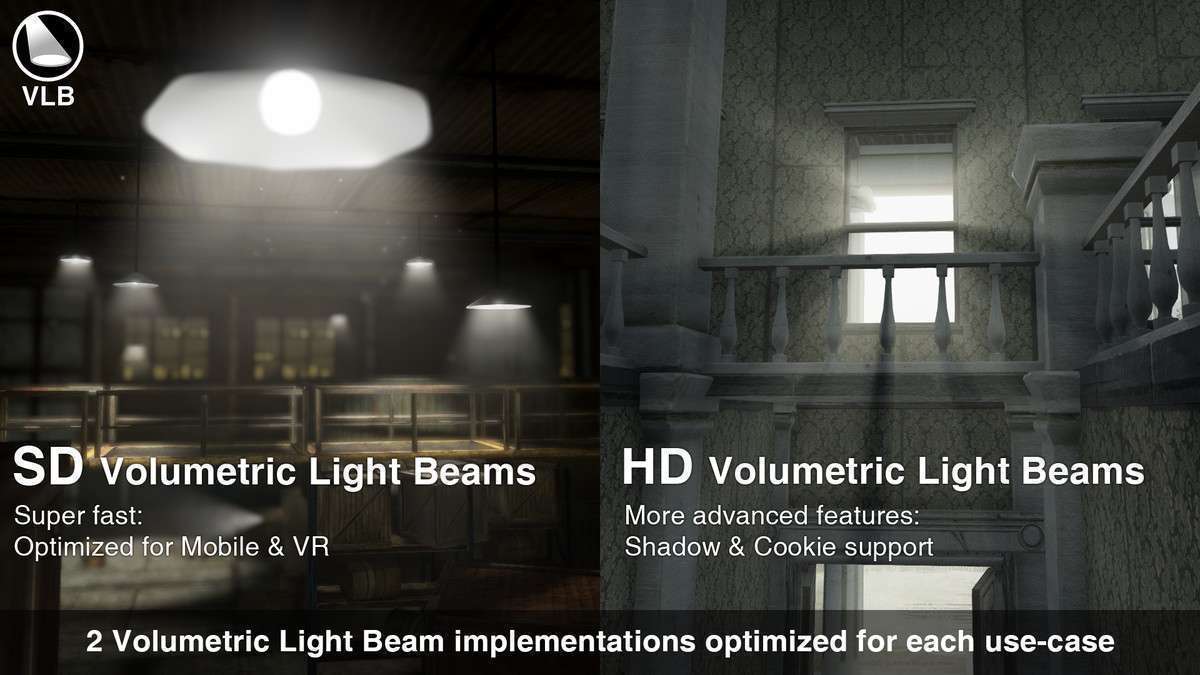
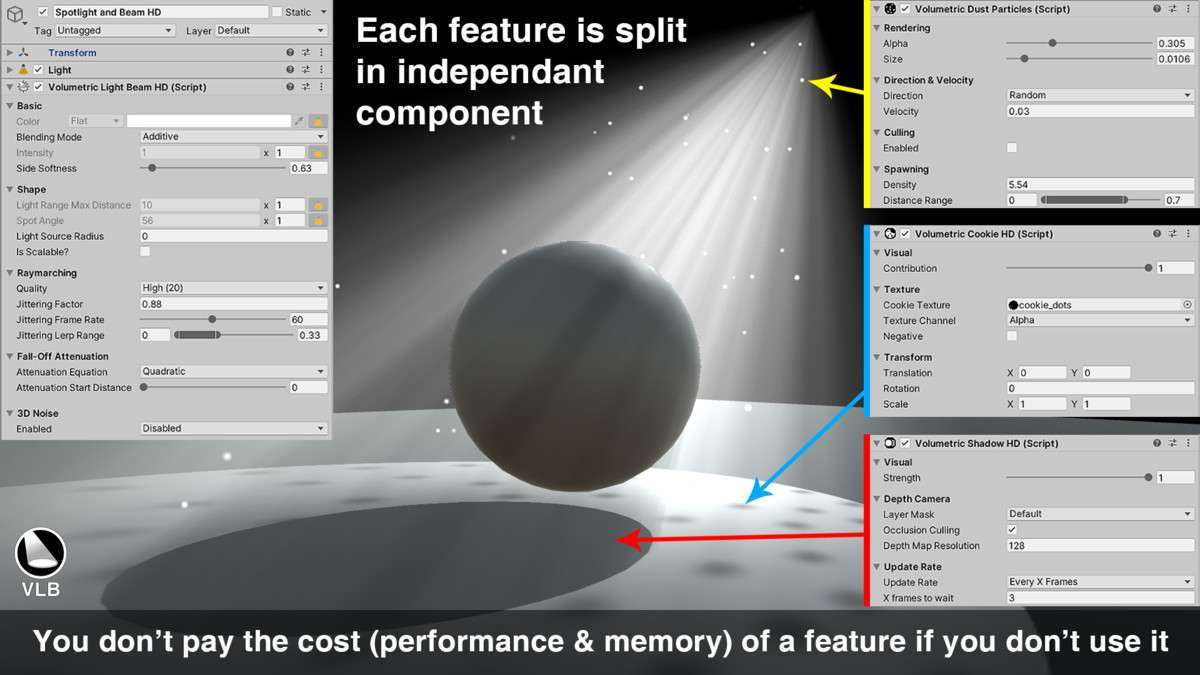
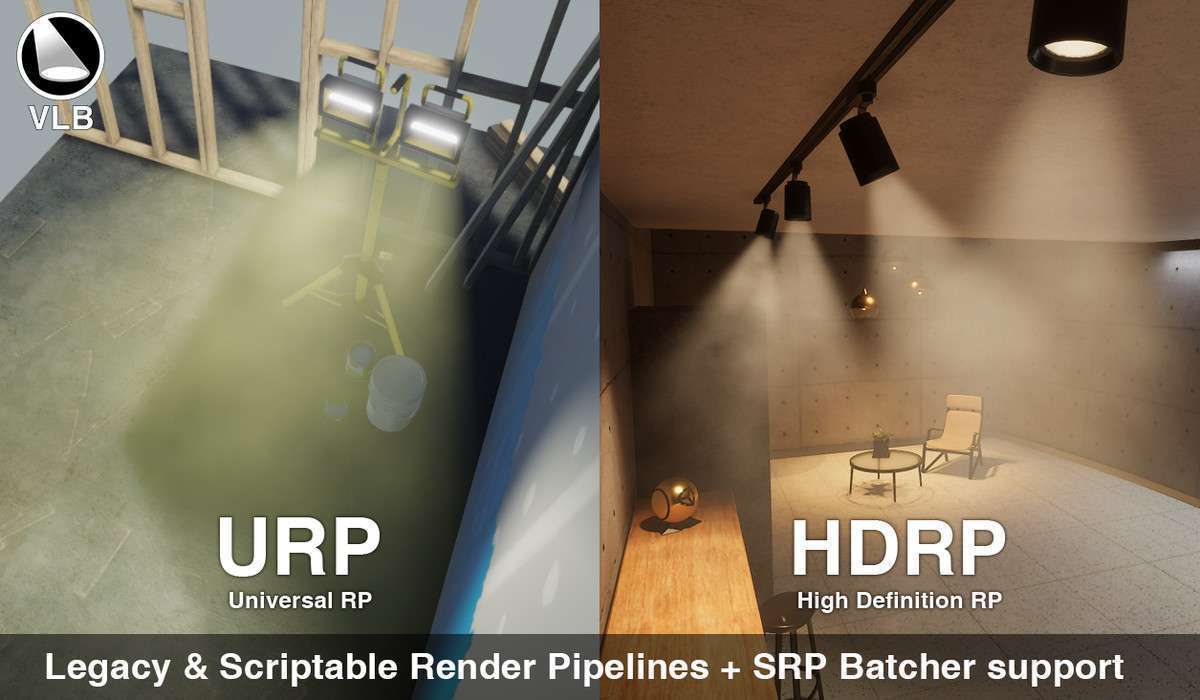
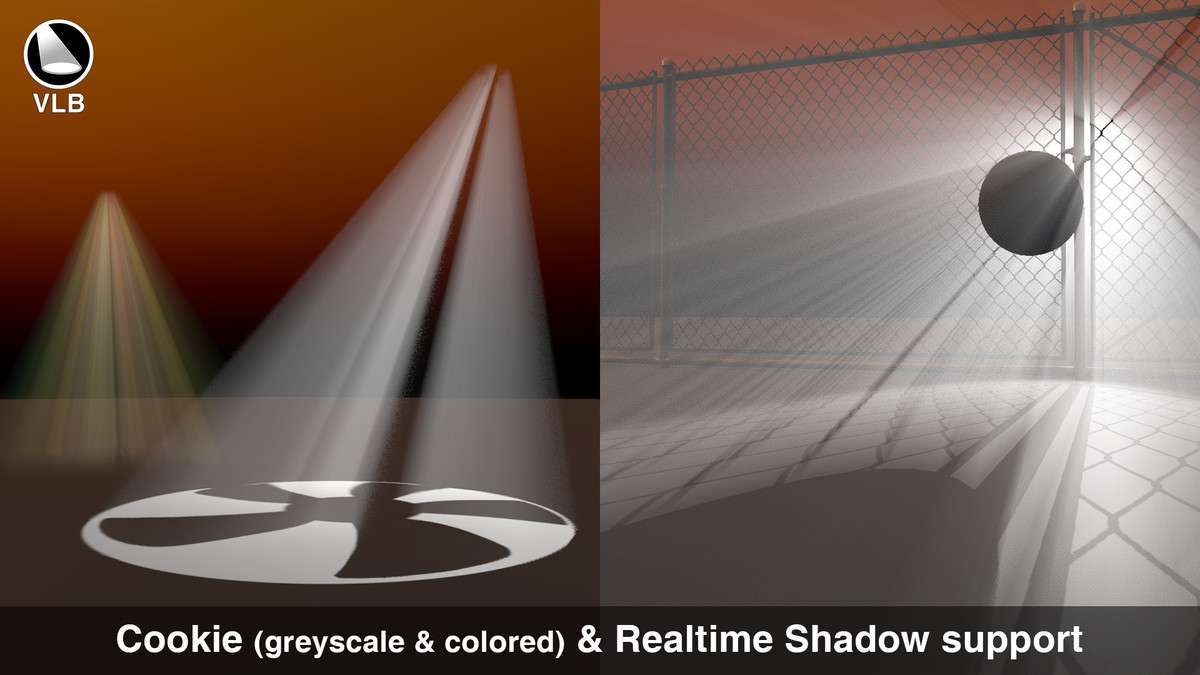
For lighting artists and technical directors, Volumetric Light Beam Unity is the industry standard for creating performant light shafts without the overhead of heavy post-processing. In version 2.2.4, the asset splits its implementation into SD and HD beams. SD beams are essentially procedural meshes optimized for mobile/VR, while HD beams support advanced features like volumetric cookies and shadows. By utilizing GPU Instancing and the SRP Batcher, you can render hundreds of these beams in a single draw call, making it far more efficient than built-in volumetric lighting solutions.
Integration Tips
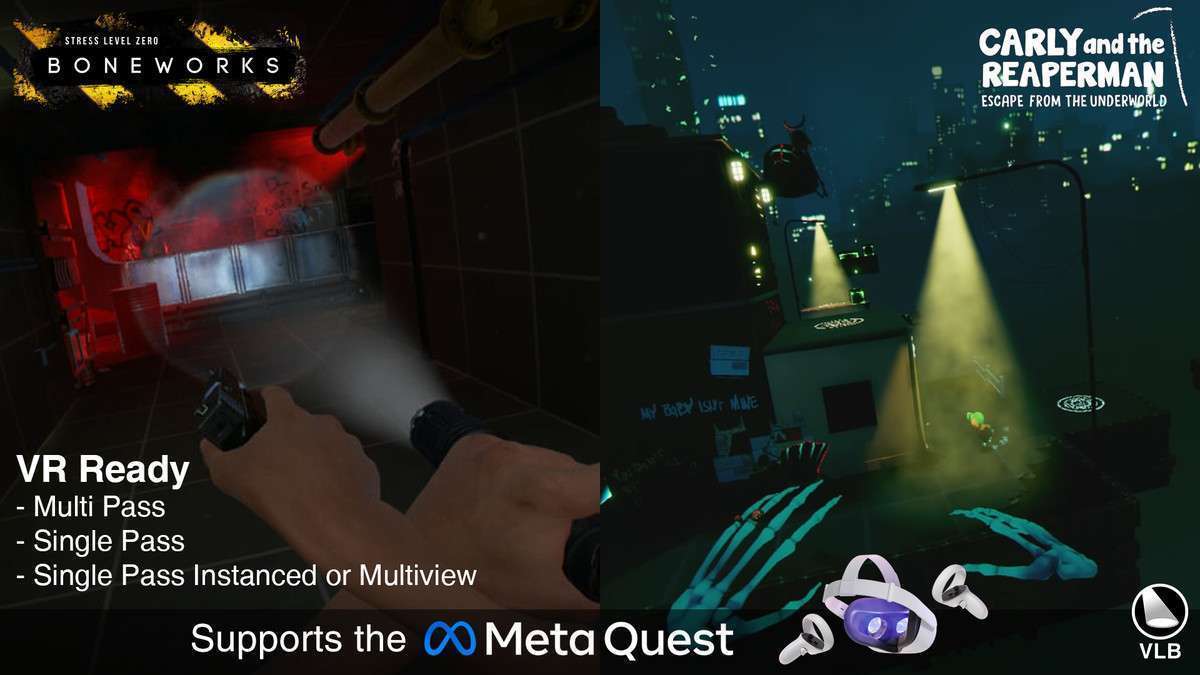
- SD vs HD Selection: Use SD Beams for Quest 2 or mobile projects. They don’t support true shadows but are incredibly cheap. Reserve HD Beams for PC/Console projects where you need light to be blocked by moving geometry via the Dynamic Occlusion feature.
- Trigger Zones: The built-in Trigger Zone feature is a hidden gem. Use it to trigger game logic (like stealth detection) when a player enters a beam, rather than trying to calculate the light’s volume manually with custom colliders.
- Shader Stripping: If you are using URP/HDRP, ensure you check your shader stripping settings in the Graphics window. The asset uses custom shaders that can sometimes be stripped if not explicitly referenced in a ‘Preloaded Shaders’ list or used in a scene.
Best Use Cases
- VR/AR Experiences: Since it supports Single Pass Instanced rendering and works without post-processing, it’s the only viable way to get high-quality light beams in VR without causing massive dropped frames.
- Stealth Games: Use the HD Beams with Dynamic Occlusion and Trigger Zones to create interactive searchlights that actually block player movement and trigger alarms.