
Advanced Atmospheric Rendering
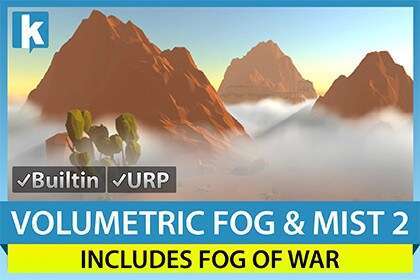
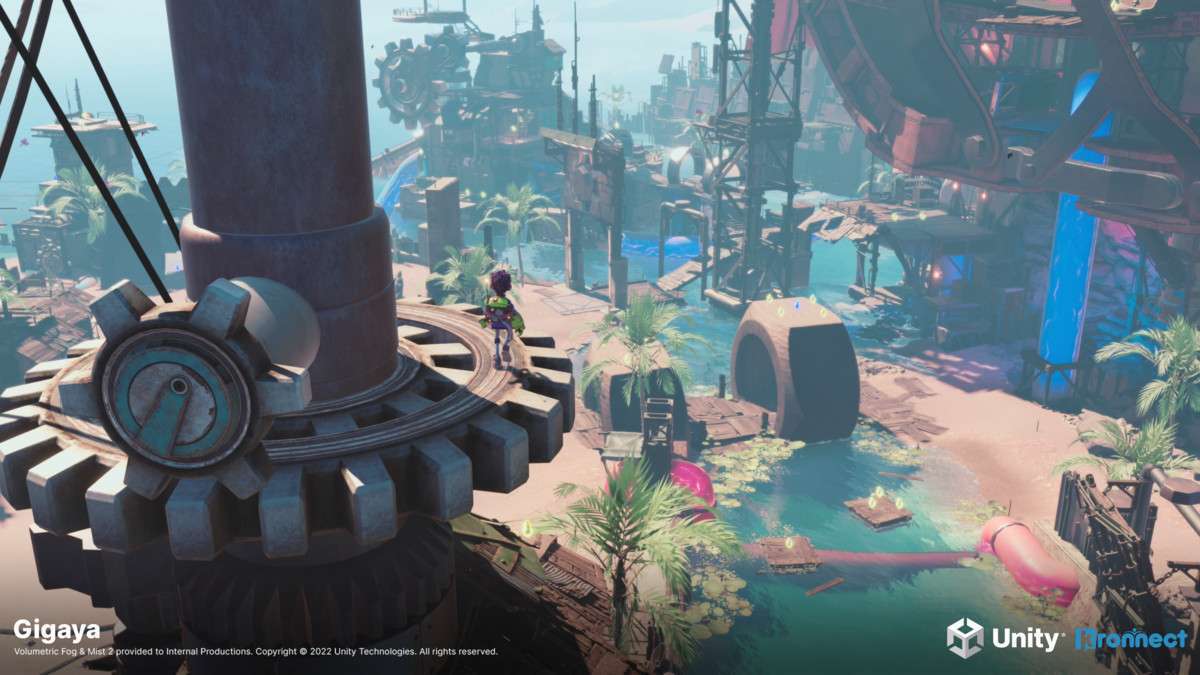
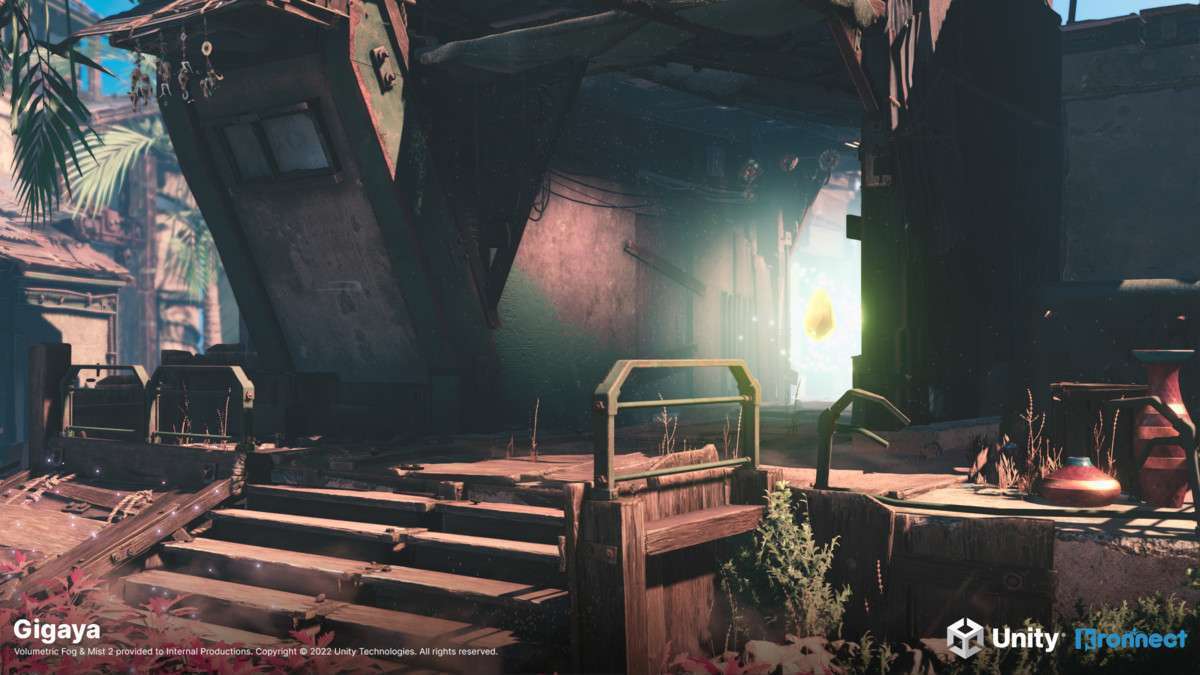
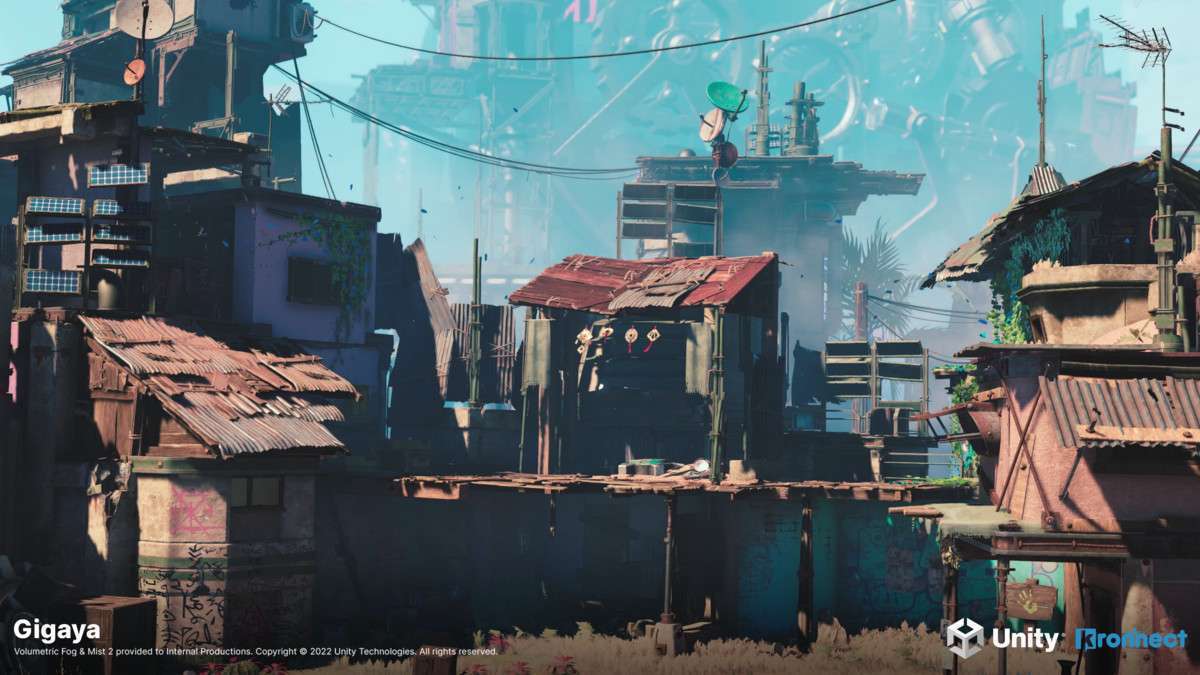
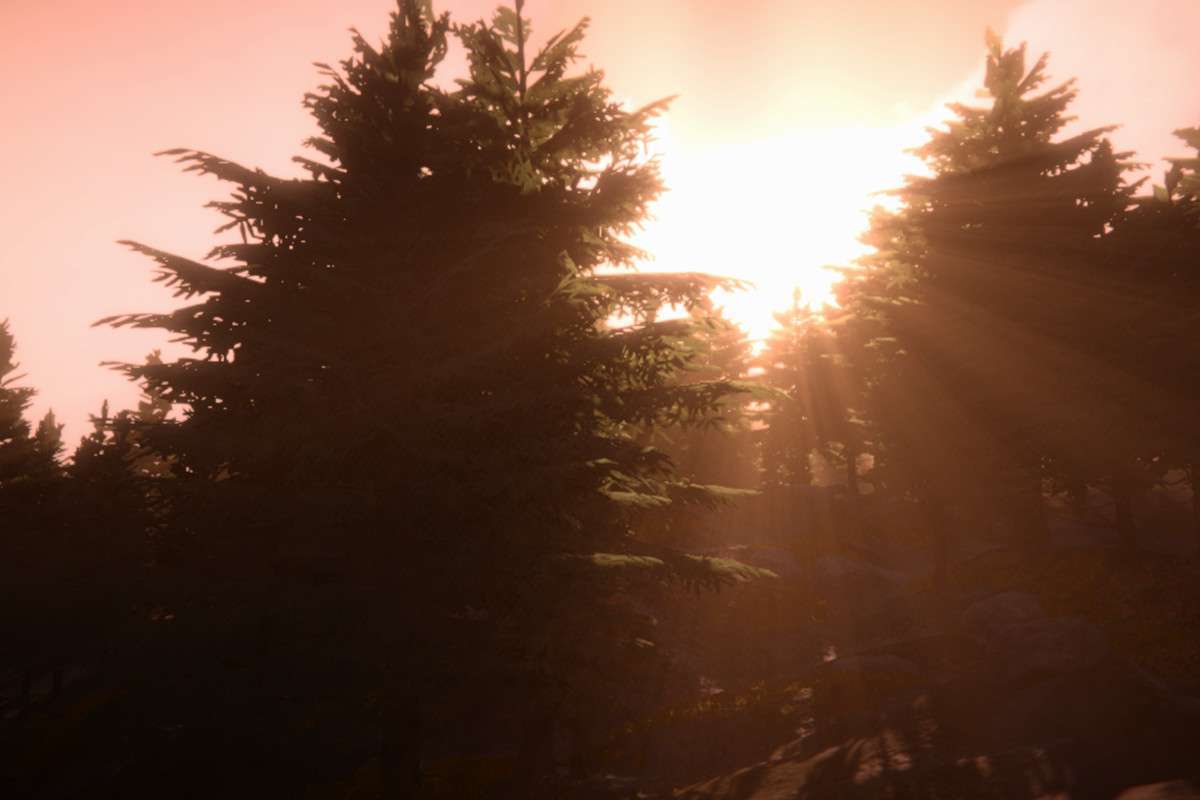
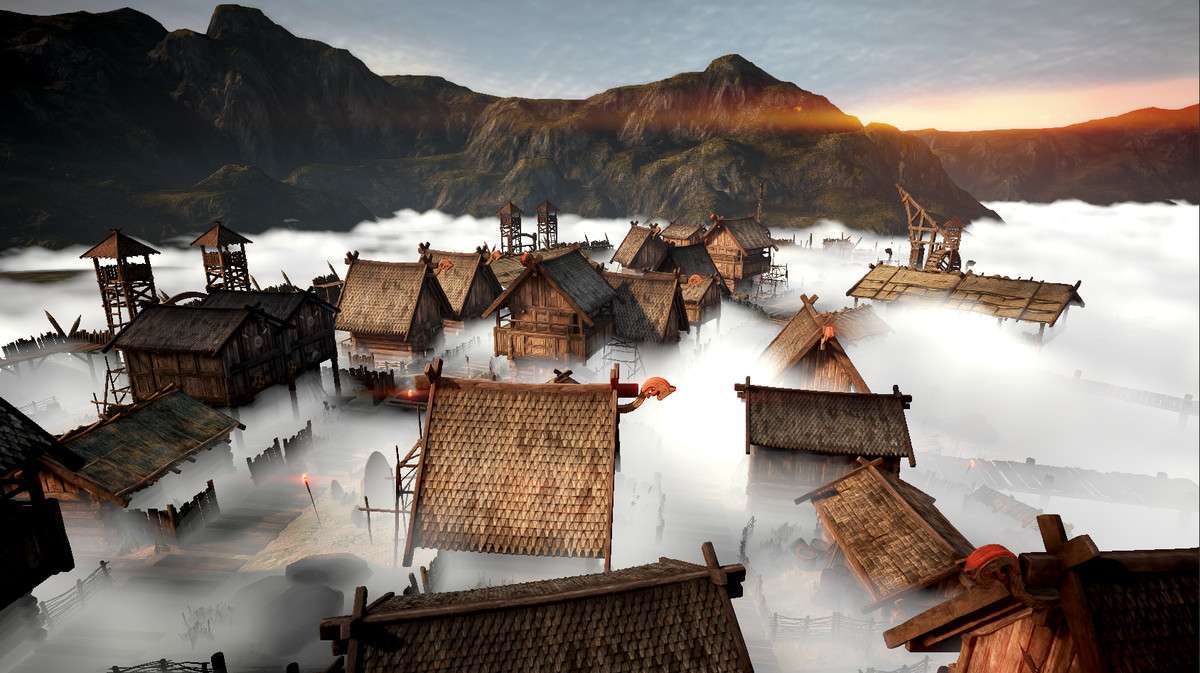
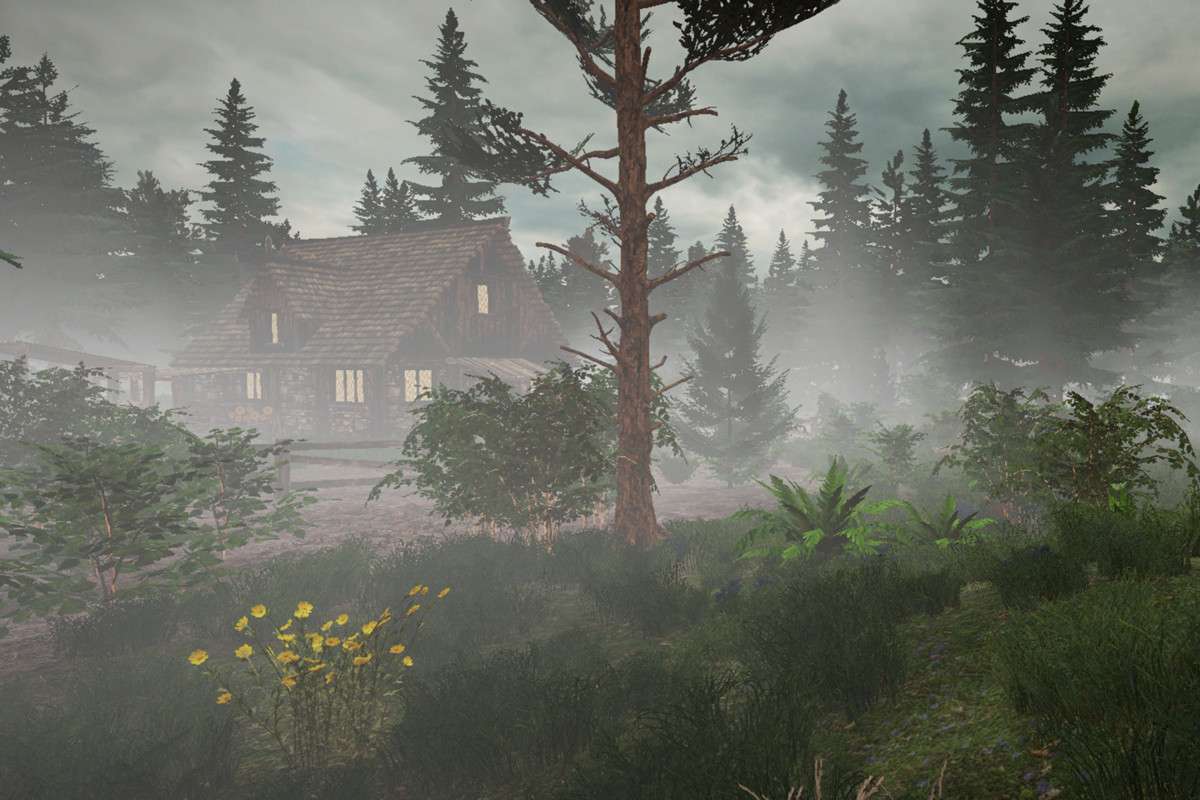
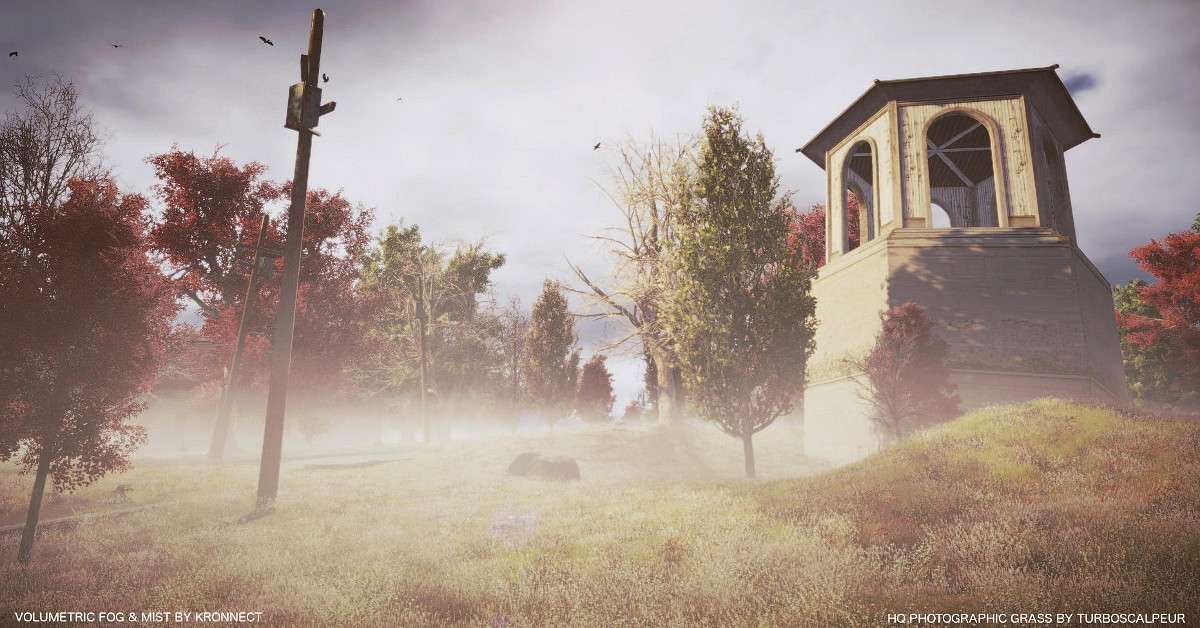
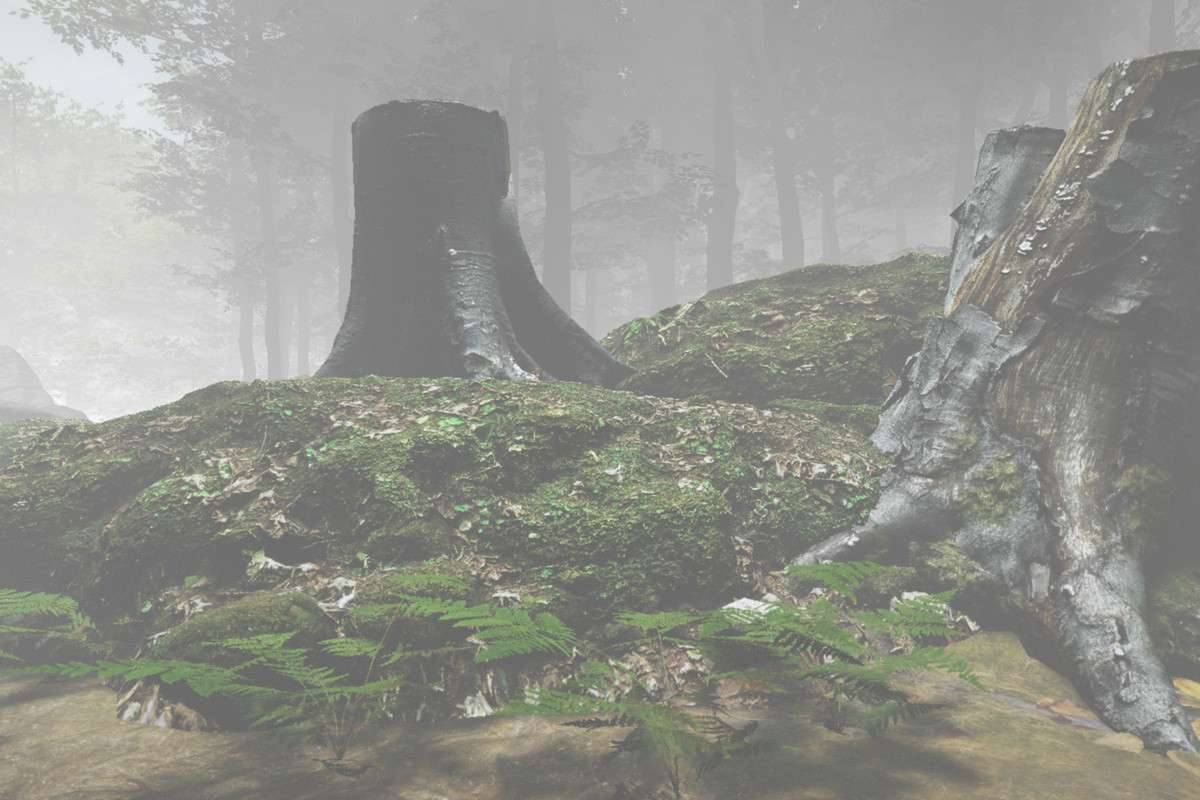
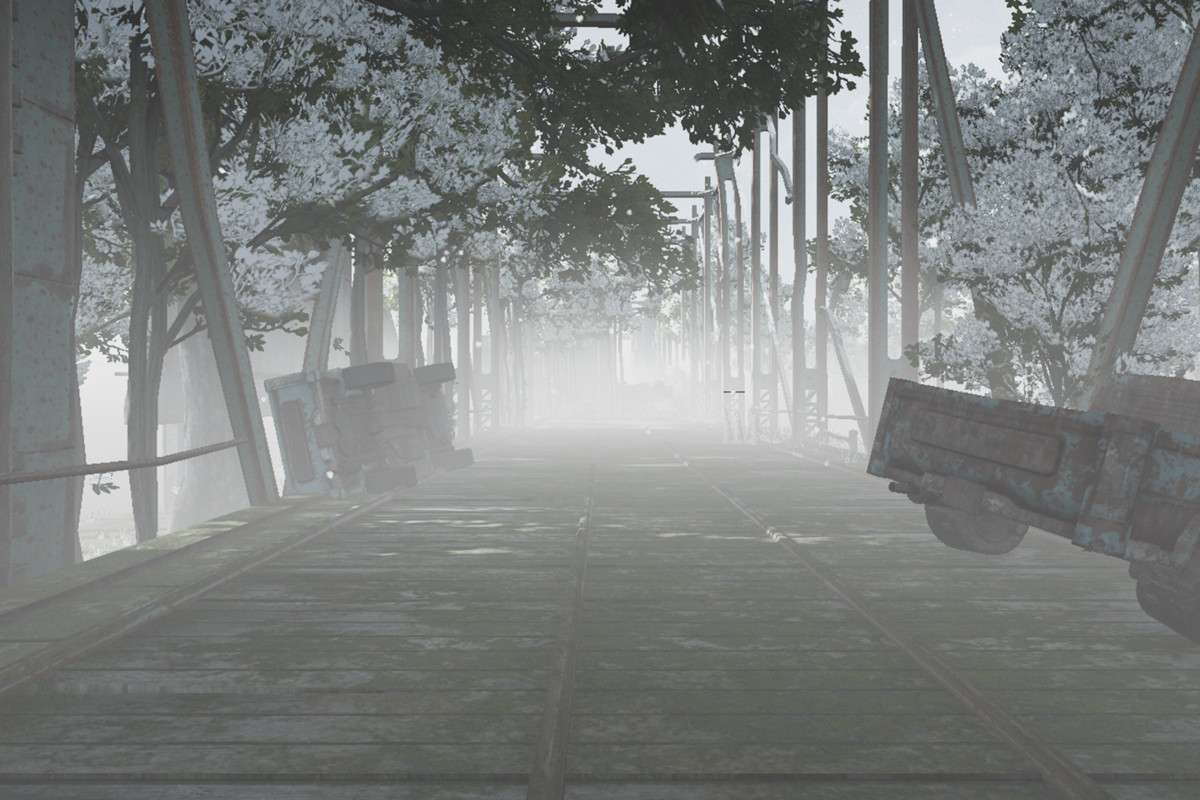
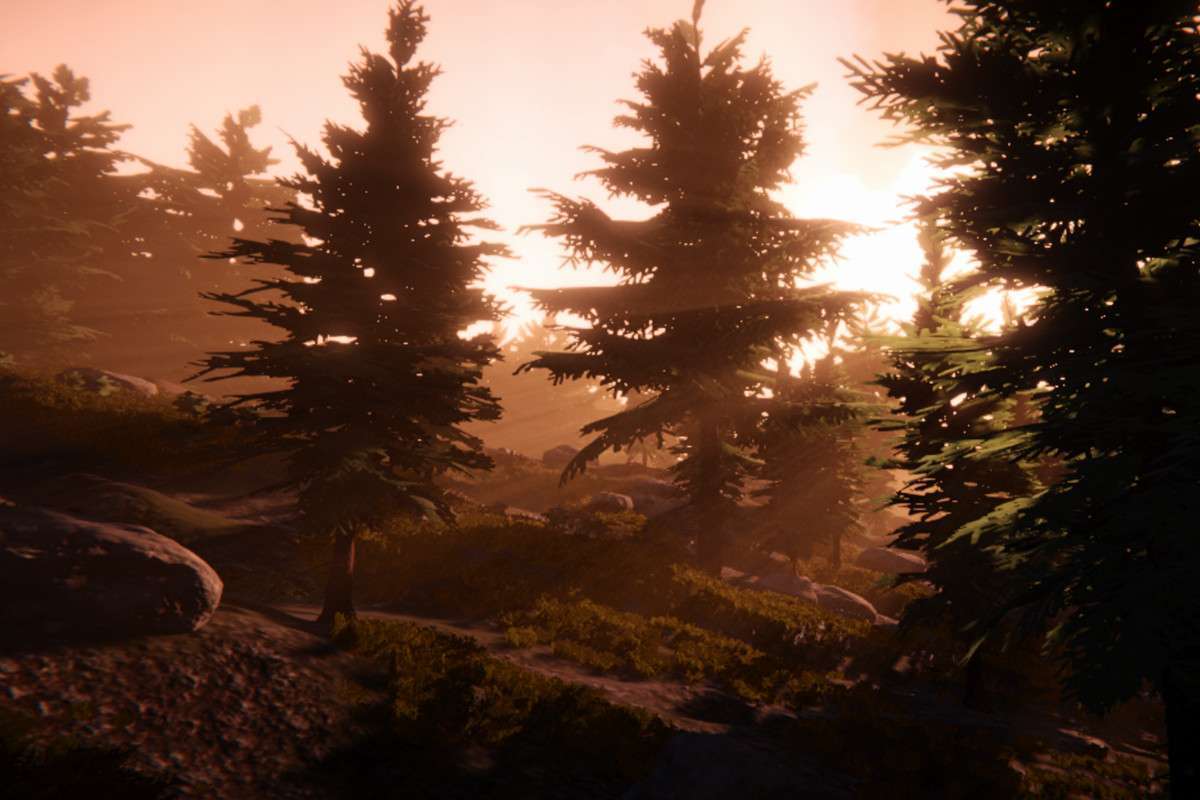
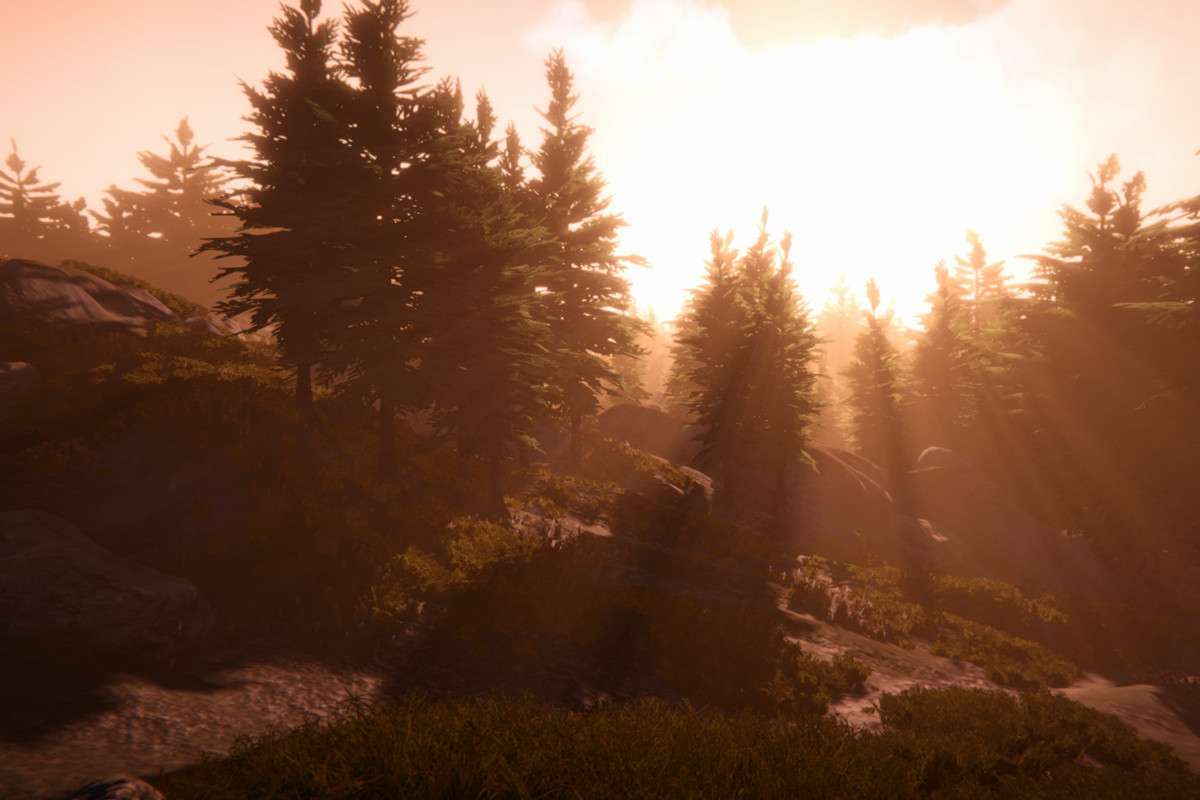
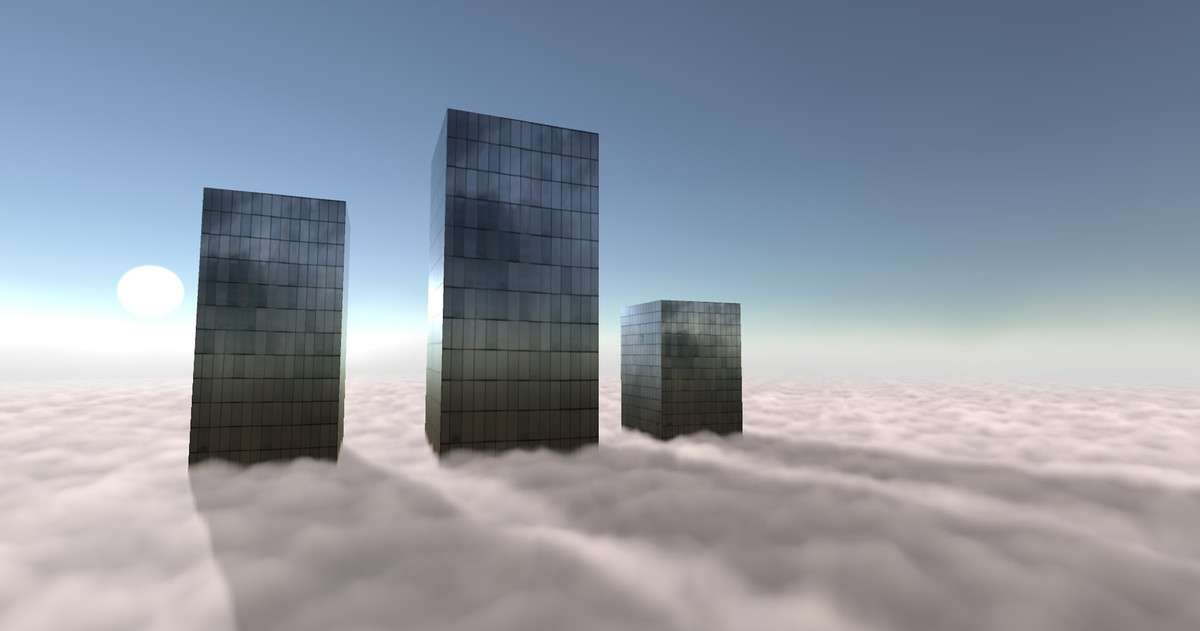
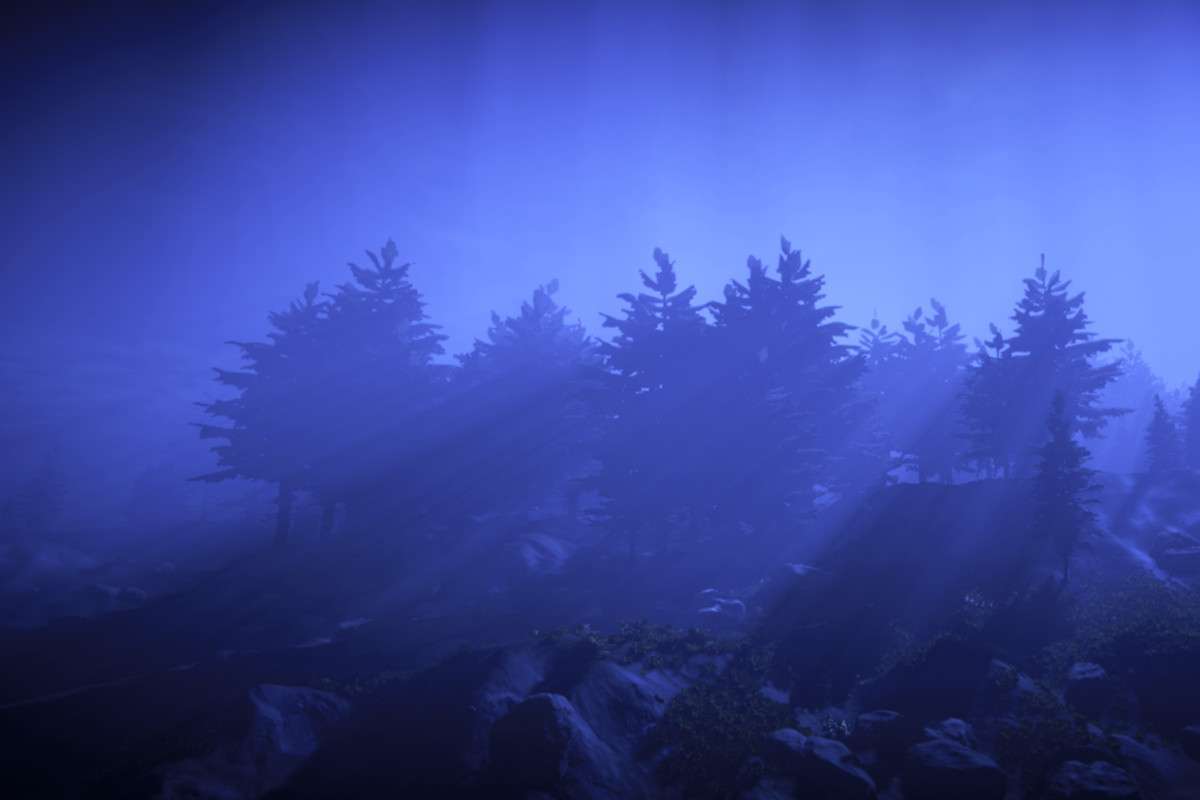
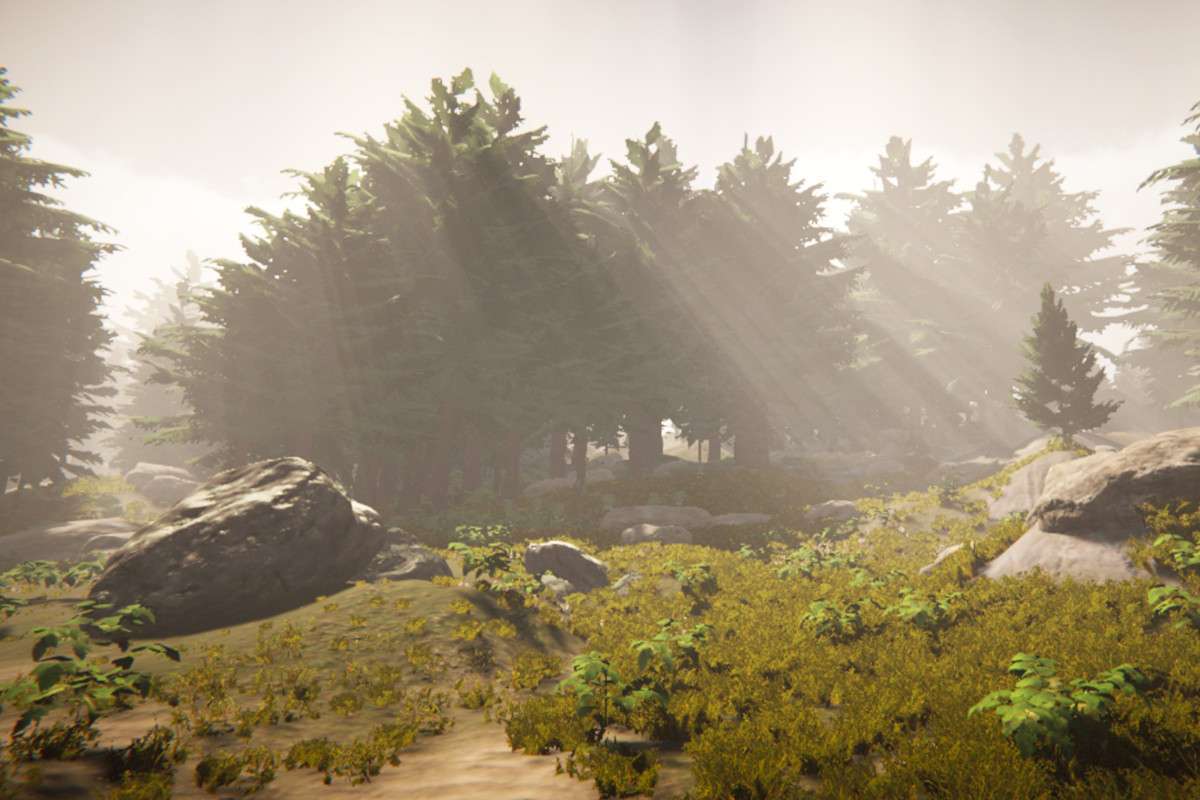
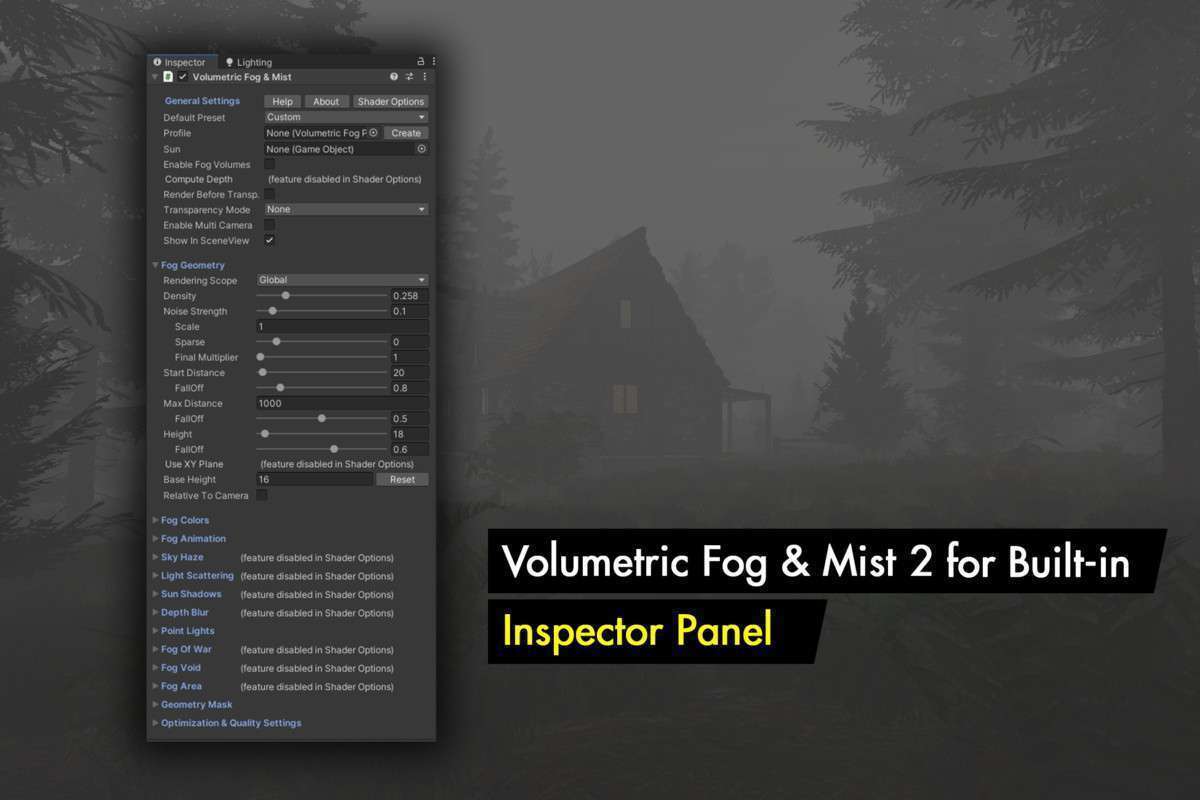
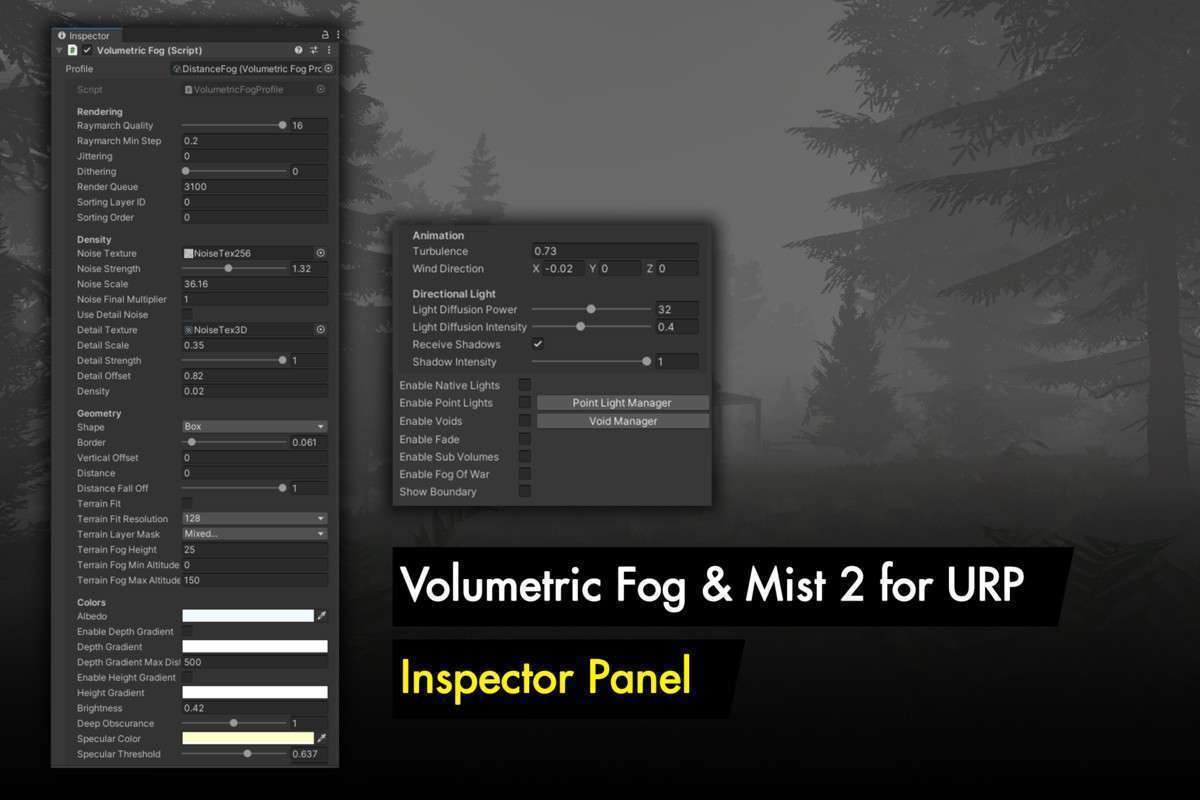
Implementing high-fidelity environmental effects requires more than just a standard height fog. Volumetric Fog & Mist 2 Unity provides a comprehensive solution for both URP and Built-in pipelines using 30.2.3. This isn’t just a post-processing effect; it is a volume-based system that supports light scattering, native shadows, and deep integration with the Render Graph in Unity 6, allowing for sophisticated atmospheric depth without the usual draw call penalties associated with volumetric shaders.
Integration Tips
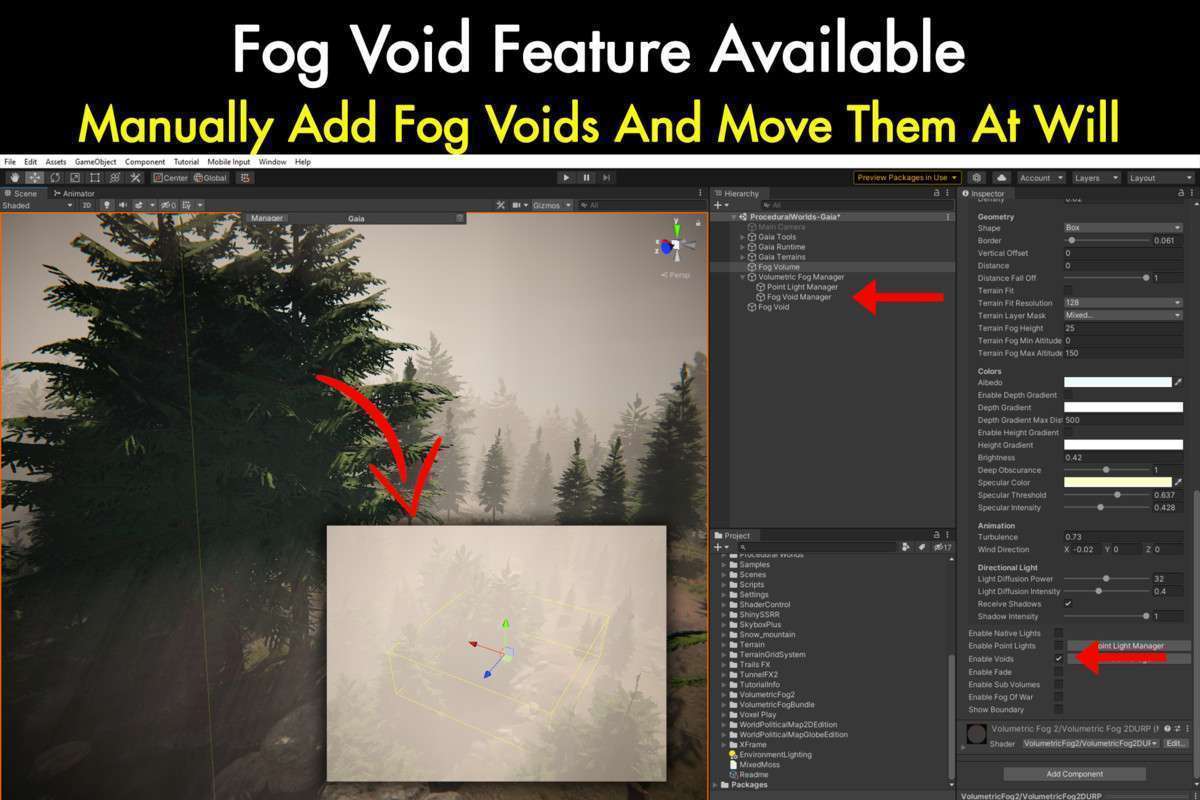
- Fog Voids and Performance: Use Fog Voids to clear fog from the interior of buildings or caves. To maintain performance, limit the number of active voids per camera and utilize the ‘Bilateral Filter’ setting to upsample the fog buffer, which significantly reduces the GPU cost on mobile or VR platforms.
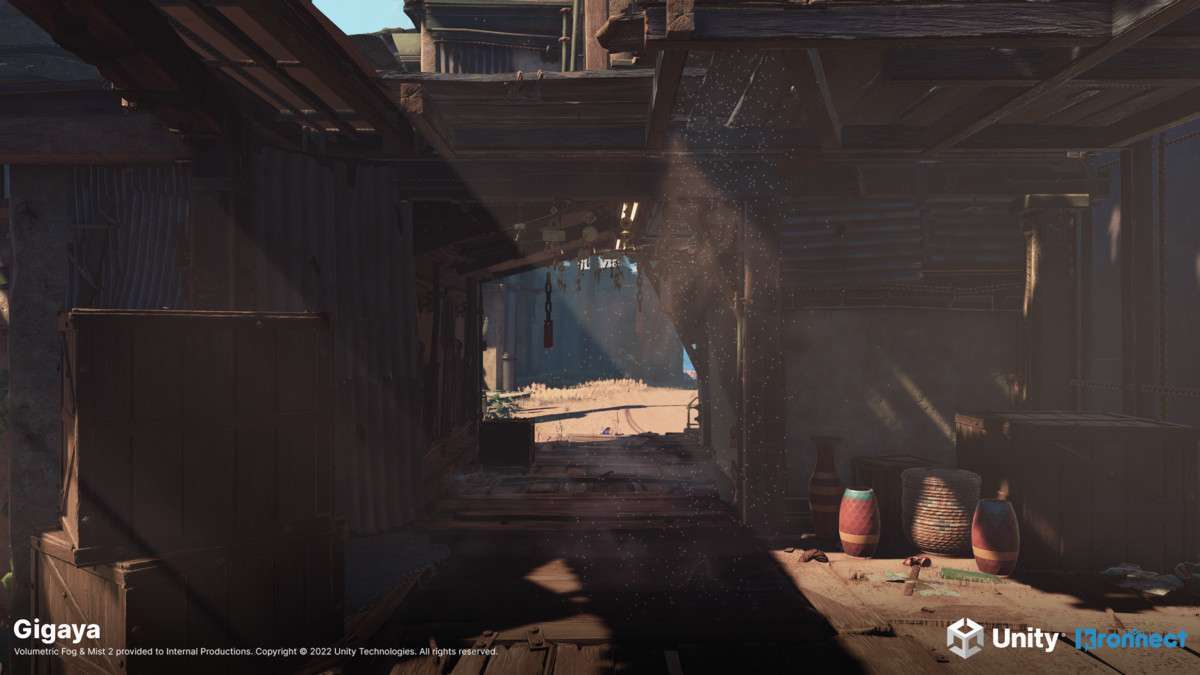
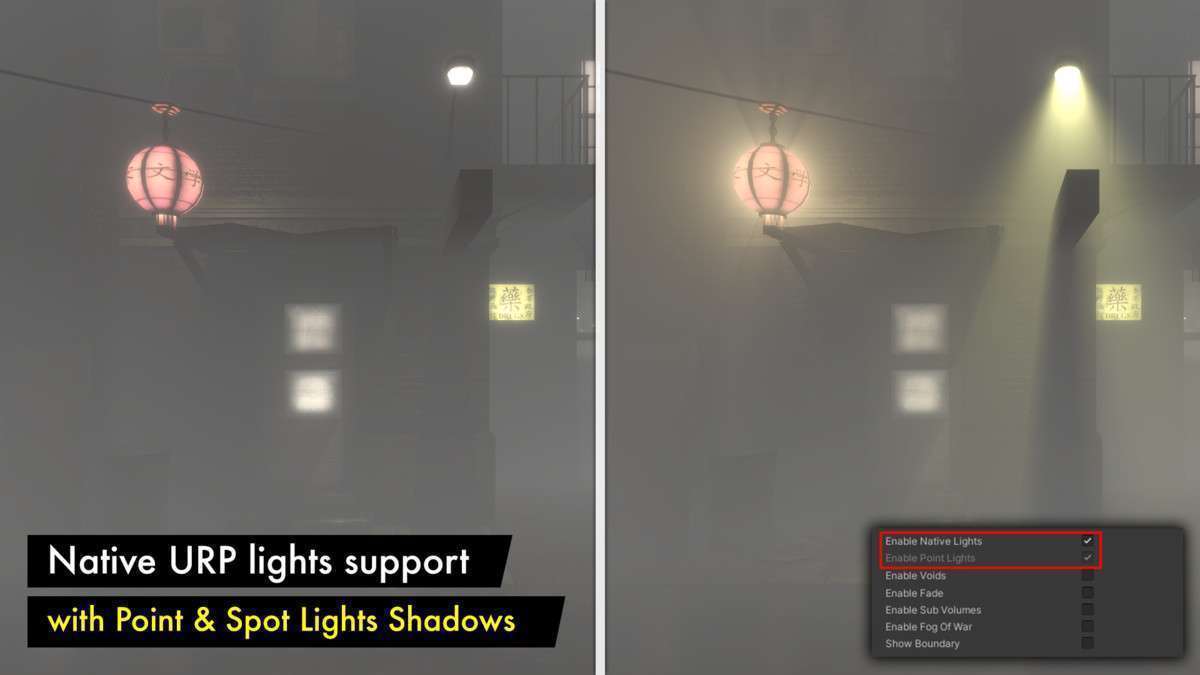
- Light Interaction: In URP, ensure you are utilizing the Forward+ rendering path to take advantage of the native support for up to 64+ point lights. The asset can inject these lights into the volumetric calculation, creating realistic light shafts (god rays) from local light sources.
- Transparency Sorting: If your scene includes water or glass, use the ‘Depth Peeling’ feature or the custom Shader Graph nodes provided. This prevents the ‘fog-on-top’ artifact where transparent objects appear either completely engulfed or unnaturally clear.
Best Use Cases
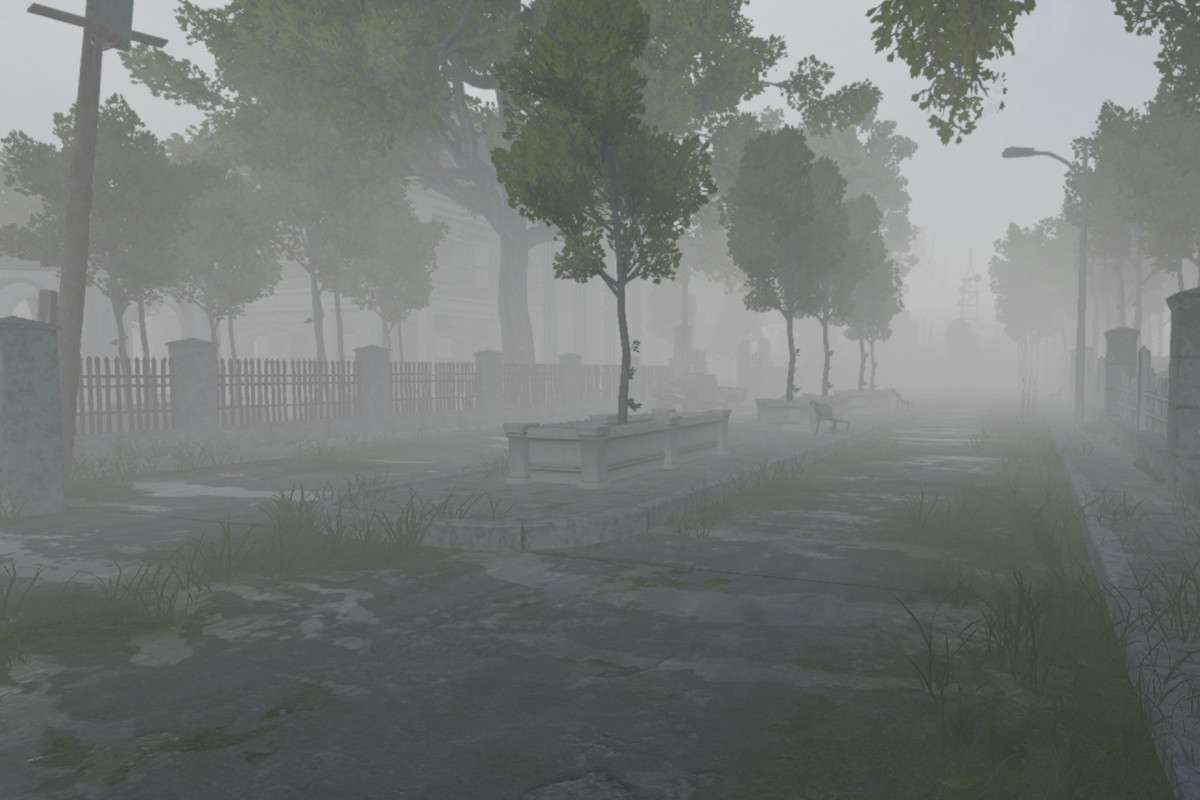
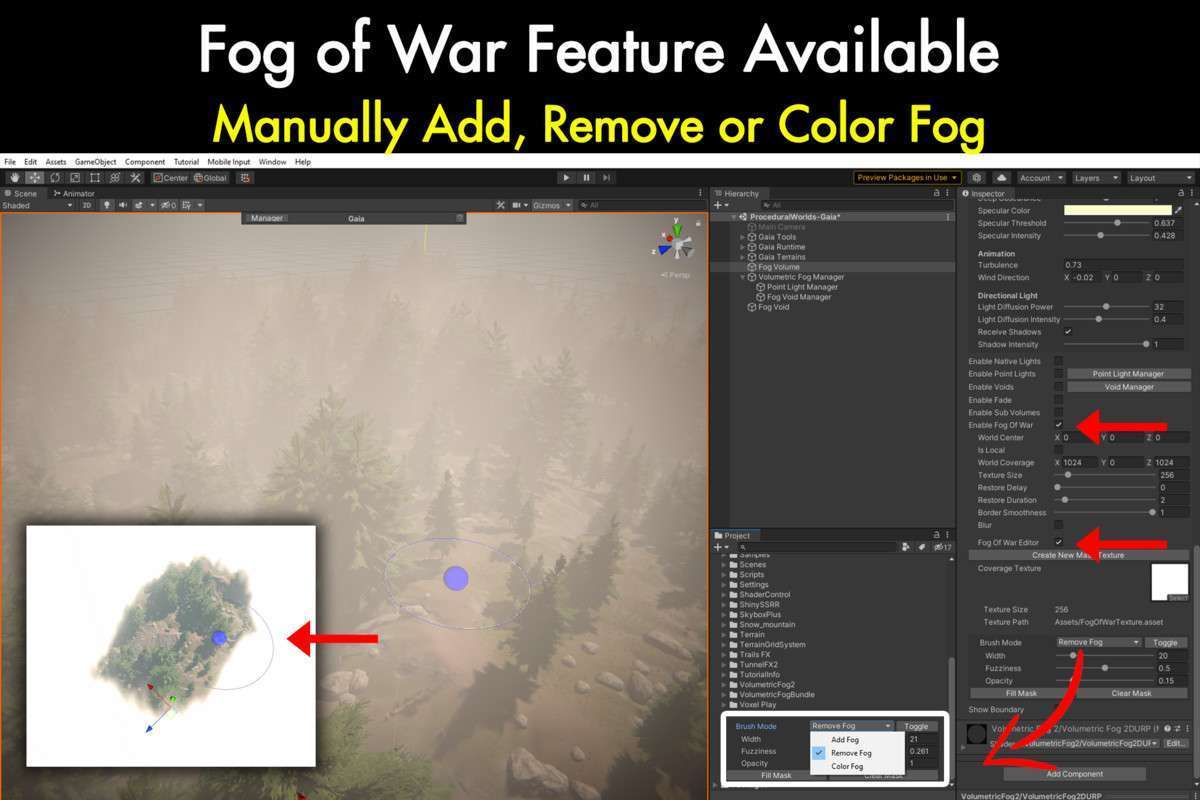
- Atmospheric Horror: The ‘Fog of War’ and interactive painting tools allow developers to create dynamic, clearing mist that reacts to the player’s position. This is vital for stealth-based horror games where visibility is a core gameplay mechanic.
- Open-World Environments: Use the ‘Terrain Fit’ and ‘Distant Fog’ options to blend the horizon line seamlessly. This hides low-LOD meshes and provides the atmospheric perspective necessary for a sense of scale in large-scale environments.