
Technical Overview
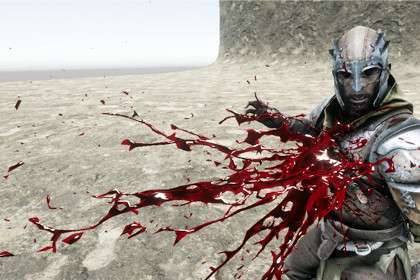
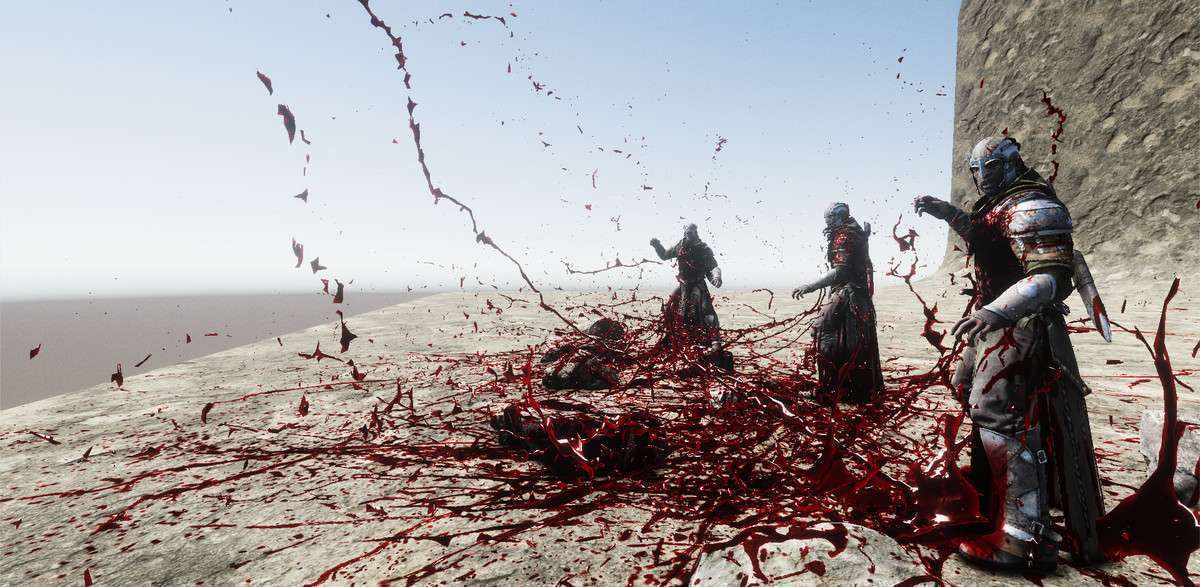
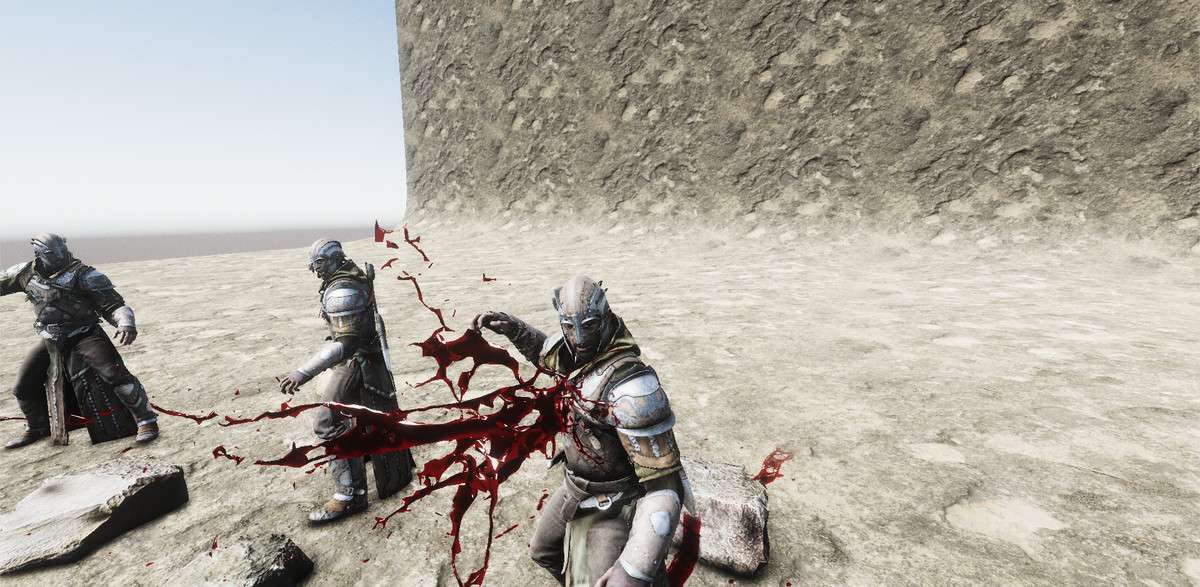
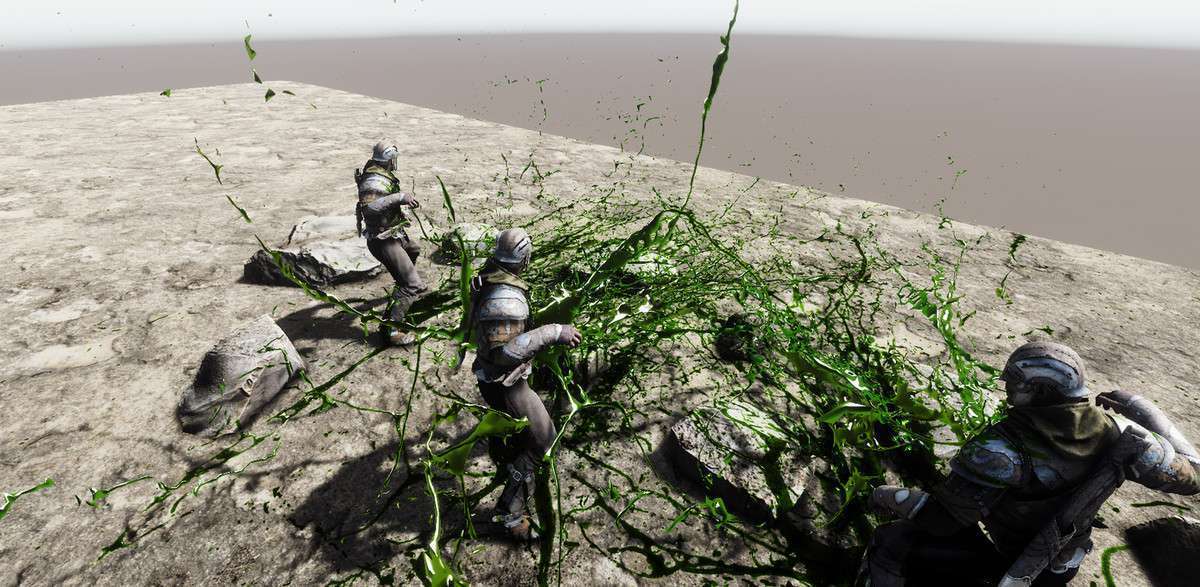
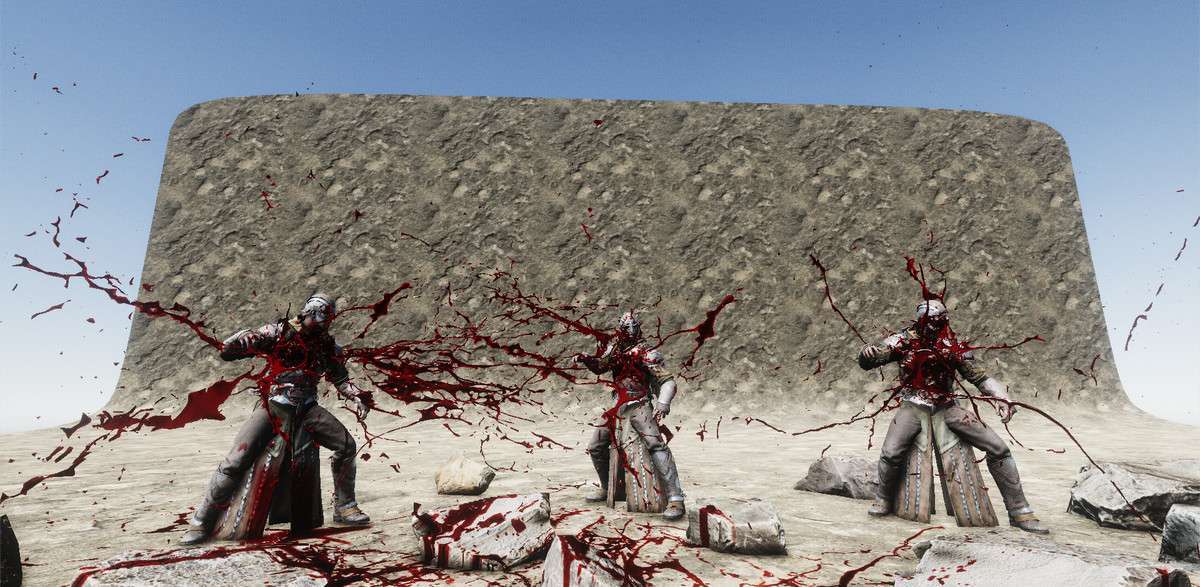
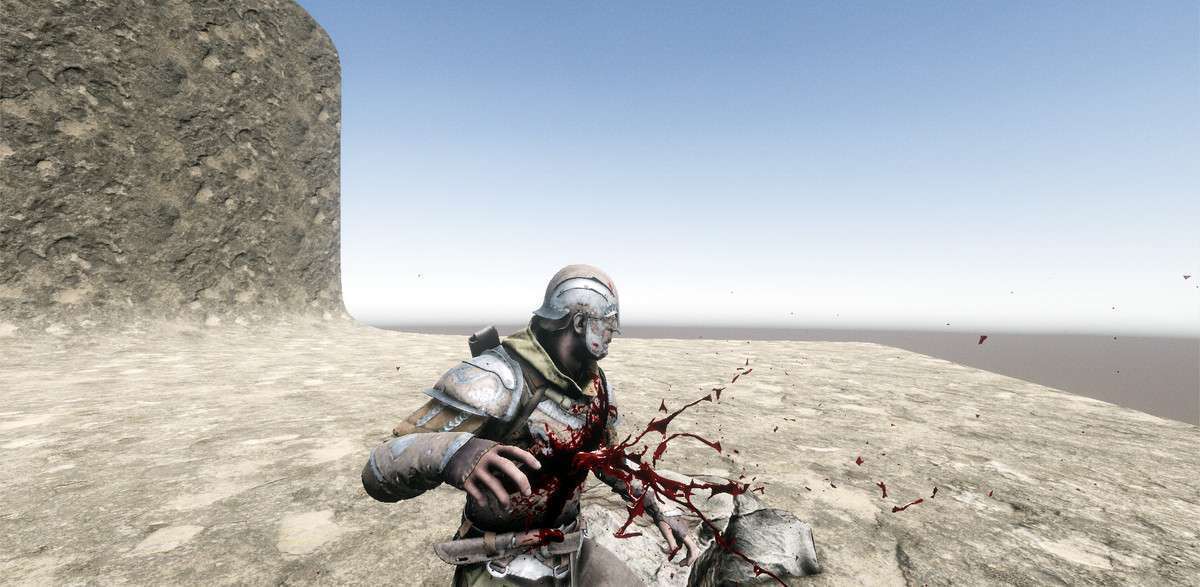
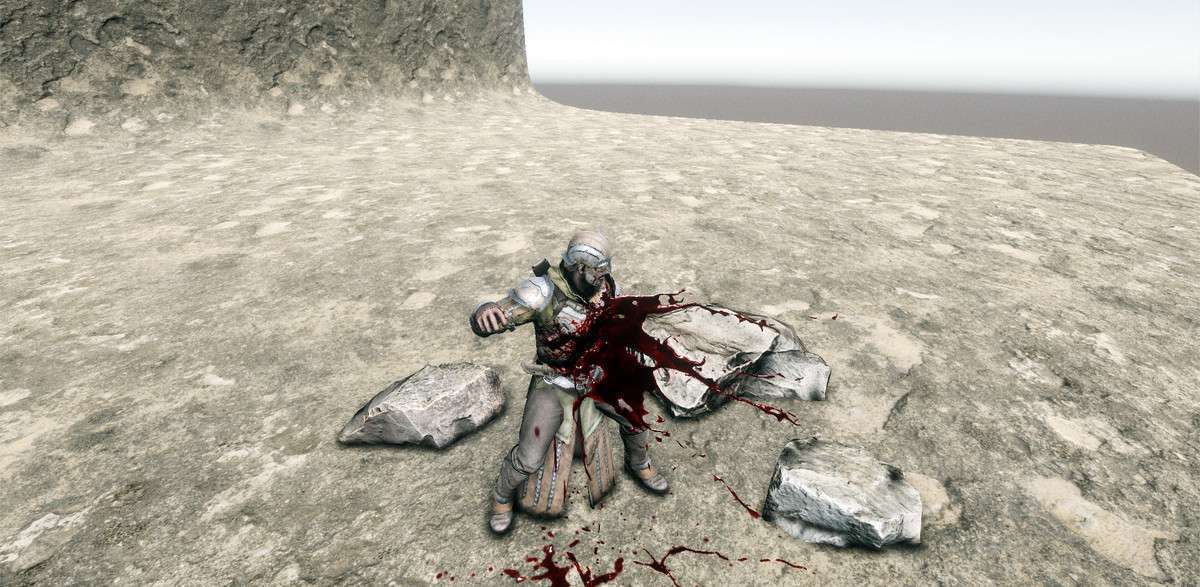
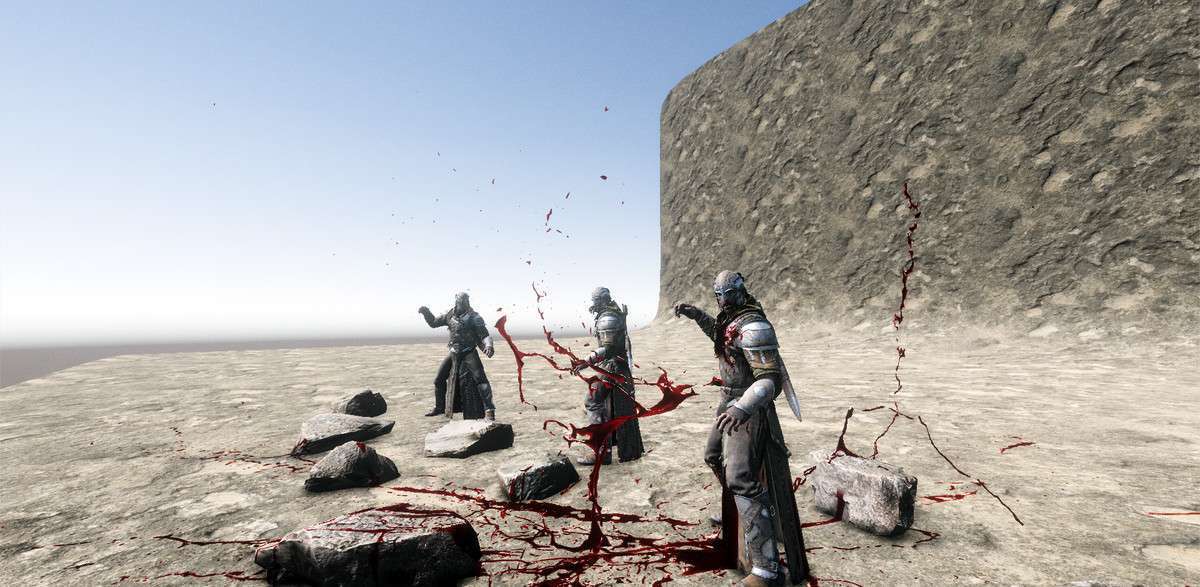
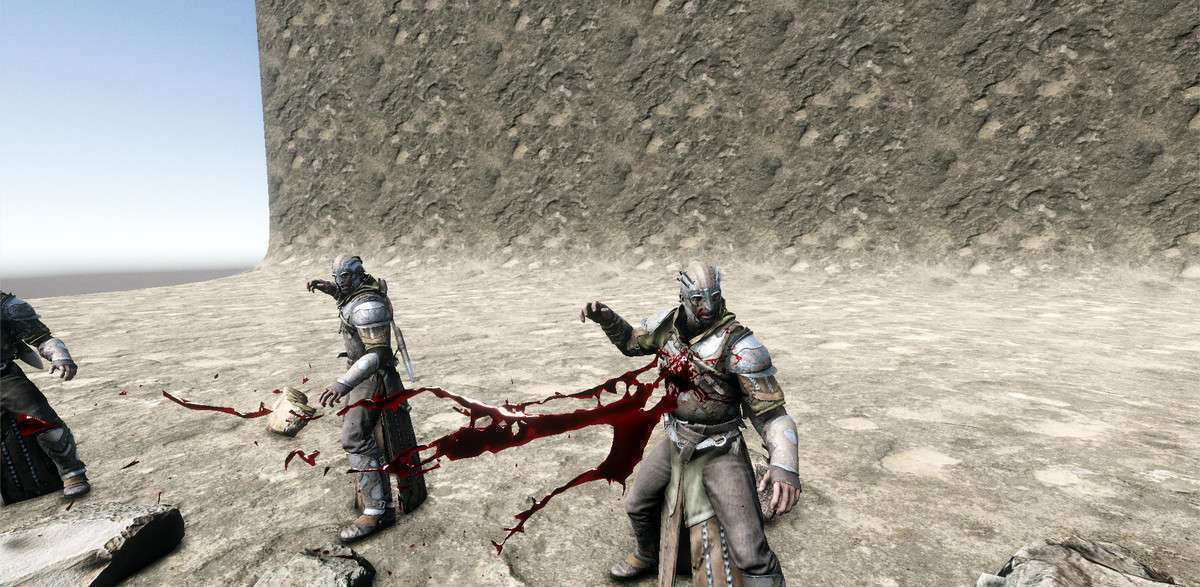
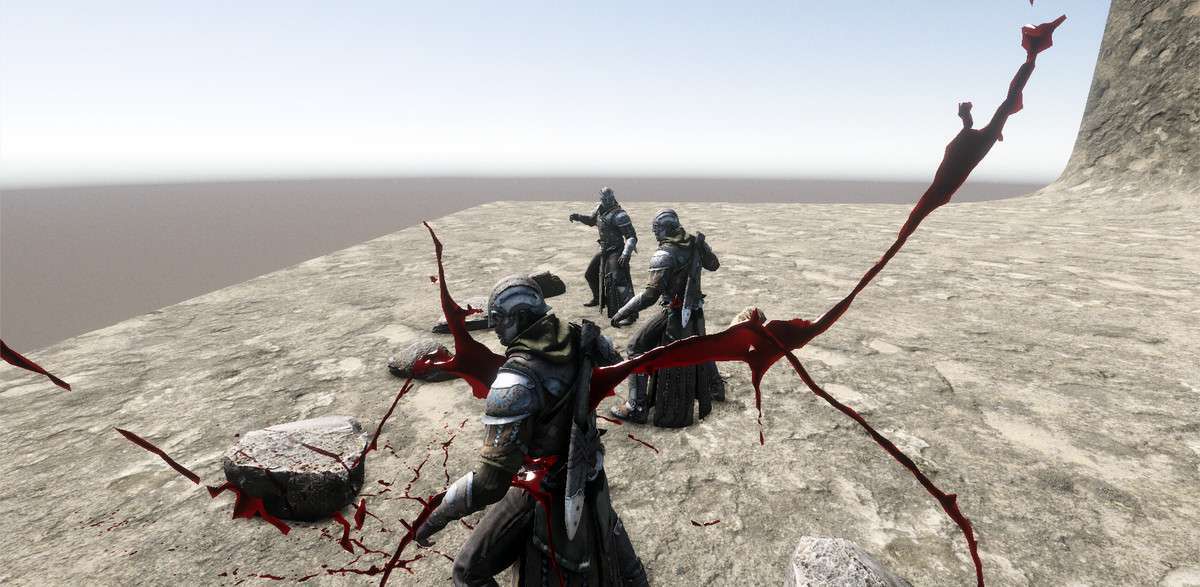
In our latest gore-heavy project, implementing Volumetric Blood Fluids Unity was a game-changer for maintaining a high frame rate on mobile while keeping visual fidelity. Running on version 1.0.1, this asset utilizes a highly optimized instanced rendering approach that handles up to 500 blood prefabs in just two draw calls. Unlike traditional particle systems that can choke the fill rate, these baked fluids use a clever screen-space decal system for Standard rendering and the native decal system for URP/HDRP, ensuring that each decal costs only about 12 triangles.
Integration Tips
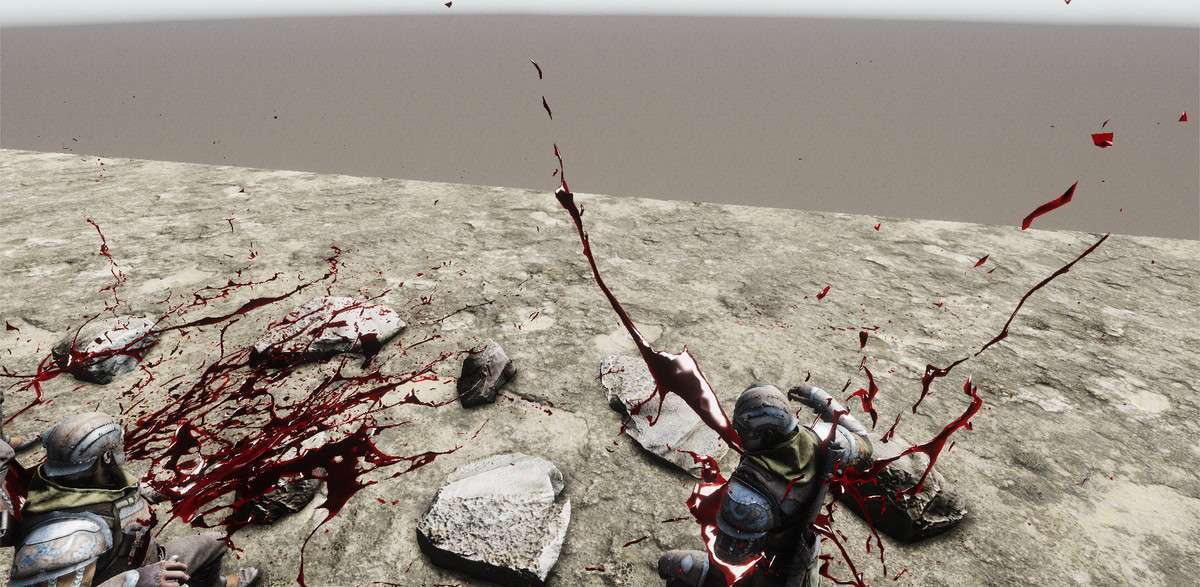
- Static Surfaces Only: Be aware that the included blood decals are designed for static surfaces like terrain or floors. If you try to parent them directly to a skinned mesh, you will see significant floating artifacts. For character hits, use the baked fluid meshes for the initial impact and reserve the decals for the environment.
- Layer Management: Set up a specific ‘Decal’ layer in your project settings immediately. The asset allows you to specify which layers receive the decal rendering, which is crucial for preventing blood from appearing on UI elements or unintended transparent objects.
- Scaling Logic: Use the Transform scale for quick adjustments, but remember that the decal projection depth is capped around 2-5 meters. If your blood is floating too far above a surface, the decal won’t project correctly.
Best Use Cases
- Mobile Hack-and-Slash: Because of the instanced rendering and low triangle count (3k-6k per effect), this is the most performant way to get thick, viscous blood on Android and iOS without killing the GPU.
- First-Person Horror: The ability to change fluid color and use high-resolution baked meshes makes it ideal for forensic-style environments where players inspect blood spatters up close on static geometry.