
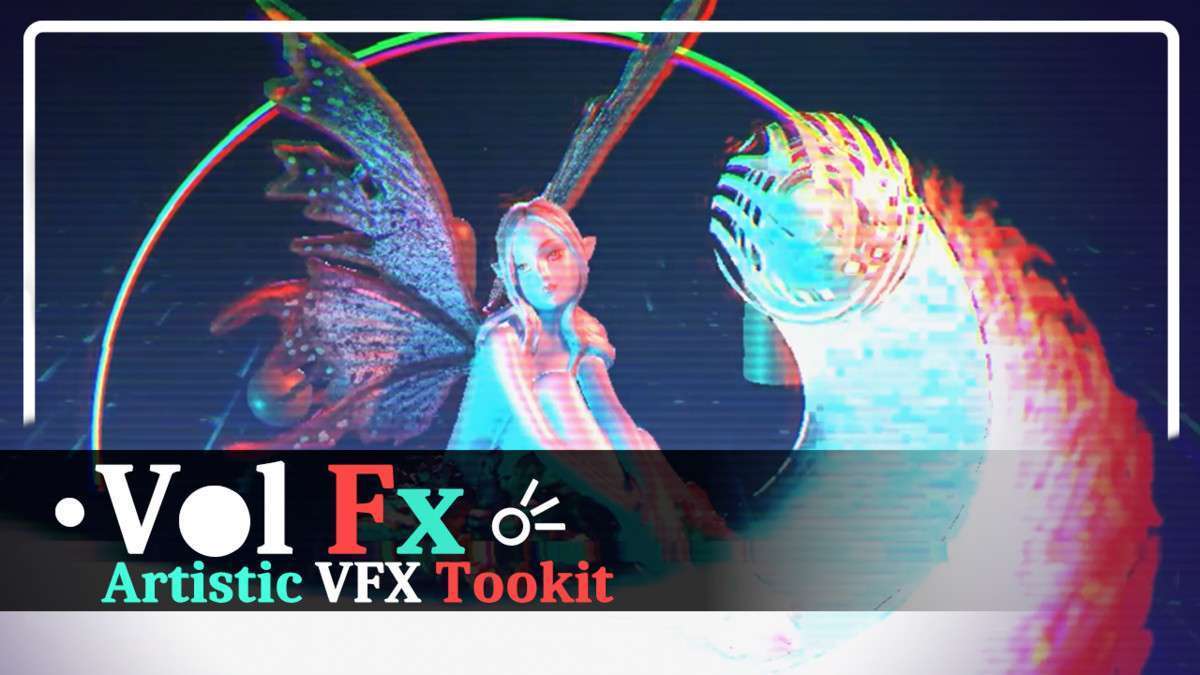
VolFx – VFX Toolkit Unity: Advanced Post-Processing Workflow
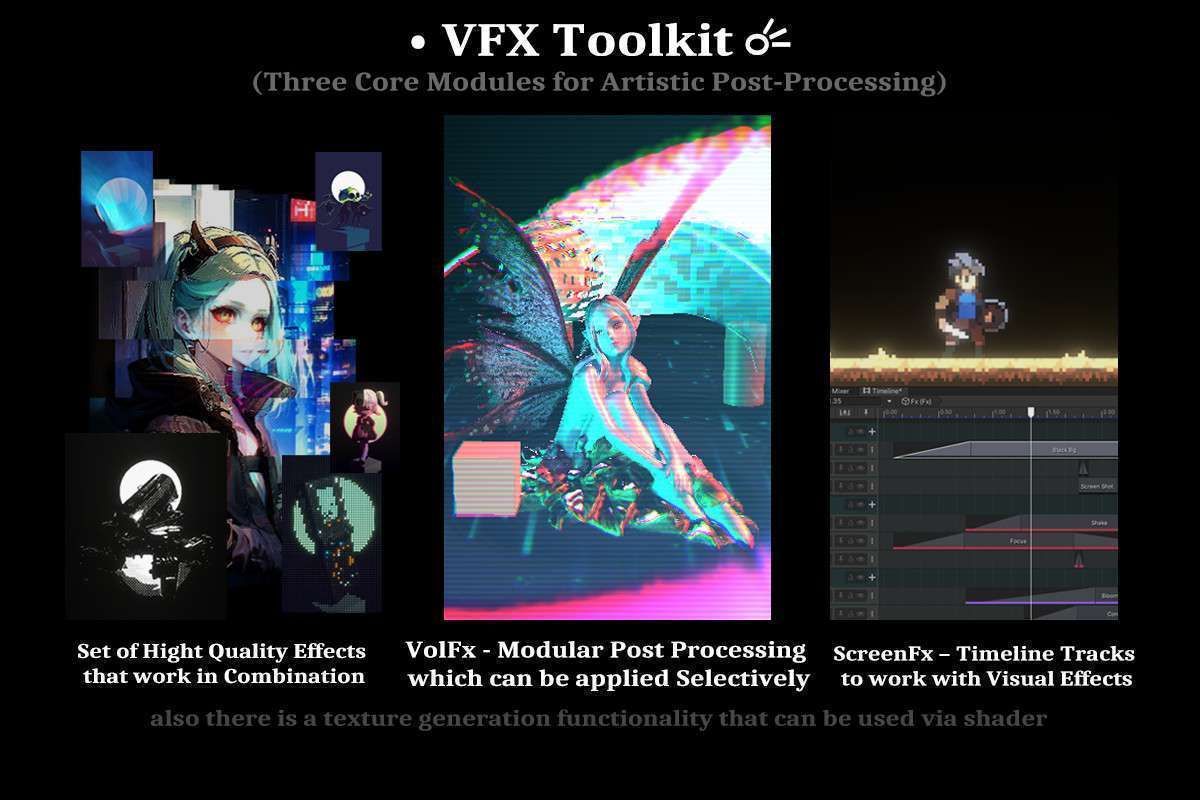
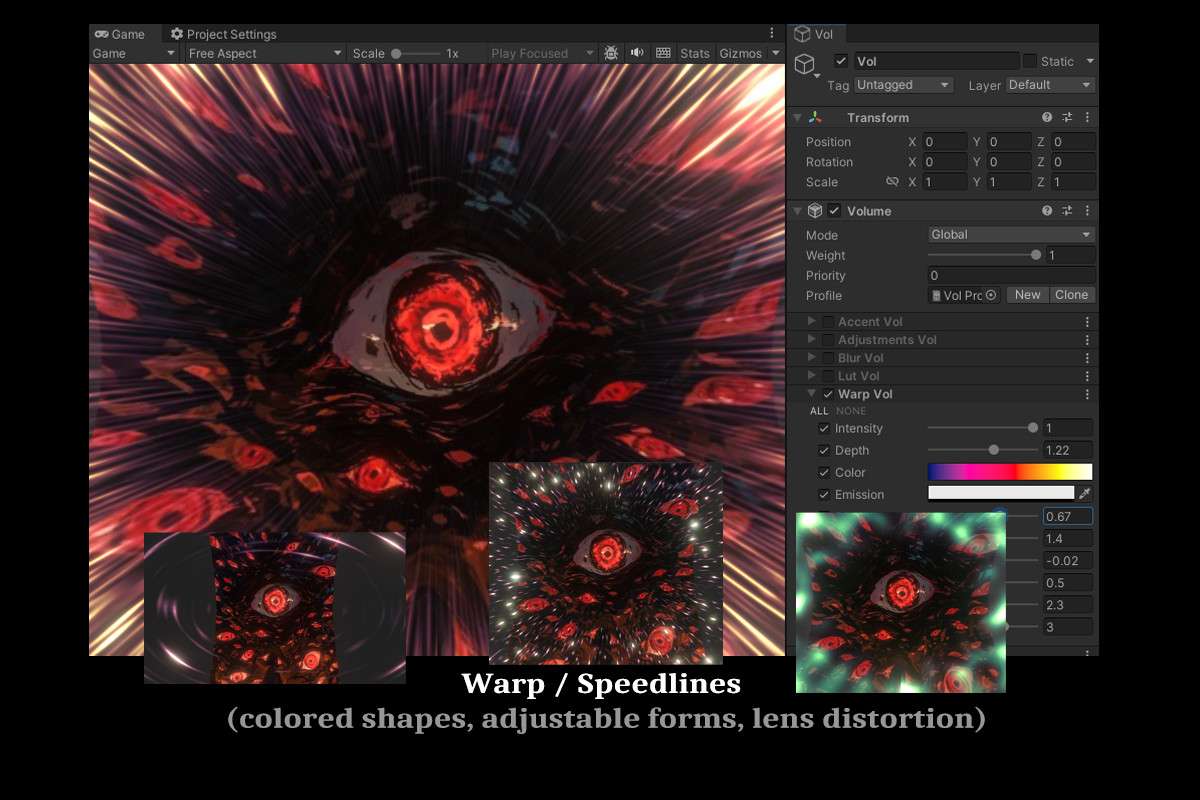
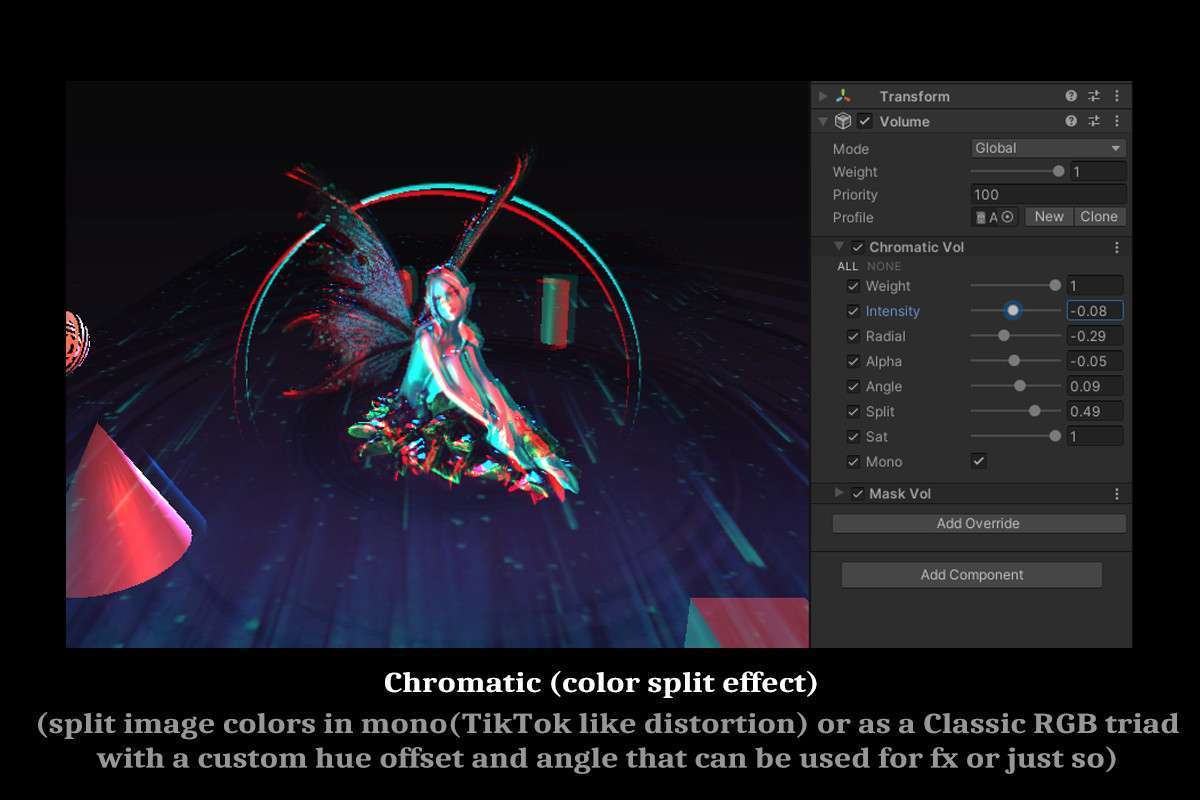
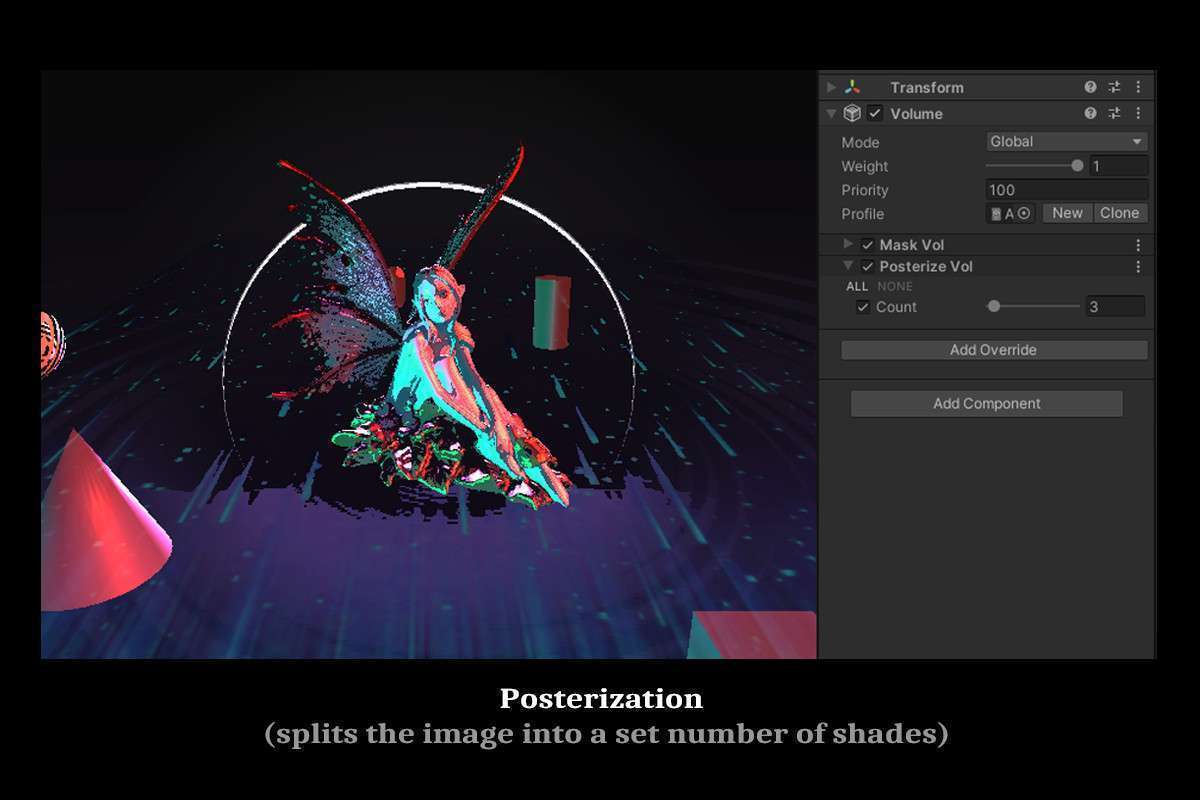
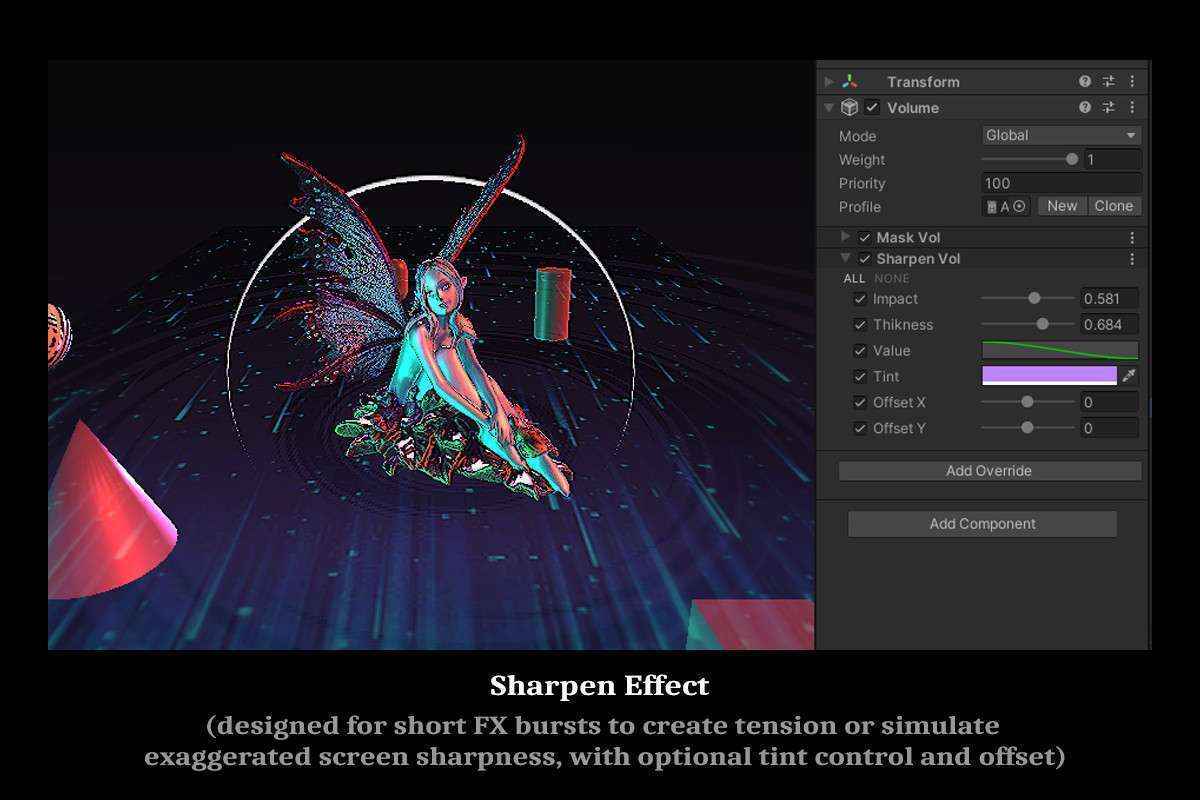
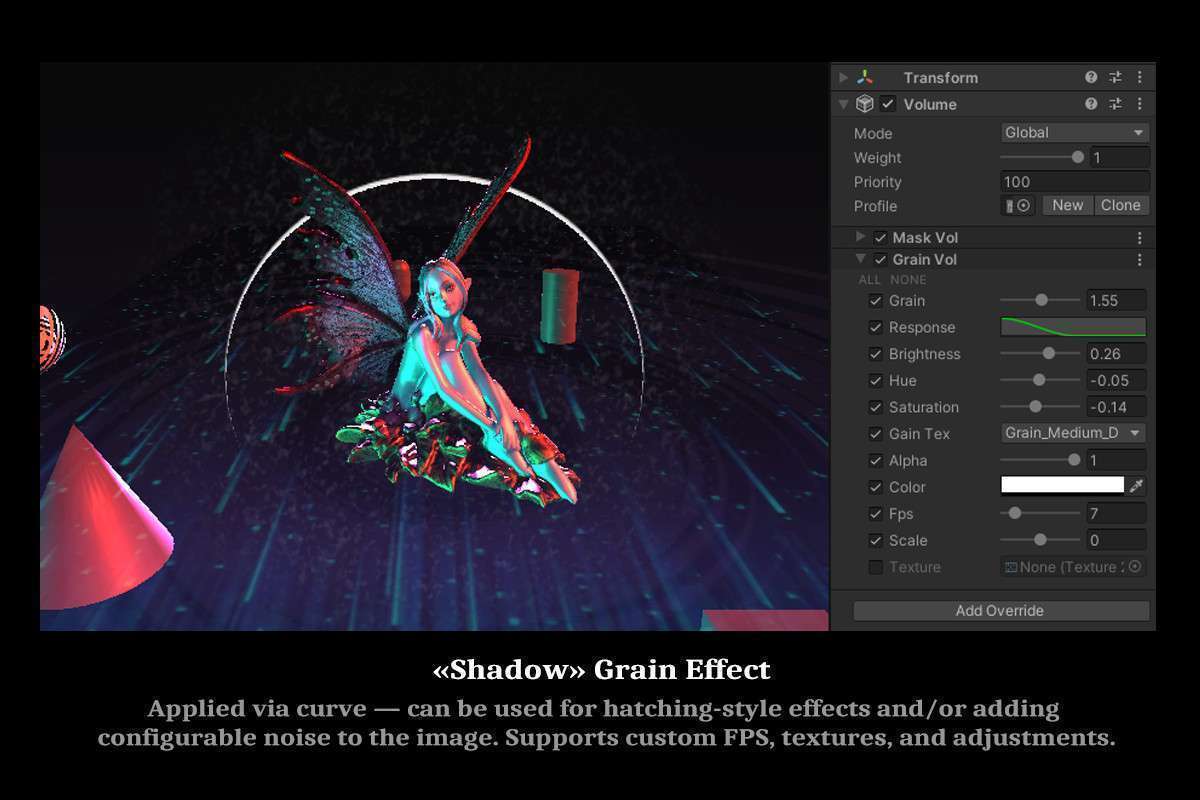
Integrating VolFx – VFX Toolkit Unity into a project at version 2.9.1 fundamentally changes how we approach full-screen and localized visual effects. This isn’t just another post-processing collection; it’s a flexible framework designed to extend Unity’s rendering capabilities with highly customizable and selectively applicable effects, tightly integrated with the Timeline system. For teams looking to achieve unique visual styles or precise cinematic control over their visuals, VolFx offers a robust solution that goes beyond the standard Post Processing Stack.
Integration Tips
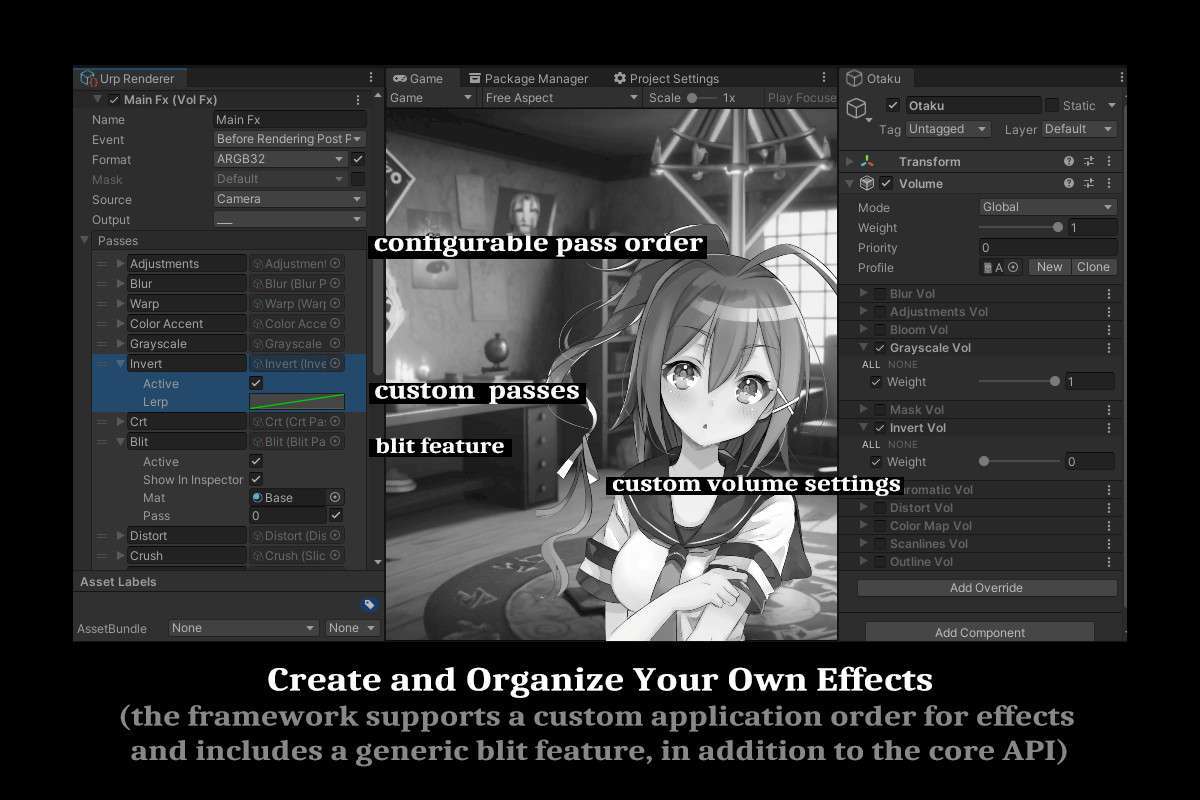
- SRP Compatibility & Render Order: While the asset offers a configurable pipeline, be mindful of its integration points within your chosen Scriptable Render Pipeline (URP/HDRP). VolFx effects can be added as custom render features or passes. Ensure correct render order, especially if you’re using other full-screen effects or Unity’s default post-processing, to prevent conflicts or double-processing. Experiment with injection points (e.g., `After Rendering Post Processing` for URP) to find the optimal balance.
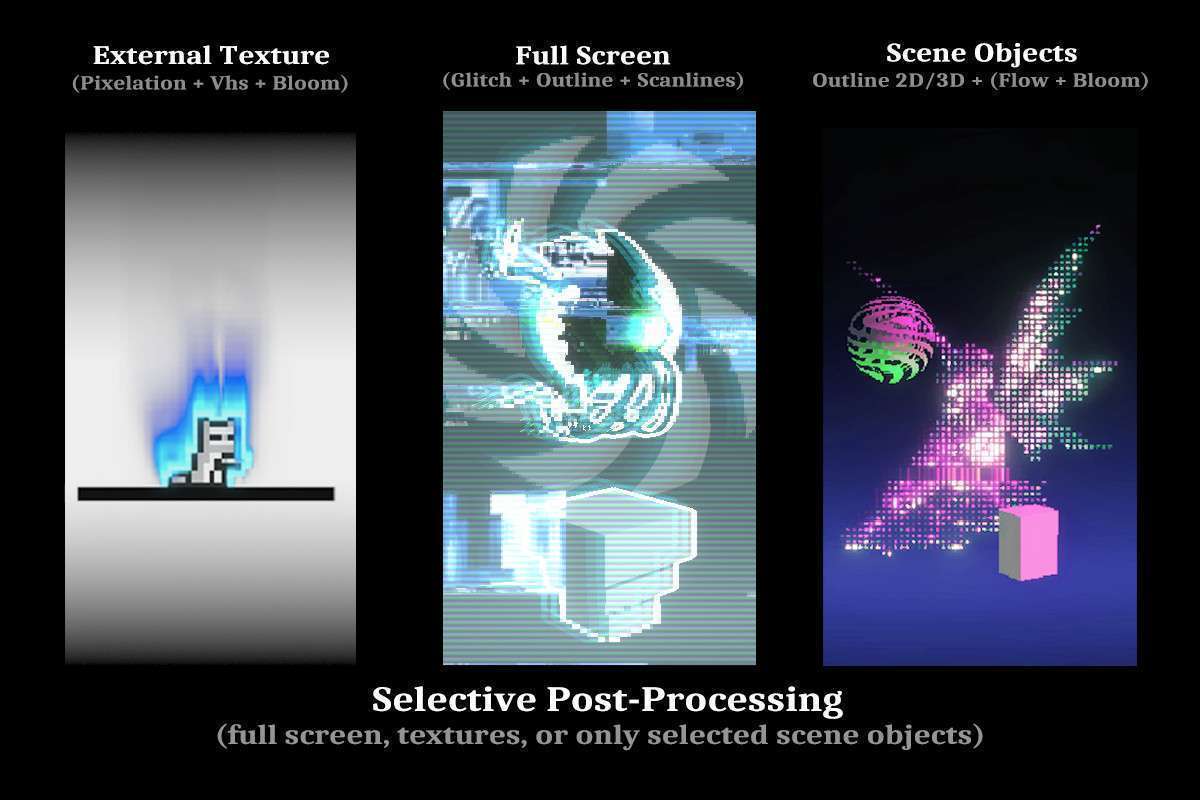
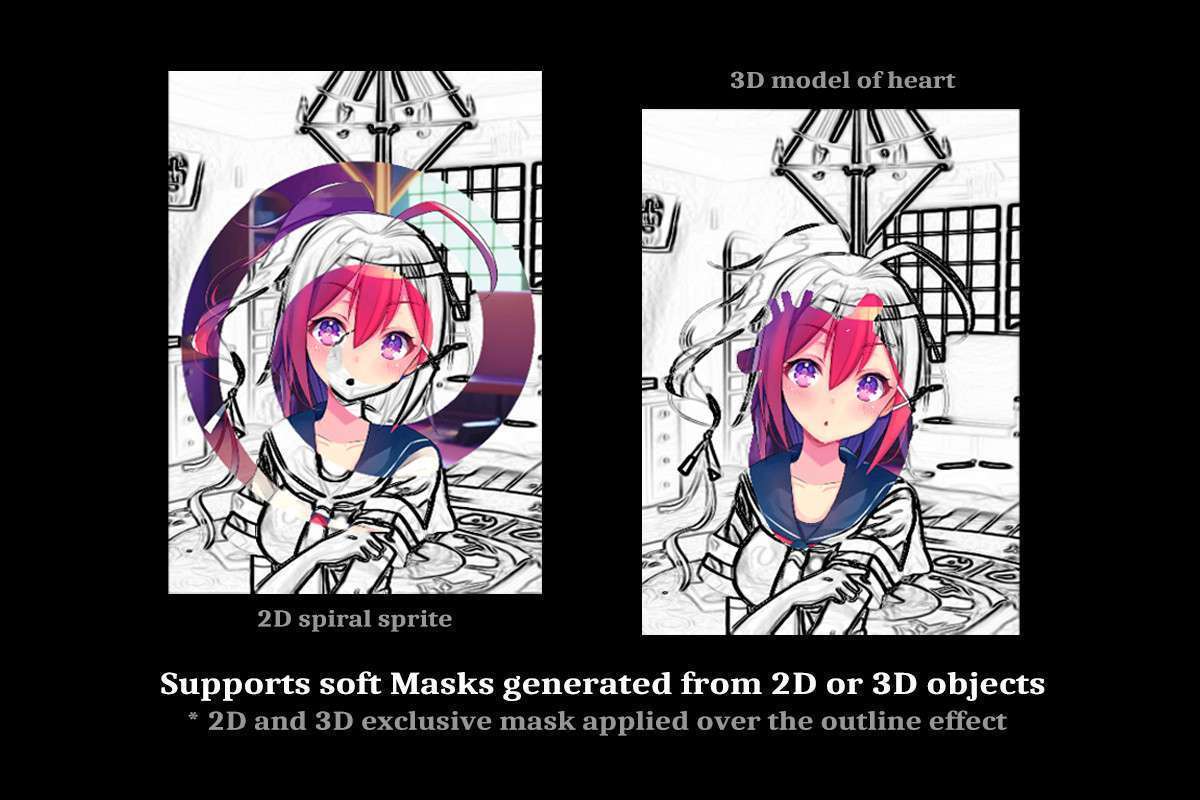
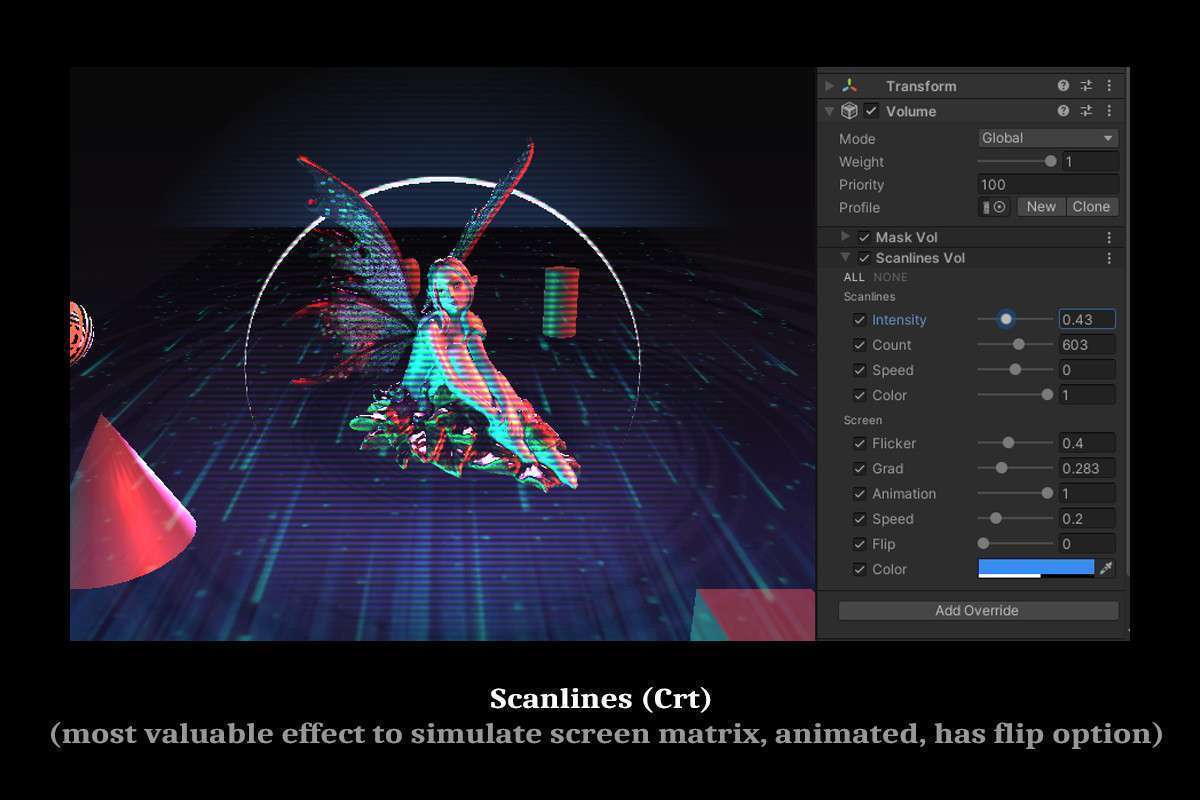
- Selective Application via Layers: Leverage the layer mask system for targeted effects. This is a critical performance and artistic feature. Instead of applying a global CRT effect, you can restrict it to UI elements or specific gameplay areas. This reduces shader complexity where it’s not needed and allows for layered visual narratives.
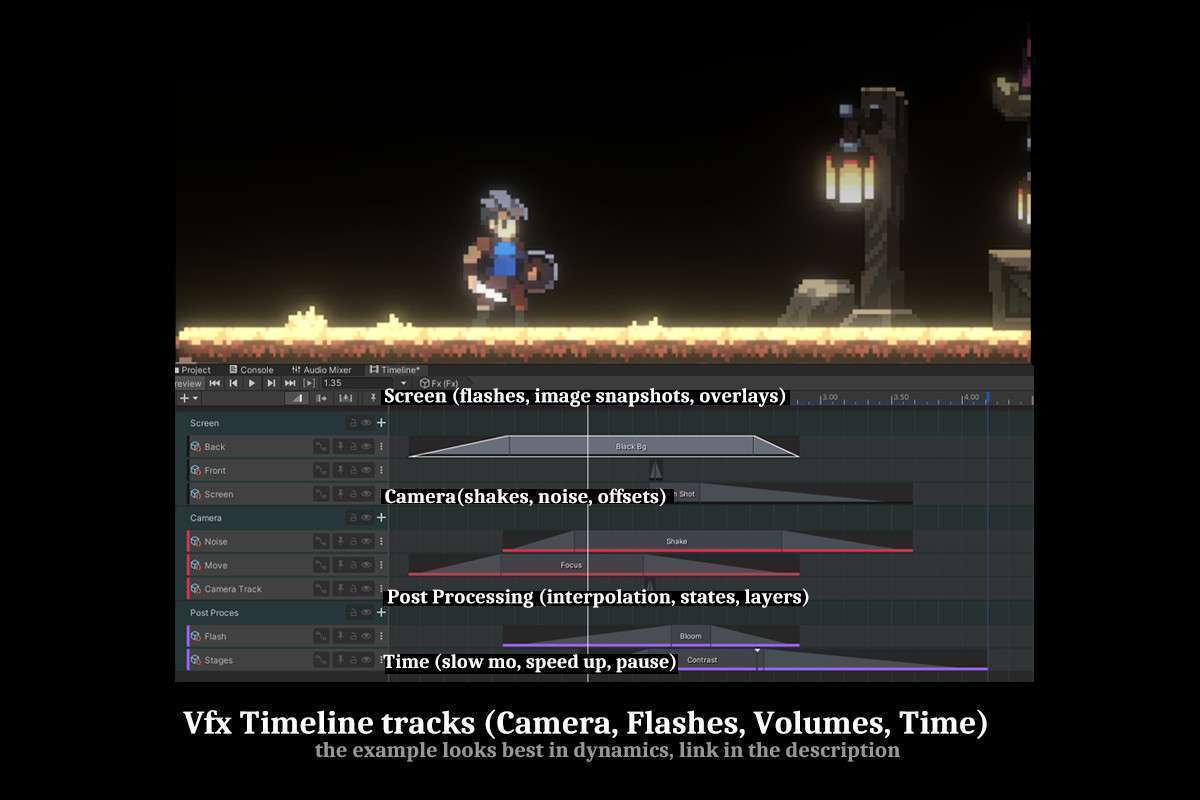
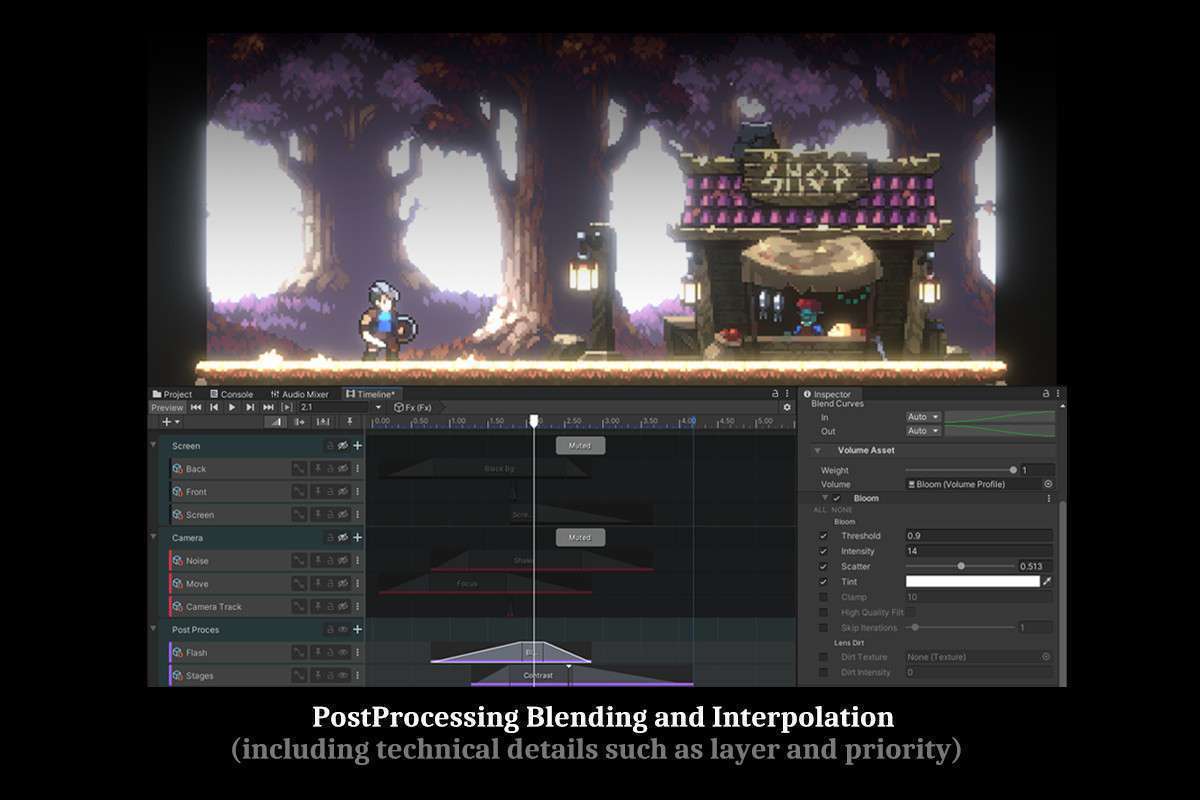
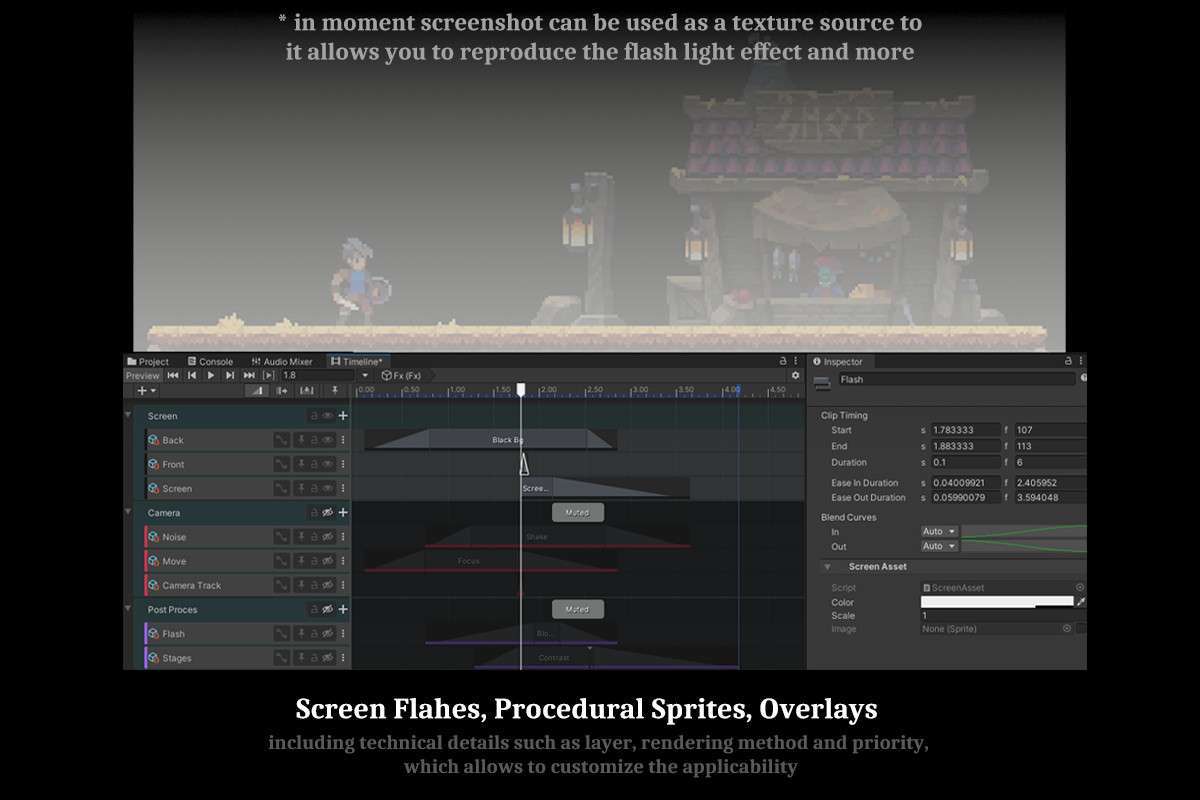
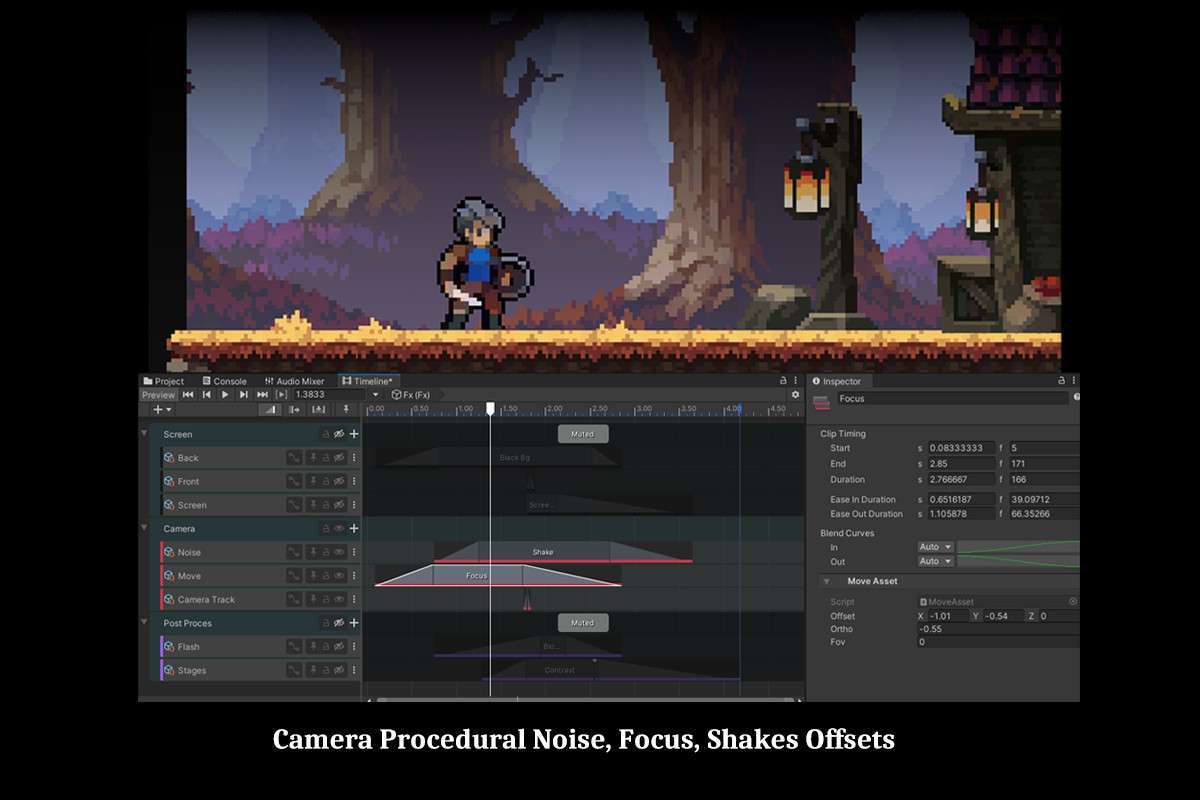
- Timeline Workflow: The dedicated Timeline tracks for ScreenFx are a game-changer for cinematics and scripted events. Treat them like animation tracks for post-processing parameters. Utilize this for dynamic screen shakes, time dilation effects, or scene transitions. Bake or pre-calculate complex parameter curves within Timeline to offload runtime calculation from game scripts.
- Custom Passes & Shader Blits: For developers needing to extend functionality, the custom pass system and generic blit feature are invaluable. You can inject your own full-screen shaders or chain existing VolFx effects with your unique render steps, feeding data into the system. This provides a clear path for bespoke effect creation without forking the entire asset.
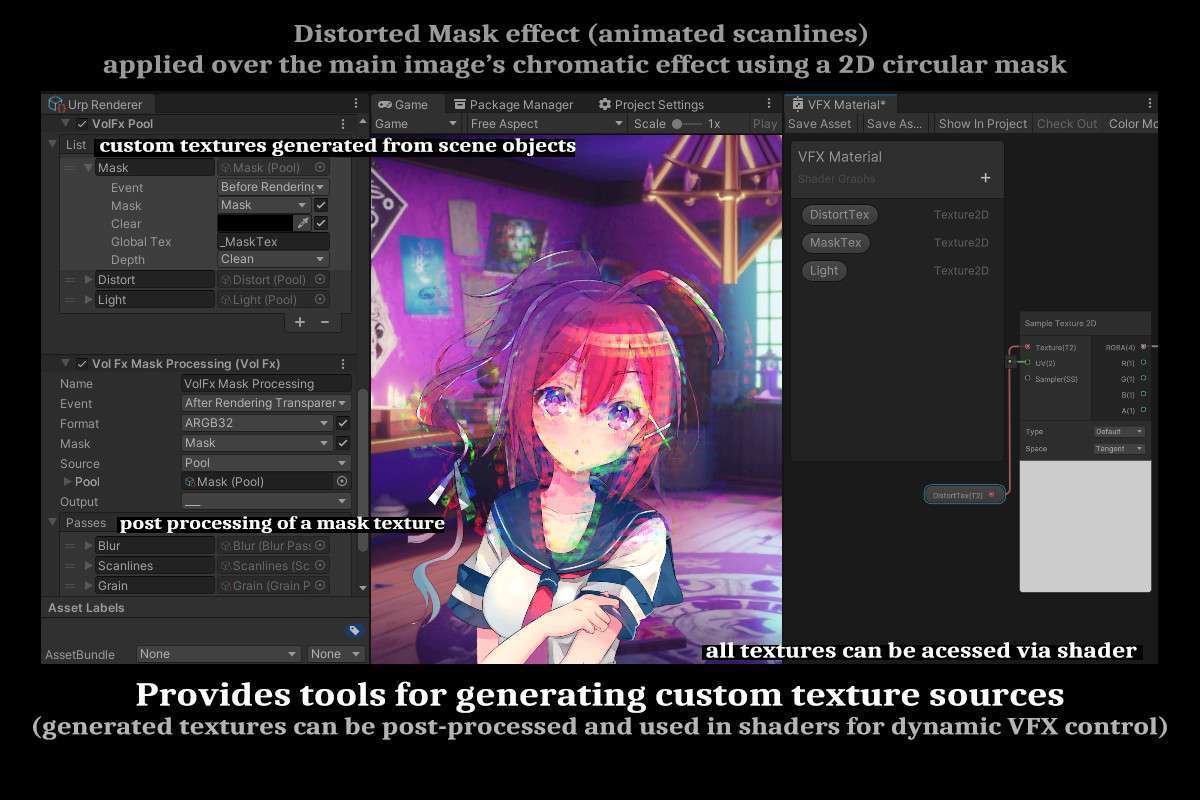
- Buffer Texture Pool System: Understand the pool system’s ability to generate buffer textures. This is a powerful feature for advanced shader work. Consider using these generated maps (e.g., lightmaps, pattern animations) as inputs for other shaders in your scene or as intermediate steps in complex visual effects, reducing redundant texture fetches.
Best Use Cases
-
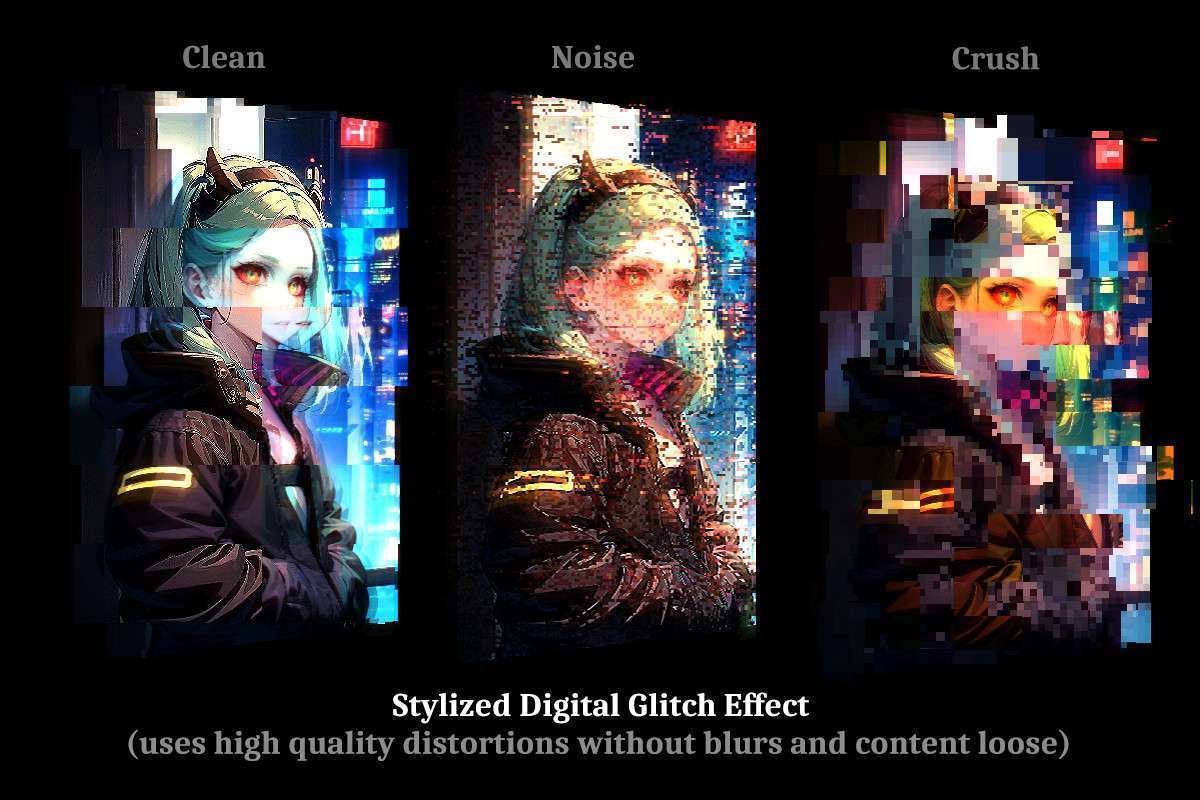
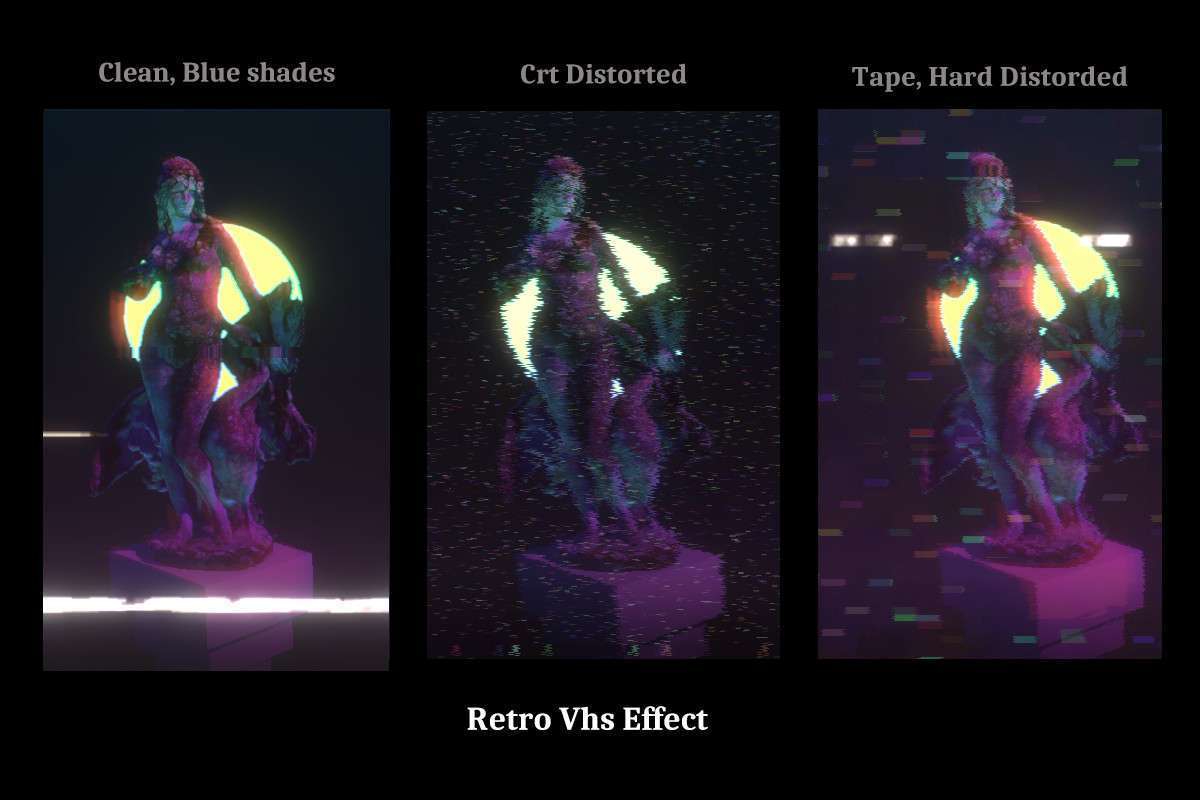
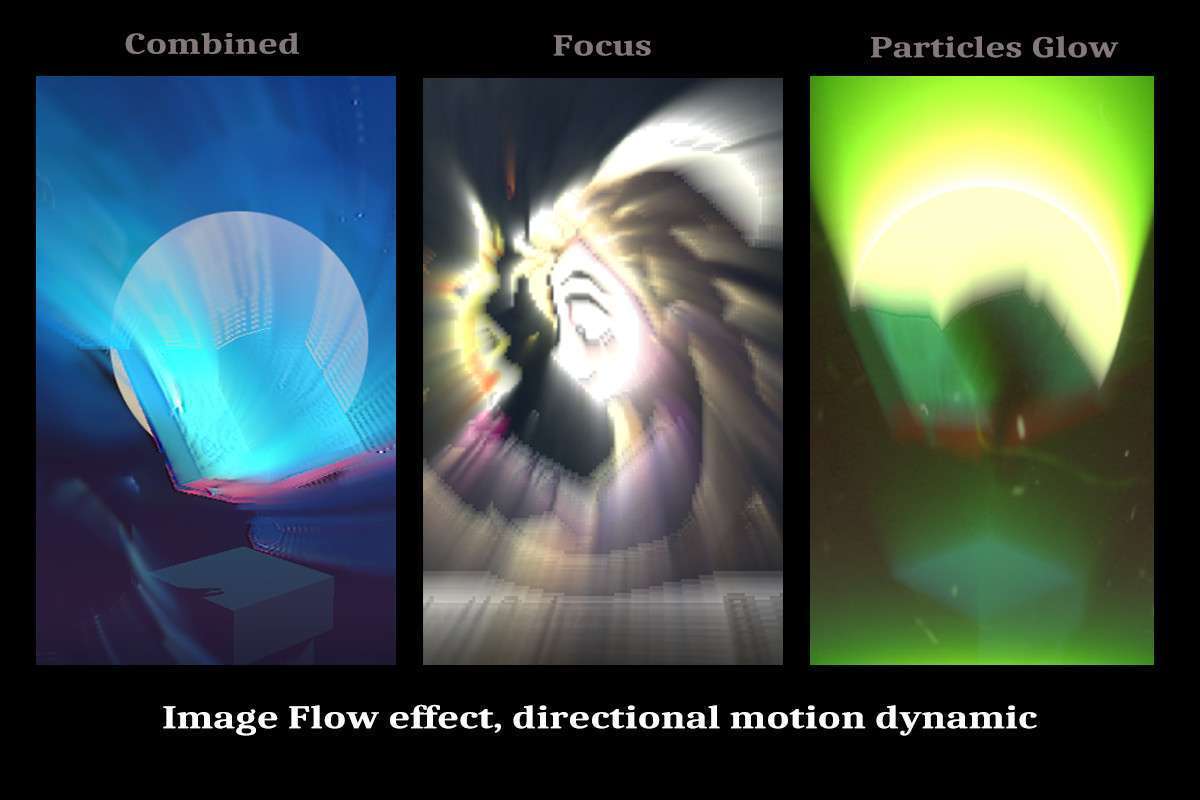
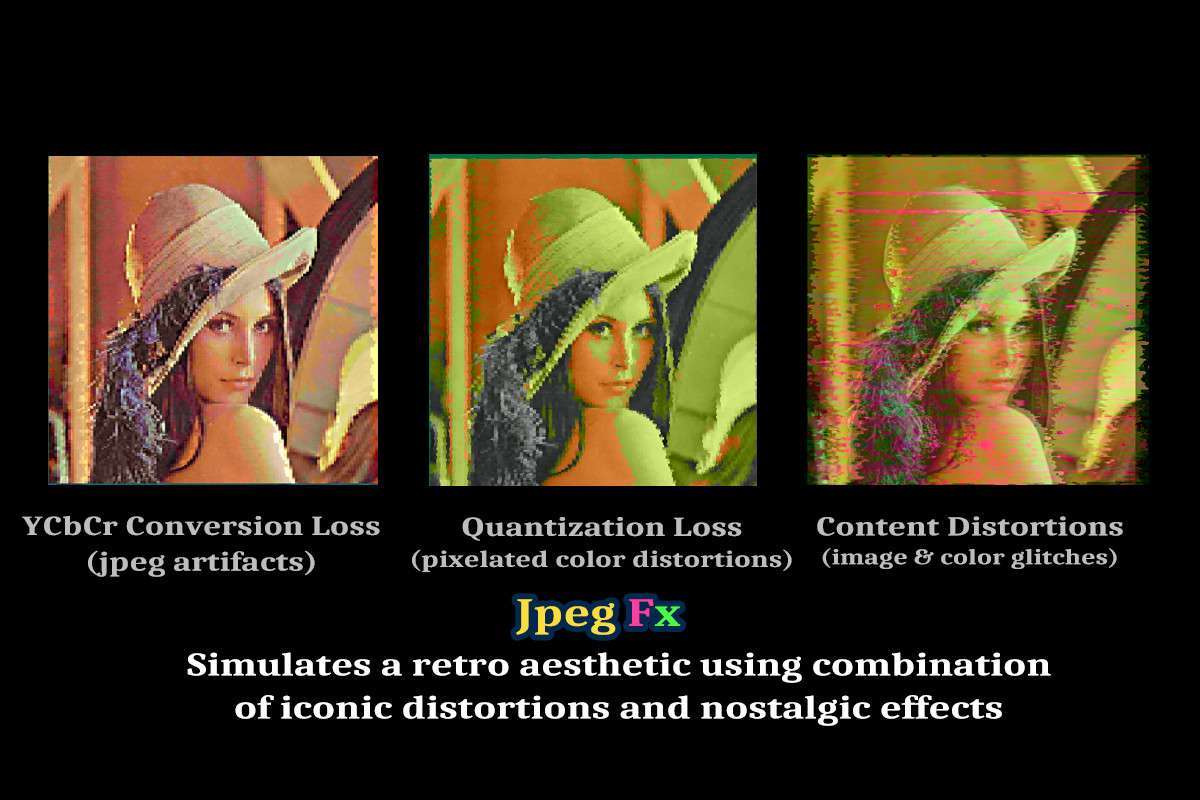
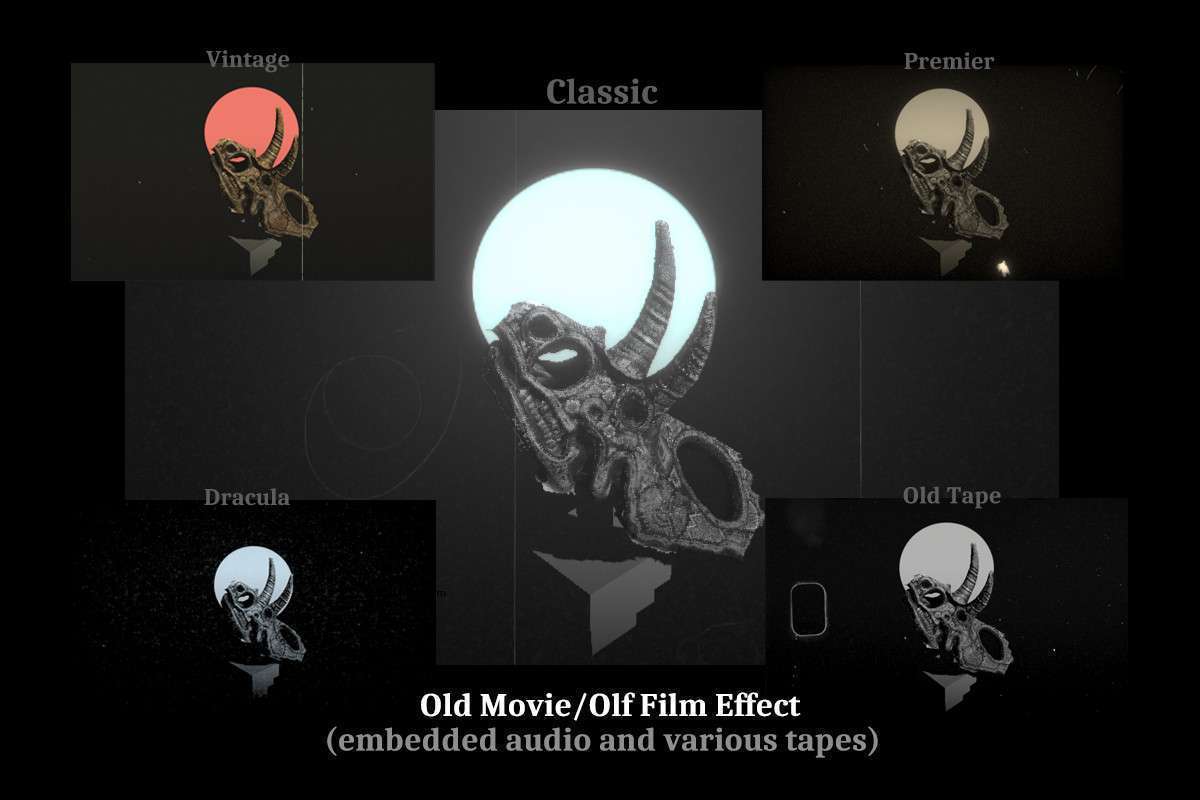
Cinematic & Narrative-Driven Games: For projects with a strong emphasis on visual storytelling, cutscenes, and scripted events. VolFx’s deep integration with Unity’s Timeline allows for precise, frame-accurate control over post-processing parameters, enabling developers to animate complex effects like glitches, VHS artifacts, or custom shader transitions directly alongside character animations and dialogue. This granular control facilitates dynamic mood shifts and impactful scene transitions that are perfectly synchronized with narrative beats.
-
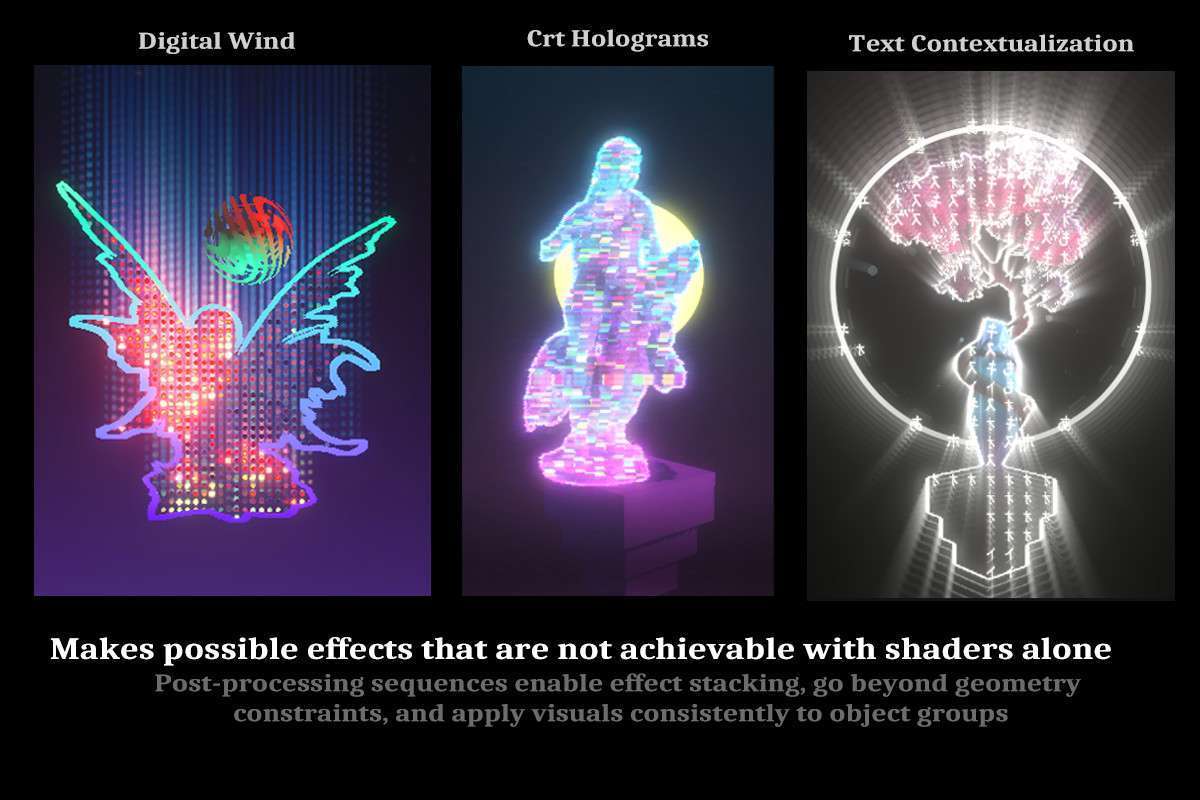
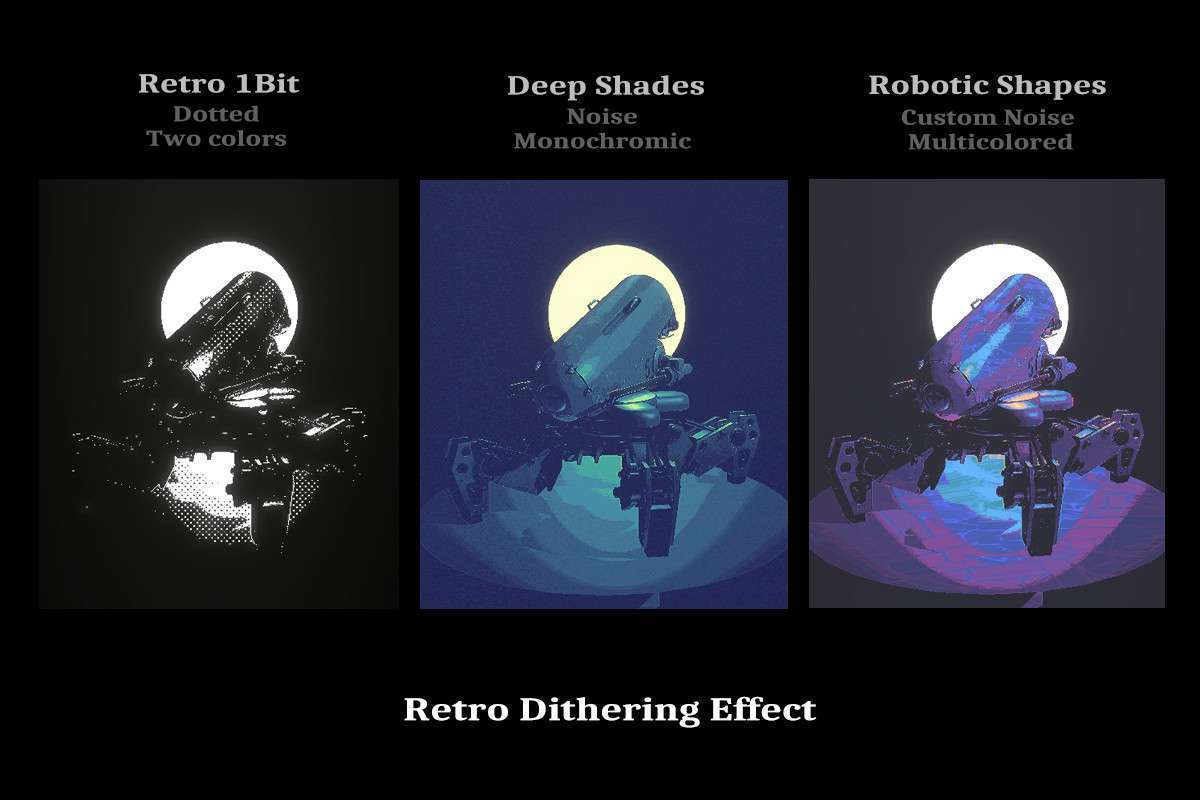
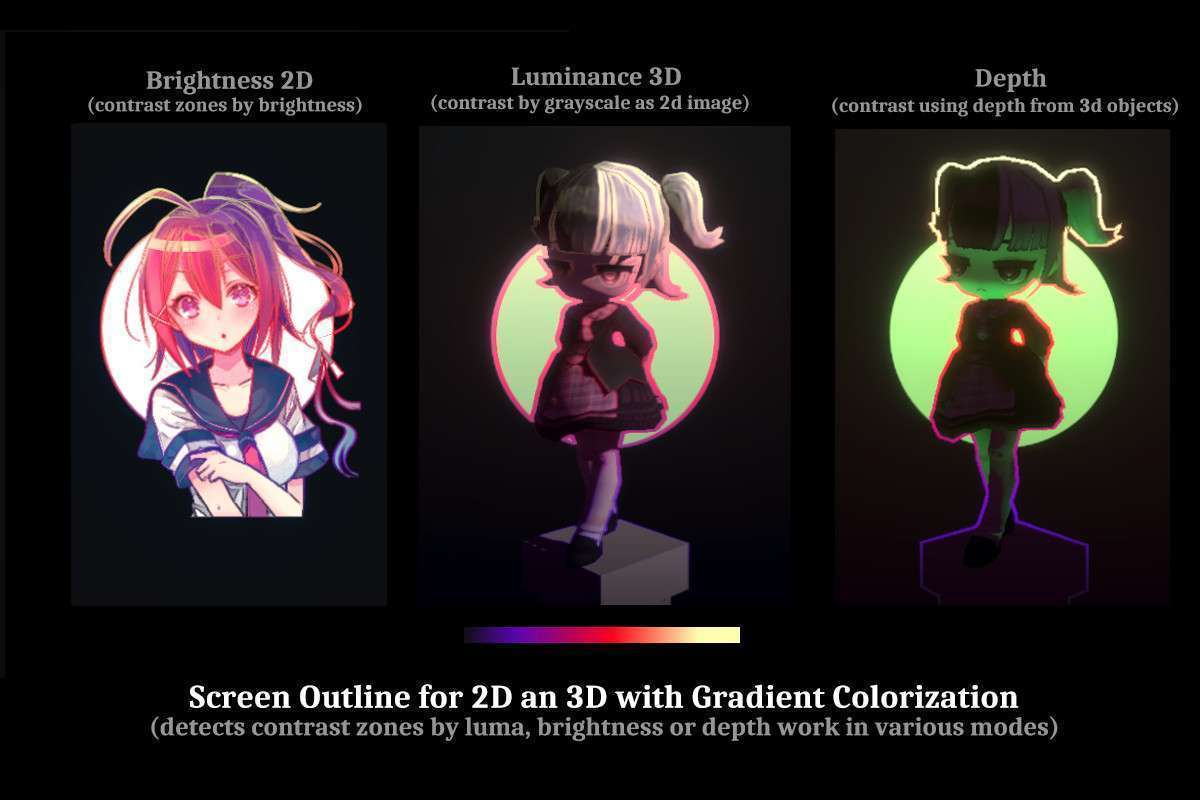
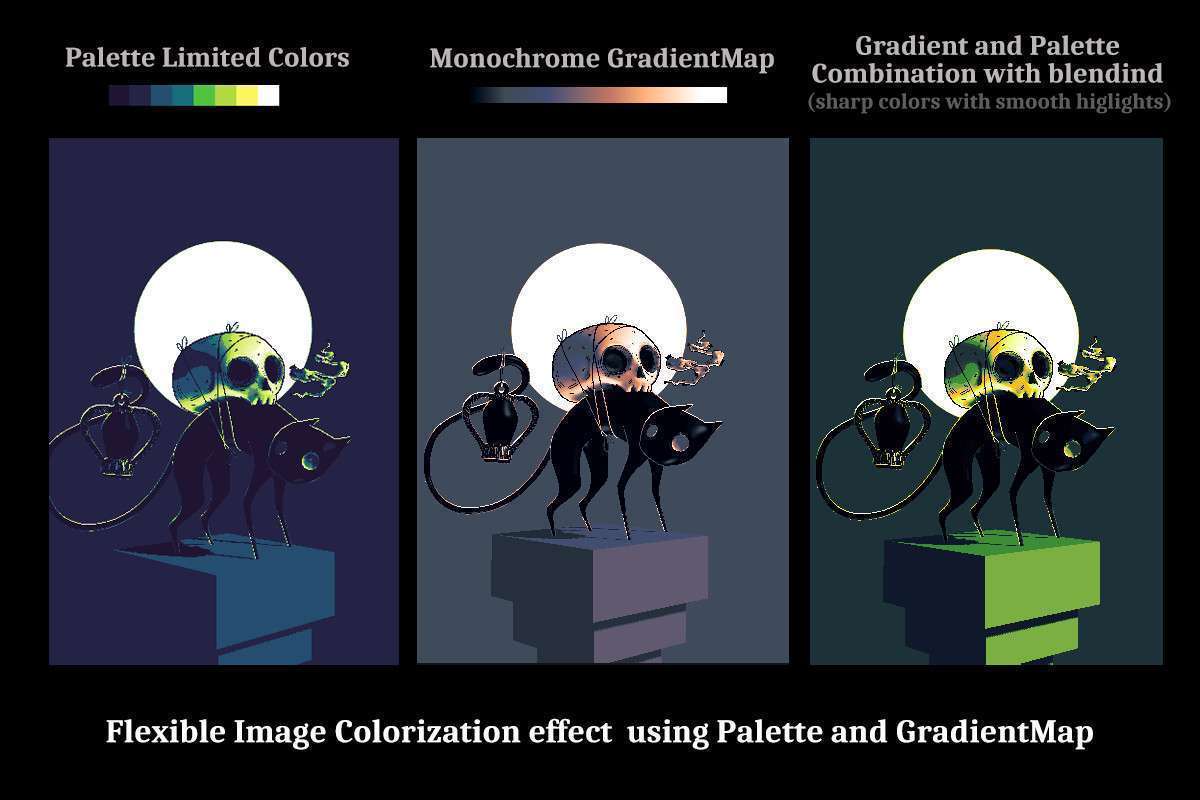
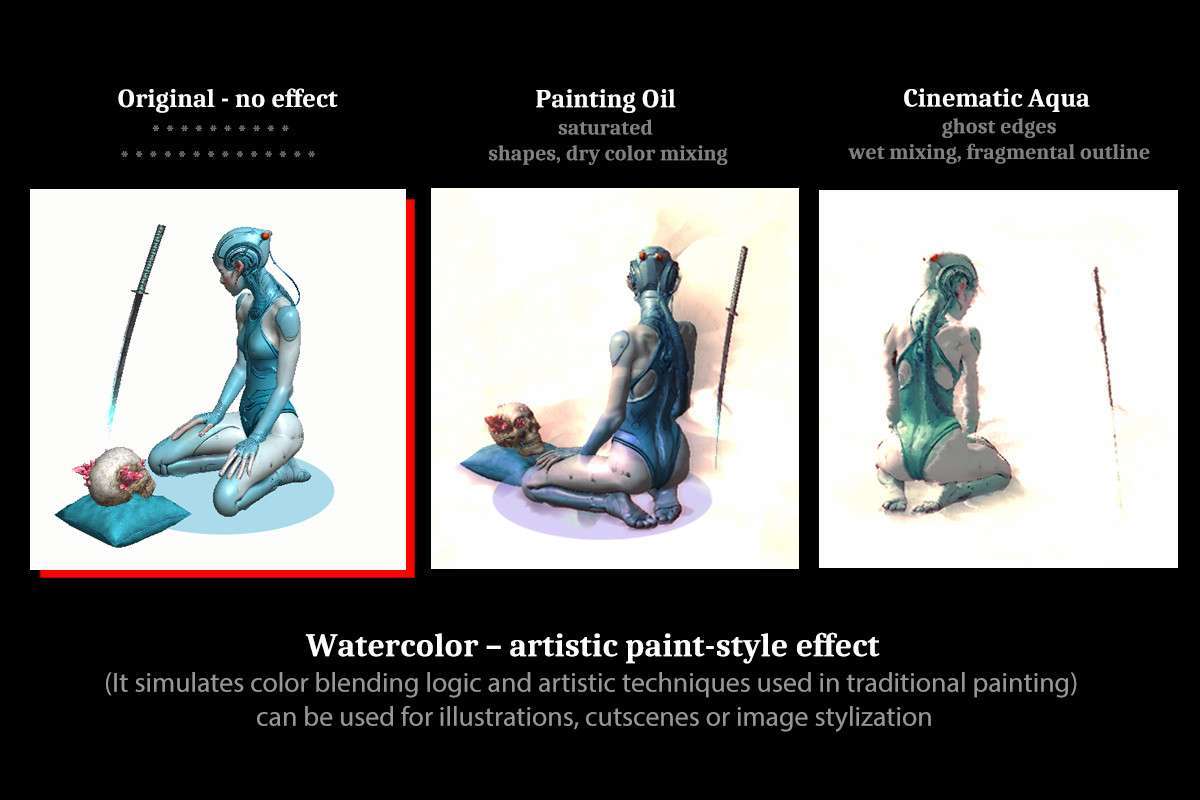
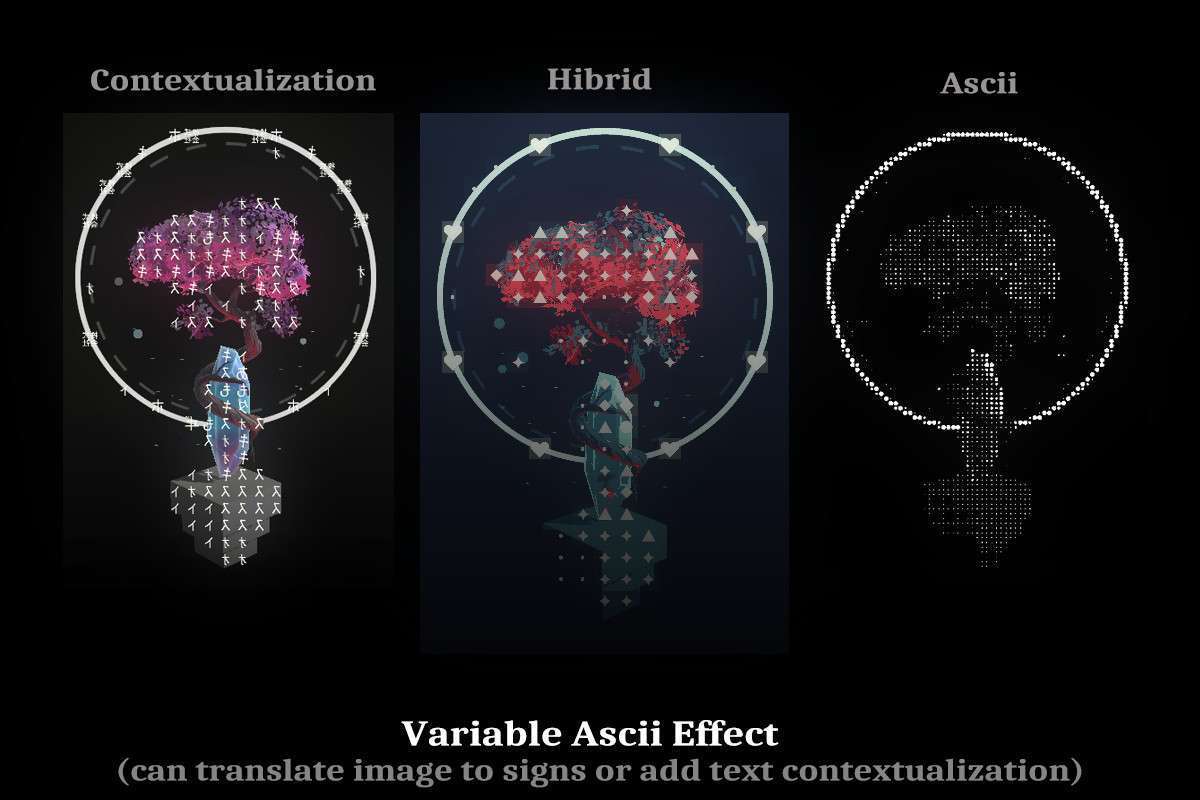
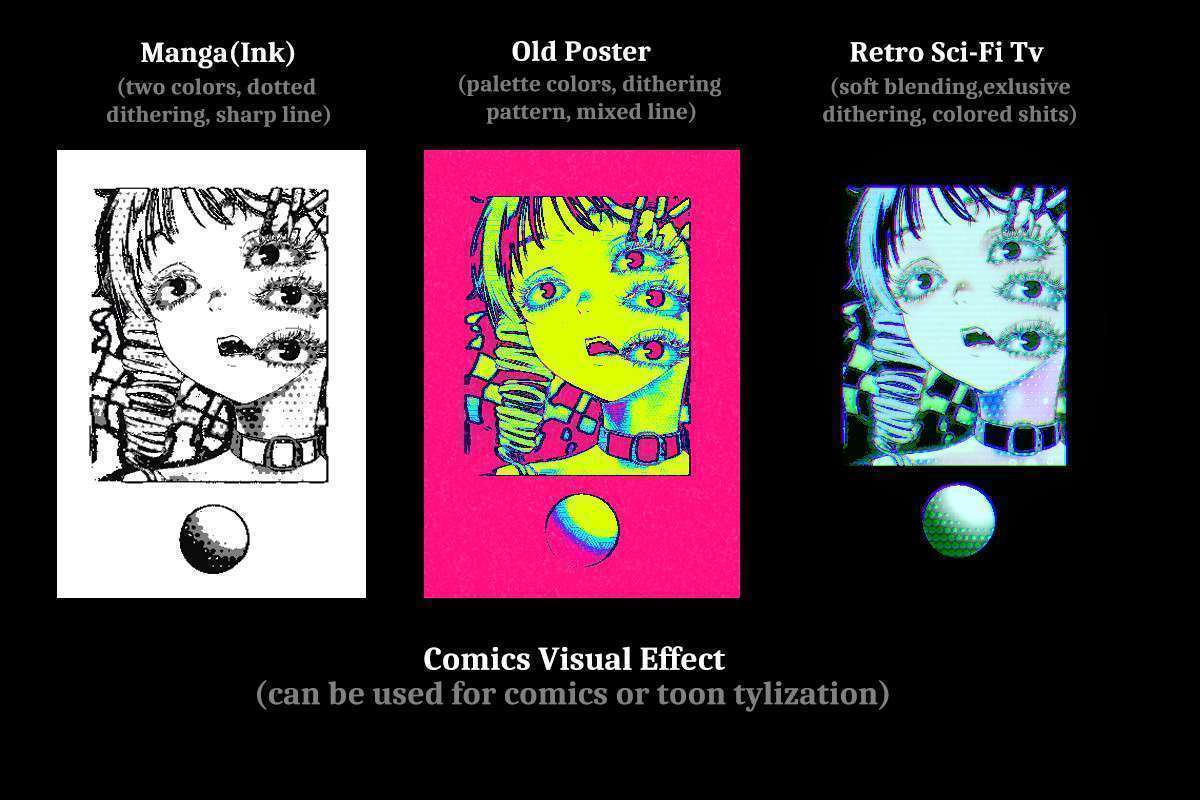
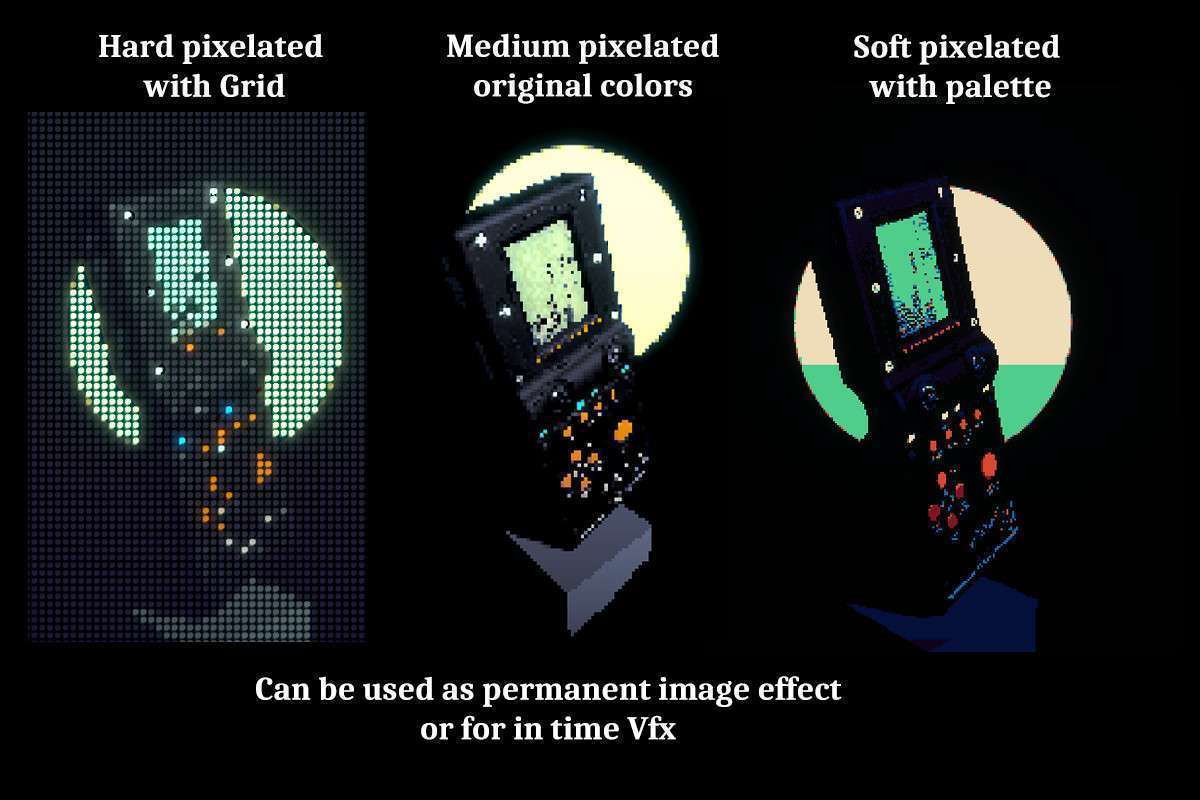
Stylized & Non-Photorealistic Rendering (NPR) Games: Games aiming for distinctive visual aesthetics such as retro pixel art, comic book styles, or impressionistic looks. The asset’s rich collection of stylized effects (e.g., Pixelation, Ascii, CRT, Comics, Watercolor) provides pre-built, optimized shaders that deliver these unique looks without extensive custom shader development. This allows art teams to rapidly prototype and iterate on visual styles, reducing technical art overhead while ensuring consistent application of the aesthetic across the entire game.