
Technical Overview
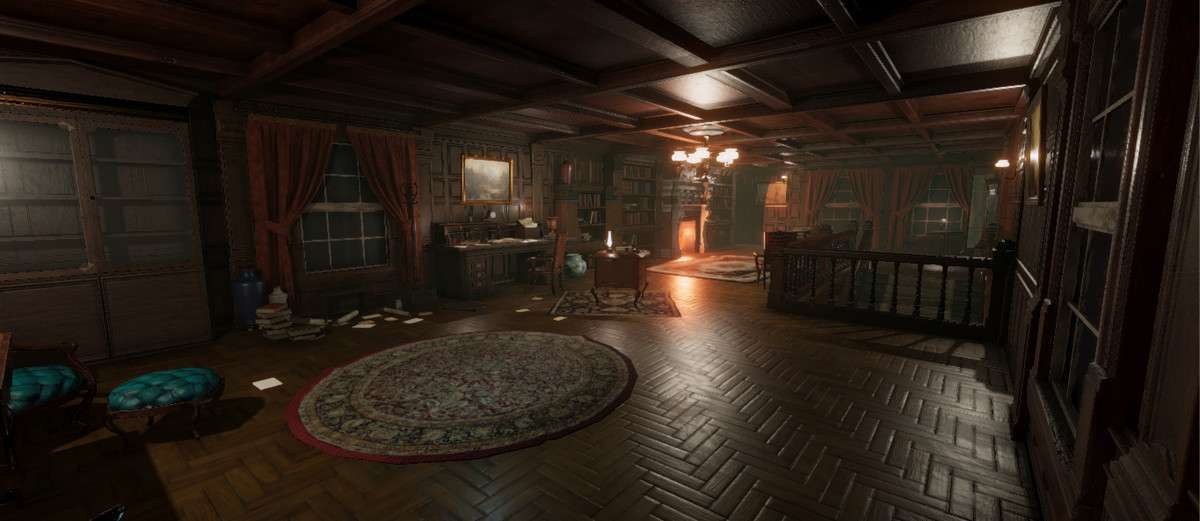
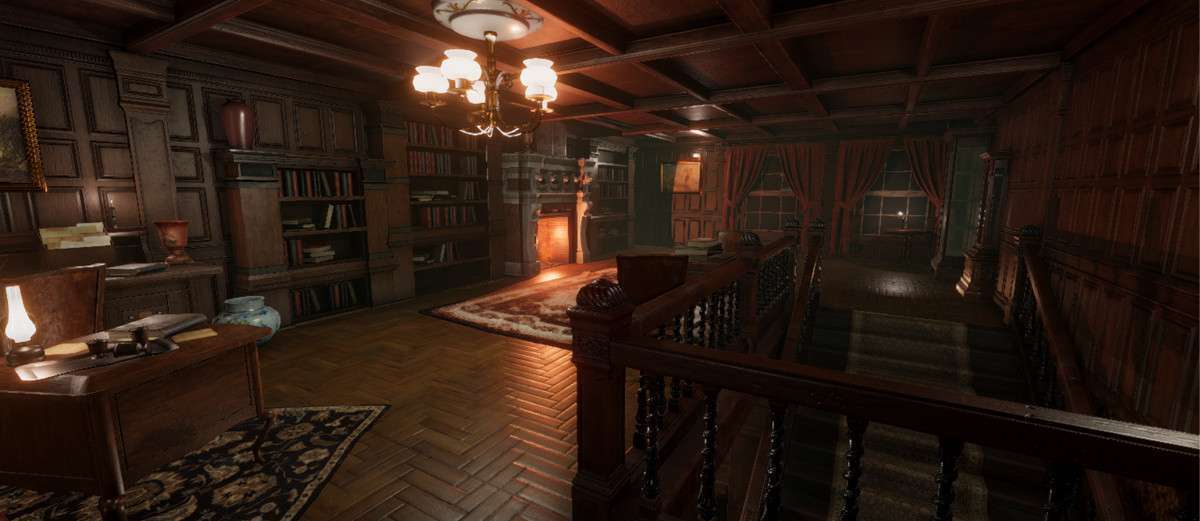
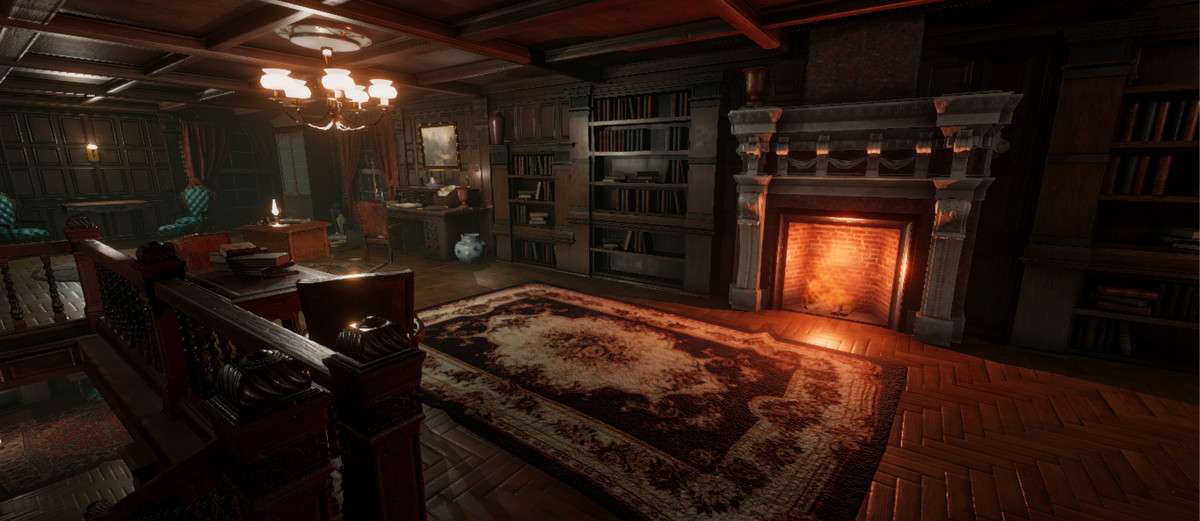
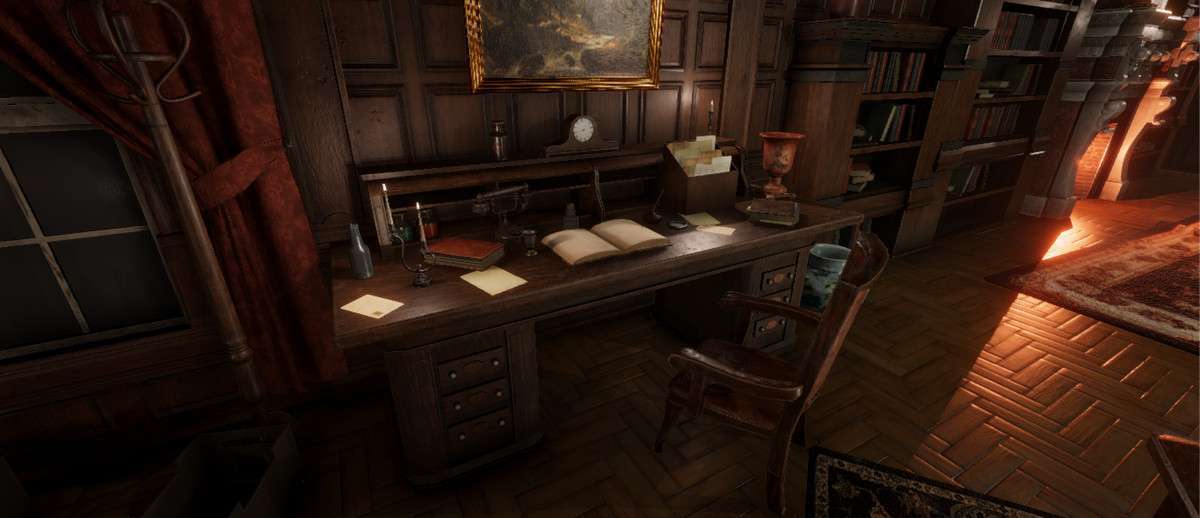
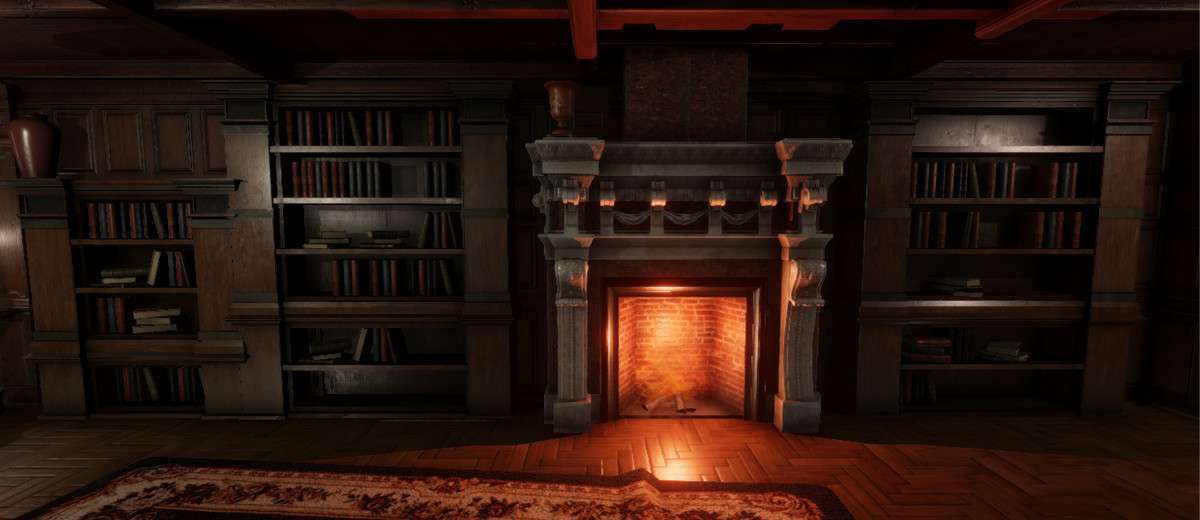
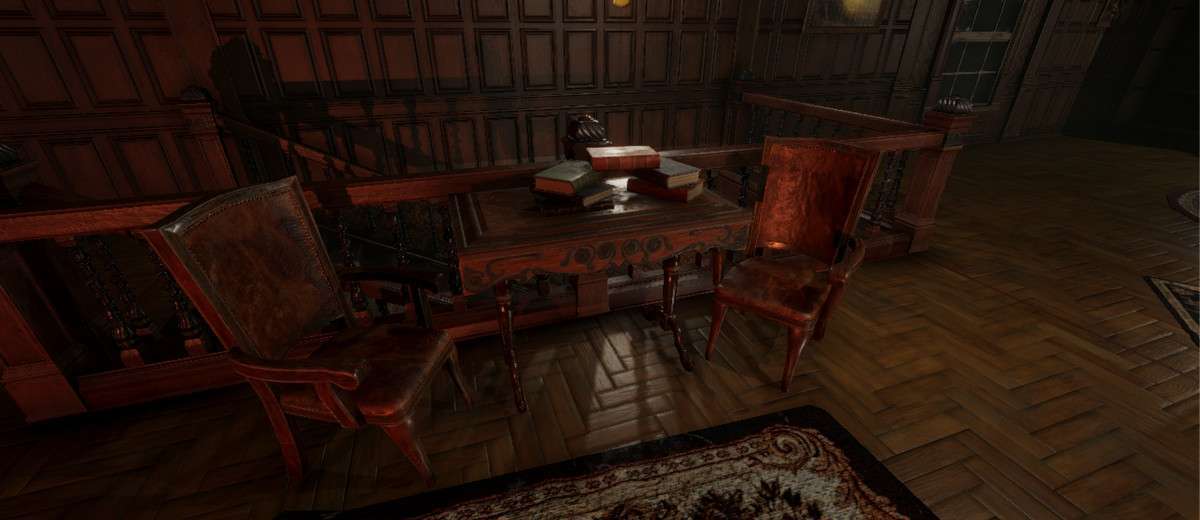
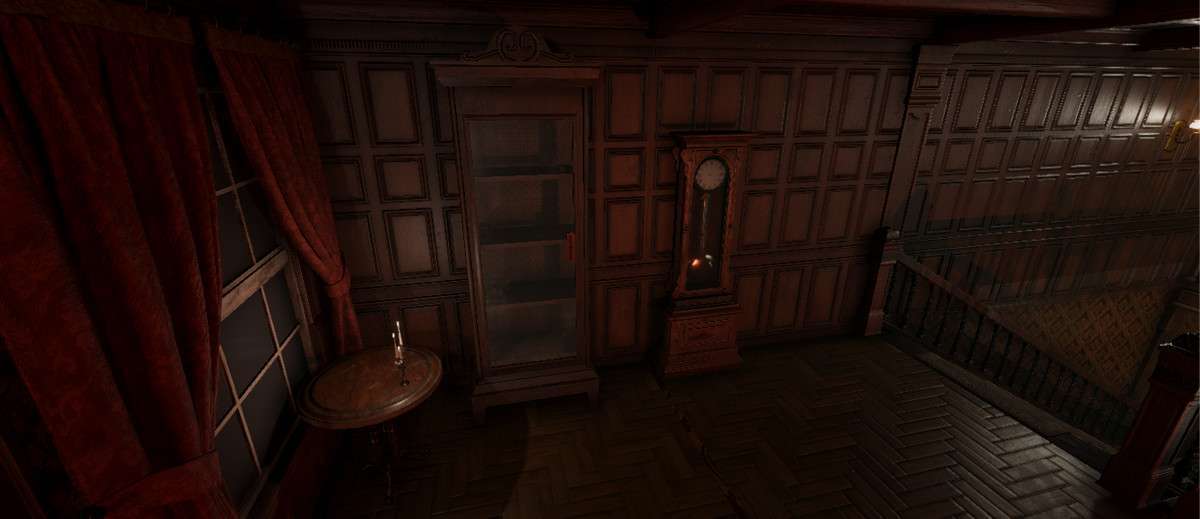
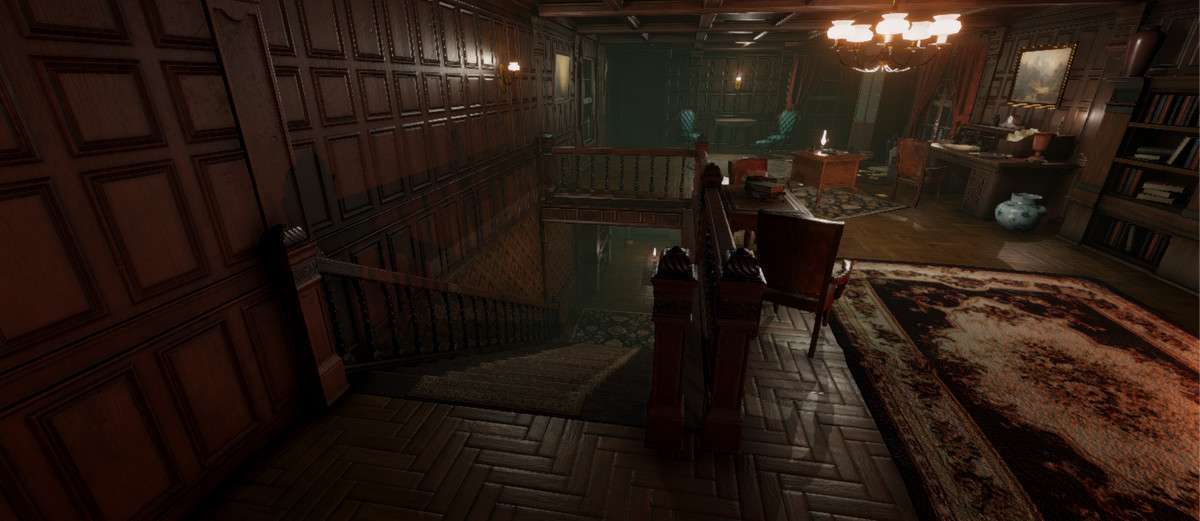
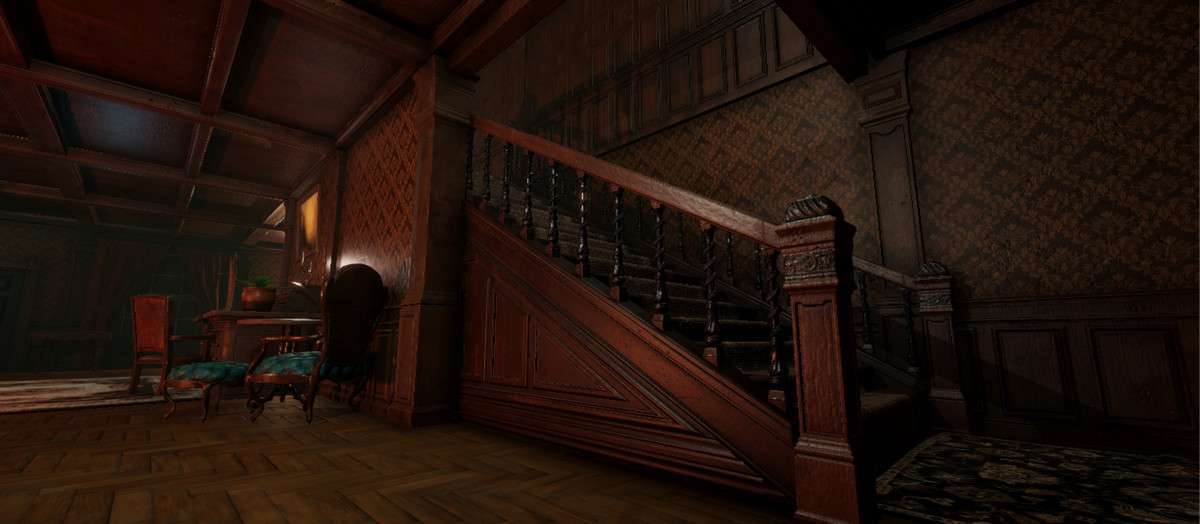
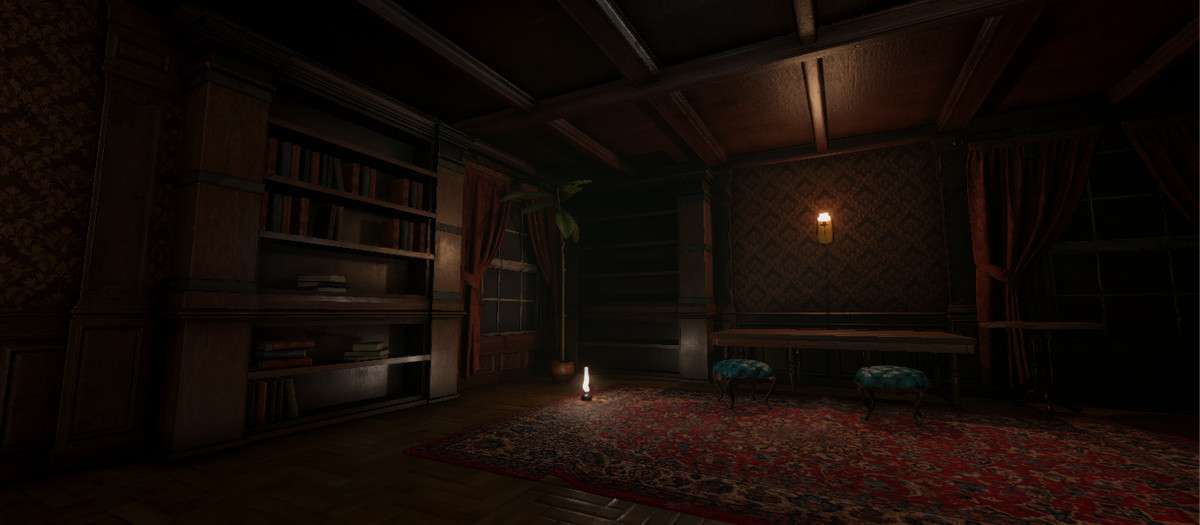
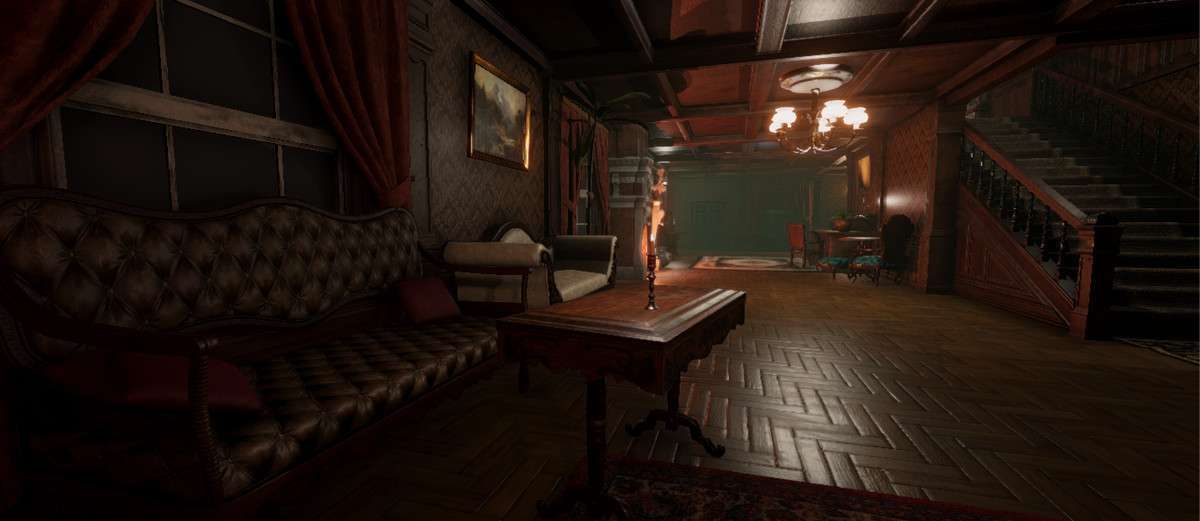
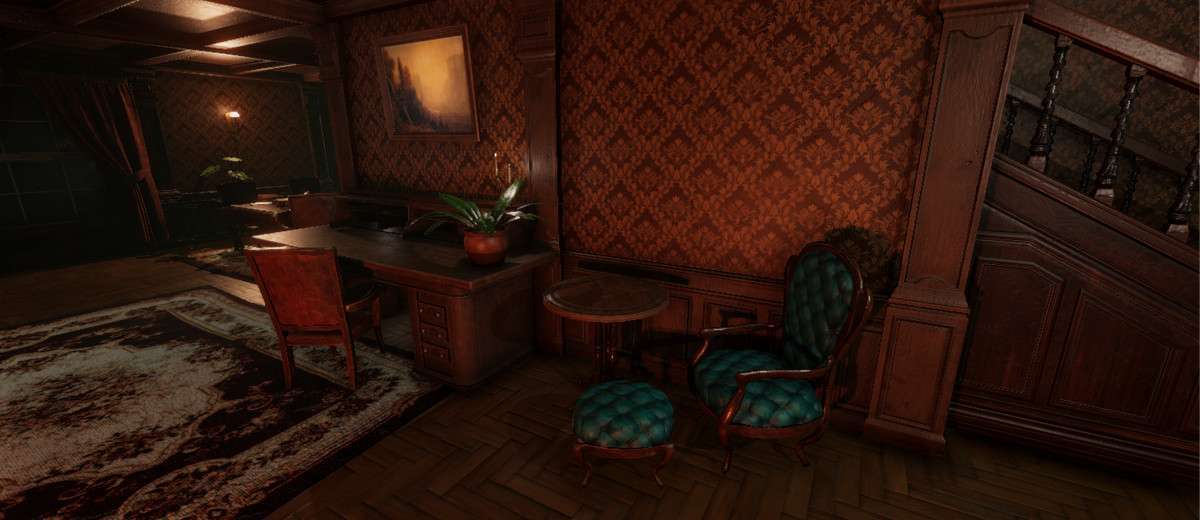
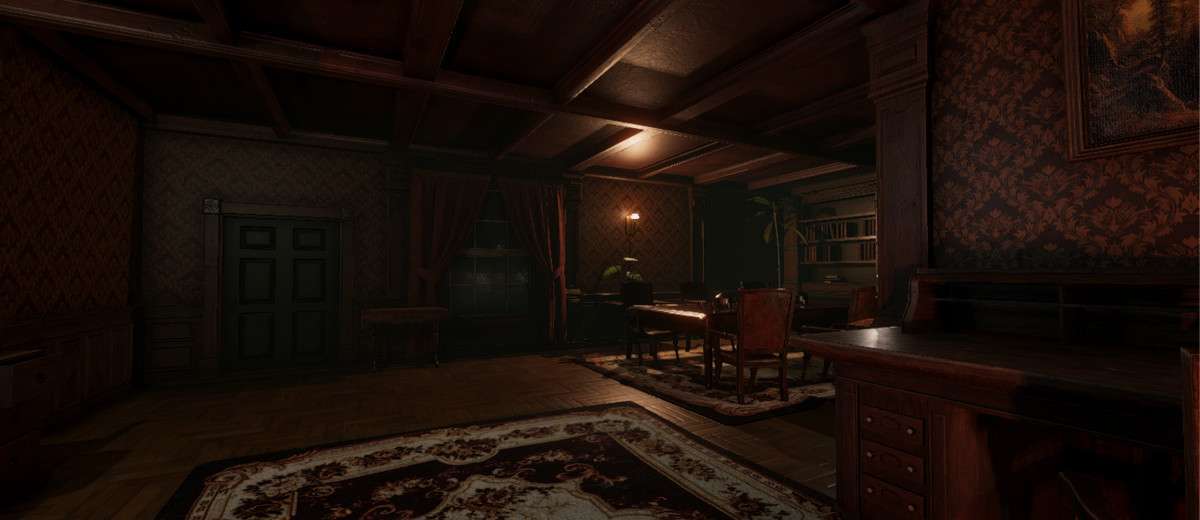
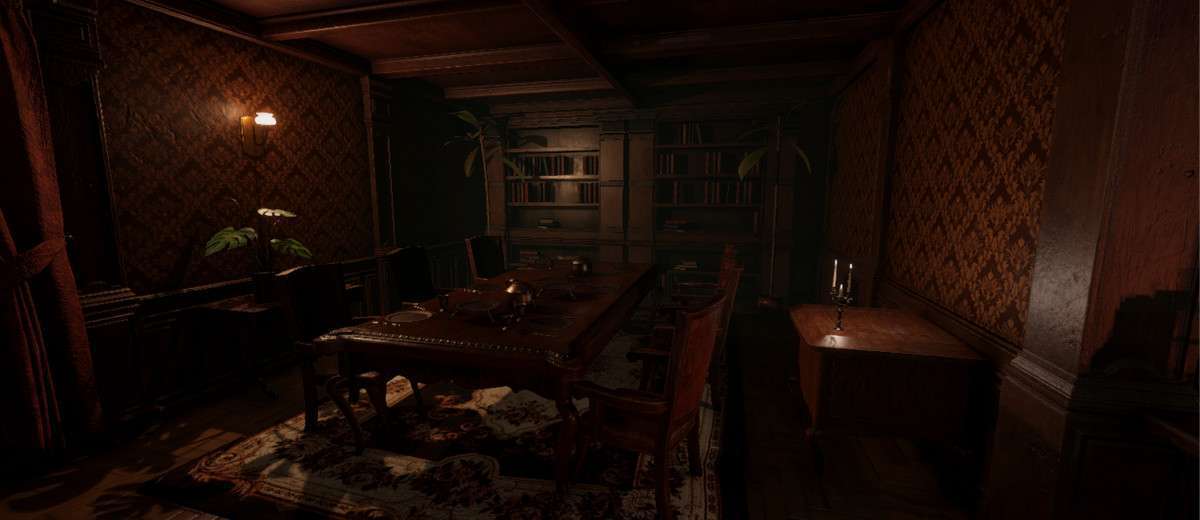
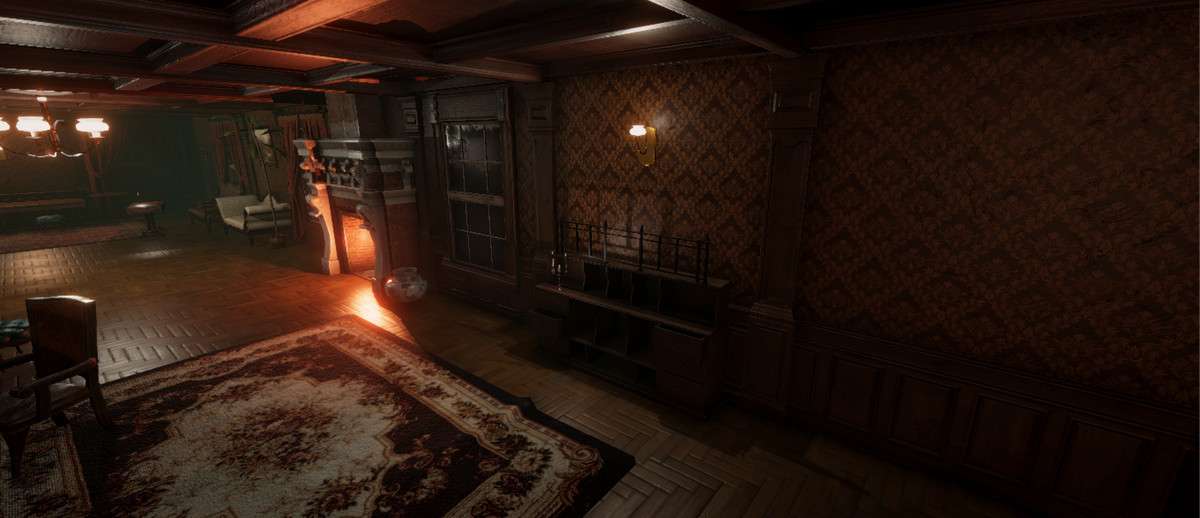
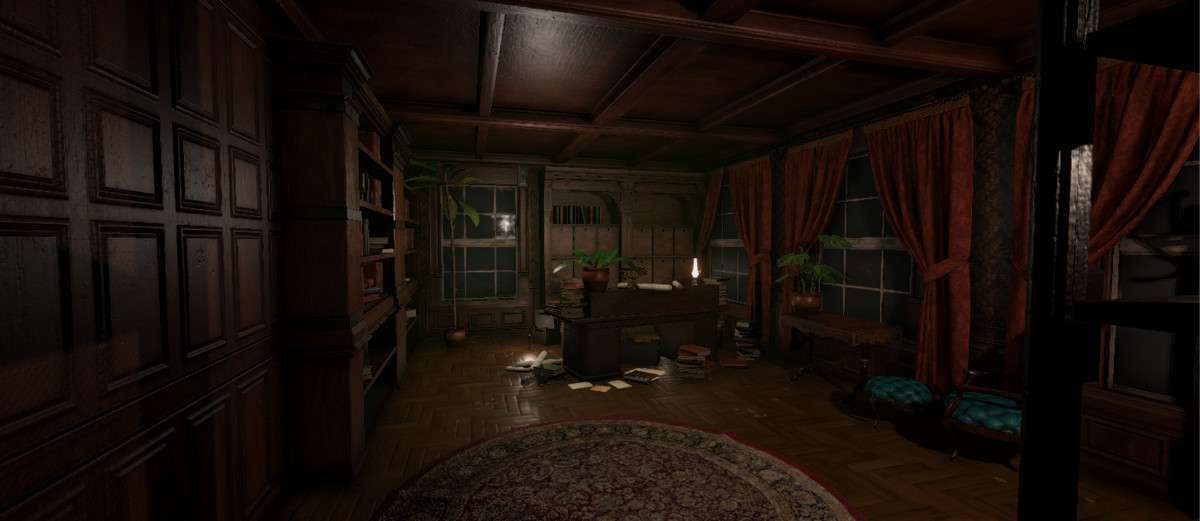
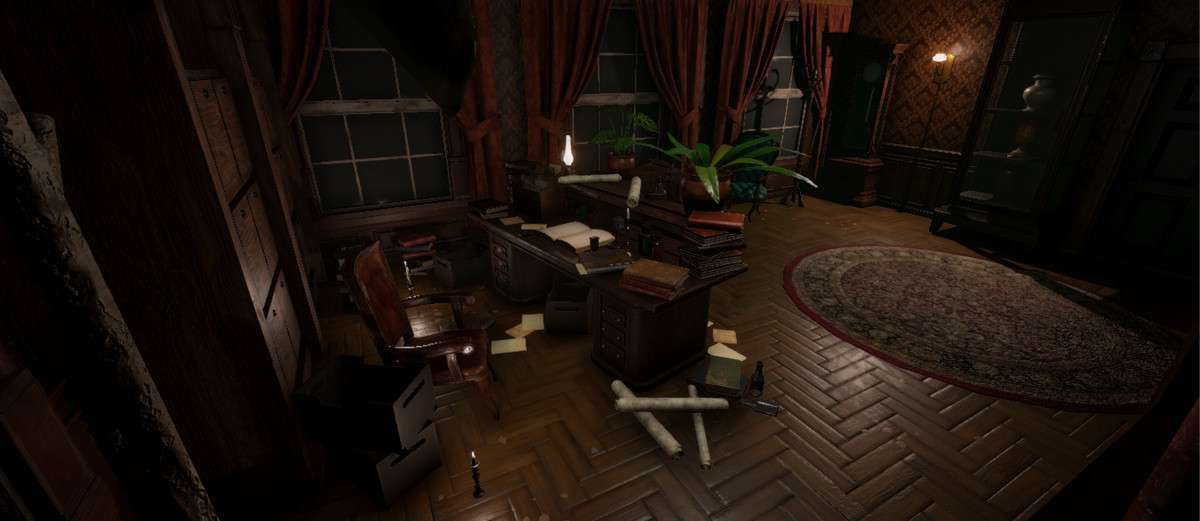
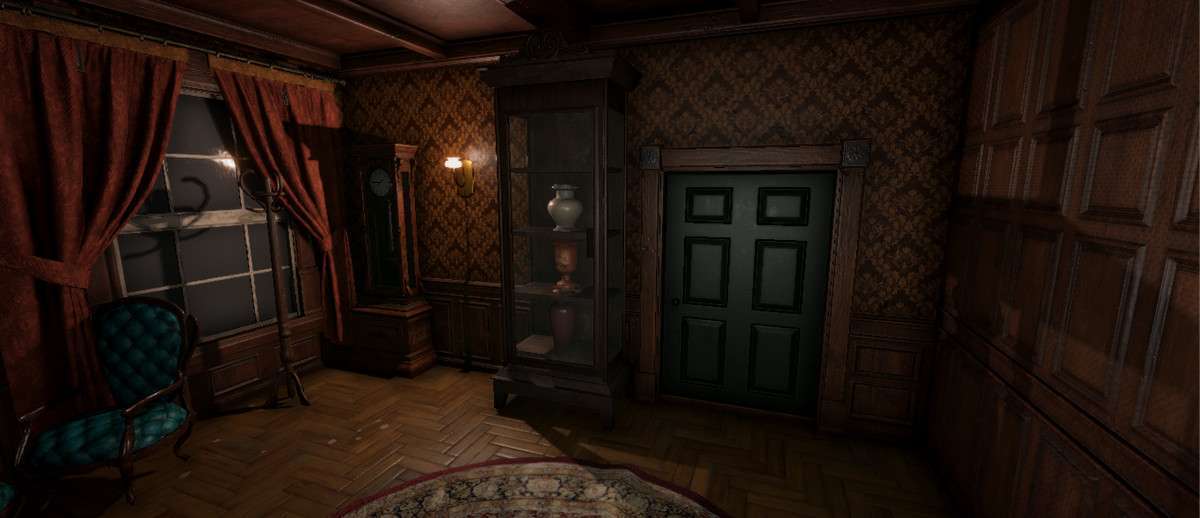
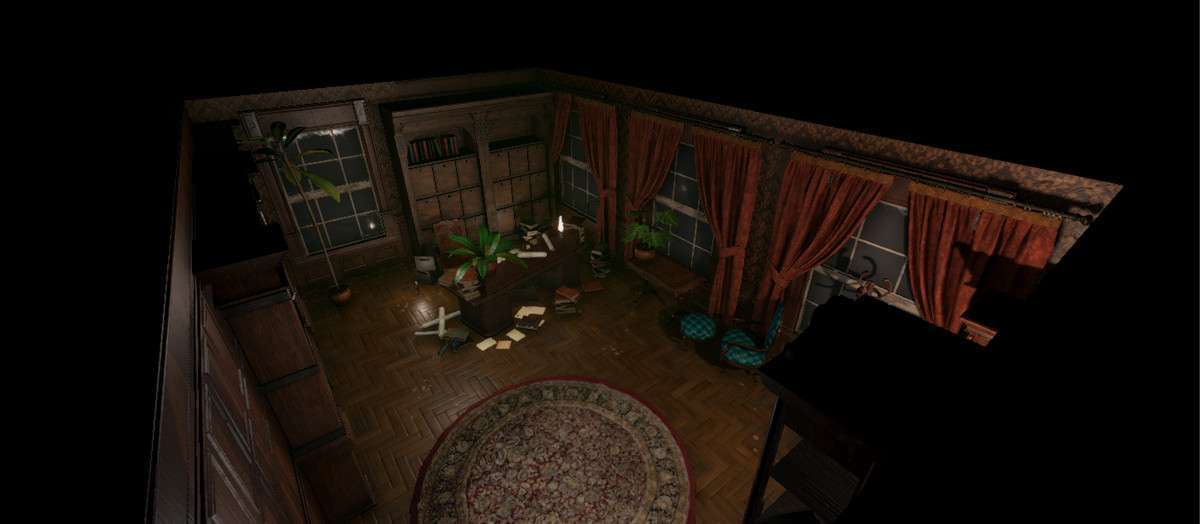
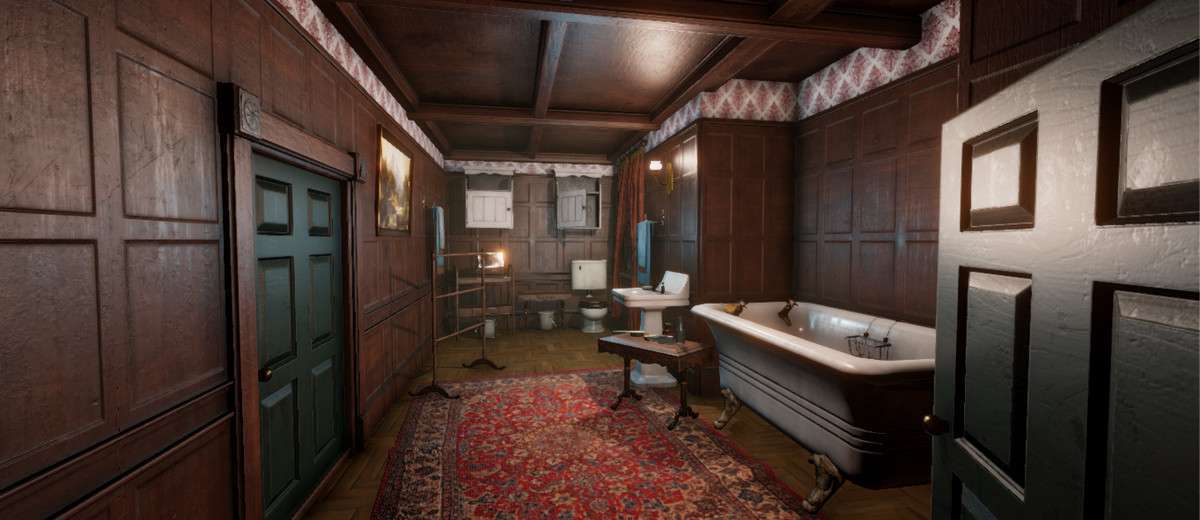
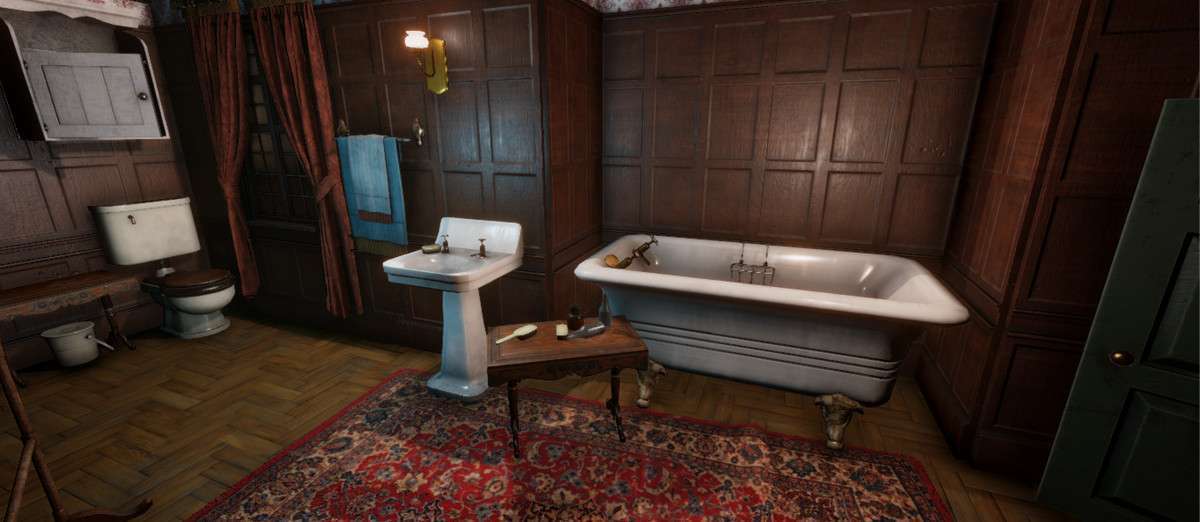
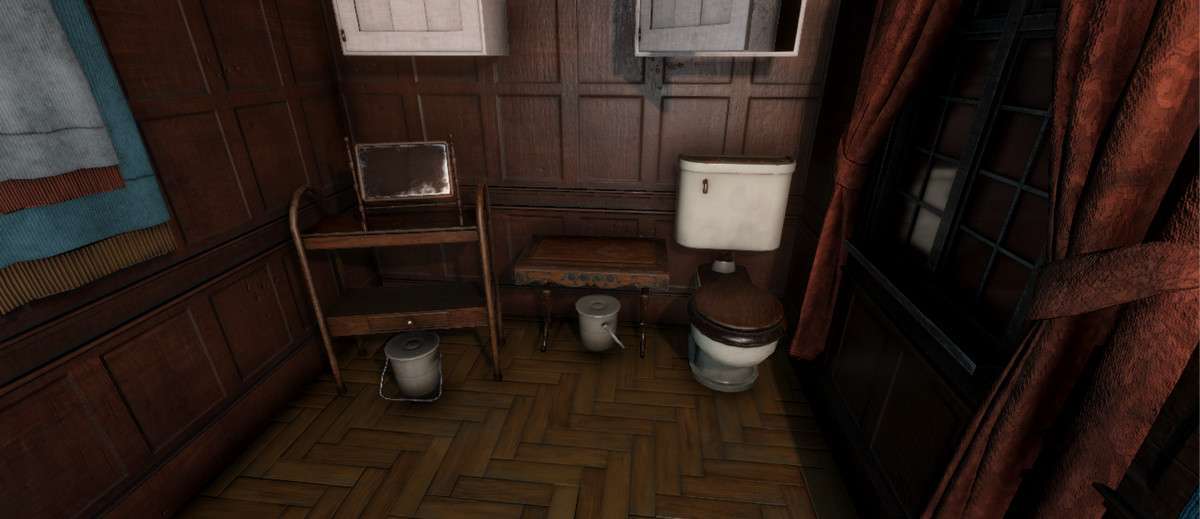
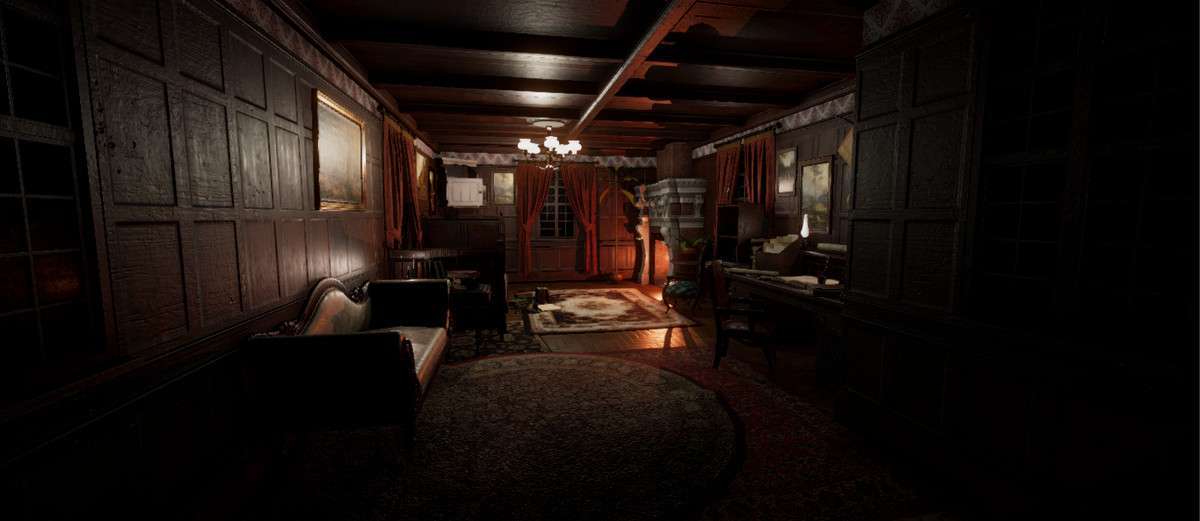
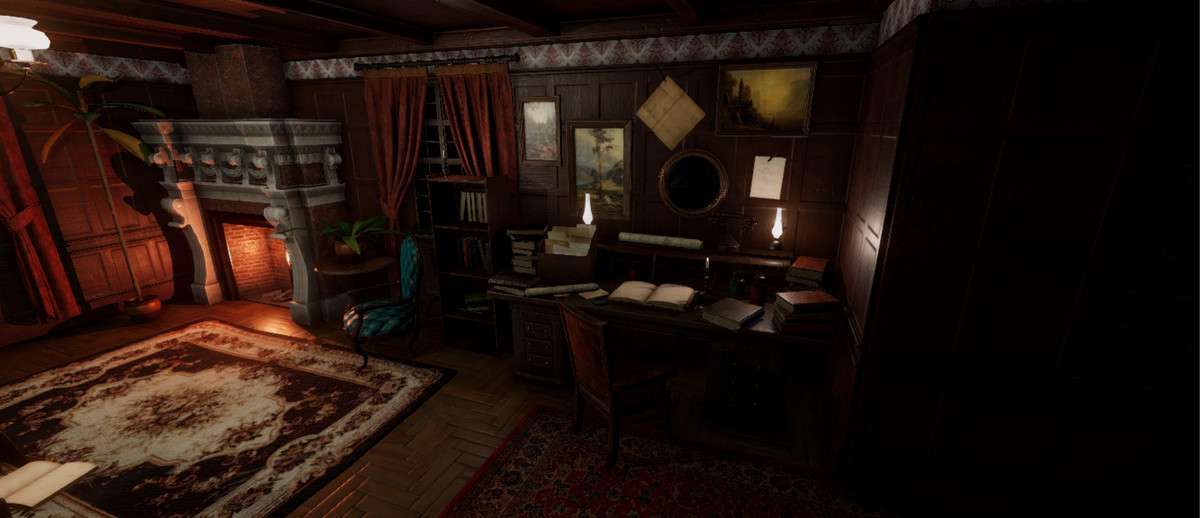
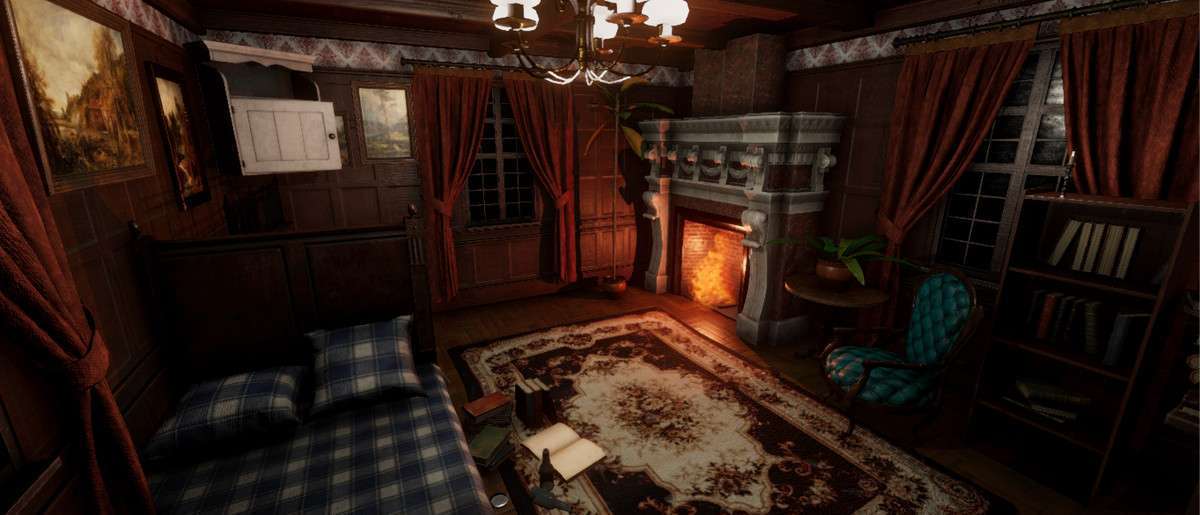
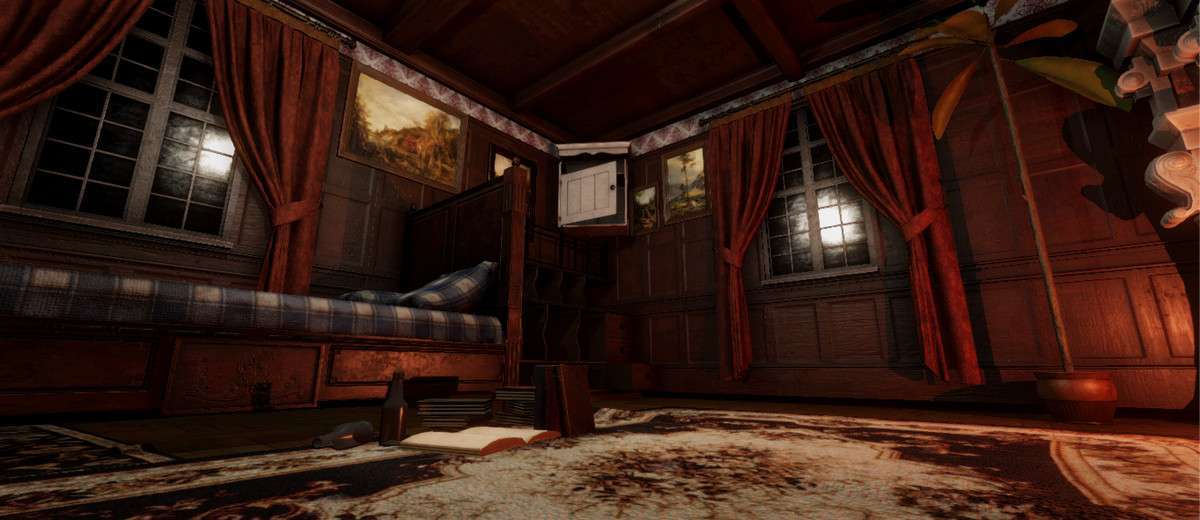
Building high-fidelity period pieces requires a massive amount of prop work, which is why Victorian Interior Unity is such an efficient shortcut for environment artists. Using version 1.0.0, this pack delivers over 200 PBR-ready models. From a technical standpoint, the asset is extremely well-optimized: almost every mesh comes with pre-configured LODs (Level of Detail), and the 4096x4096nd textures are authored for a standard PBR metallic/smoothness workflow. This makes it easy to maintain high visual quality while keeping the vertex count manageable in complex interior scenes.
Integration Tips
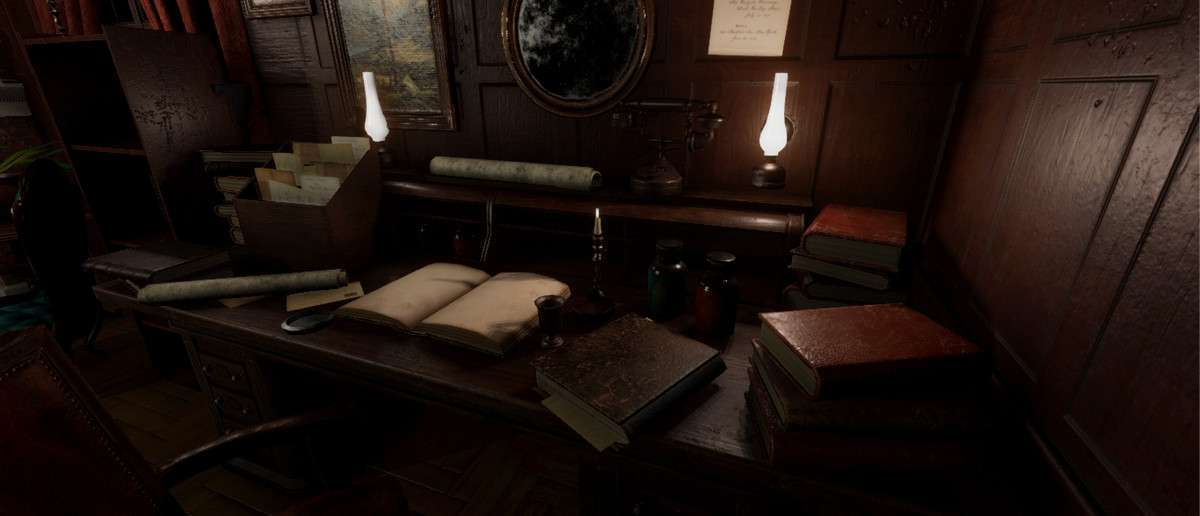
- Texture Budgeting: The 4k textures look great but can eat up VRAM quickly. In the Unity Inspector, use the ‘Override for PC/Mobile’ settings to downscale less important props (like books or small papers) to 1024 or 2048 to save memory.
- Batching Strategy: Because there are many small props, I recommend using Static Batching for the walls and furniture. For smaller items like cutlery or books, consider using a texture atlas tool to combine these into a single material to reduce draw calls significantly.
- Lightmap UVs: The models come with clean UV2 maps. When importing, ensure ‘Generate Lightmap UVs’ is off to use the artist-authored ones, which will result in much better-baked shadows in your living room and bedroom scenes.
Best Use Cases
- Narrative Adventure Games: The high-resolution textures and realistic PBR shading are perfect for first-person ‘walking sims’ where the player will be examining objects like books and chairs at close range.
- ArchViz Projects: With 4 demo scenes included, this is a ready-to-go solution for showing off Victorian-era architectural layouts with minimal setup time.