
Technical Overview
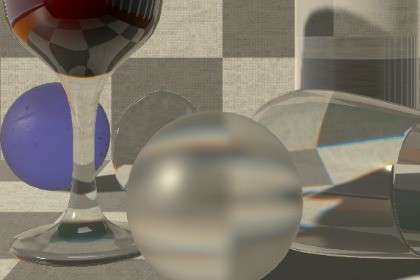
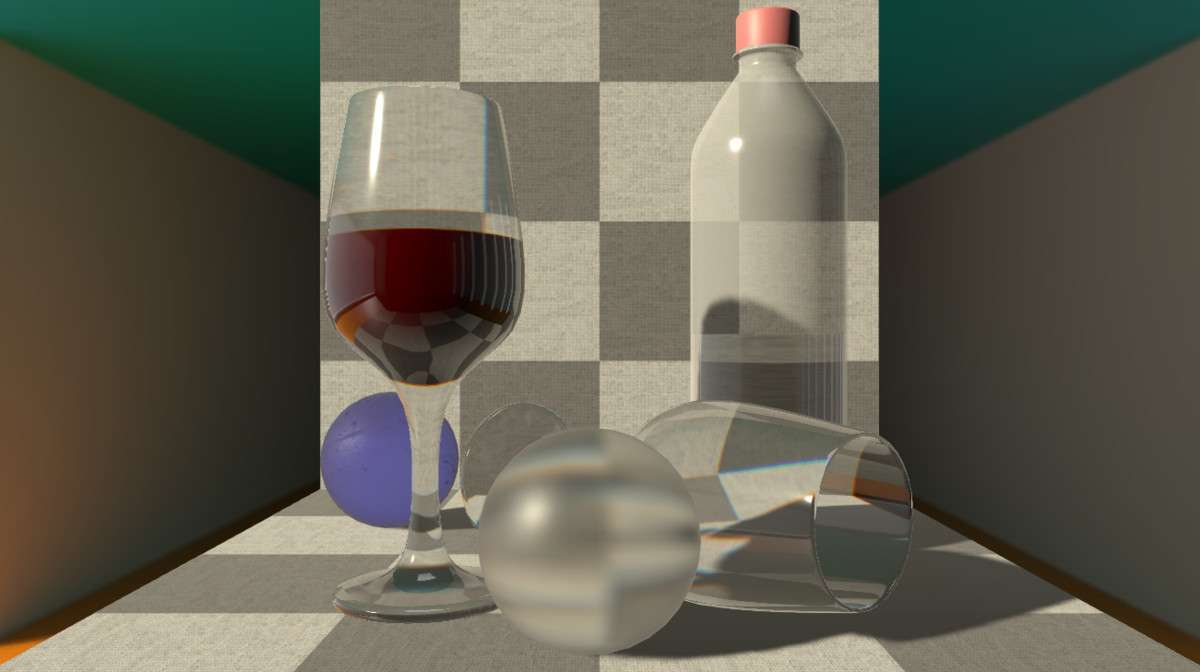
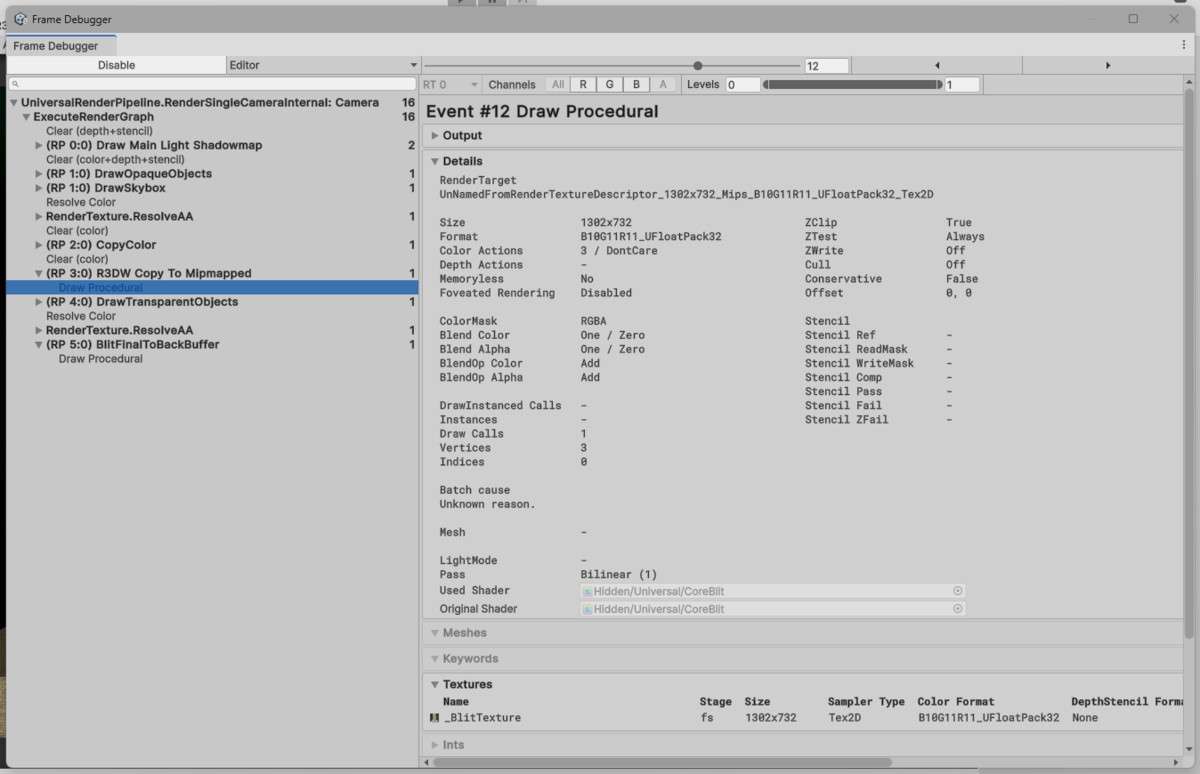
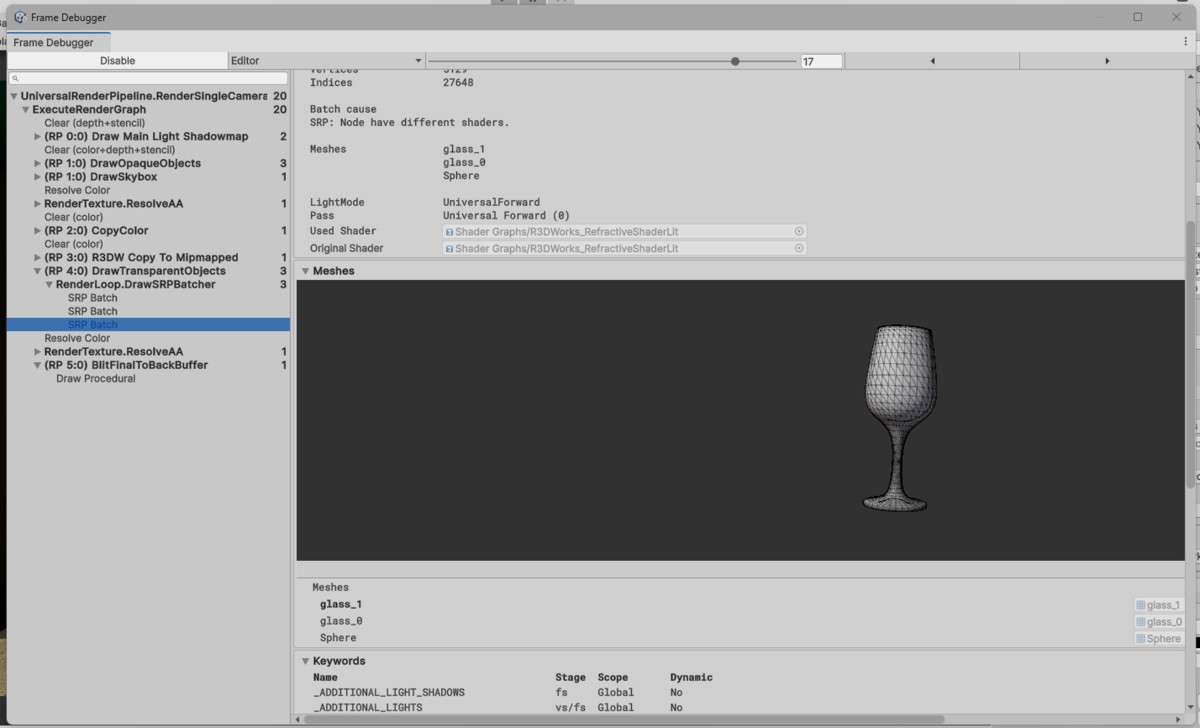
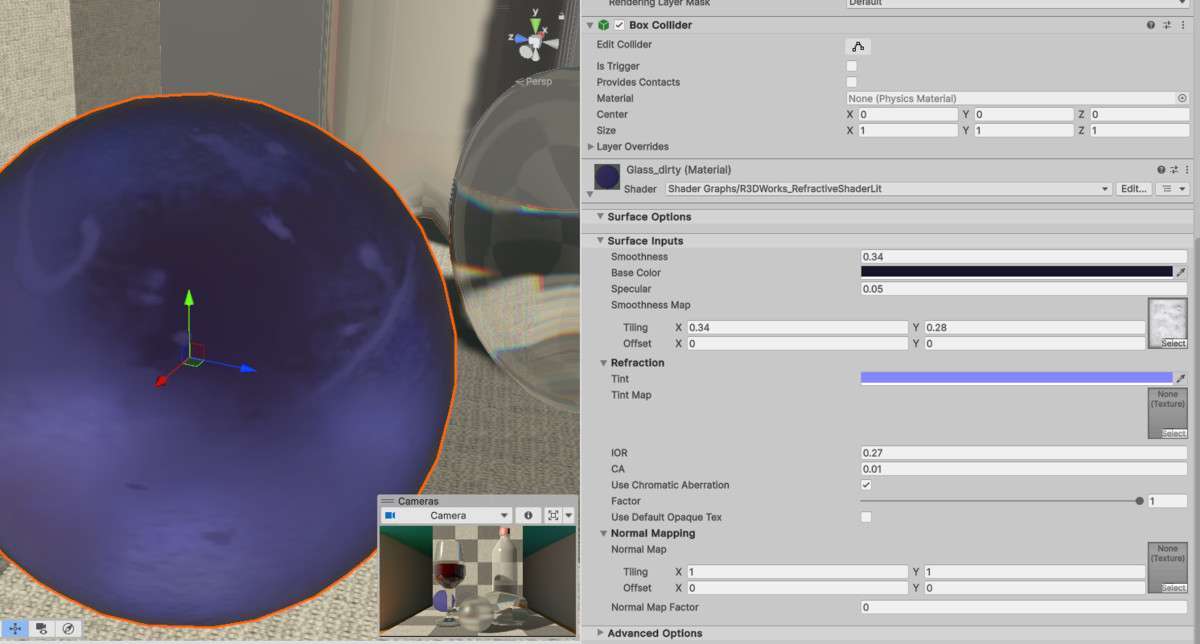
When deploying the URP Refractive Shader Unity asset 1.2.0, our team prioritized its support for Instanced Stereo Rendering, which is critical for maintaining performance in XR projects. This shader utilizes a Custom Render Graph compatible render feature to bypass the limitations of standard URP materials, allowing for realistic light bending on glass surfaces without the overhead of heavy raytracing. It supports Forward, Forward+, and Deferred rendering paths, making it versatile for both mobile and high-end PC builds.
Integration Tips
- Enable Opaque Texture: For the refraction to function, you must ensure ‘Opaque Texture’ is toggled on in your URP Asset settings. The shader samples this texture to create the displacement effect.
- Render Graph Compatibility: If you are working on Unity 6 or later, ensure the provided Render Feature is added to your Universal Renderer Data. If you encounter issues with screen-space coordinates, check if ‘Compatibility Mode’ needs to be enabled for legacy Render Graph settings.
- Sorting and Layers: Since the shader only refracts opaque objects, place your refractive glass on a ‘Transparent’ render queue, but be aware that it will not see other transparent objects (like smoke particles or other glass) in the refraction buffer.
Best Use Cases
- VR/XR Interactive Experiences: Because this shader supports instanced stereo rendering, it is the go-to for VR chemistry labs or puzzle games where refractive vials and lenses need to look correct in both eyes without breaking the draw call batching.
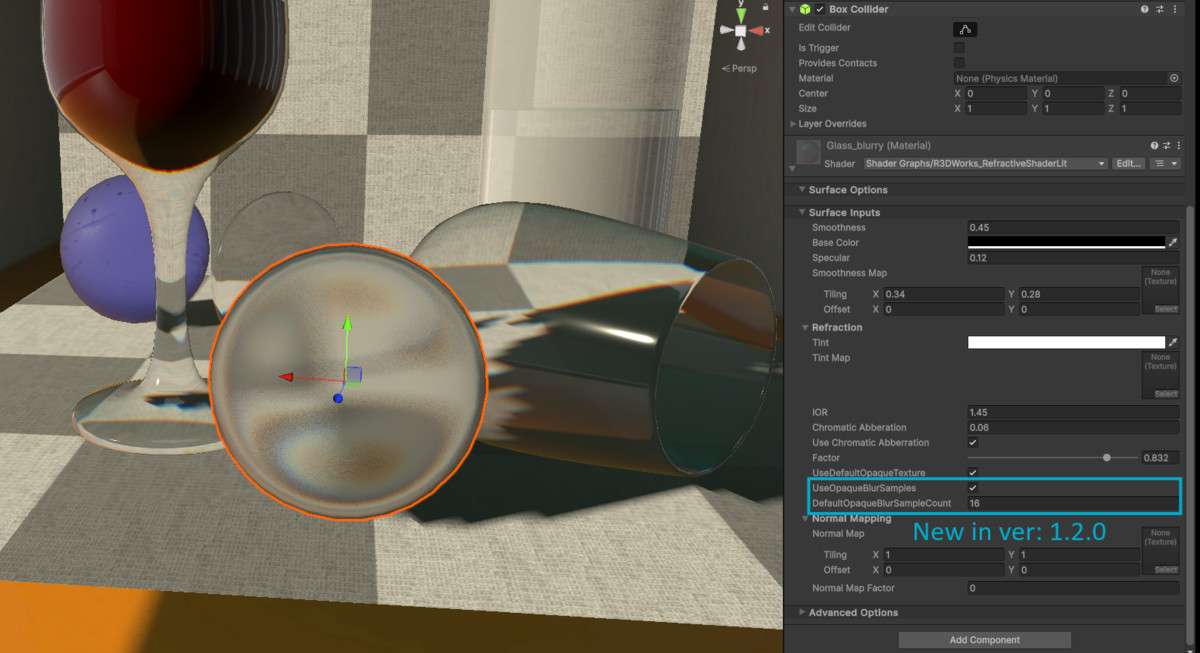
- Mobile Stylized RPGs: The non-smooth refraction (blurring) feature allows for high-quality frosted glass effects on mobile hardware without requiring expensive post-processing blur passes, keeping the GPU frame time within mobile thermal limits.