
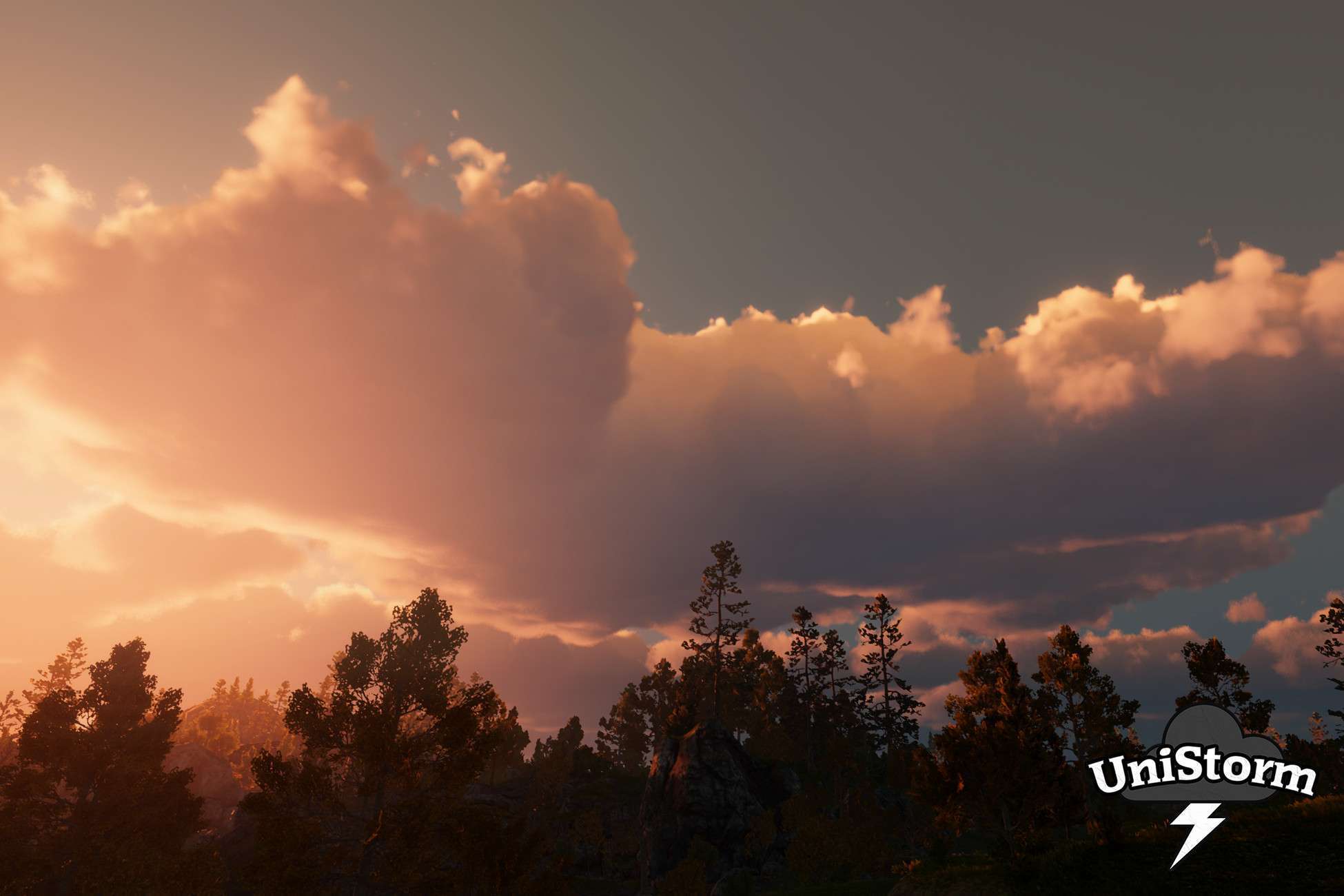
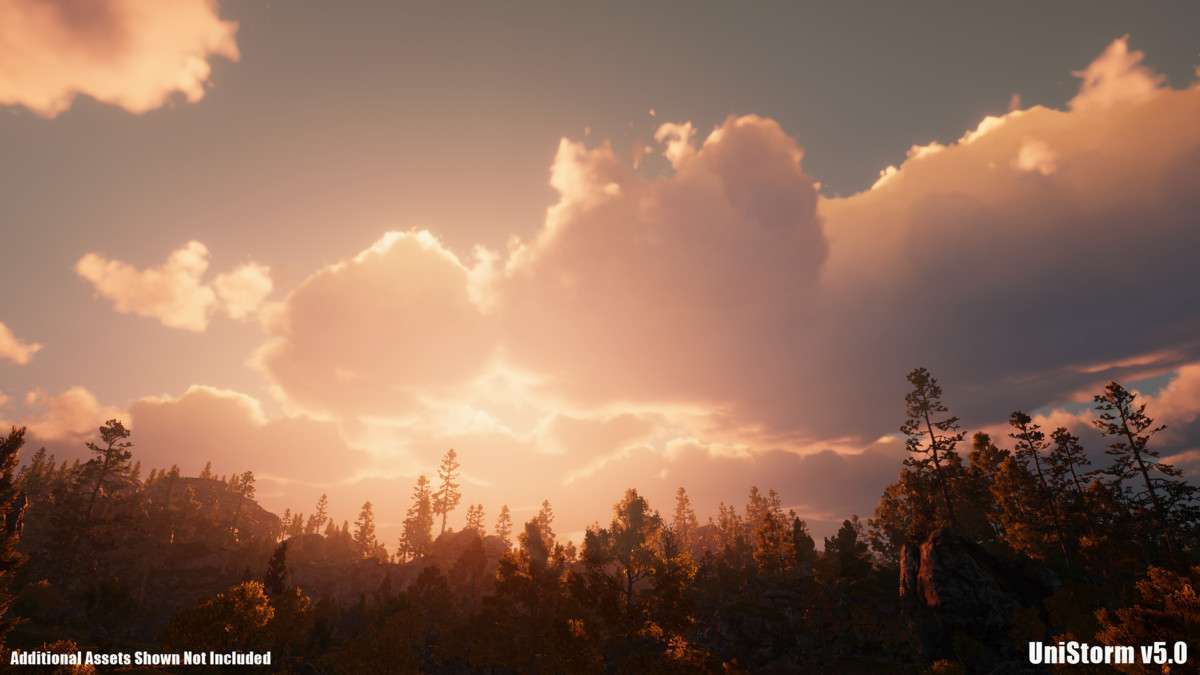
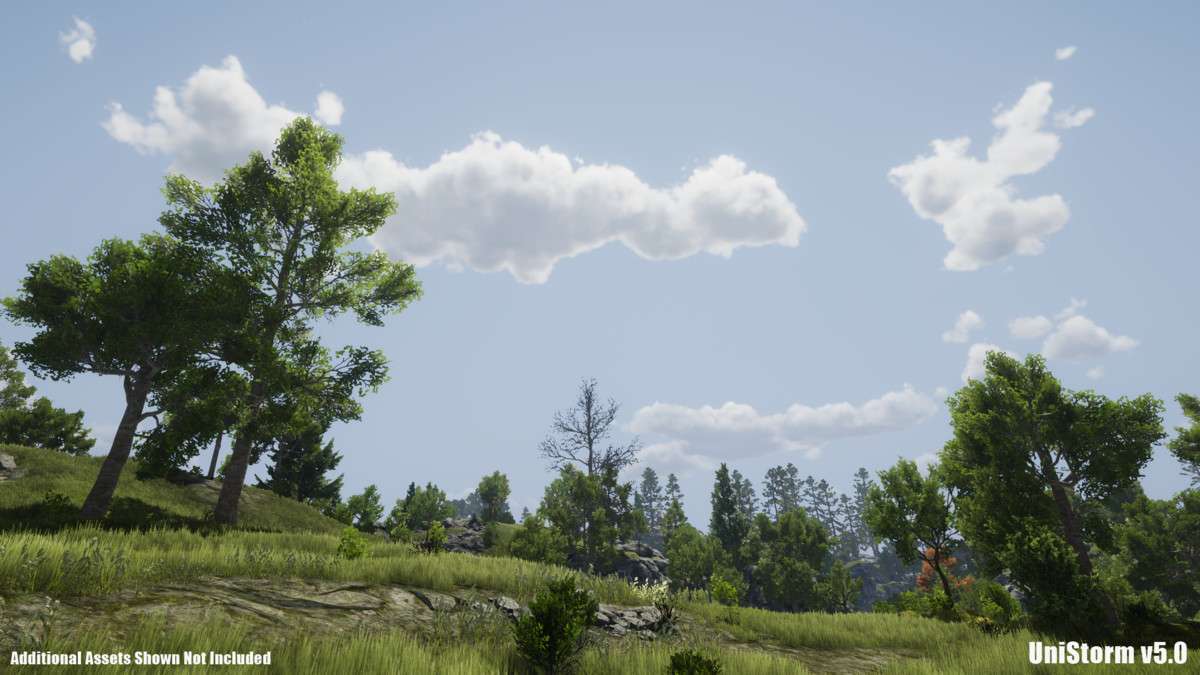
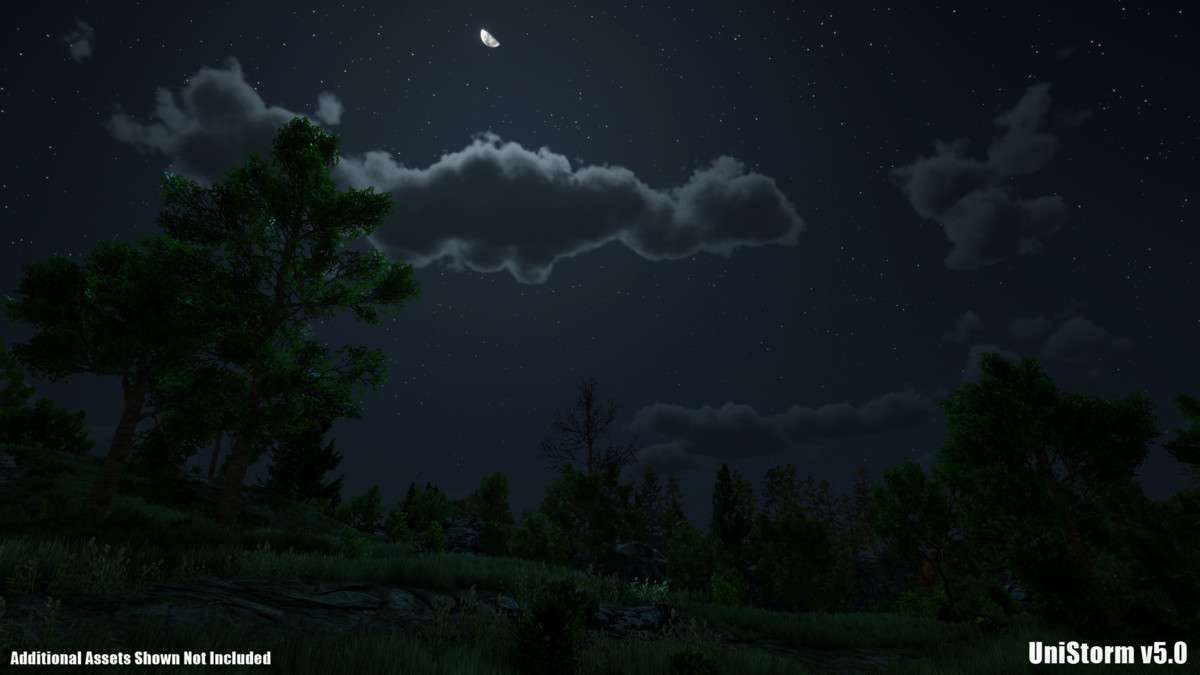
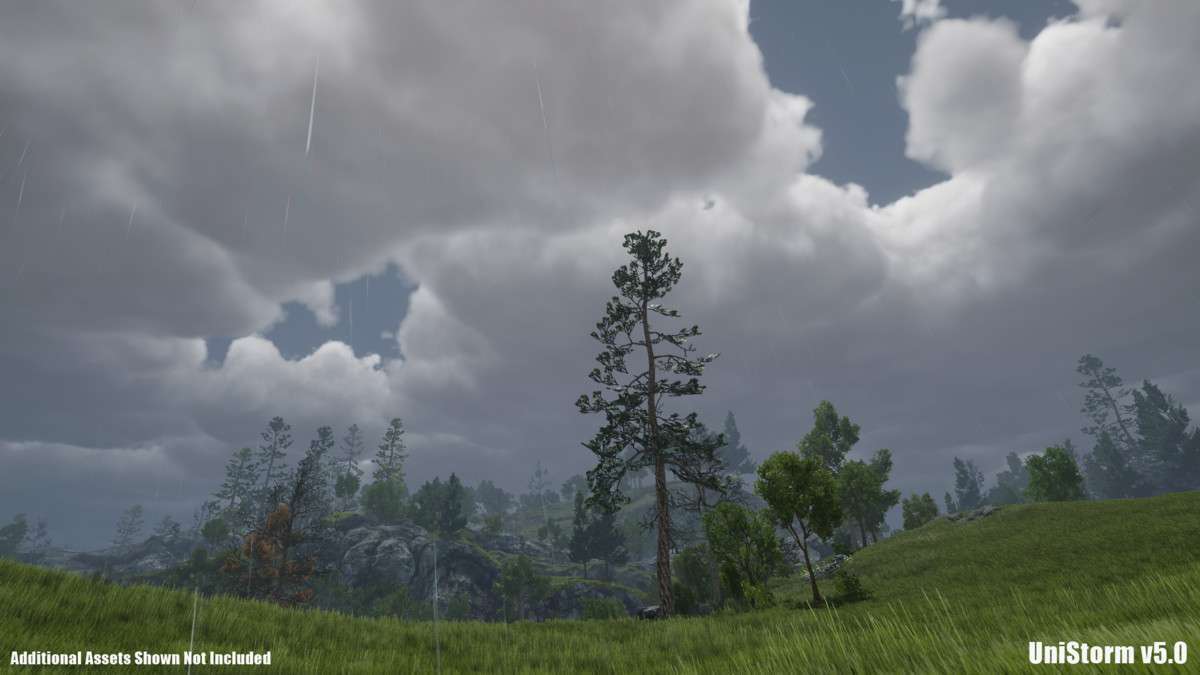
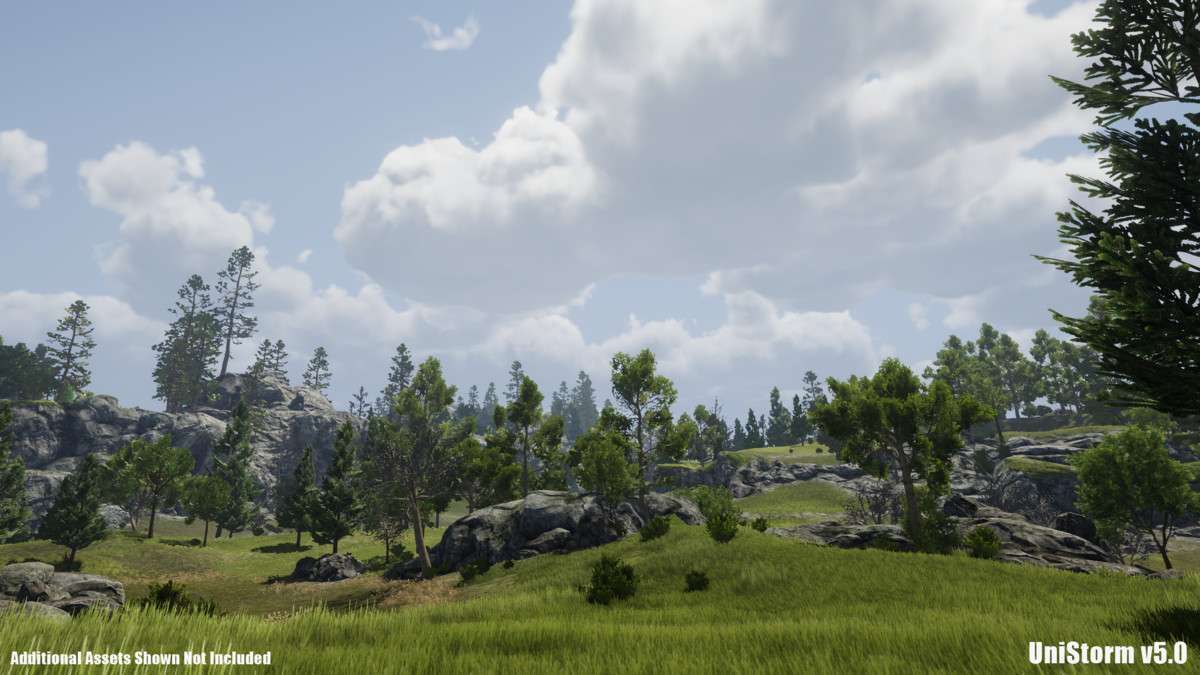
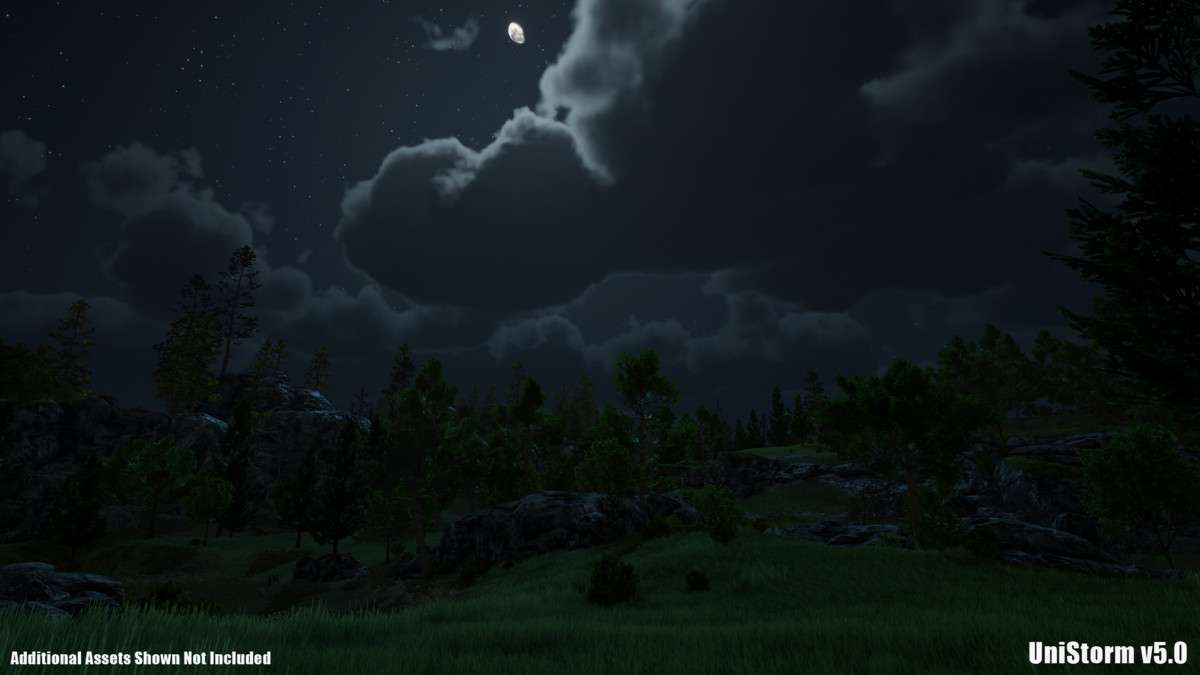
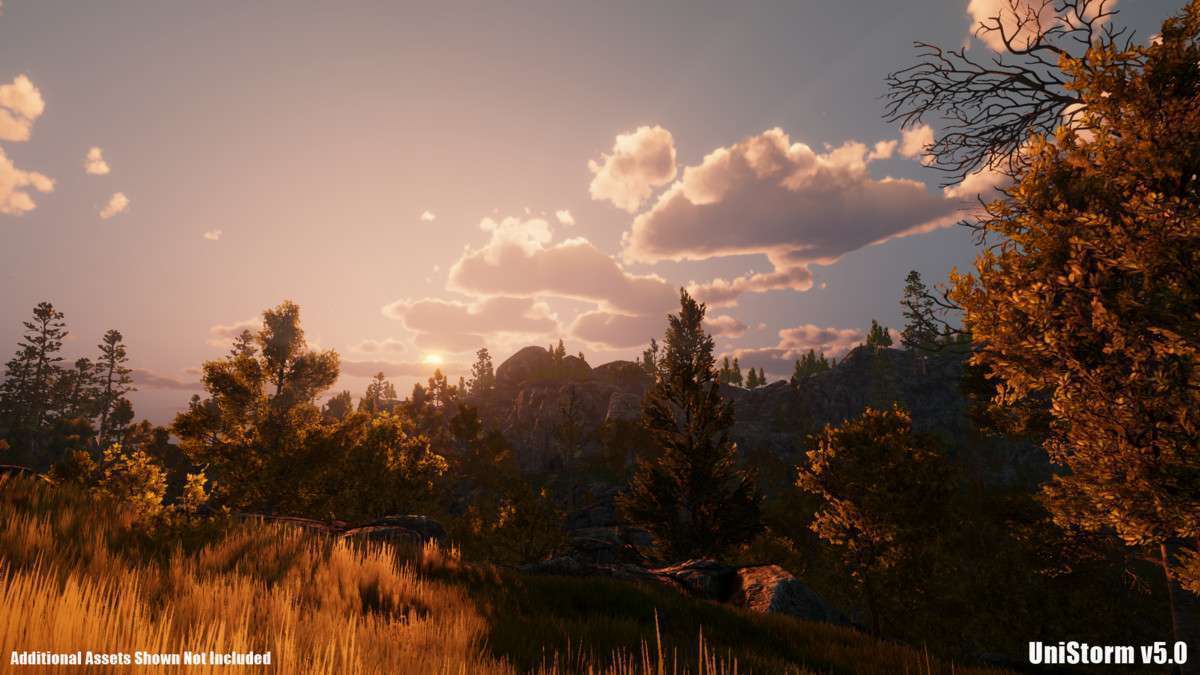
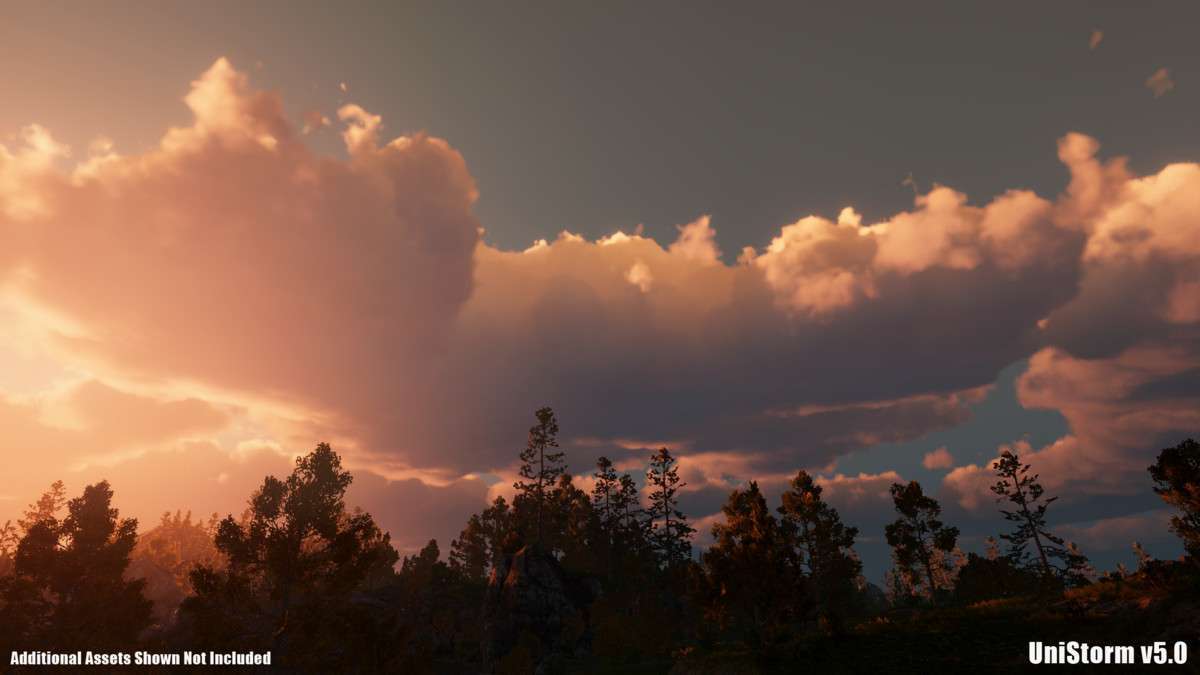
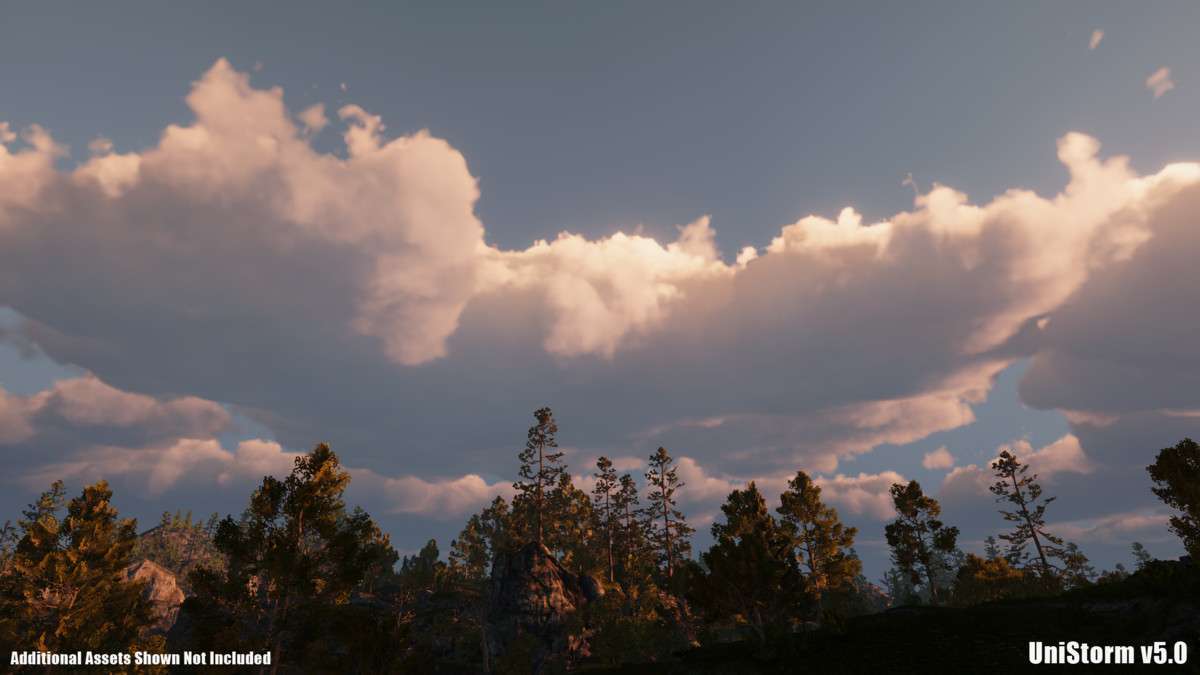
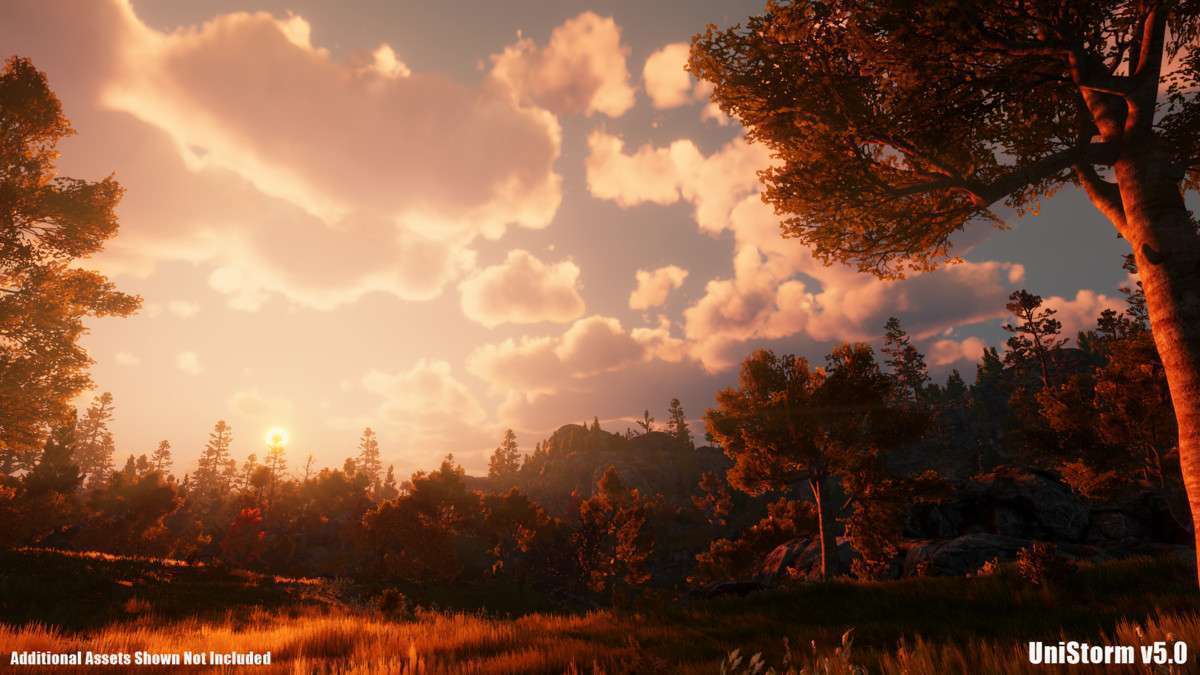
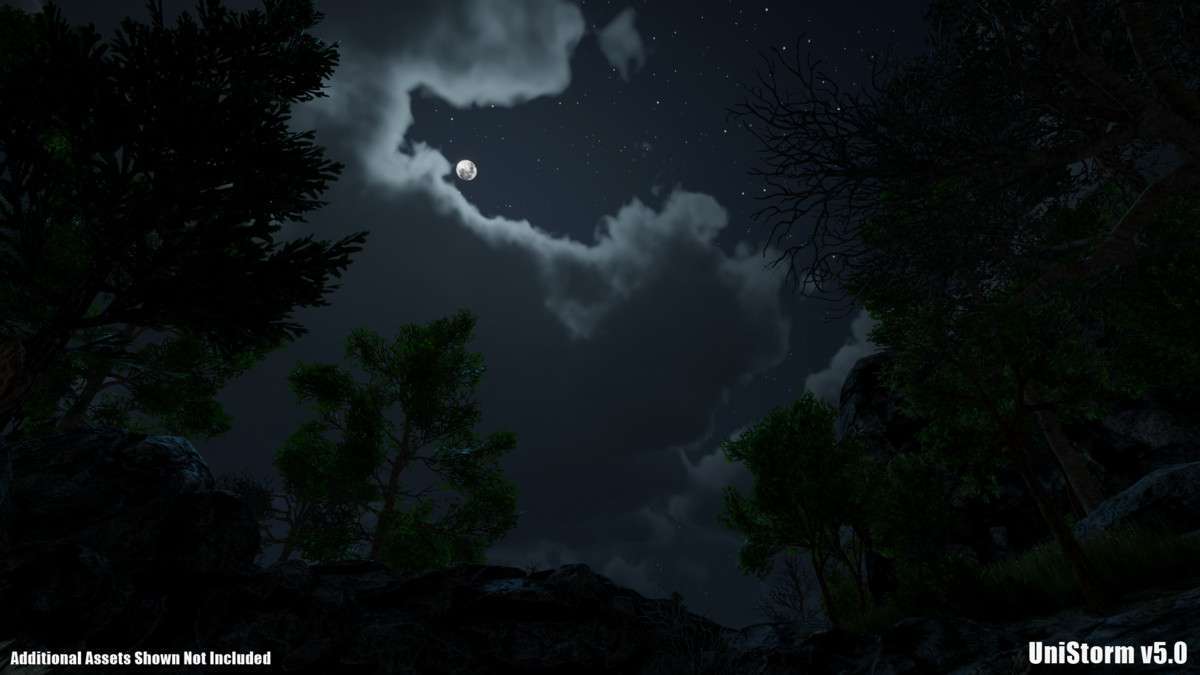
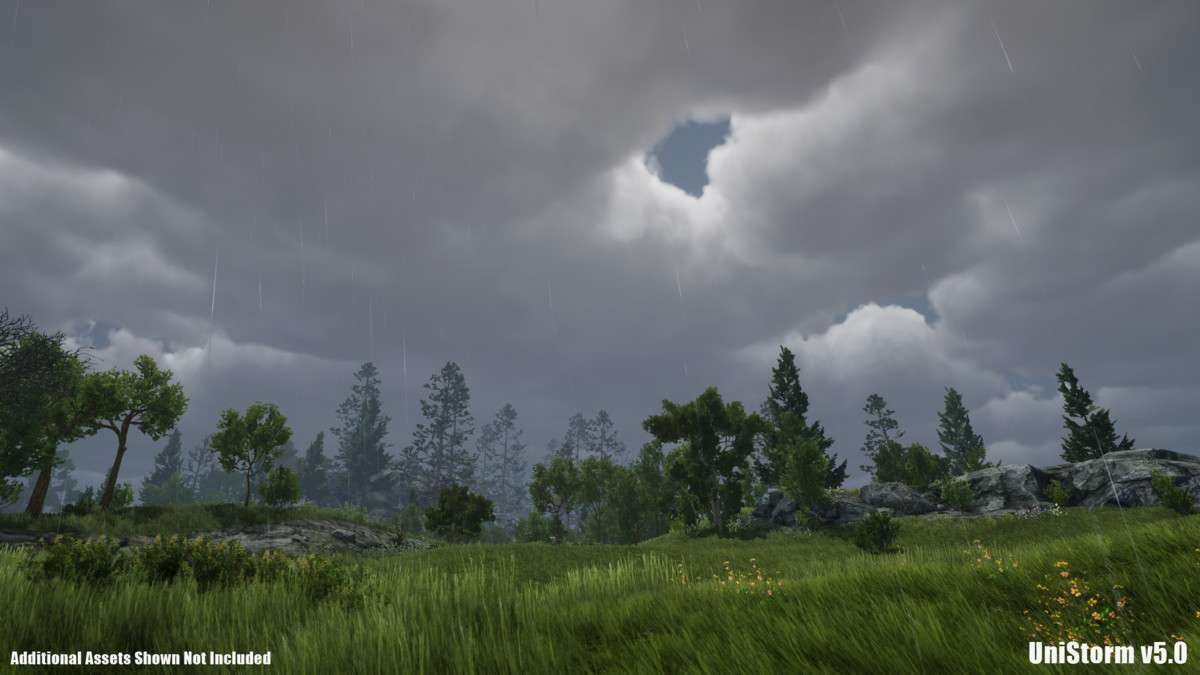
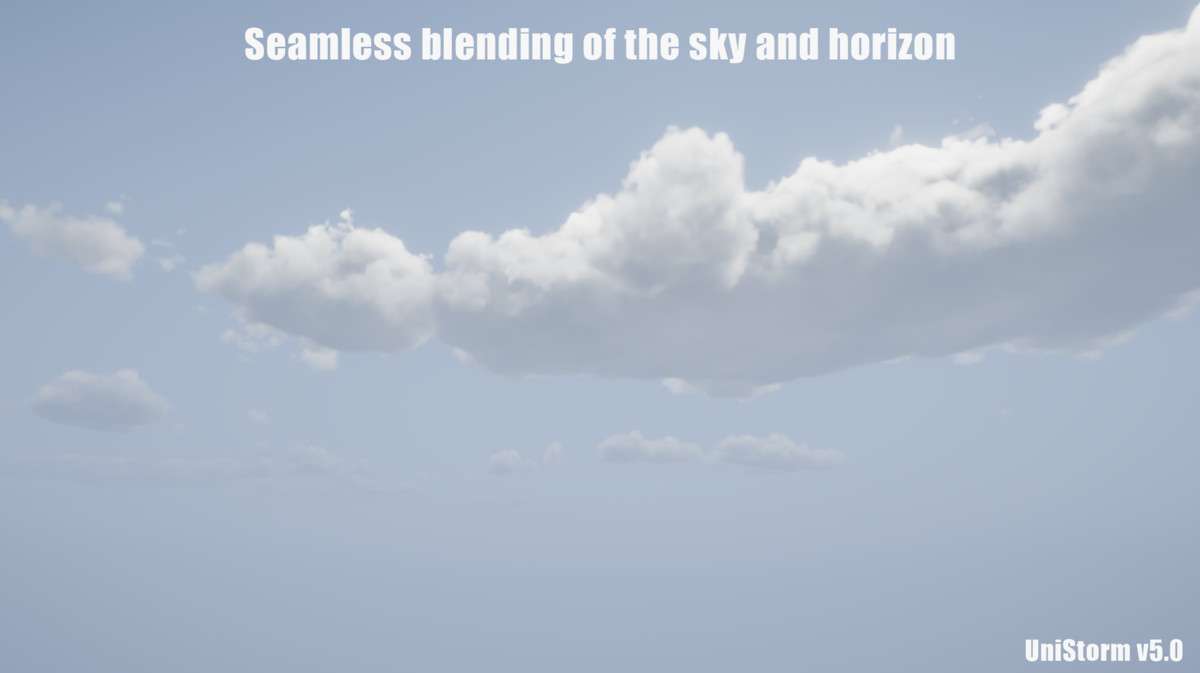
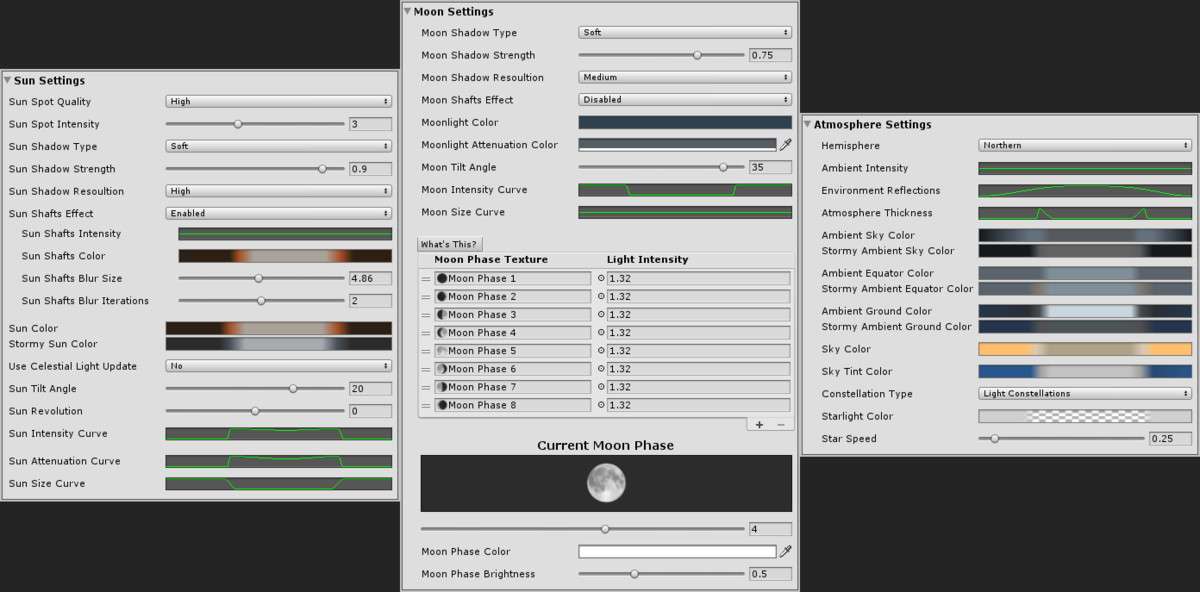
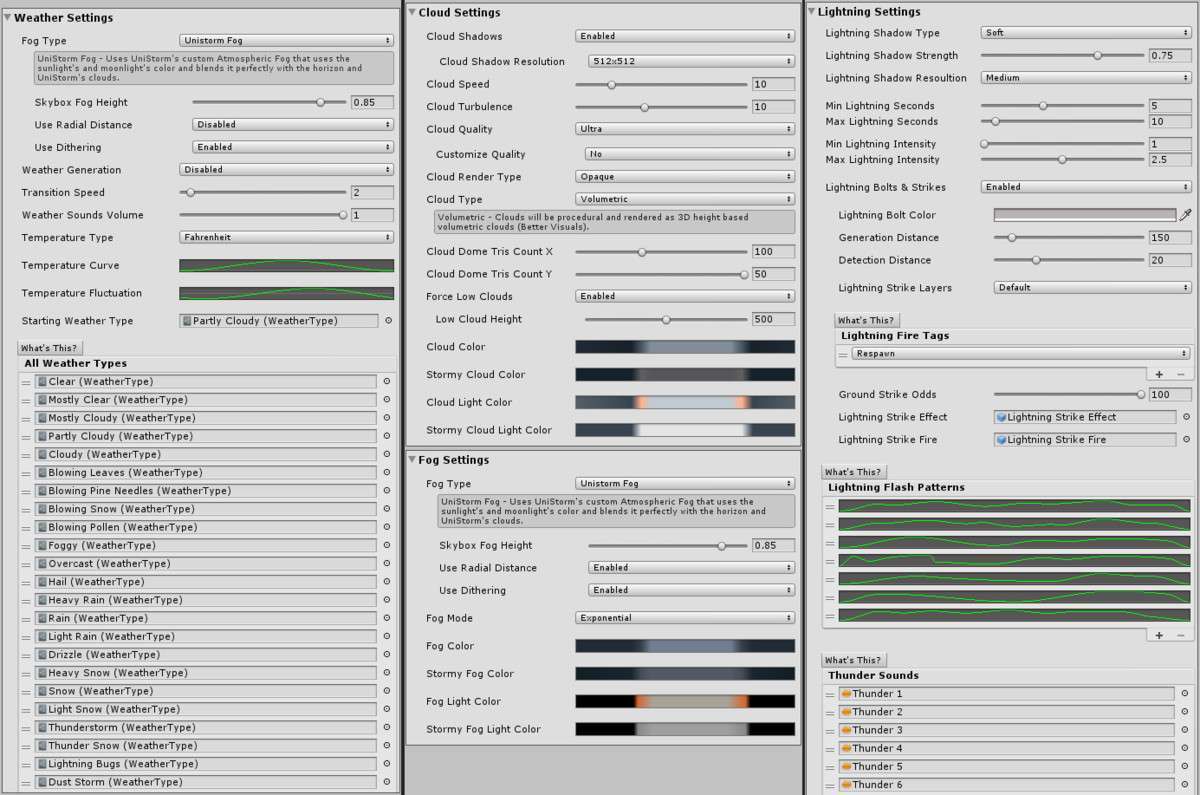
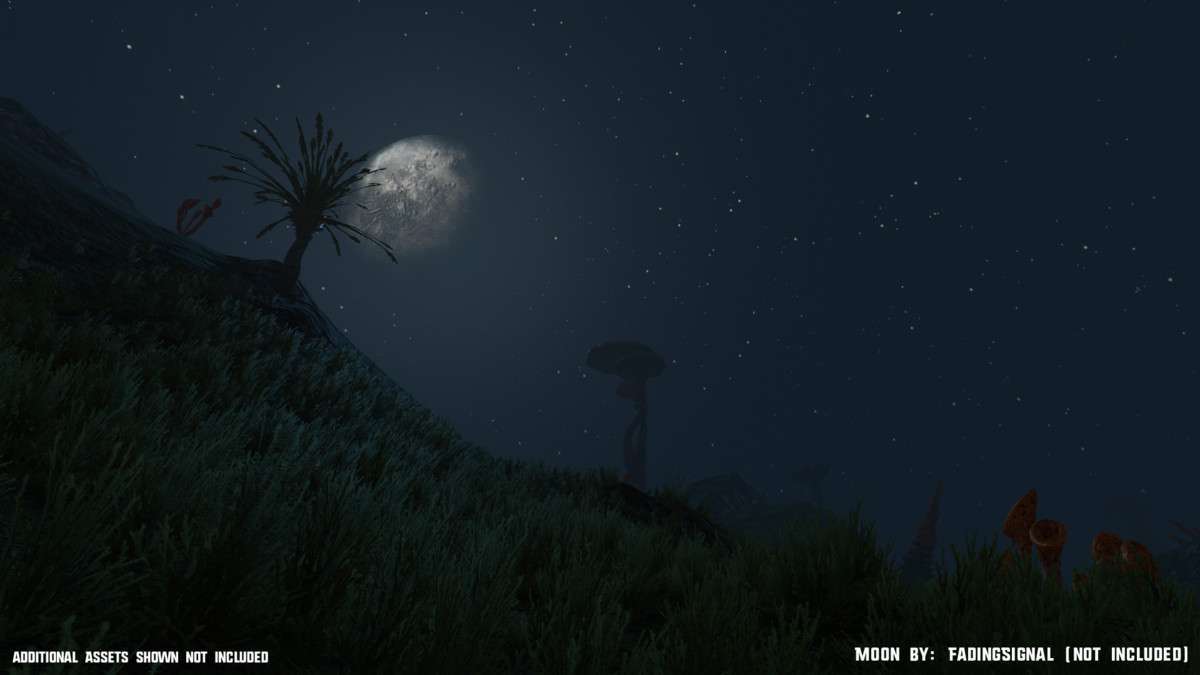

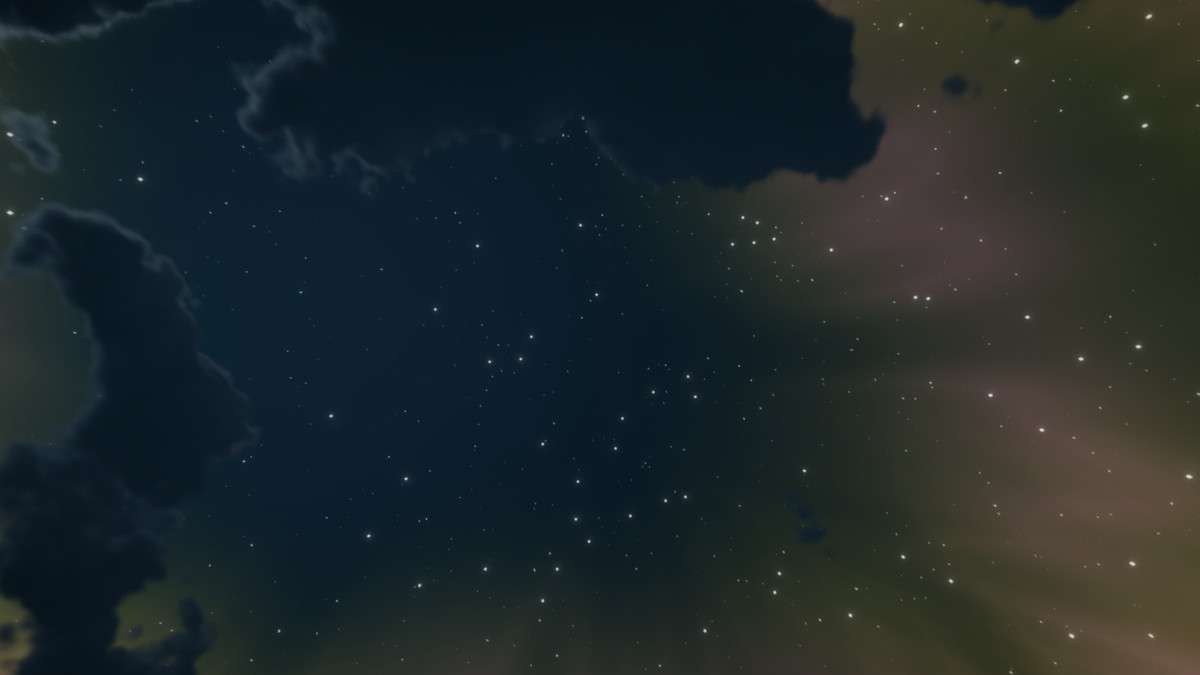
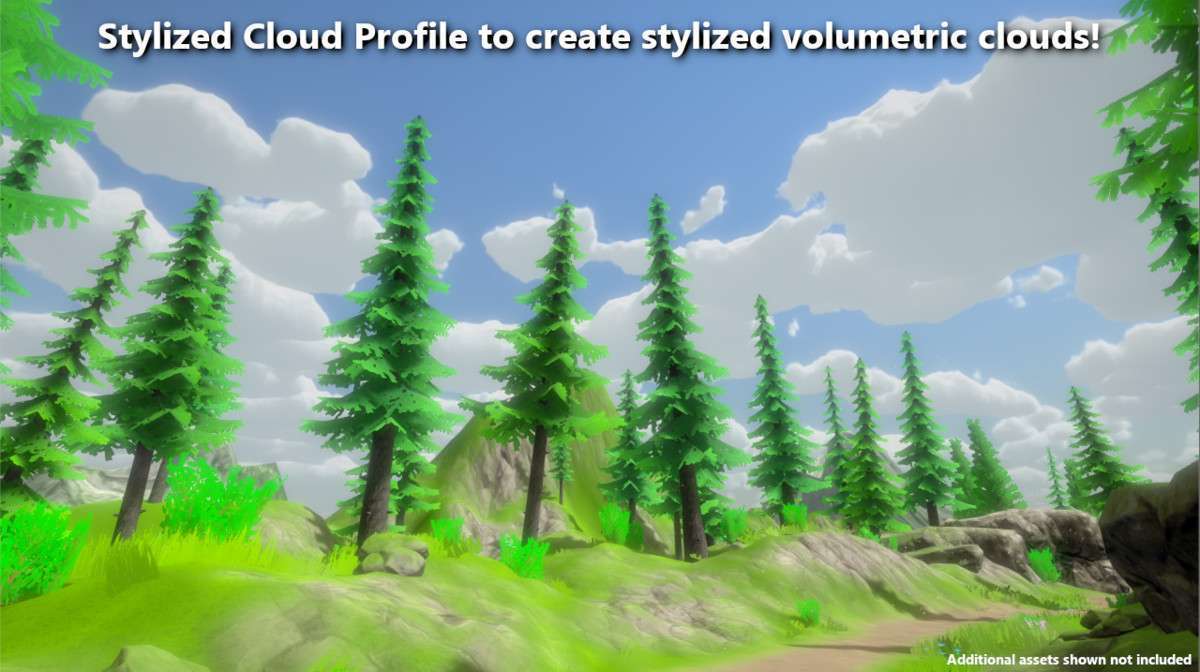
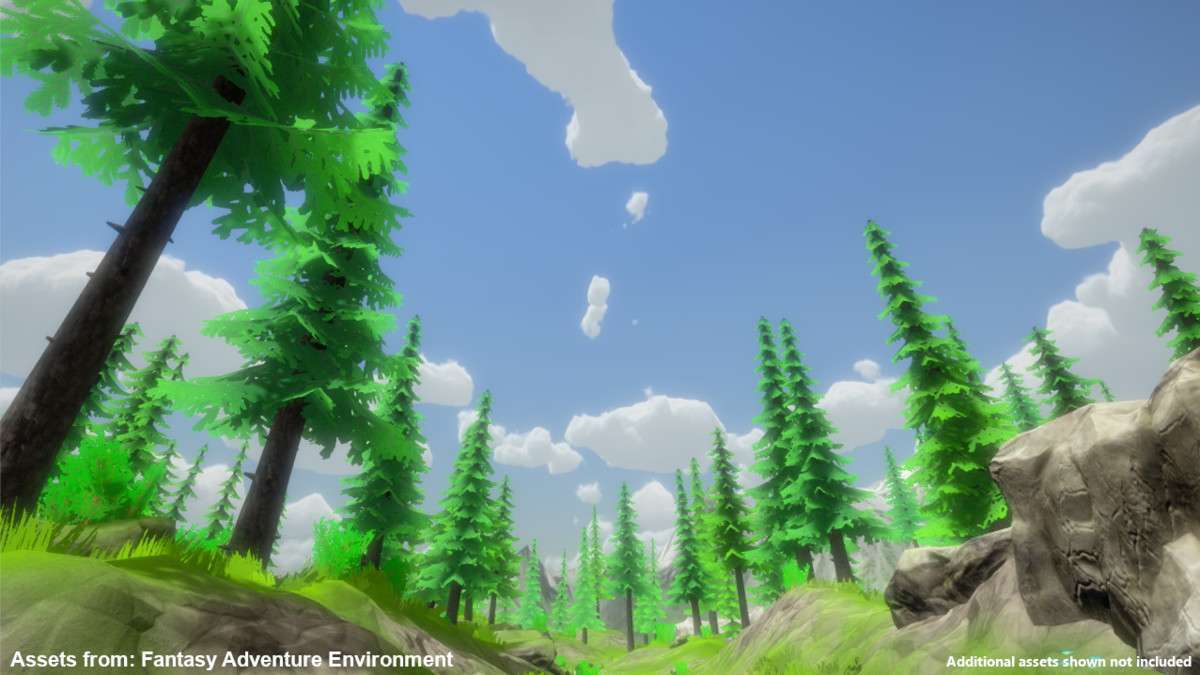
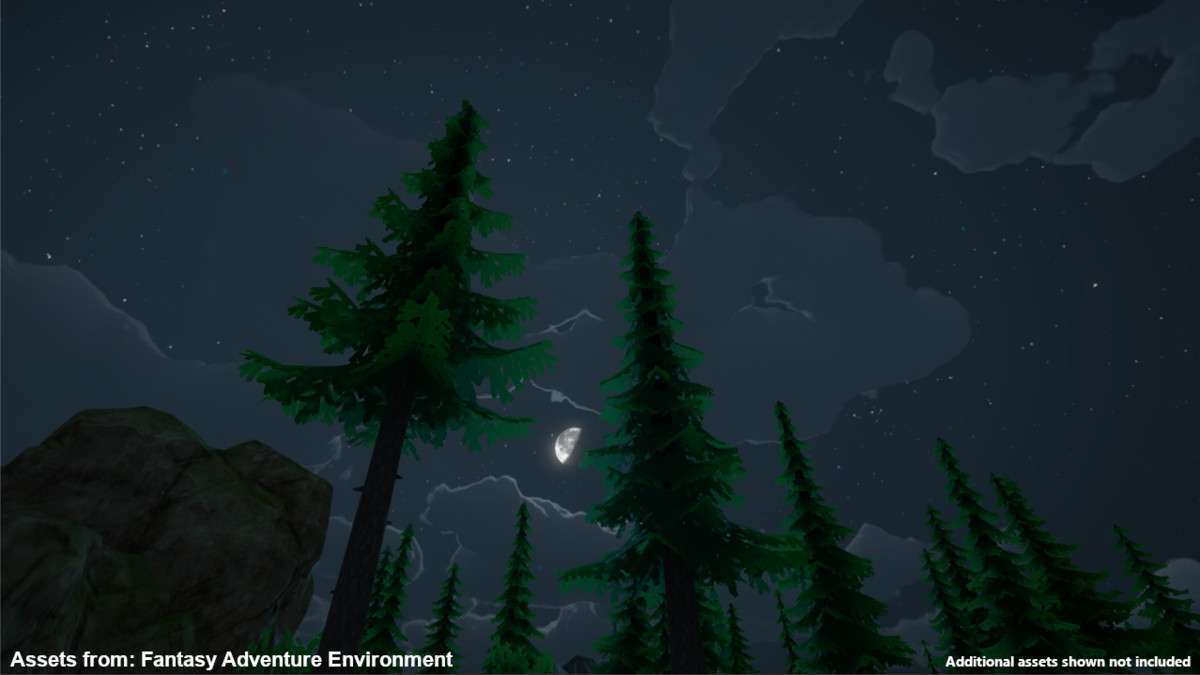
For projects requiring AAA-grade atmospheric rendering, UniStorm – Volumetric Clouds, Sky, Modular Weather, and Cloud Shadows Unity remains the industry standard for the built-in pipeline and URP. In 5.1.0, the volumetric system utilizes Temporal Reprojection to deliver high-quality, self-shadowing clouds in a single draw call. This is a massive win for performance-heavy scenes where you cannot afford the overhead of traditional multi-pass atmospheric shaders.
Technical Overview
- Cloud Physics: Procedural PBR clouds with 4 quality presets (Low to Ultra) and built-in LOD support.
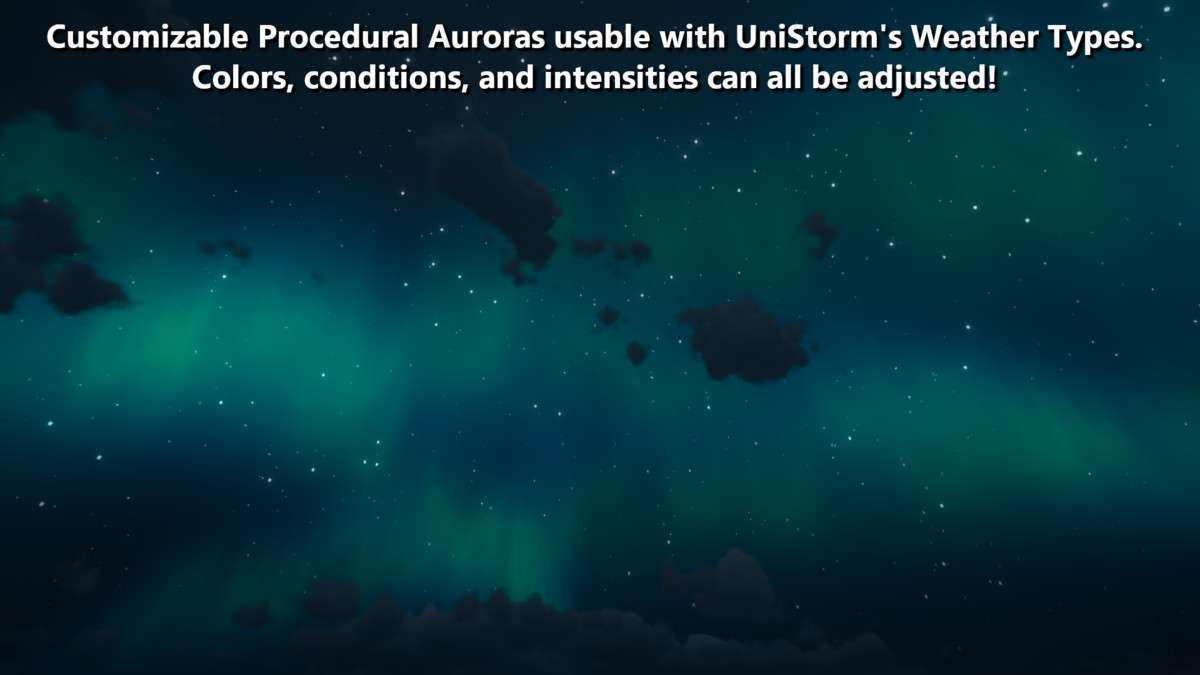
- Weather System: Includes 31 modular weather types, including auroras and thunderstorms, with a line-graph-based precipitation system.
- Networking: Out-of-the-box sync for PUN 2, ensuring all players experience the same time of day and weather transitions.
Integration Tips
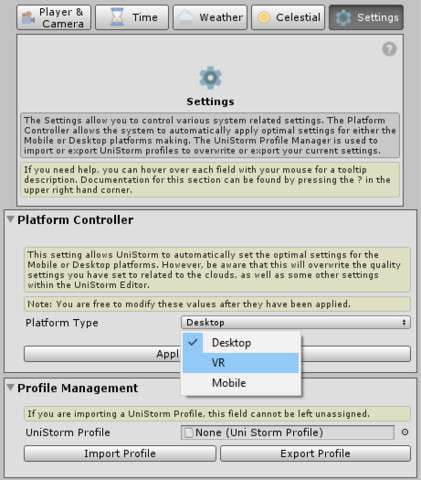
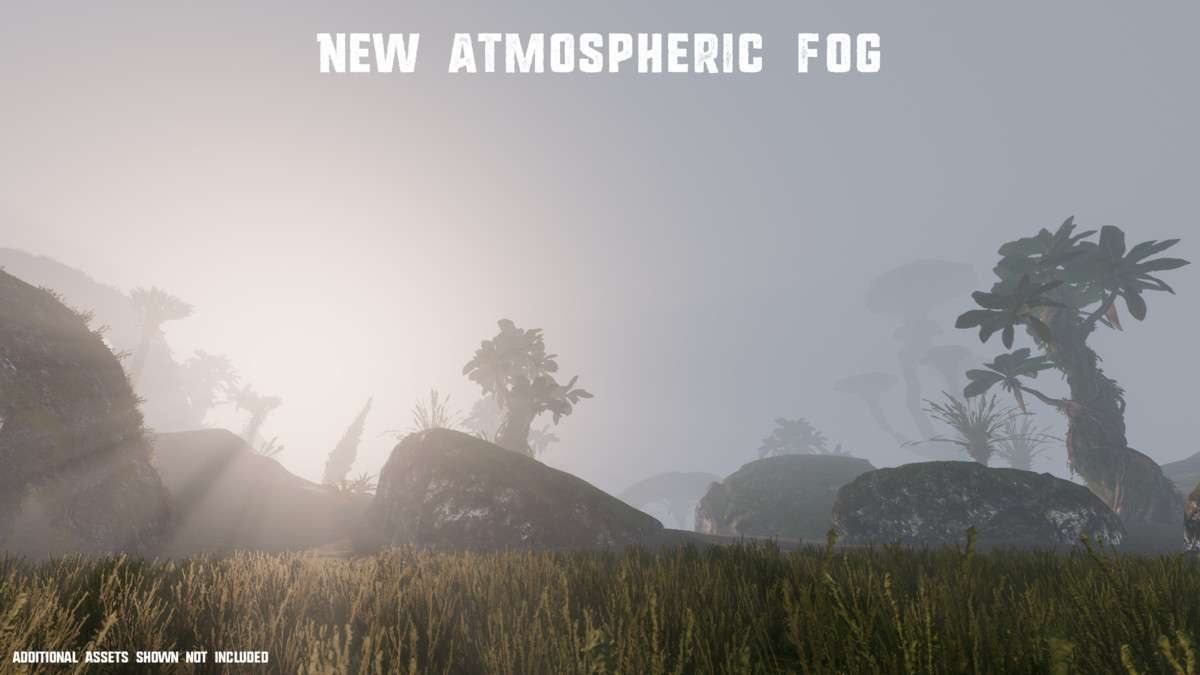
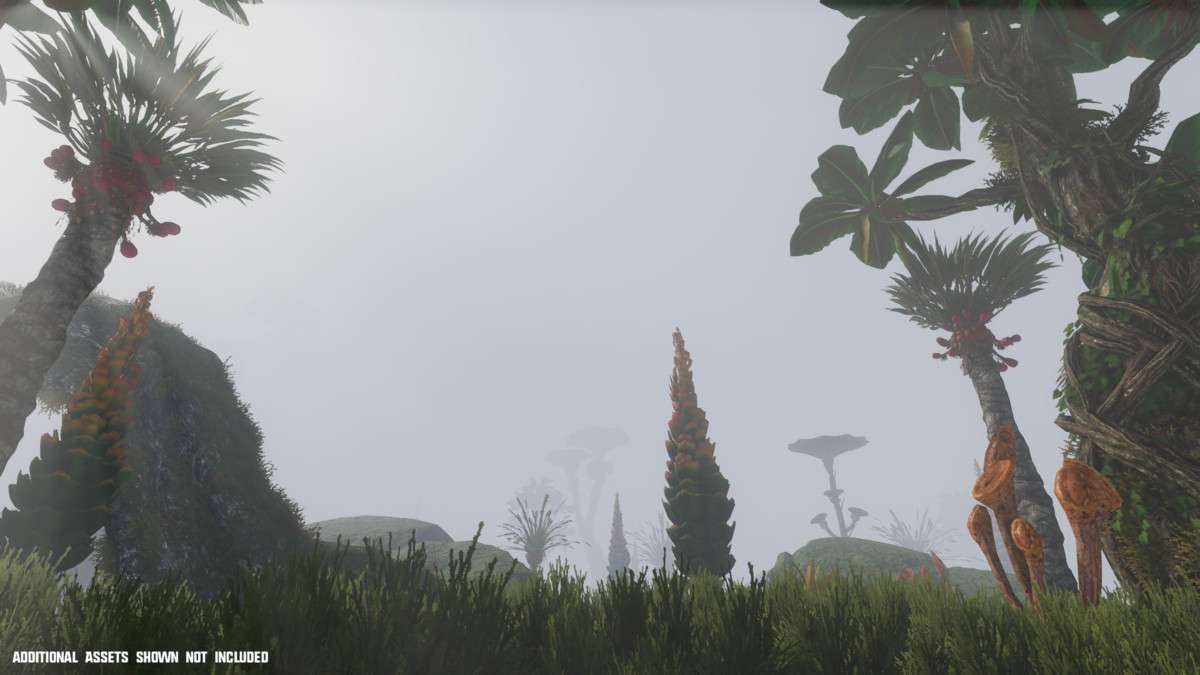
If you are working in Unity 6 or the latest URP versions, ensure you enable Render Graph support in the UniStorm settings to maintain compatibility with the new rendering architecture. For mobile developers, I recommend switching to the 2D cloud option via the UniStorm Editor; this preserves the day/night cycle logic and atmospheric fog while stripping the heavy volumetric raymarching. Also, leverage the API to hook into the `onWeatherChange` events to trigger gameplay logic, like adjusting player movement speed during a storm or modifying visibility for AI sensors.
Best Use Cases
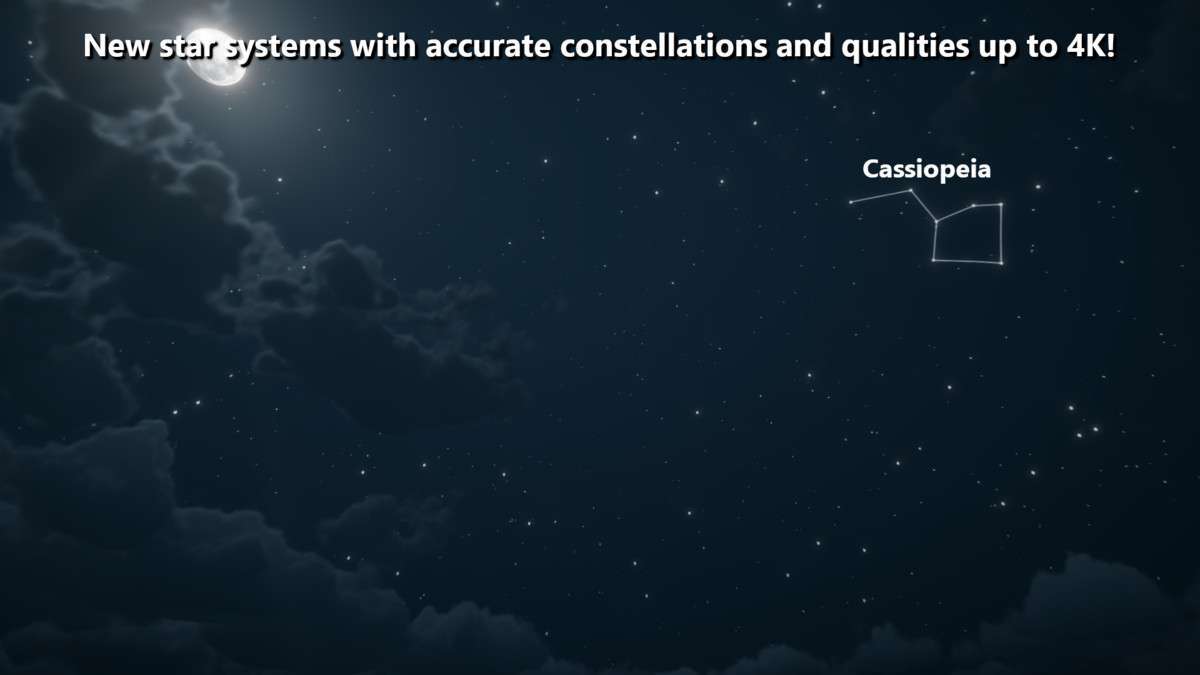
- Flight Simulators: The volumetric cloud shadows and 4K star constellations provide the visual fidelity required for high-altitude gameplay where the horizon is the focal point.
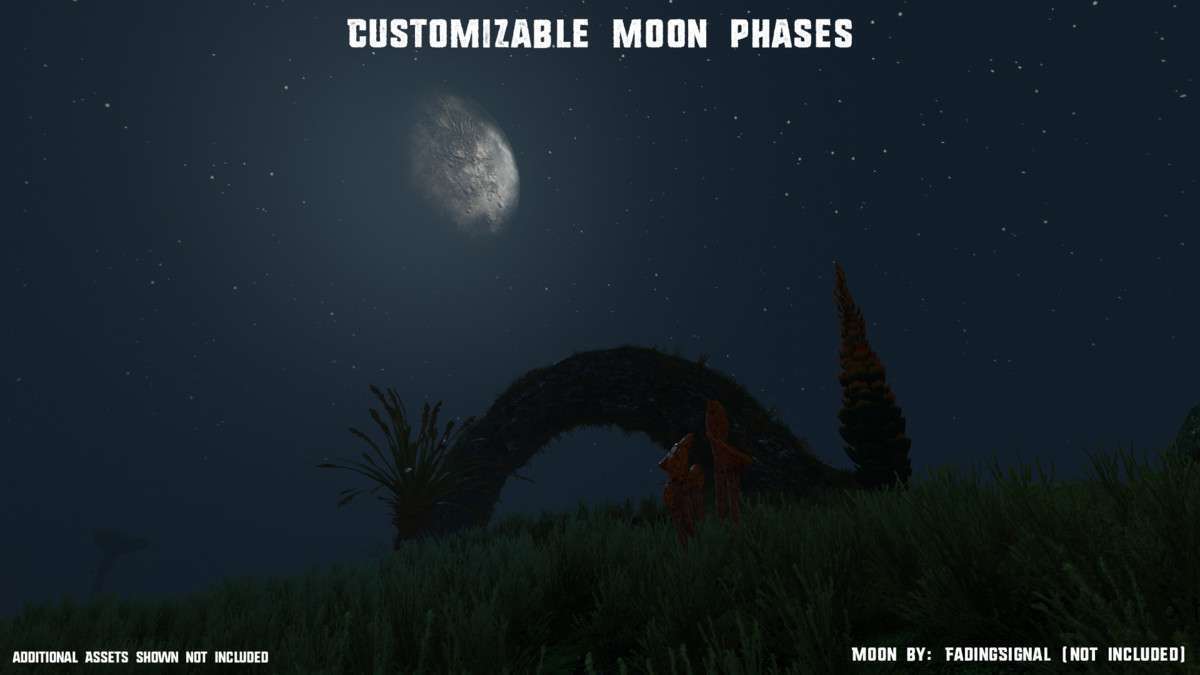
- Open World RPGs: Use the calendar and moon phase system to drive time-dependent quests or monster spawning, fully synced across the modular weather transitions.