
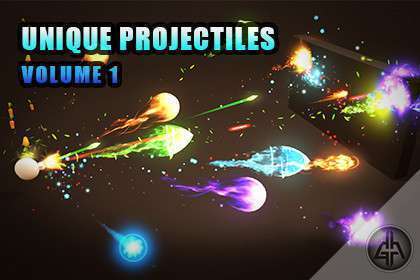
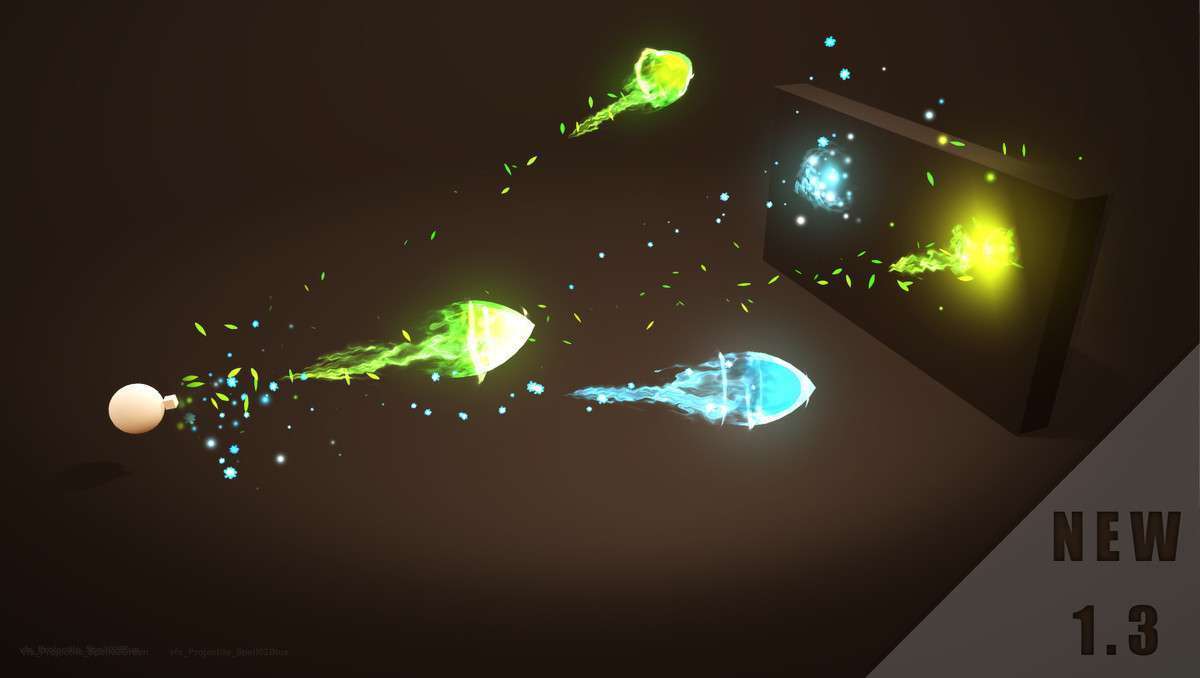
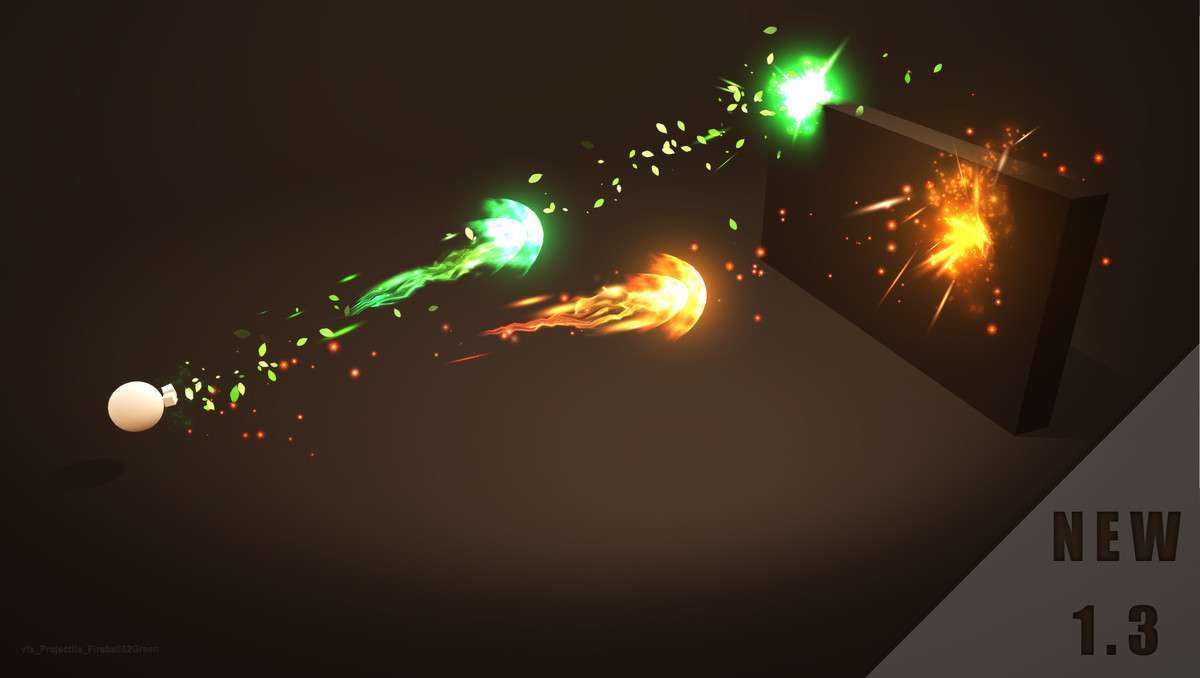
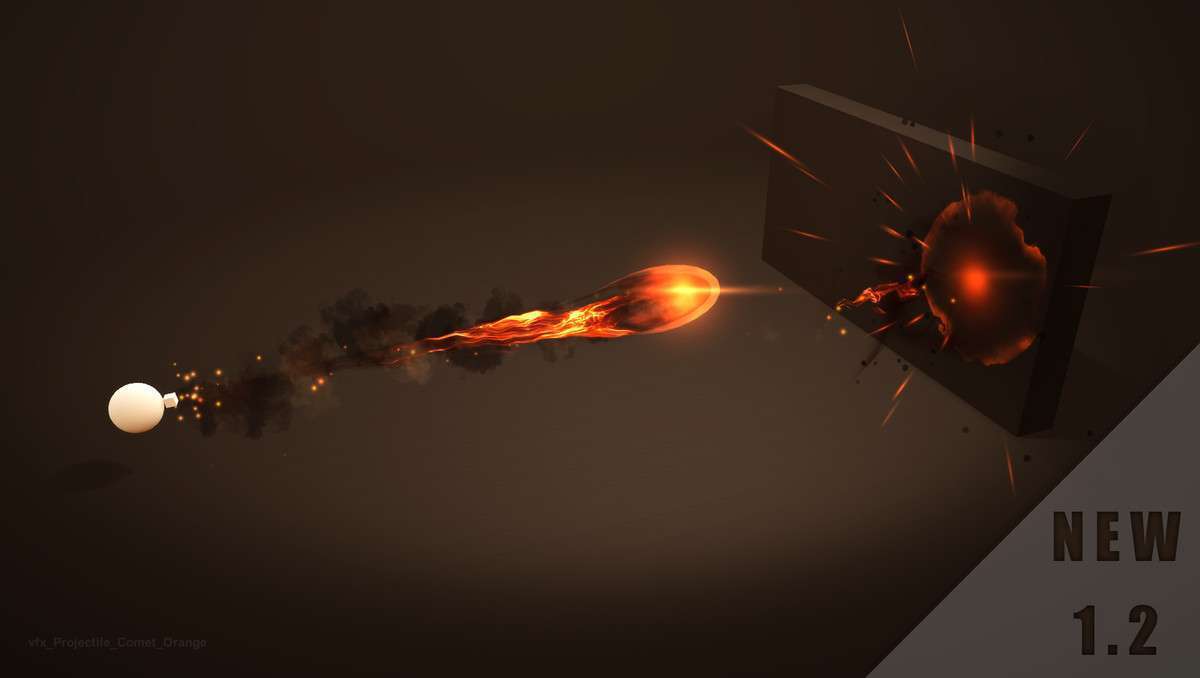
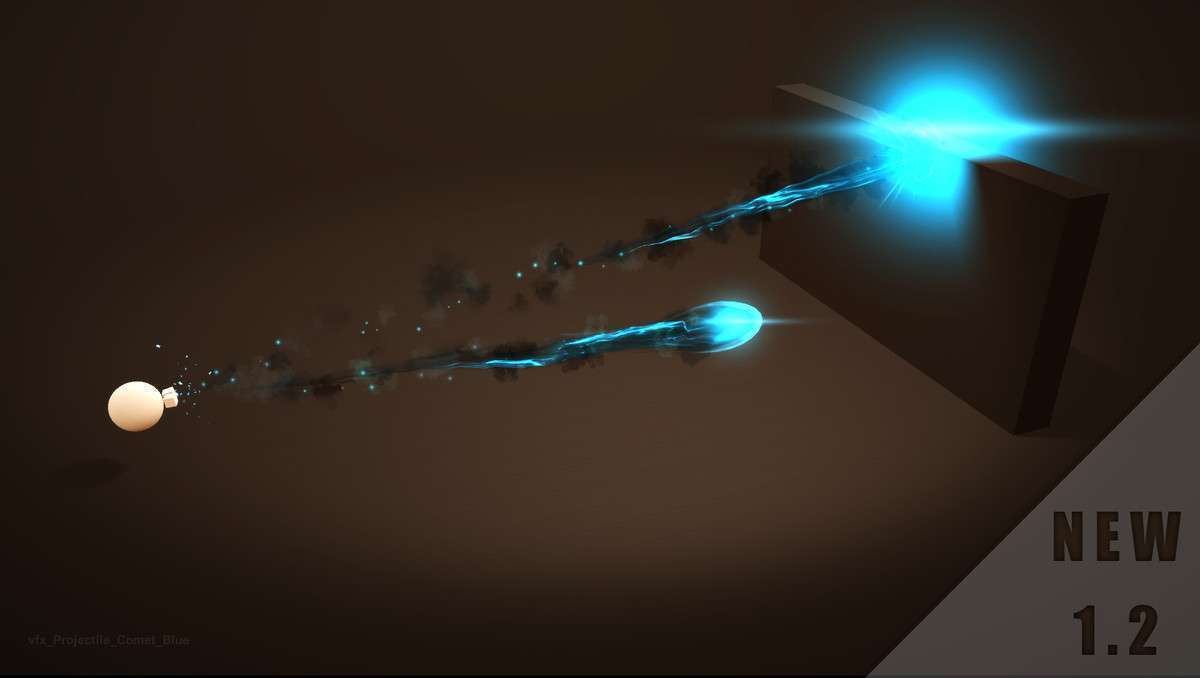
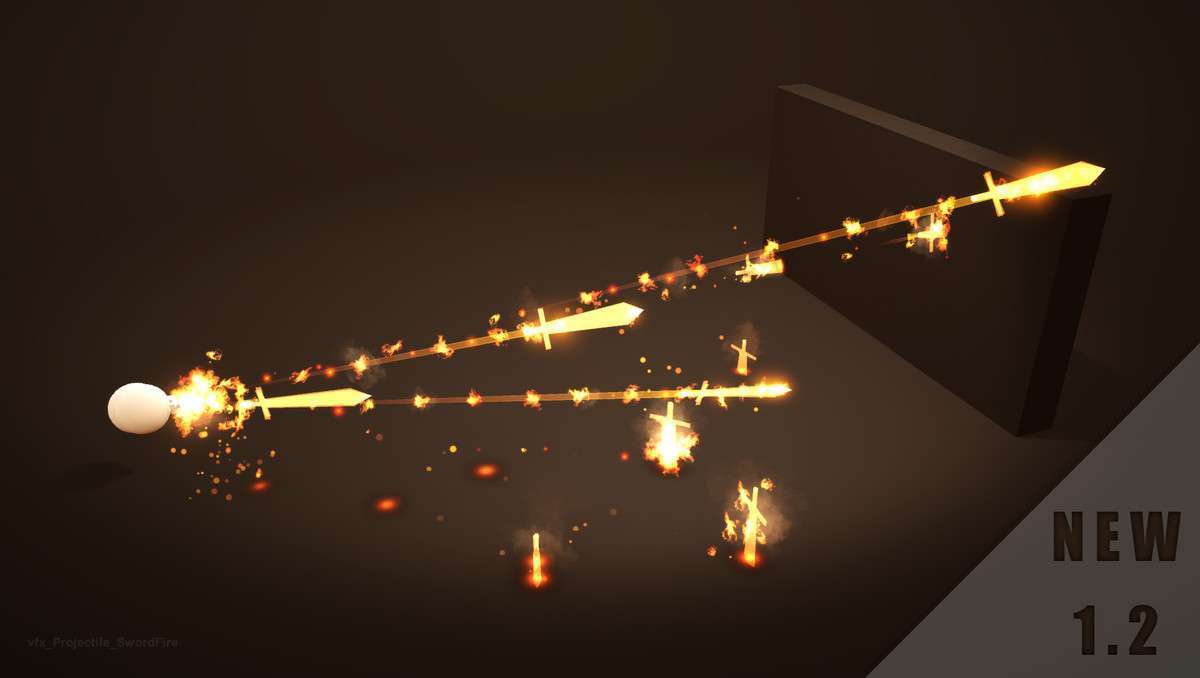
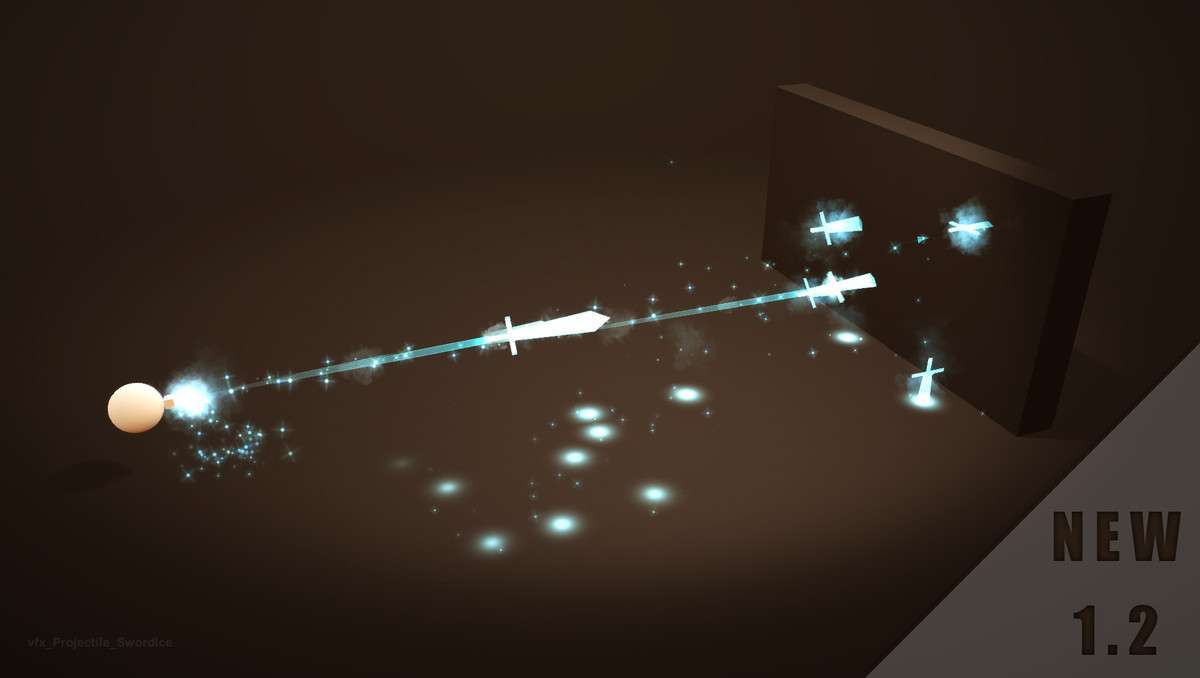
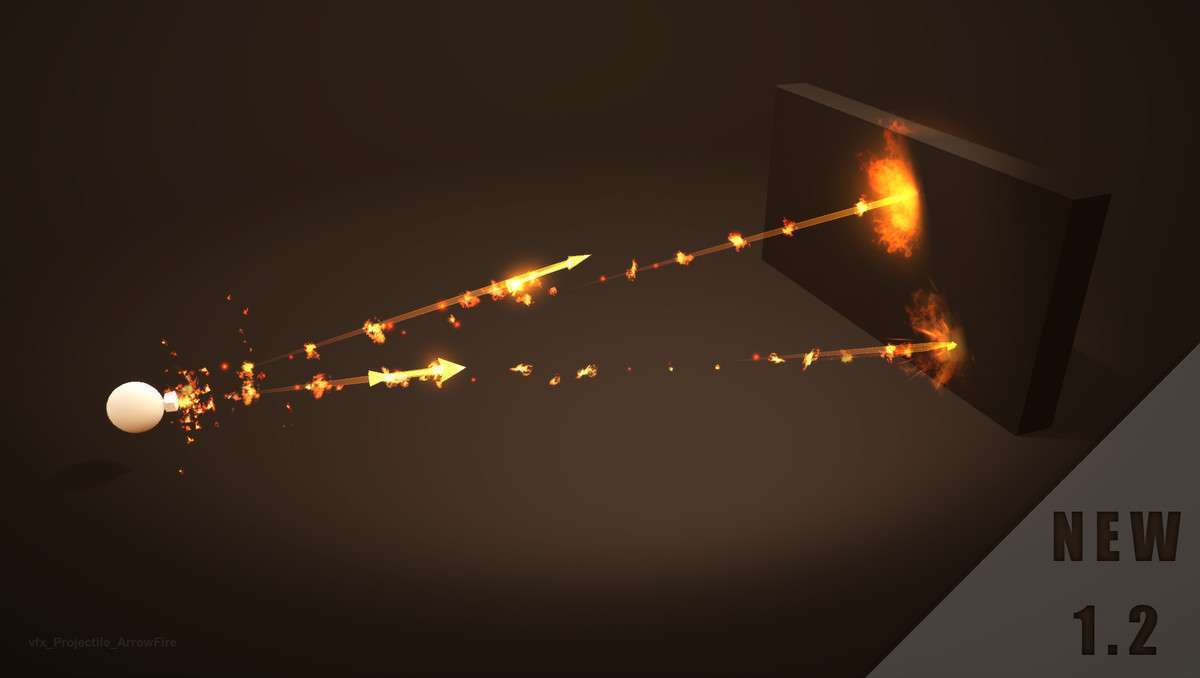
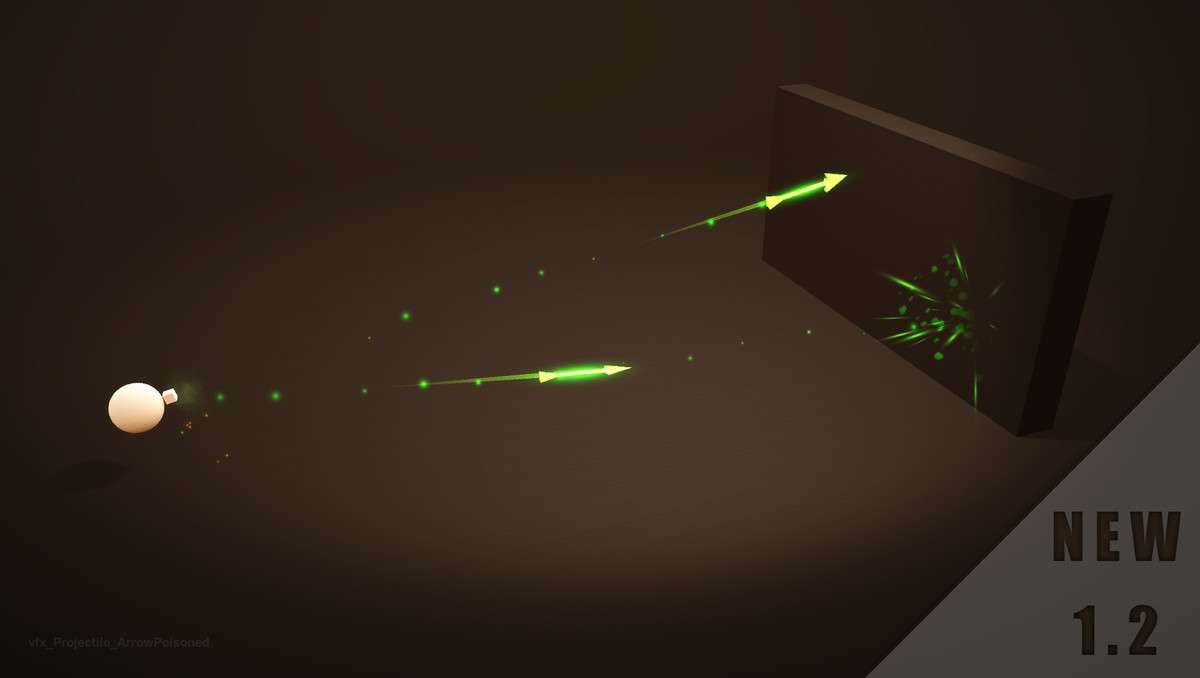
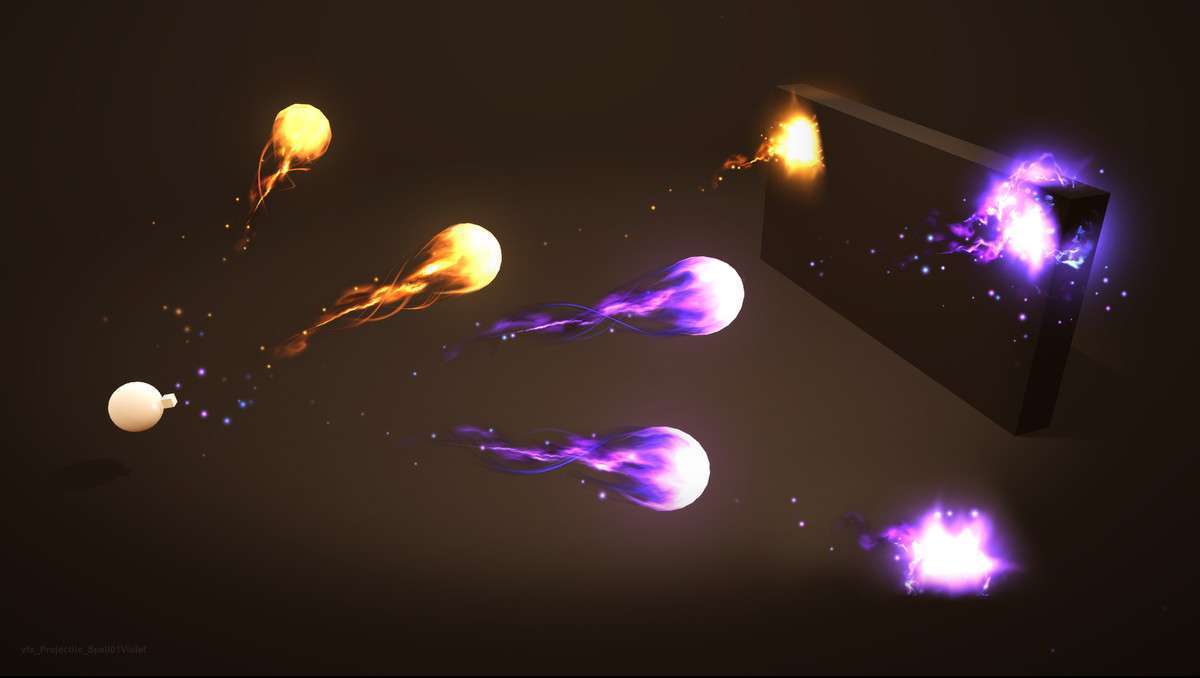
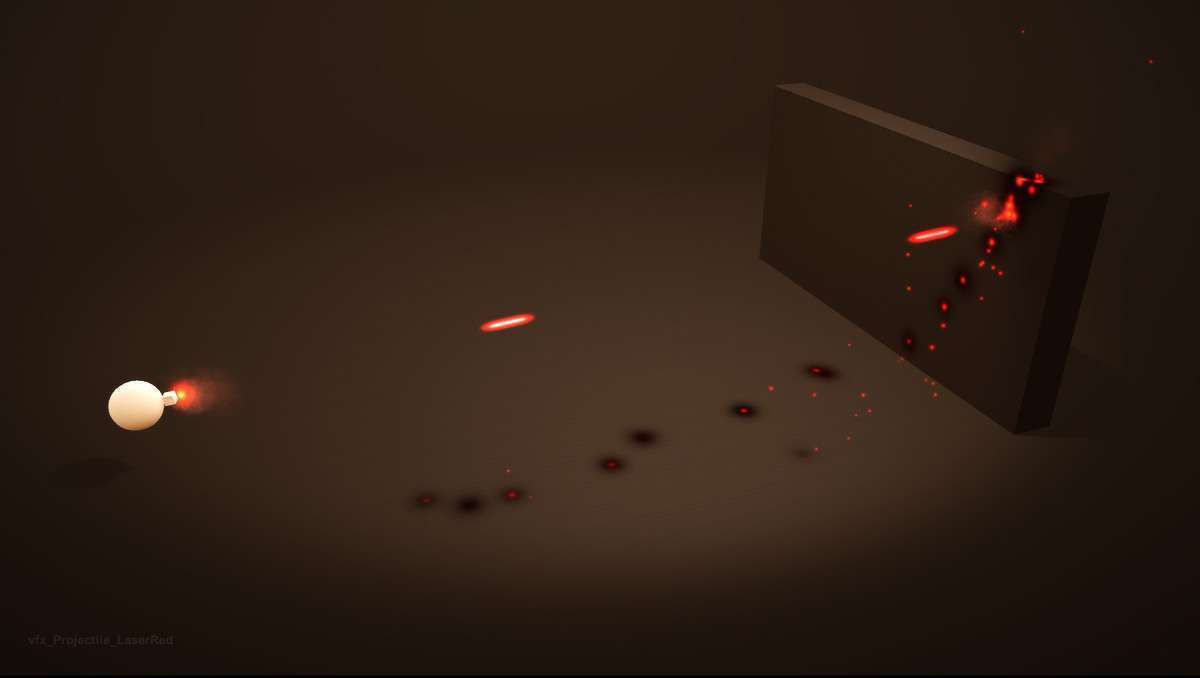
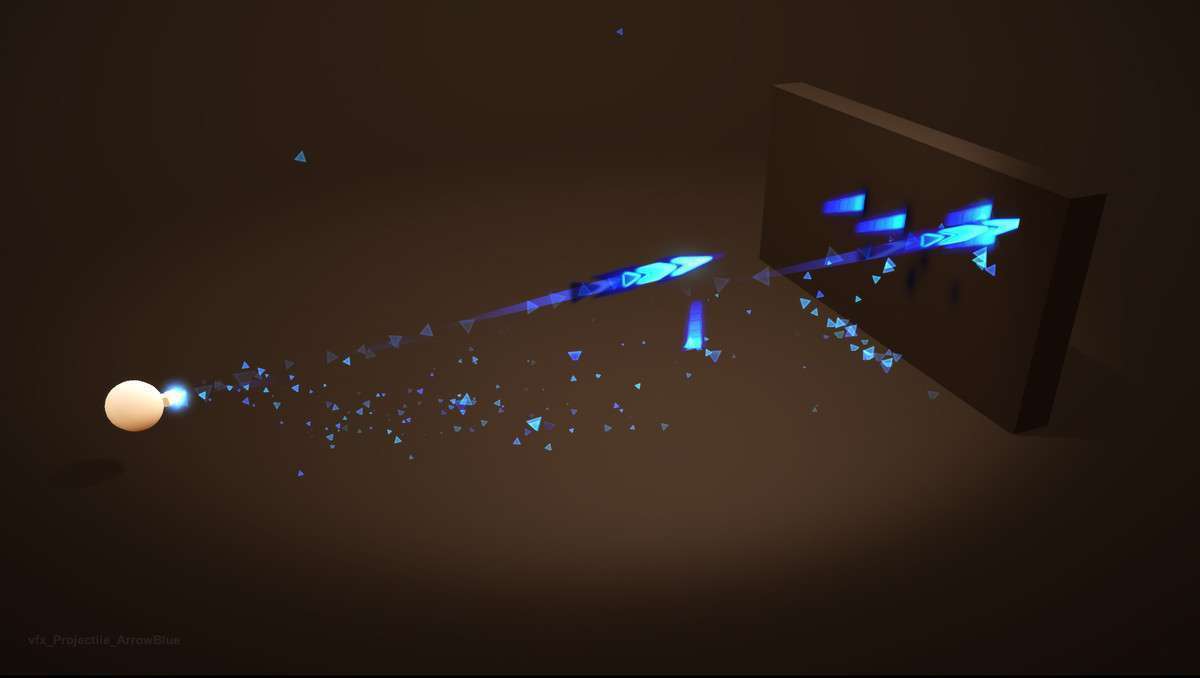
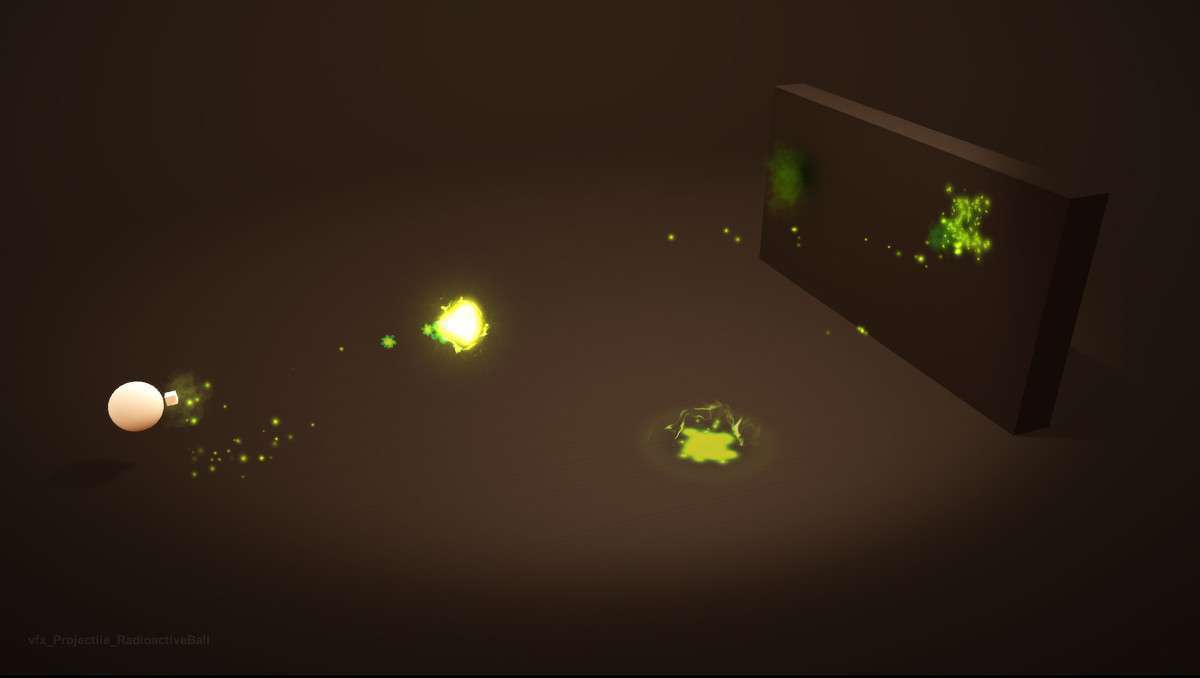
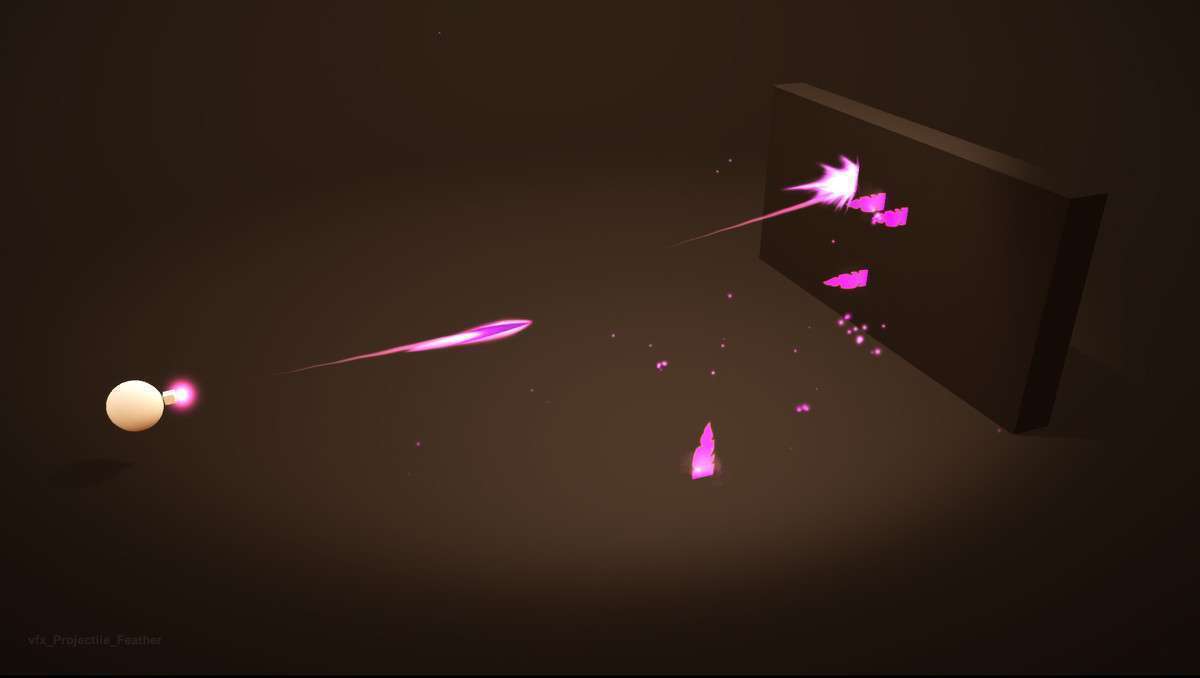
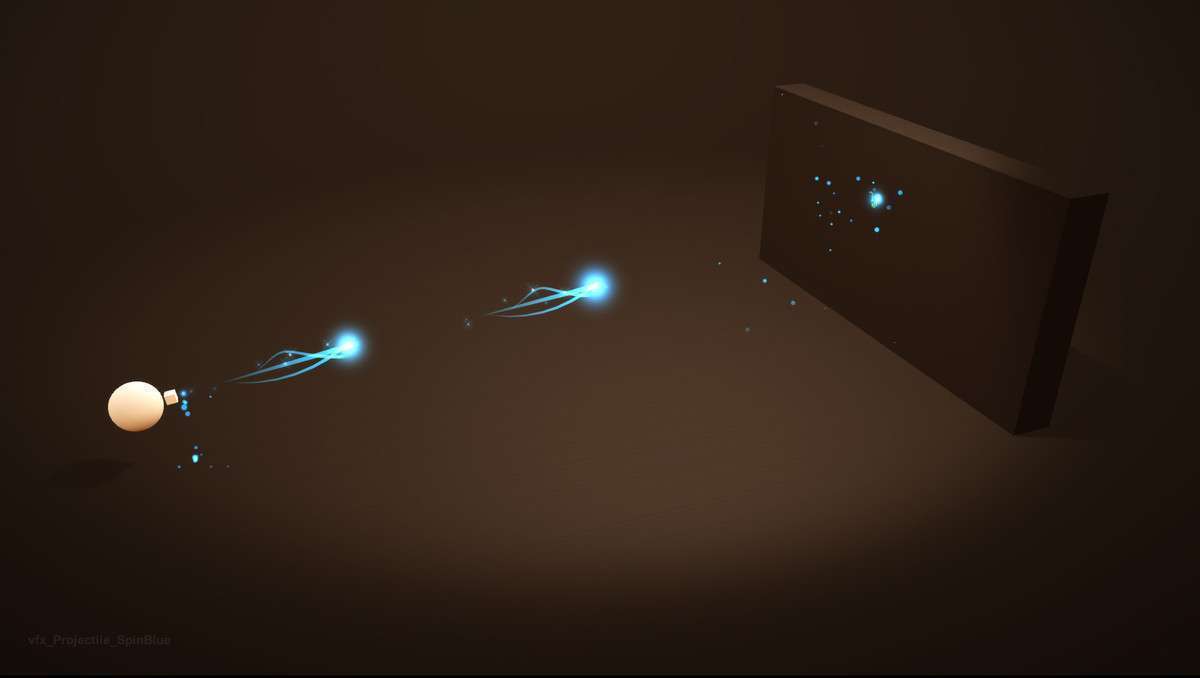
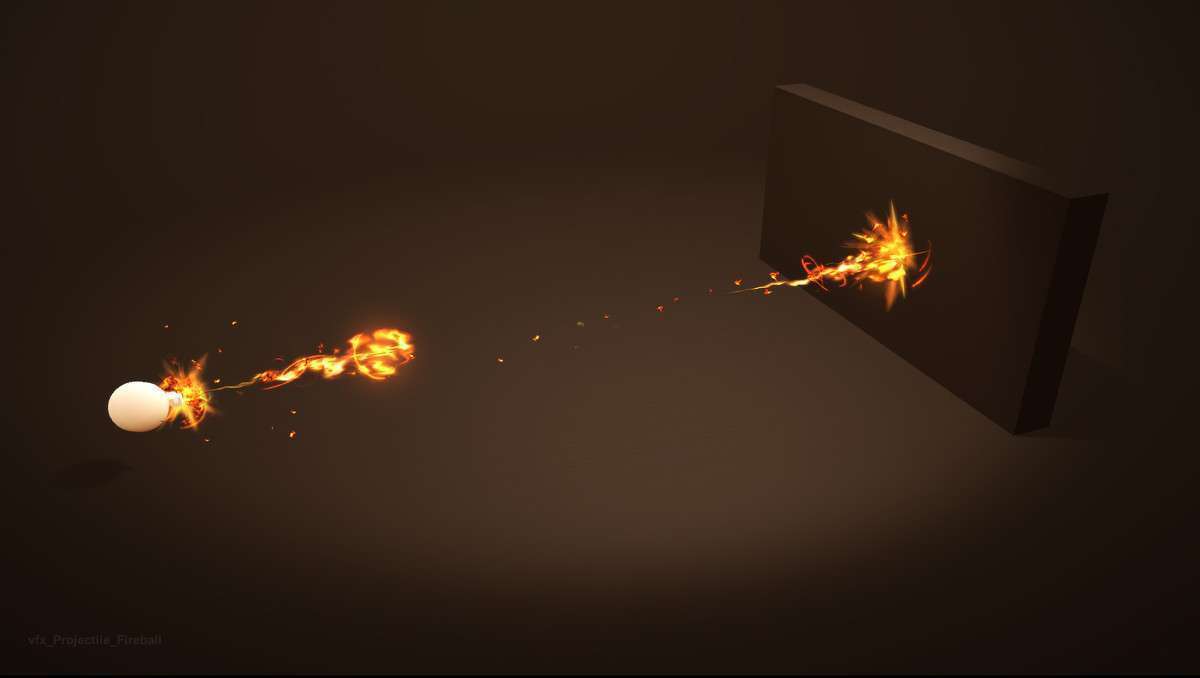
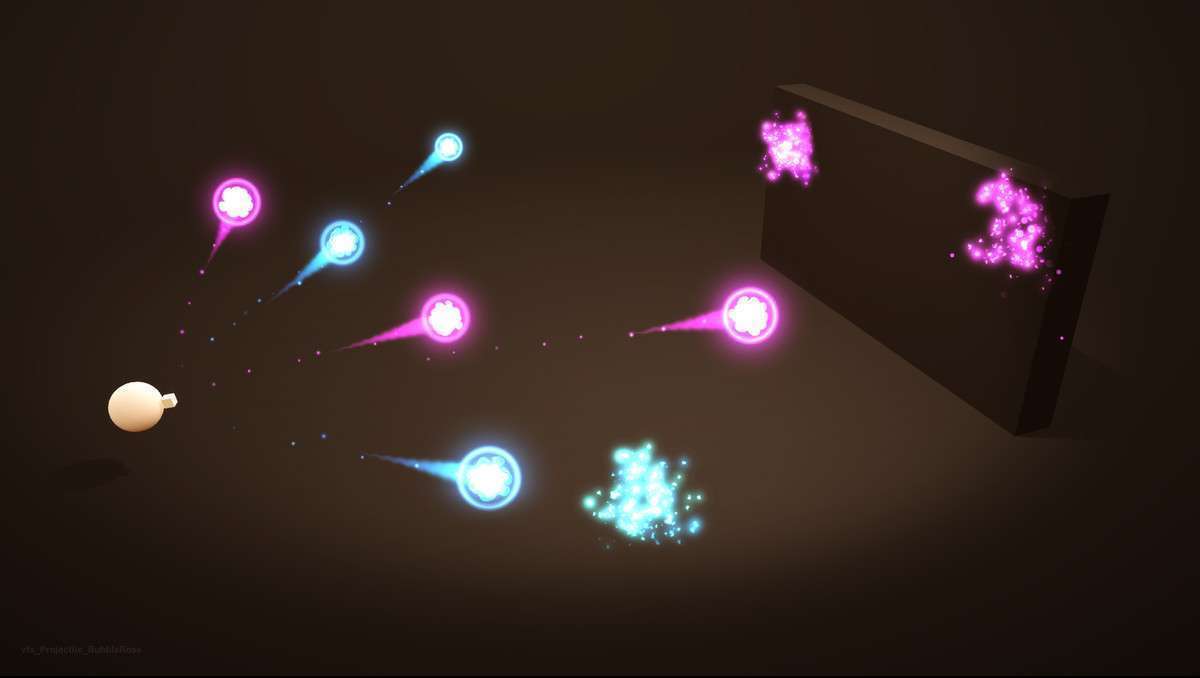
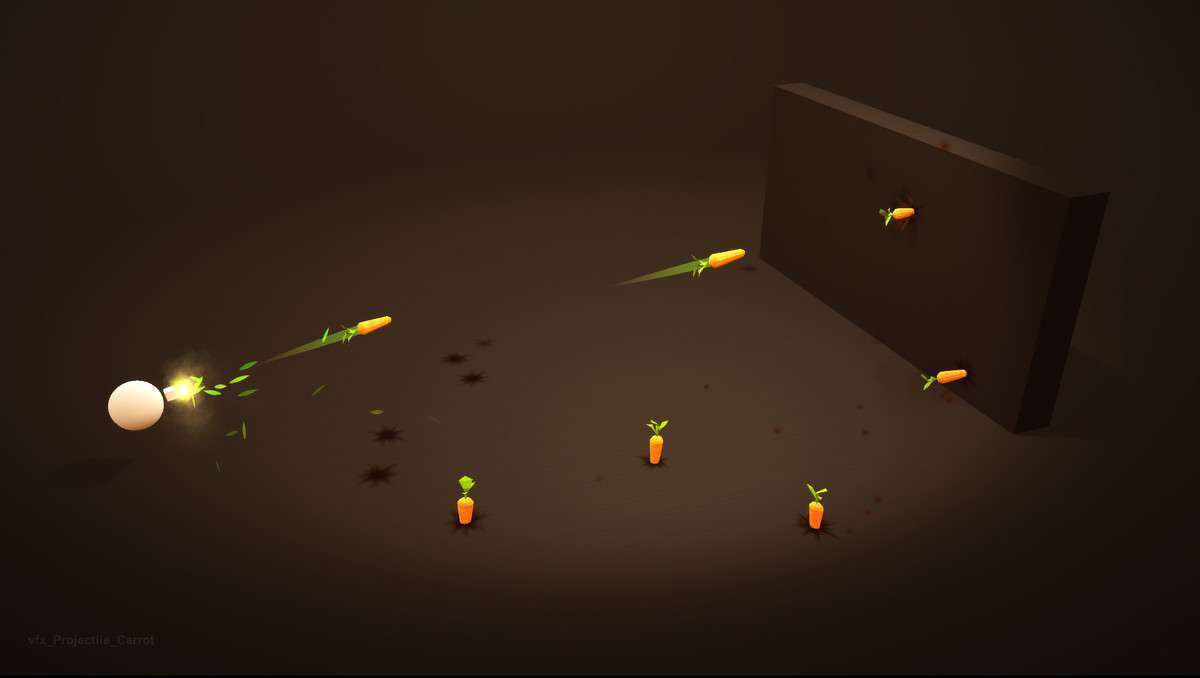
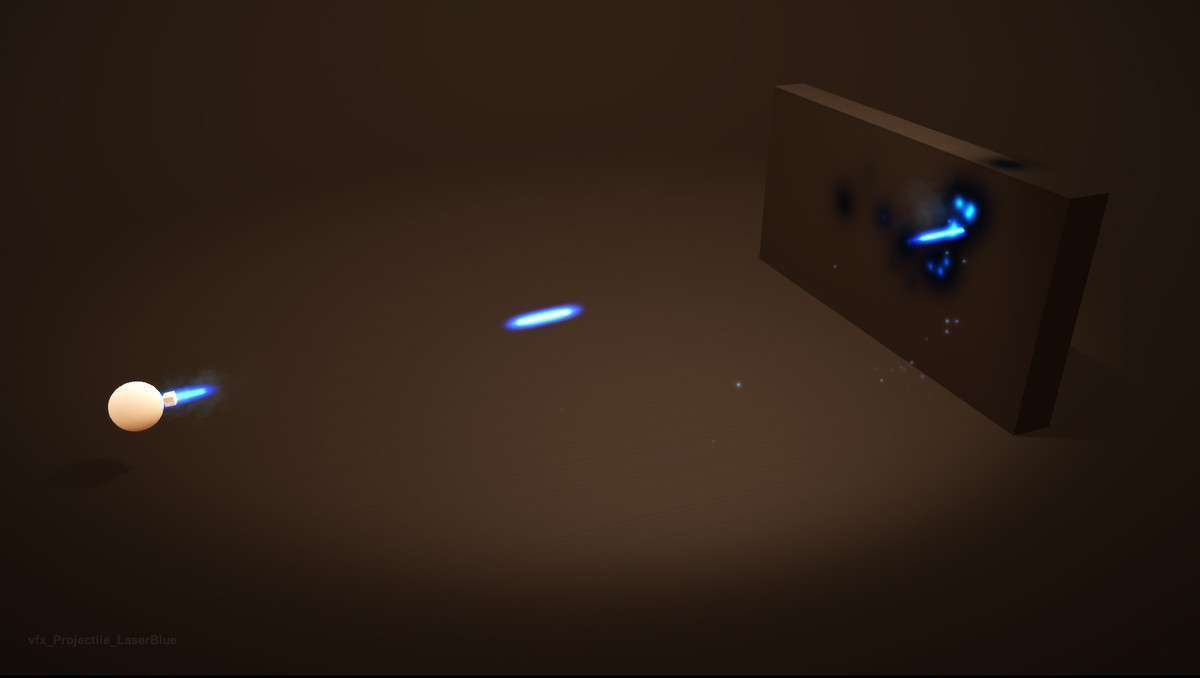
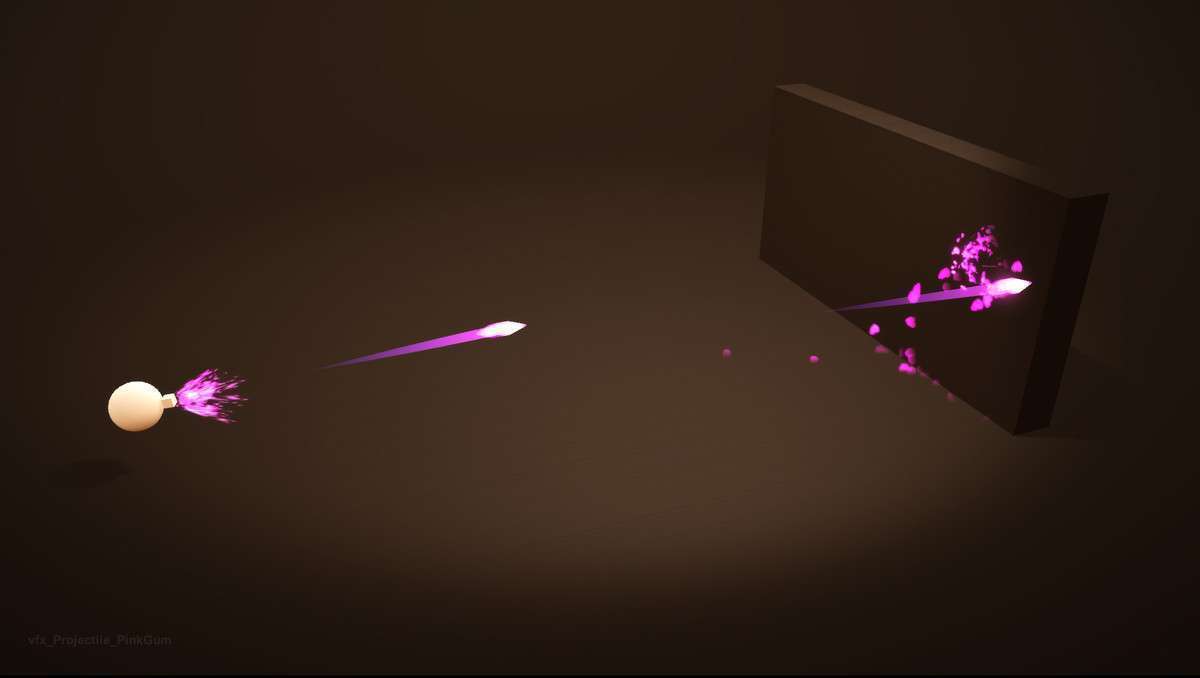
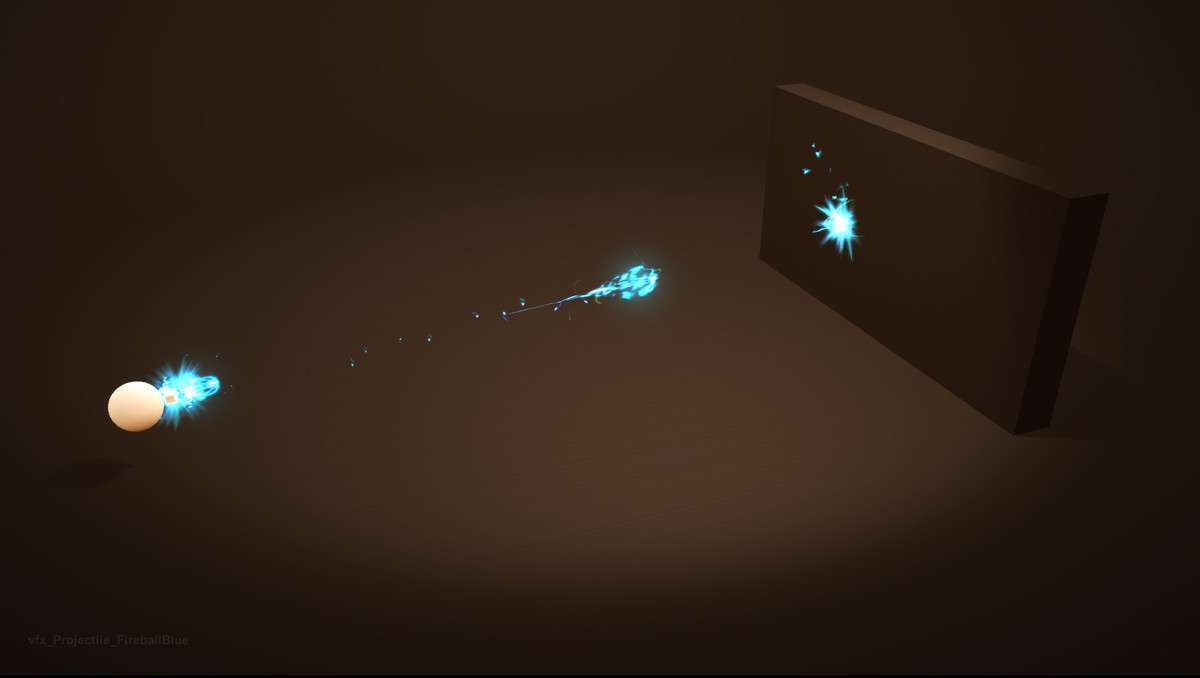
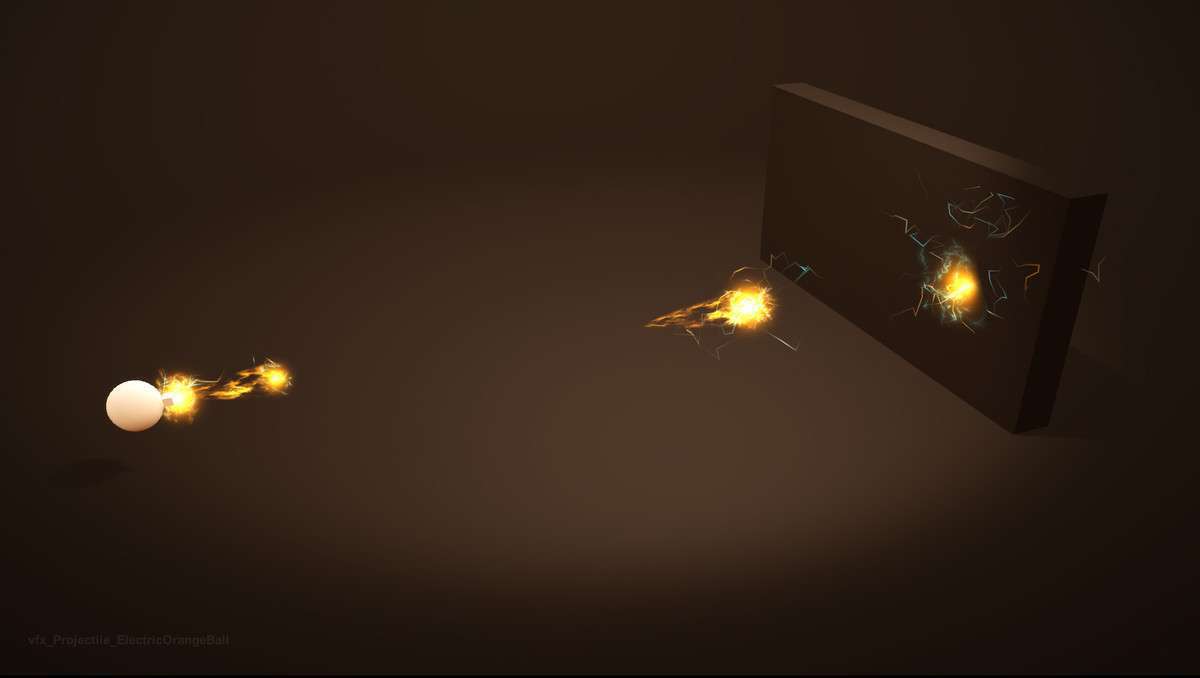
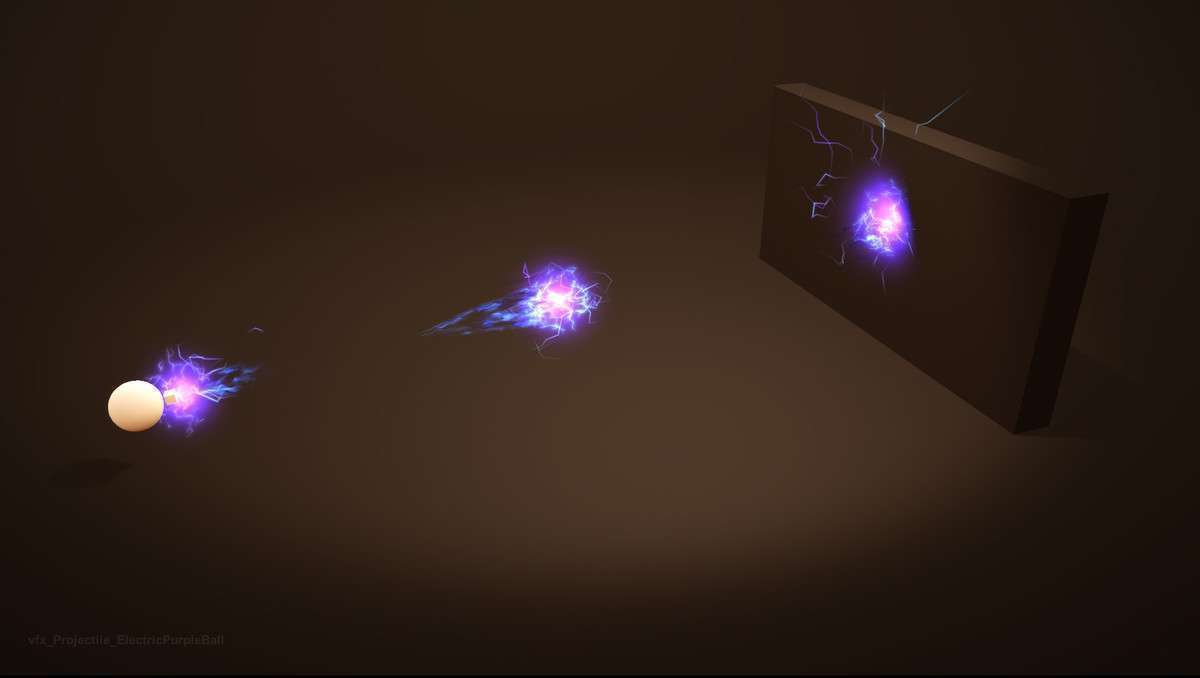
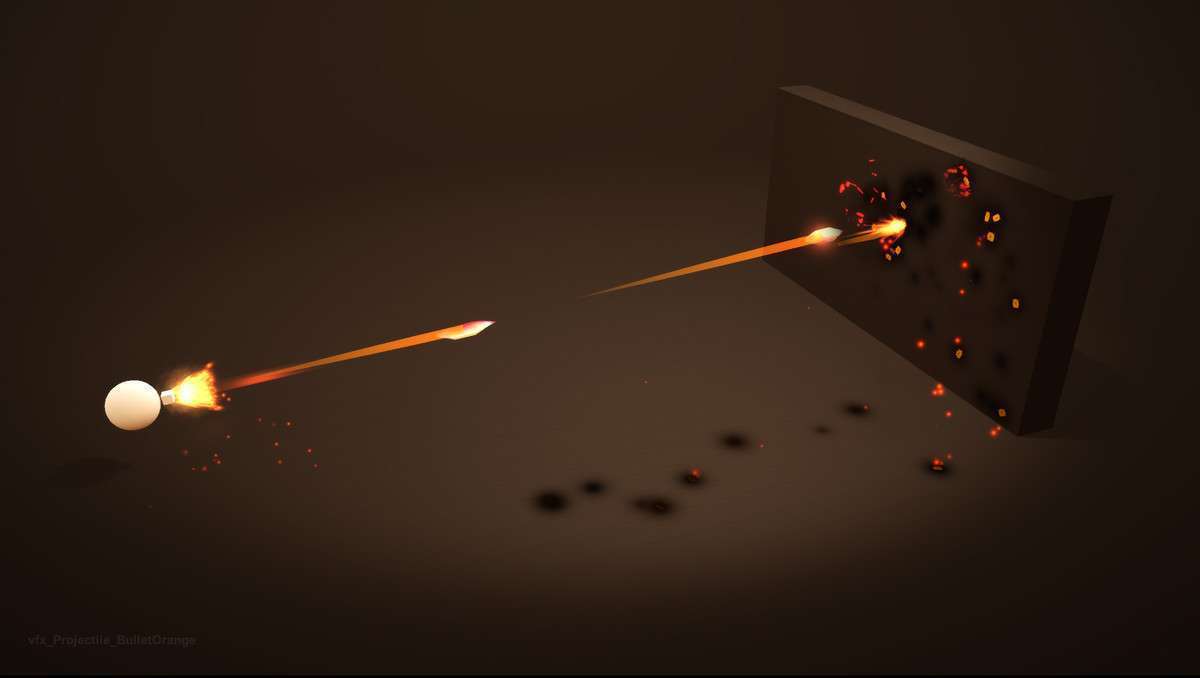
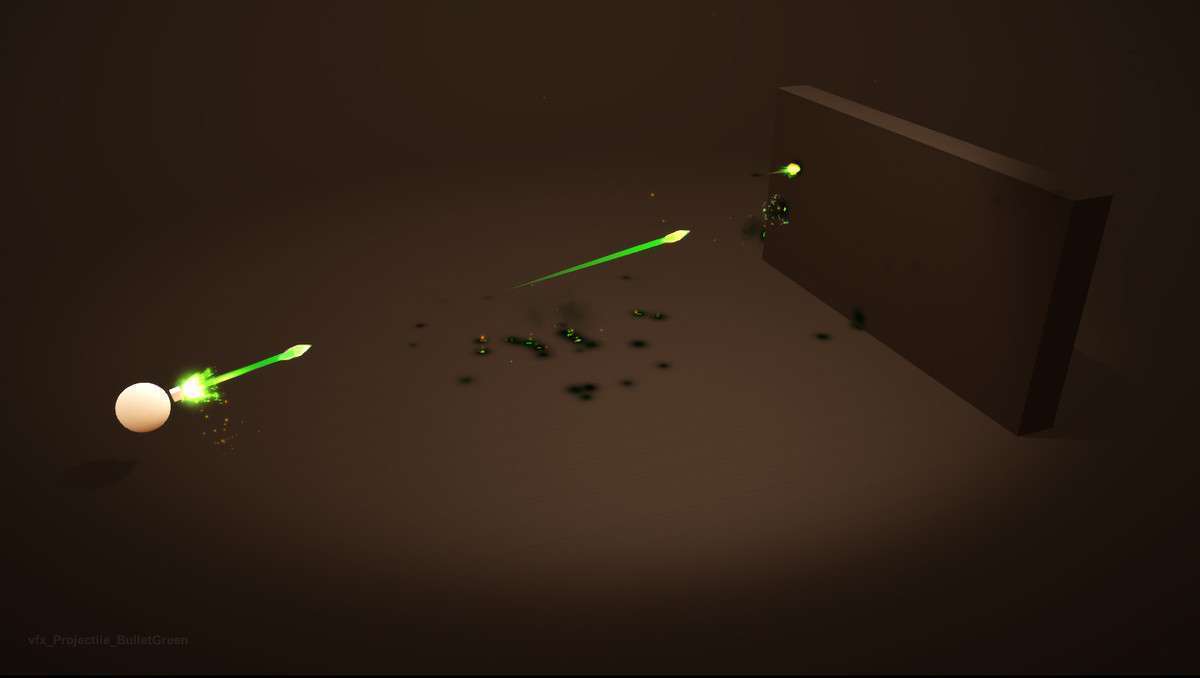
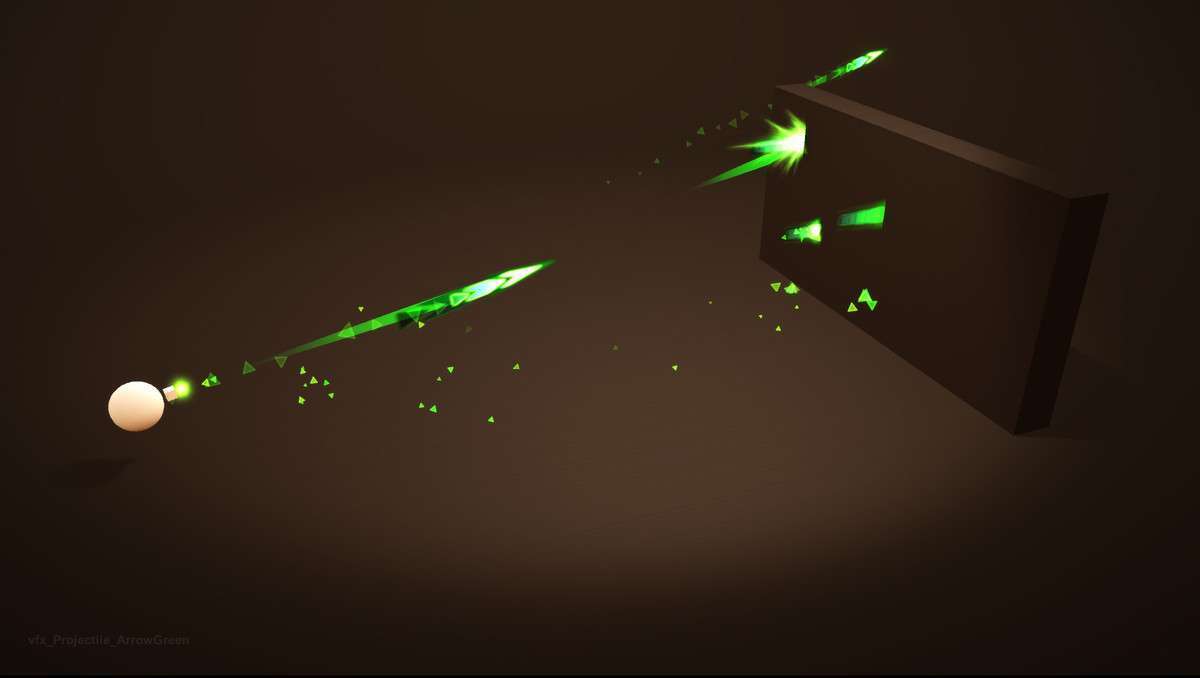
Integrating Unique Projectiles Vol. 1 Unity at version provides a comprehensive library of stylized projectiles, impacts, and muzzles essential for any action-oriented game. With 30 projectiles, 30 hits/impacts, and 26 muzzles, this package enables highly modular and customizable combat VFX. Its optimization for both PC and Mobile, along with URP, HDRP, and BIRP support, makes it a versatile choice. The included Particle System Controller Script offers powerful runtime customization of size, speed, and color, and its compatibility with Projectile Factory by InfinityPBR hints at robust backend integration possibilities.
Integration Tips
- Essential Object Pooling: For any game with more than a handful of projectiles, implementing an object pooling system for these prefabs (projectiles, hits, muzzles) is absolutely critical. Instantiating and destroying particle effects frequently will lead to excessive garbage collection and noticeable performance dips. Pre-allocate a pool of each type and simply activate/deactivate them.
- Physics vs. Scripted Movement: Determine whether your game’s projectiles require physics-based movement (using `Rigidbody` and collision callbacks) or scripted movement (direct `Transform.Translate` or a custom velocity system). If using physics, ensure proper `Collider` setup and a well-defined `Physics Layer Collision Matrix` to prevent unintended interactions and optimize collision checks. For scripted movement, implement efficient raycasting or `OverlapSphere` checks for collision detection.
- Runtime Customization with Script: The Particle System Controller Script is a powerful tool. Expose its properties (e.g., `SetColor`, `SetSize`, `SetSpeed`) via your game’s weapon or spell scripts. This allows for dynamic variations of projectiles (e.g., a basic fireball becoming an ice bolt with a simple color and texture swap) without duplicating prefabs or materials.
- Modular VFX Assembly: The ability to combine different projectiles with various hits/impacts and muzzles encourages a highly modular approach. Design your weapon/spell system to dynamically instantiate the appropriate muzzle prefab at the fire point, the projectile prefab, and then spawn the selected hit/impact prefab upon collision, promoting asset reuse.
- Shader Variants & Material Instancing: Explore the customizable shaders. Instead of creating new materials for every subtle visual change (e.g., a slightly different glow), leverage shader keywords and variants, or use `MaterialPropertyBlock`s at runtime to modify material properties per instance. This reduces draw calls and material overhead.
Best Use Cases
- Action RPGs/Mobas: The sheer variety and modularity of projectiles, hits, and muzzles make this pack ideal for games requiring a vast array of unique spell effects and ranged attacks. Developers can quickly create distinct visual identities for numerous character abilities, crucial for player identification and clear combat feedback, all while maintaining mobile-friendly performance.
- Twin-Stick Shooters/Top-Down Action: In genres where numerous bullets and magical projectiles frequently fill the screen, performance is paramount. This asset’s optimization and the necessity of object pooling (which it strongly encourages) allow for visually rich, high-volume combat encounters without sacrificing framerate, enabling dynamic and engaging gameplay.