
Streamlined Level Constraints with Umbra Boundary Builder Unity
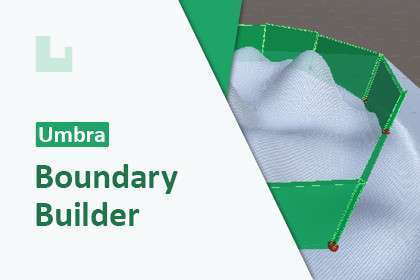
In open-world or complex level design, preventing player escape while maintaining AI navigation consistency is a common headache. Umbra Boundary Builder Unity 2.5.1 solves this by providing a node-based workflow for creating invisible boundaries. Unlike manual collider placement, this tool generates a unified mesh that can be used specifically to influence NavMesh baking, ensuring that your AI agents respect the same limits as the player character without requiring separate collision logic.
Integration Tips
- NavMesh Workflow: After defining your boundary nodes, toggle the “Generate Mesh” option. Include this generated mesh in your NavMesh baking process as a ‘Not Walkable’ area to create a hard sync between player collision and AI pathfinding.
- Physics Layers: Assign the generated boundary mesh to a dedicated “Boundary” layer. This allows you to exclude it from raycasts (like weapons or interaction systems) while keeping it active in the physics matrix for movement.
- Real-time Iteration: Take advantage of the real-time preview to adjust boundaries during playtests. It’s significantly more efficient than the traditional “adjust-bake-test” cycle.
Best Use Cases
- Semi-Open World RPGs: Use it to define zone transitions and soft-locks where players shouldn’t wander, without placing unnatural-looking physical barriers like fences or mountains everywhere.
- Stealth Games: Perfect for creating AI “containment zones” within a larger map, ensuring guards stay within their designated patrol areas while allowing the player to see beyond the boundary.