

Mastering Character Customization with UMA 2
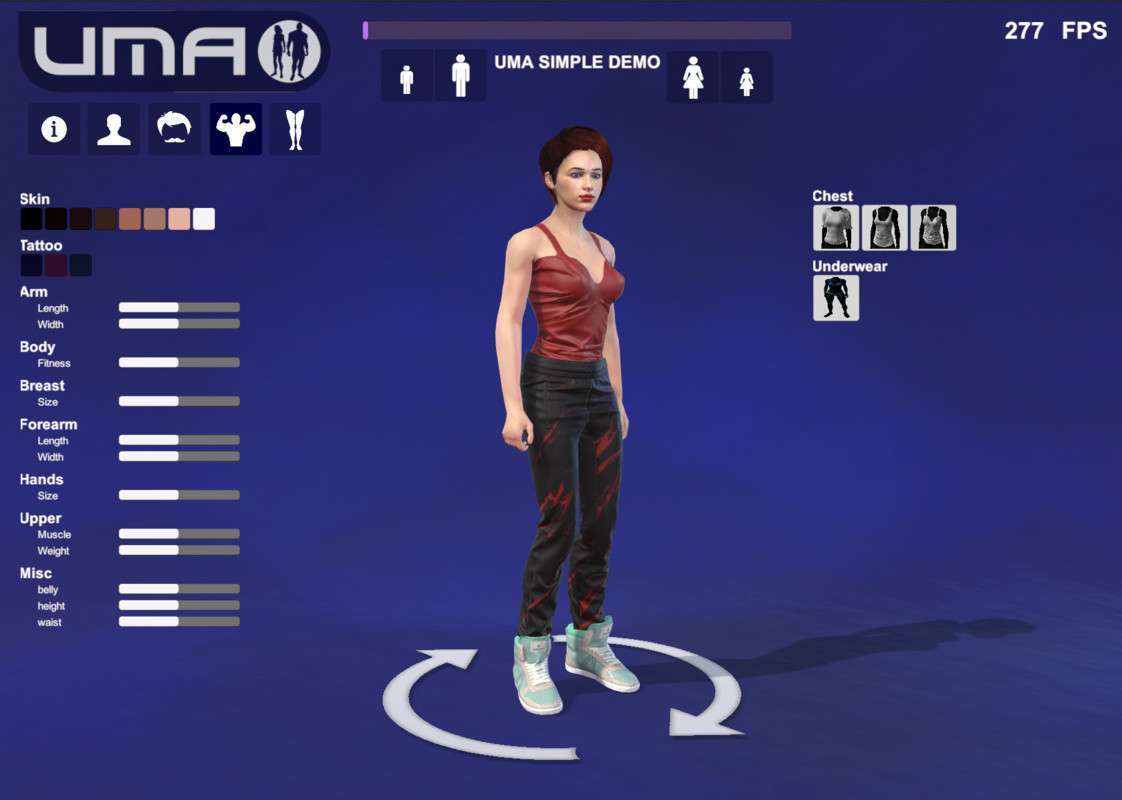
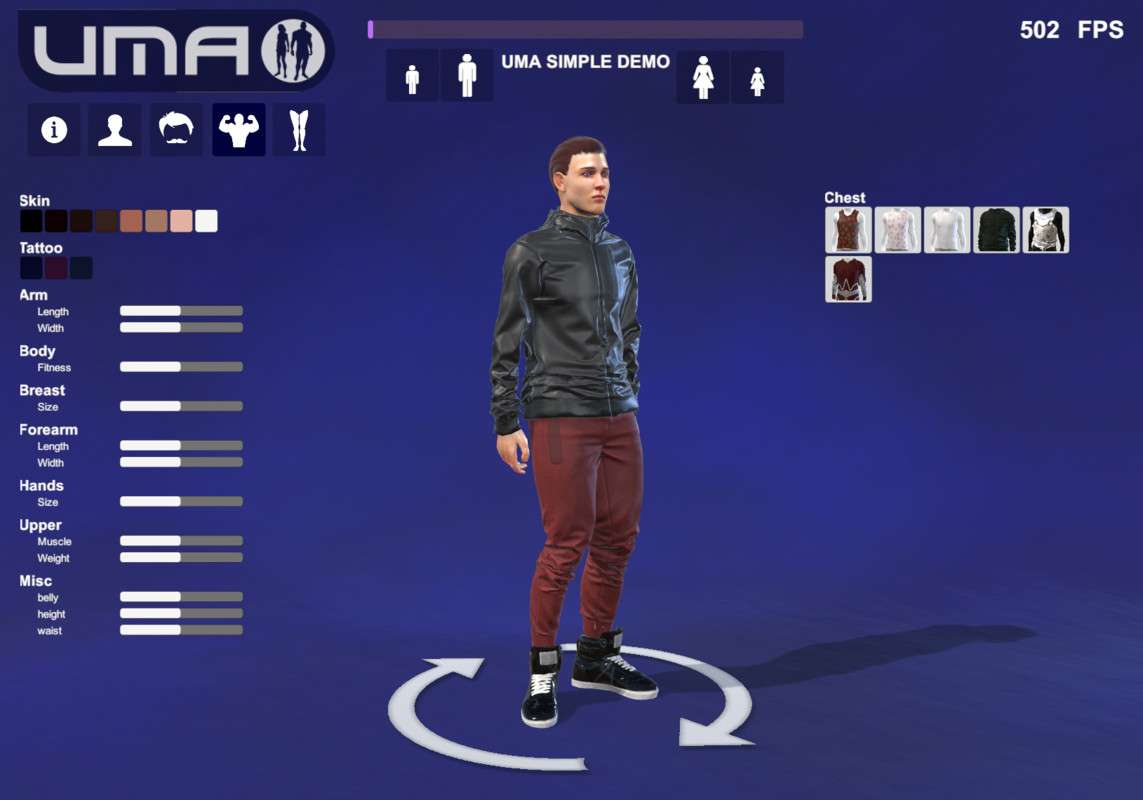
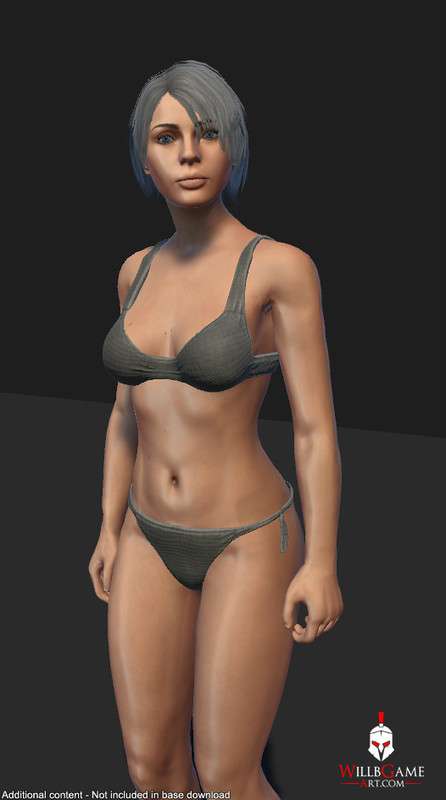
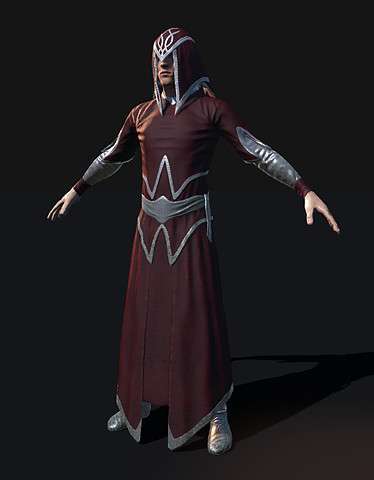
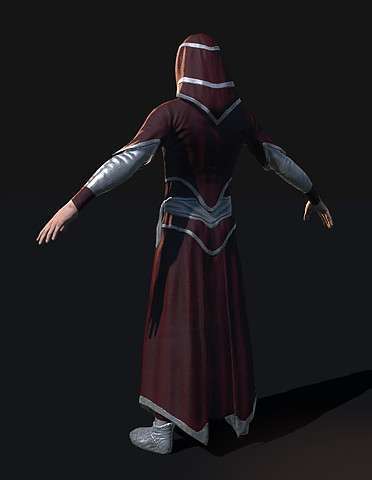
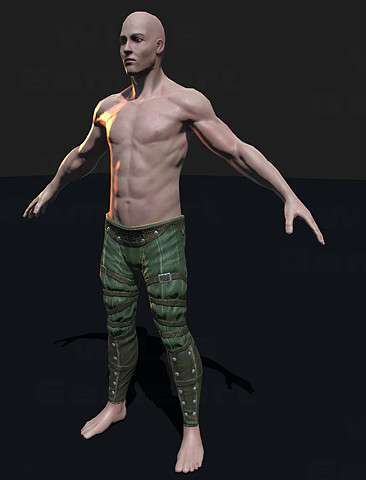
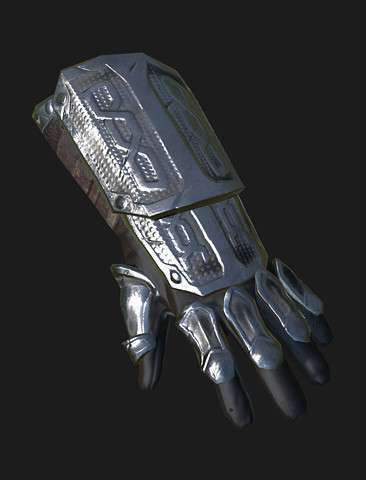
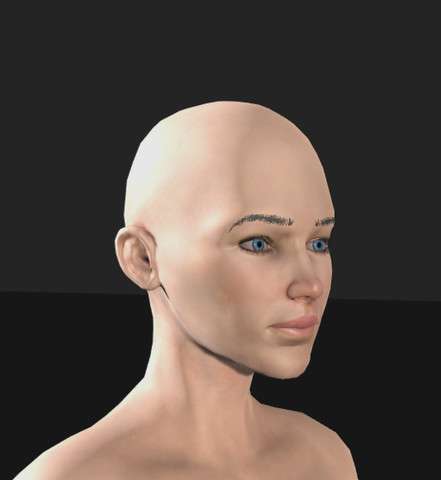
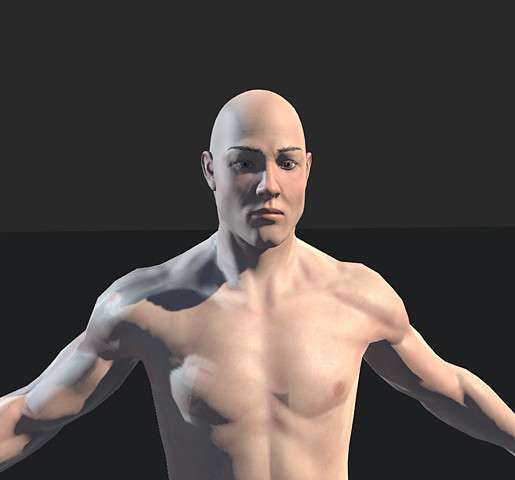
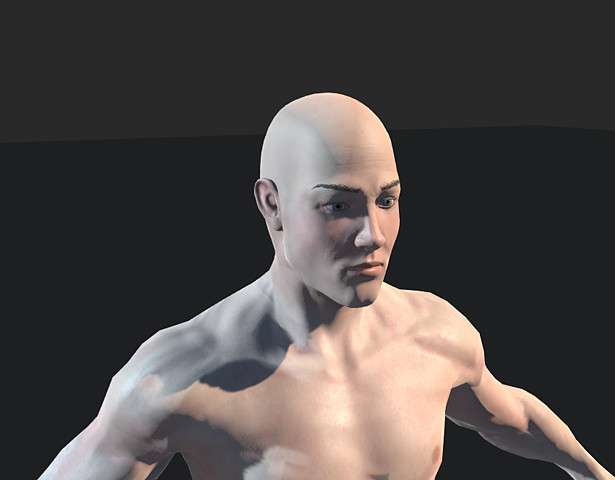
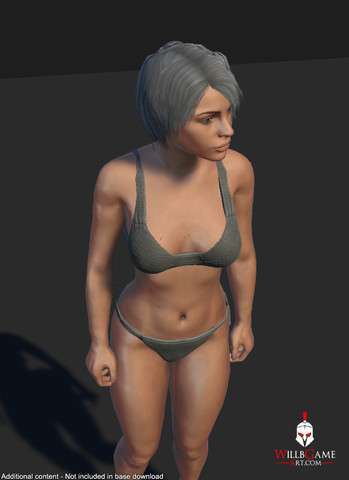
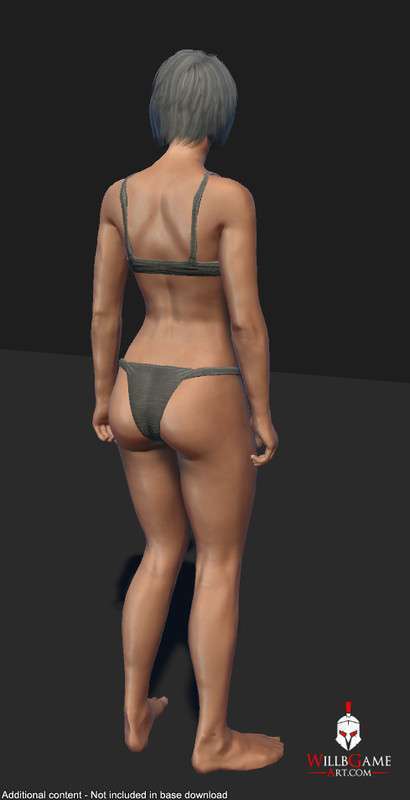
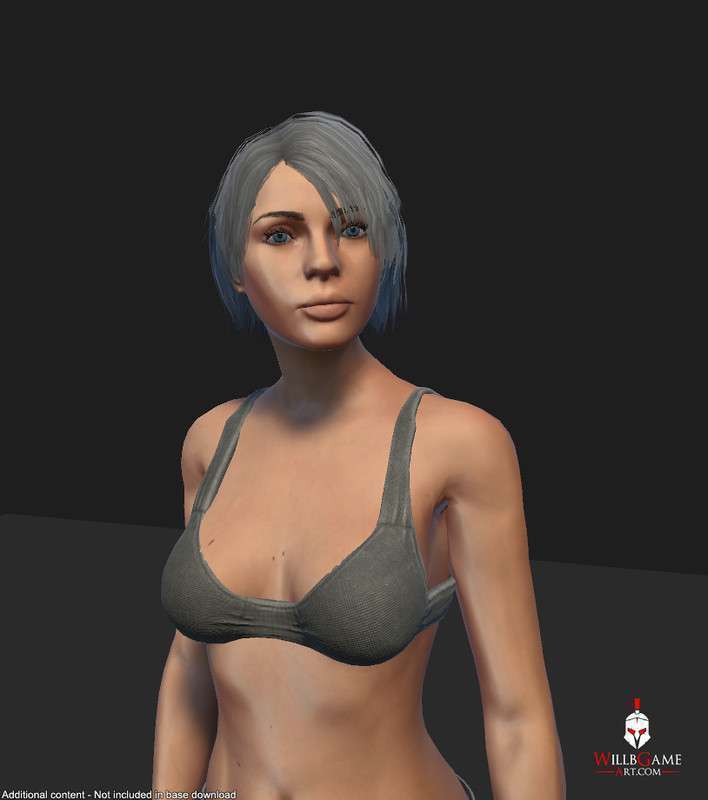
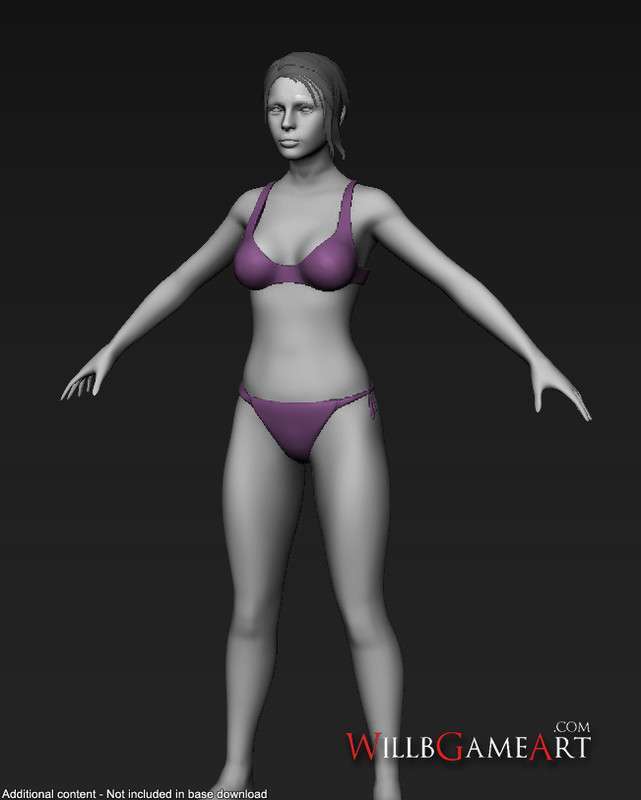
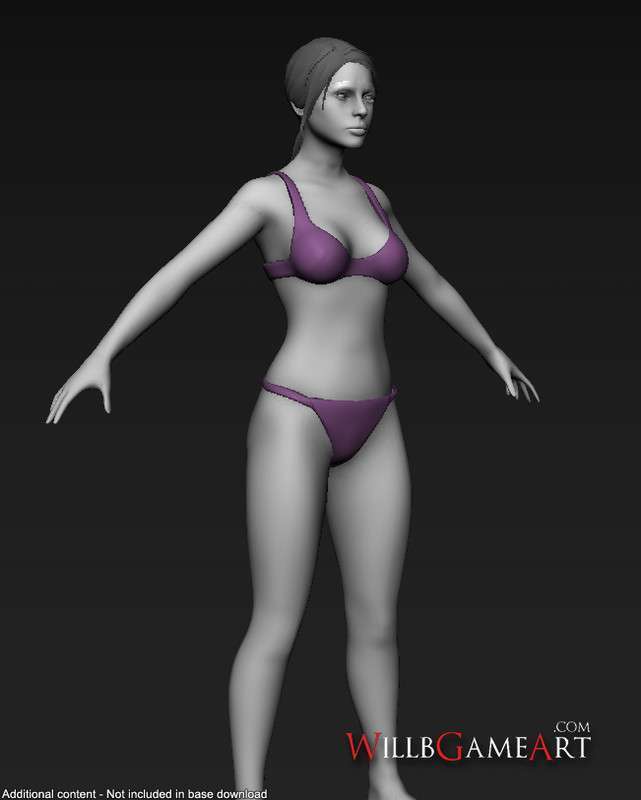
The UMA 2 Unity 1.1.0 (Unity Multipurpose Avatar) system is the industry standard for runtime character generation. Its true power isn’t just the customization—it’s the ‘Rig and Mesh Combiner.’ By merging disparate clothing meshes and body parts into a single SkinnedMeshRenderer and baking textures into a single atlas at runtime, UMA drastically reduces draw calls, which is the number one killer of performance in games with many NPCs.
Integration Tips
- The DNA System: When creating custom races, spend time defining your DNA converters early. Changing these later can break existing character ‘recipes’ (JSON/String data) stored in your database.
- Atlasing Strategy: Use the UMA Atlas texture resolution settings to balance visual fidelity vs memory. For mob NPCs, a 512 or 1024 atlas is usually sufficient, whereas heroes might require 2048.
- LOD Management: UMA has a built-in LOD system. Ensure your clothing assets have matching LOD levels to the base body, otherwise, the rig combiner will default to the highest vertex count, neutralizing the performance gains.
Best Use Cases
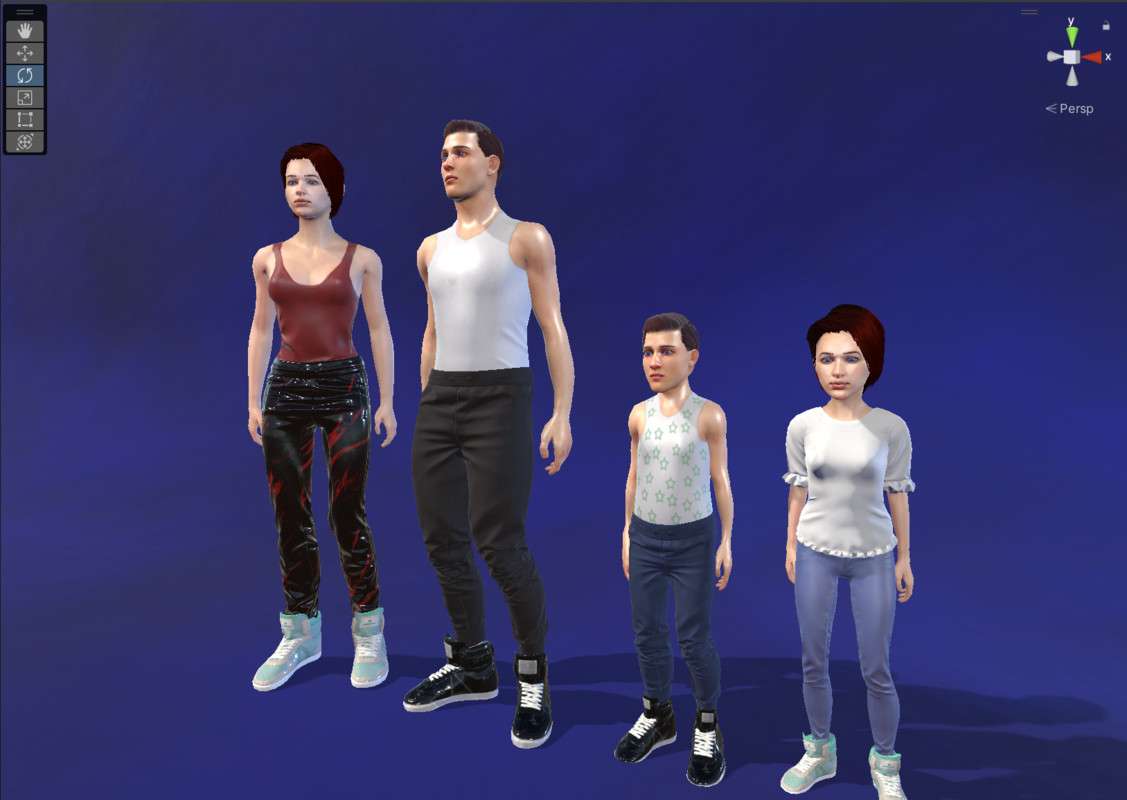
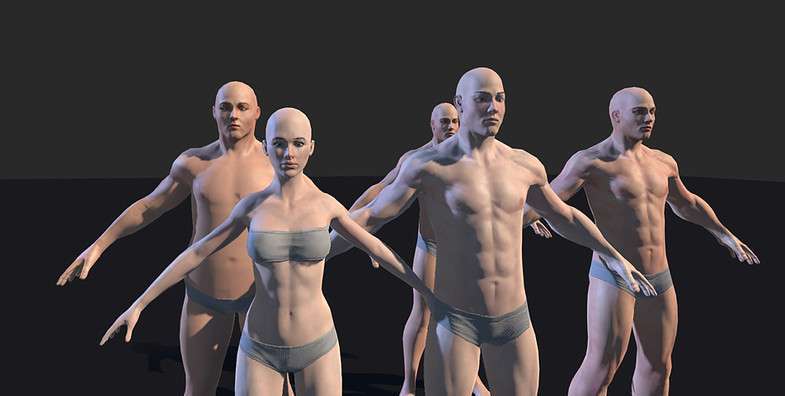
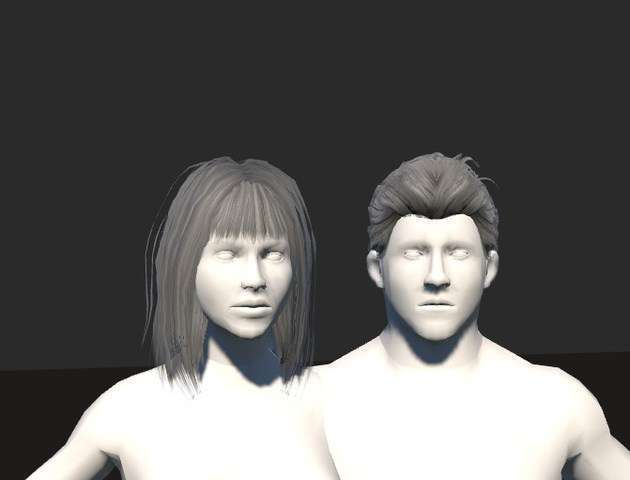
- Open World RPGs: Perfect for creating ‘crowds’ where every NPC looks different but shares the same optimized material and rig, keeping the batch count low.
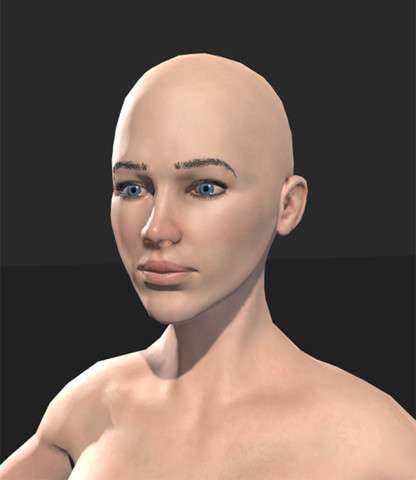
- Character Creators: If your game requires players to build a hero from scratch (changing nose shape, height, weight, and gear), UMA’s procedural mesh deformation is the most efficient way to handle this without thousands of pre-baked blendshapes.