
Environment Polish and Optimization
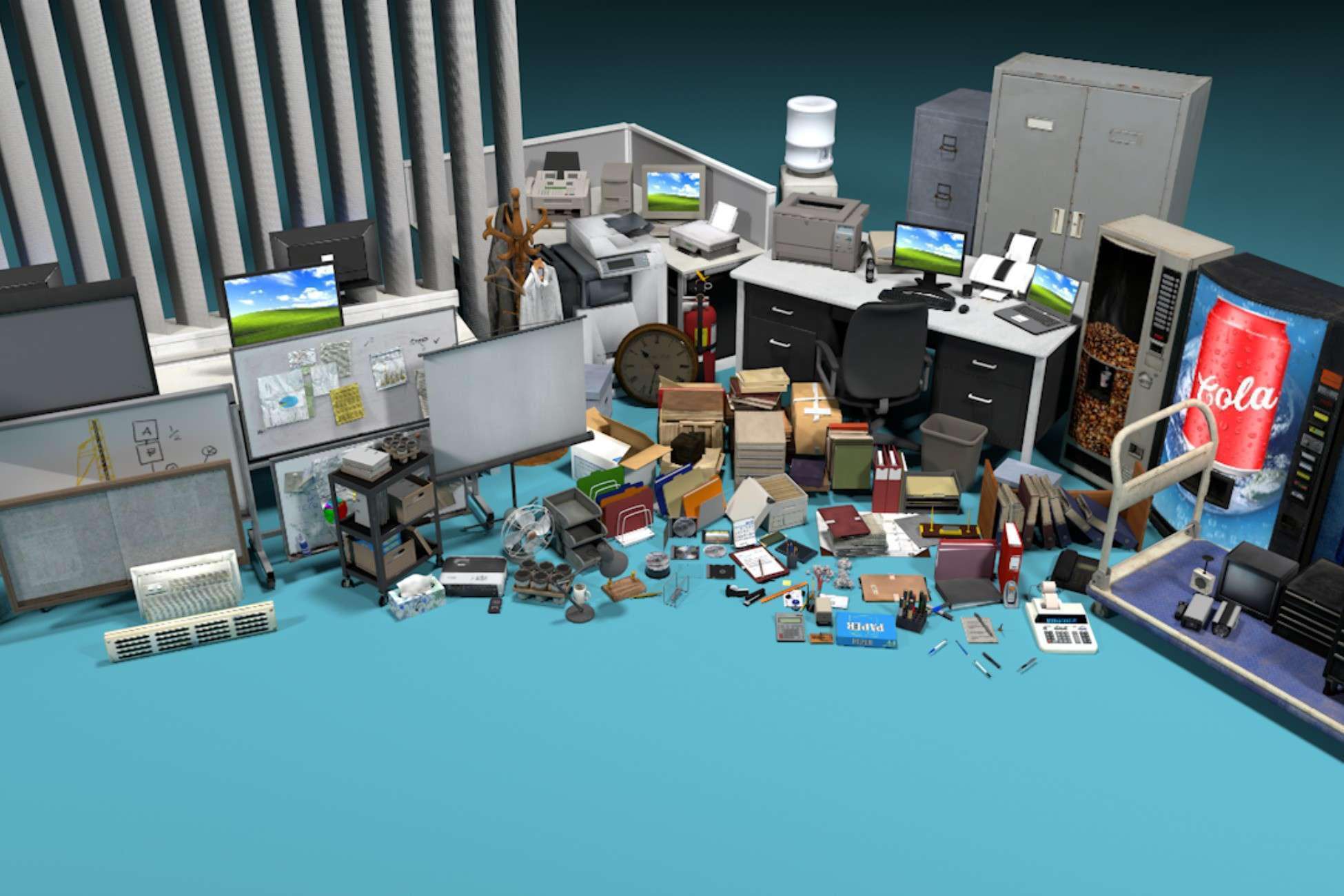
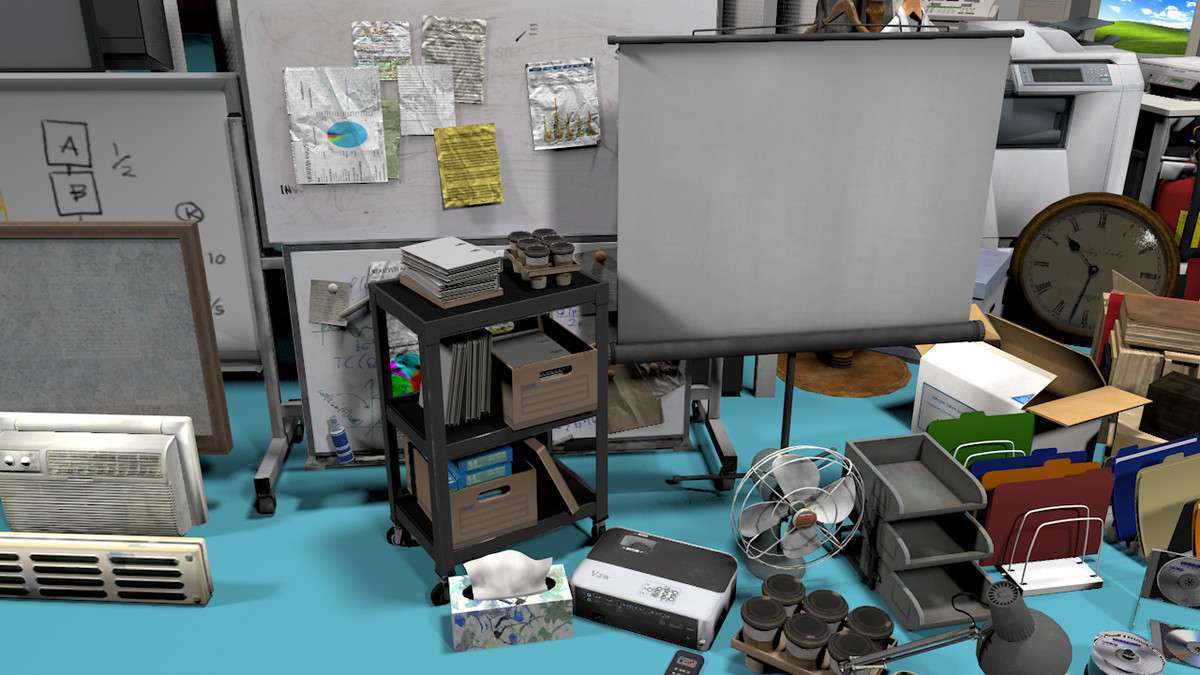
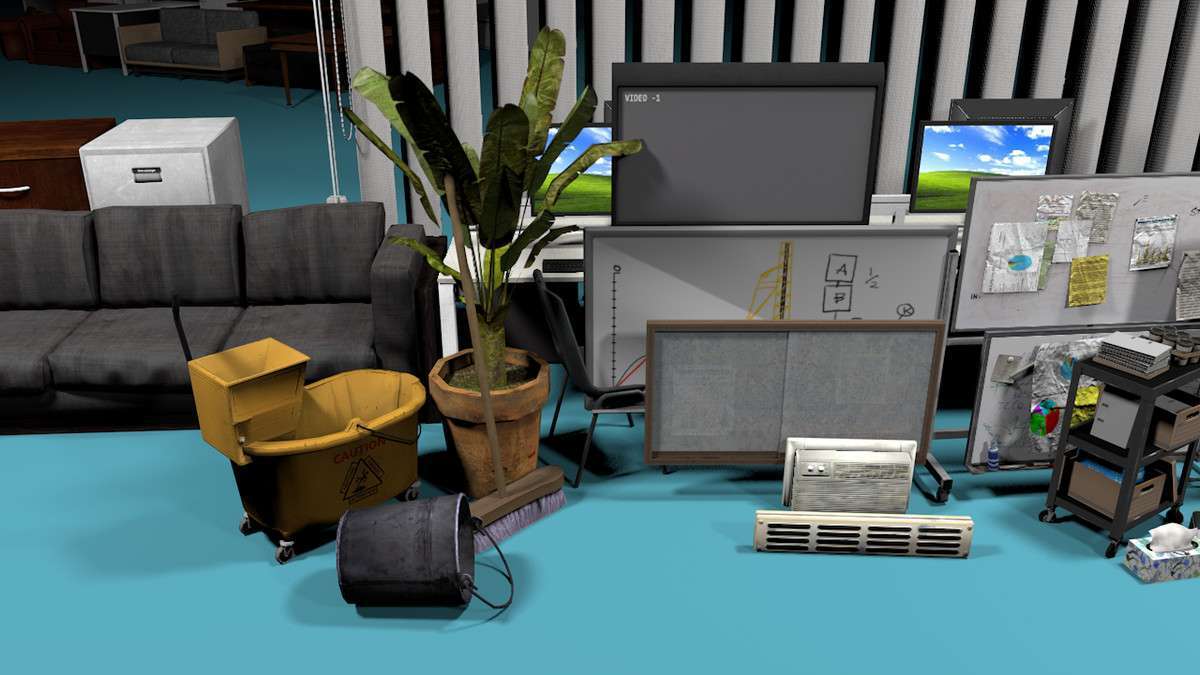
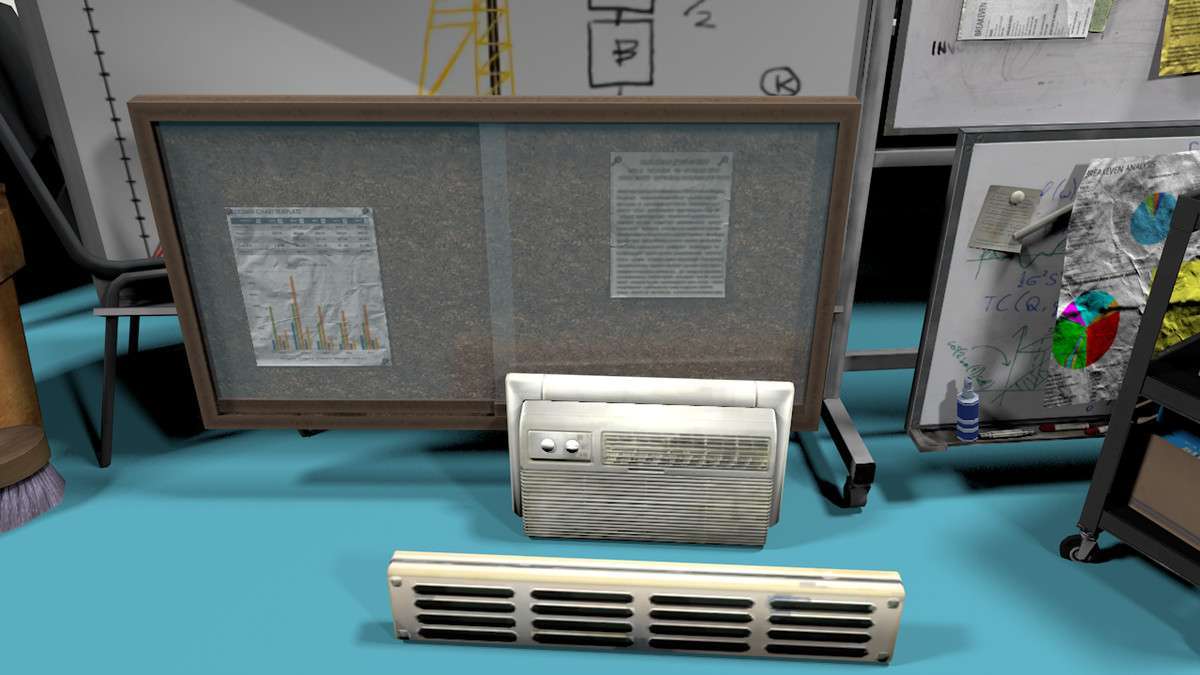
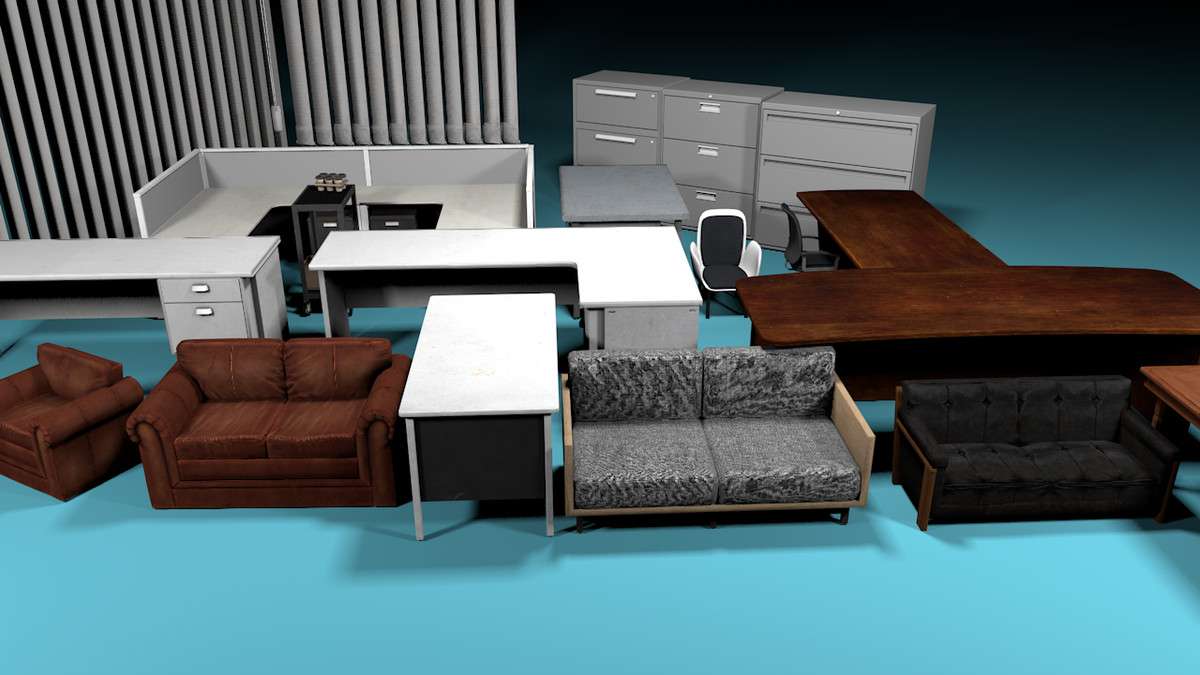
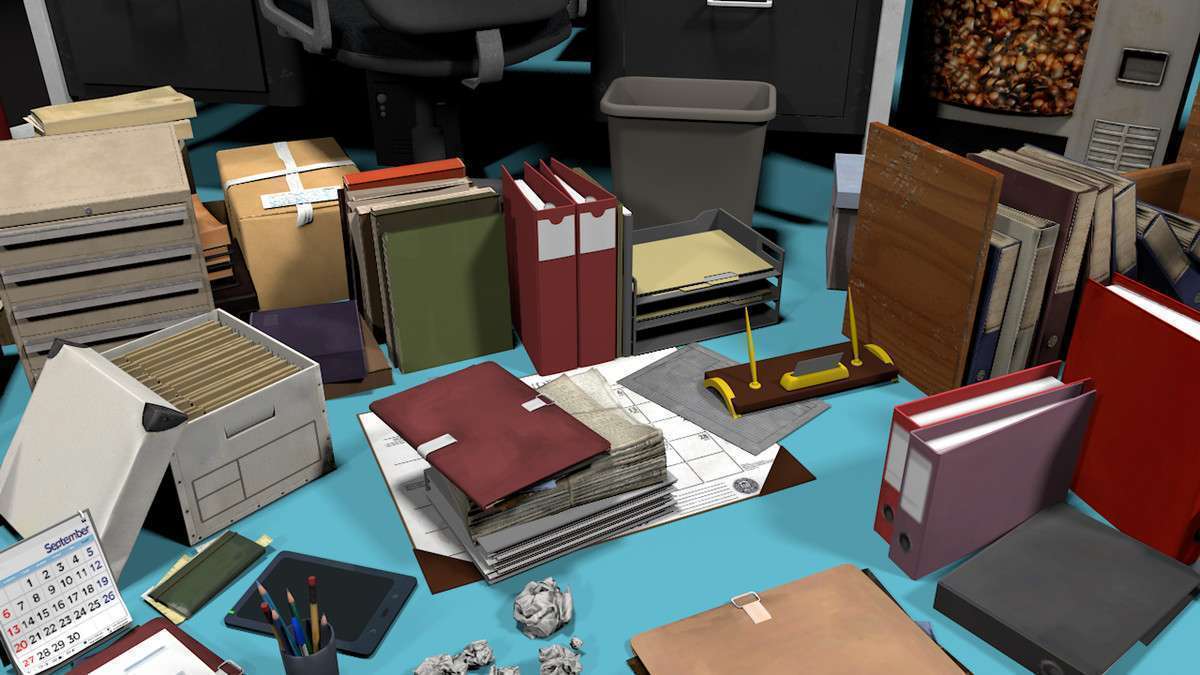
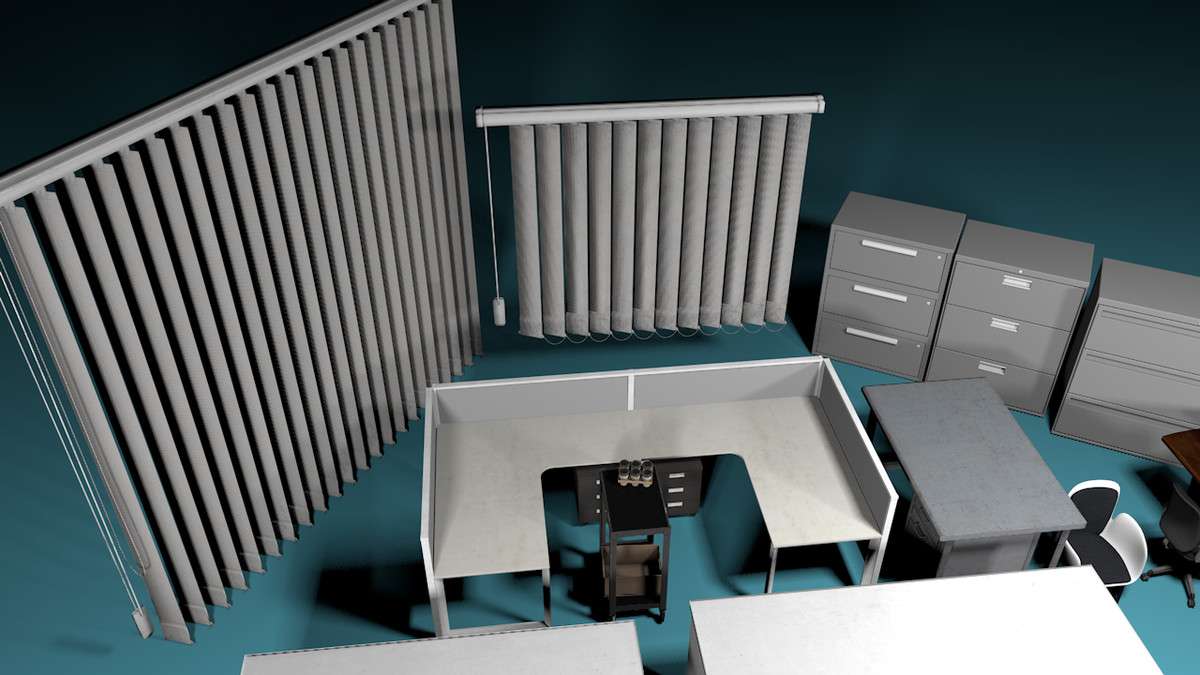
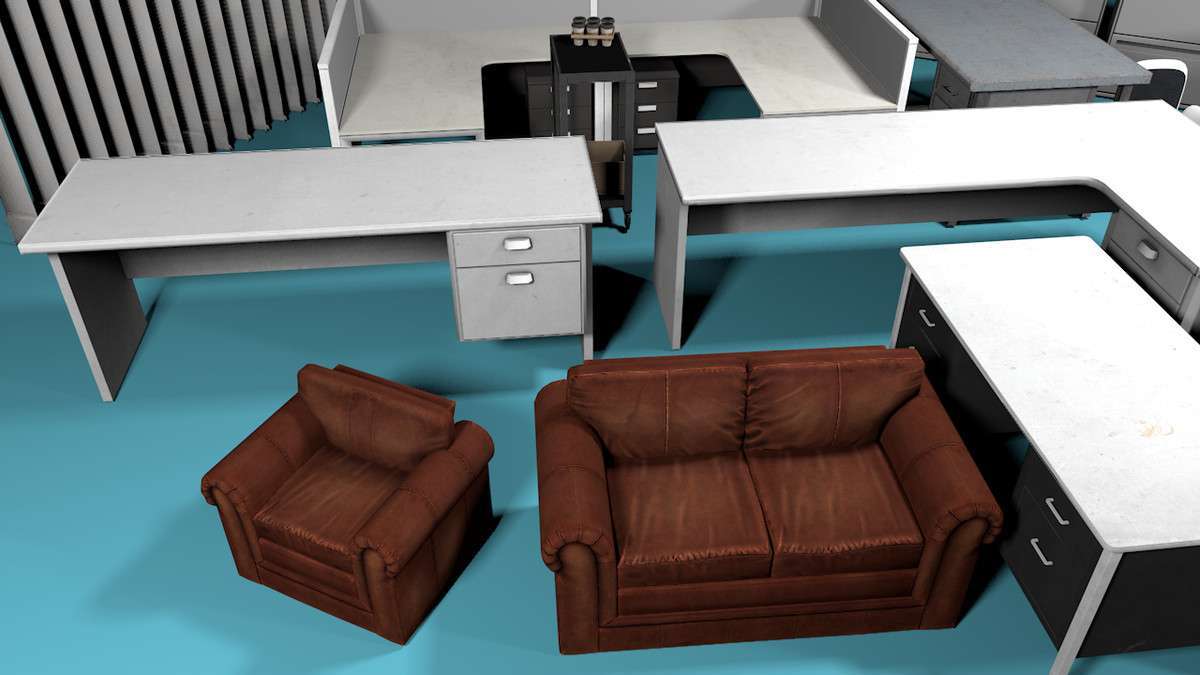
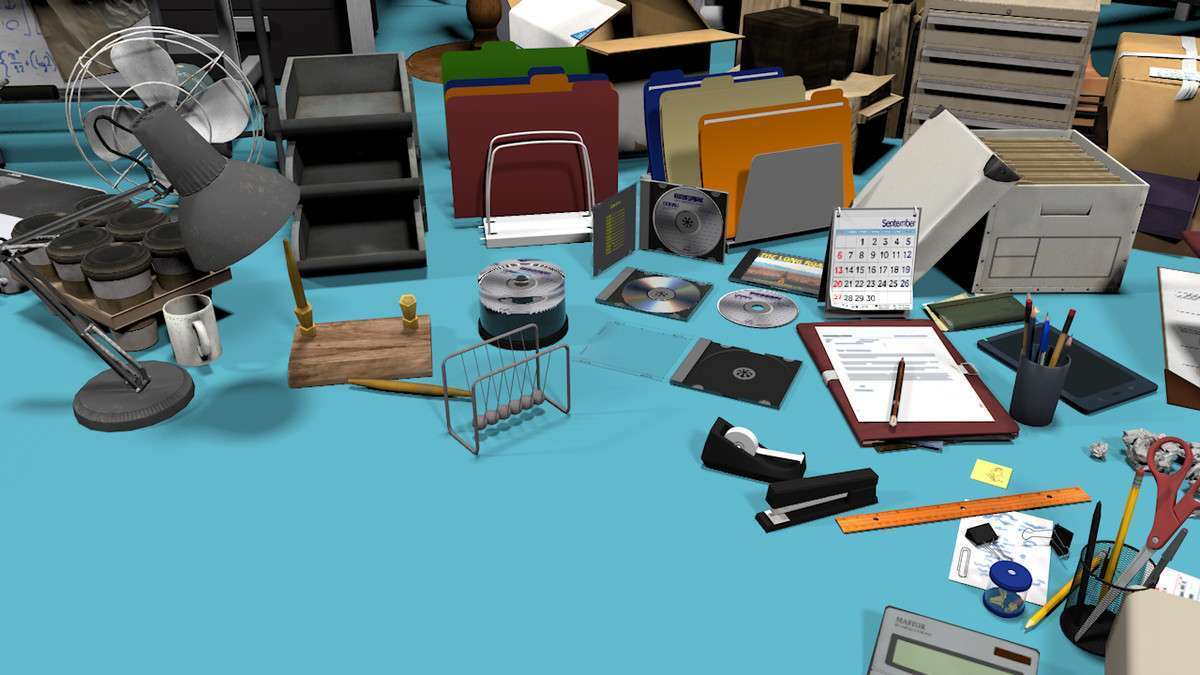
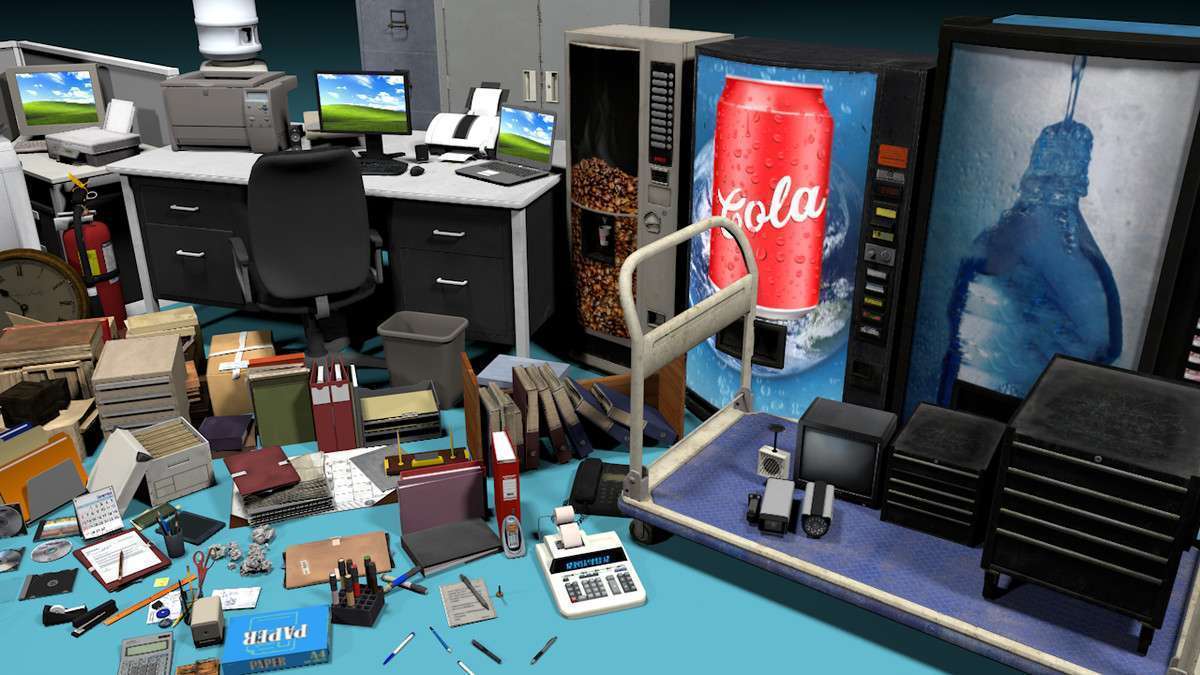
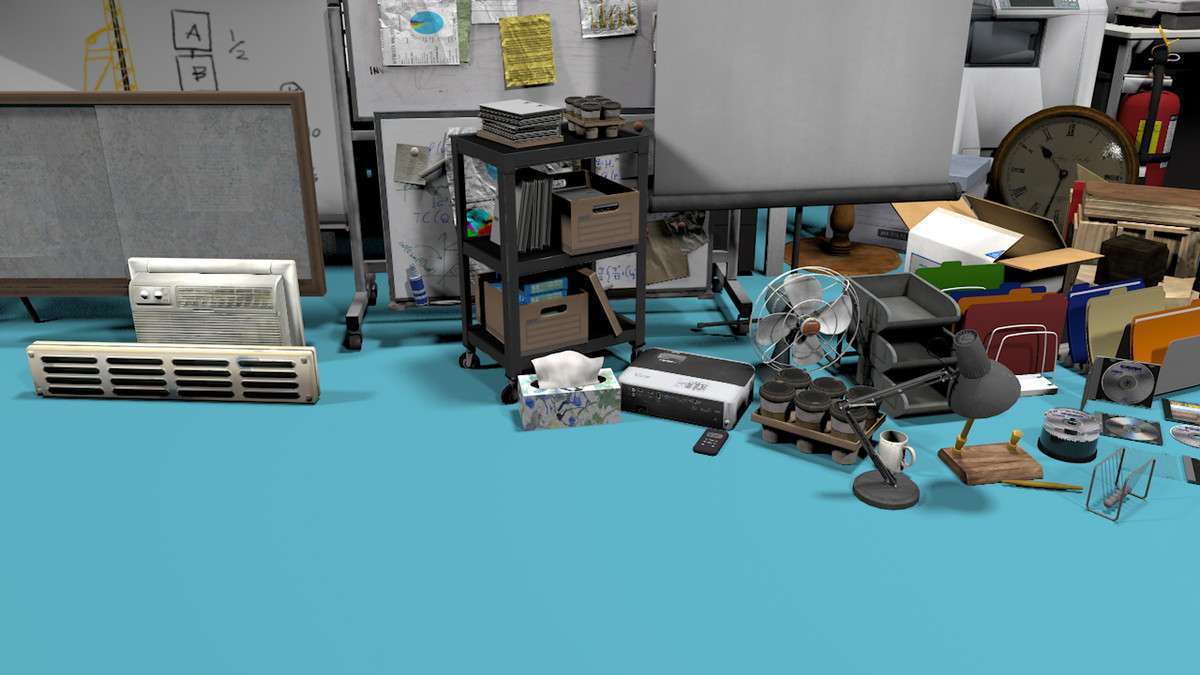
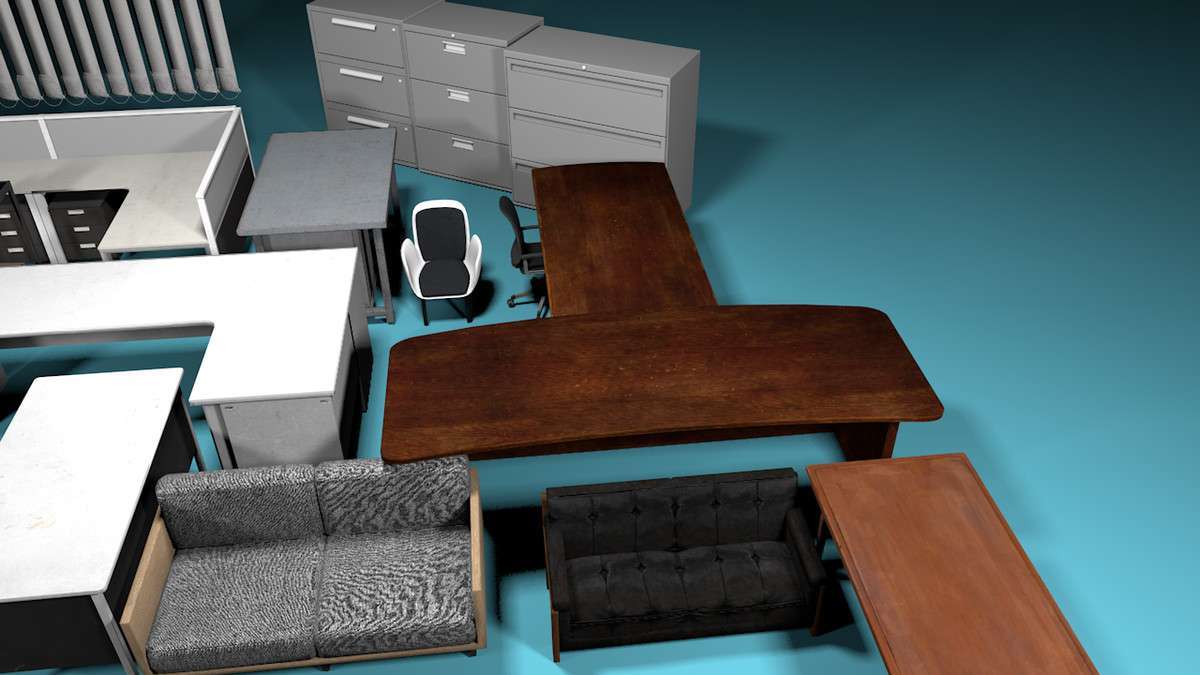
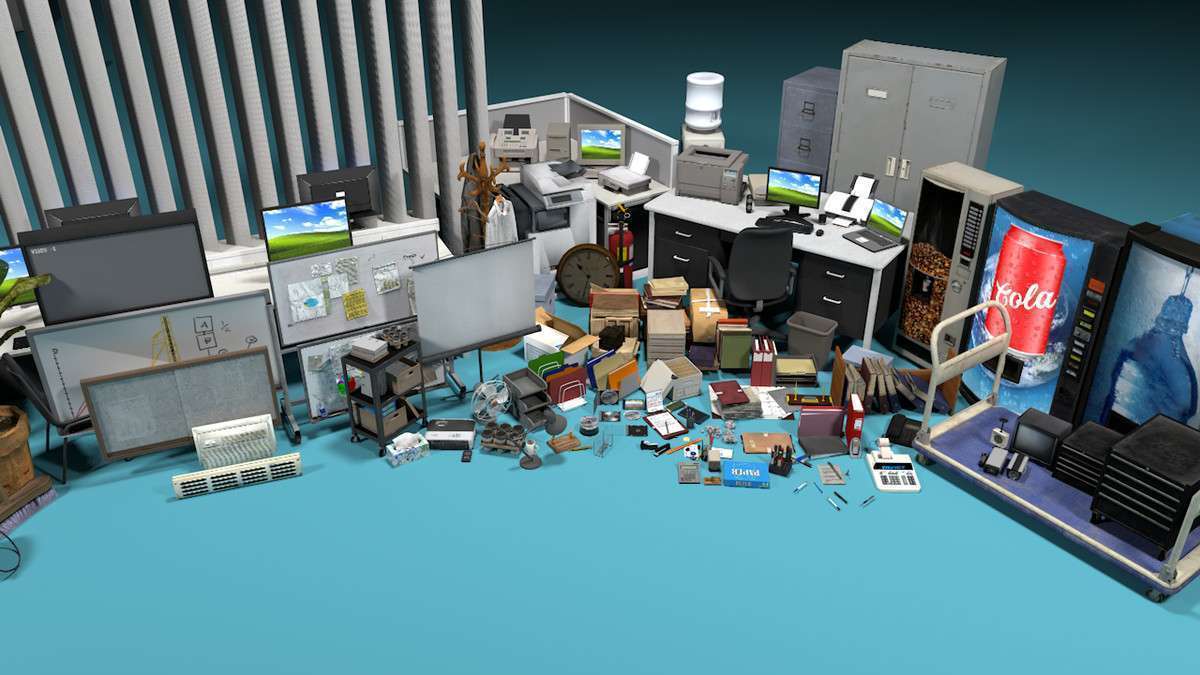
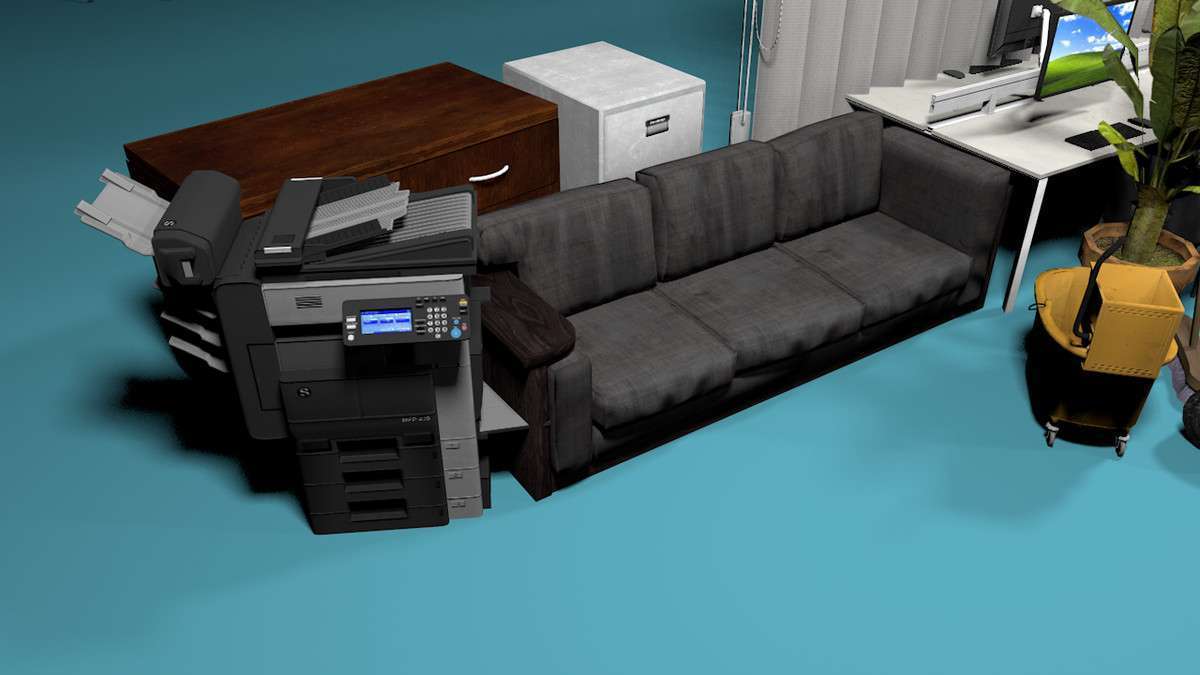
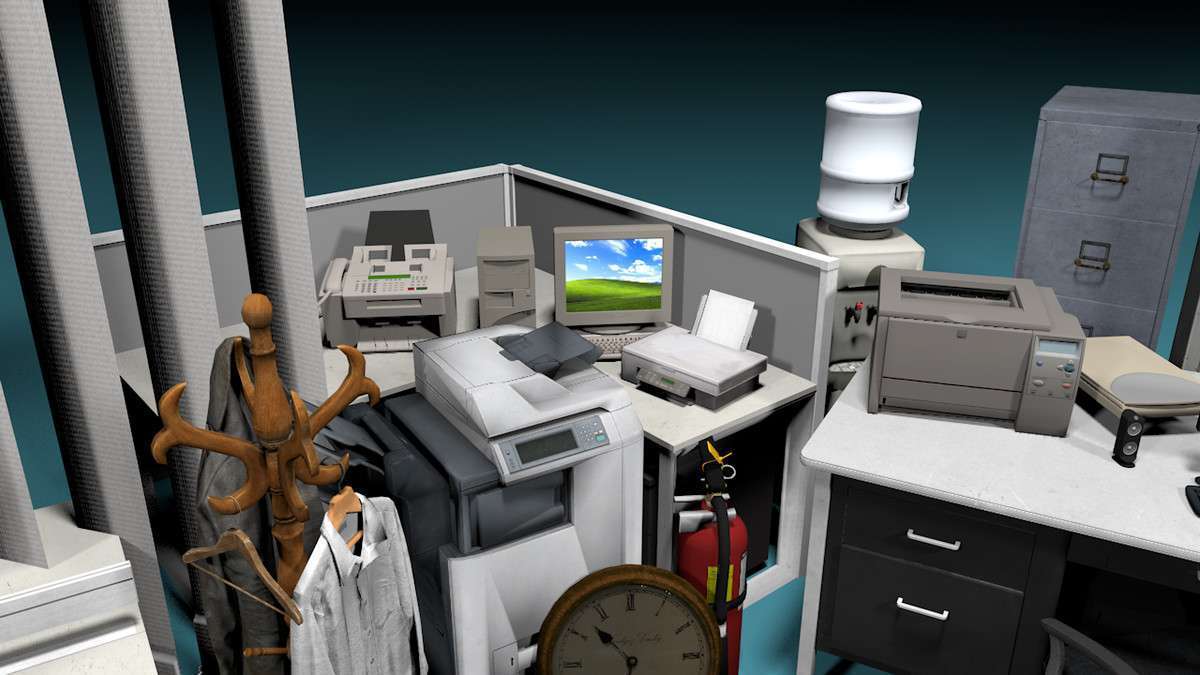
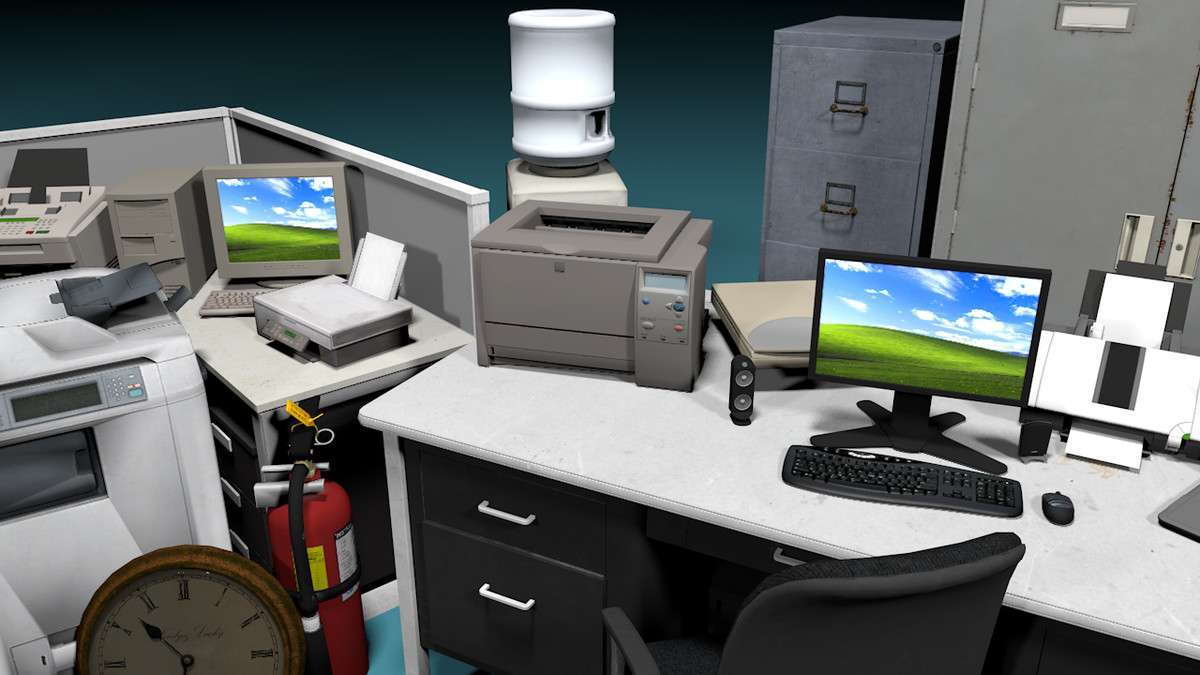
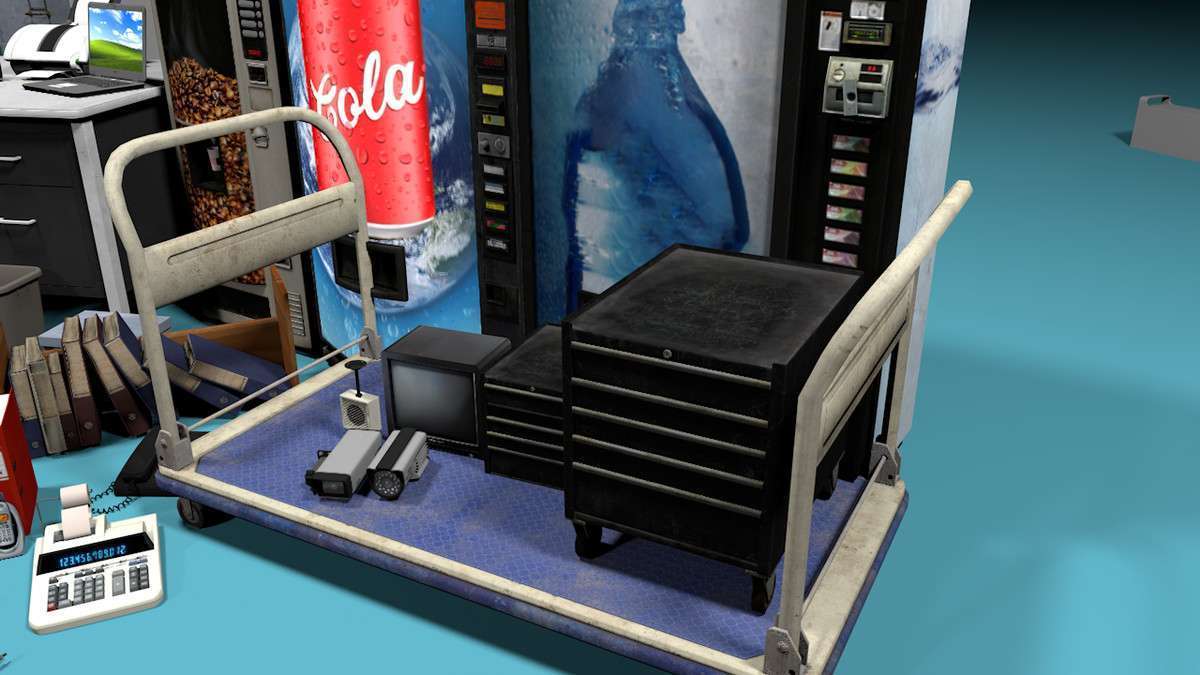
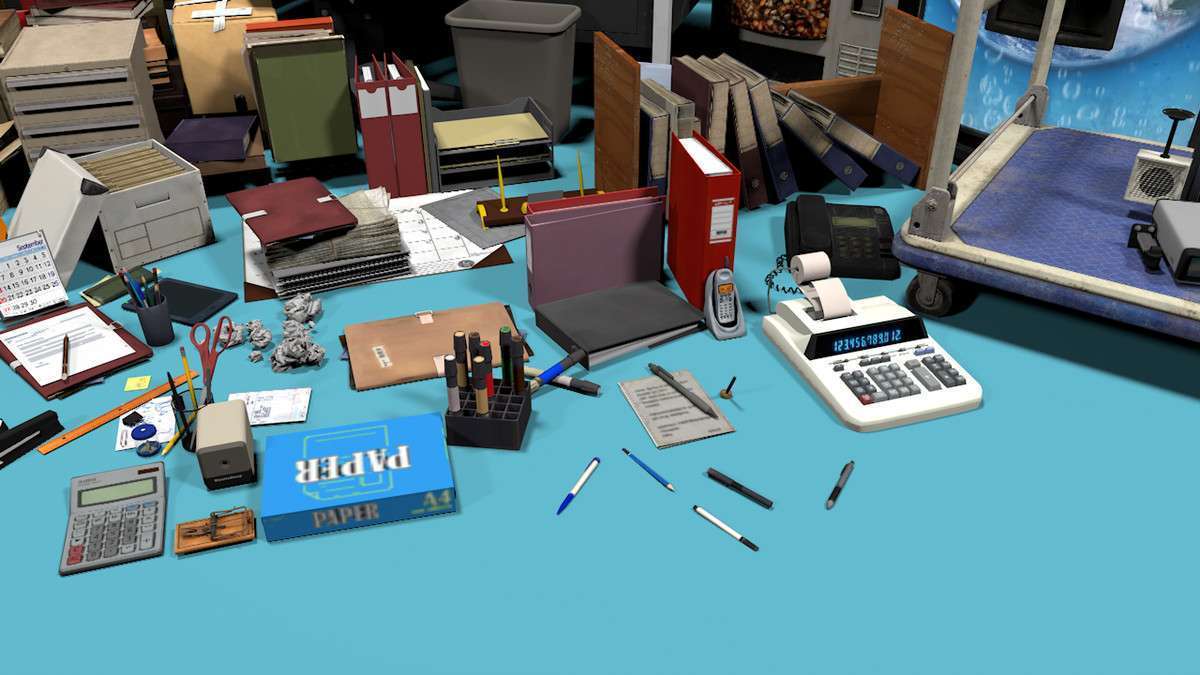
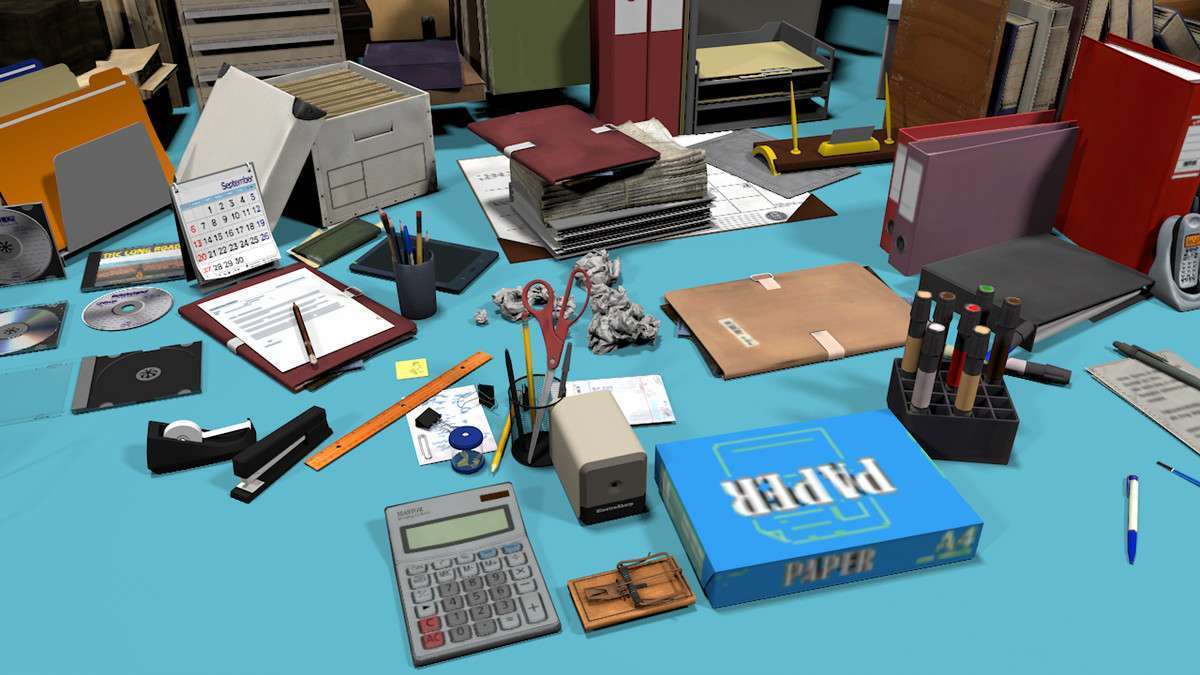
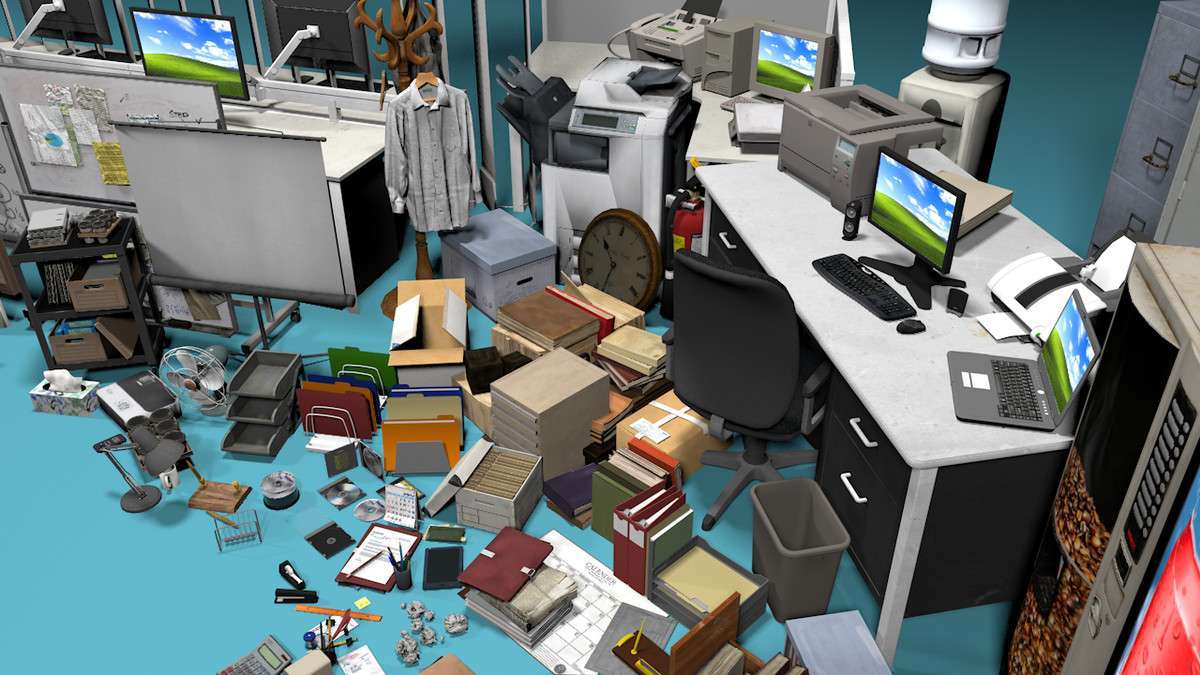
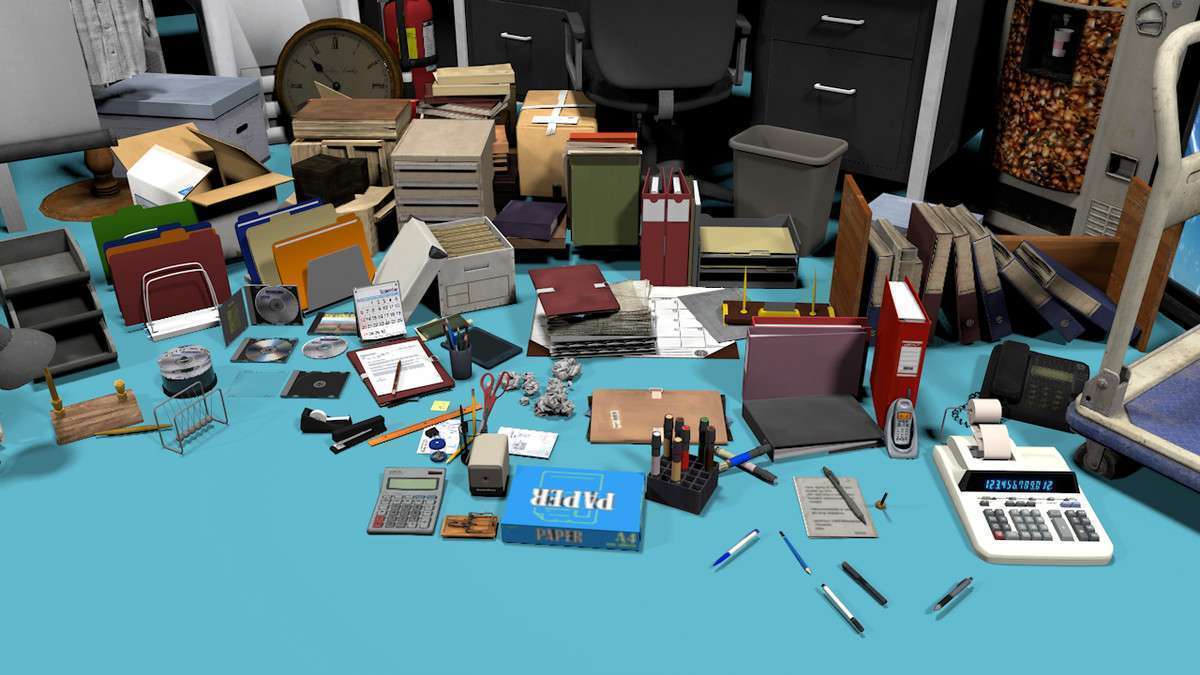
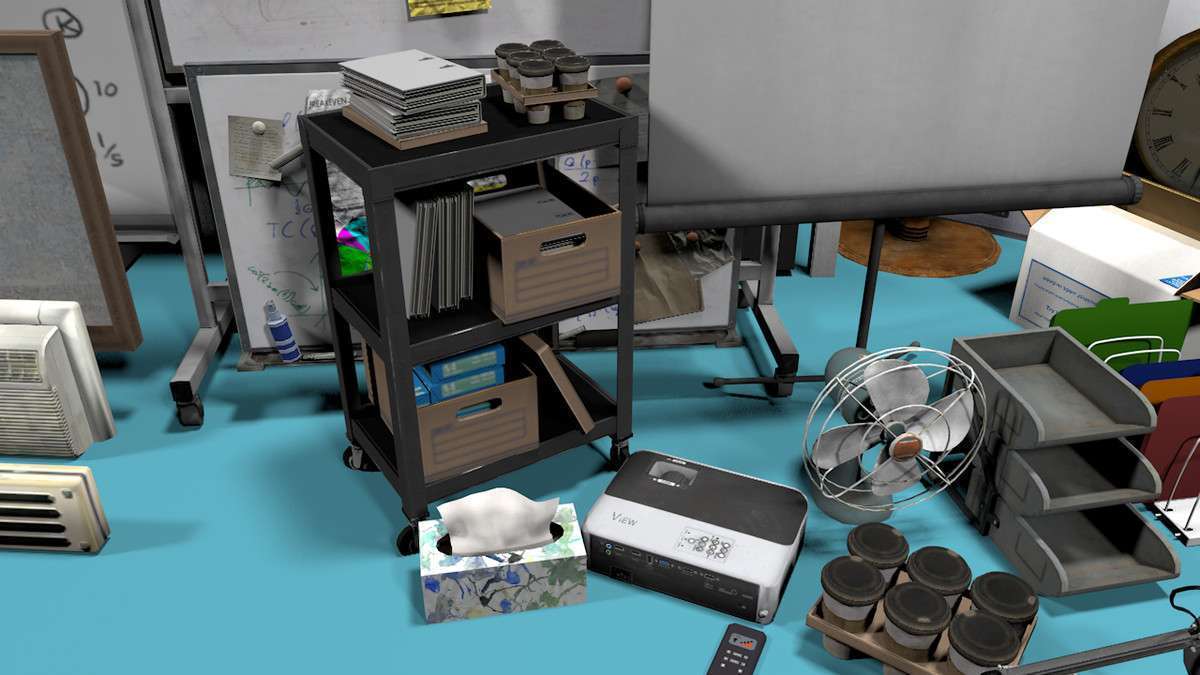
Adding detail to corporate or indoor environments requires a high volume of unique assets. ULTIMATE OFFICE PROPS 150+ Unity version 1.0.0 provides a massive library of prefabs, from computer sets to vending machines. From a technical standpoint, the biggest win here is the organization of the library, allowing for quick drag-and-drop level assembly without bloating your project’s hierarchy with unmanaged meshes.
Integration Tips
- Static Batching: Since most office props (desks, printers, clocks) are stationary, ensure you mark these prefabs as ‘Contribute GI’ and ‘Static’ in the Inspector. This allows Unity to combine them into a single draw call during the rendering phase.
- LOD Implementation: For large office floors, you may want to create LOD groups for the high-density items like pens and documents. While the base meshes are efficient, hundreds of small items can still tax the CPU on the main thread if not culled.
- Material Sharing: Check for shared materials across the 150+ assets. To maximize performance, ensure as many objects as possible share the same material/texture atlas to leverage GPU instancing.
Best Use Cases
- First-Person Narratives: The variety of small items like calculators and office documents provides the ‘lived-in’ detail necessary for environmental storytelling in walking simulators.
- ArchViz and Office Planning: The sheer volume of furniture makes it a go-to choice for architectural visualizations where you need to quickly populate a floor plan with recognizable, correctly-scaled equipment.