
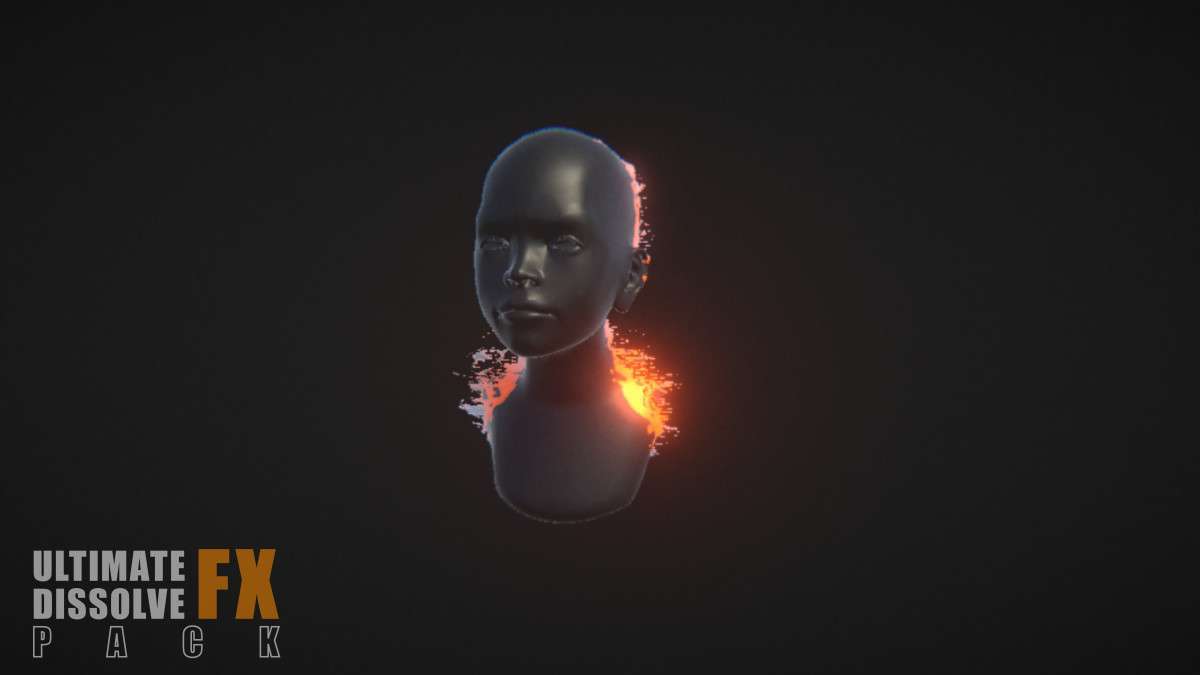
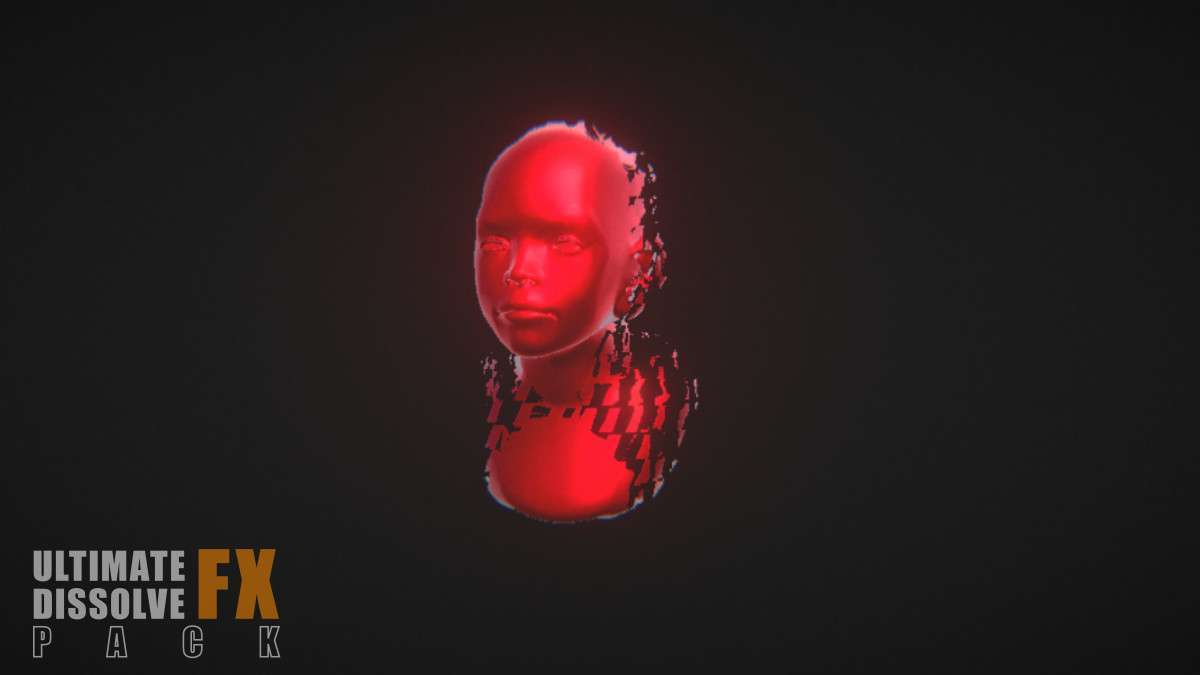
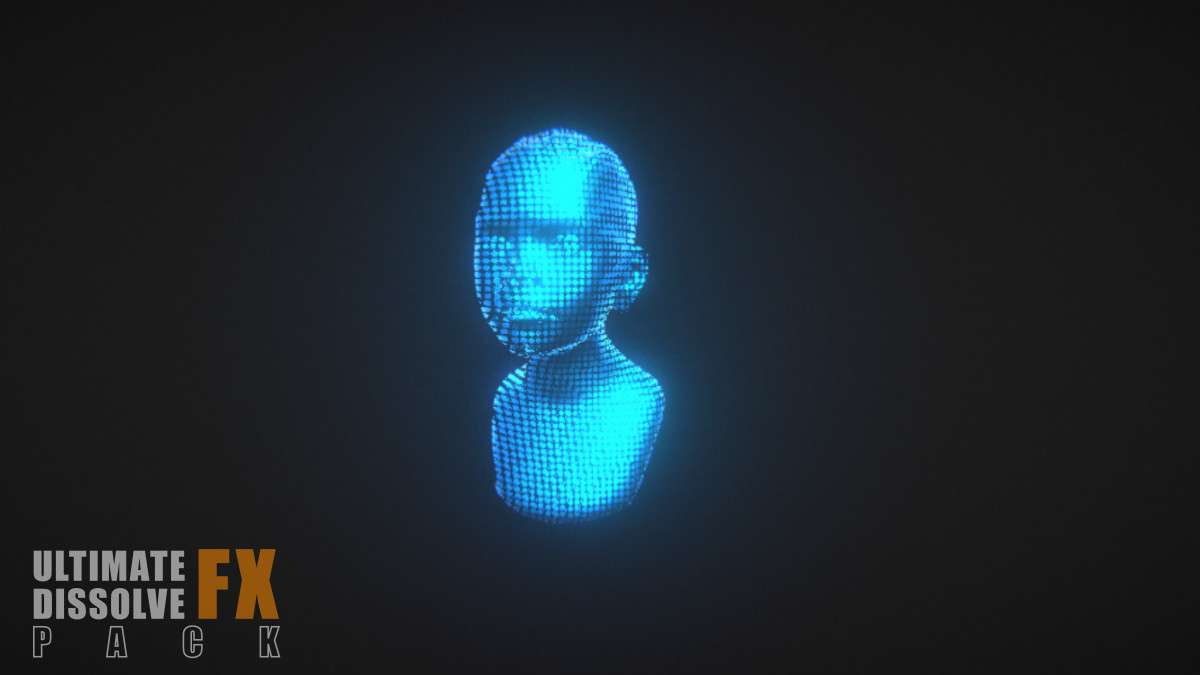
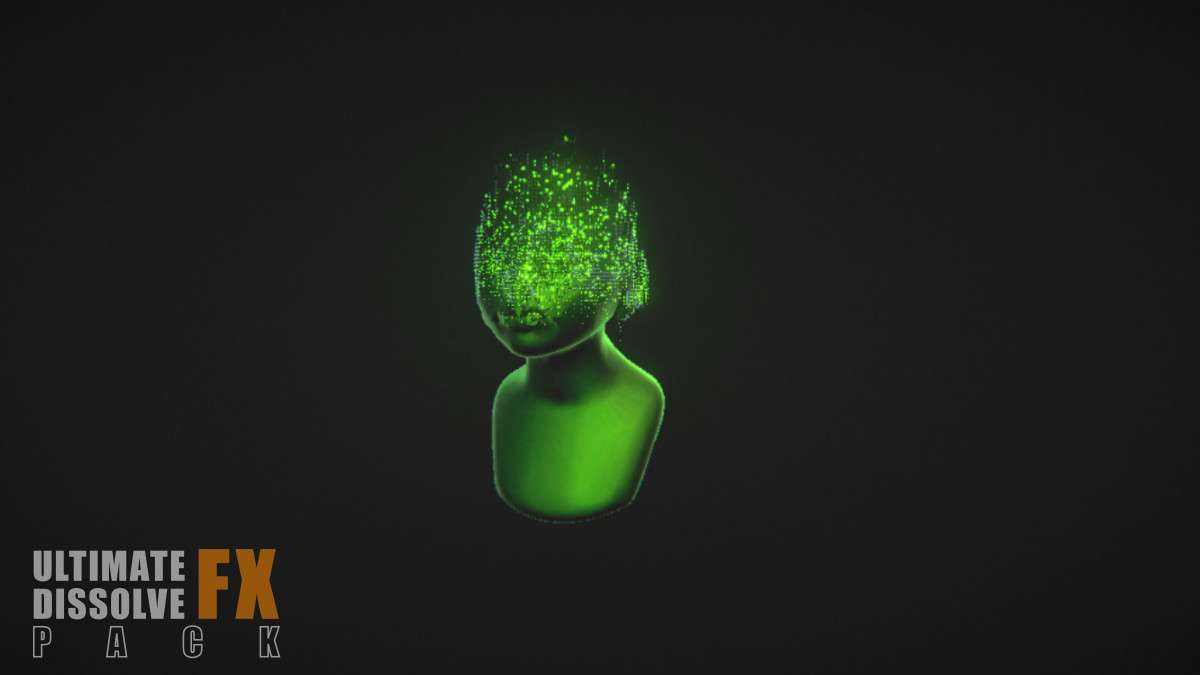
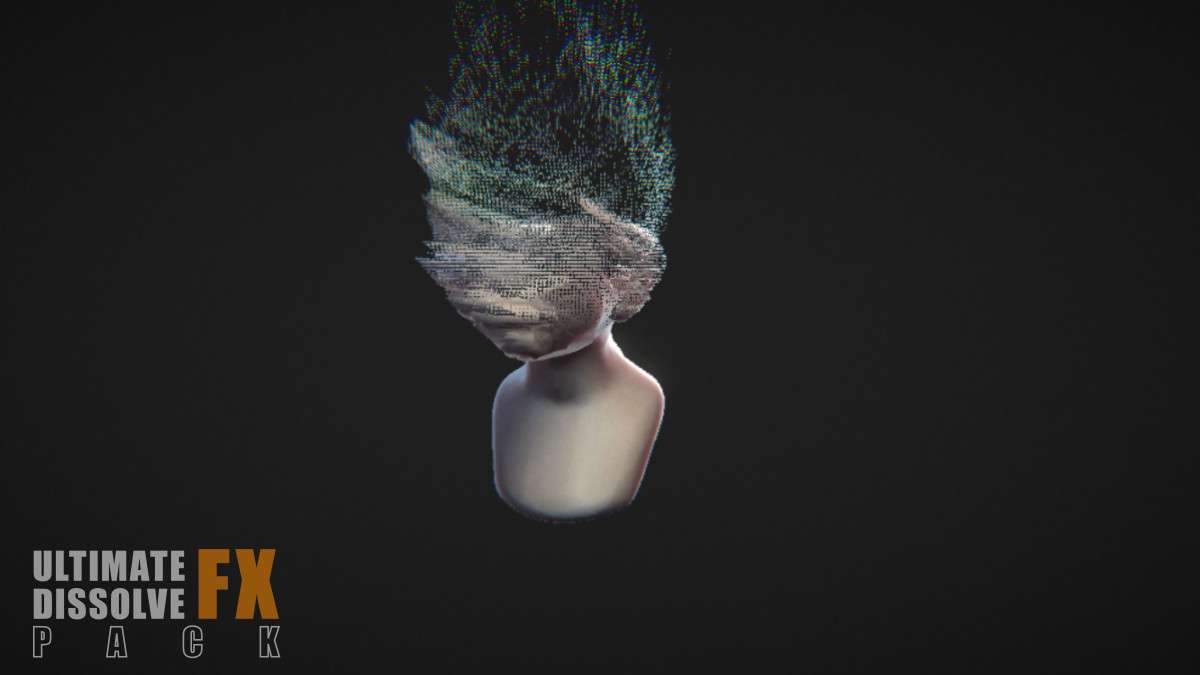
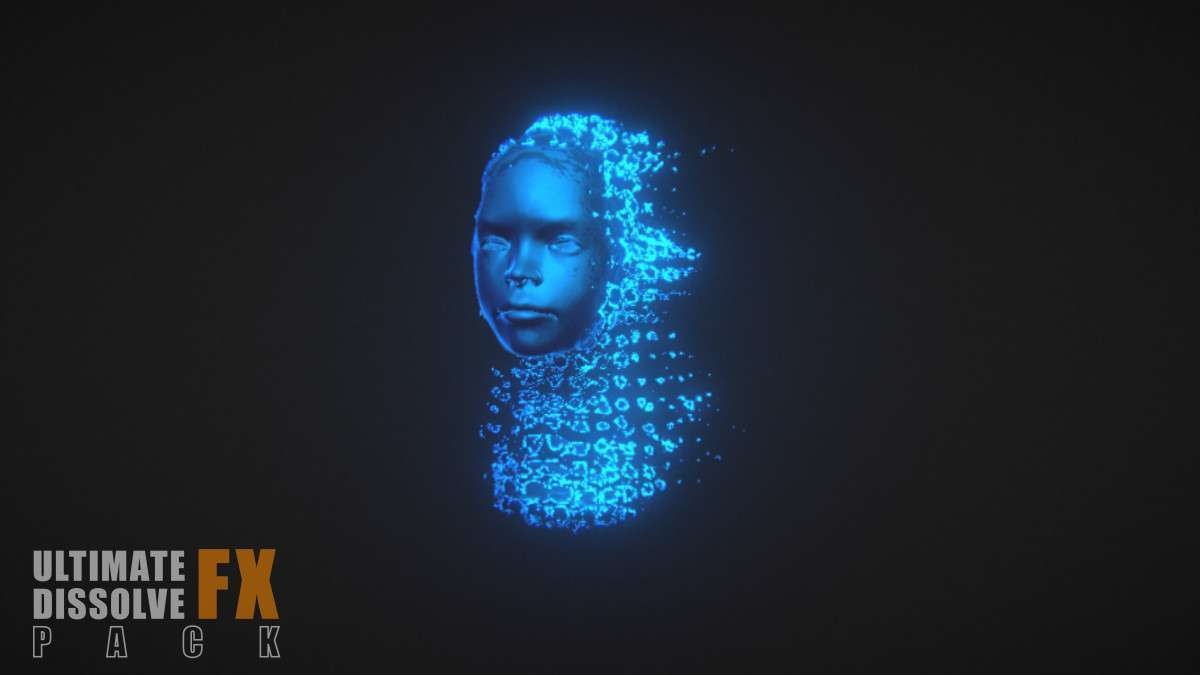
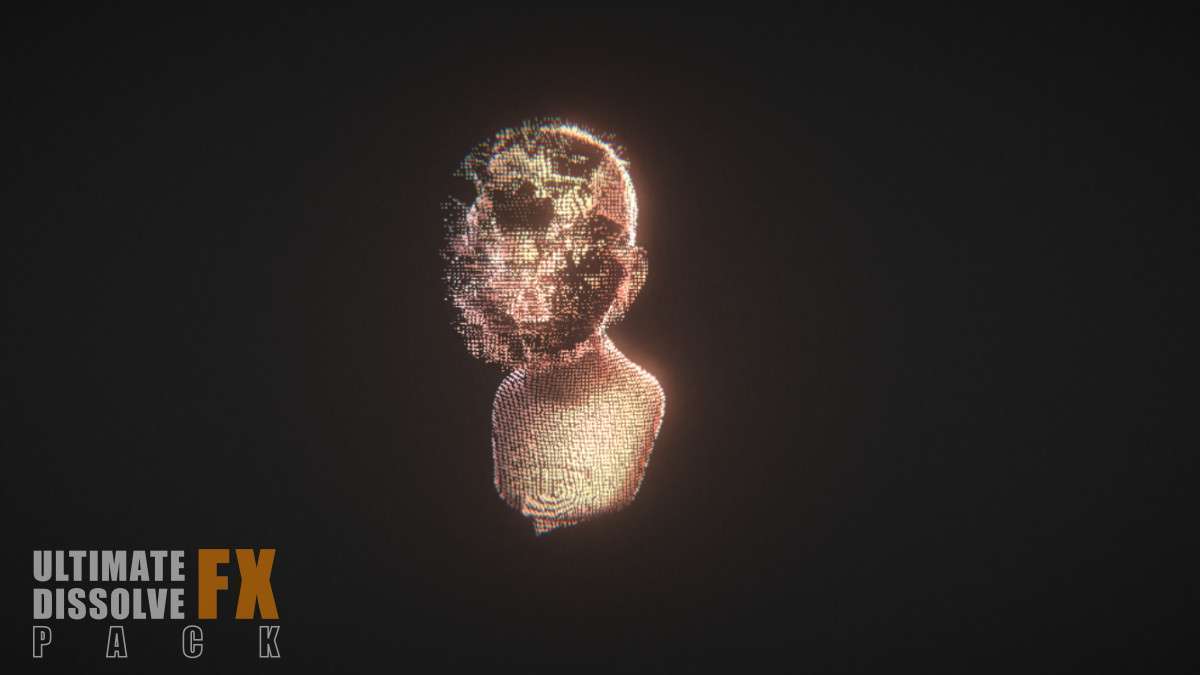
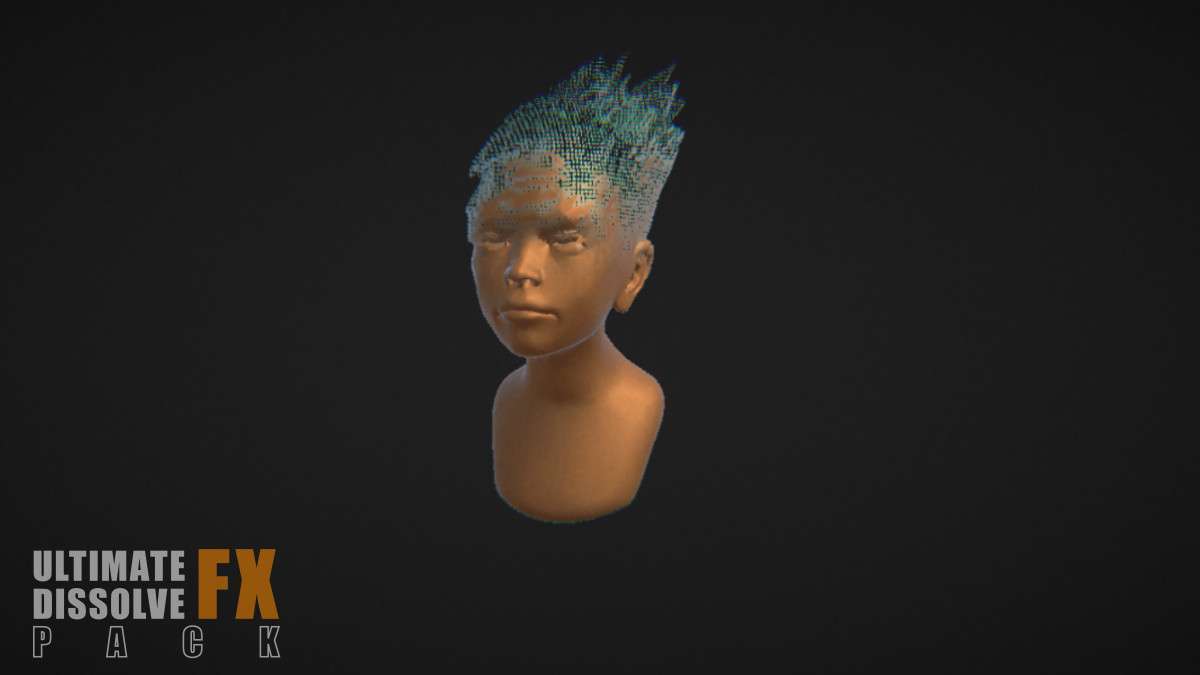
Technical Shader Implementation
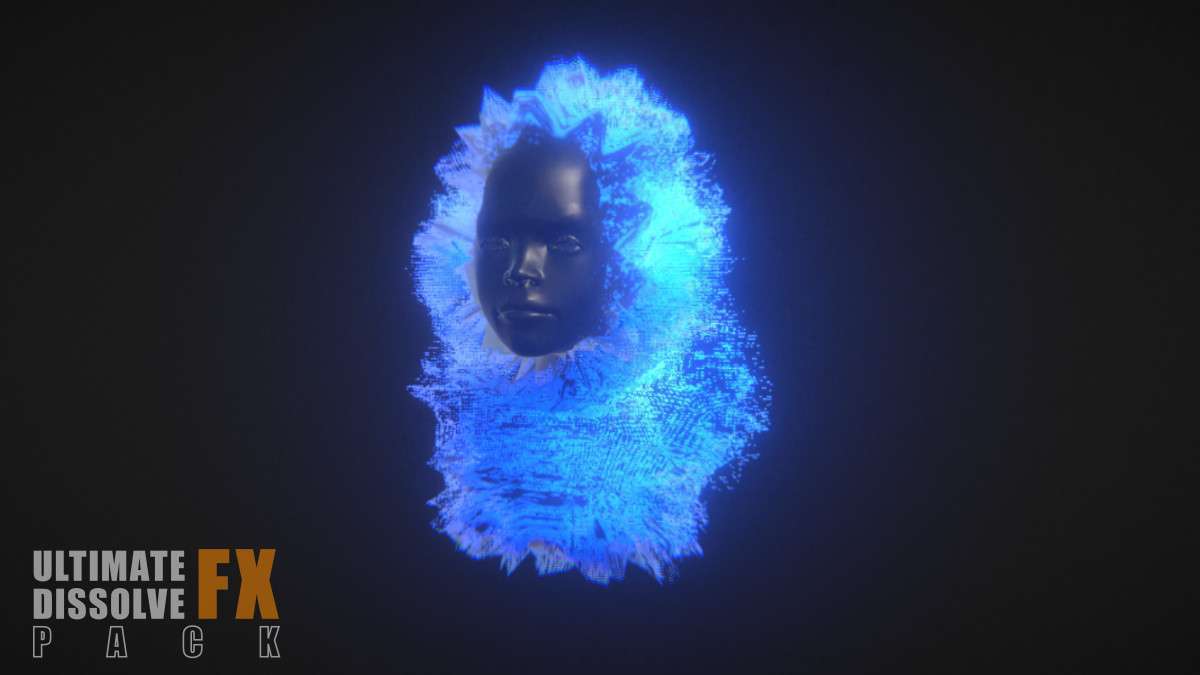
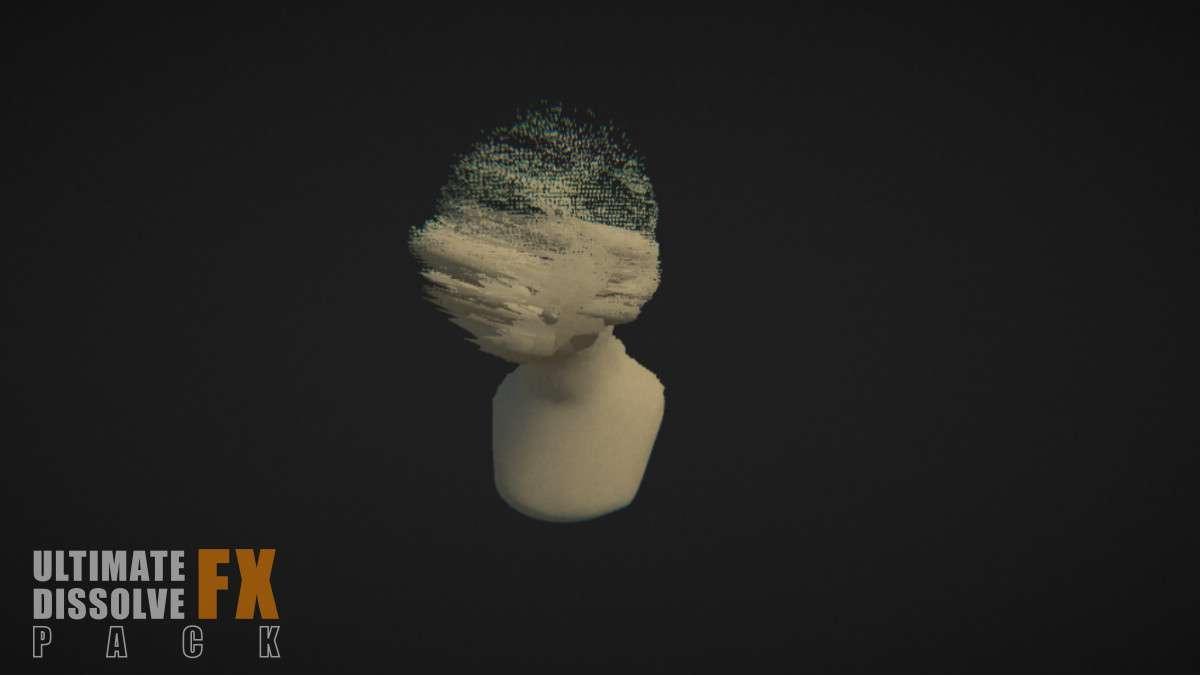
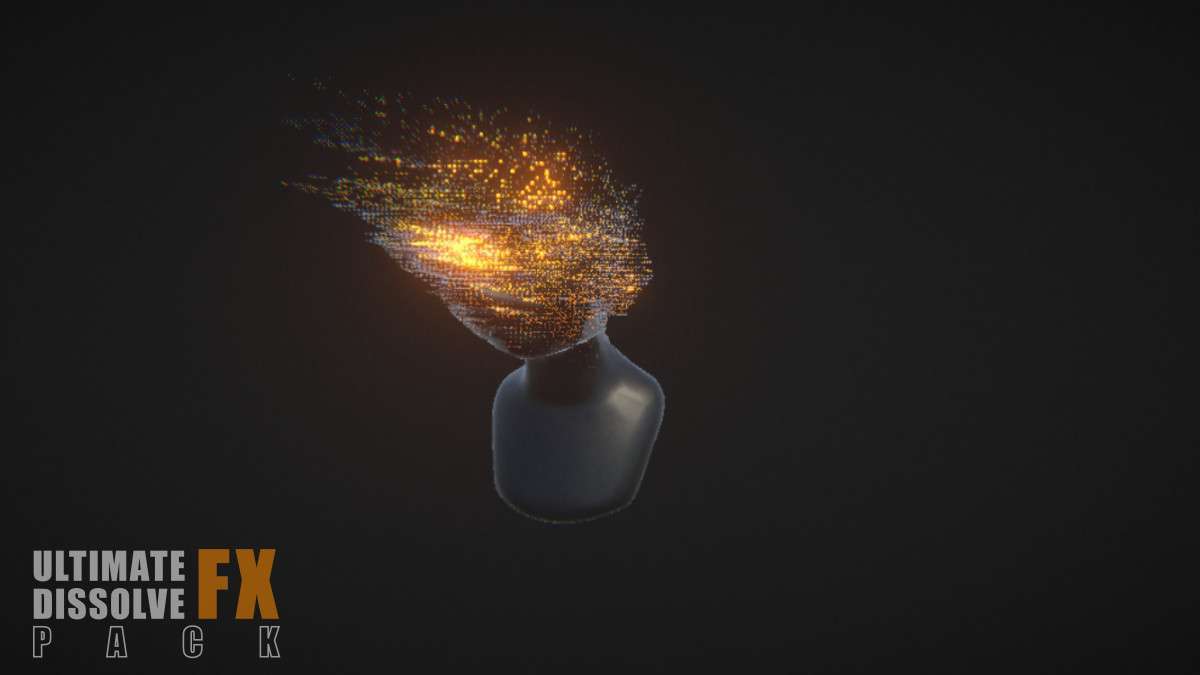
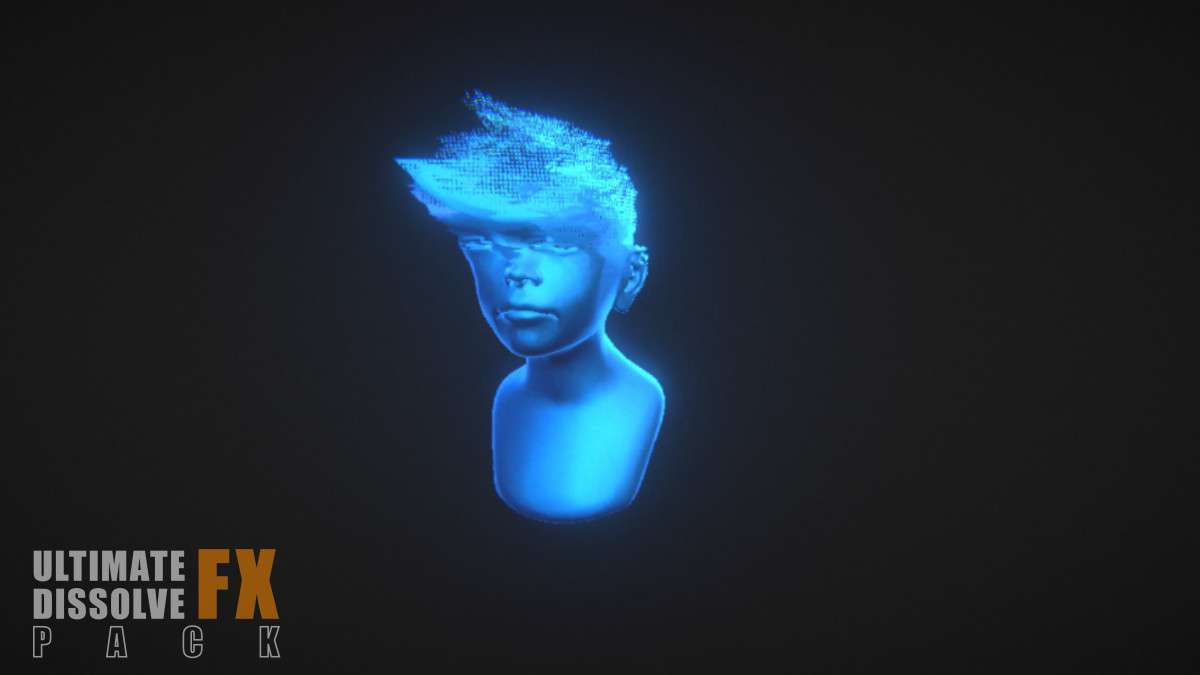
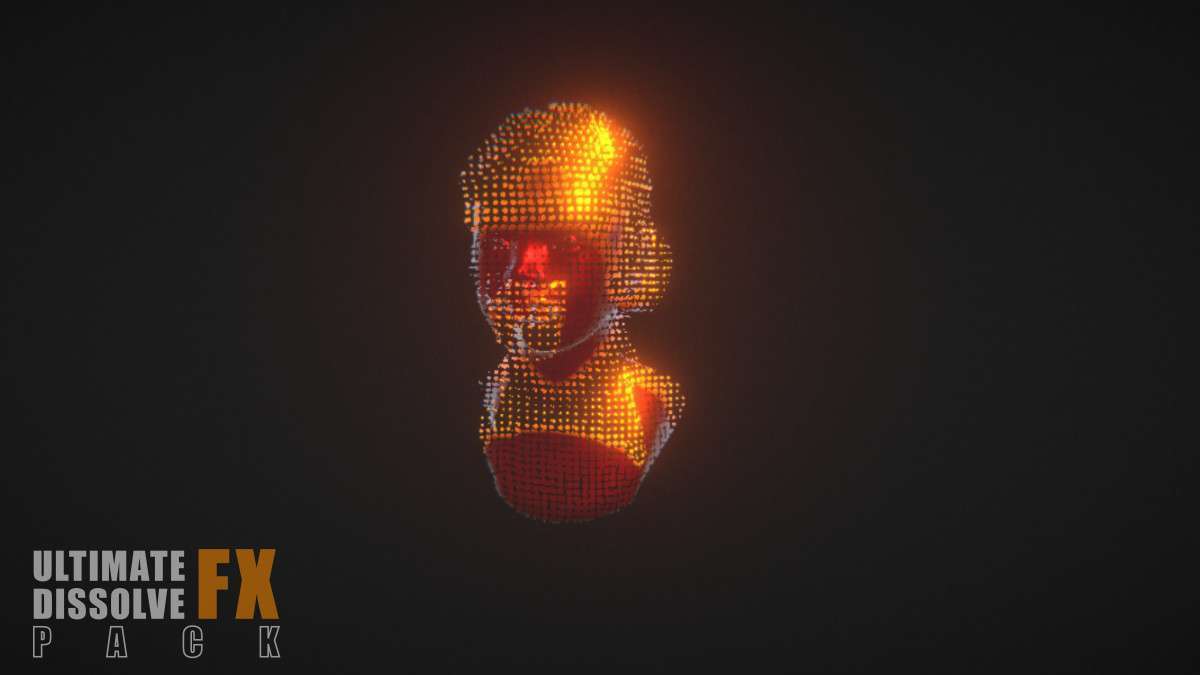
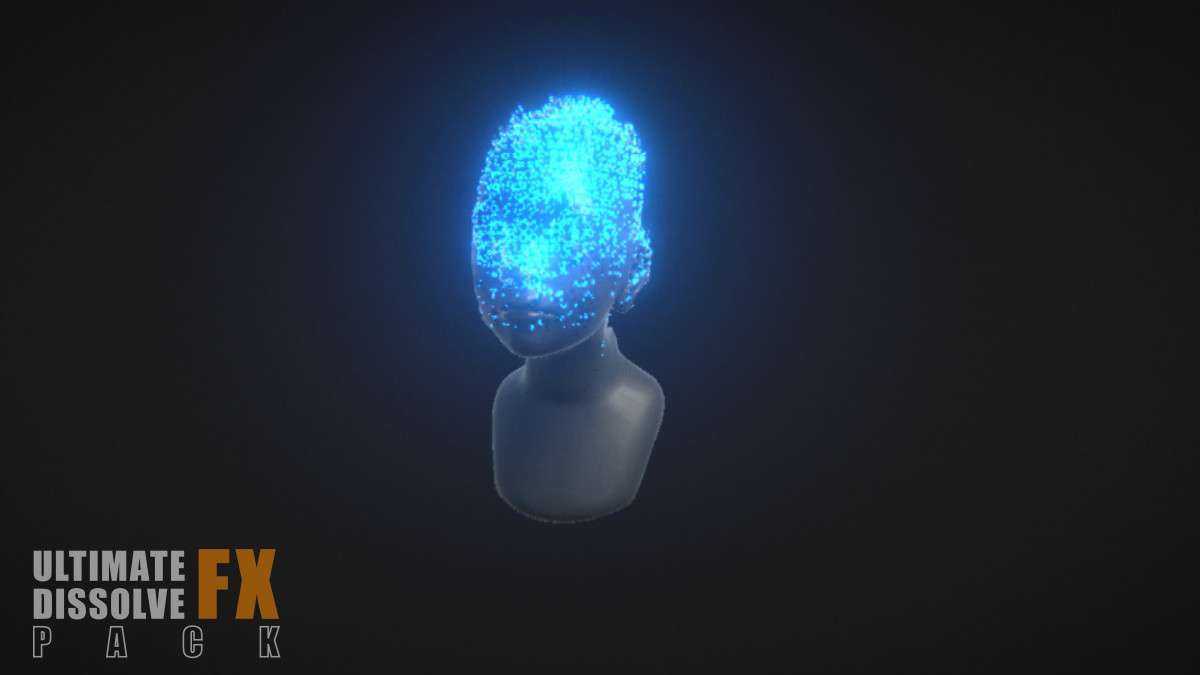
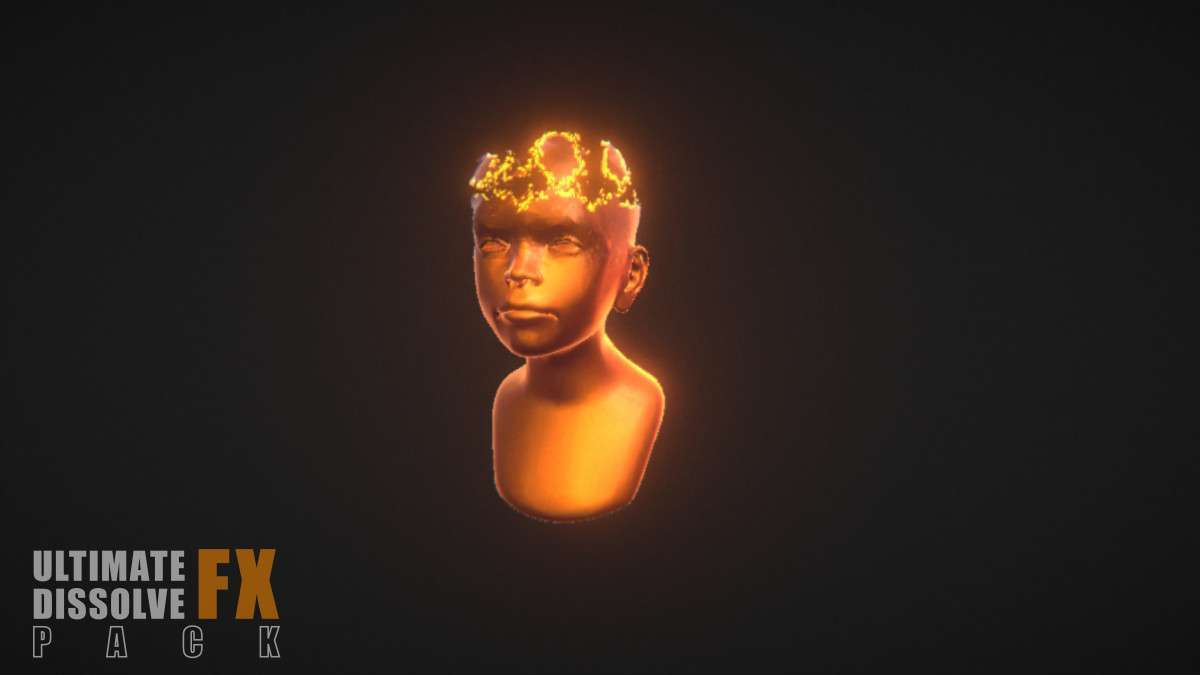
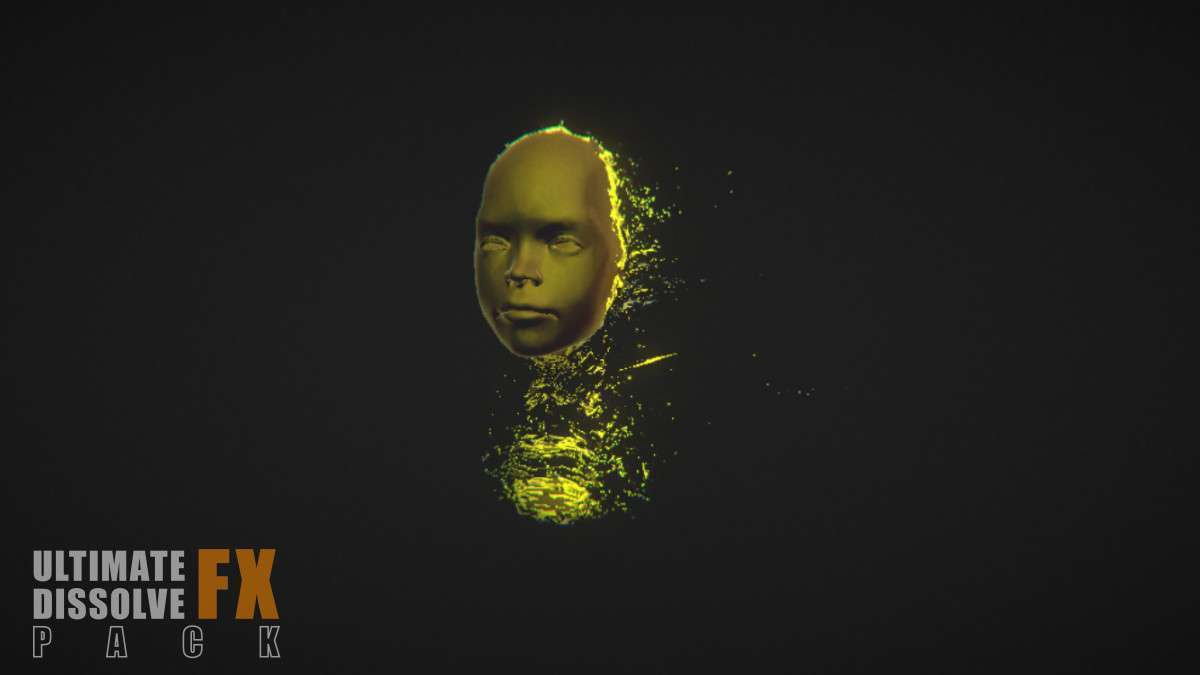
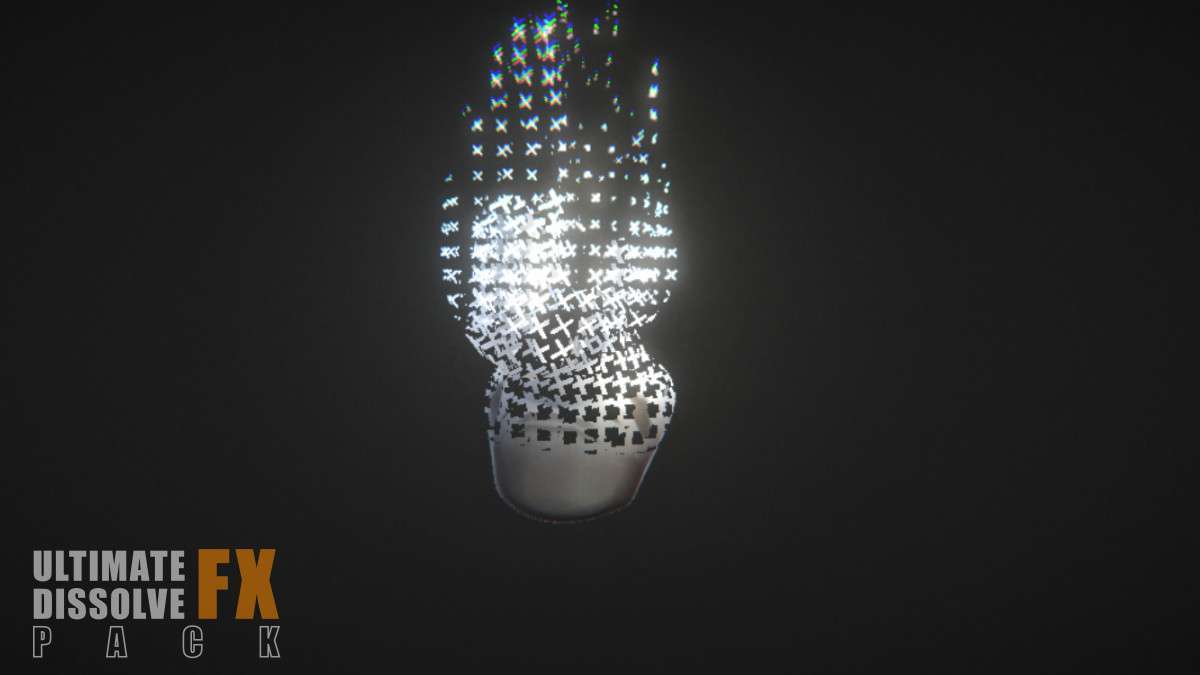
Adding high-quality de-materialization effects to your project is streamlined with Ultimate Dissolve FX Pack Unity. Running on 1.0.0, these shaders are built with Amplify Shader Editor, offering a clear path for technical artists to extend the logic. Unlike simple alpha-cutoff dissolves, this pack utilizes multi-layered noise functions and edge-glow parameters that integrate with Unity’s Global Illumination, ensuring that the dissolving edges contribute to the scene’s lighting via emissive properties.
Integration Tips
- Amplify Functions: Instead of using the provided materials directly, look for the ‘Amplify Shader Material Function’ in the asset folder. You can drag this into your own custom shaders to add dissolve capabilities to your existing character or environment shaders without losing your original texture logic.
- GPU Instancing: To maintain a low draw call count when multiple enemies are dissolving simultaneously, ensure ‘Enable GPU Instancing’ is checked on the material. The dissolve amount can be driven via MaterialPropertyBlocks to keep the objects batched while having unique dissolve progress values.
- HDRP Diffusion: If you are targeting HDRP, make sure to adjust the Diffusion Profile on the dissolve material to handle the high-dynamic-range bloom properly, preventing the ‘blown-out’ white edges that can occur with high emissive values.
Best Use Cases
- Action RPGs (Enemy Deaths): Perfect for ‘vanishing’ defeated enemies in fantasy settings. The variety of patterns (noise, hexagonal, linear) allows you to give different enemy factions unique ‘death’ visual identities.
- Sci-Fi Materialization: Use the reverse dissolve effect for spawning objects or holographic interfaces. By tweaking the ‘Edge Width’ and ‘Glow’ parameters, you can achieve a digital, high-tech reconstruction effect that feels integrated into a futuristic UI.