
Advanced UI VFX with UI Particle Image
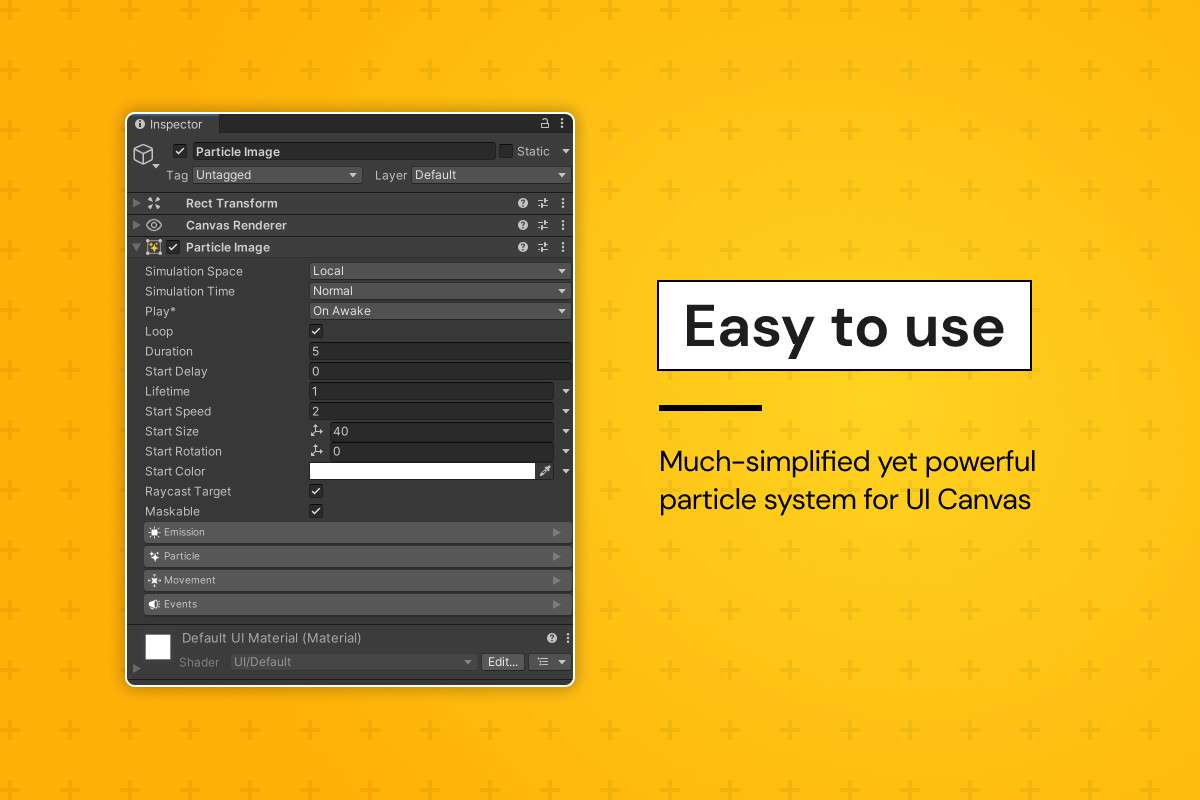
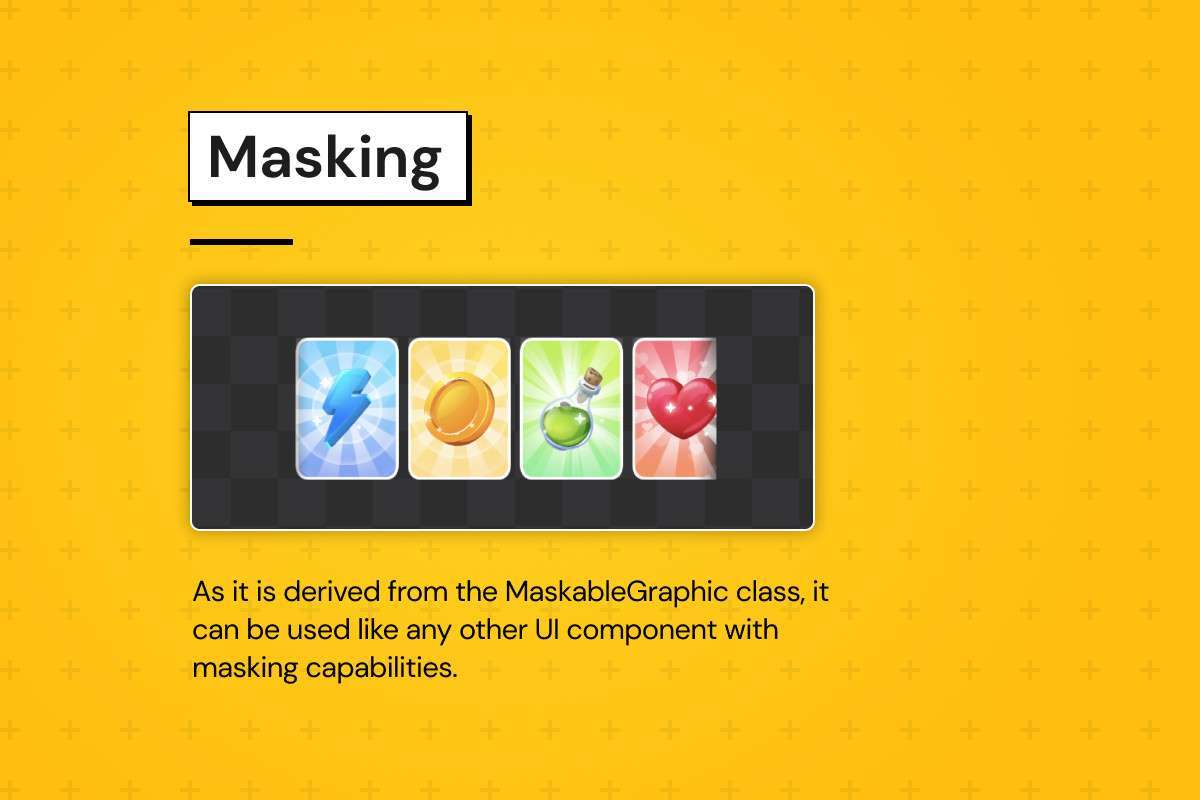
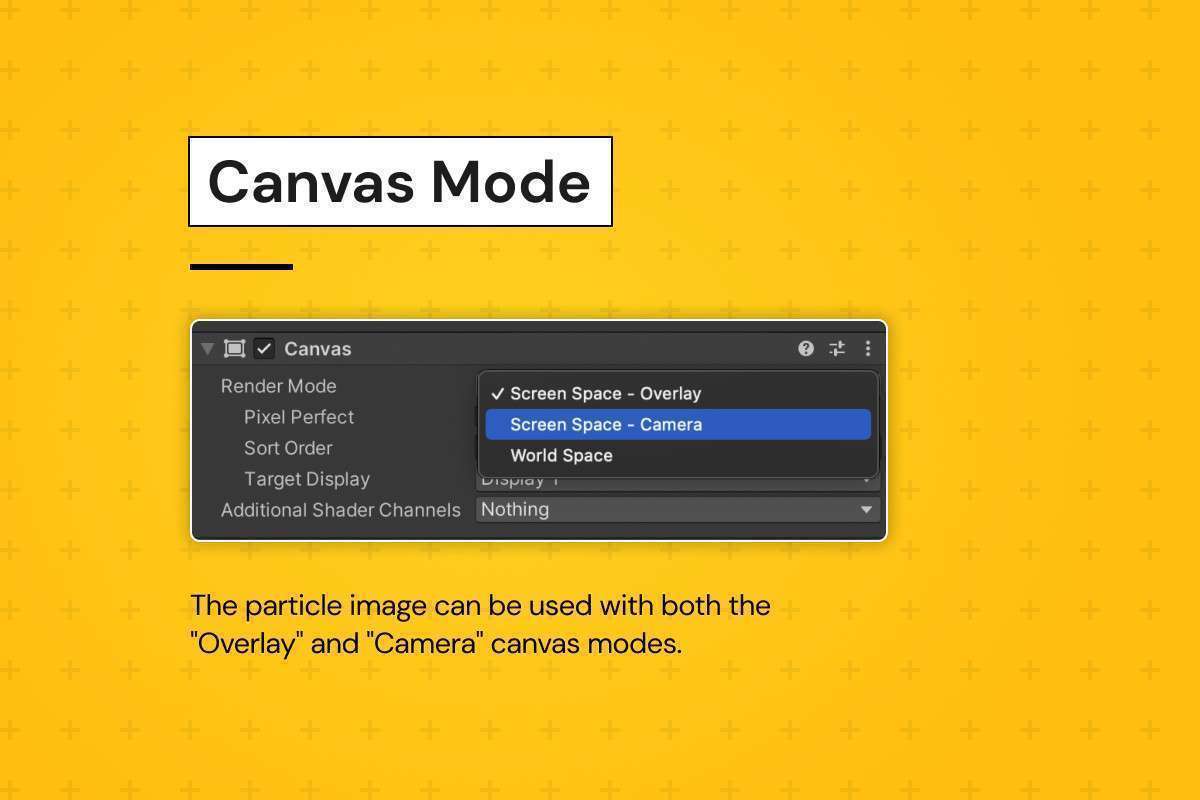
Managing particles within the Canvas system has historically been a headache for Unity developers, requiring awkward Camera space setups or custom sorting layers. UI Particle Image Unity 1.2.2 solves this by inheriting from MaskableGraphic, allowing particle systems to behave exactly like standard UI elements. Because it handles its own multithreaded simulation, it offloads the heavy lifting from the main thread, maintaining 60 FPS even when the UI is flooded with reward effects or button sparkles.
Integration Tips
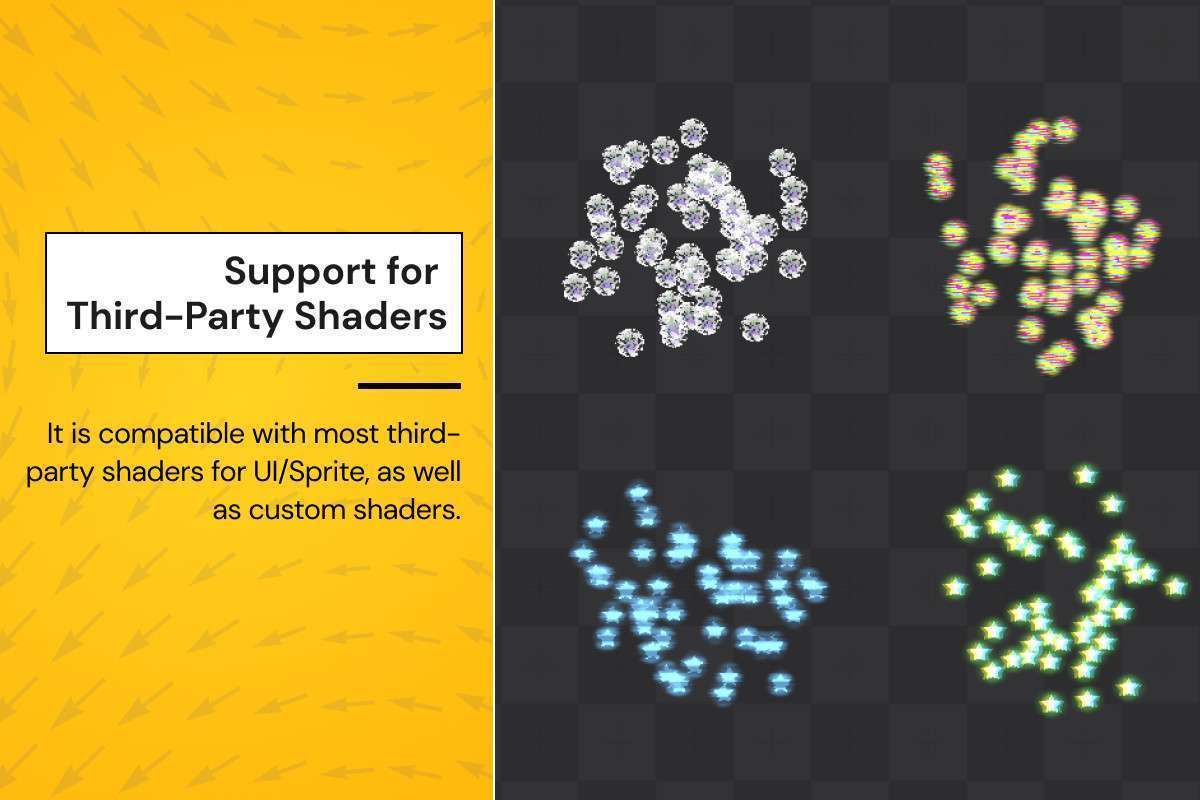
When adding UI Particle Image to a complex UI hierarchy, pay close attention to the Canvas ‘Pixel Perfect’ setting; keeping it off for the particle canvas prevents jitter during movement. If you are using URP or HDRP, you don’t need special shaders for basic functionality, but ensure your custom UI shaders support the MaskableGraphic properties if you plan on using the RectMask2D component. For performance optimization, use the ‘Single Draw Call’ feature by ensuring all particles in a system share the same texture sheet or sprite atlas, which significantly reduces batching overhead in the SRP batcher.
Best Use Cases
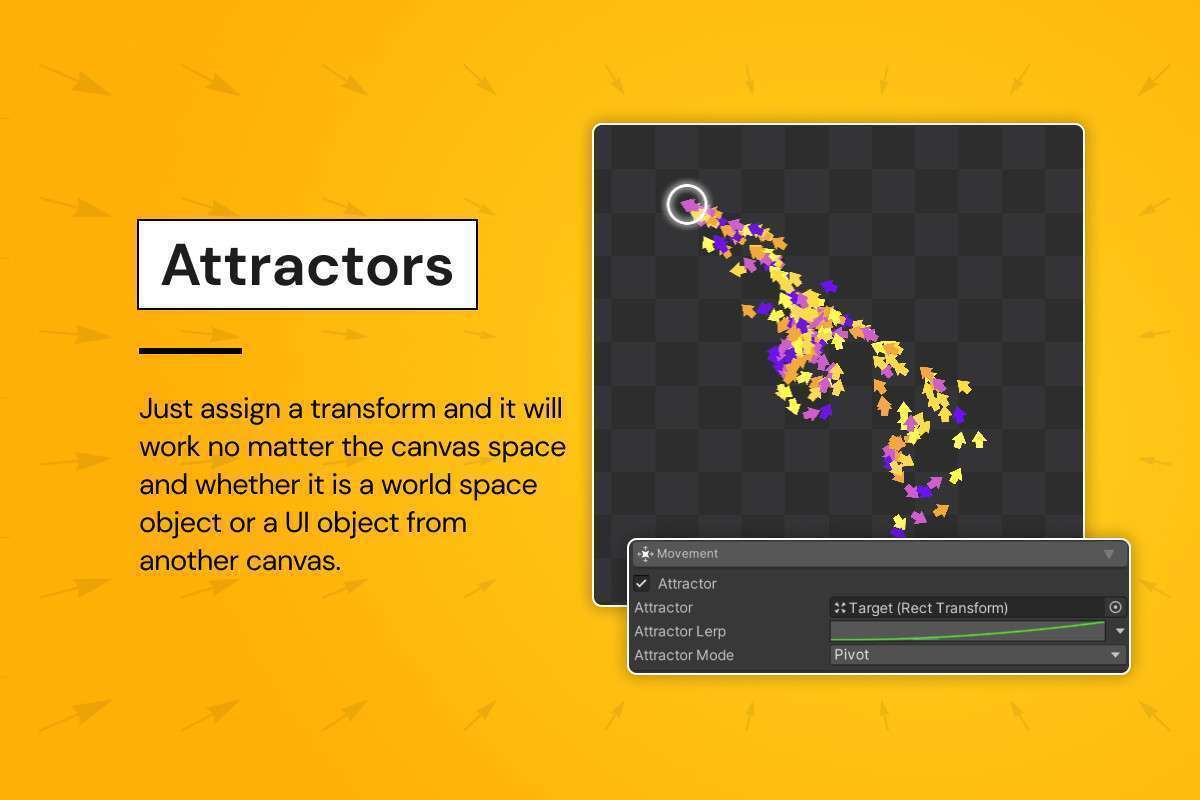
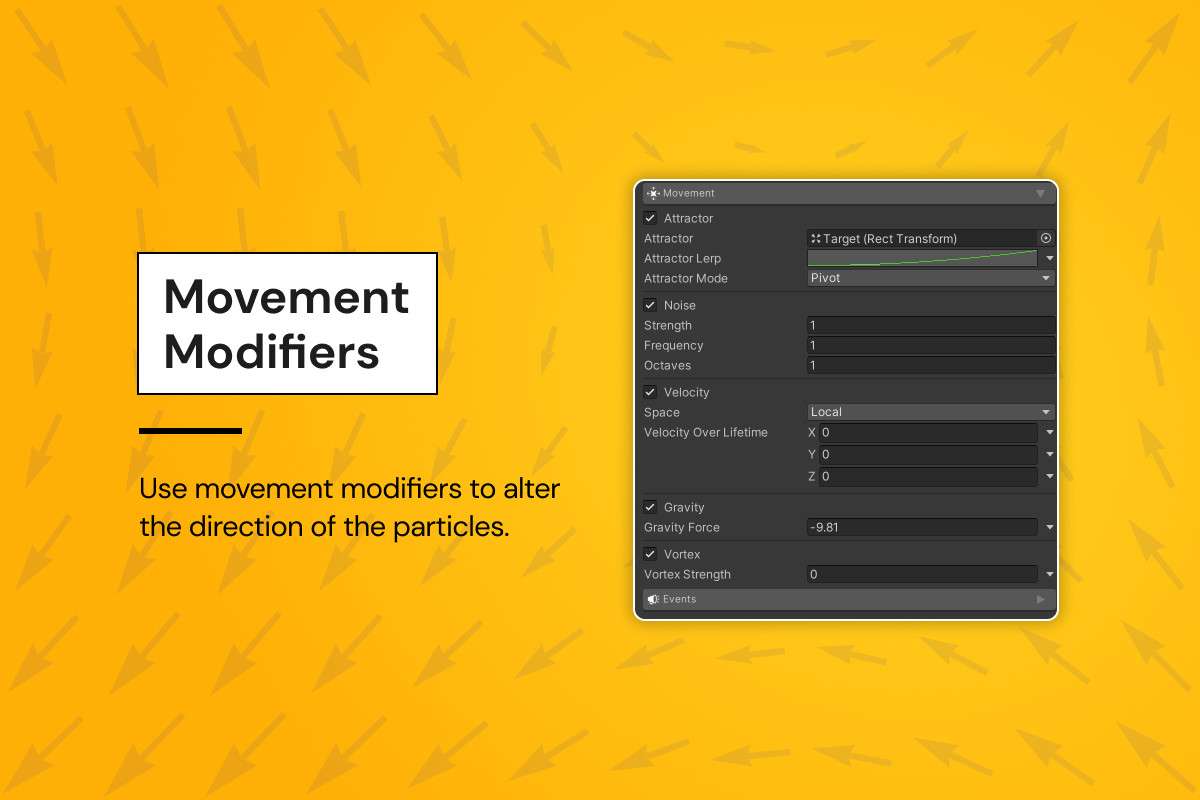
- Hypercasual Reward Screens: The ‘Attractor’ modifier is perfect for ‘coin burst’ effects where particles need to fly toward a specific UI header or currency counter, providing tactile feedback that drives player retention.
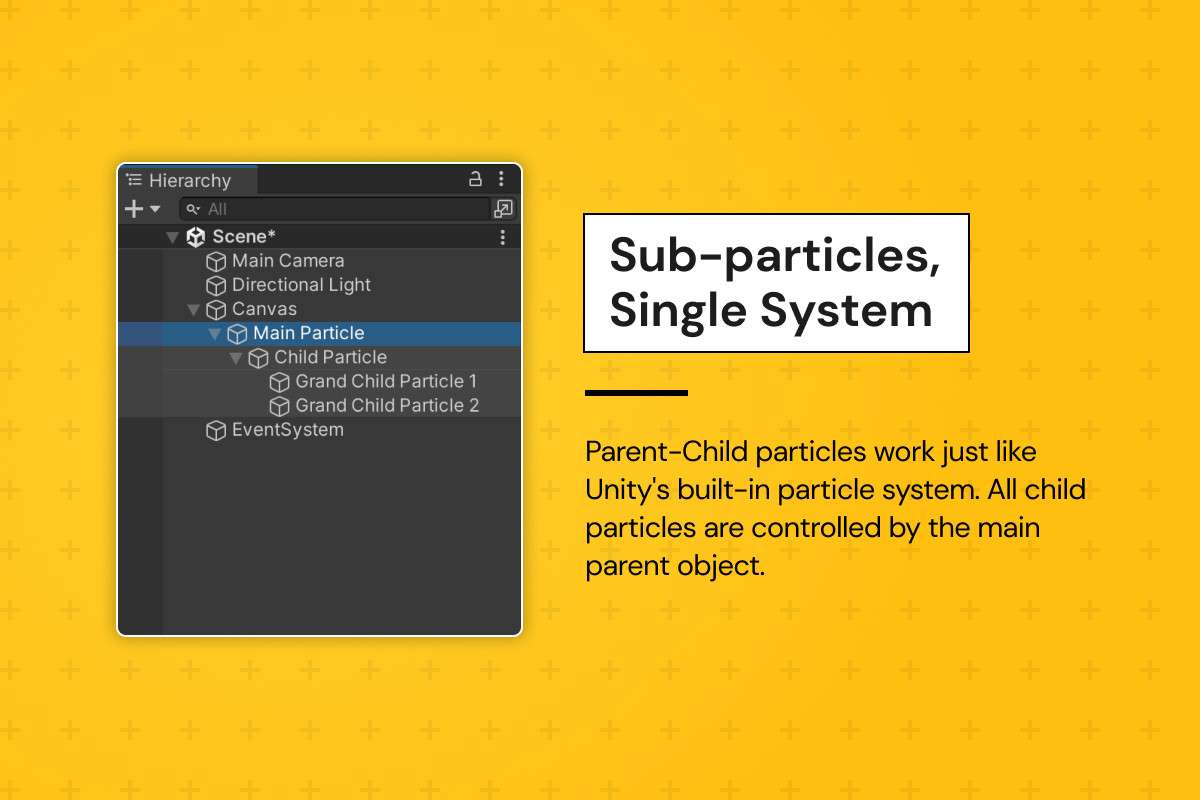
- Gacha/Loot Box Openings: Use the sub-particle system to trigger secondary ‘explosion’ particles when a primary particle hits a certain age, creating high-fidelity visual flair without the overhead of multiple Shuriken instances.