
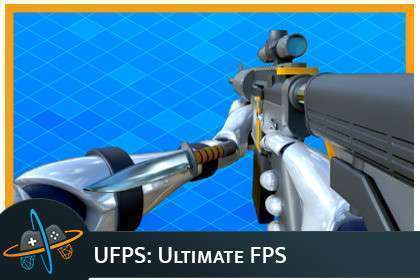

UFPS: Ultimate FPS Unity: Expert Page
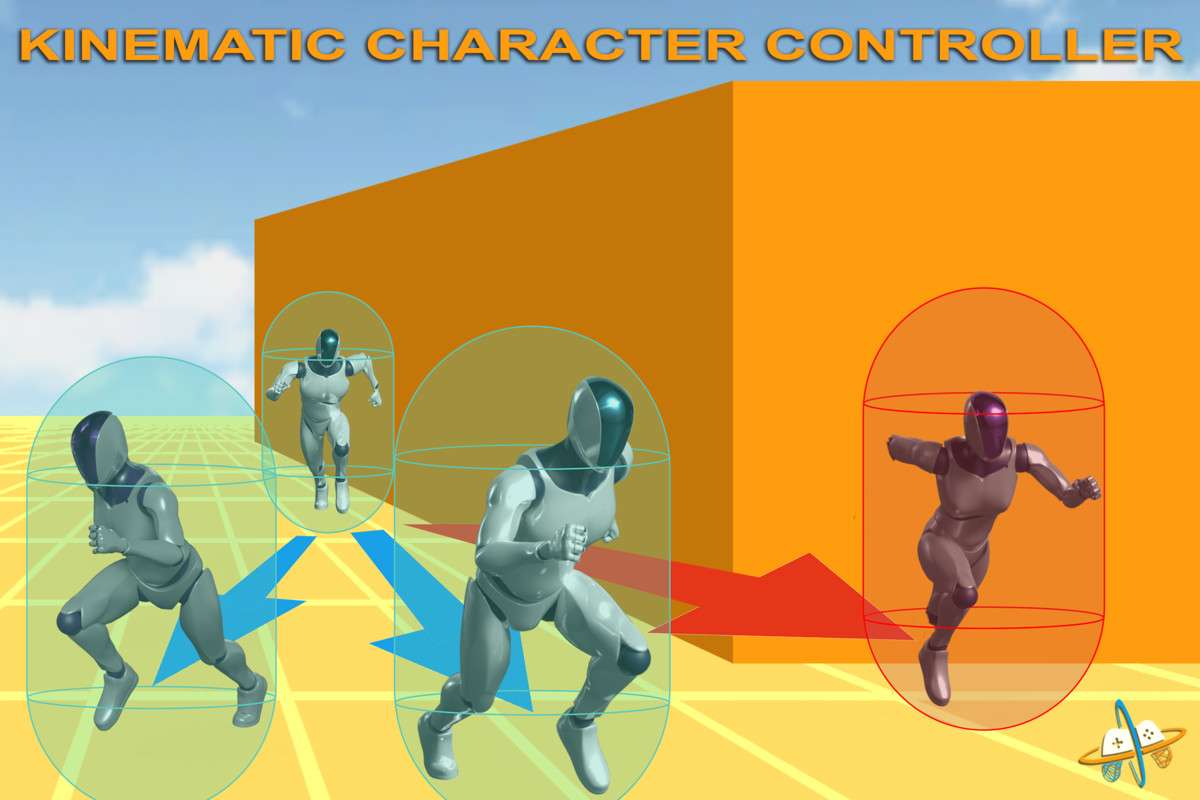
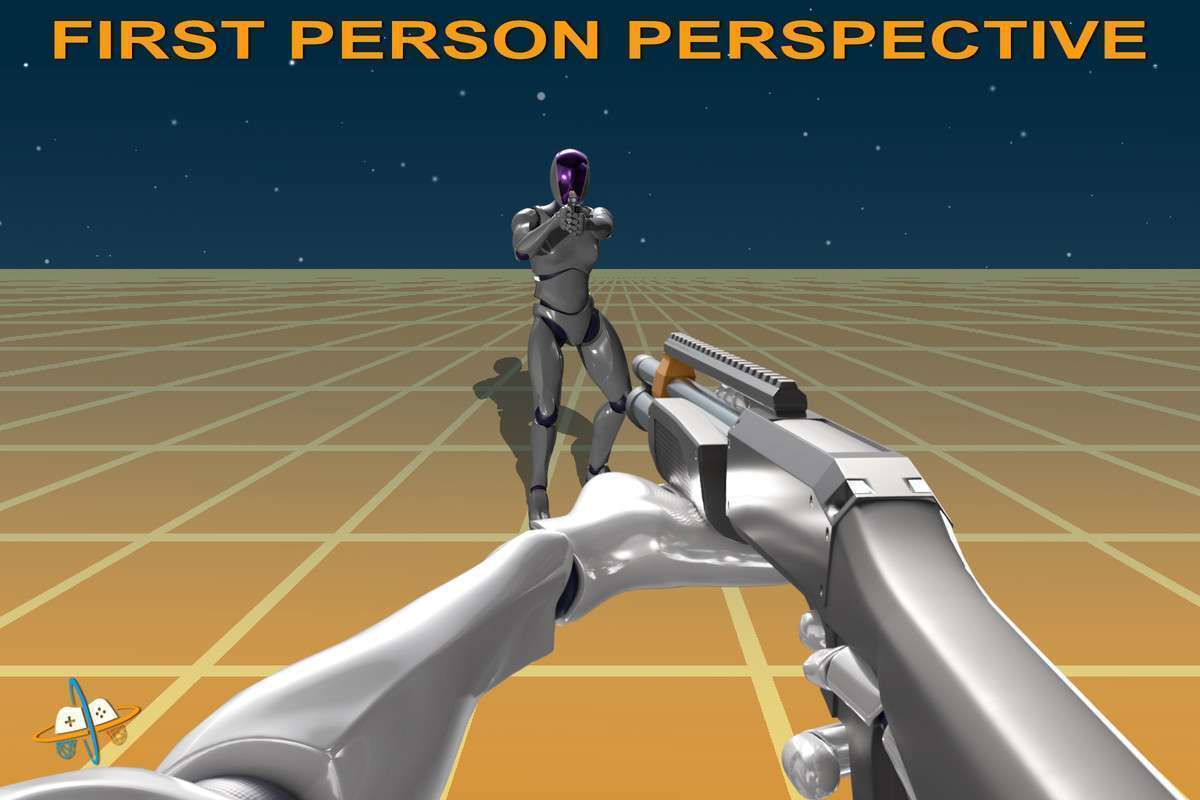
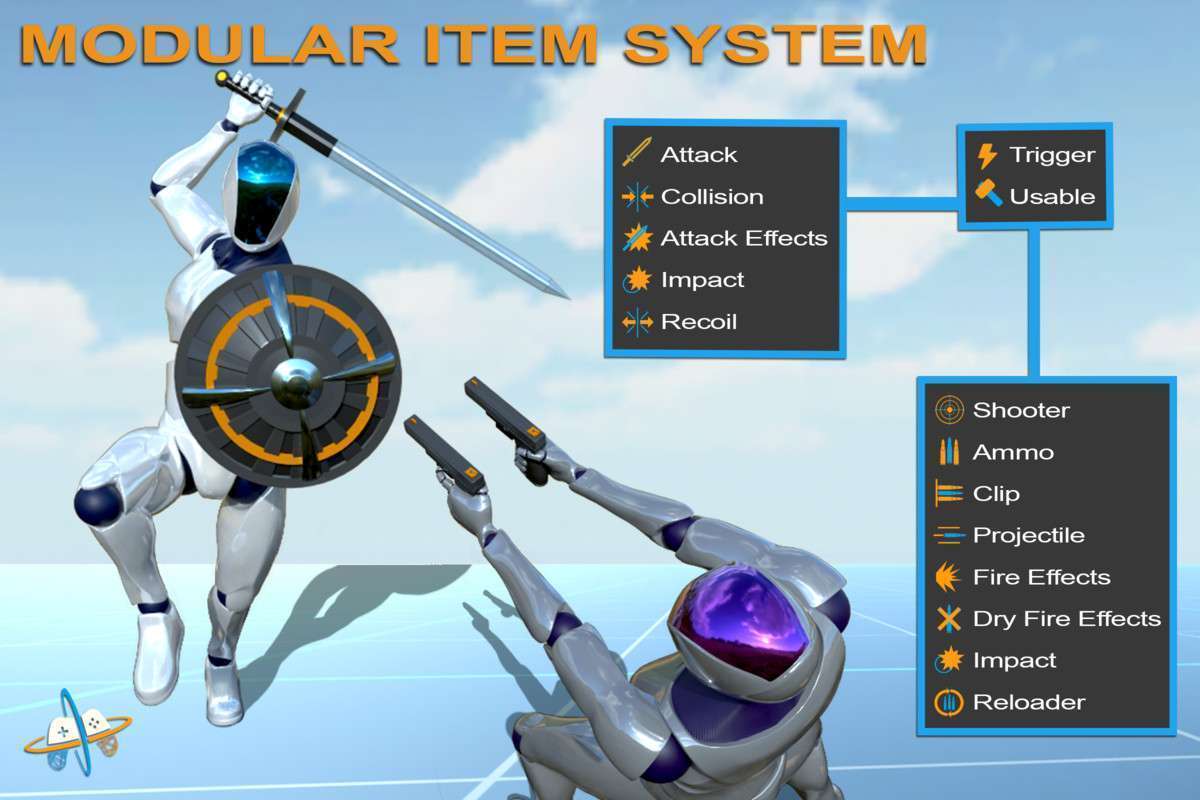
For any team embarking on a first-person project in Unity, UFPS: Ultimate FPS Unity, at its current version 2.1.9, stands out as a battle-tested and exceptionally comprehensive solution. Having shipped projects with UFPS, I can attest to its robust kinematic character controller, highly modular architecture, and the sheer breadth of its features, from procedural animations to a flexible ability system. It significantly reduces the boilerplate required for polished FPS gameplay, allowing developers to focus on unique mechanics.
Integration Tips
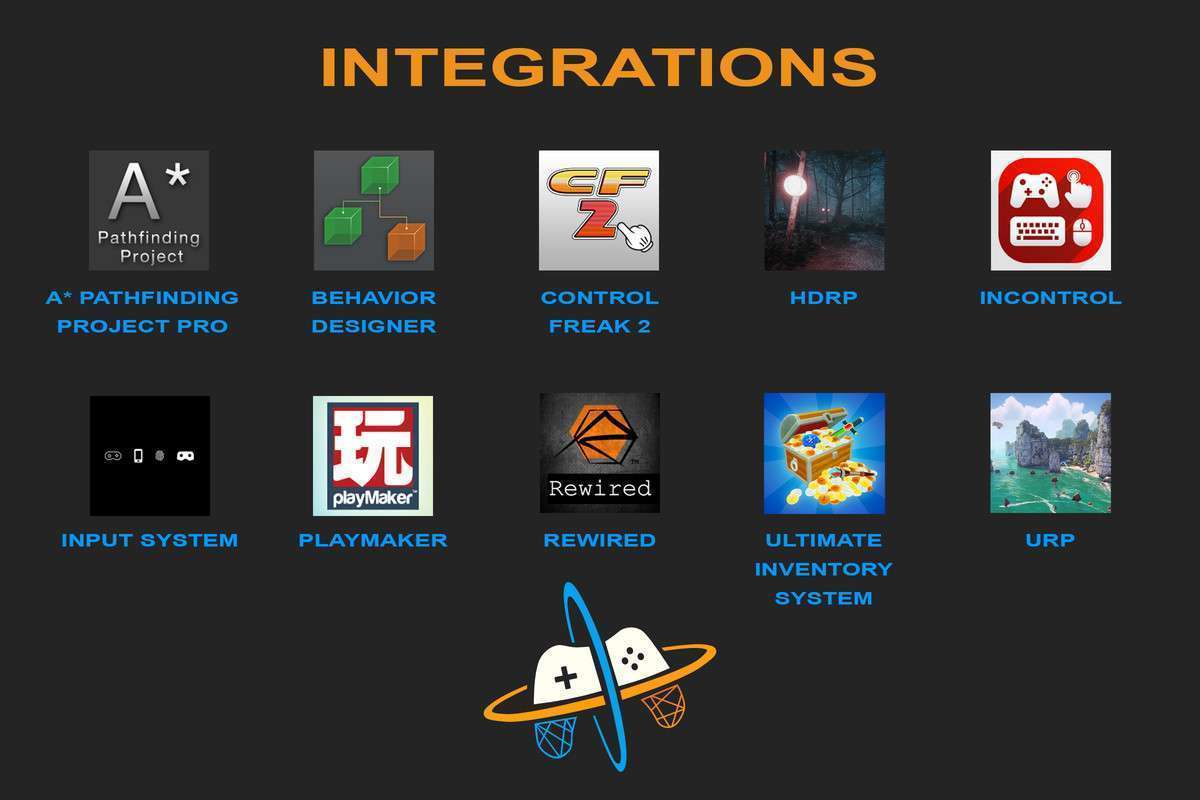
- Input System Choice: UFPS offers support for both the legacy Input Manager and Unity’s newer Input System package. For new projects or long-term maintainability, I strongly recommend migrating to the new Input System. Its event-driven architecture provides greater flexibility and clearer separation of concerns for input handling.
- Render Pipeline Compatibility: The asset explicitly supports URP and HDRP. When integrating into an SRP project, ensure you run the appropriate material upgrade utility (often found under Edit -> Render Pipeline -> Upgrade Project Materials) and verify that all UFPS-related shaders and materials are correctly assigned and compatible with your chosen pipeline. Post-processing volumes for effects like damage feedback or weapon scope blur should also be set up pipeline-appropriately.
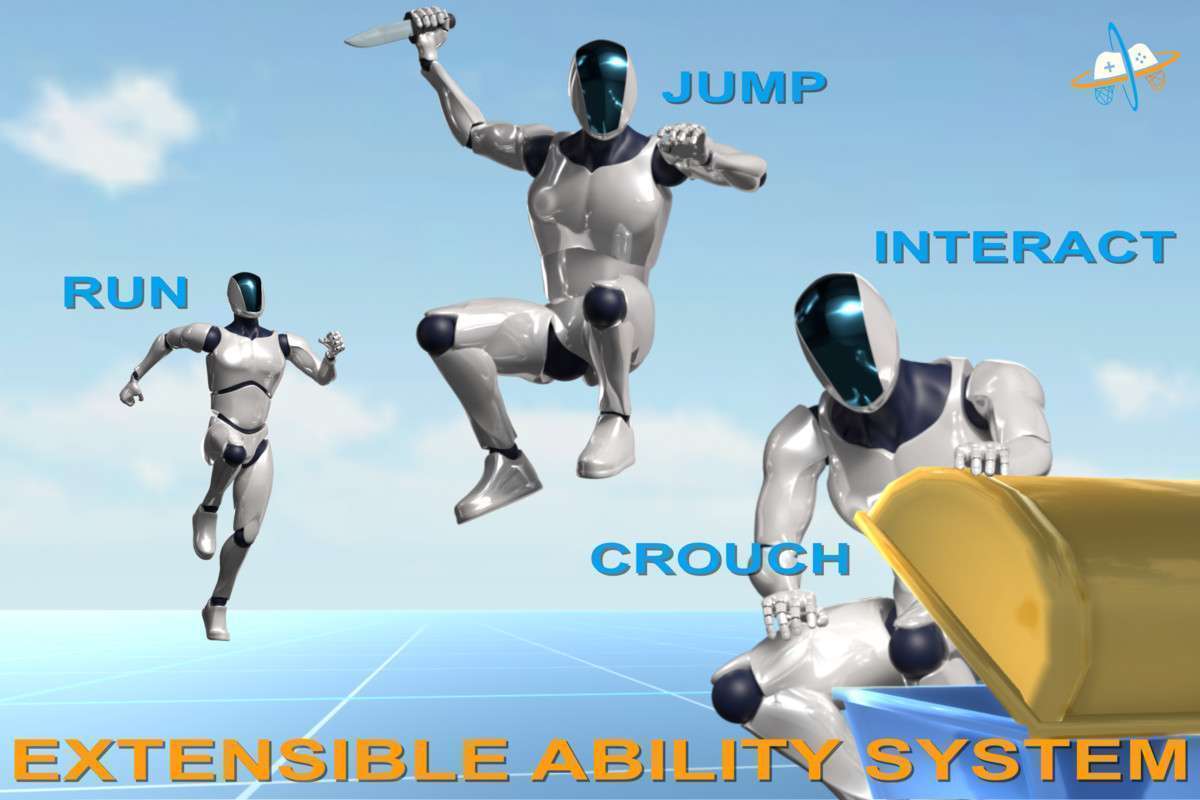
- Extending the Ability System: The core strength of UFPS lies in its extensible Ability System. To implement custom player actions (e.g., a ‘Dash’ or ‘Wall Run’), inherit from the base
Abilityclass and override relevant methods. This provides a clean way to introduce new mechanics without modifying core UFPS scripts, ensuring easier updates. - Networking Considerations: While UFPS provides a solid single-player foundation, it is not inherently a multiplayer solution. Note the official add-ons for PUN and Mirror Networking. Integrating UFPS into a networked environment requires careful attention to state synchronization, input prediction, and server-authoritative movement logic, which these add-ons facilitate. Do not expect out-of-the-box multiplayer without these additional components.
- AI Integration: When integrating UFPS with AI systems like Behavior Designer or custom NavMesh agents for enemy AI, ensure you leverage UFPS’s public APIs for movement control and action triggers. For instance, an AI agent might call a UFPS method to trigger a ‘Shoot’ action rather than directly manipulating player weapon scripts.
- Kinematic Controller & Physics: UFPS utilizes a Kinematic Character Controller, which provides predictable, non-physics-driven movement, ideal for precise FPS mechanics and avoiding common rigidbody jitter issues. However, if your character needs to interact with or push dynamic rigidbodies, you’ll need to implement explicit logic (e.g., using
OnControllerColliderHit) to apply forces.
Best Use Cases
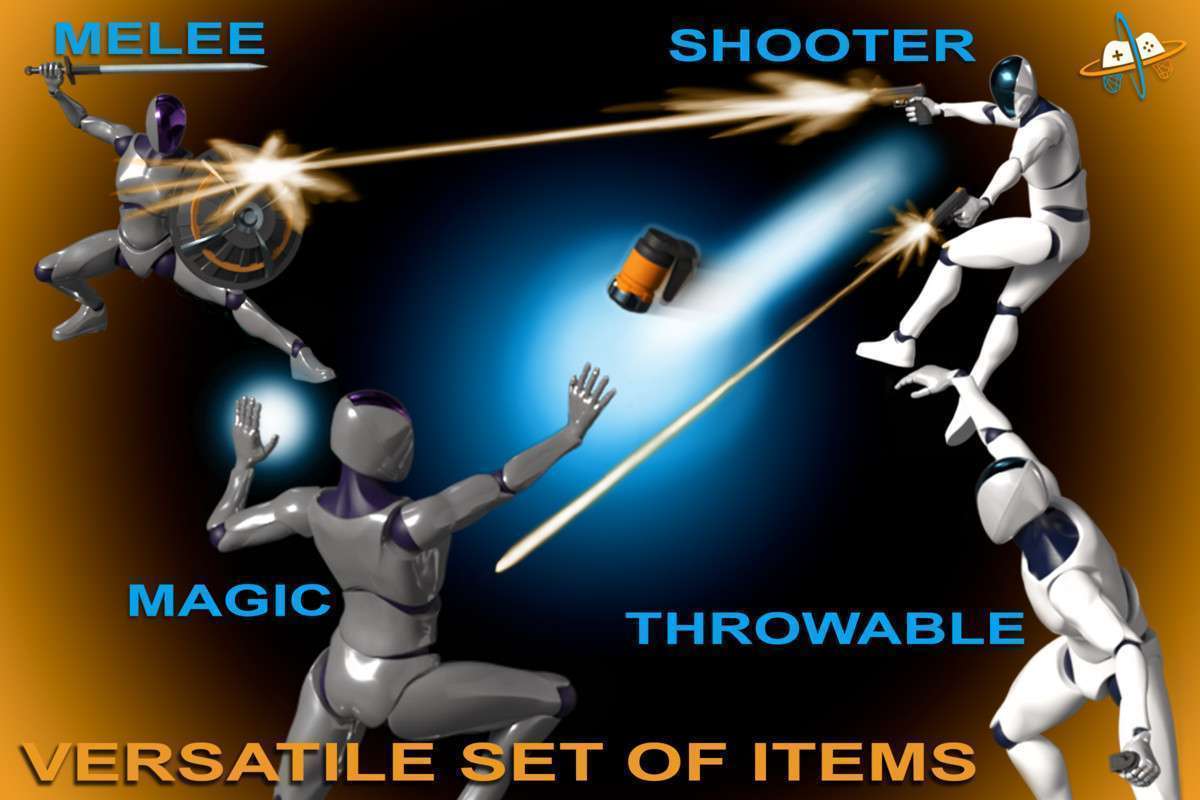
- Tactical Shooters or Action RPGs: For projects demanding highly responsive, customizable first-person gameplay with a wide array of weapon types, abilities, and complex player mechanics. UFPS’s modular design, kinematic character controller, and advanced procedural animation system provide a production-ready foundation, significantly reducing development time for core movement and interaction systems. Its extensive integrations with AI, UI, and networking assets further streamline the creation of feature-rich games.
- VR Experiences Requiring Robust Player Locomotion and Presence: While not exclusively a VR asset, UFPS’s robust locomotion system, full-body awareness, and Inverse Kinematics (IK) support make it an excellent starting point for VR games that require a tangible player presence and intricate environmental interactions. The predictable kinematic movement is crucial for mitigating motion sickness, and IK allows for more believable hand and foot placement when integrating VR input and avatar systems, enhancing immersion and interaction quality.