


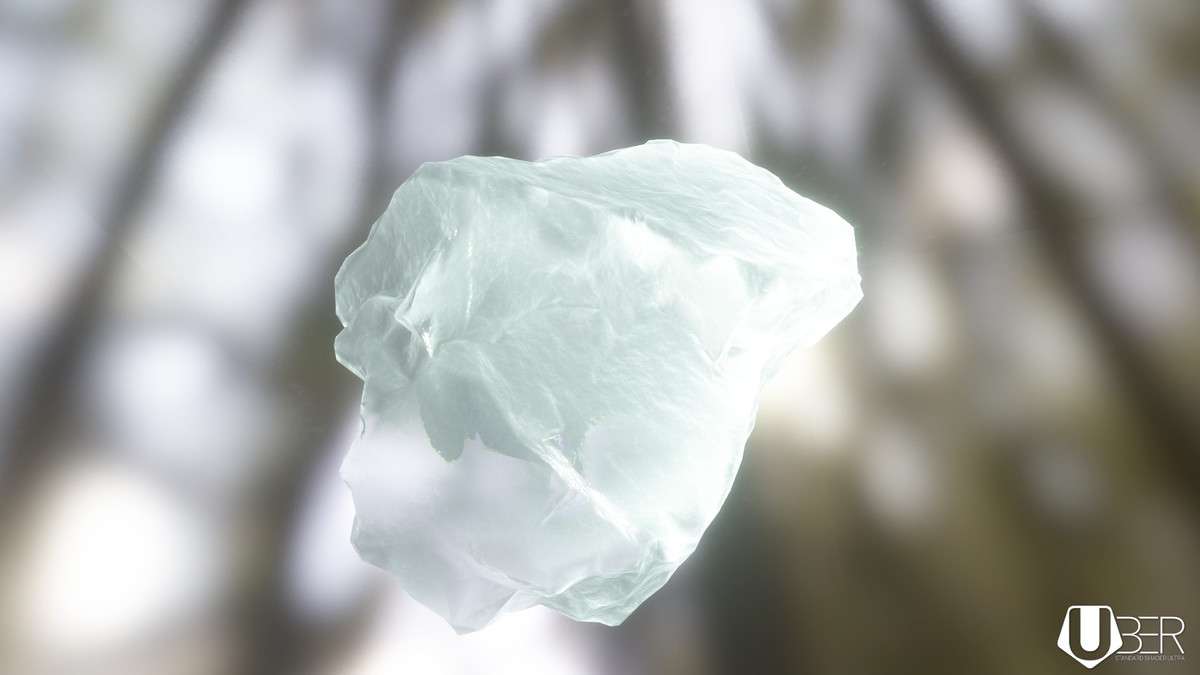
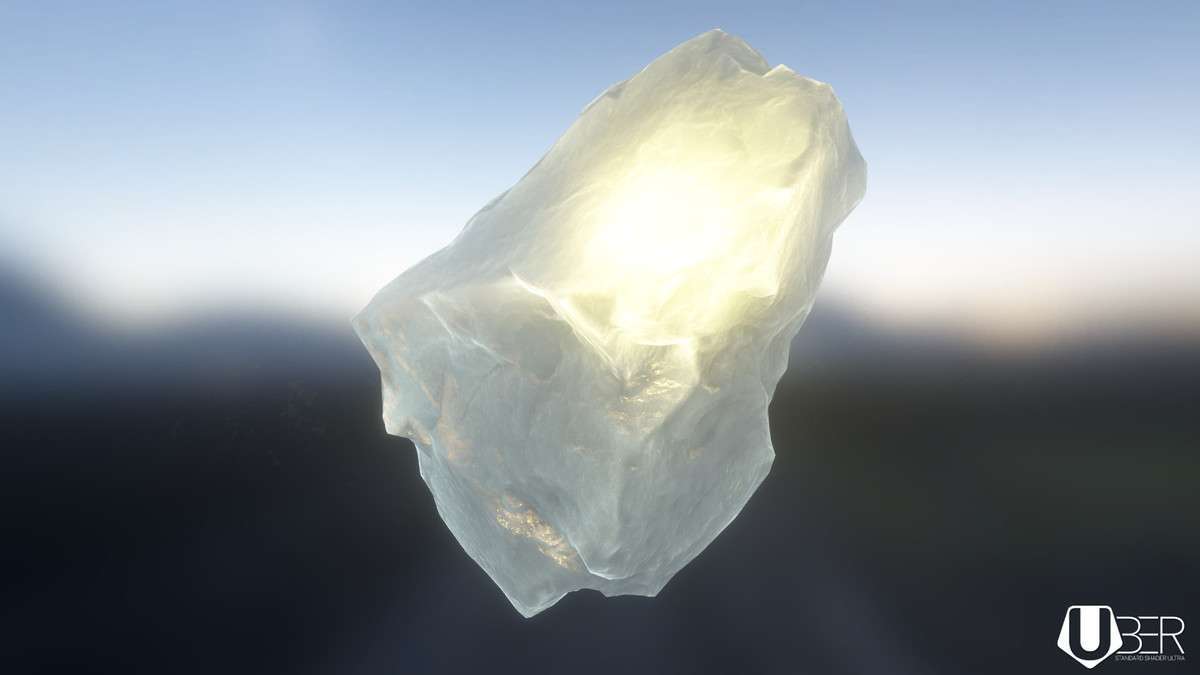
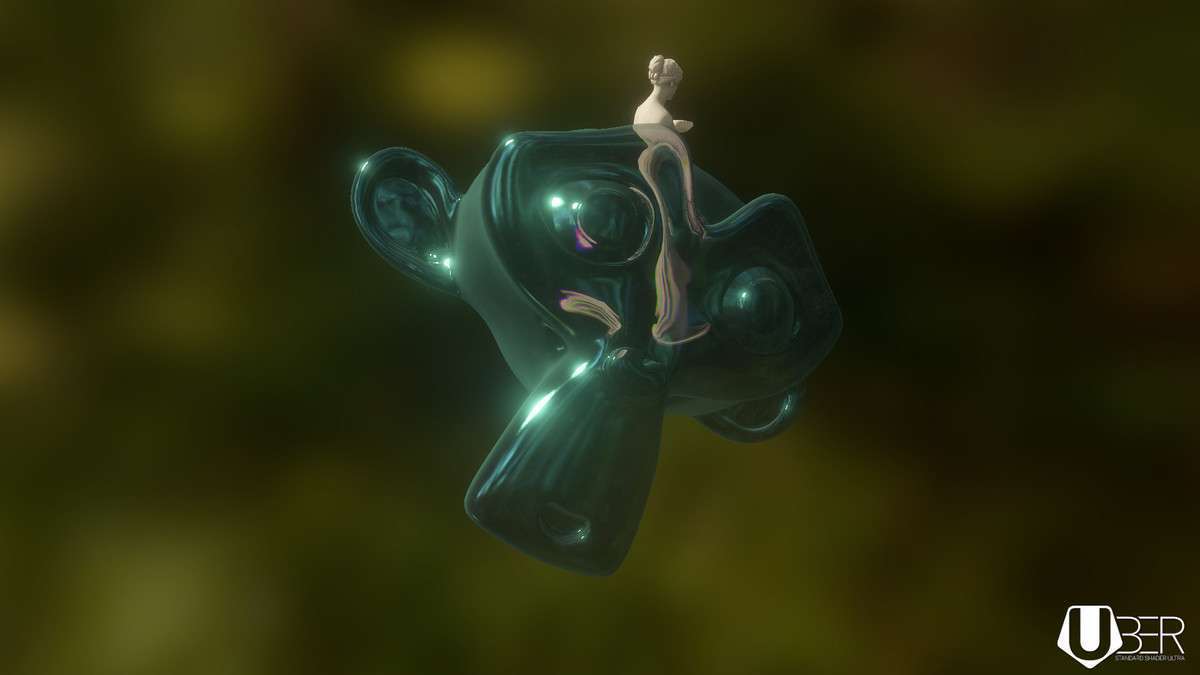
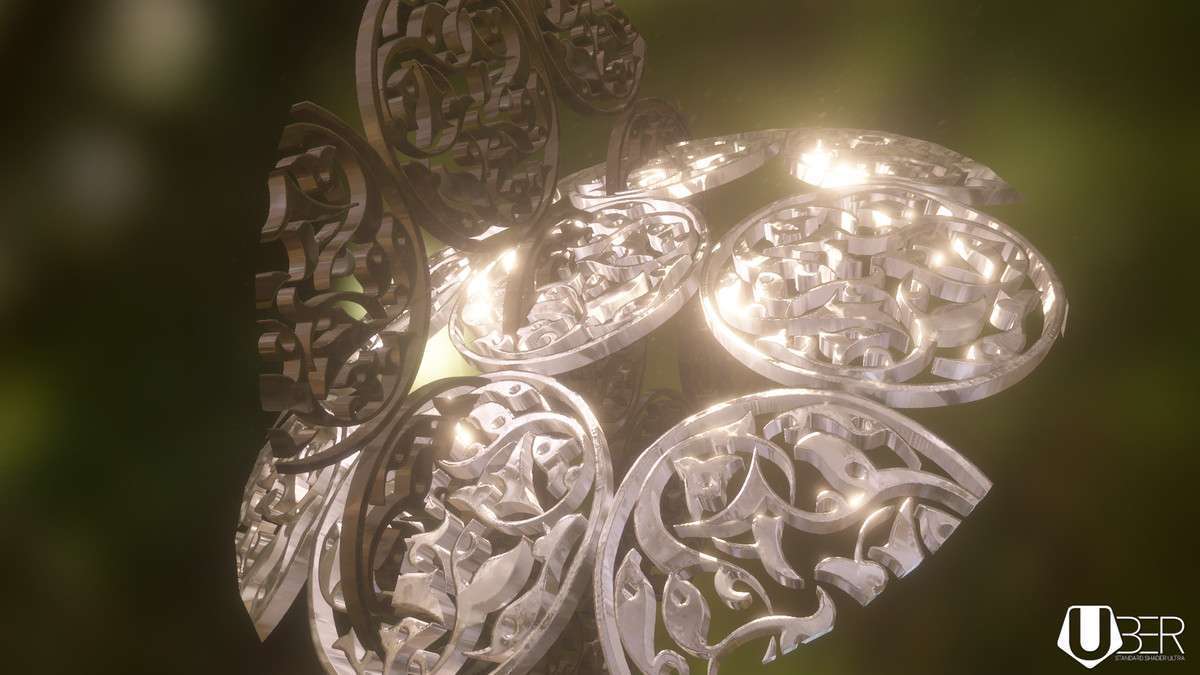
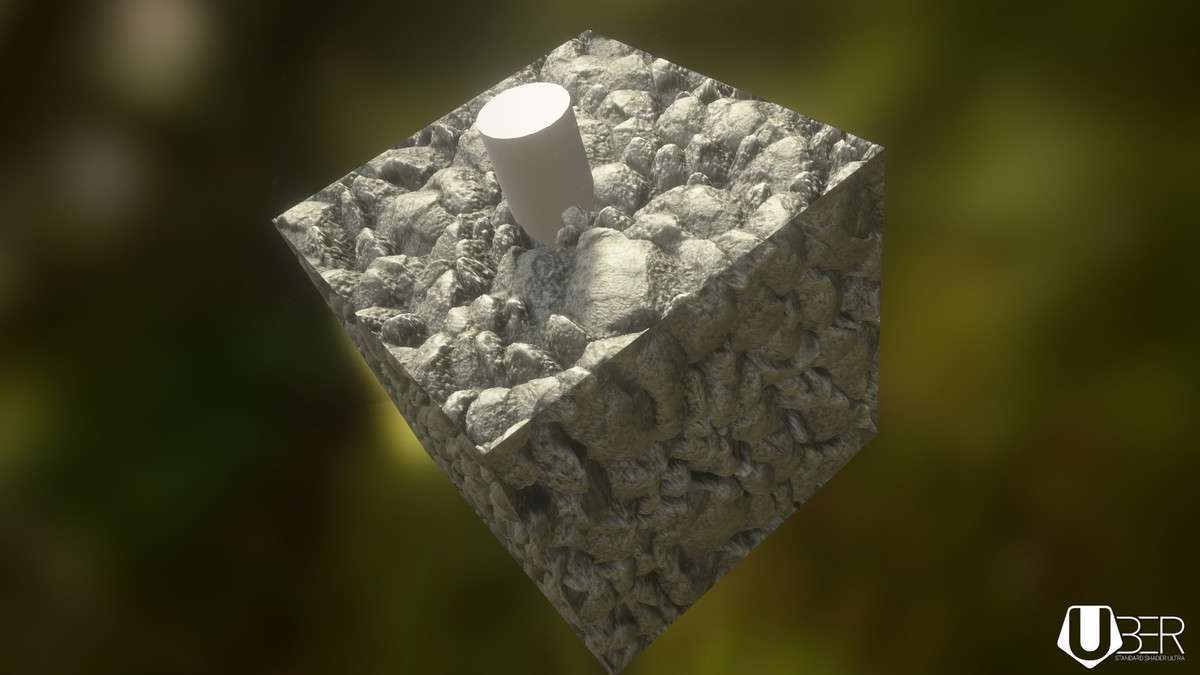
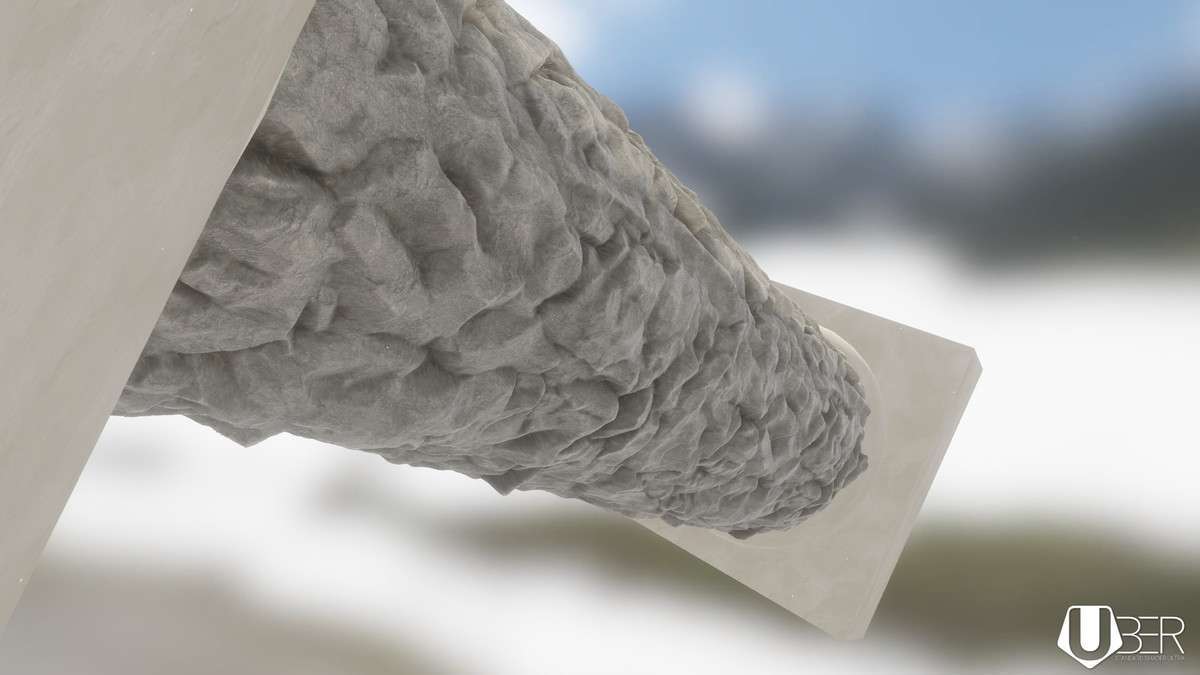
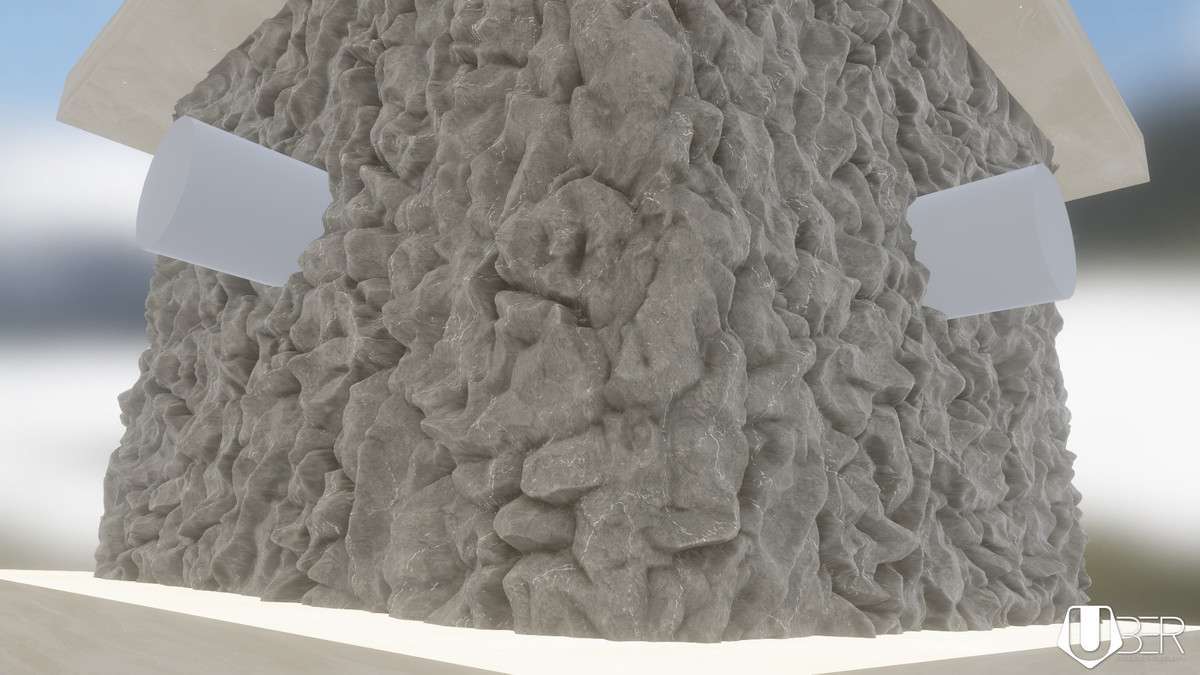
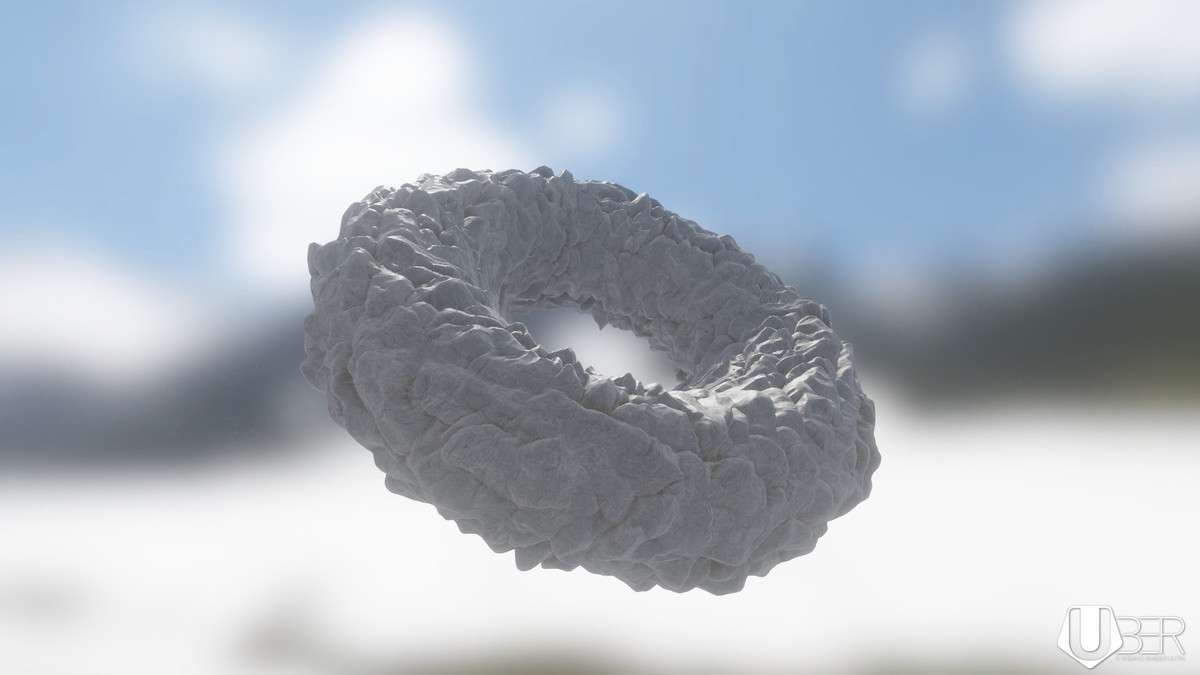
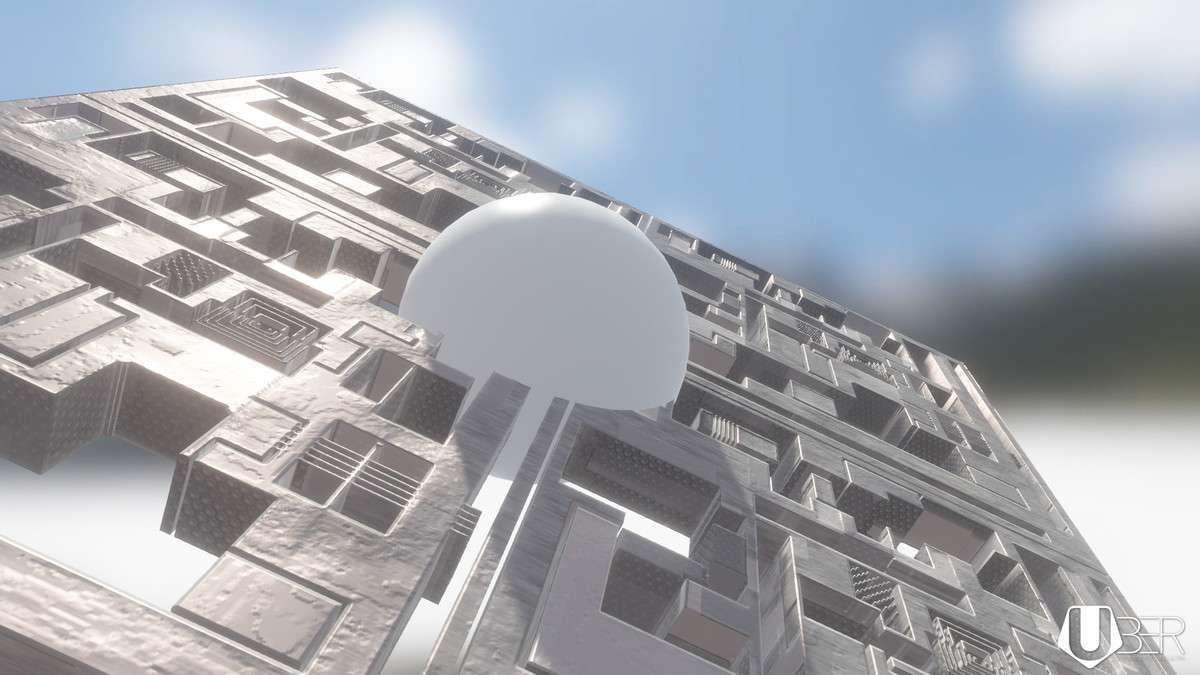
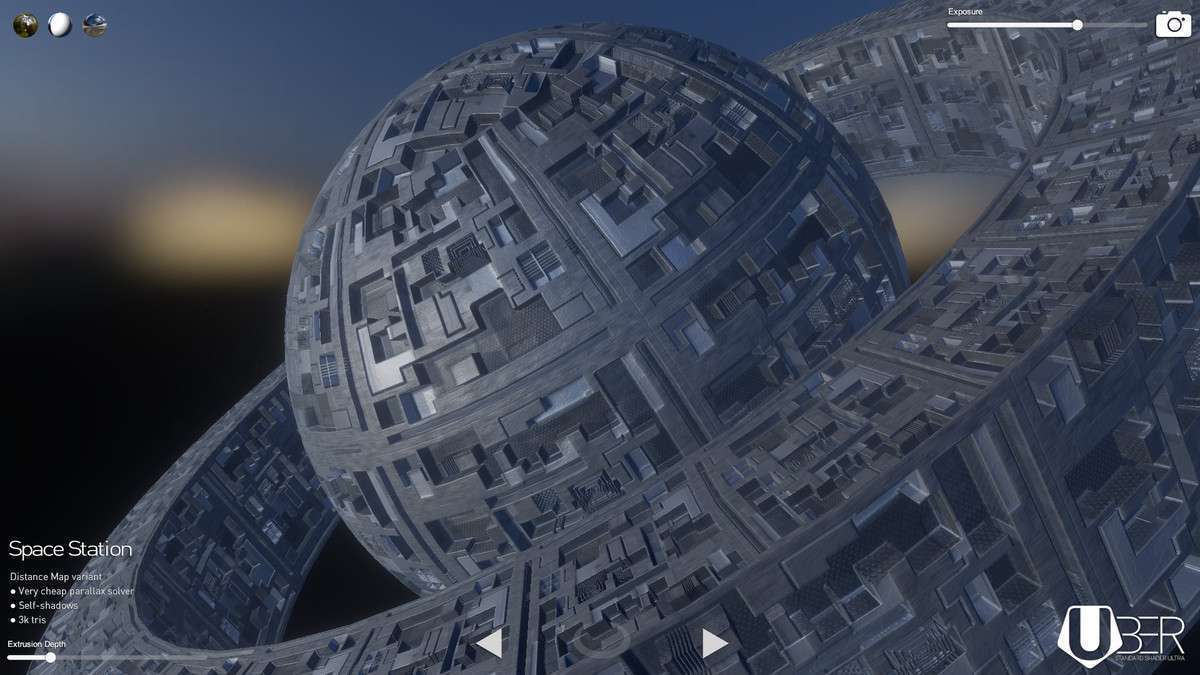
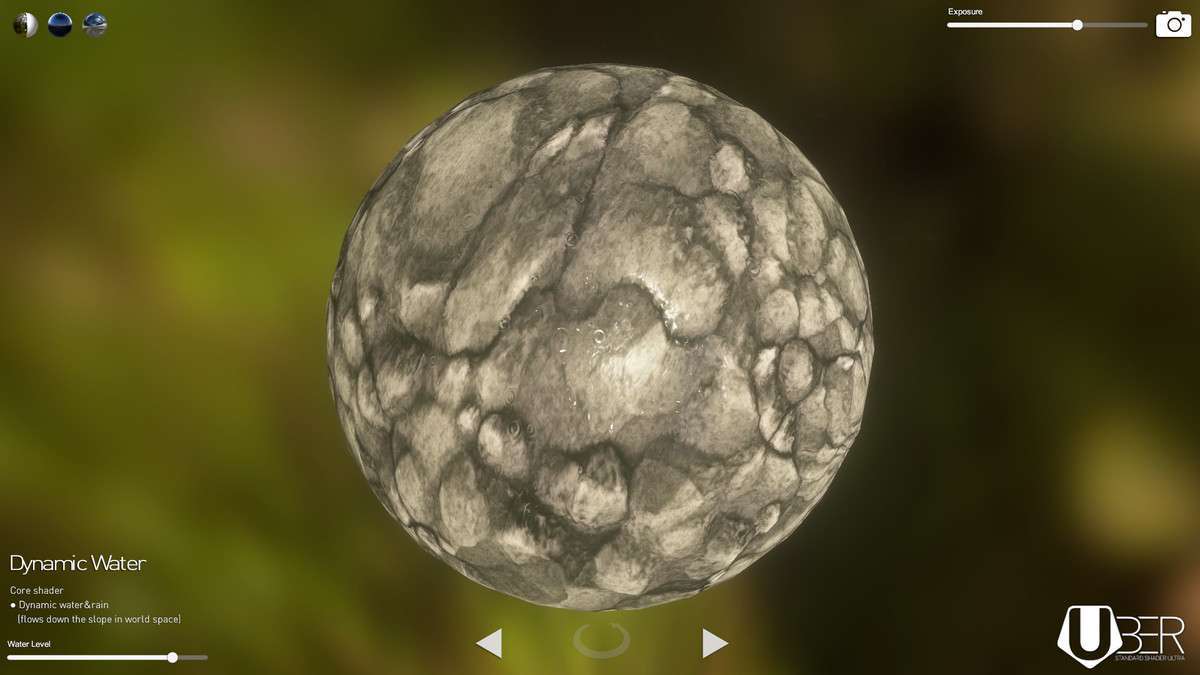
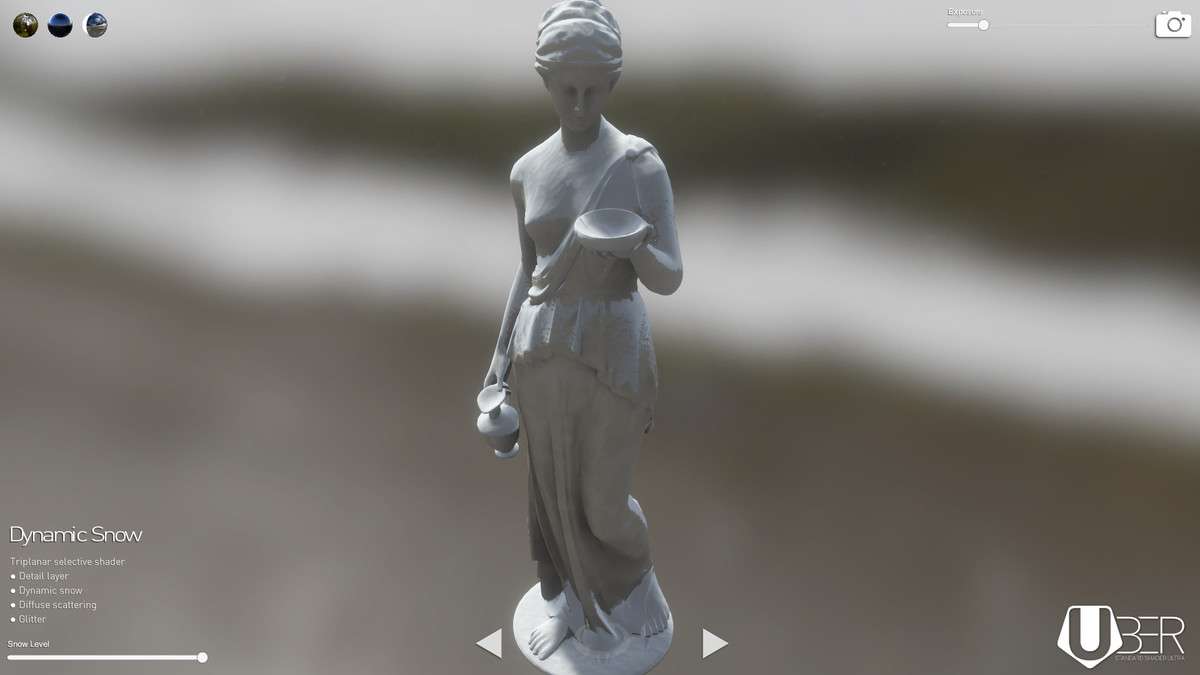
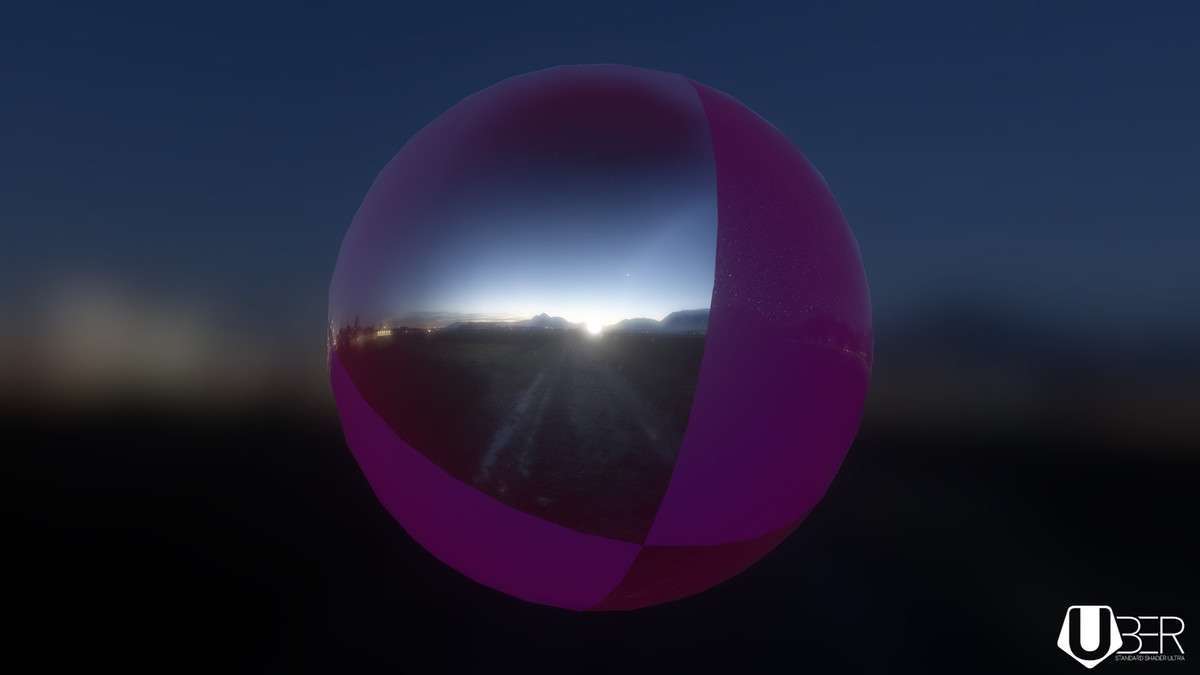
Advanced Surface Shading with UBER
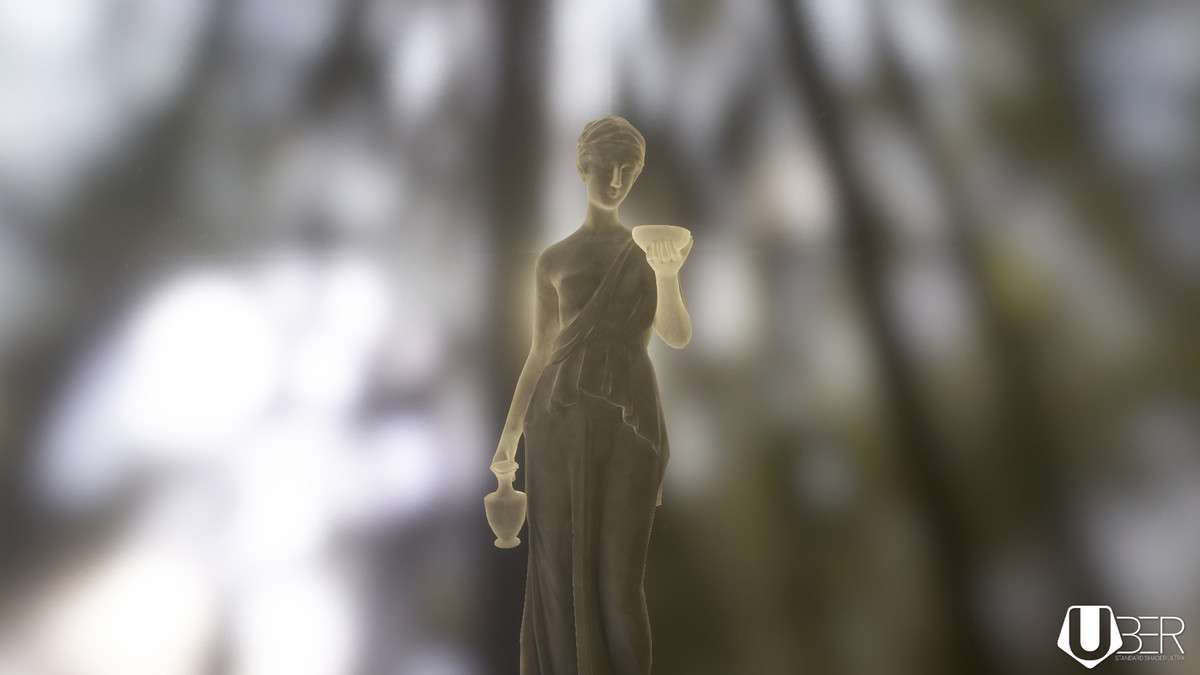
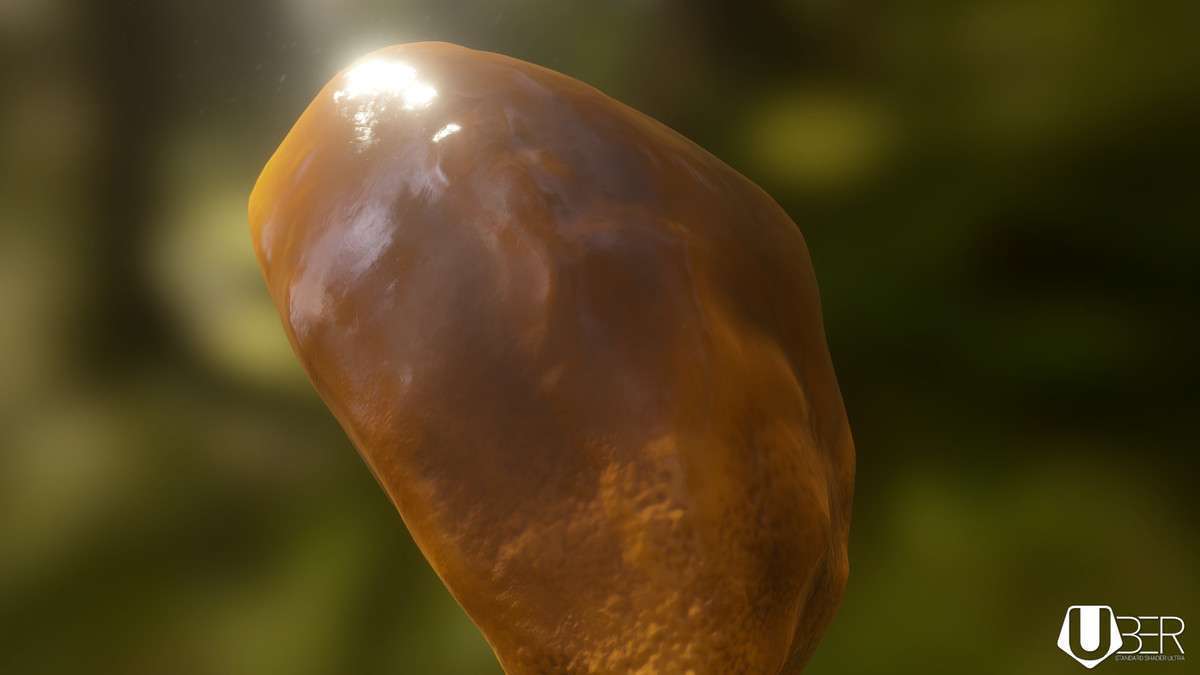
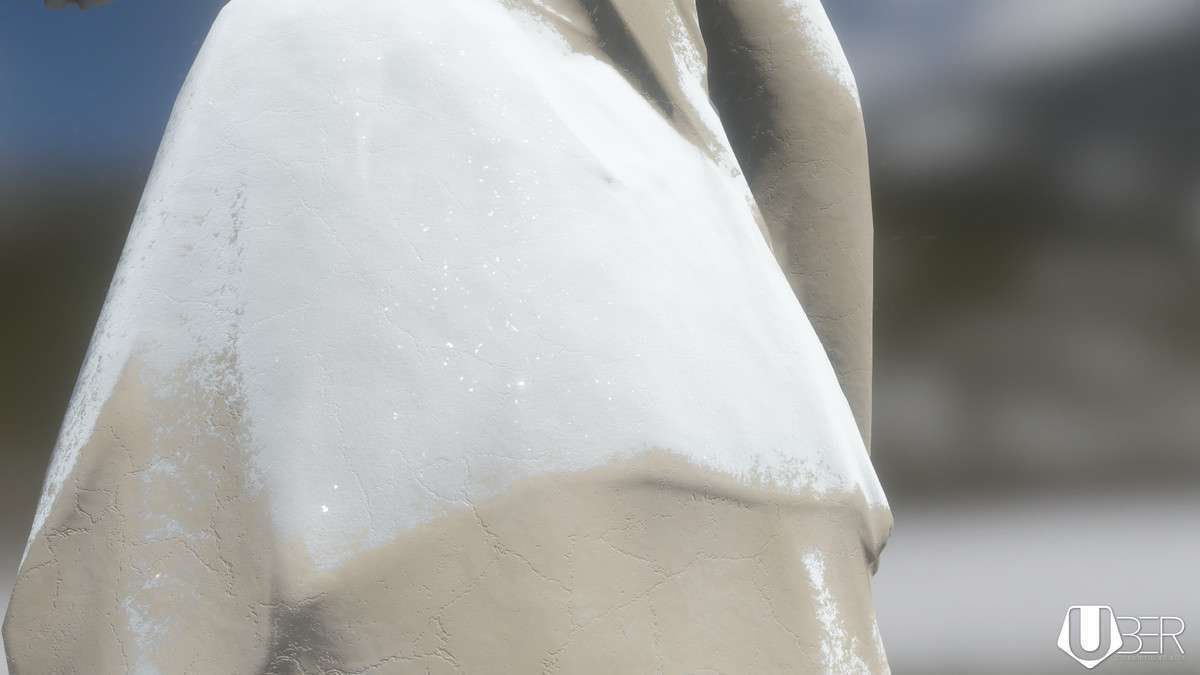
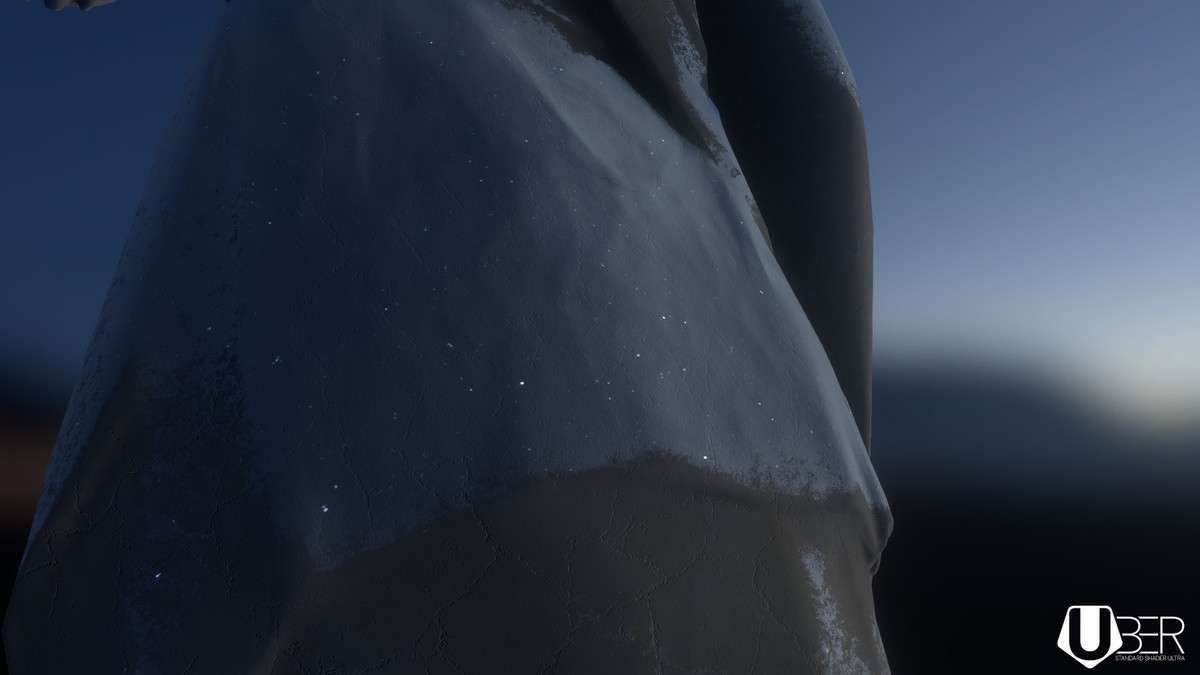
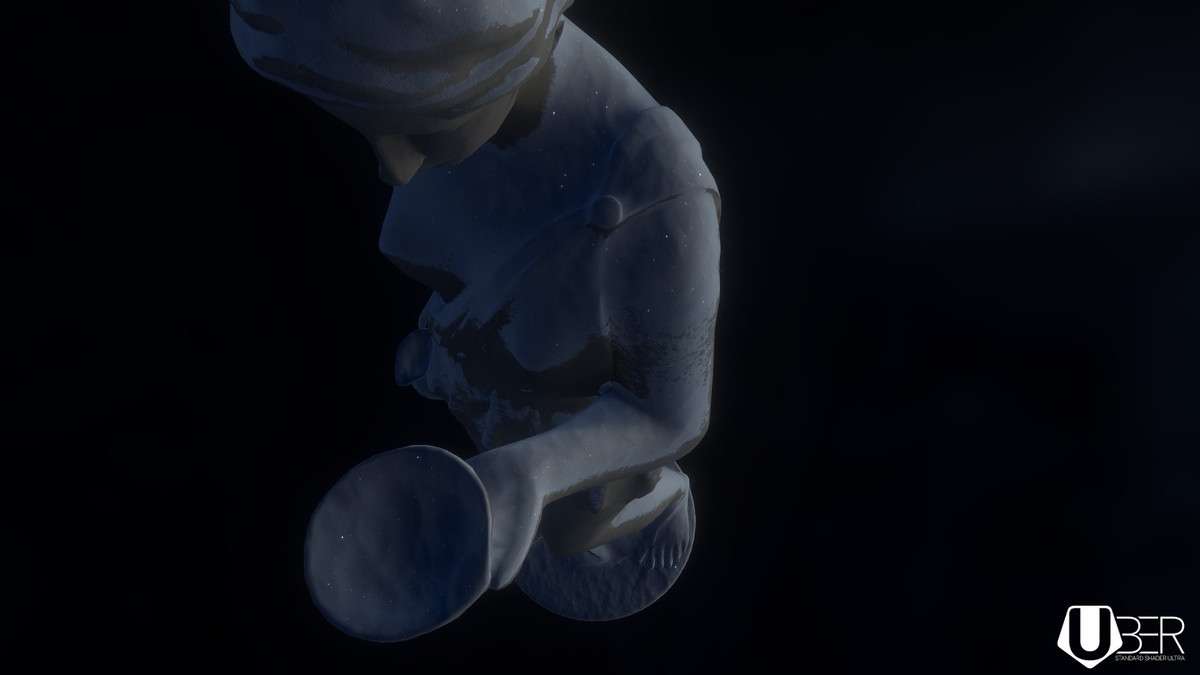
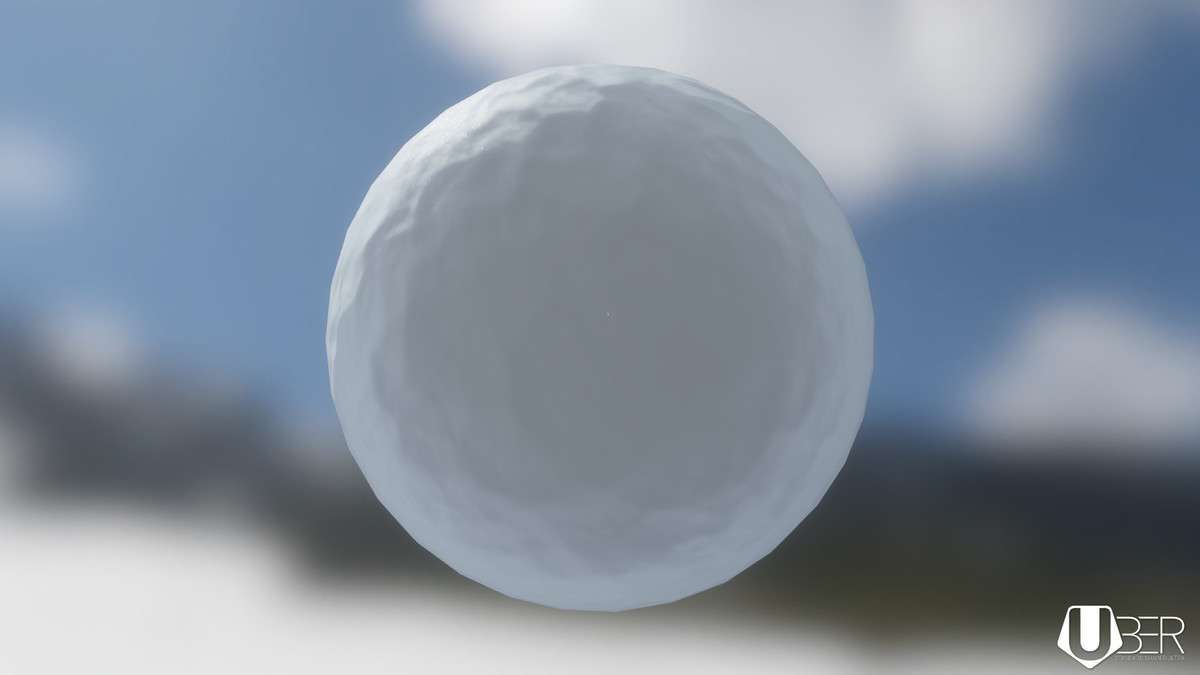
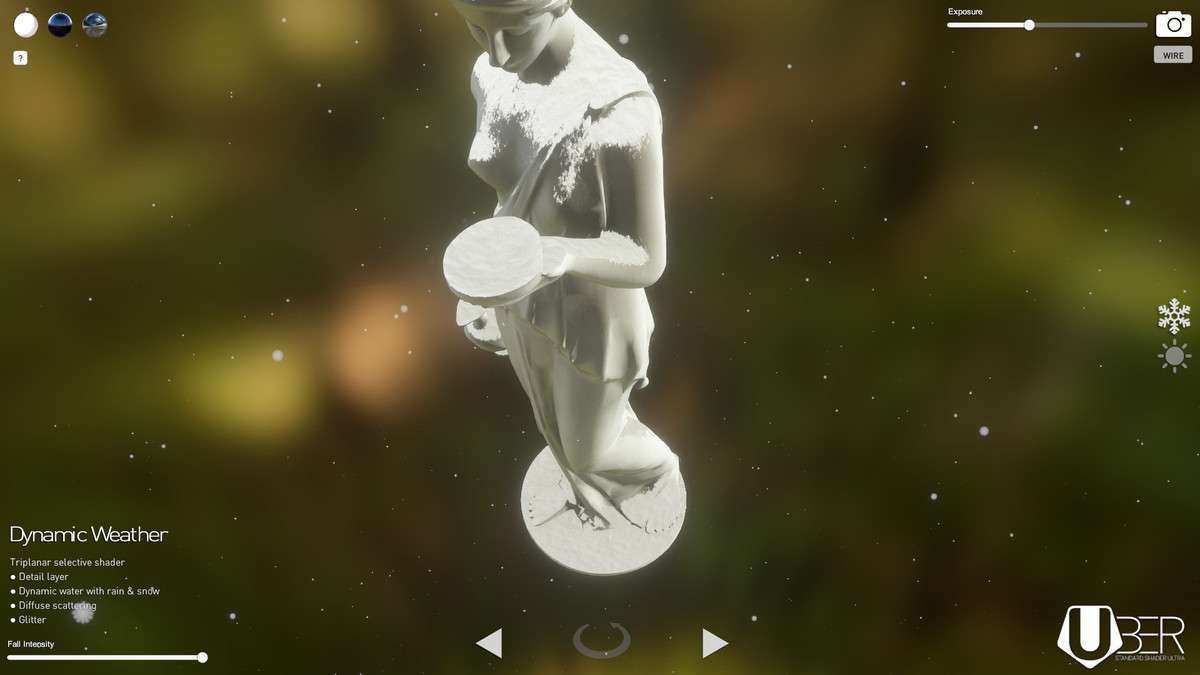
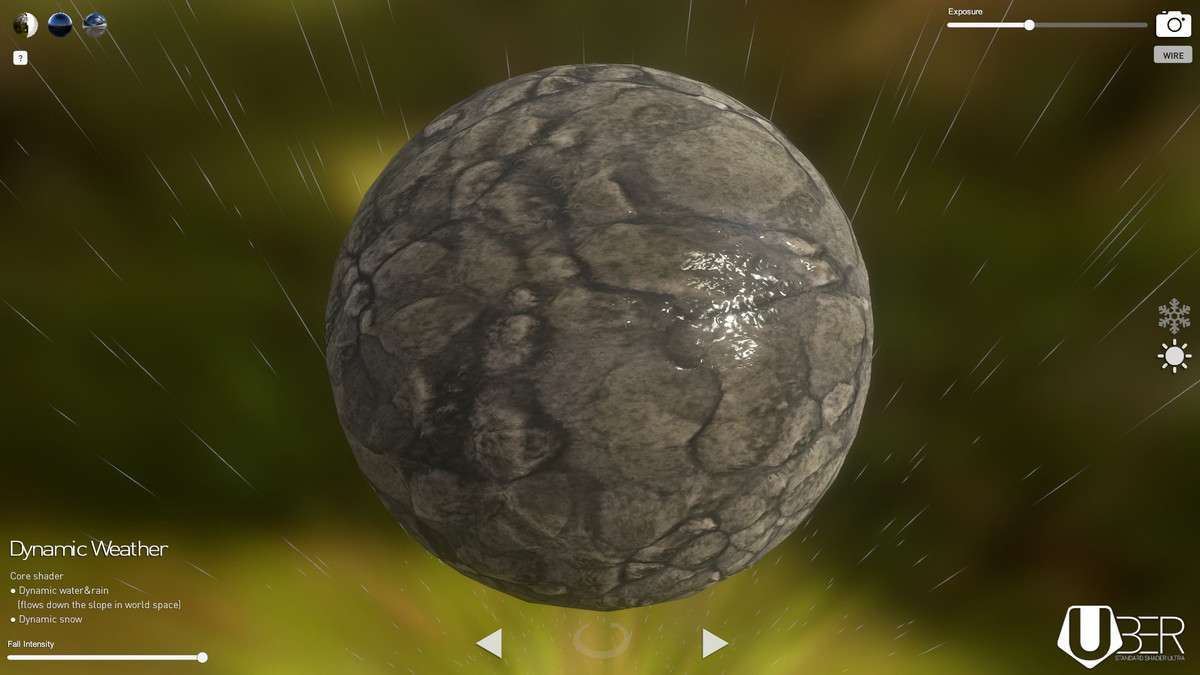
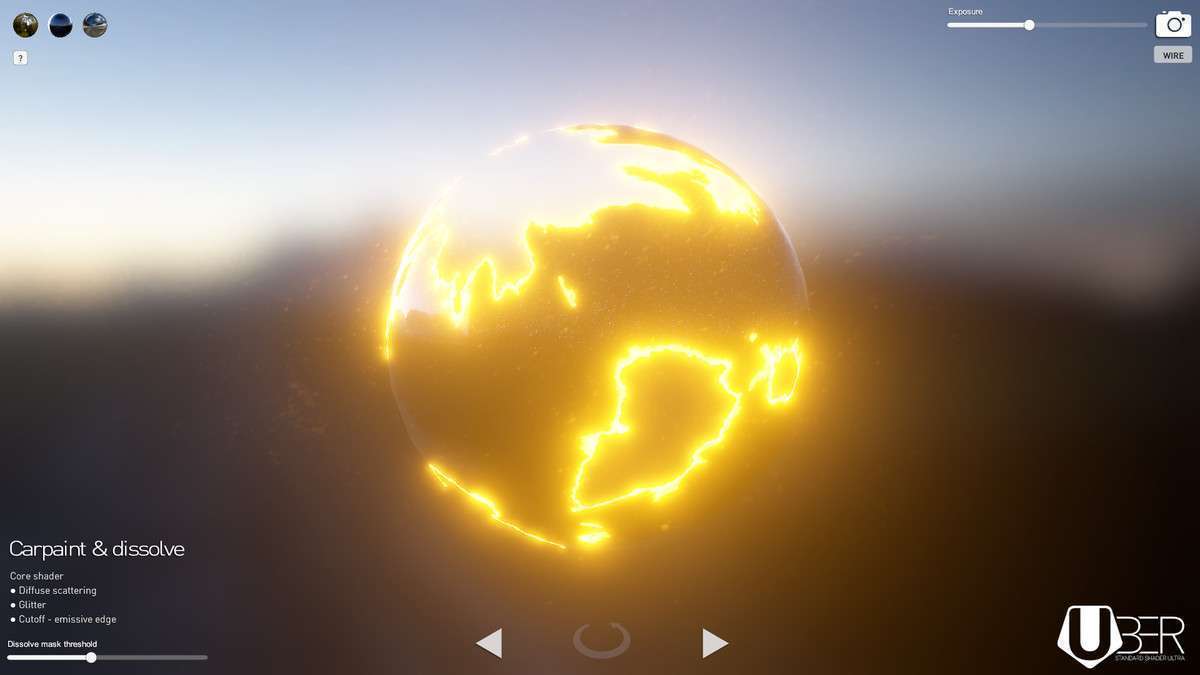
When working with UBER – Standard Shader Ultra Unity 1.2.0, the primary goal is achieving high-fidelity material properties that the default Standard Shader simply cannot handle without significant custom CGINC modification. As a lead dev, I recommend this for projects that need to push the visual envelope in the Built-in Pipeline or early URP transitions without the overhead of HDRP. The translucency model, based on DICE’s research, is particularly effective for foliage and skin, providing realistic light wrap-around without the heavy cost of full subsurface scattering.
Integration Tips
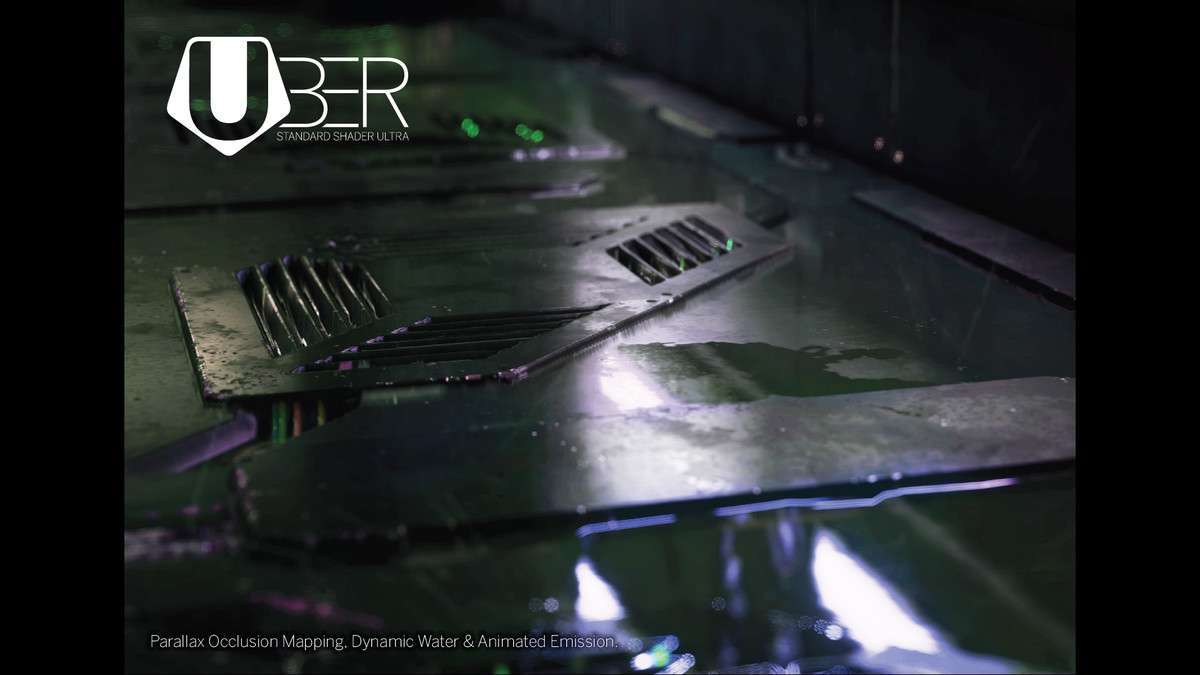
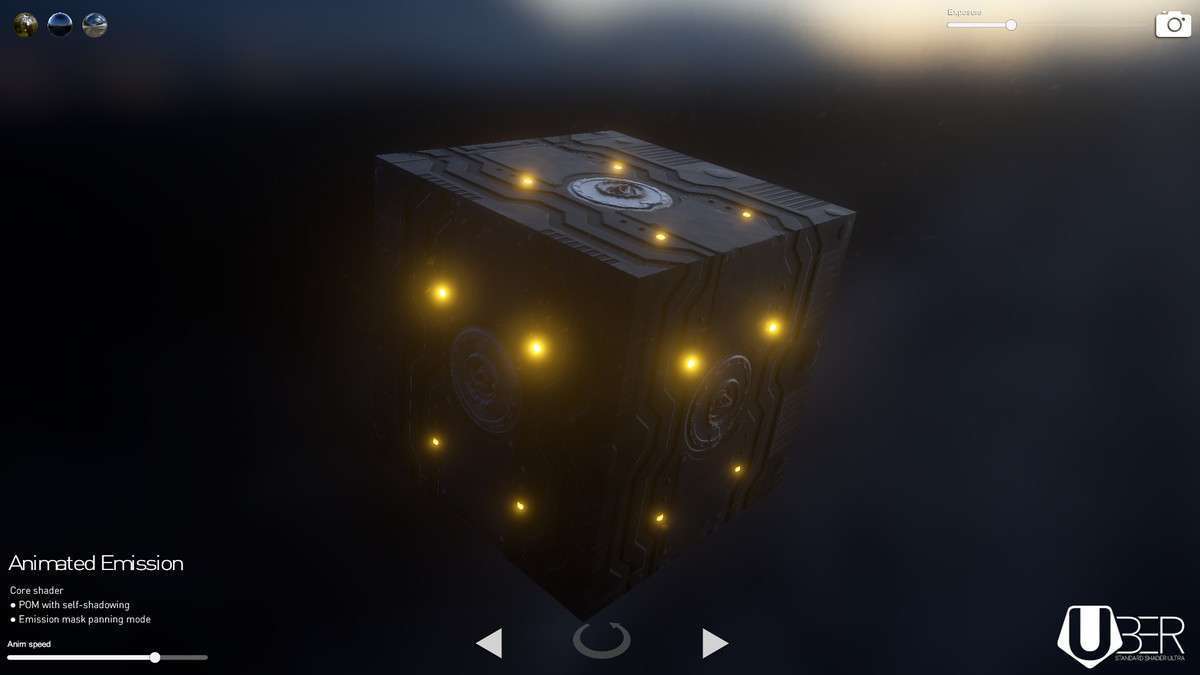
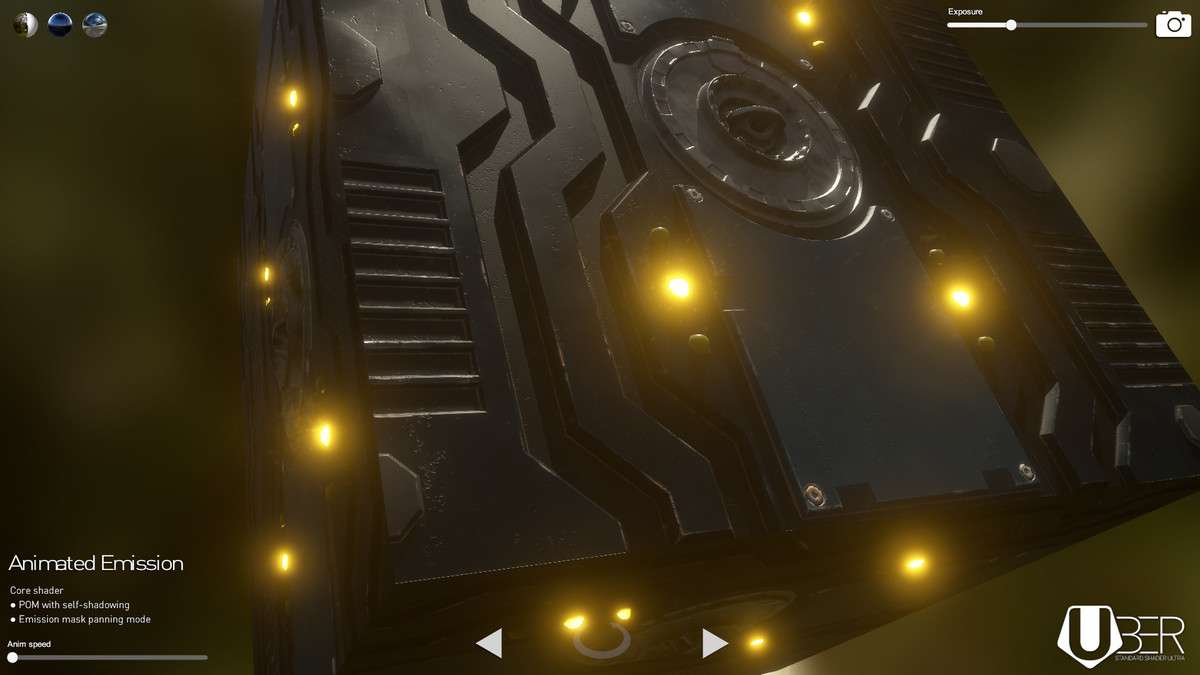
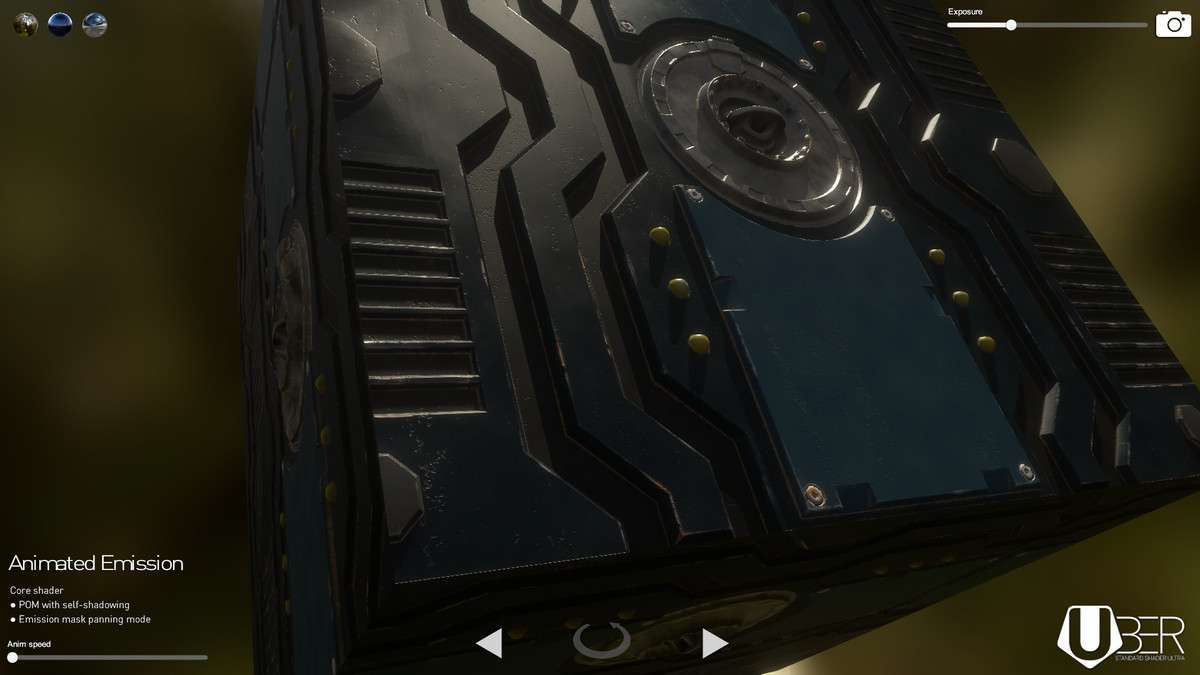
- Z-Write and Parallax: If you are using the Parallax Occlusion Mapping (POM) variants, ensure your heightmaps are authored in the alpha channel of your metallic or smoothness textures to minimize sampler overhead.
- Shader Variants: UBER is powerful but can lead to long compile times if you enable every feature. Use the included preset system to strip unused features from the final build.
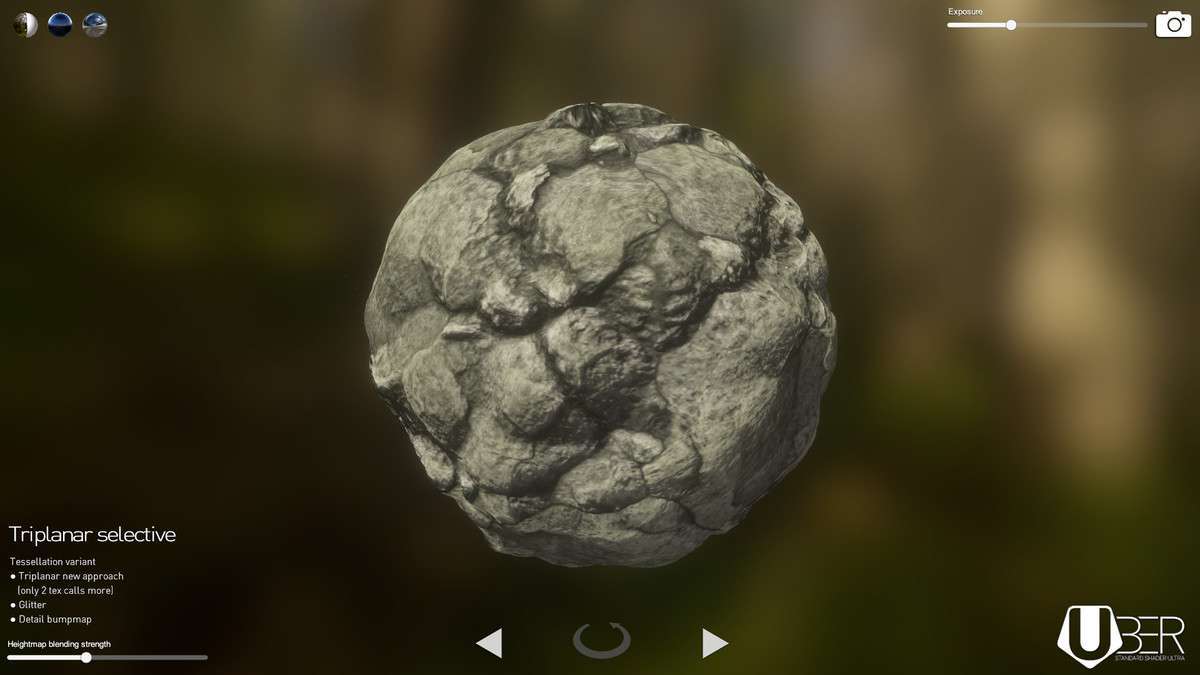
- Lightmapping: When using the triplanar mapping feature, be aware that static lightmapping requires traditional UVs. Triplanar is best reserved for dynamic or procedurally generated meshes where UV unwrapping is non-trivial.
Best Use Cases
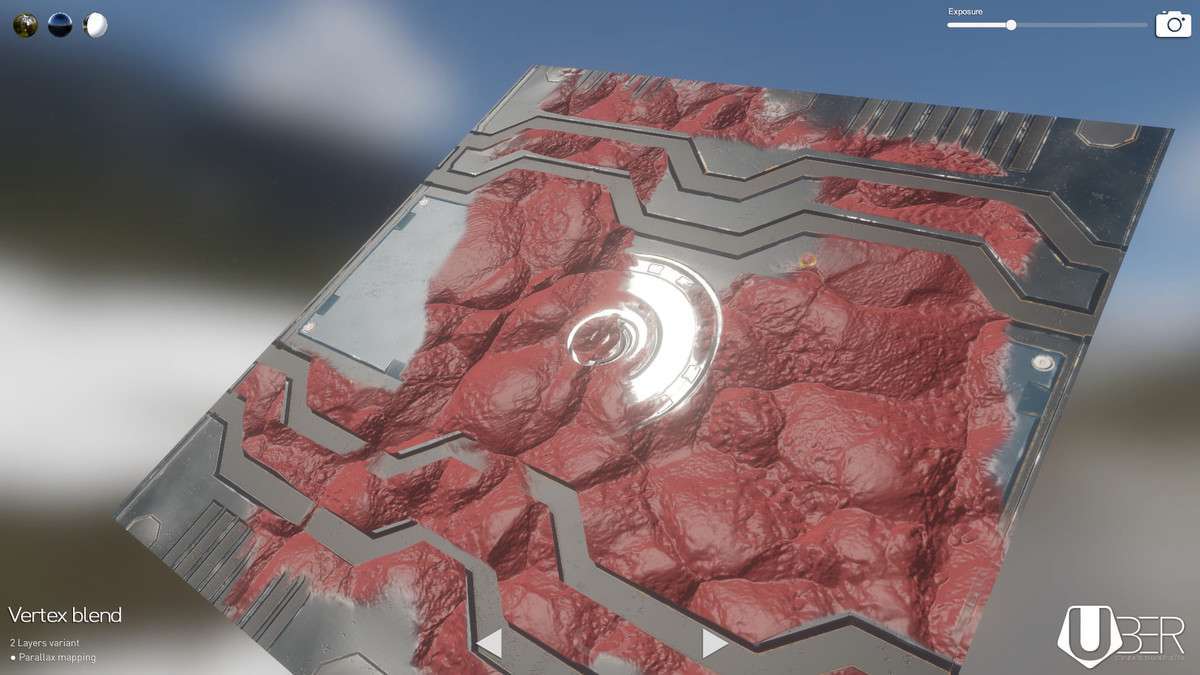
- Environment-Heavy First-Person Shooters: The vertex blend painting allows for seamless transitions between terrain textures (like mud to stone) without needing complex mesh layouts, significantly reducing the visual ‘seams’ in level design.
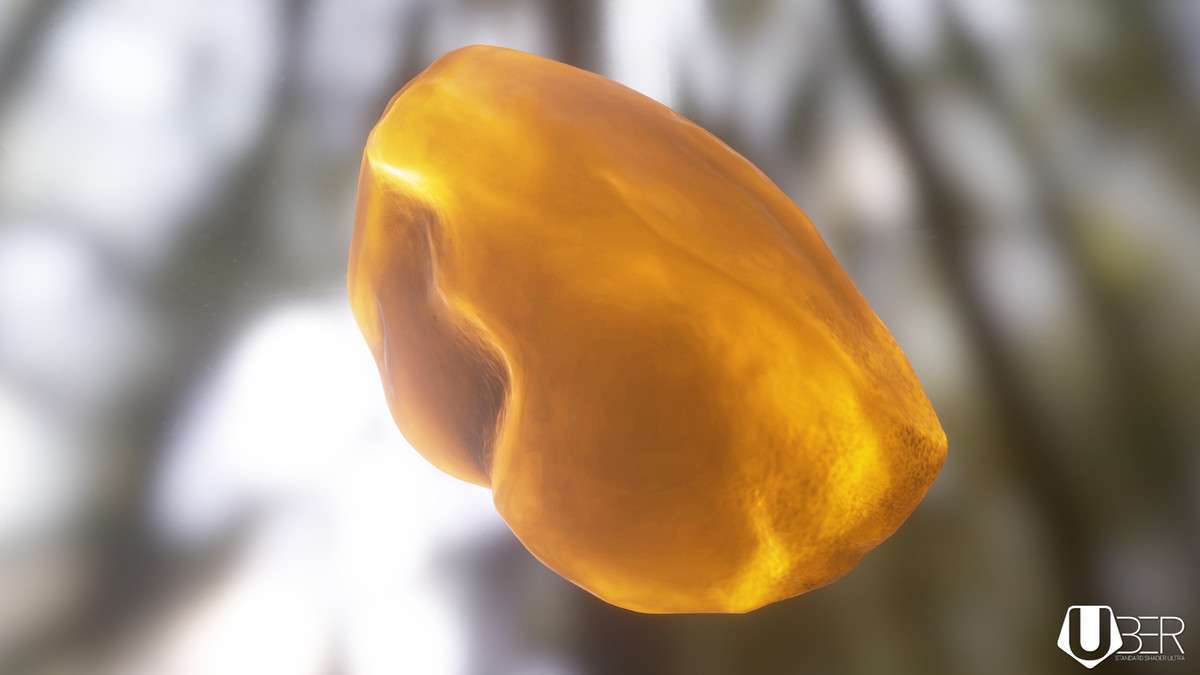
- High-Fidelity Architectural Visualization: The refraction and chromatic aberration controls allow for realistic glass and liquid rendering, crucial for internal scenes that require physical accuracy without switching to a ray-tracing-only pipeline.