
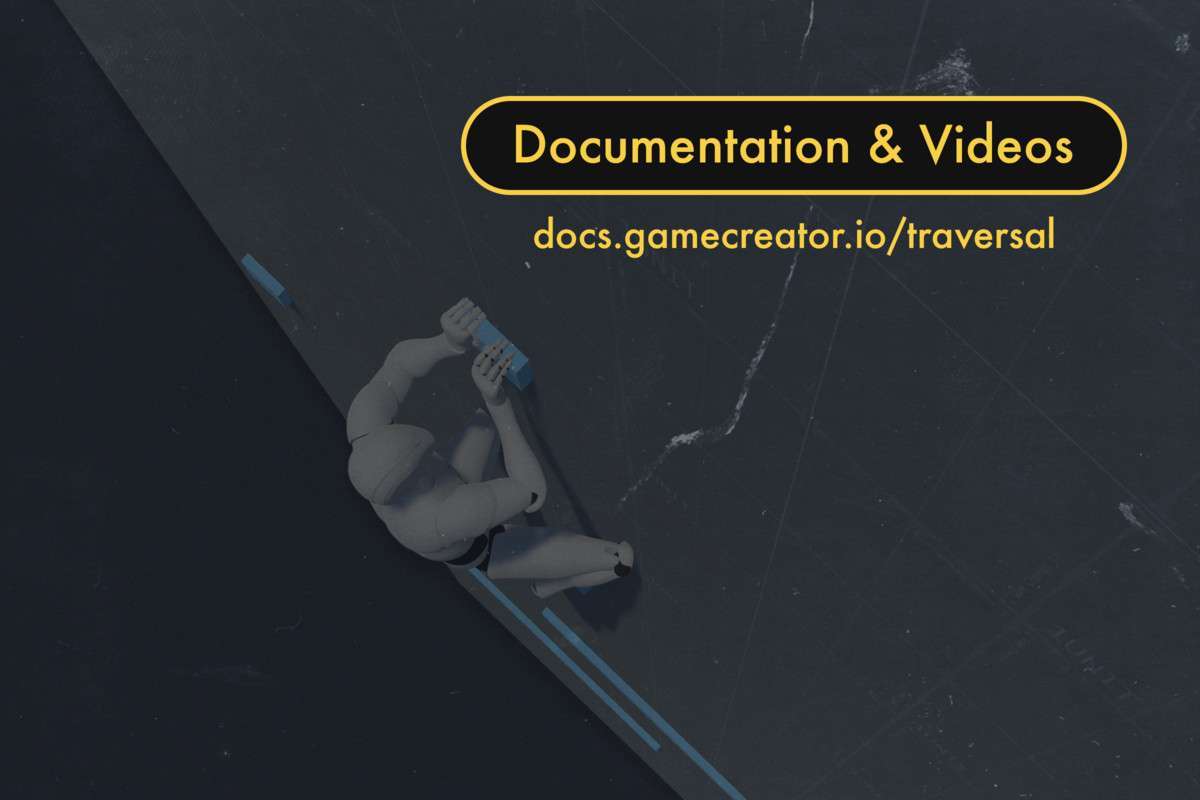
Traversal 2 | Game Creator 2 Unity: Building Dynamic Parkour Mechanics
Implementing Traversal 2 | Game Creator 2 Unity at version 2.0.1 completely elevates environmental navigation in projects built on Game Creator 2. This module is a robust framework for adding sophisticated parkour and acrobatic movement to both player characters and AI. It significantly reduces the development overhead for systems like vaulting, climbing, sliding, and wall-running, enabling developers to focus on level design and compelling gameplay scenarios rather than intricate animation logic and state machines.
Integration Tips
- Core Dependencies: Acknowledge the strict requirements: Unity 6 and Game Creator 2. Ensure your project is on these versions before integration. This module builds directly upon Game Creator 2’s architecture, so understanding GC2’s Actors, Modules, and Actions is fundamental.
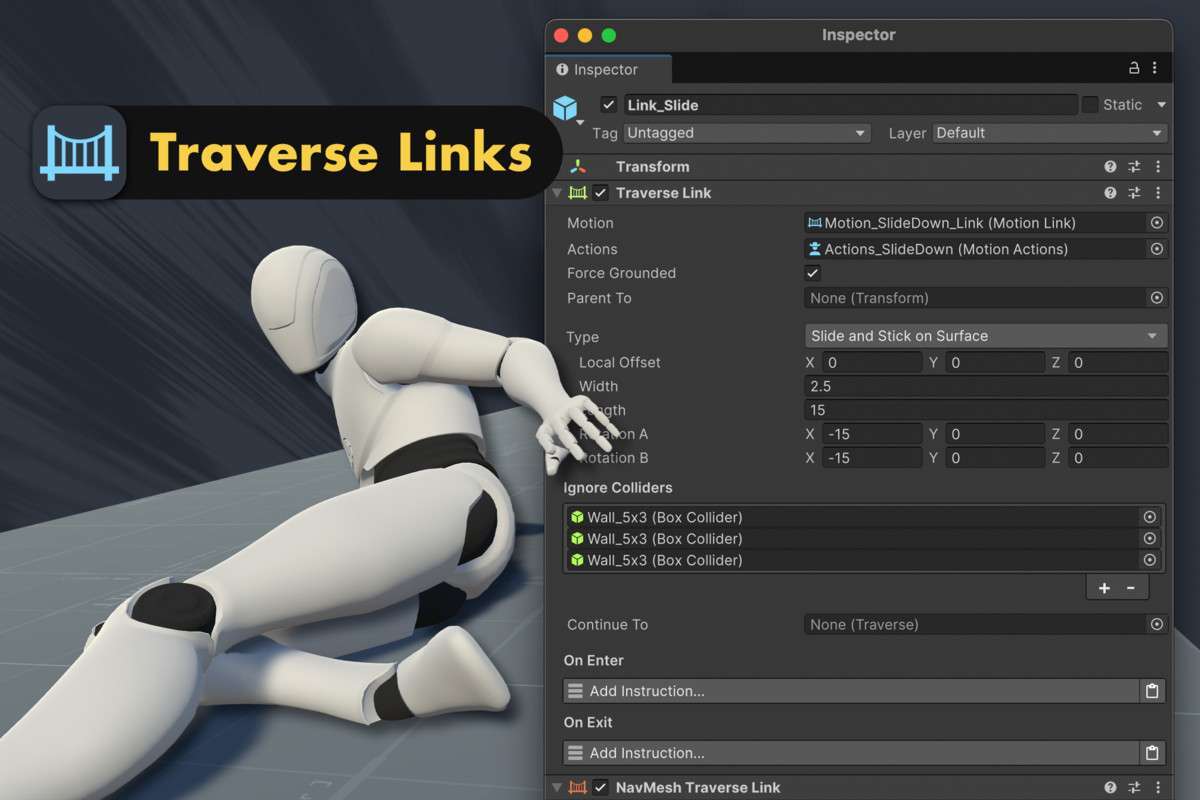
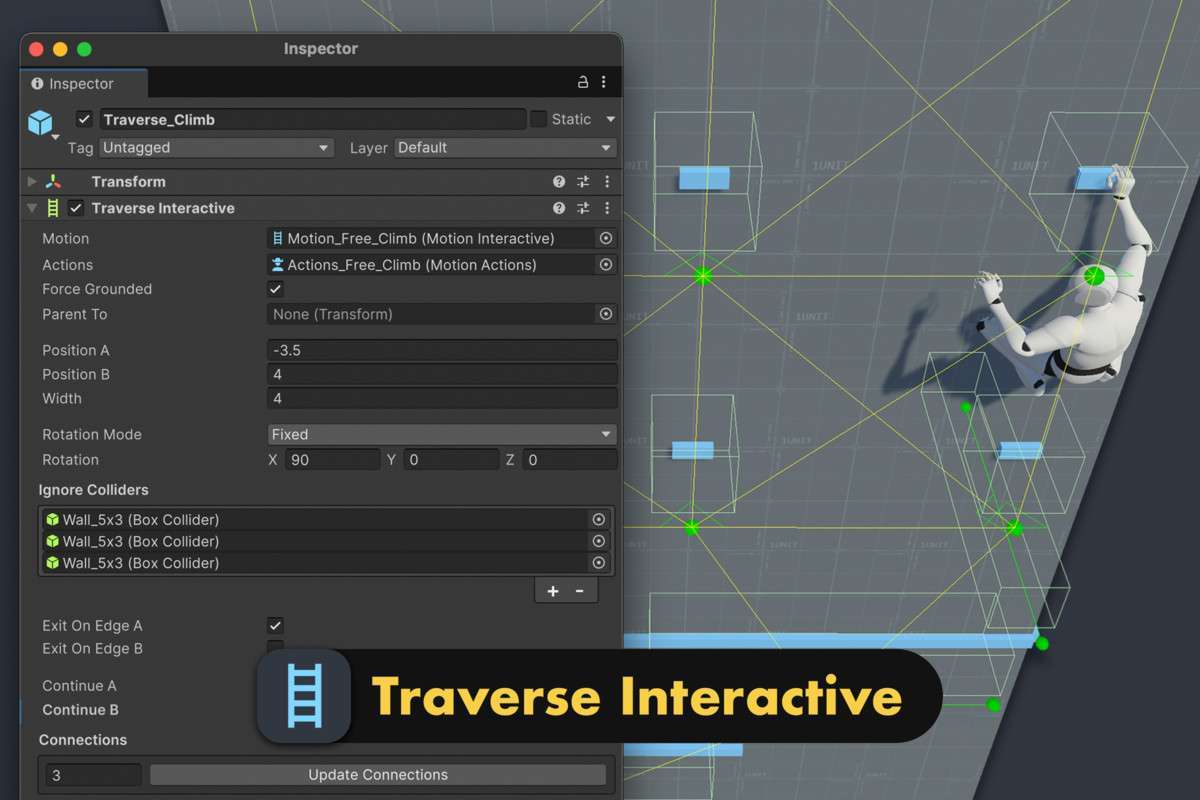
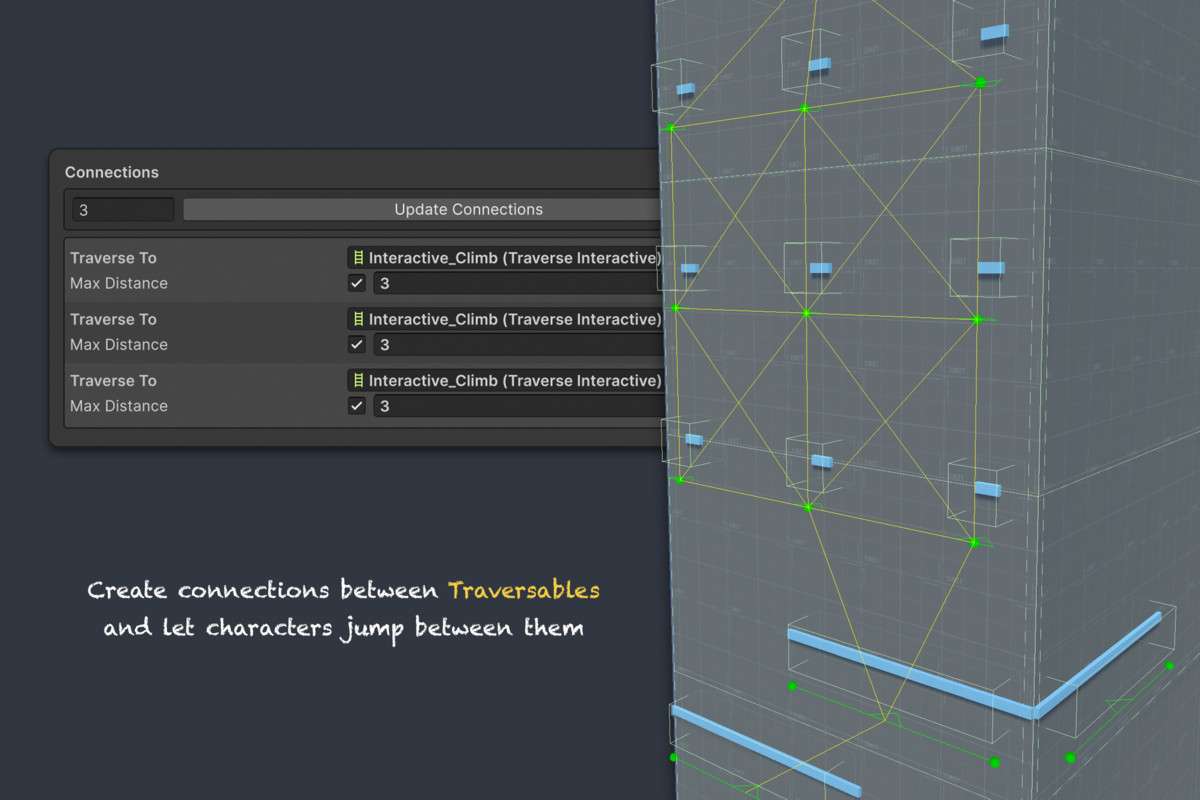
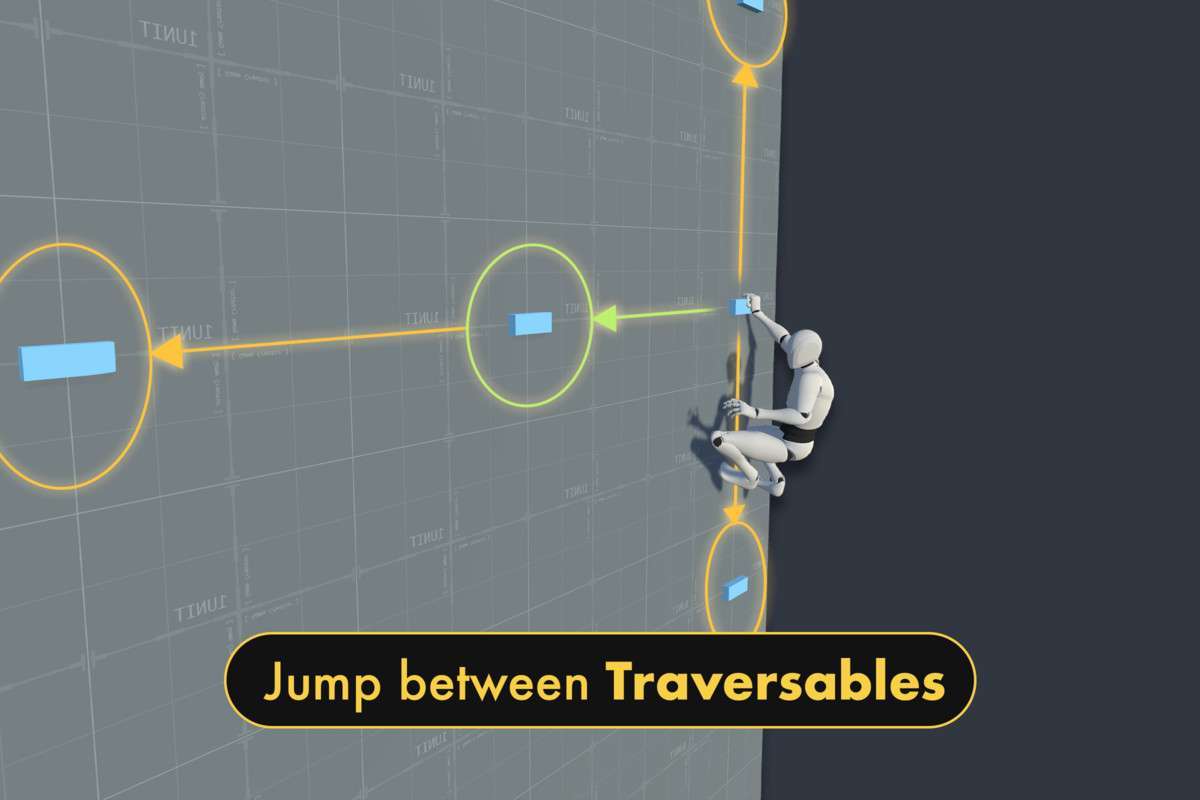
- Traverse Link vs. Traverse Interactive: Differentiate early in your design. `Traverse Link` is for automatic, seamless traversal (e.g., small ledges, simple vaults), ideal for fluid parkour or AI navigation. `Traverse Interactive` requires player input (e.g., ledge grabbing, grapple hooks), best for deliberate, player-controlled actions. This choice impacts level design and player agency.
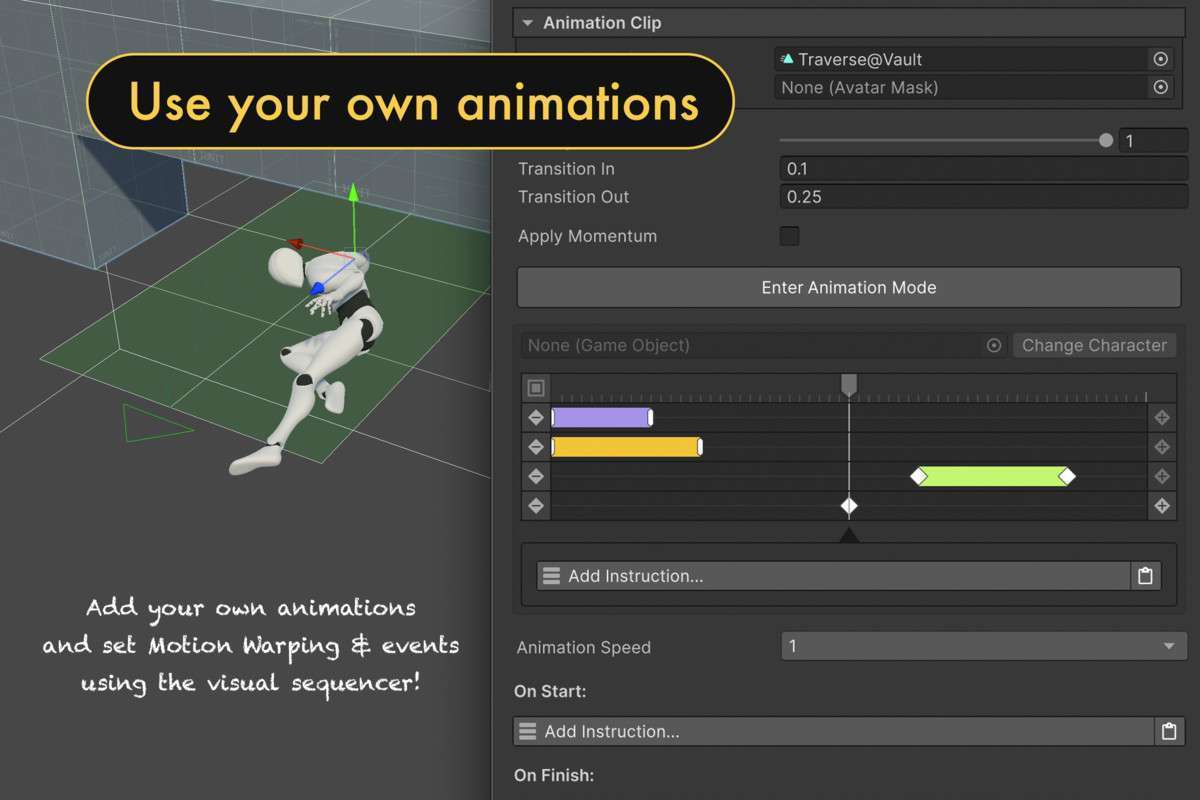
- Motion Warping & Root Motion: These are critical for high-quality, believable character movement. Ensure your character animations are properly configured for root motion, and leverage the module’s Motion assets to apply motion warping. This allows the character to precisely adjust their position and orientation to interact with obstacles of varying heights and widths, significantly reducing animation popping and improving visual fidelity.
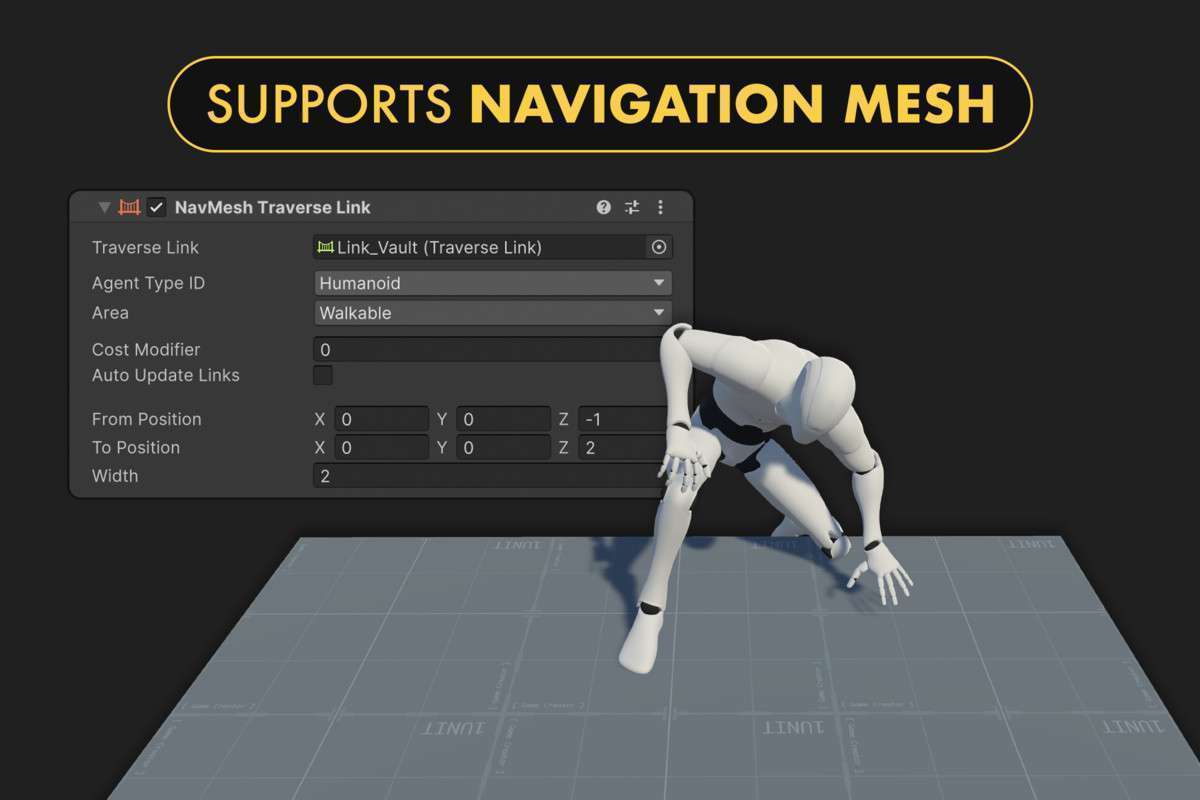
- NPC Integration with NavMesh: For AI characters, pair `Traverse Links` with Unity’s `NavMesh Agents`. This enables NPCs to intelligently perceive and navigate traversable obstacles, appearing more dynamic and aware of their environment. Configure NavMesh bake settings to accurately represent traversable geometry.
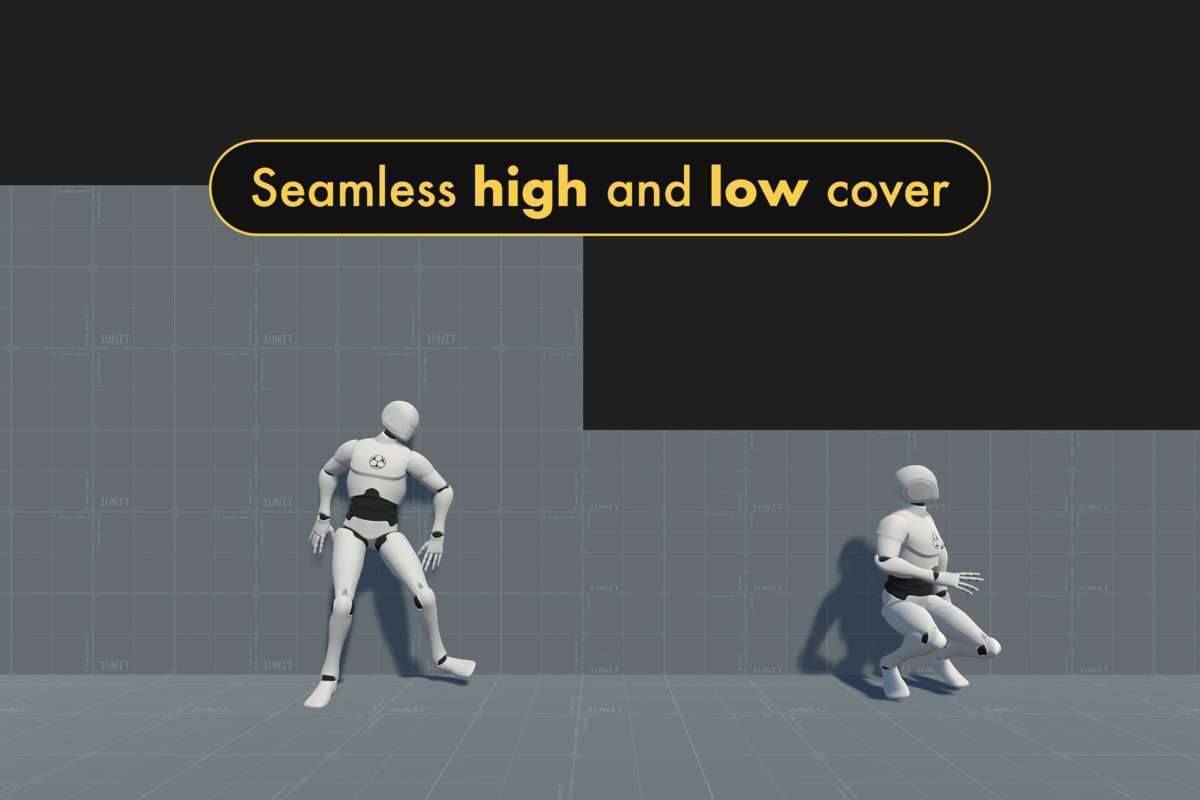
- Extending with Actions Assets: The optional `Actions asset` for traversal is powerful. Use it to trigger other GC2 abilities (e.g., a ‘Shoot from Cover’ action while in a low cover traverse, or an ‘Equip Grapple’ action before using a grapple hook). This allows for complex, multi-layered gameplay mechanics that combine movement with other character abilities.
- Animation Authoring: While the asset provides excellent examples, custom animations are key for unique character styles. Study the provided animation setups for vaulting, climbing, and wall-running as templates. Pay close attention to animation events and root motion curves for seamless blending and accurate interaction points.
Best Use Cases
-
Action-Adventure & Parkour Games: For titles where fluid environmental navigation and expressive player movement are core pillars of gameplay, akin to titles like Assassin’s Creed or Mirror’s Edge. The comprehensive set of traversal mechanics (vaulting, climbing, wall-running, ziplines) combined with robust motion warping ensures high-quality, responsive character control, significantly accelerating the implementation of a polished parkour system and freeing up development time for intricate level design.
-
Open-World RPGs with Verticality & Stealth Games: For genres that benefit from complex environmental interaction, encouraging player exploration and tactical movement through multi-layered levels. The ability to define `Traverse Interactive` elements like ledges, grapple points, and covers allows for sophisticated level design that leverages vertical space and offers multiple strategic paths for players (or AI). This enhances replayability and supports emergent gameplay by providing diverse ways to navigate challenges and engage with the game world.