
Technical Overview
The TopDown Engine Unity framework, currently at 2.0.0, is more than just a template; it is a comprehensive architectural foundation for any 2D or 3D top-down project. Its biggest strength is the decoupling of the Character and CharacterAbility scripts. This allows us to extend functionality—like adding a specialized dash or a custom weapon type—without touching the core movement logic, significantly reducing our technical debt during the prototyping phase.
Integration Tips
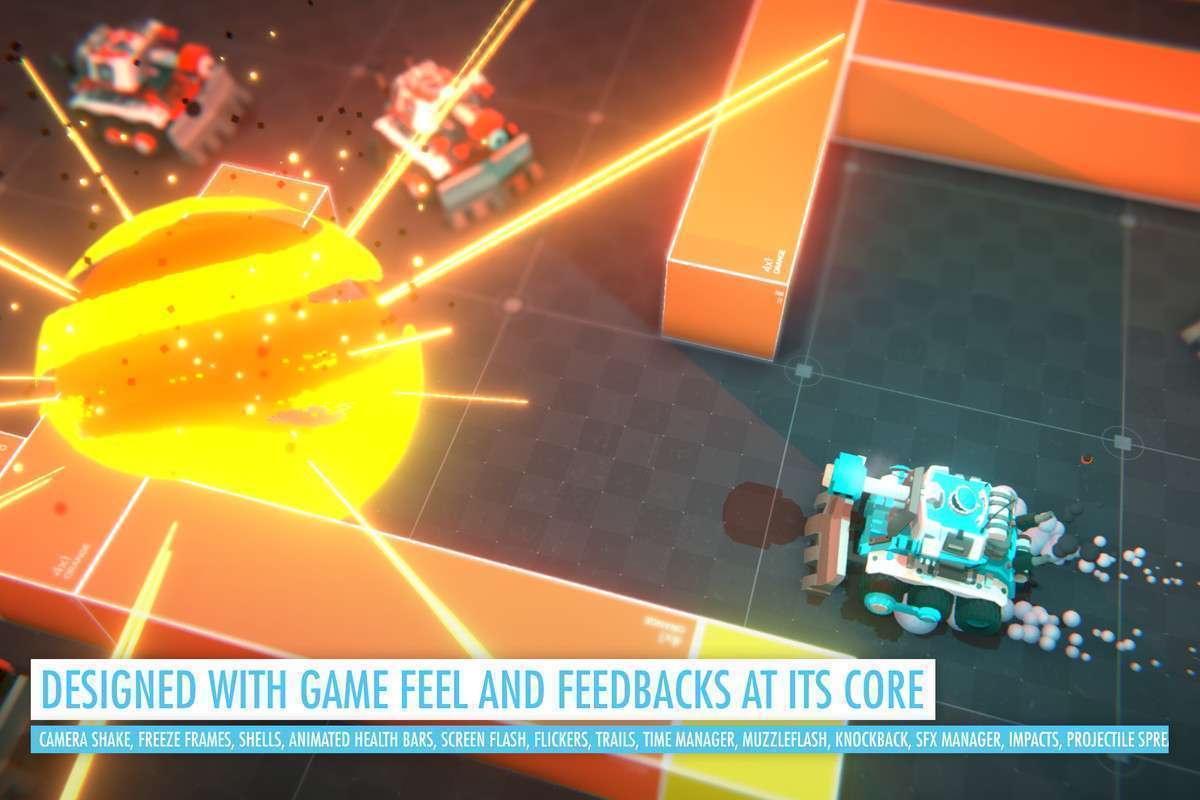
- Feedbacks System: Do not overlook the
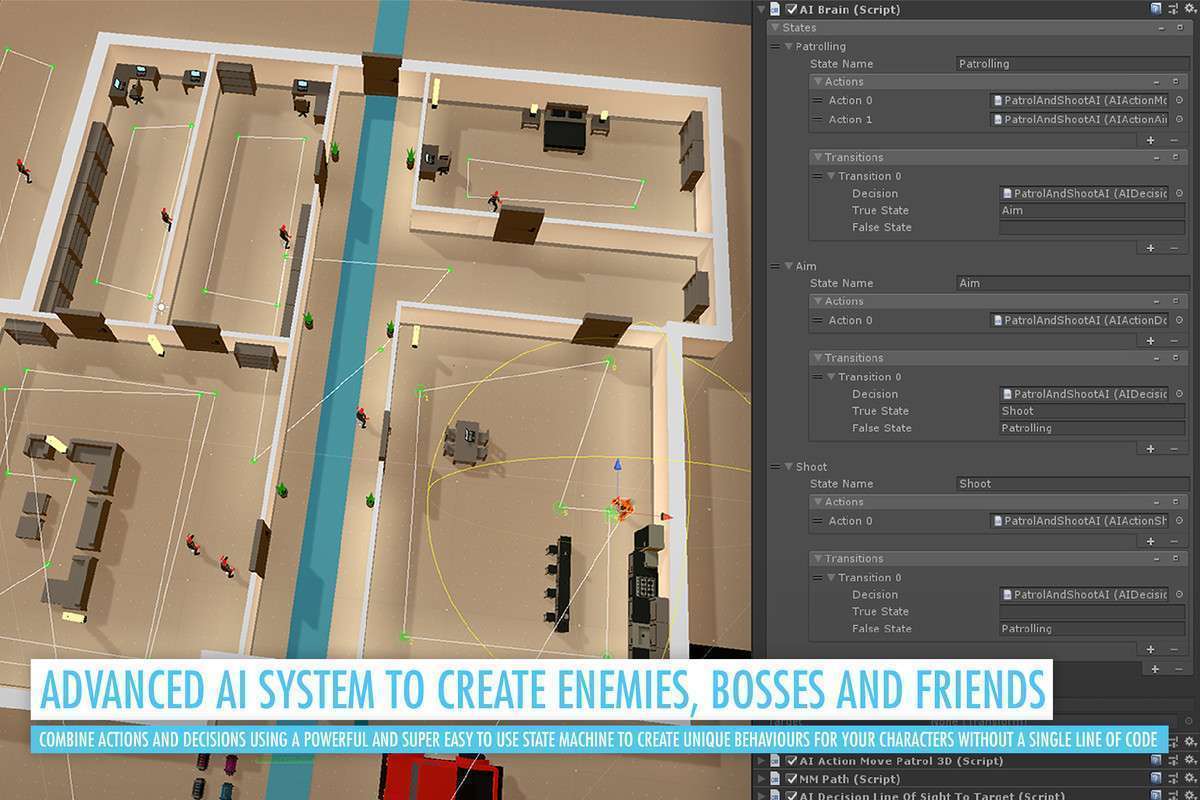
MMFeedbacksintegration. Instead of writing custom screen-shake or particle triggers for every impact, use the event-based feedbacks. It’s significantly more performant than manual instantiation and keeps your scripts clean. - A.I. Brain Logic: When building enemies, use the ‘AI Brain’ component to separate states. I recommend keeping your ‘Actions’ and ‘Decisions’ as small, reusable classes. This makes debugging enemy behavior as simple as checking the inspector toggles.
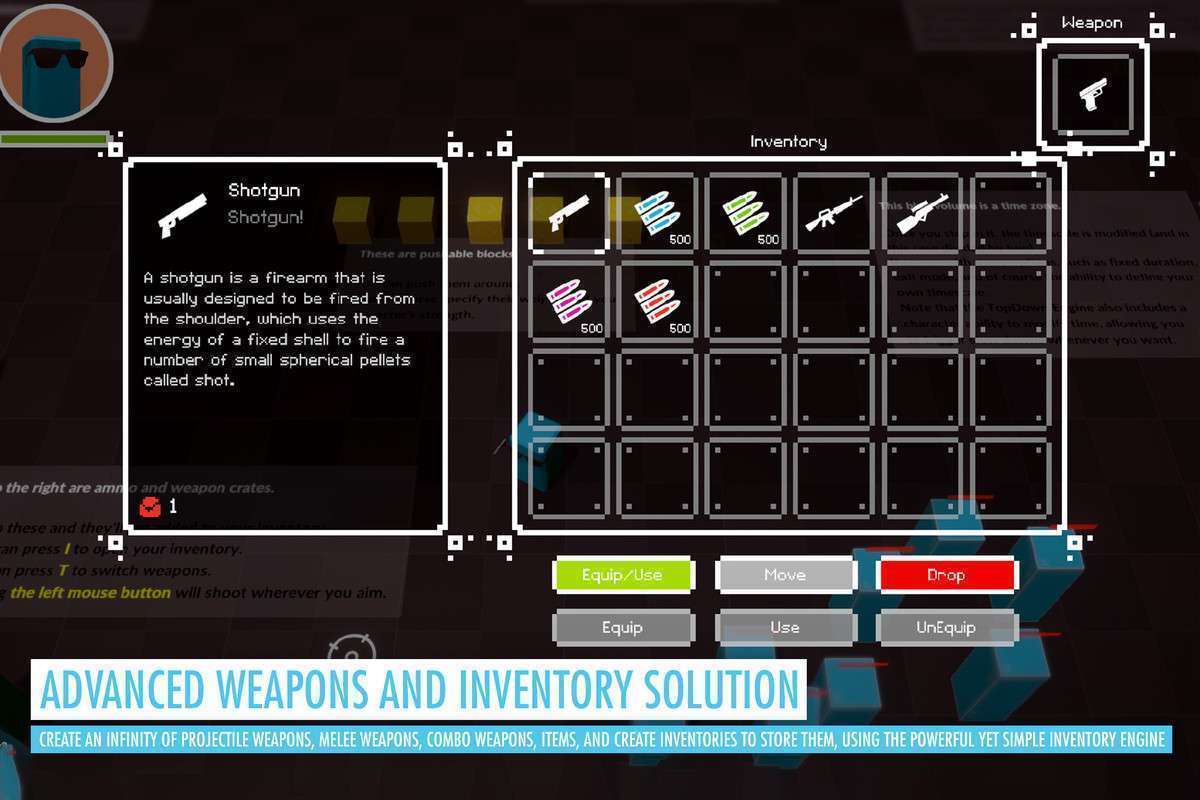
- Inventory Sync: If you’re using the included Inventory Engine, ensure your
ItemPickerscripts are properly assigned to the correct inventory ‘name’ string, otherwise, pickups will fail to register in the UI.
Best Use Cases
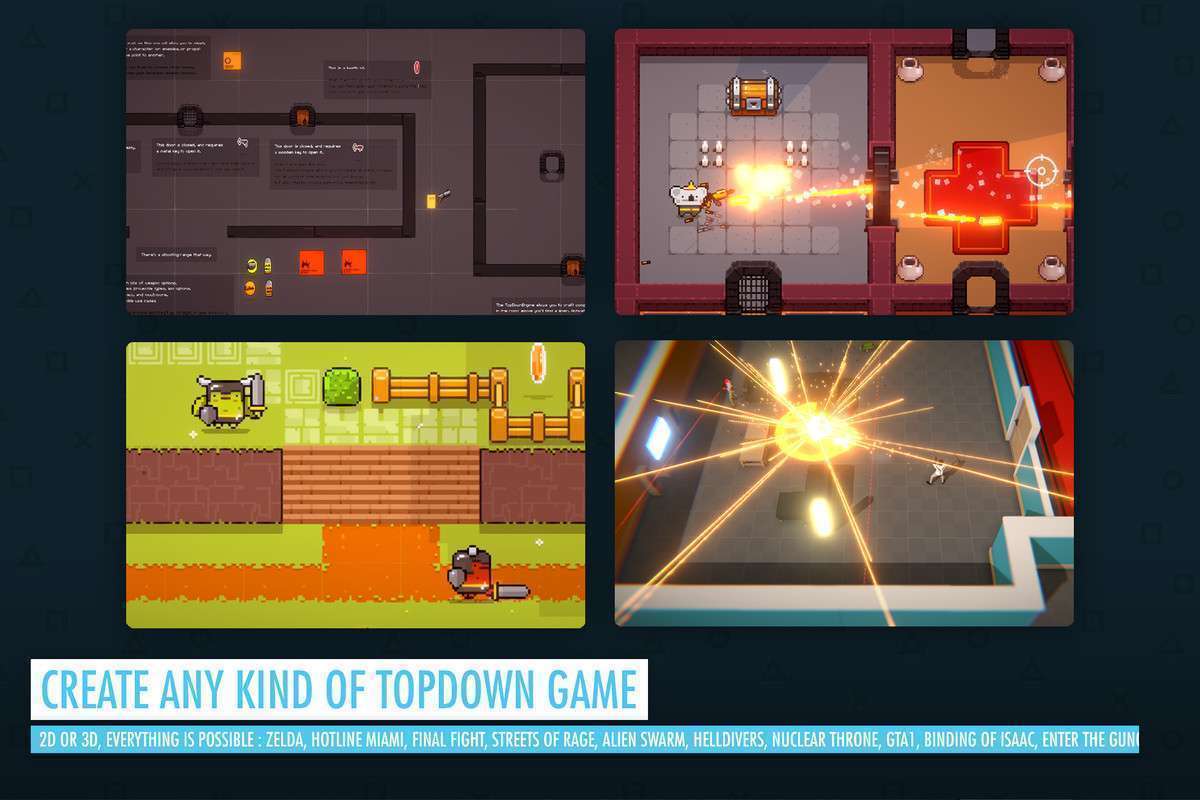
- Fast-Paced Roguelikes: The built-in support for procedural generation and the robust damage/health system makes this the industry standard for creating ‘Enter the Gungeon’ style experiences quickly.
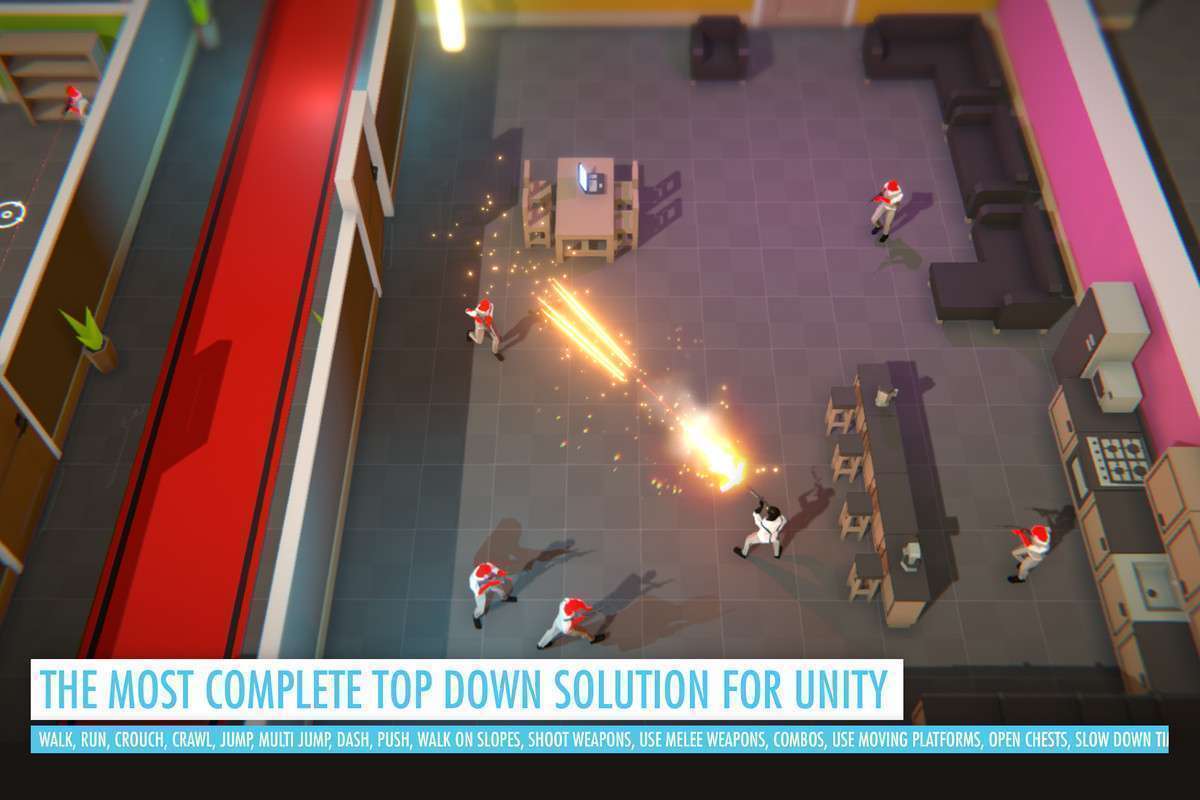
- Twin-Stick Shooters: With out-of-the-box support for auto-aim, projectile pools, and complex weapon patterns, it handles the high-density object management required for ‘bullet hell’ scenarios with minimal overhead.