
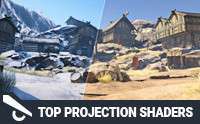
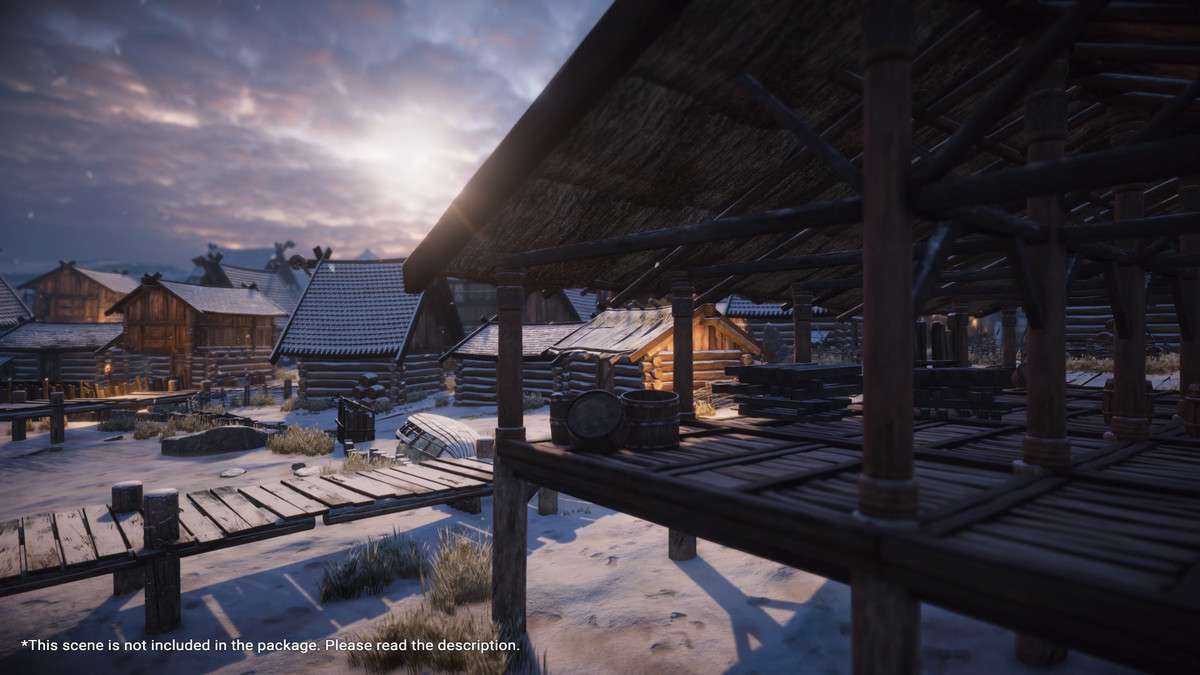
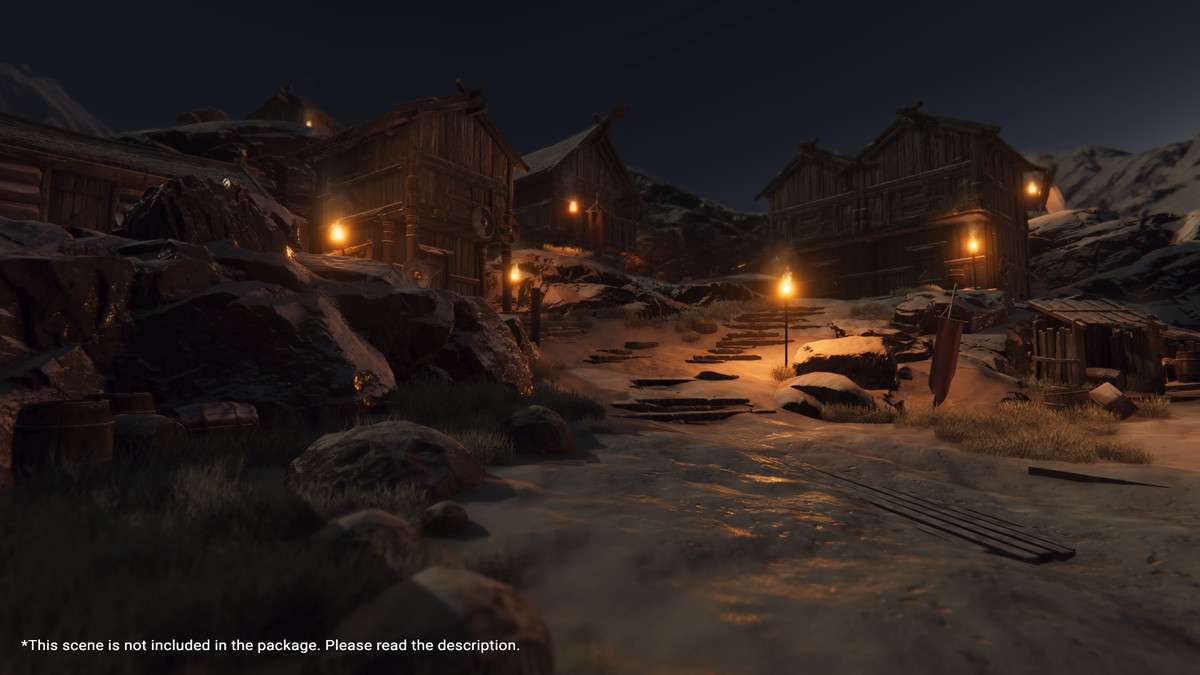
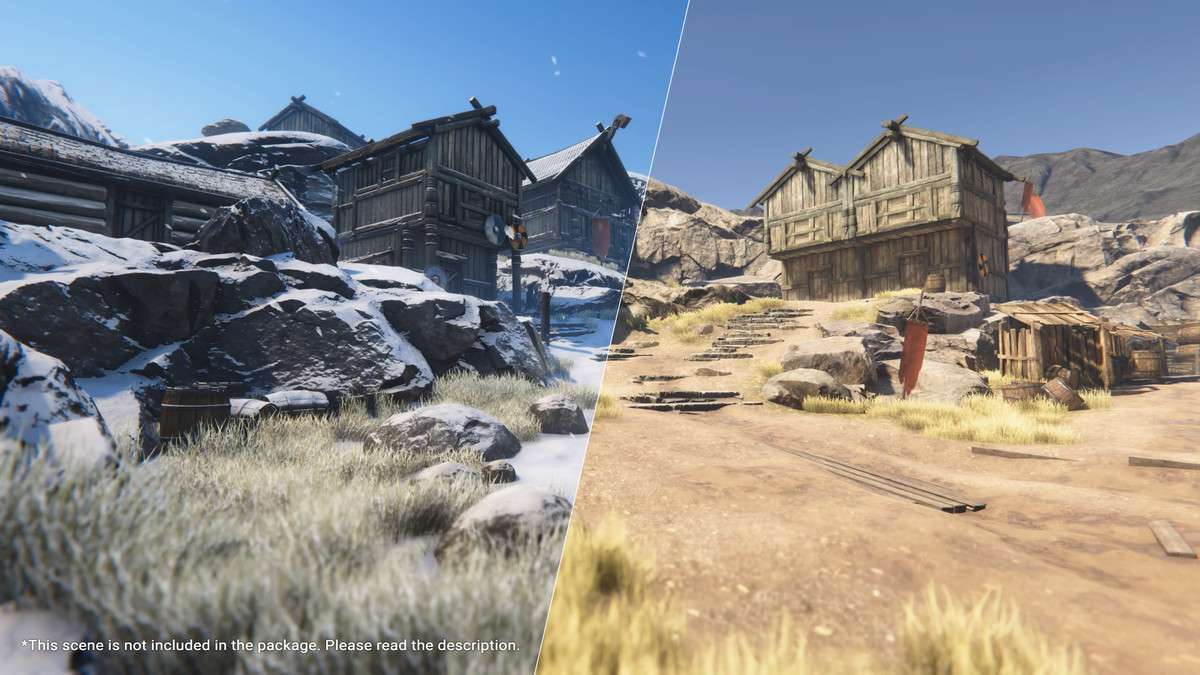
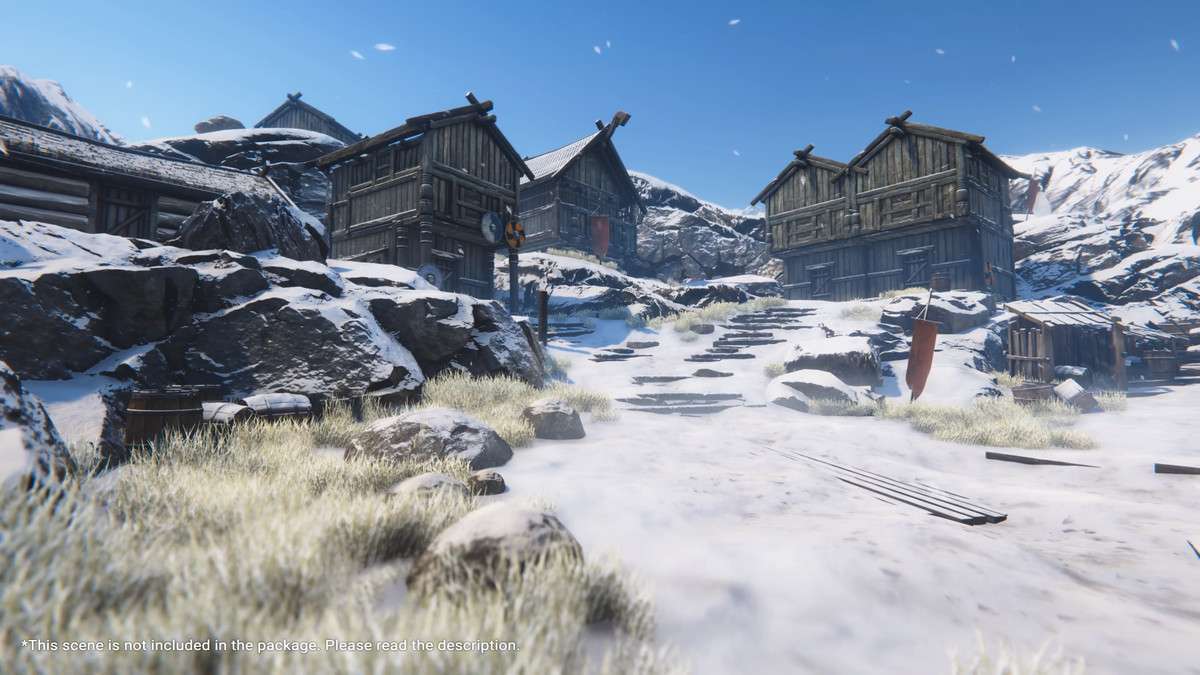
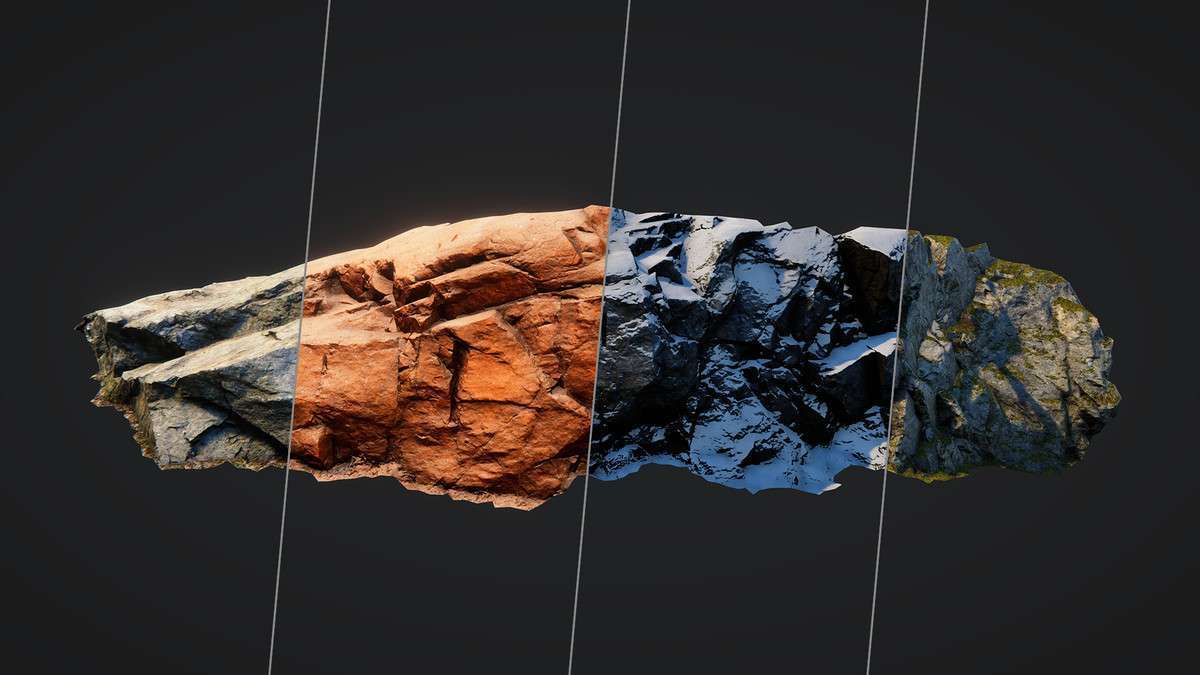
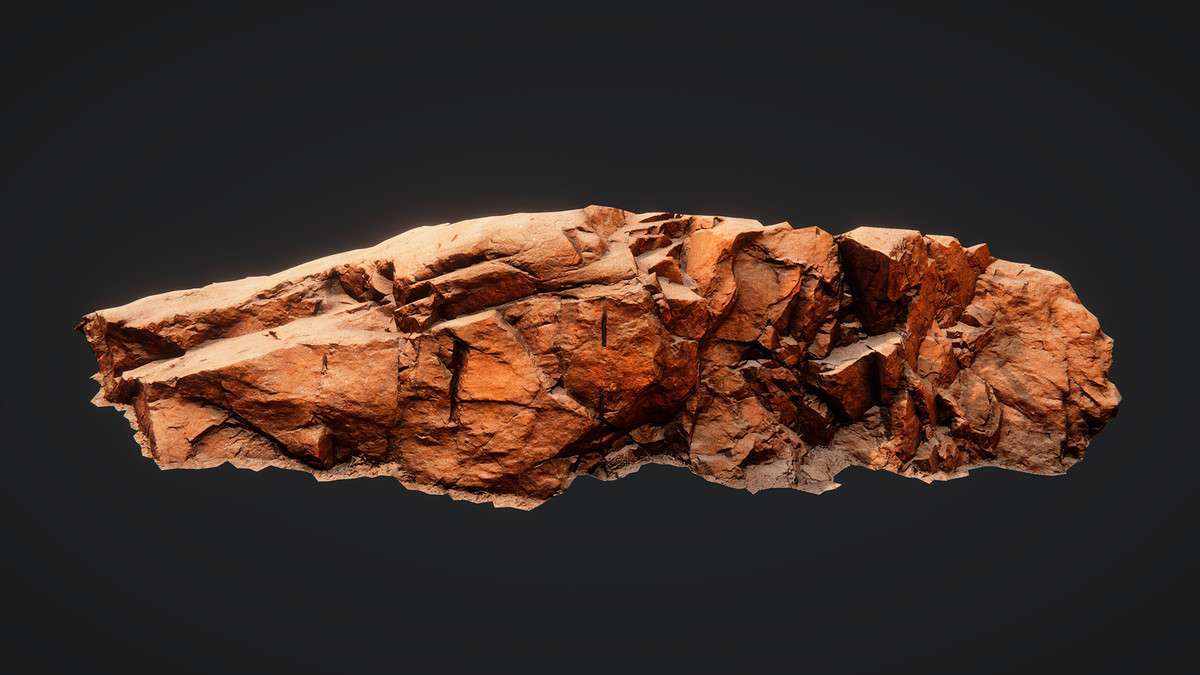
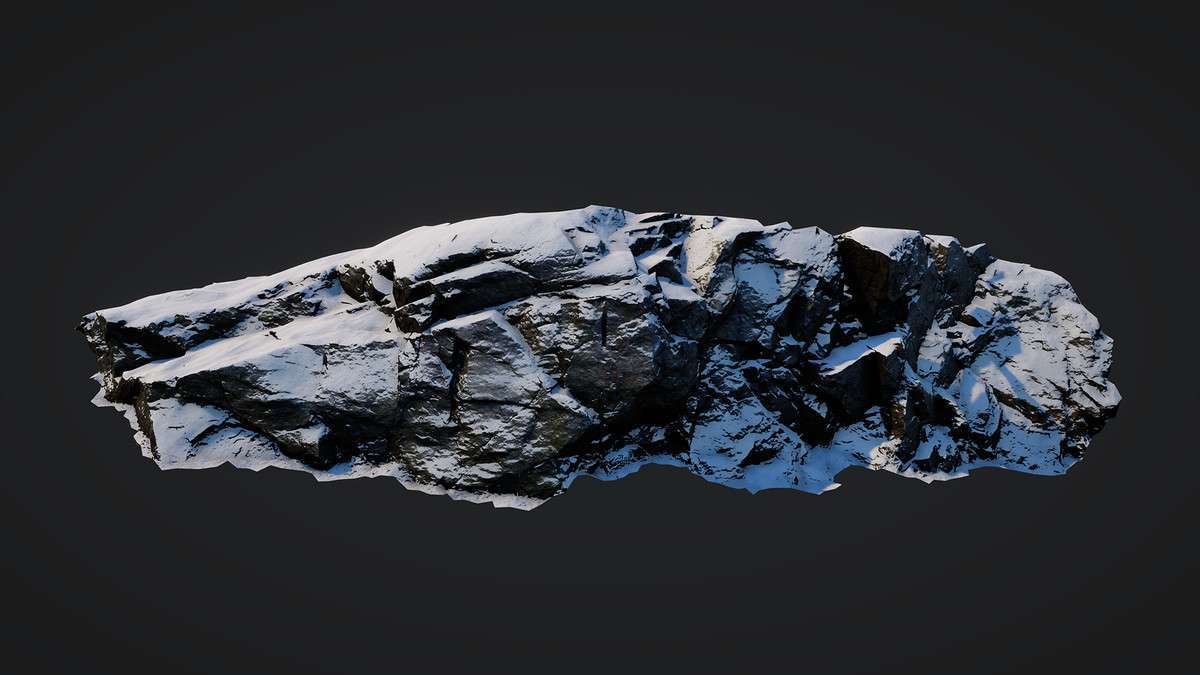
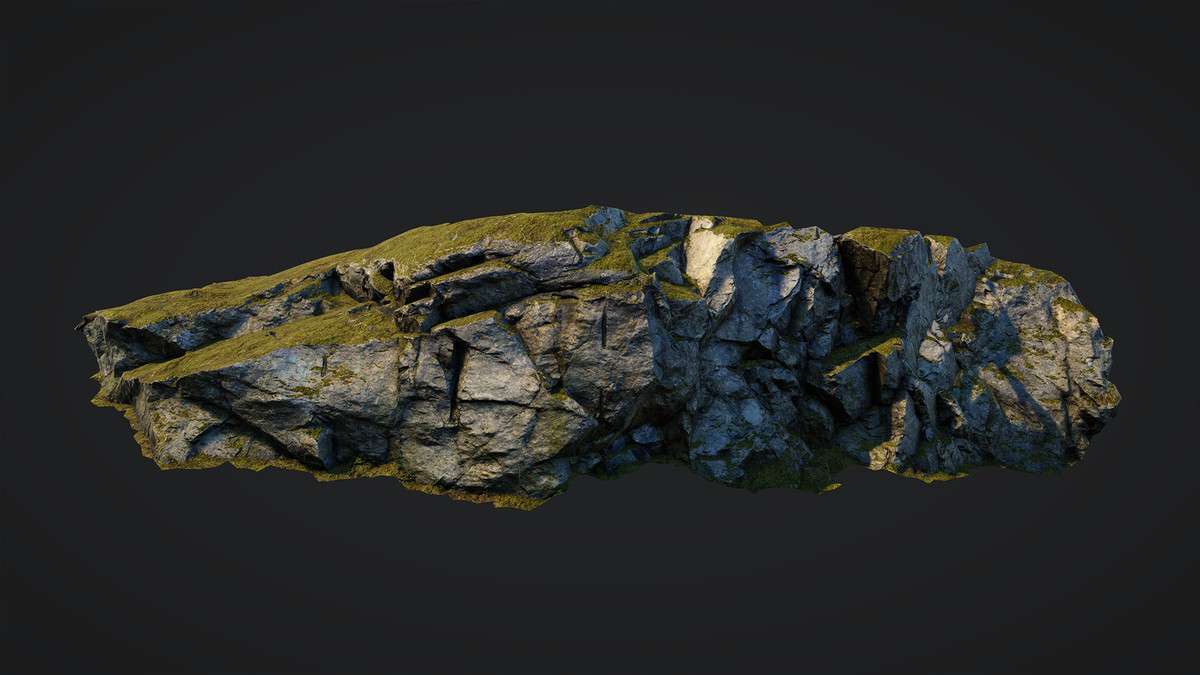
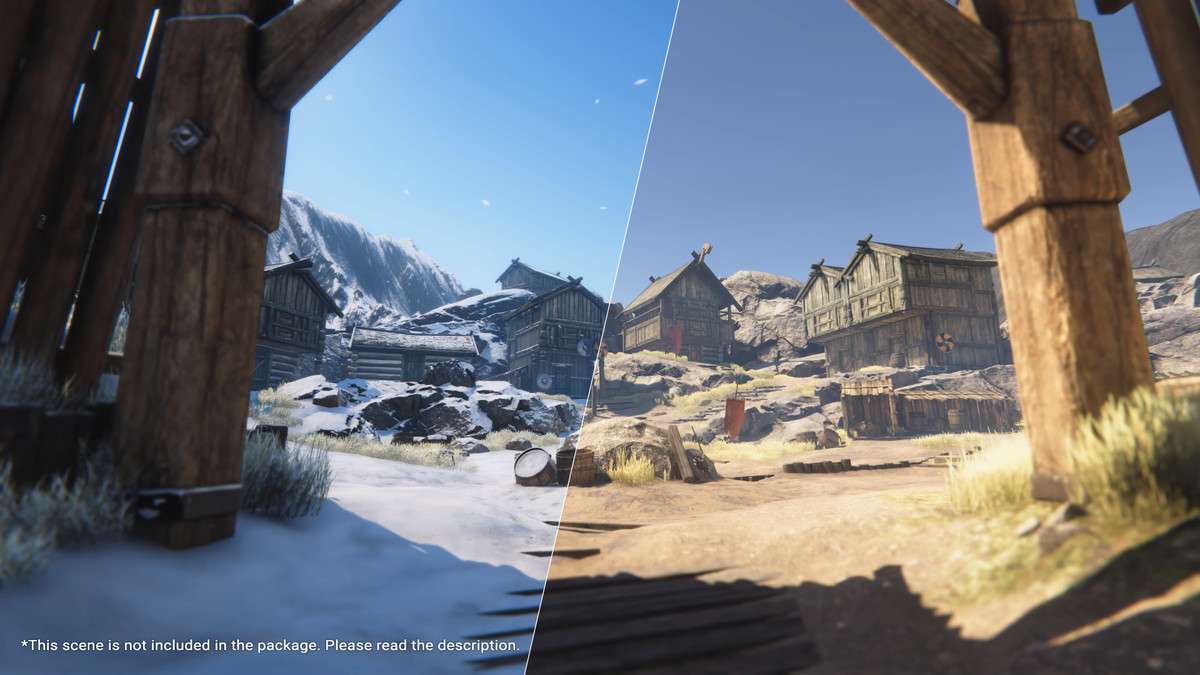
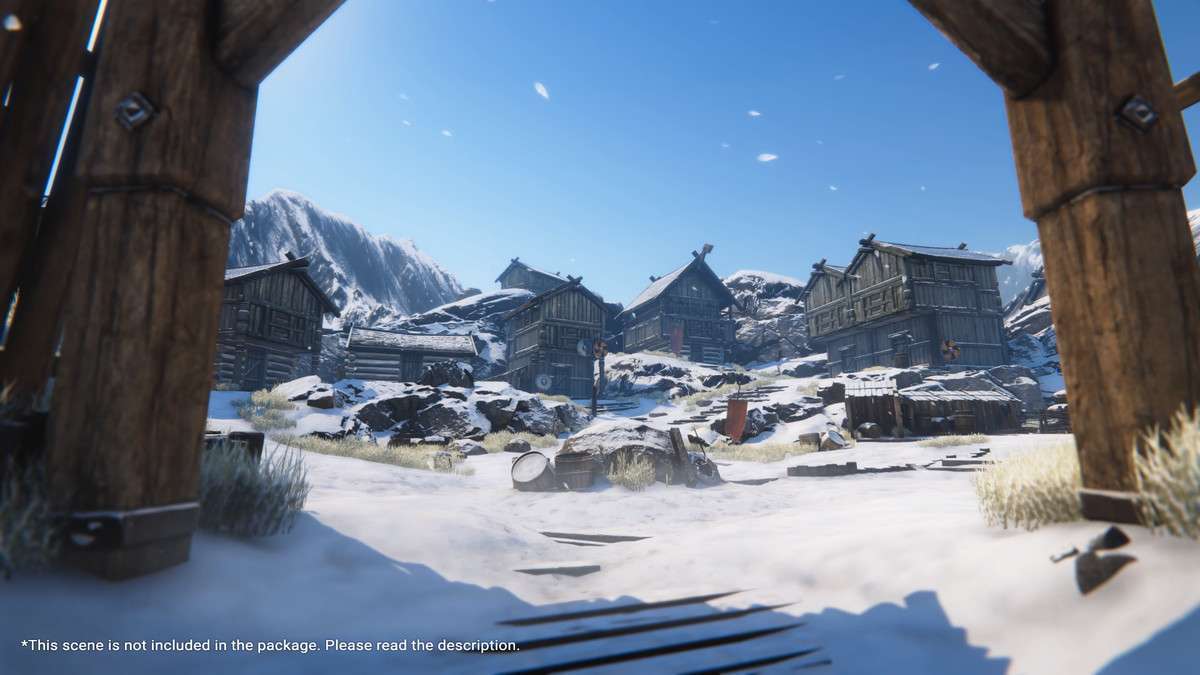
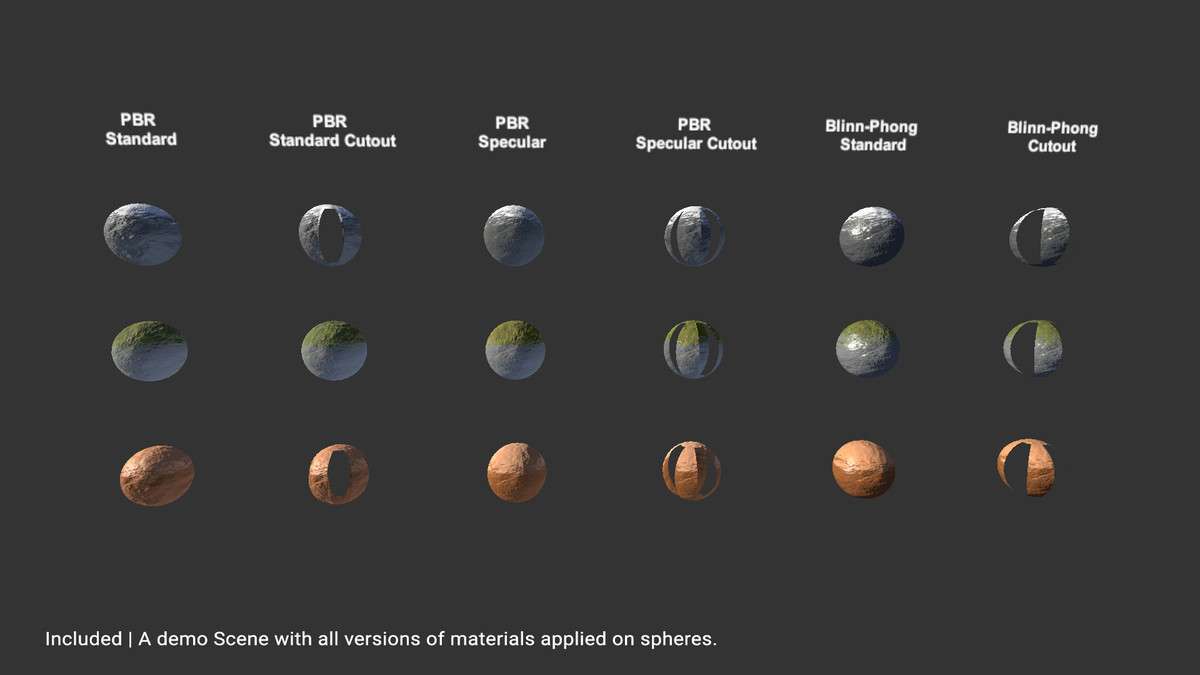
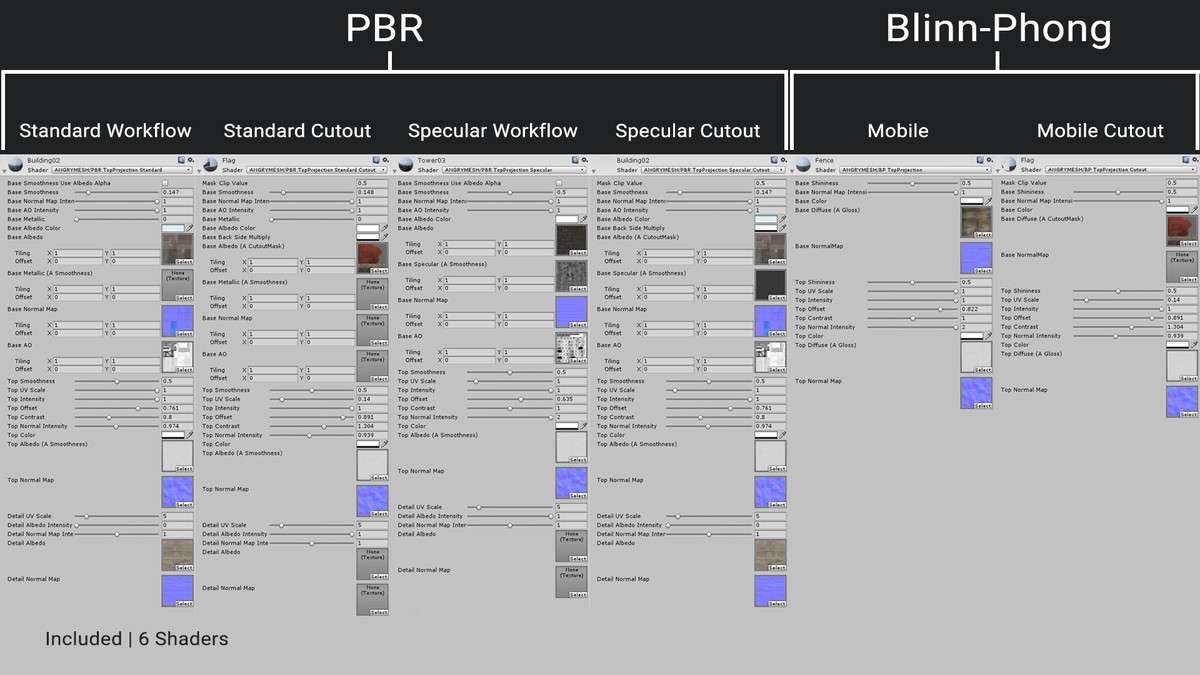
When building environments that require dynamic weather coverage, the Top Projection Shaders Pack Unity workflow provides a highly efficient alternative to manual texture painting or complex vertex color setups. Using 1.0.0, we can leverage triplanar mapping restricted to the Y-axis to simulate snow, sand, or moss accumulation across any mesh, regardless of its underlying UV layout. This is particularly effective for static world geometry where you need consistent top-down coverage that doesn’t stretch on vertical cliffs.
Technical Overview
- Shader Architecture: Supports both PBR (Metallic/Specular) and optimized Blinn-Phong for mobile bottlenecks.
- Projection Logic: World-space triplanar mapping ensures that as you rotate a rock or prop, the “snow” always stays on the top surface.
- Optimization: Low-end variants support SM2, making it viable for Google Cardboard or older mobile hardware without breaking the draw call budget.
Integration Tips
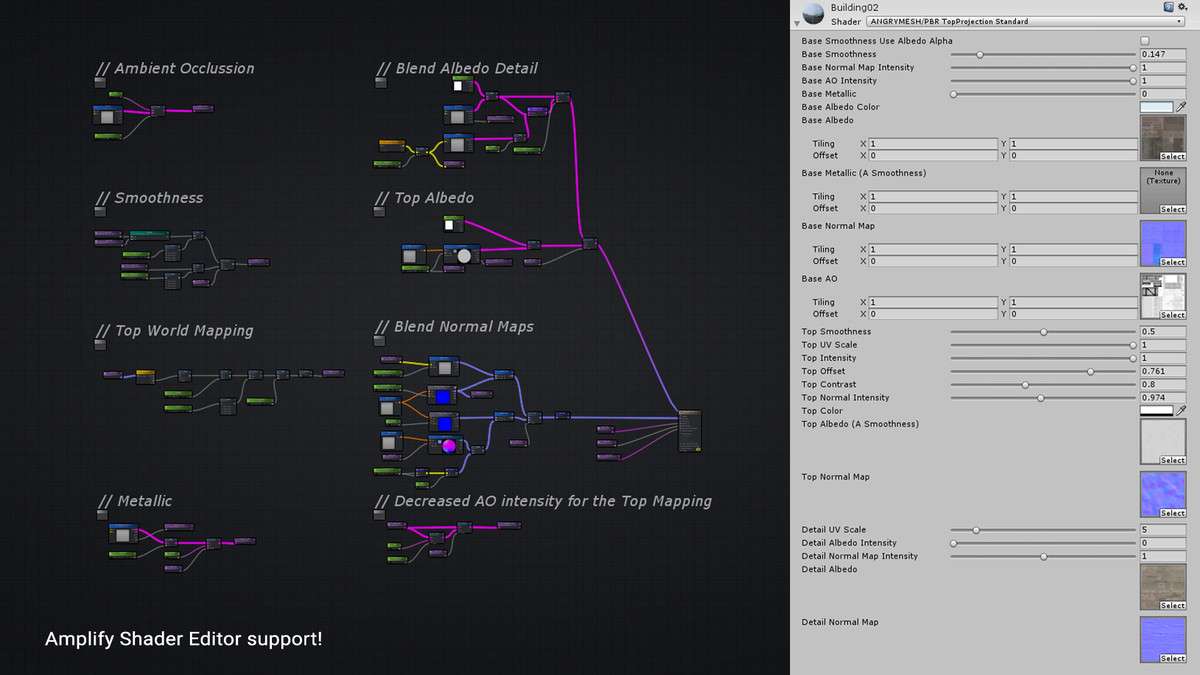
To integrate this into an existing URP or Standard project, swap your environment materials with the provided PBR Opaque or Cutout variants. If you are using the Amplify Shader Editor, you can open the source nodes to inject custom logic, such as distance-based fading or height-masking. One common gotcha: because the shader relies on world-space normals for projection, ensure your meshes have properly calculated normals; otherwise, the projection transition will look jagged. This asset pairs exceptionally well with GPU Instancer to handle large forests with uniform moss coverage without unique material instances for every tree.
Best Use Cases
- Open World Survival: Essential for implementing a global “Winter” state. By adjusting the Projection Intensity property via a global shader variable, you can transition an entire map from summer to winter without re-baking textures.
- Mobile Platformers: The Blinn-Phong optimized shaders allow for high-fidelity sand or moss effects on low-power devices where full PBR calculations would tank the frame rate.