
Streamlining Steam API Implementation
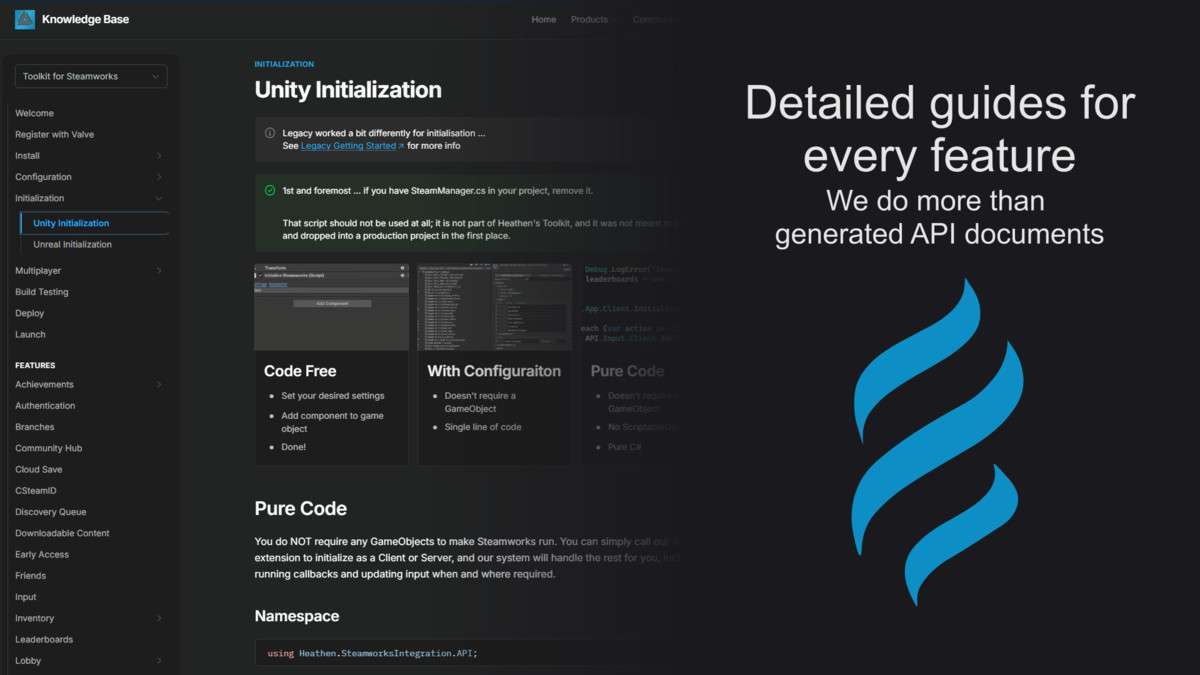
The Toolkit for Steamworks 2026 Unity edition 4.1.3 is an essential abstraction layer over the raw Steamworks.NET wrapper, designed to handle the boilerplate of Steam integration. For senior developers, the primary value lies in its ScriptableObject-based configuration, which allows you to define achievements, stats, and leaderboard schemas directly within the Inspector rather than hardcoding string constants. This reduces runtime errors and makes the transition from development builds to the Steam back-end significantly more reliable.
Integration Tips
- Steam App ID Management: Ensure your
steam_appid.txtfile is located in the root project folder during development. Heathen’s toolkit provides a wrapper, but the underlying Steam API still requires the physical file to initialize correctly in the editor. - Execution Order: Pay close attention to the initialization of the Steam Manager. It should be one of the first scripts to run in your initial loading scene. Use the provided event callbacks (onSteamInitialized) to trigger dependent systems like cloud save loading or rich presence updates.
- Input System Conflict: If you are using the new Unity Input System, coordinate with the Steam Input action sets provided in the toolkit to ensure that overlay interactions don’t conflict with in-game input buffering.
Best Use Cases
- Multiplayer Indie Titles: The Matchmaking and Lobby management API is a massive time-saver for developers building P2P or dedicated server games that need to leverage Steam’s social graph for invites and friend-finding.
- Live Service Games: Utilizing the Inventory and Workshop integration allows for long-term player engagement through User Generated Content (UGC), handled natively through the toolkit’s high-level C# methods.