
Technical Overview
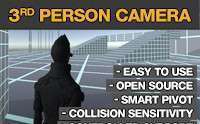
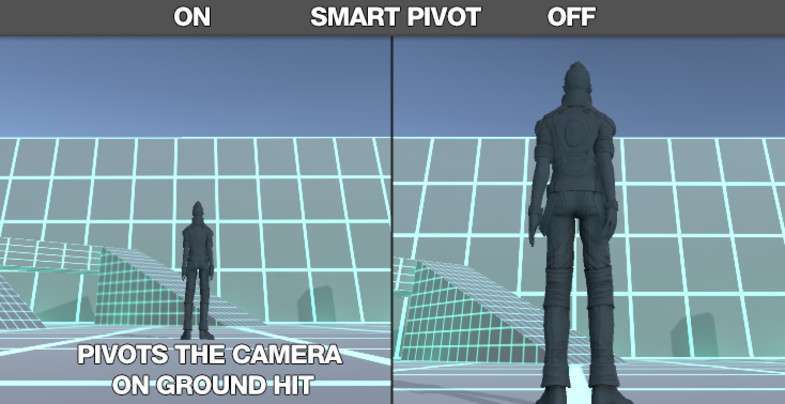
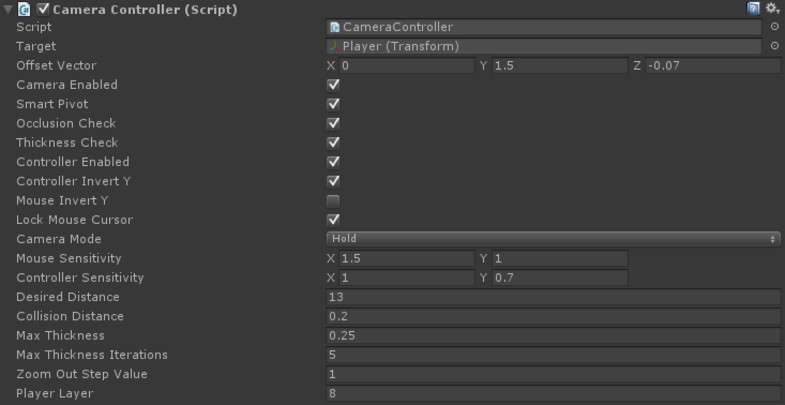
Implementing a reliable camera system is often a bottleneck in character-driven projects. The Third Person Camera Unity asset, version 2.2.0, effectively solves the ‘clipping through geometry’ issue using a spherical collision algorithm that feels significantly smoother than a standard Raycast. As a senior dev, I appreciate the ‘Smart Pivot’ logic, which prevents the player model from obscuring the view when the camera is pushed against the floor or walls—a common pitfall in tight-quarter levels.
Integration Tips
- Culling Mask Configuration: Ensure your ‘Player’ layer is excluded from the camera’s collision mask. If the camera detects the character’s head-mesh as an obstacle, you’ll experience frustrating ‘snapping’ or unexpected zoom-ins.
- KCC Workflow: If you are using the Kinematic Character Controller (KCC), use the provided integration script rather than trying to manually sync the
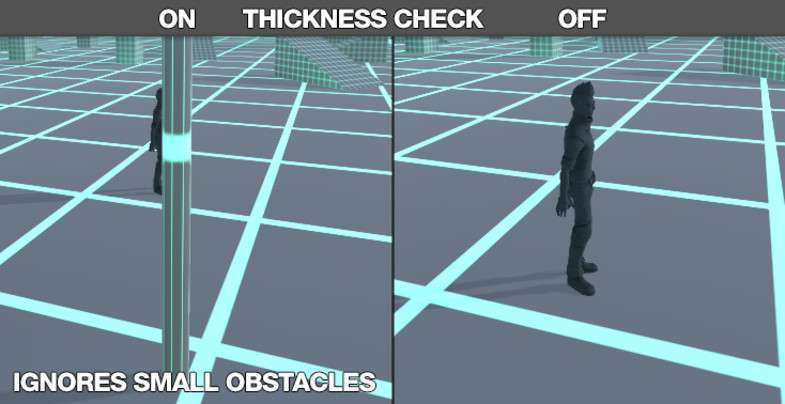
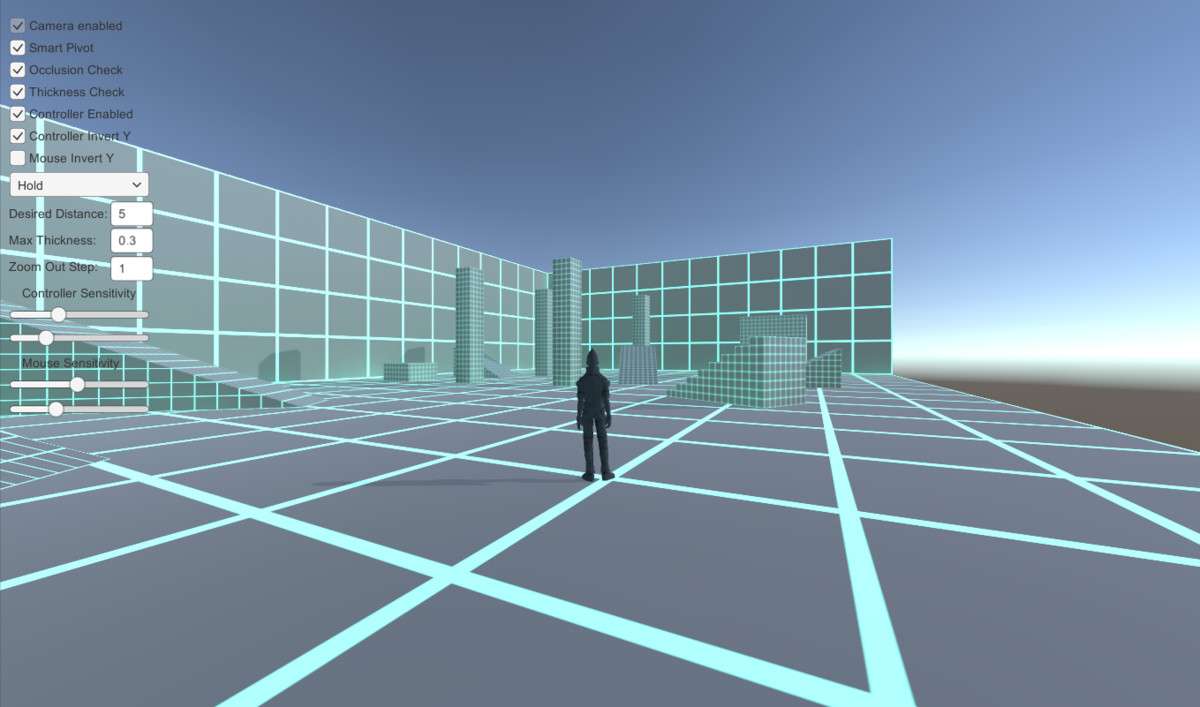
LateUpdateloops. This ensures the camera position is updated after all movement calculations to eliminate jitter. - Thickness Checking: Fine-tune the ‘Thickness’ parameter to allow the camera to ignore small foliage or wire-mesh fences. This keeps the gameplay flow consistent without unnecessary camera jerks in outdoor environments.
Best Use Cases
- Action-Adventure RPGs: The ‘Over the Shoulder’ offset and ‘Lock On’ modes make this ideal for Souls-like or third-person shooters where precise targeting and situational awareness are key.
- 3D Platformers: The ‘Follow Slope Alignment’ feature ensures the camera maintains a consistent angle relative to the ground, which is essential for landing jumps on steep inclines.