
VRAM and Build Size Management
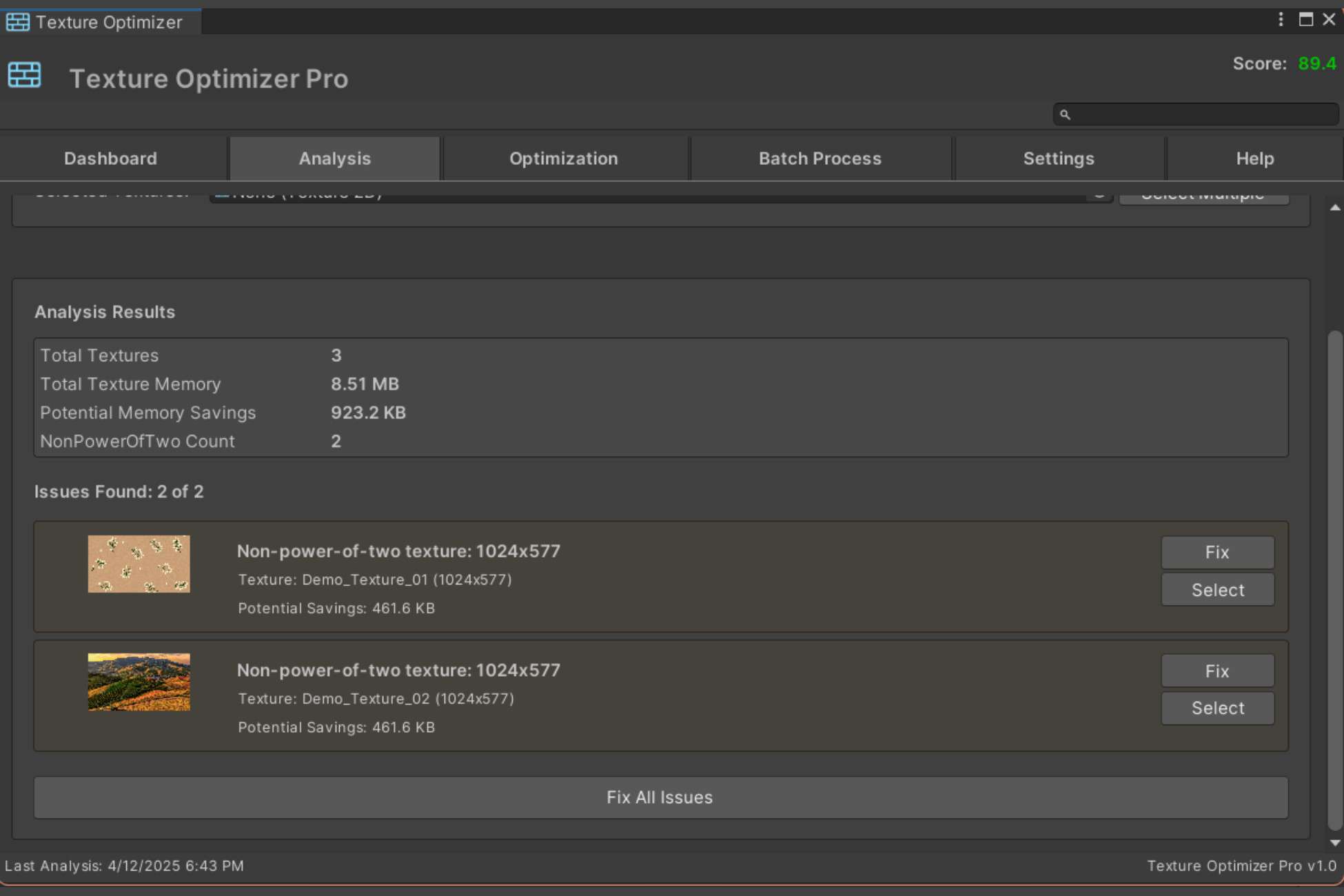
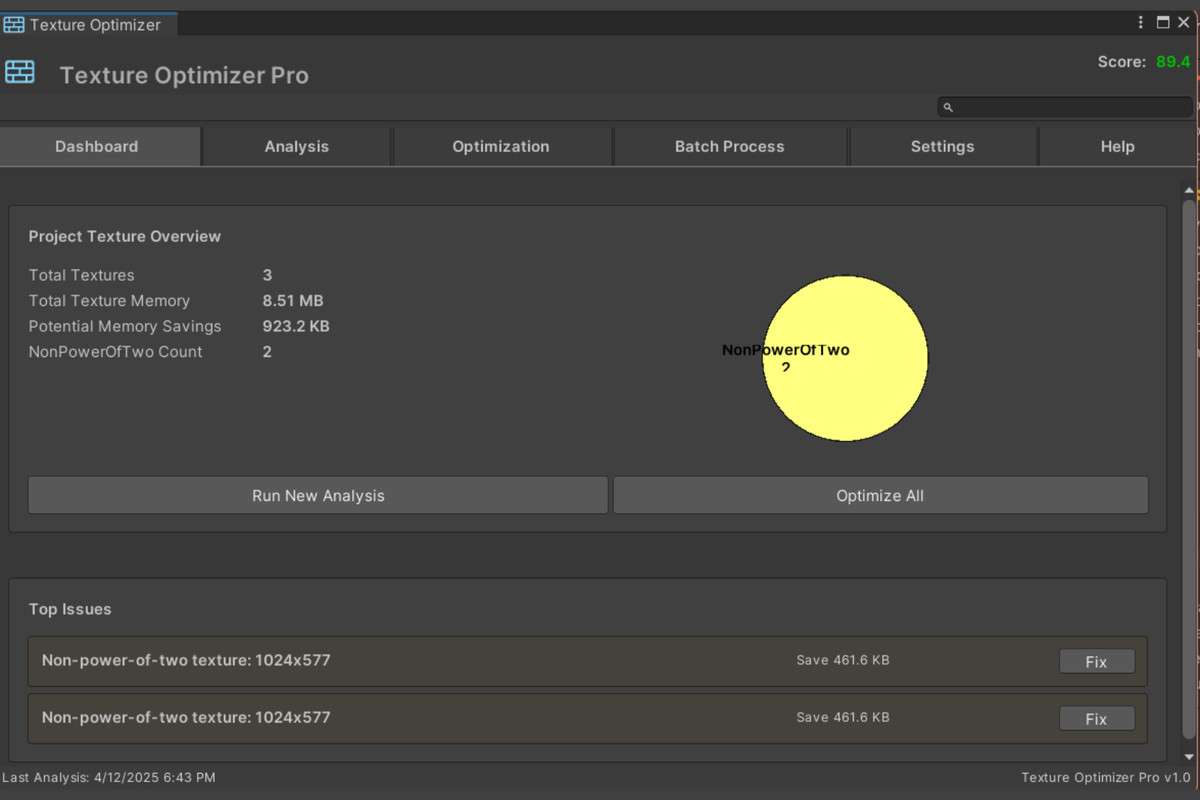
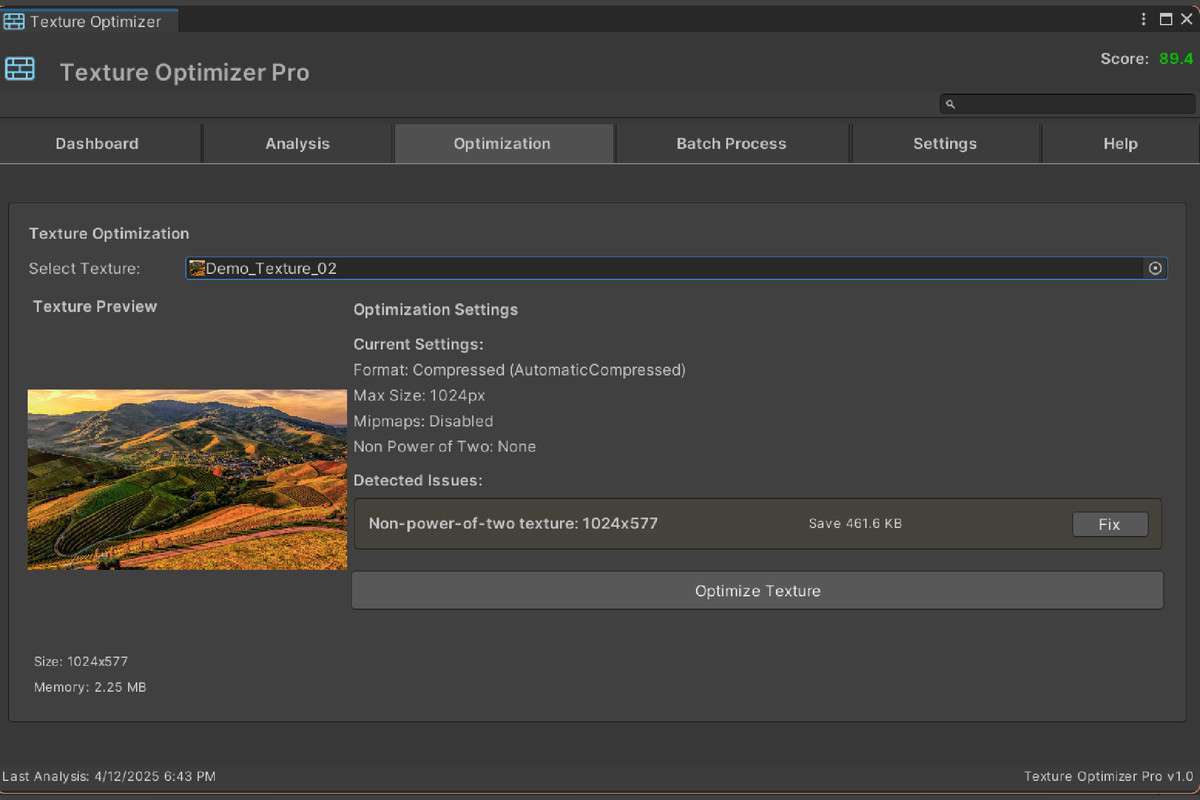
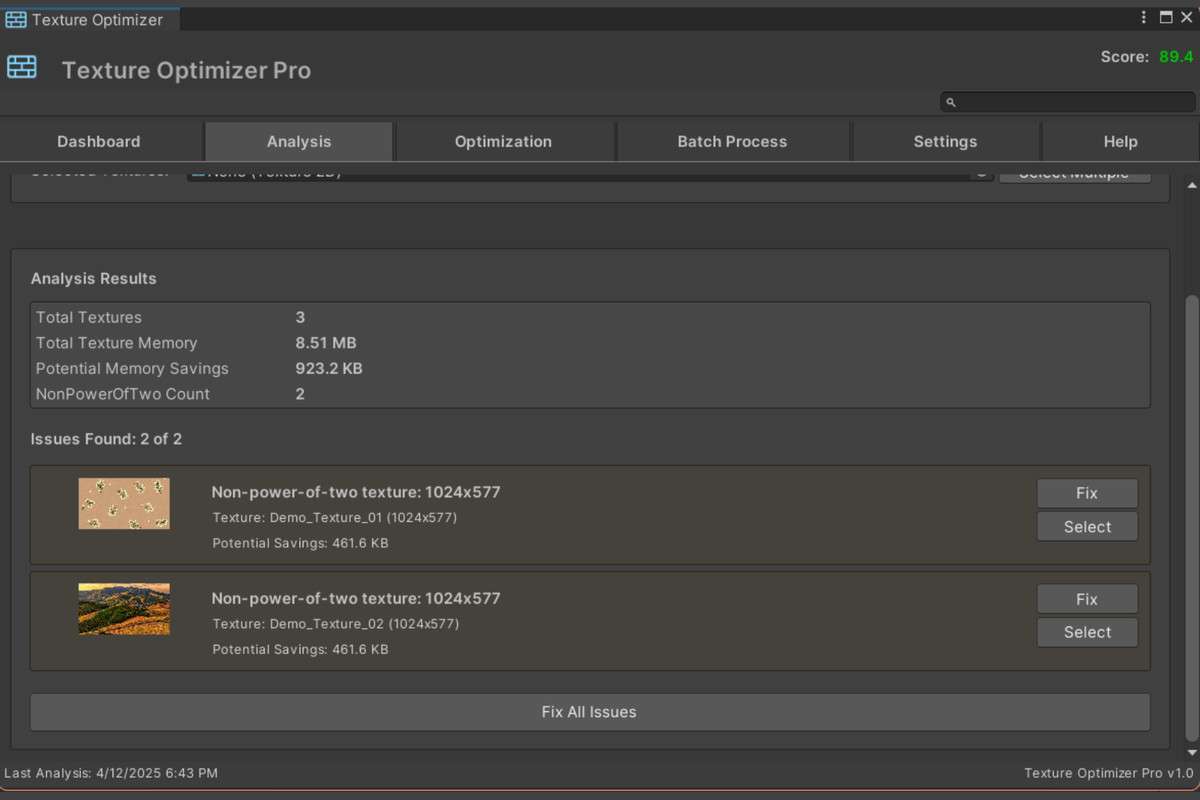
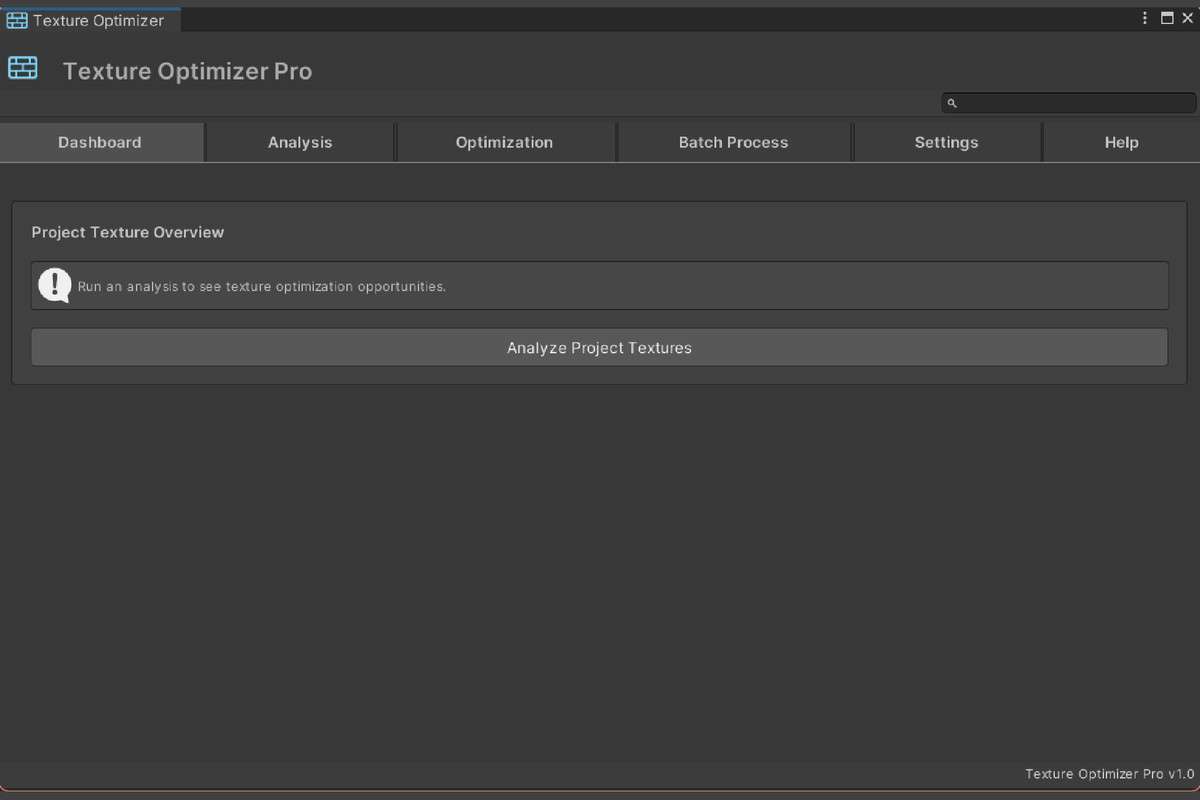
Optimizing texture memory is often an afterthought that leads to late-cycle performance bottlenecks. Texture Optimizer Pro (TOP) Unity version 1.1.0 acts as a preventative audit tool for your project’s internal texture pipeline. By identifying non-power-of-two (NPOT) textures and redundant alpha channels, this extension allows you to reclaim significant VRAM without manually clicking through every TGA or PNG in your project.
Integration Tips
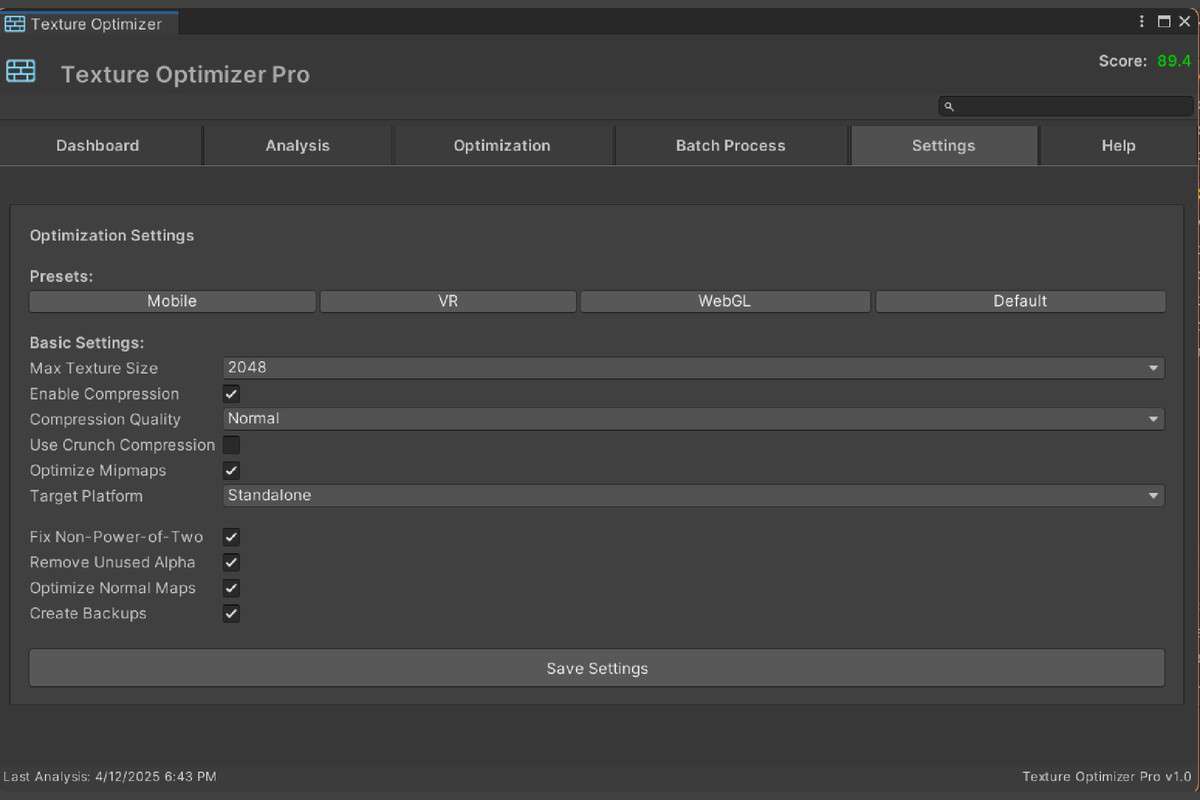
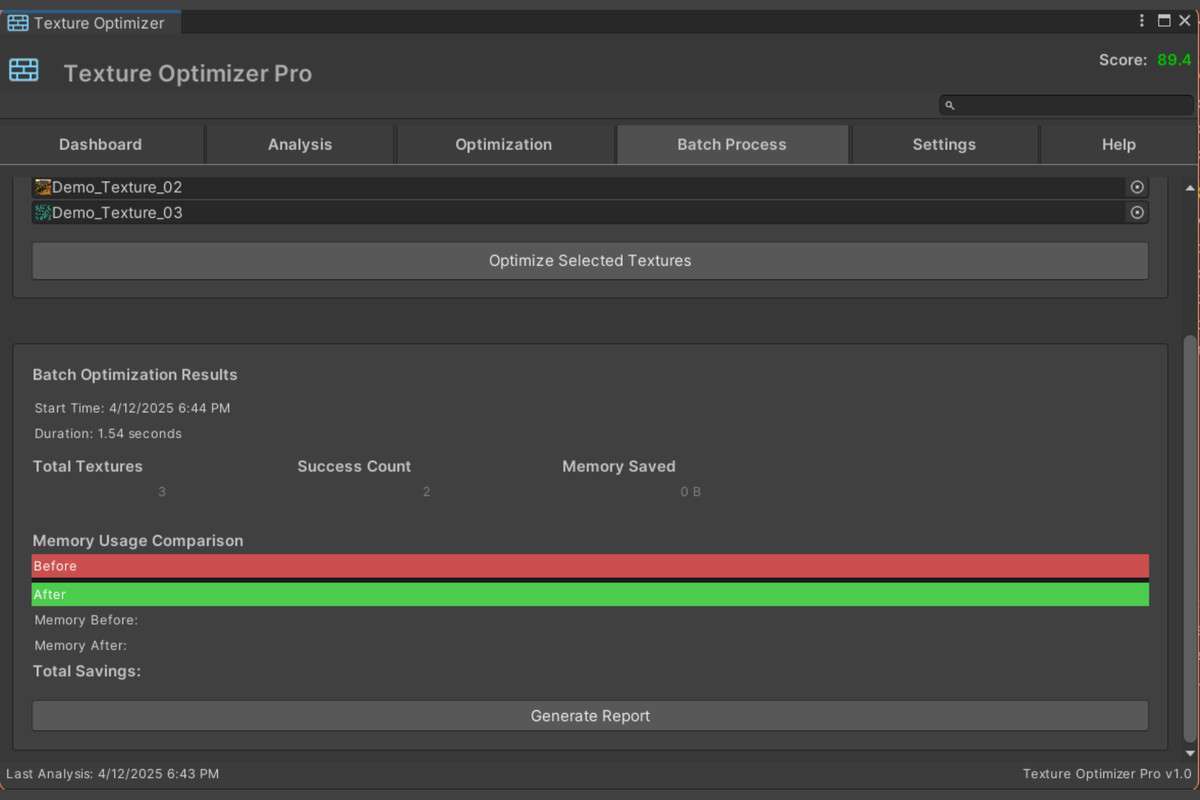
- Bulk Overrides: Use the batch processing feature to apply platform-specific overrides (e.g., ASTC for mobile, BC7 for PC/Console) across your entire project. This is significantly faster than using Unity’s built-in multi-selection which often hangs on large projects.
- Backup Workflow: Before running a project-wide optimization, use the built-in backup system. While the tool is non-destructive to the source files, it modifies the .meta files which control Unity’s import settings.
- Exclude UI: Be careful when running ‘Remove Alpha Channel’ on UI directories. Sprite Atlases often require alpha for transparency, so use the folder-selection filter to exclude your UI and HUD assets from aggressive optimization.
Best Use Cases
- Mobile Porting: Essential for shrinking an existing PC project’s footprint to fit within the 200MB ‘Over-the-Air’ download limit on mobile app stores.
- VR Development: Keeping textures at Power-of-Two dimensions is vital for mipmap generation and texture streaming, which helps maintain the frame consistency required for VR.