
Optimized Water Rendering for Modern Pipelines
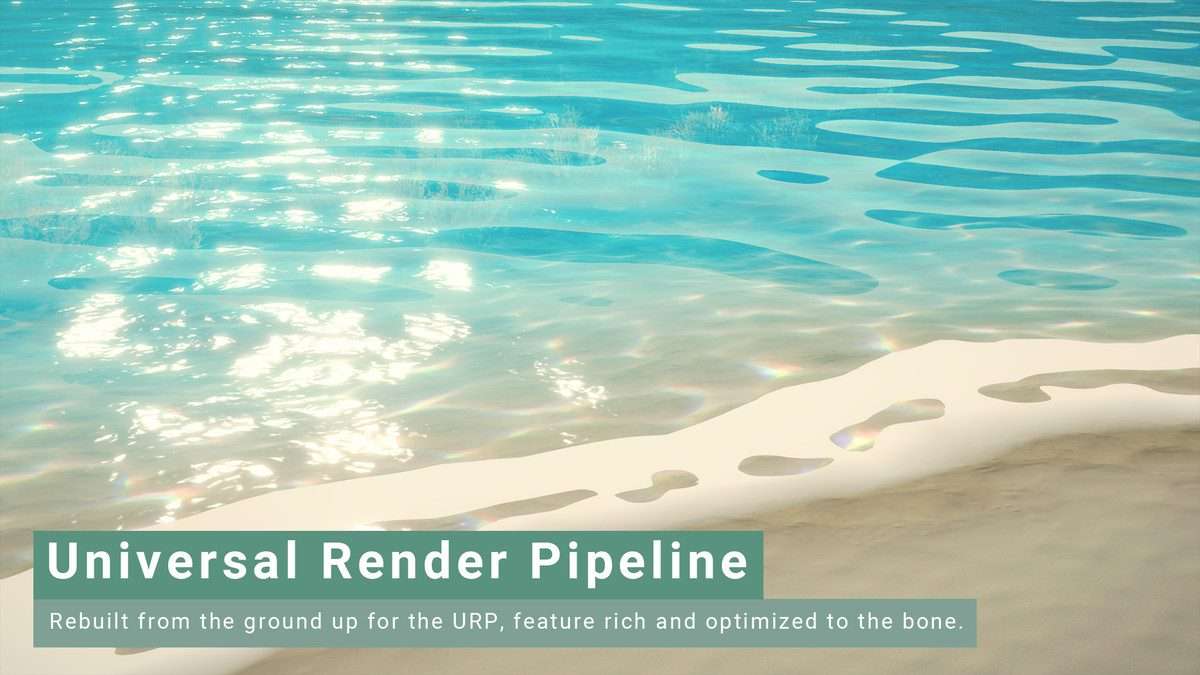
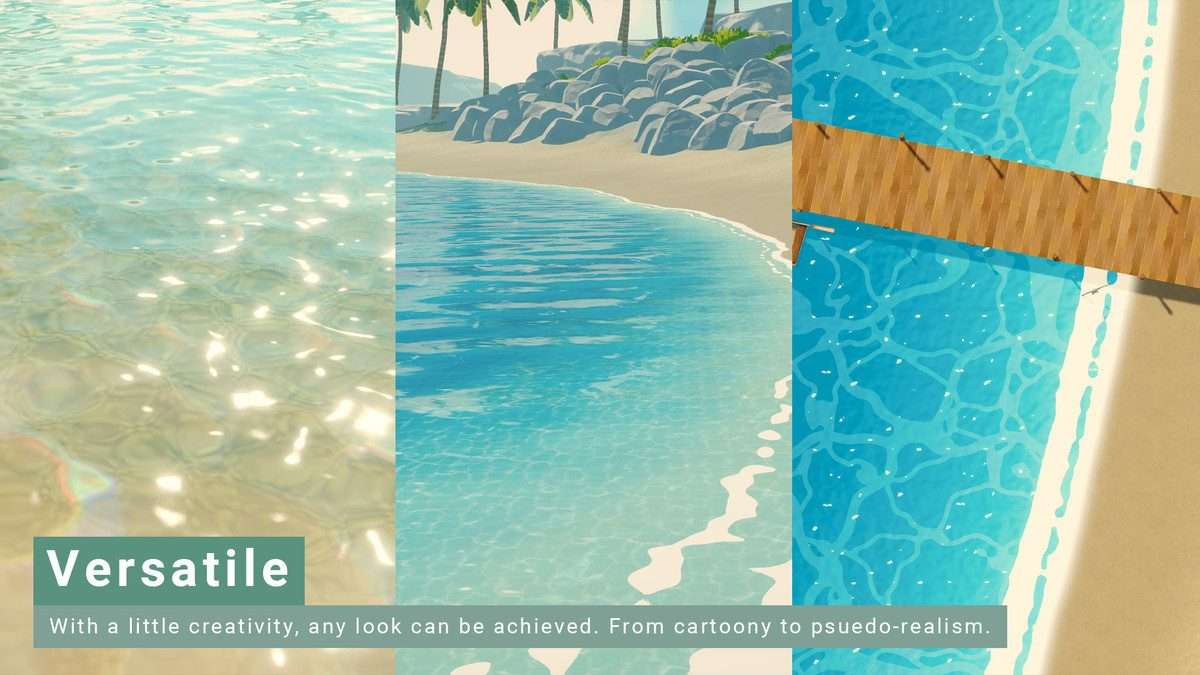
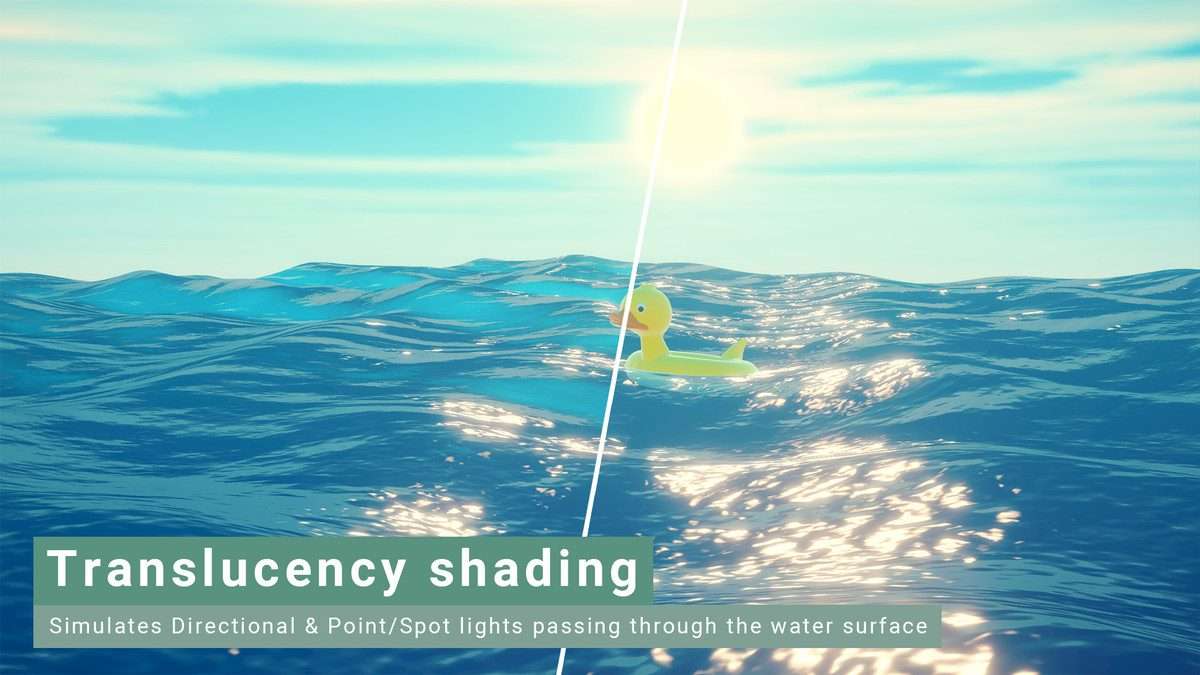
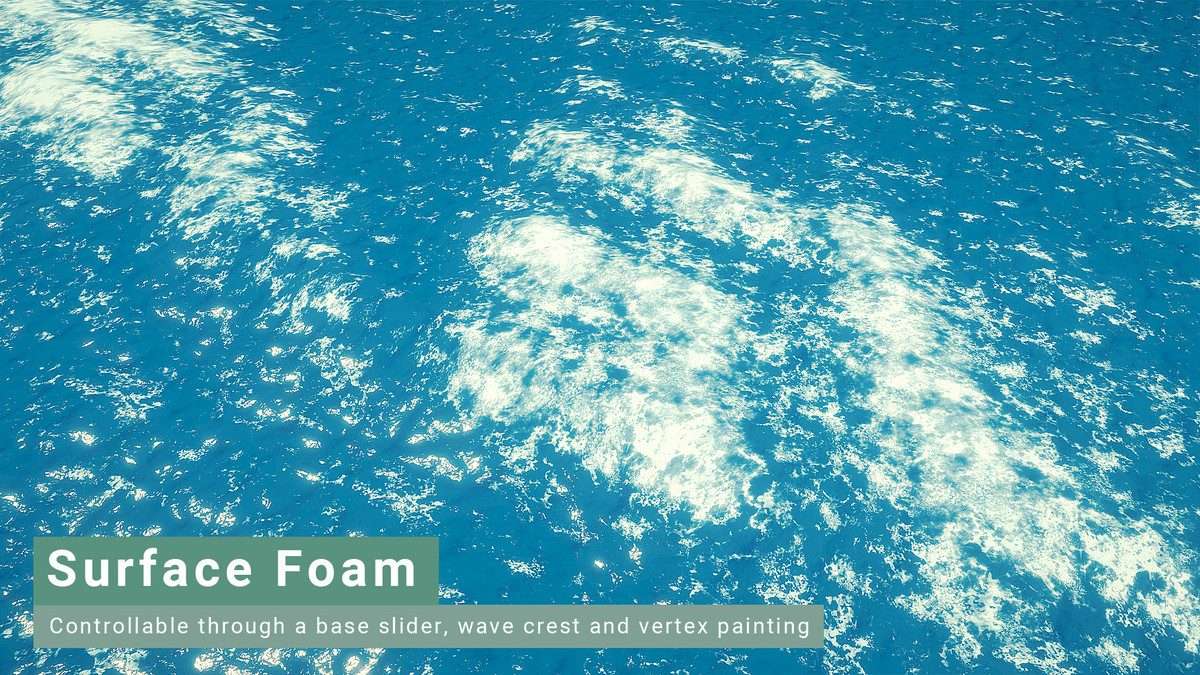
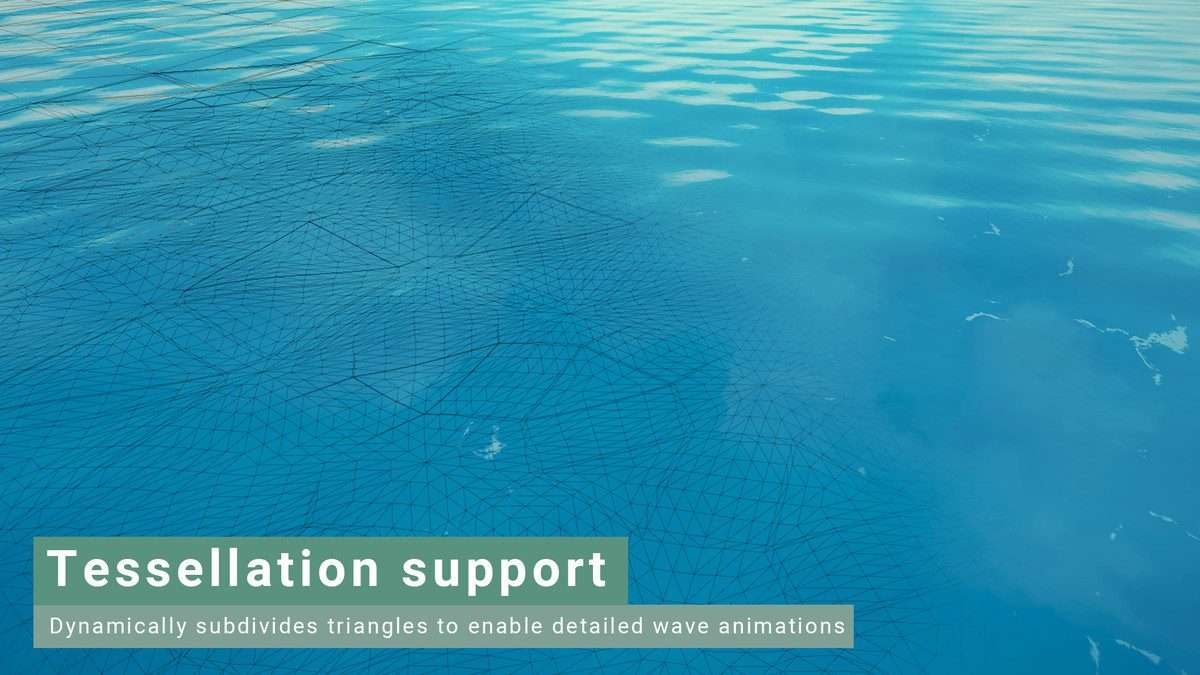
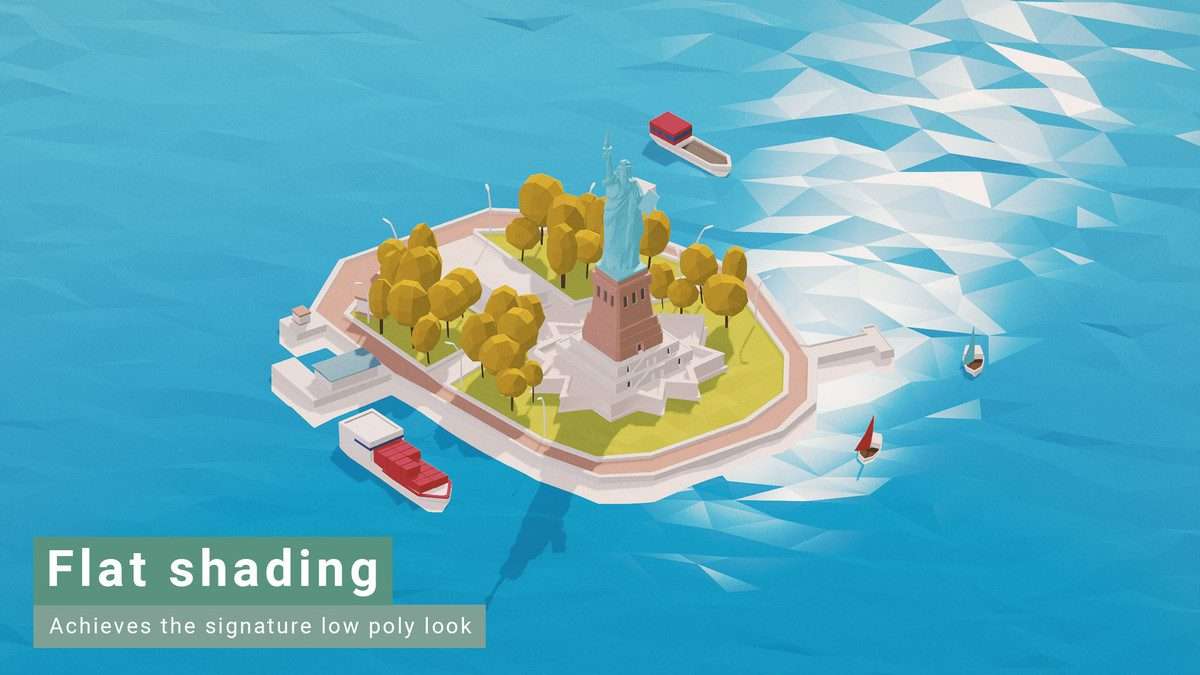
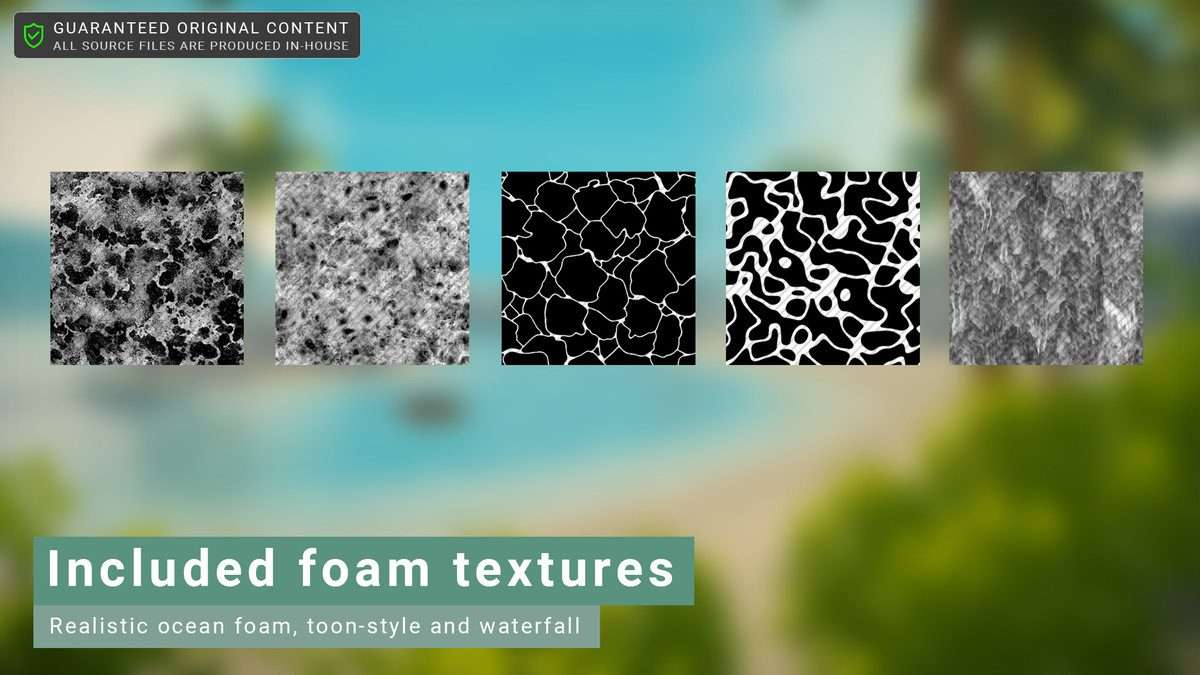
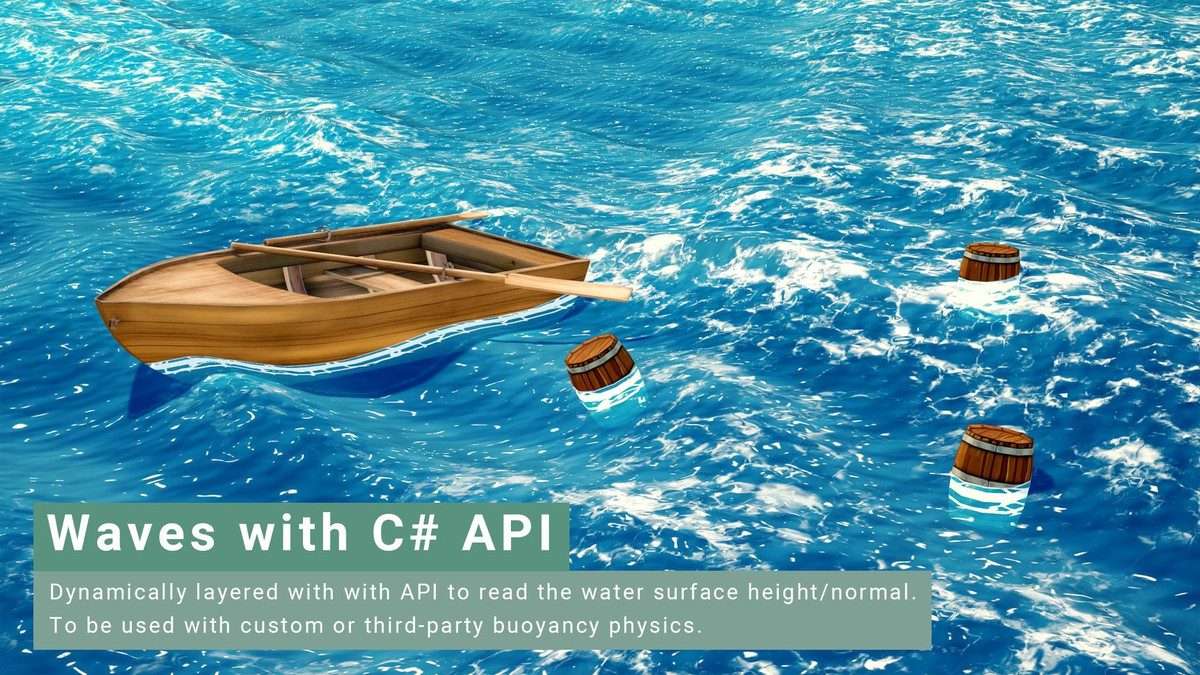
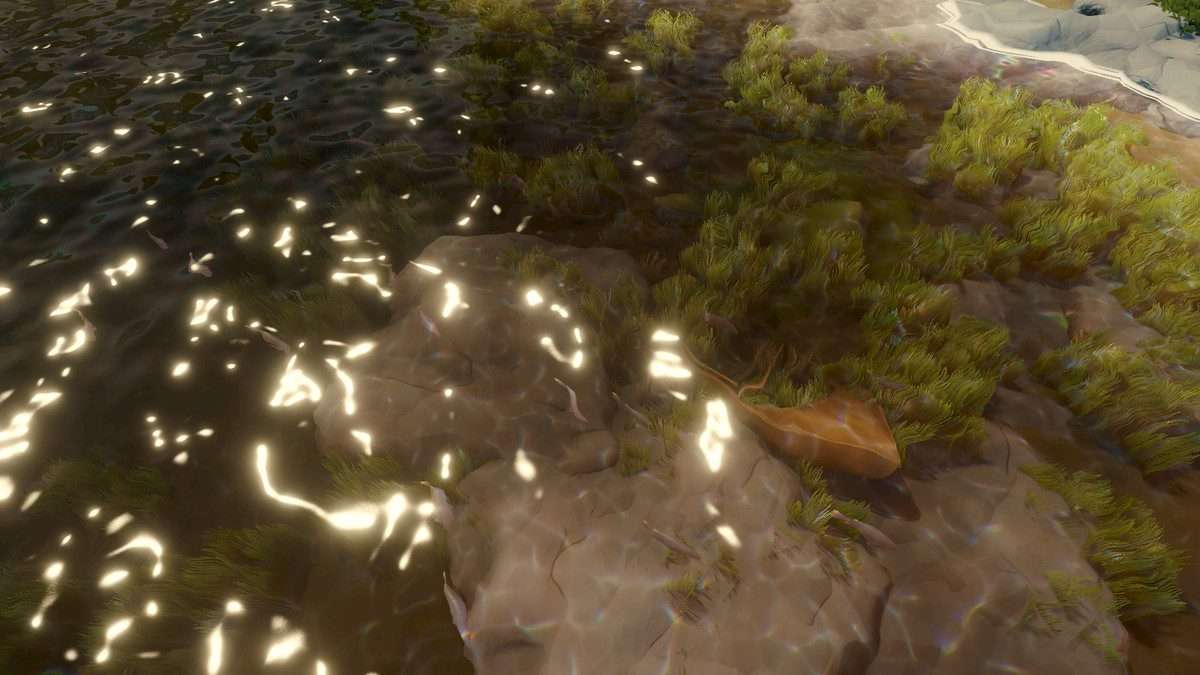
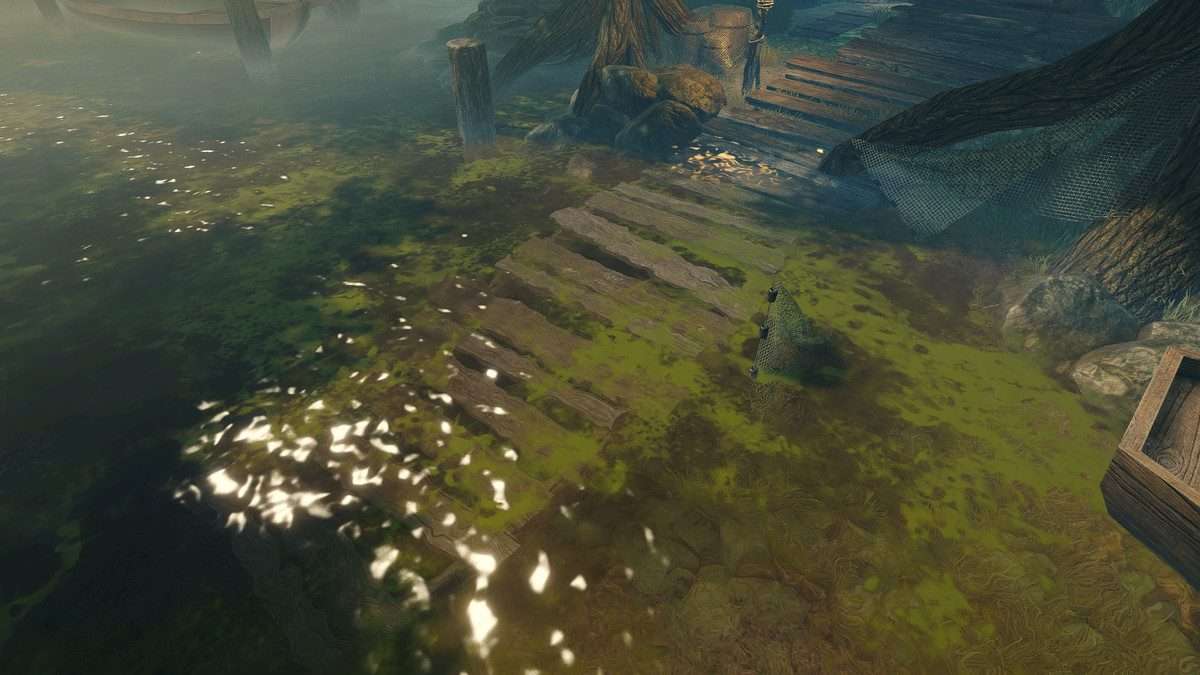
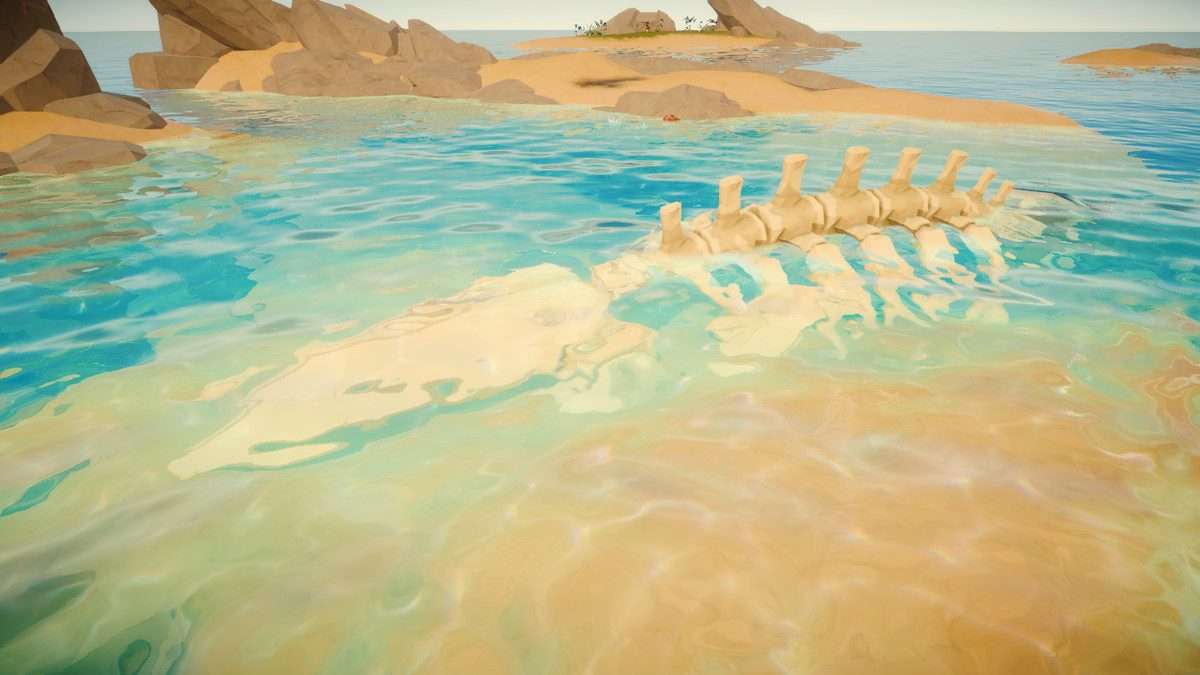
For projects targeting a specific aesthetic while maintaining high frame rates, Stylized Water 2 Unity provides a highly customizable shader solution built specifically for the Universal Render Pipeline. Leveraging 1.1.9, the asset avoids the heavy performance hit of standard PBR water by using a custom lighting model that handles foam, refraction, and waves within a single, optimized shader. Its implementation of GPU-driven waves ensures that vertex displacement is consistent across both rendering and gameplay logic via its C# API.
Integration Tips
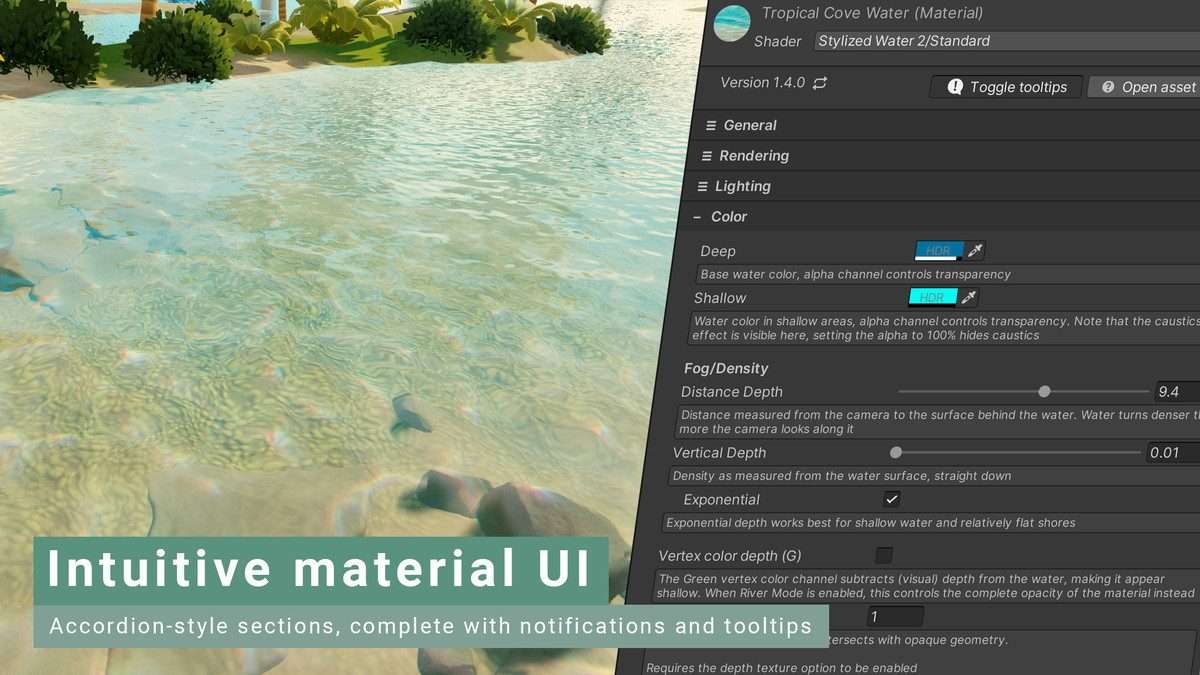
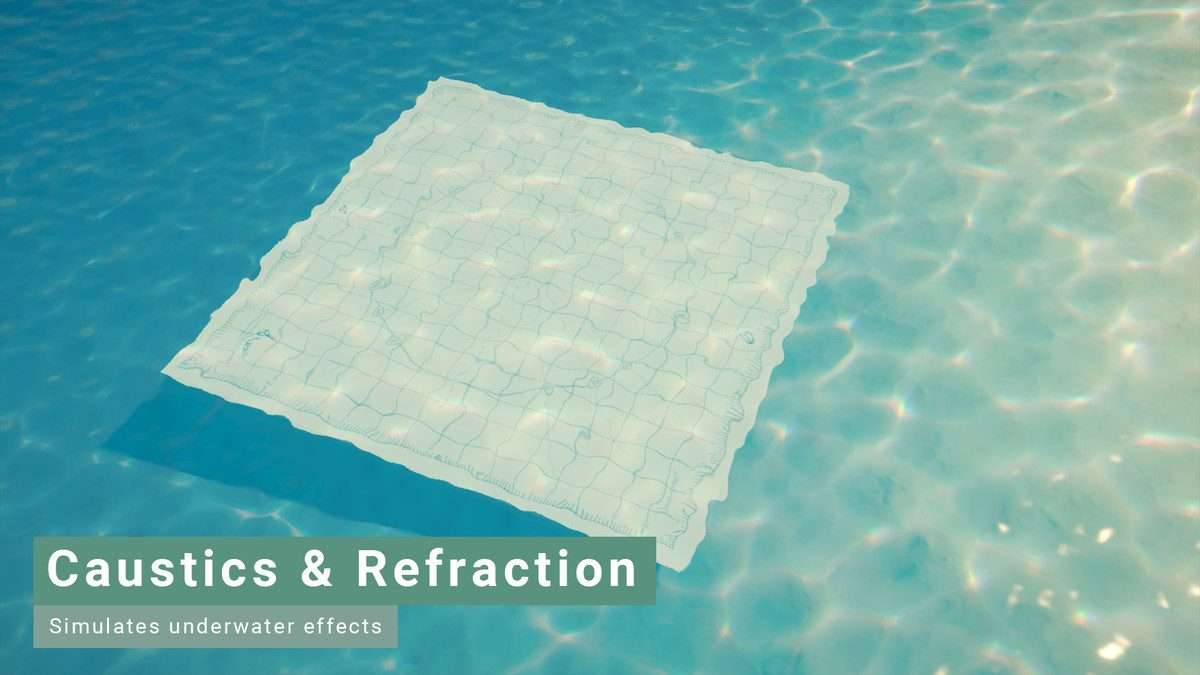
- Enable Depth Texture and Opaque Texture in your URP Pipeline Asset settings; these are required for the refraction and foam intersection effects to function.
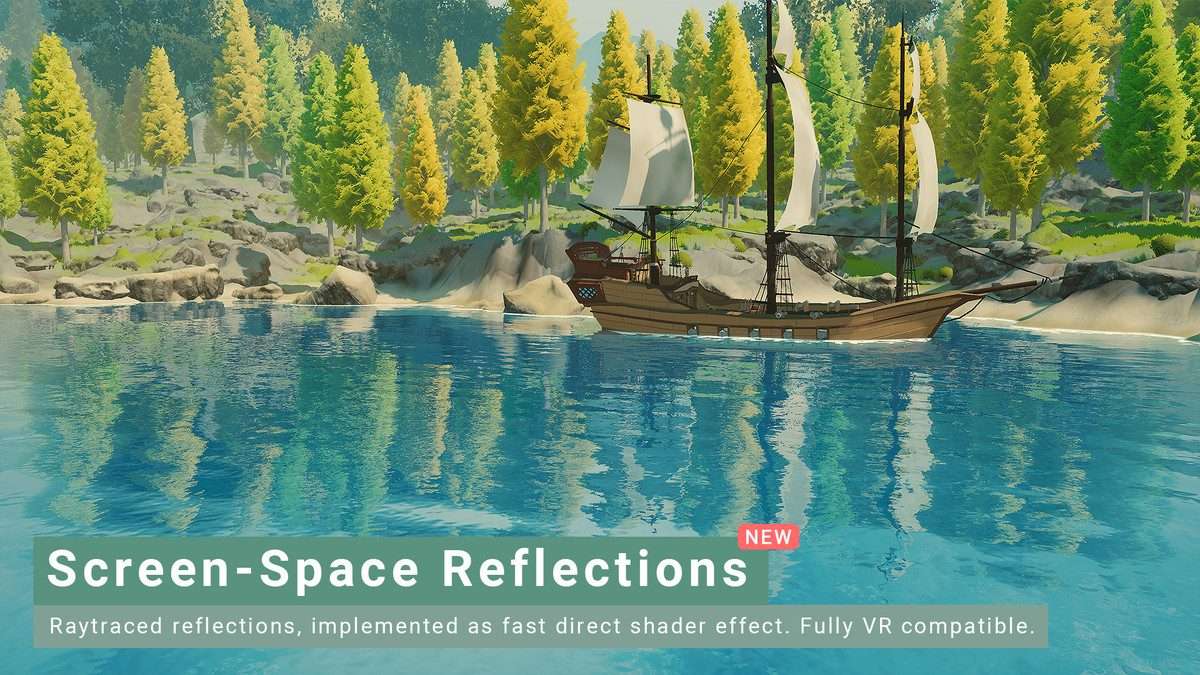
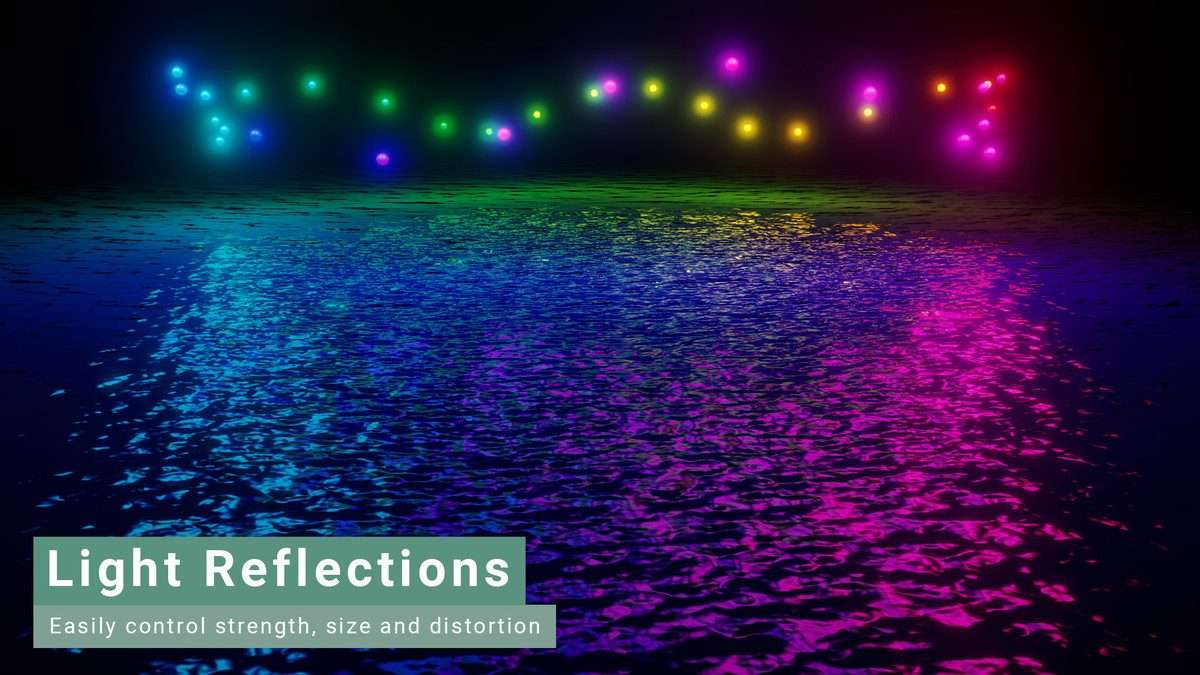
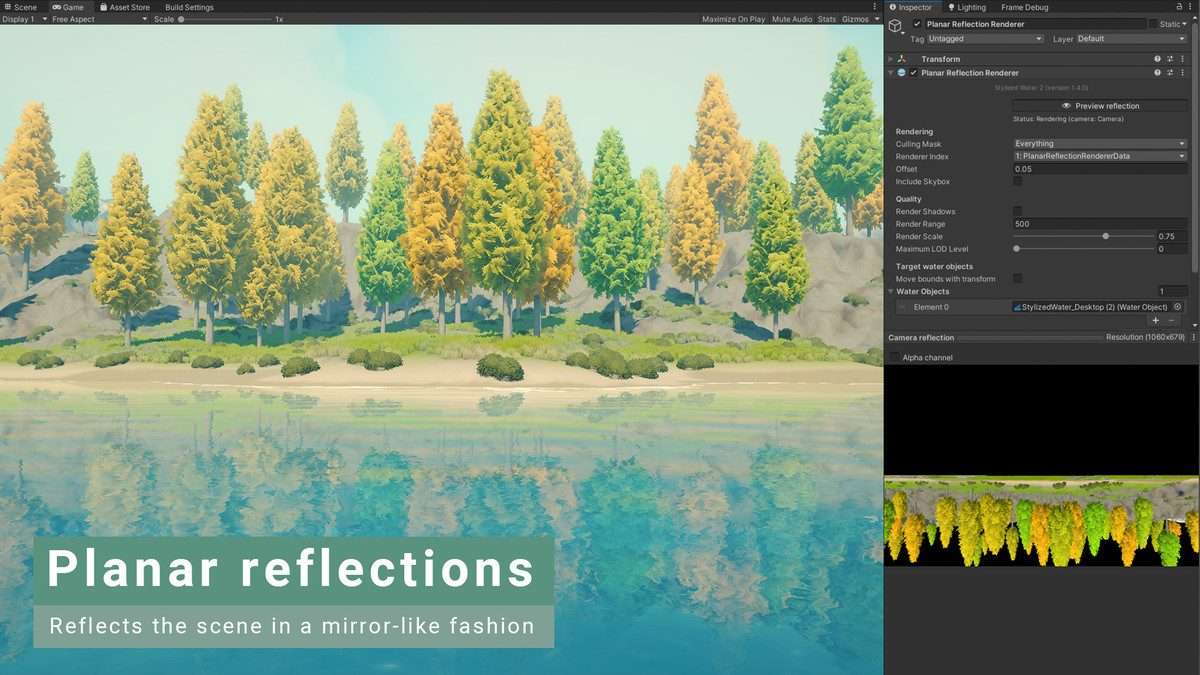
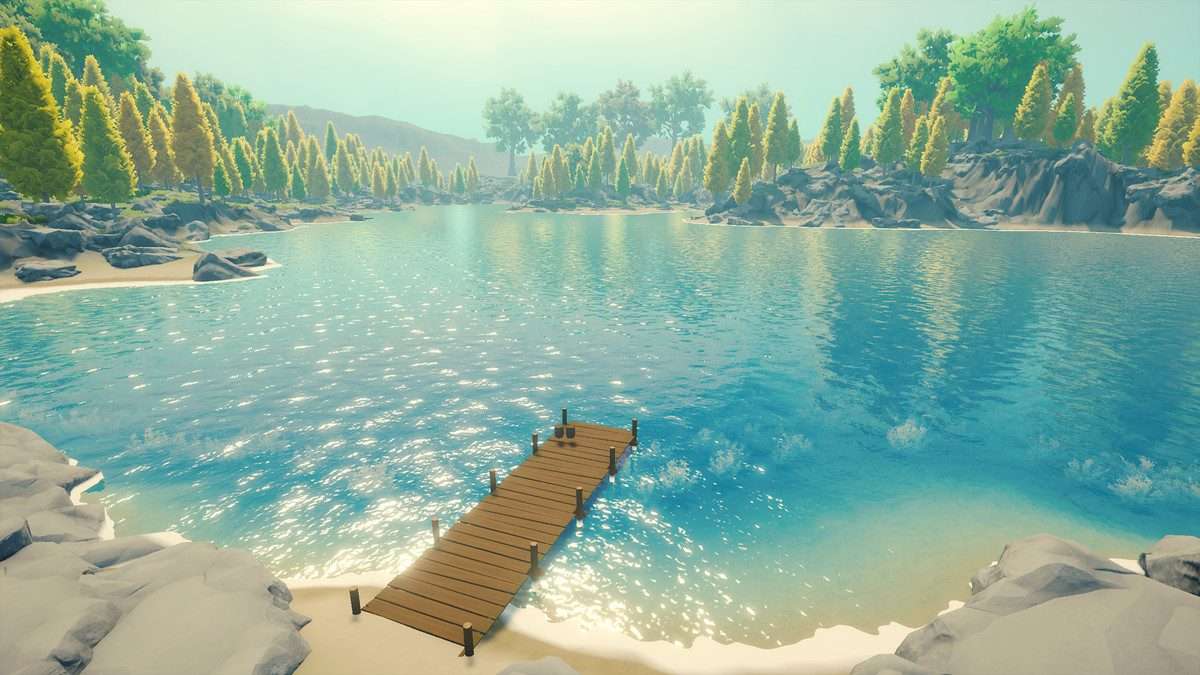
- Utilize the Planar Reflections Renderer component for large bodies of water like lakes, but keep in mind it adds an extra camera render pass. For mobile, stick to the Screen-Space Reflections (SSR) or simple cubemaps.
- To make objects float, use the
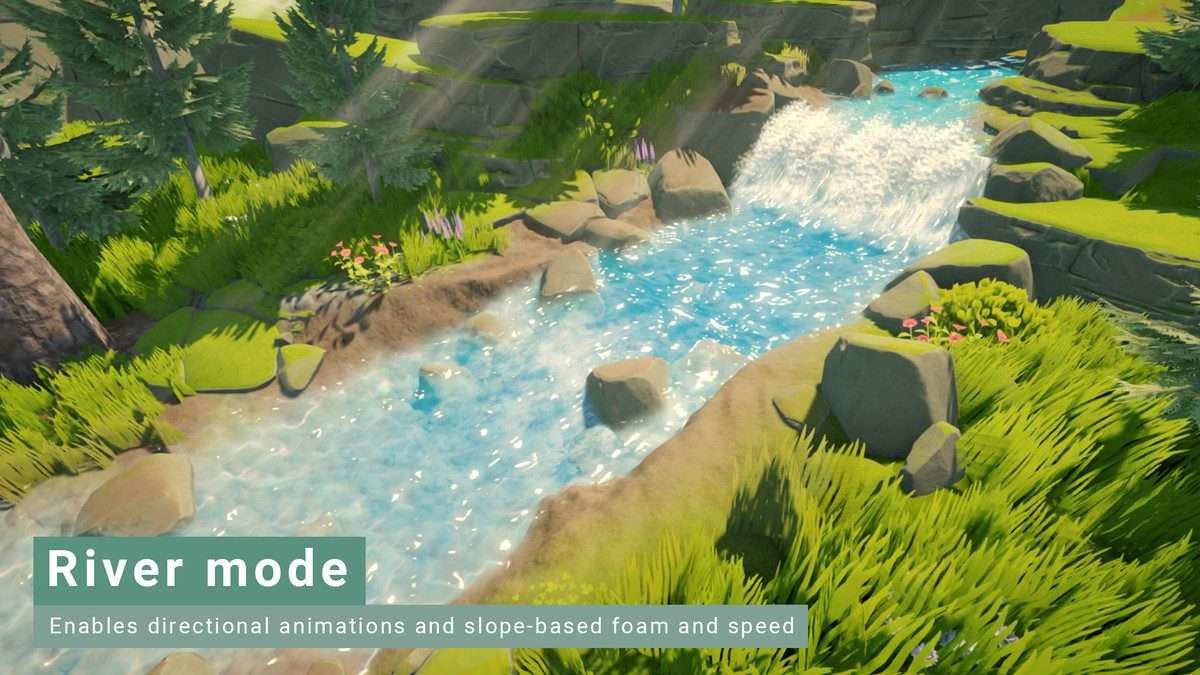
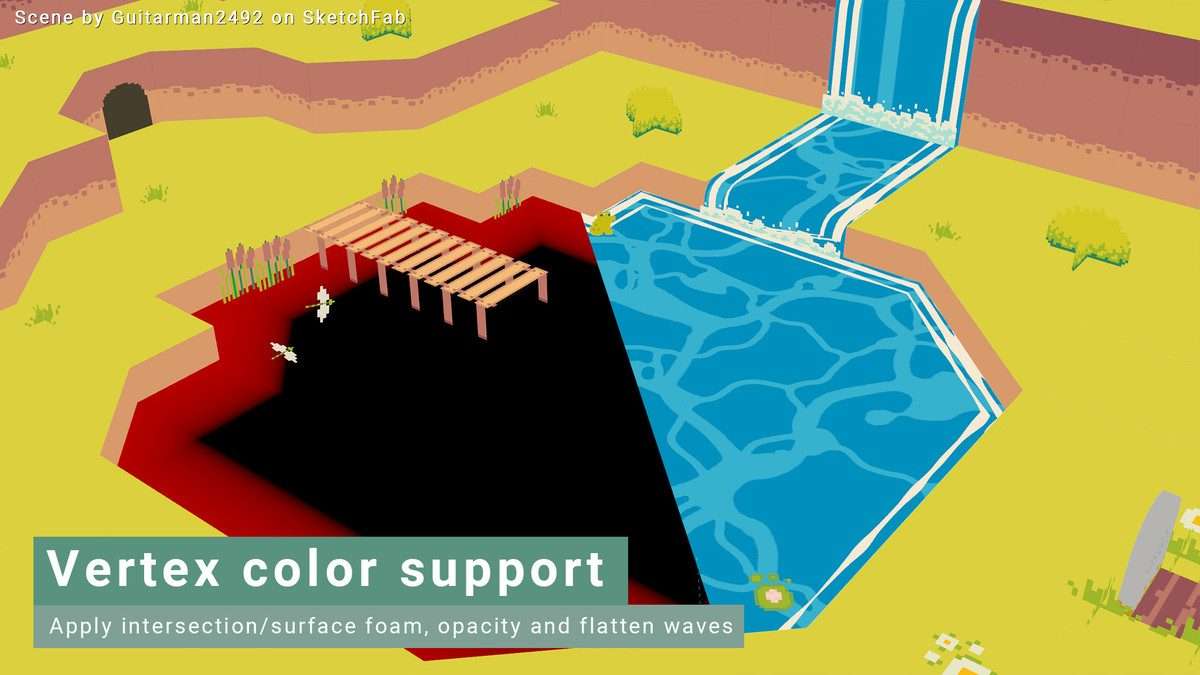
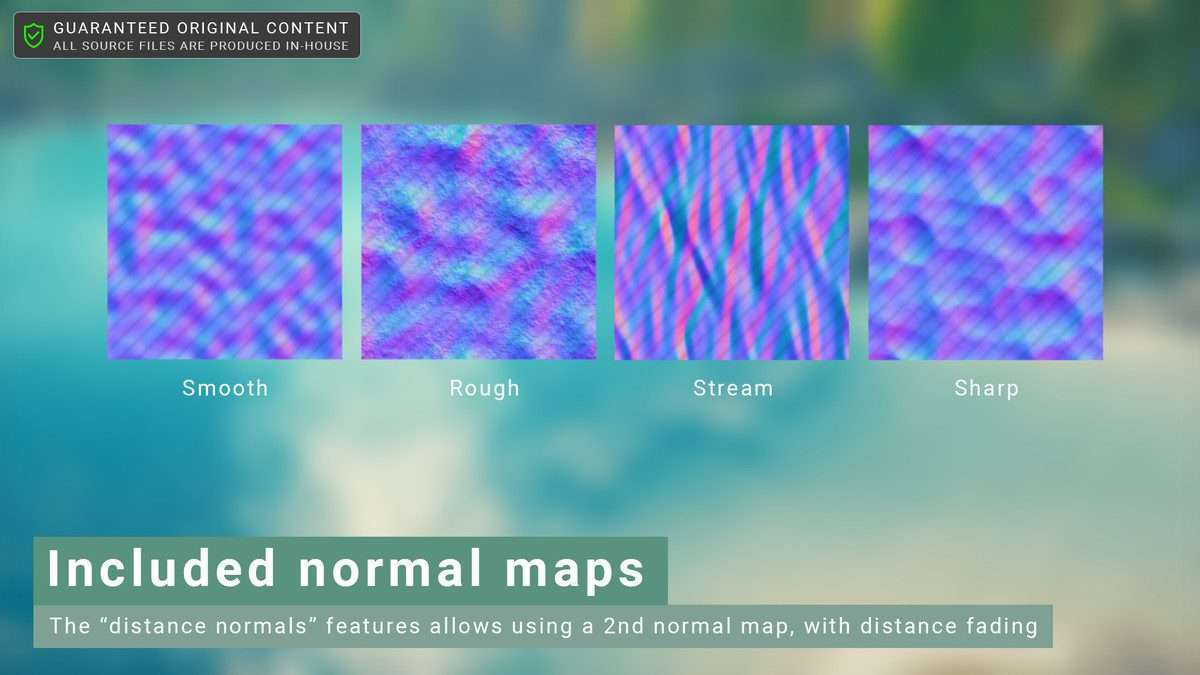
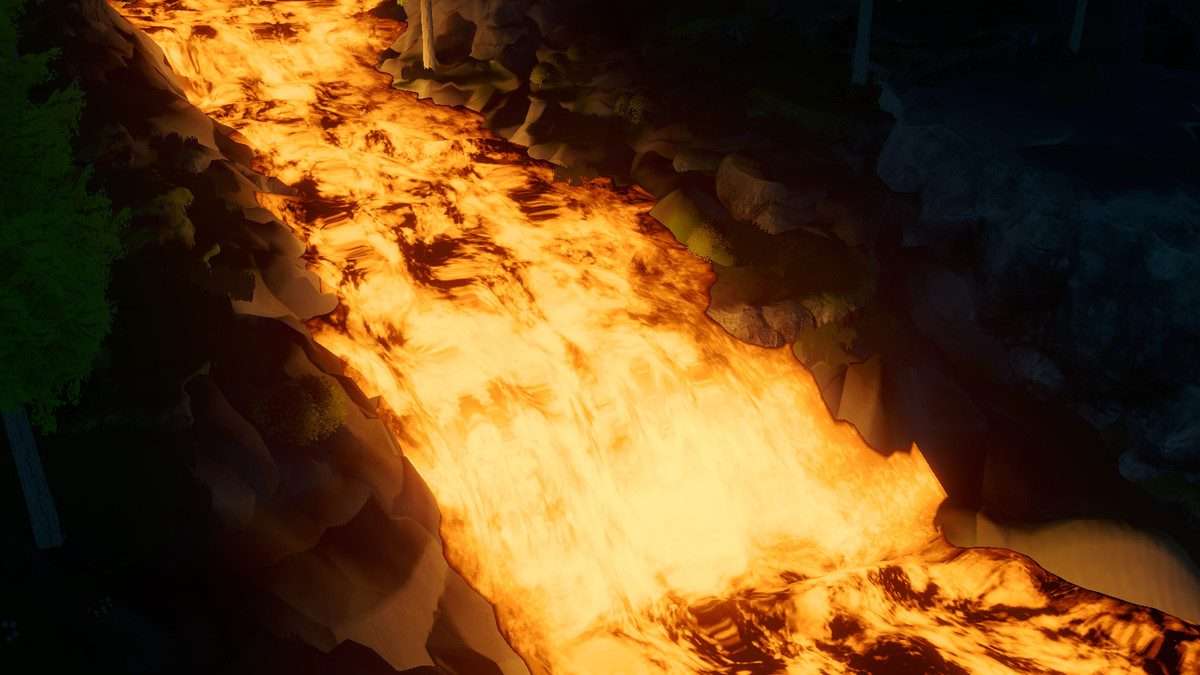
SampleWavesmethod provided in the API. Ensure your script’s time value is synced with the shader’s_Timevariable to prevent visual desync. - For rivers, use the Vertex Color painting tool to define flow directions, which the shader uses to animate the normal maps along the mesh’s UVs.
Best Use Cases
- Mobile Adventure Games: The unlit and simple shading modes are lightweight enough for low-end mobile devices and the Nintendo Switch, providing beautiful water without killing the thermal budget.
- Stylized Open-World RPGs: With support for floating origin systems and network-synchronized waves, it is ideal for large-scale maps where water bodies need to look consistent across multiplayer clients.