
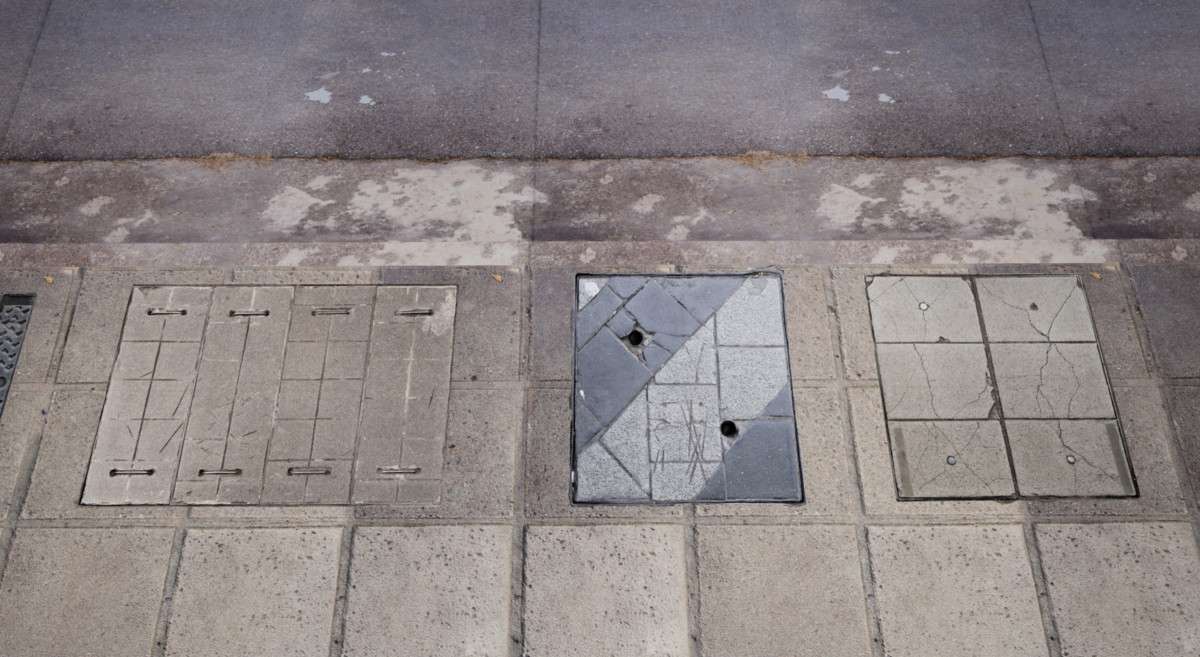
Technical Overview
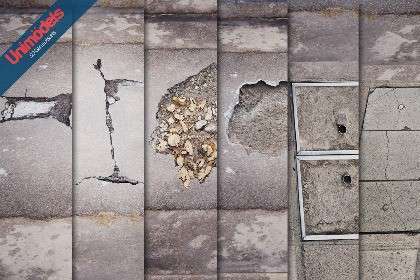
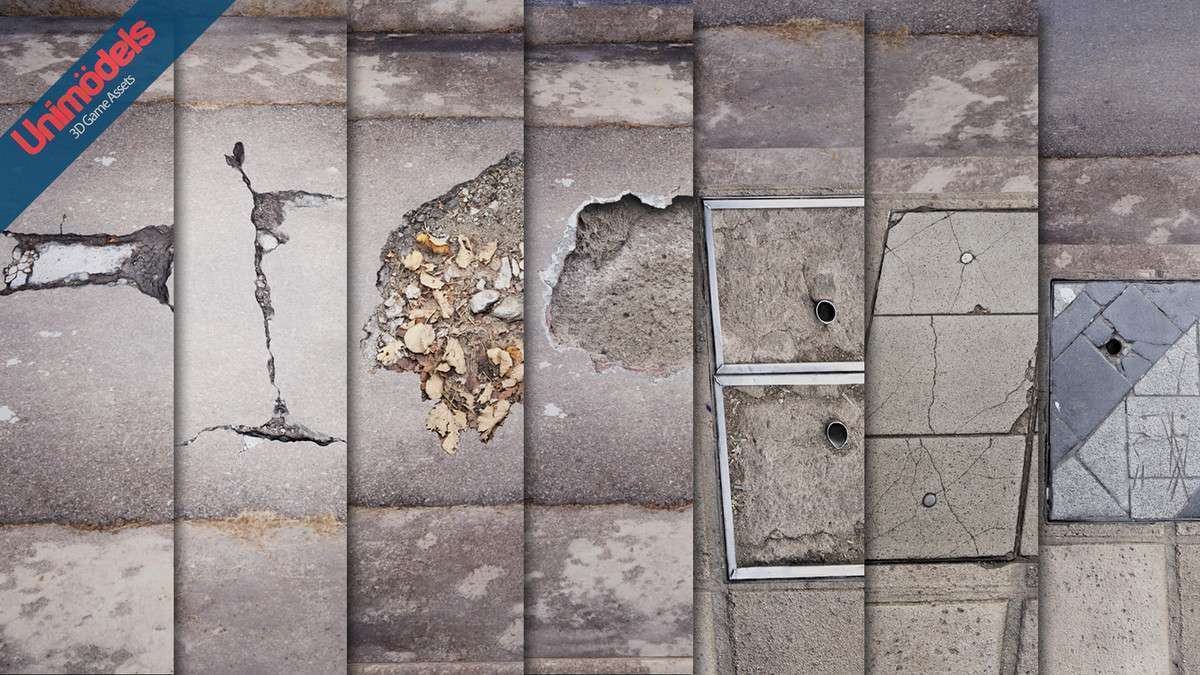
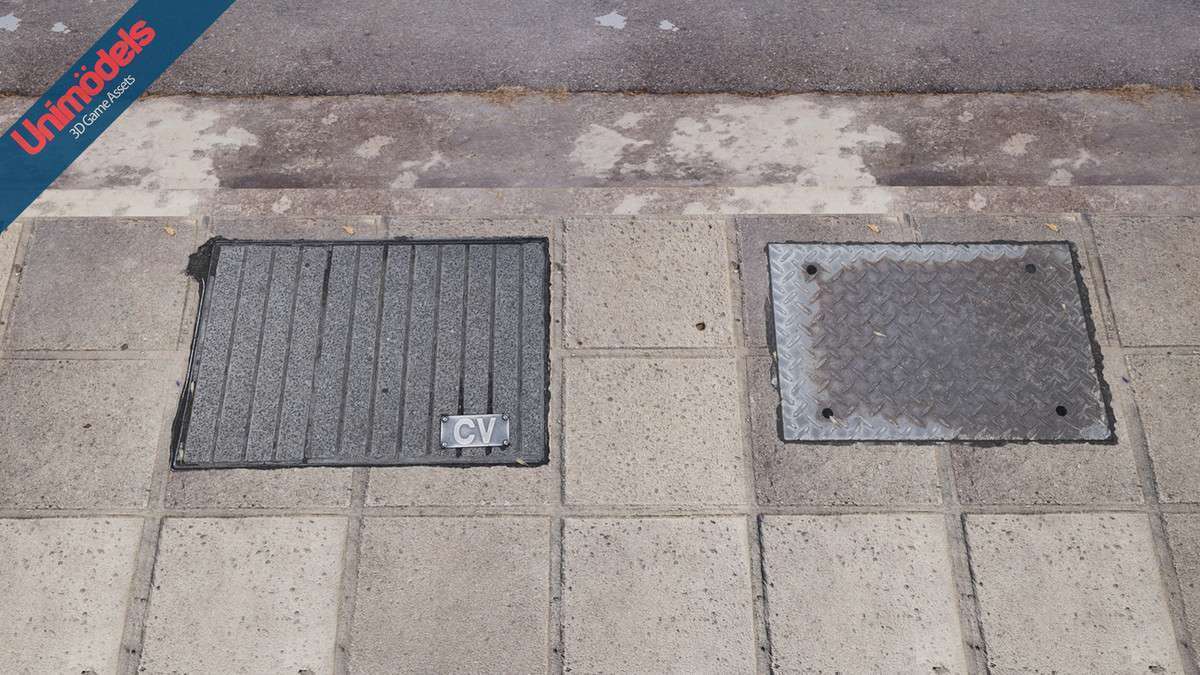
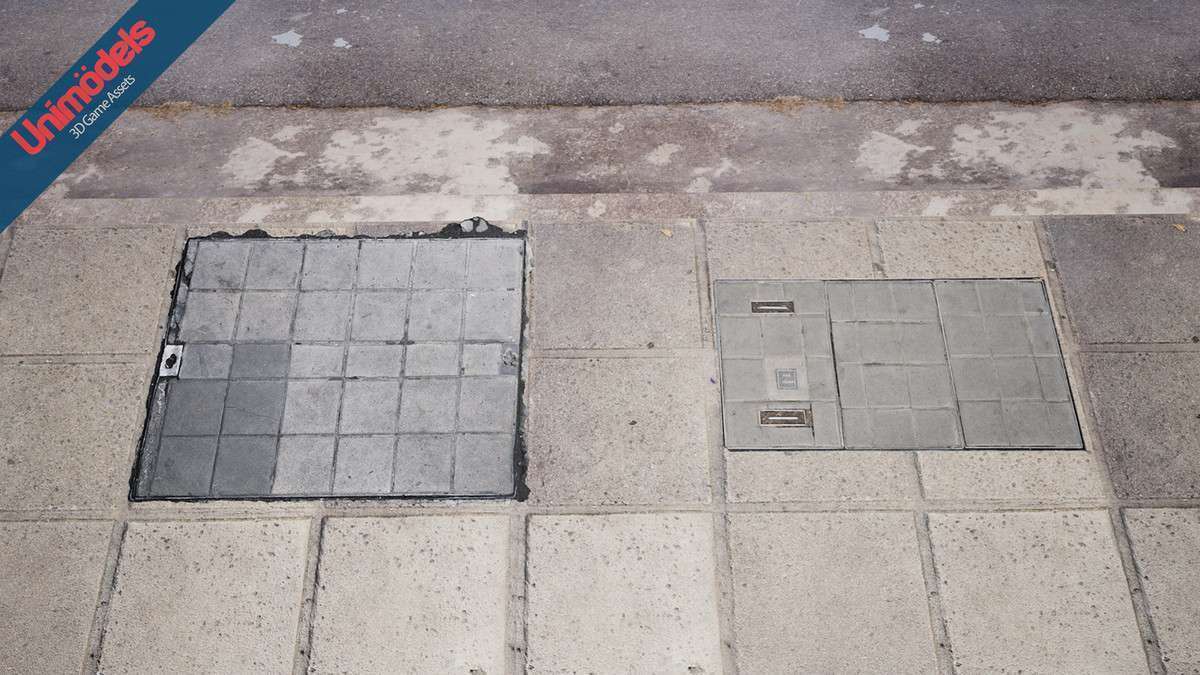
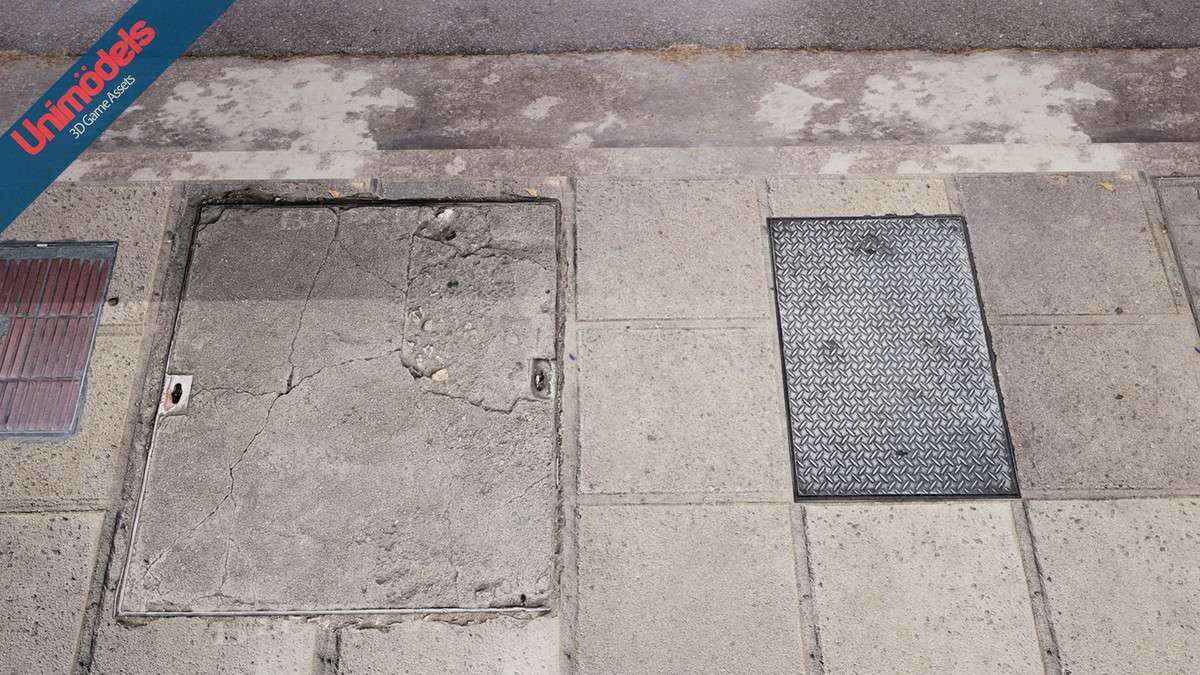
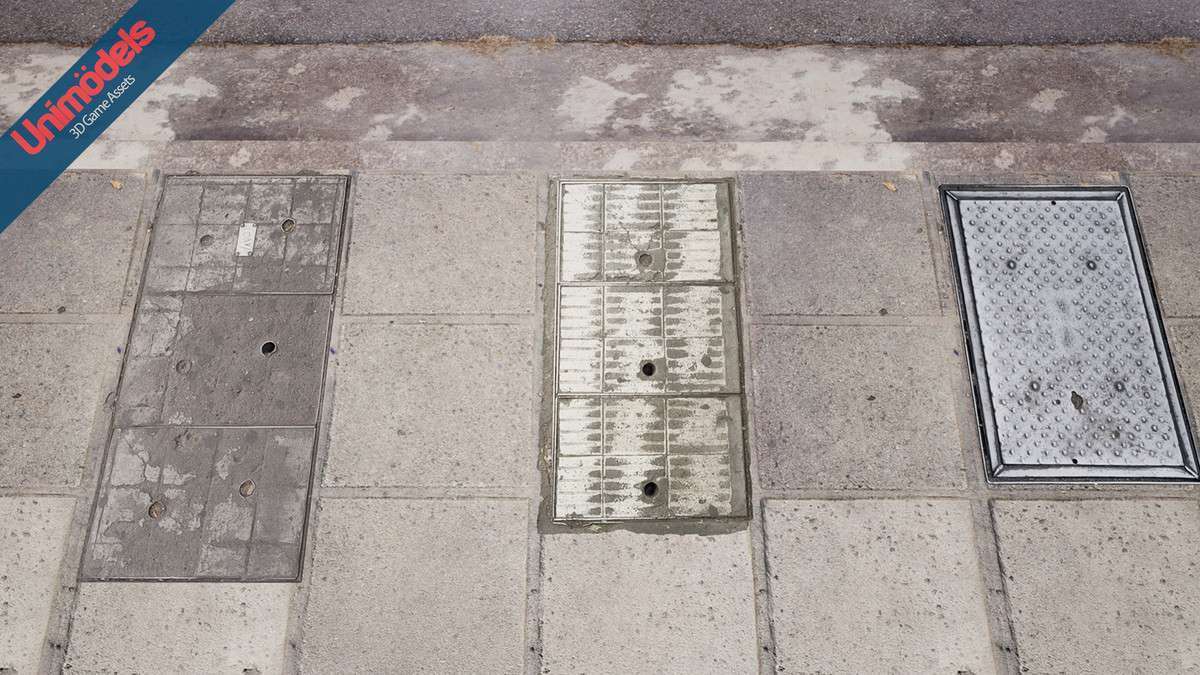
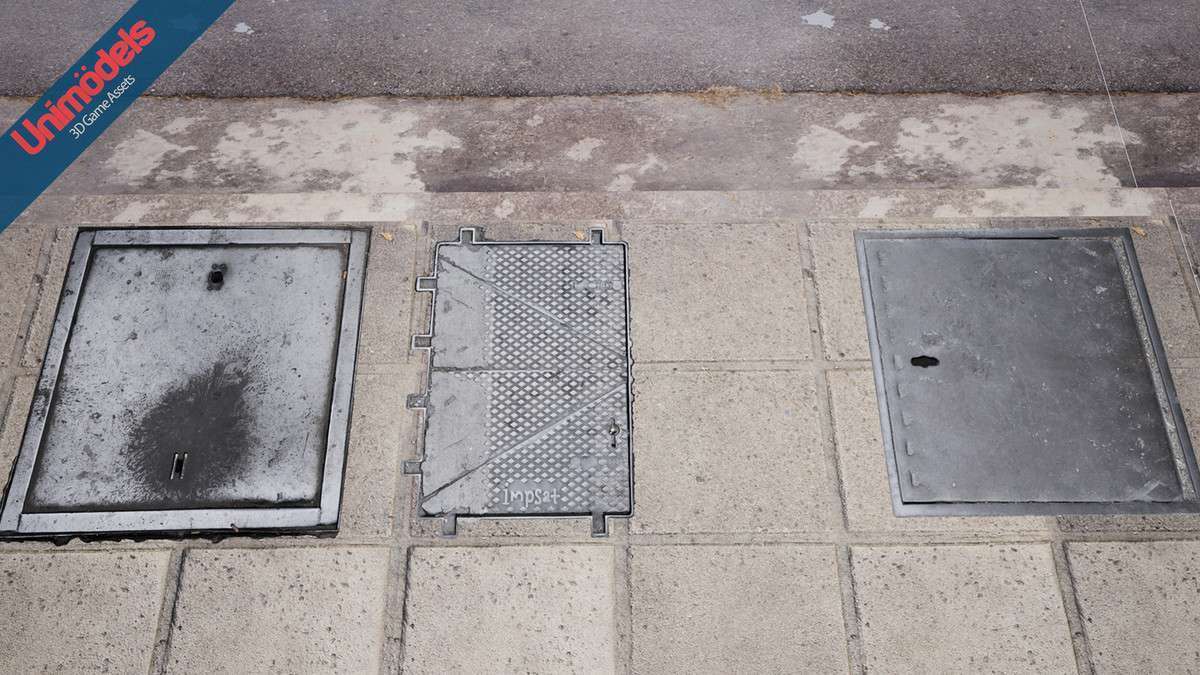
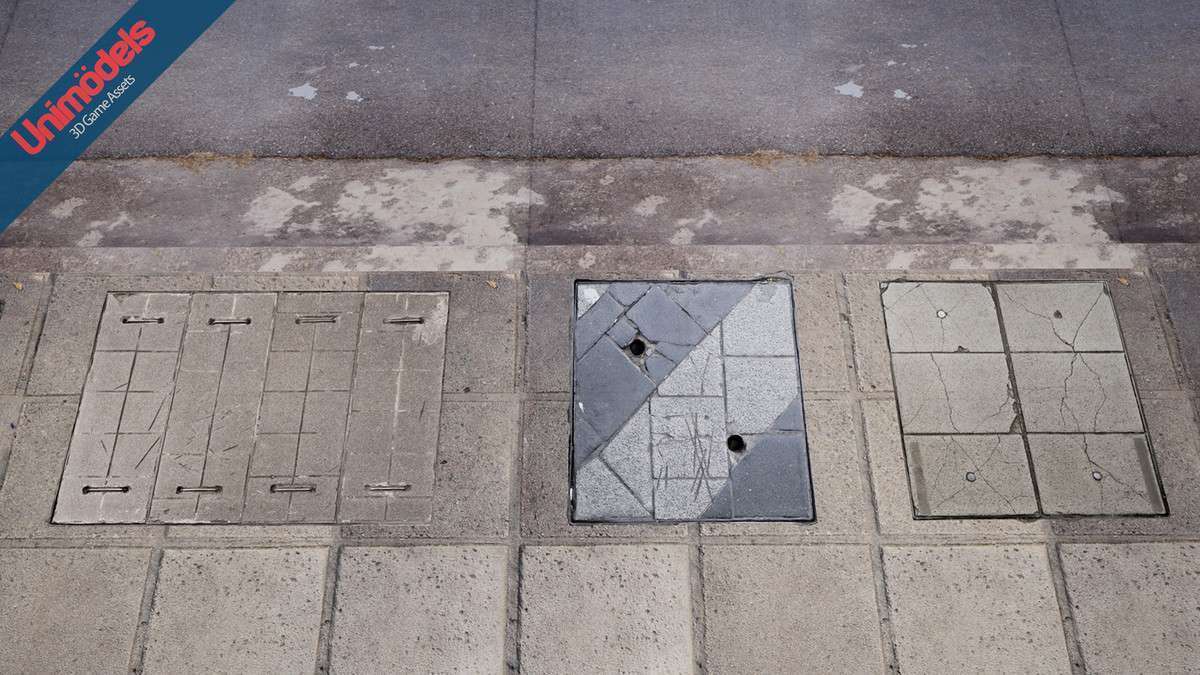
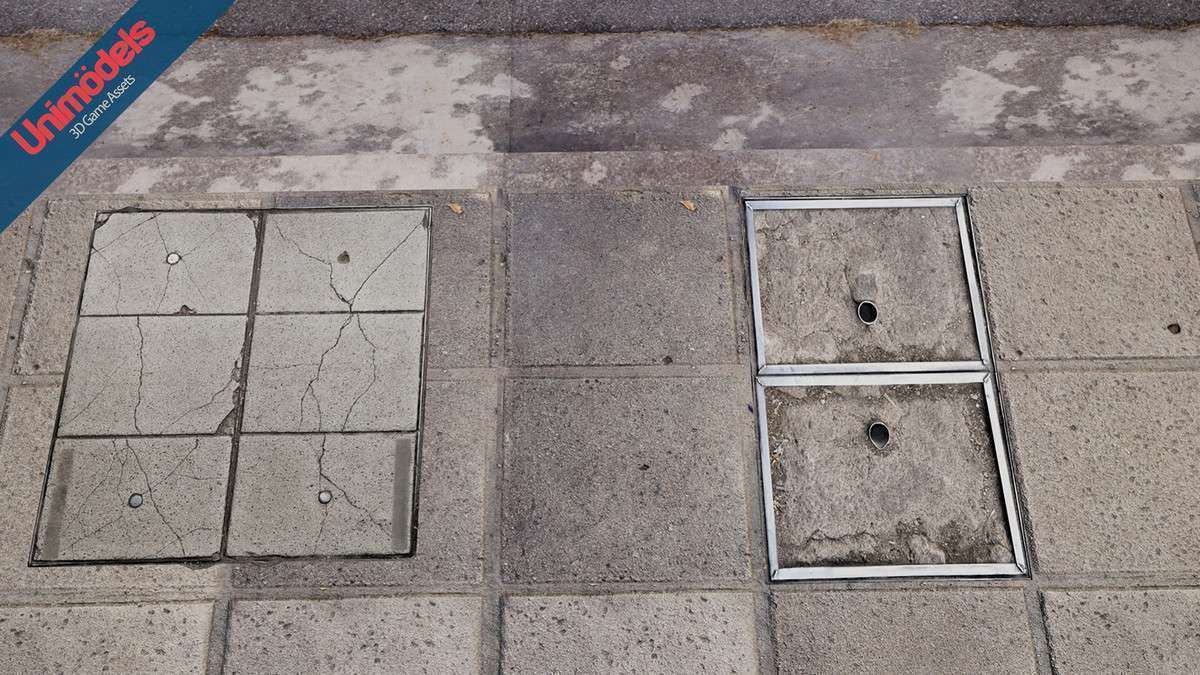
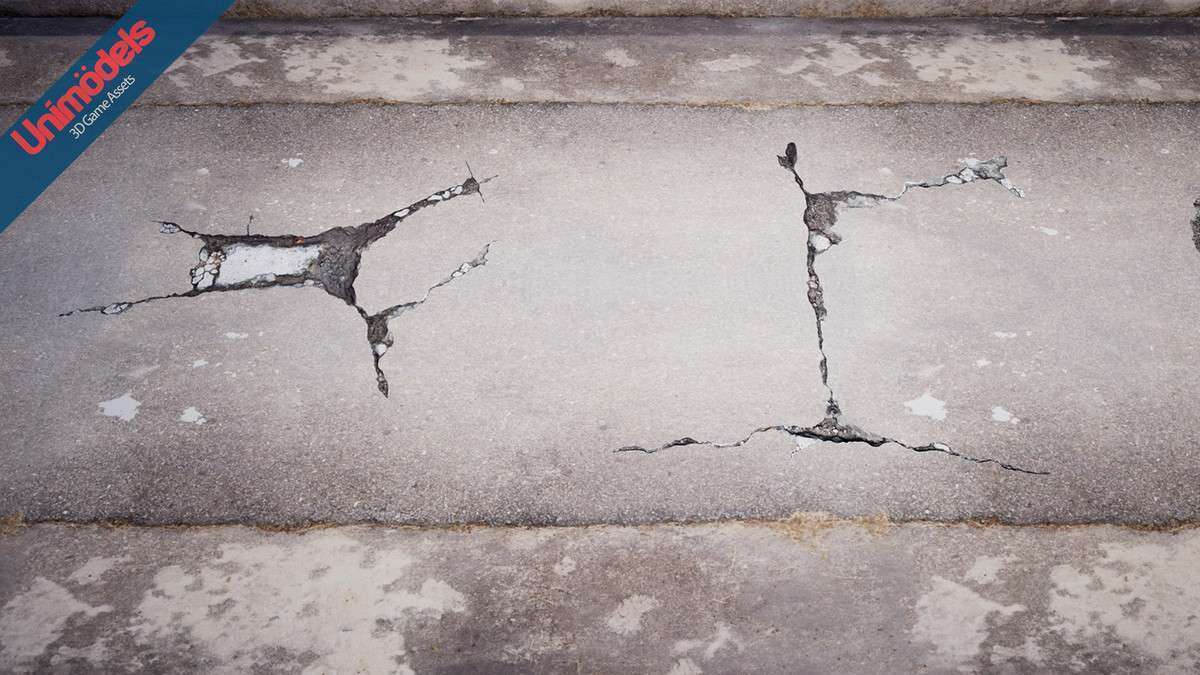
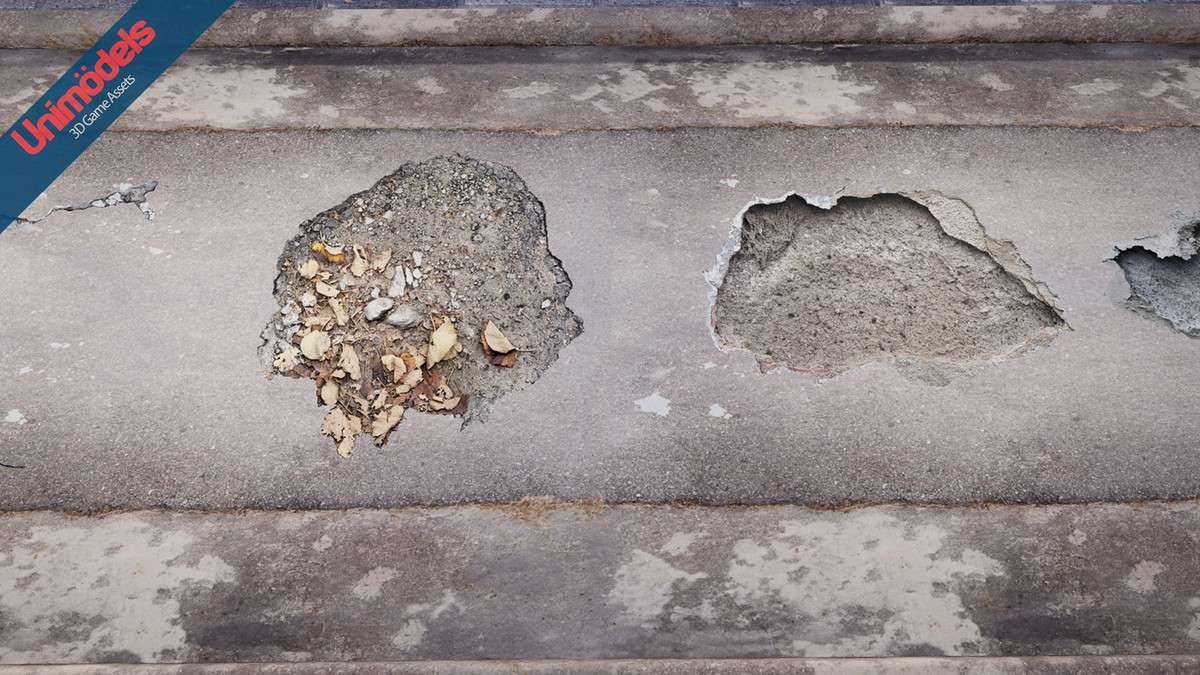
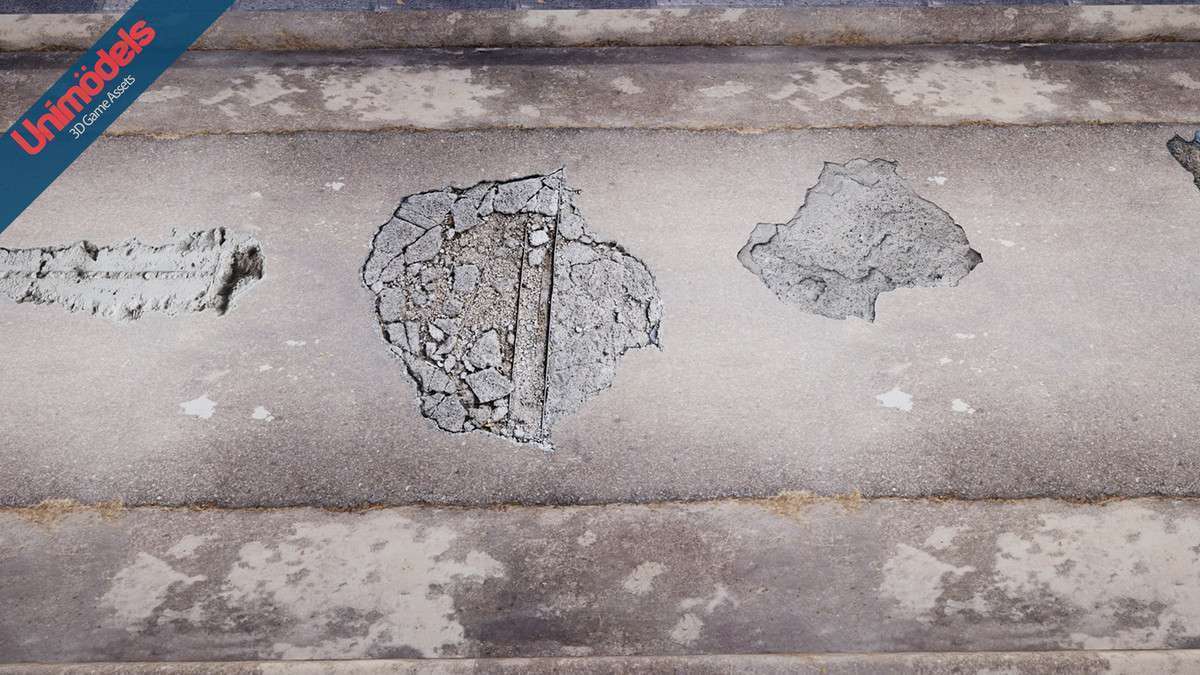
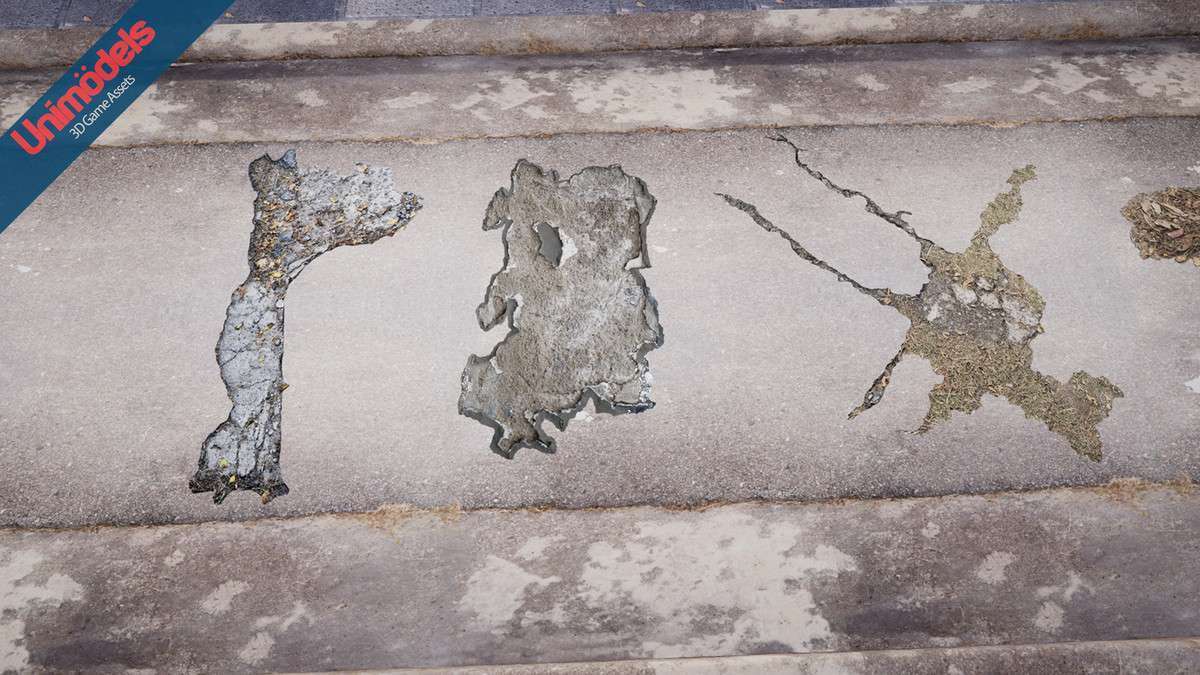
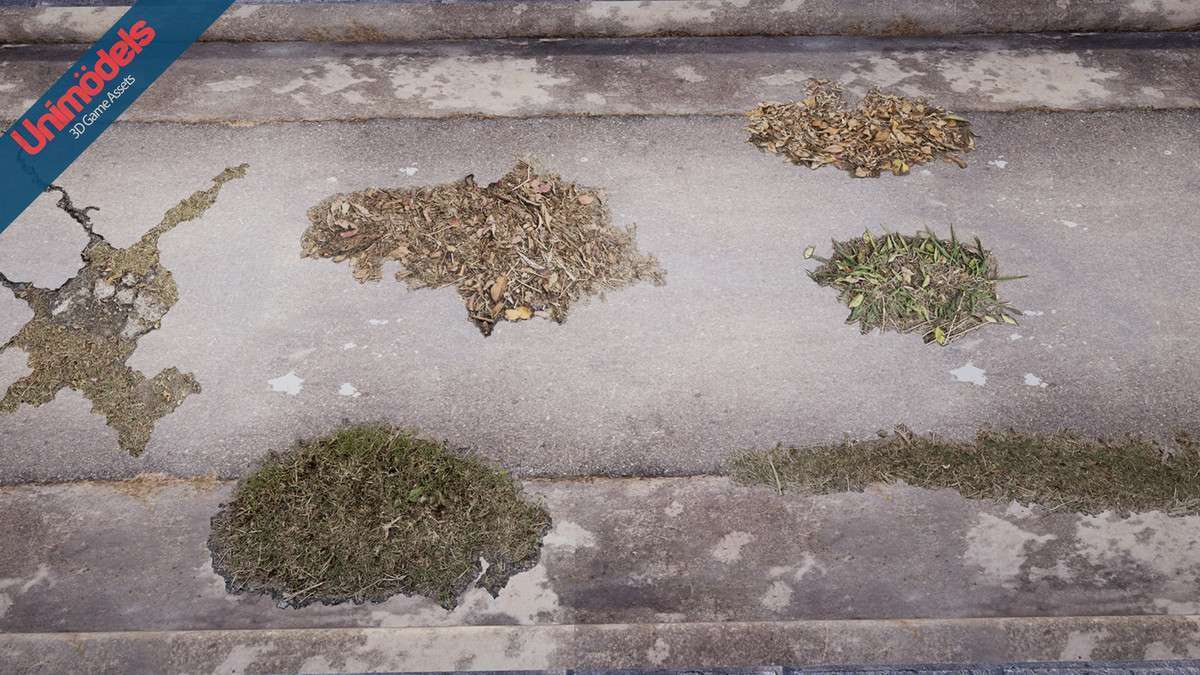
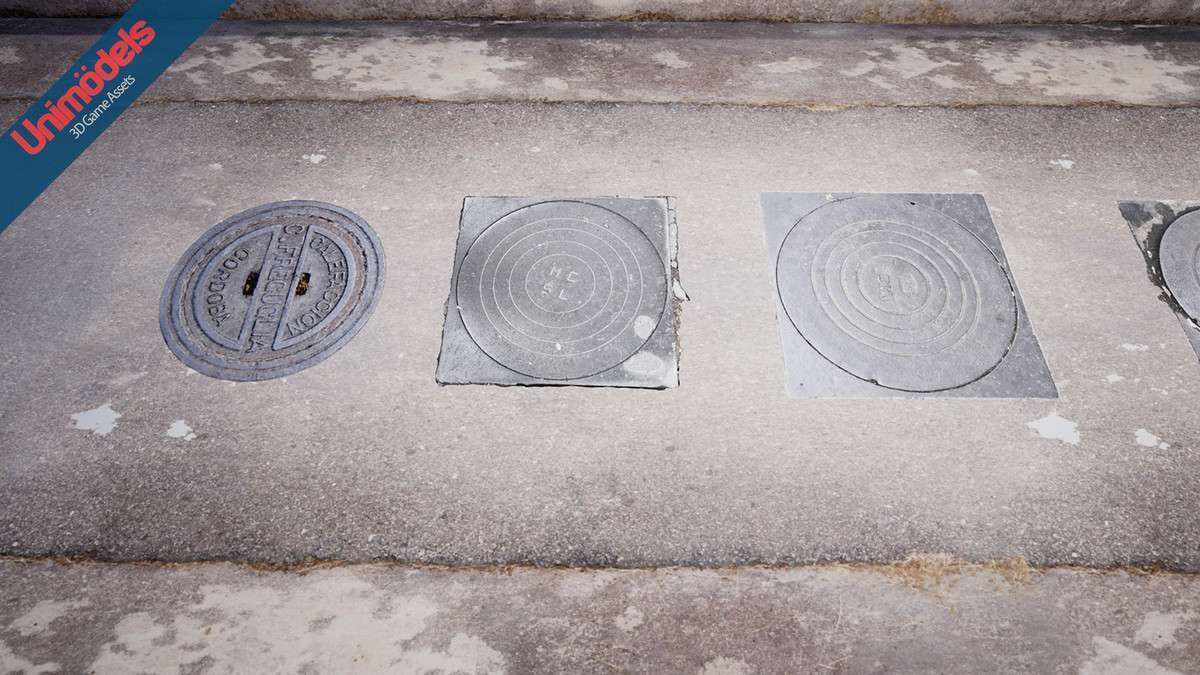
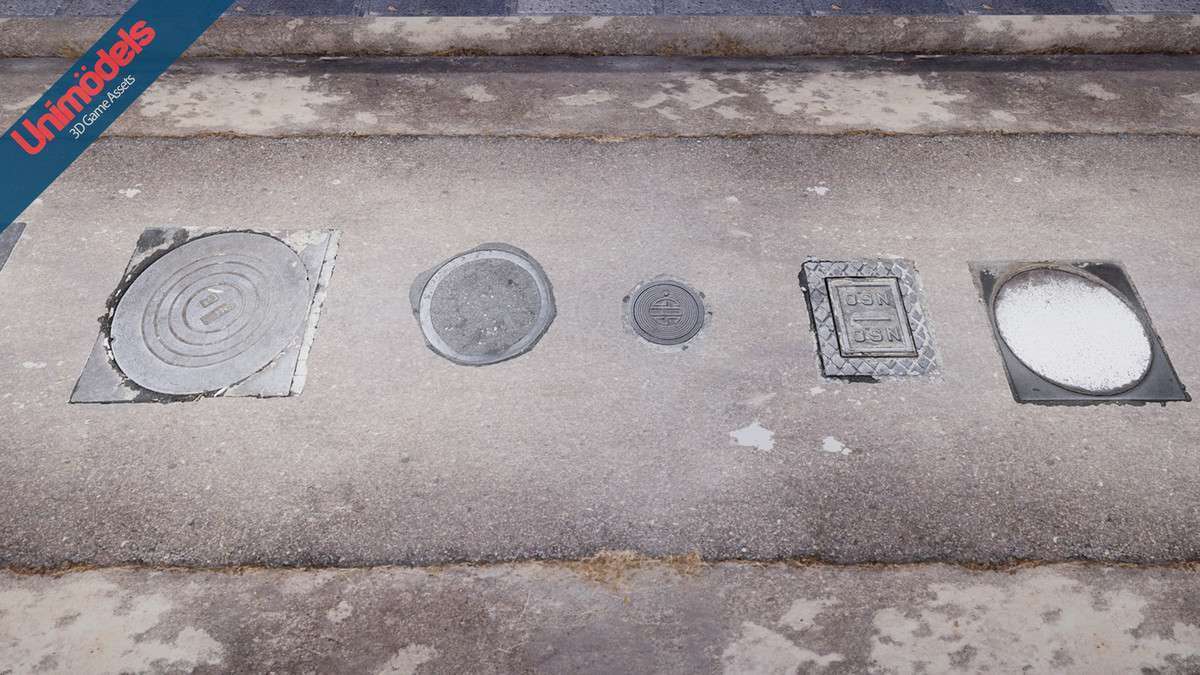
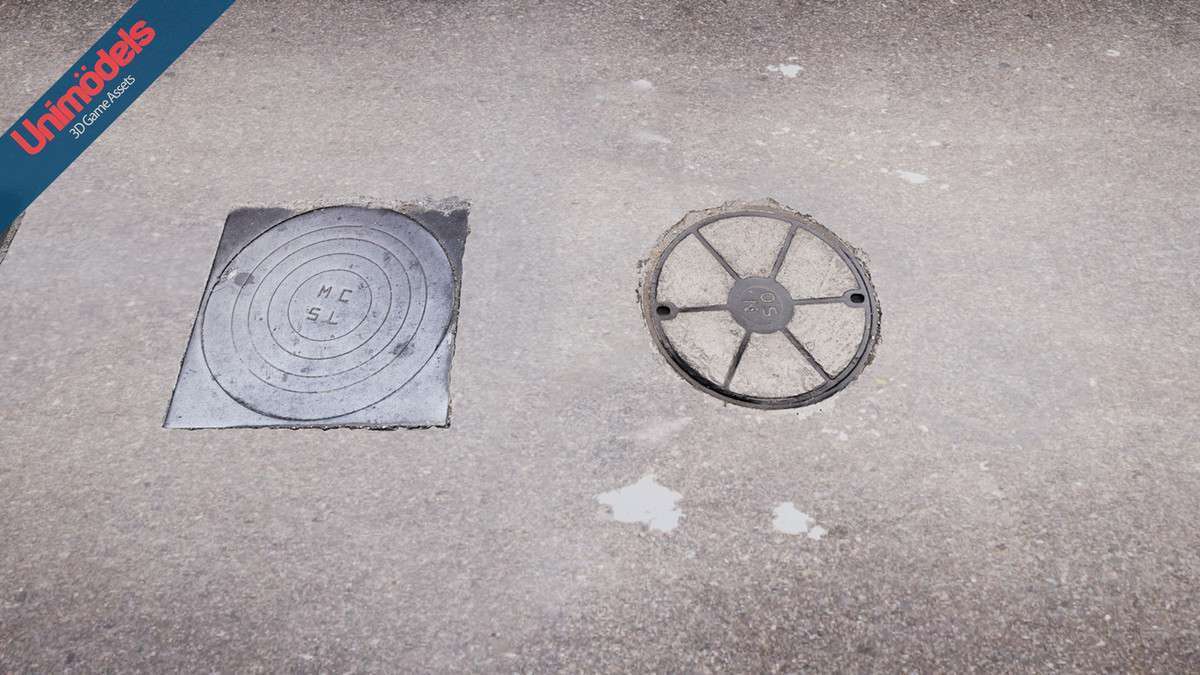
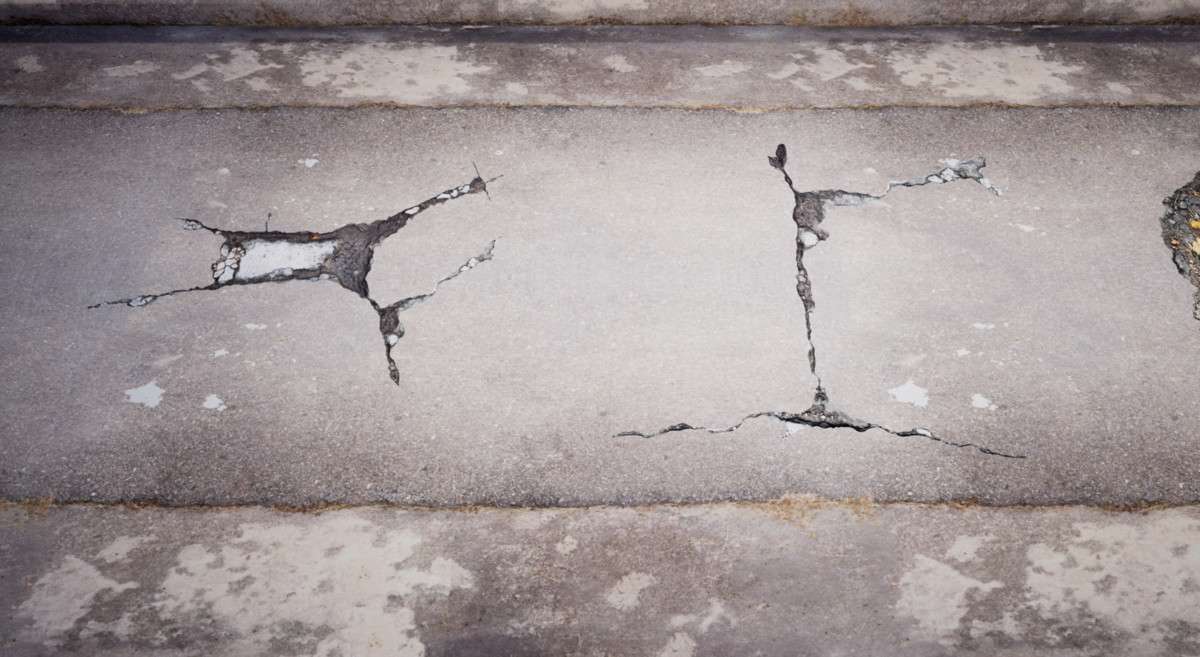
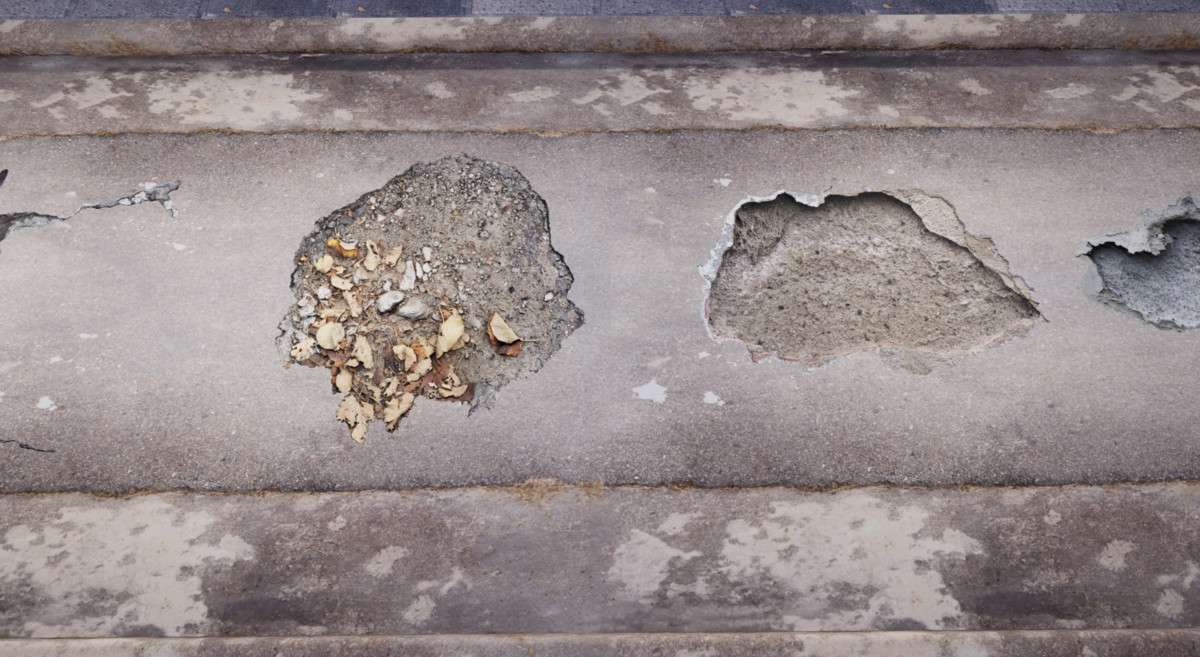
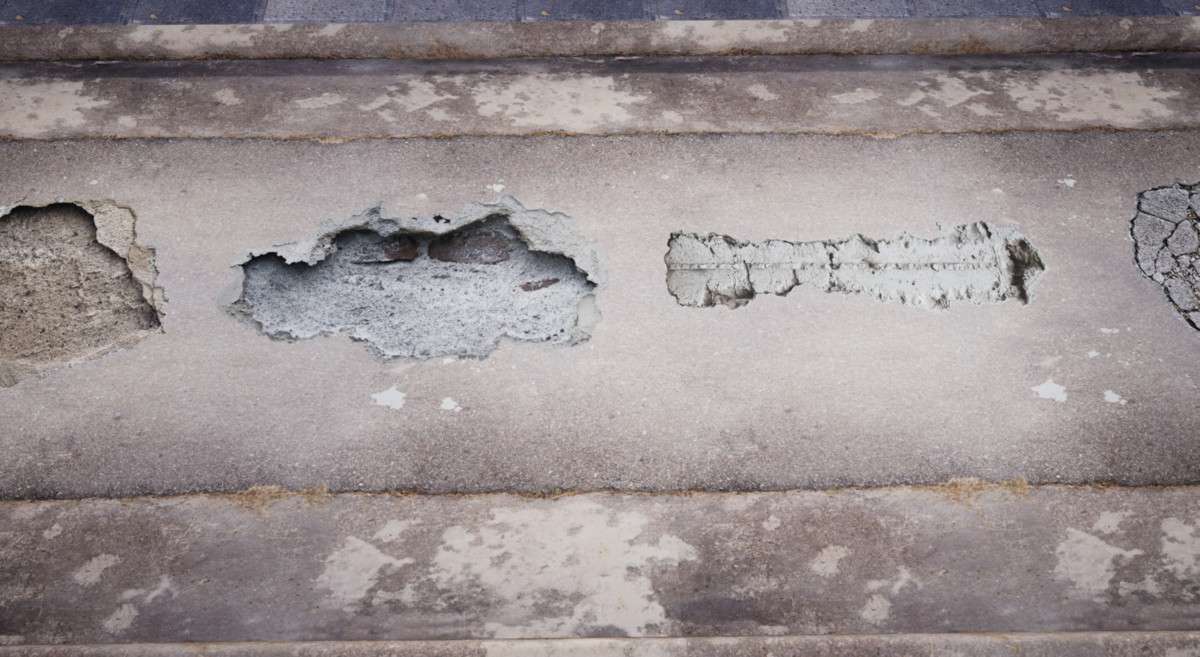
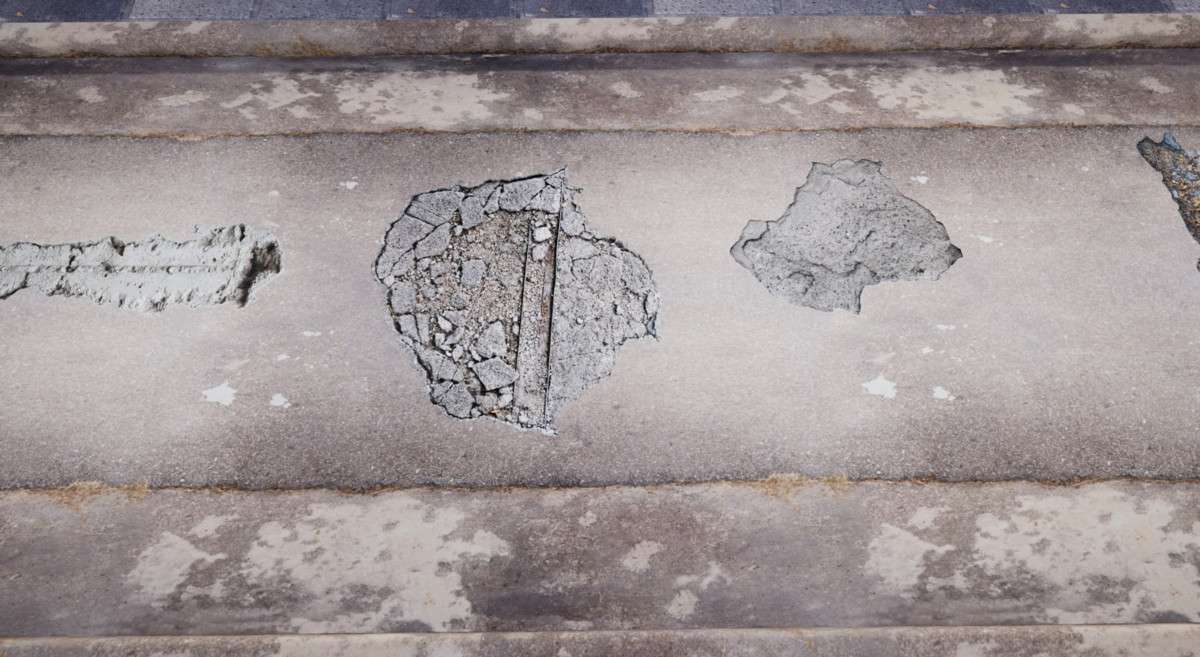
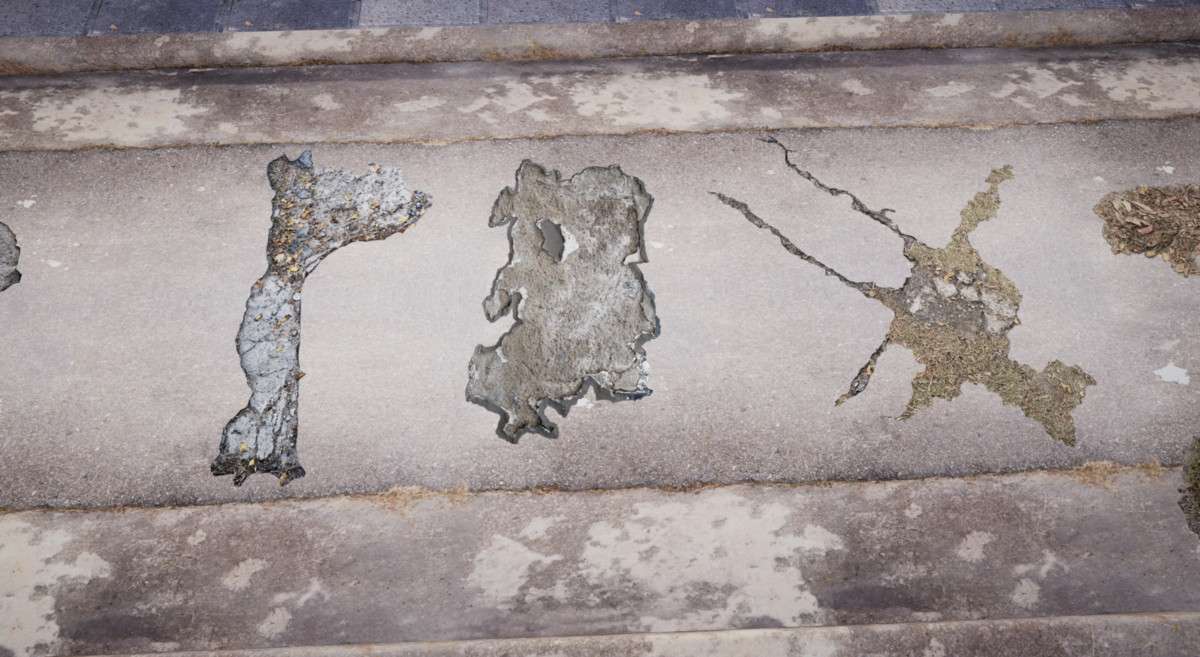
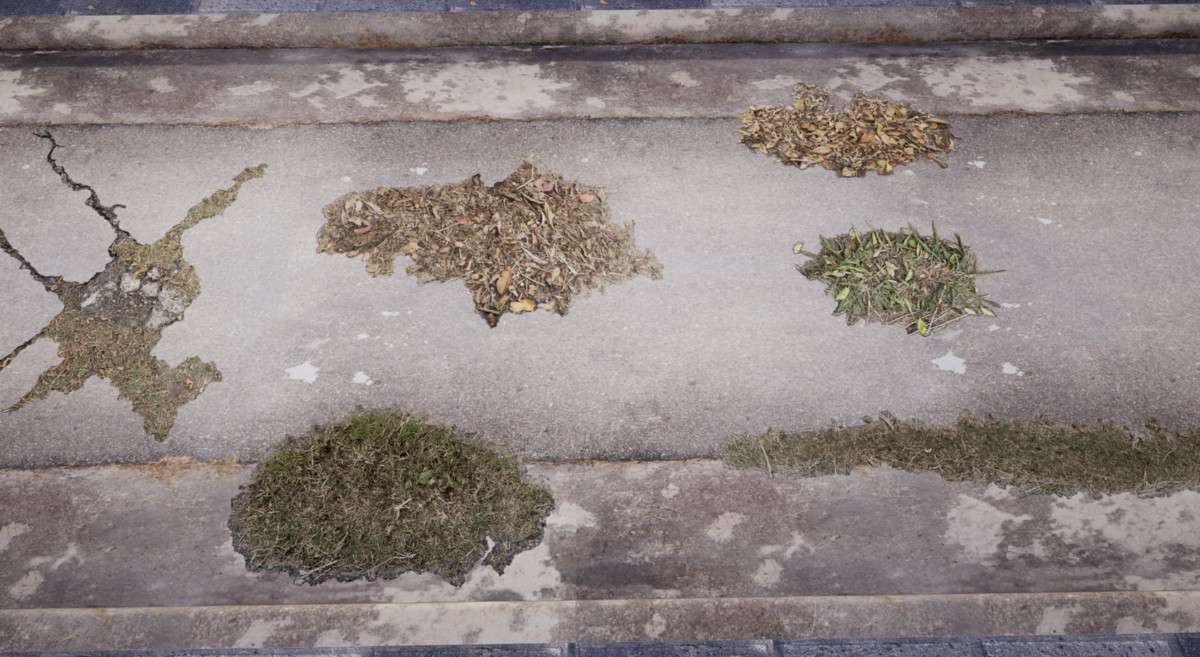
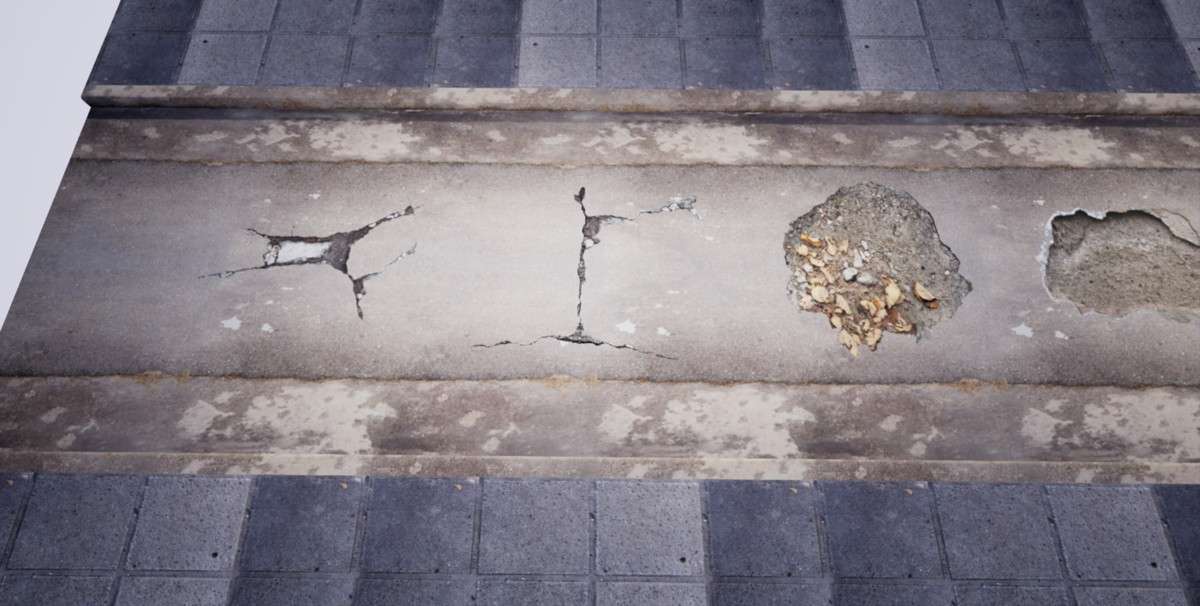
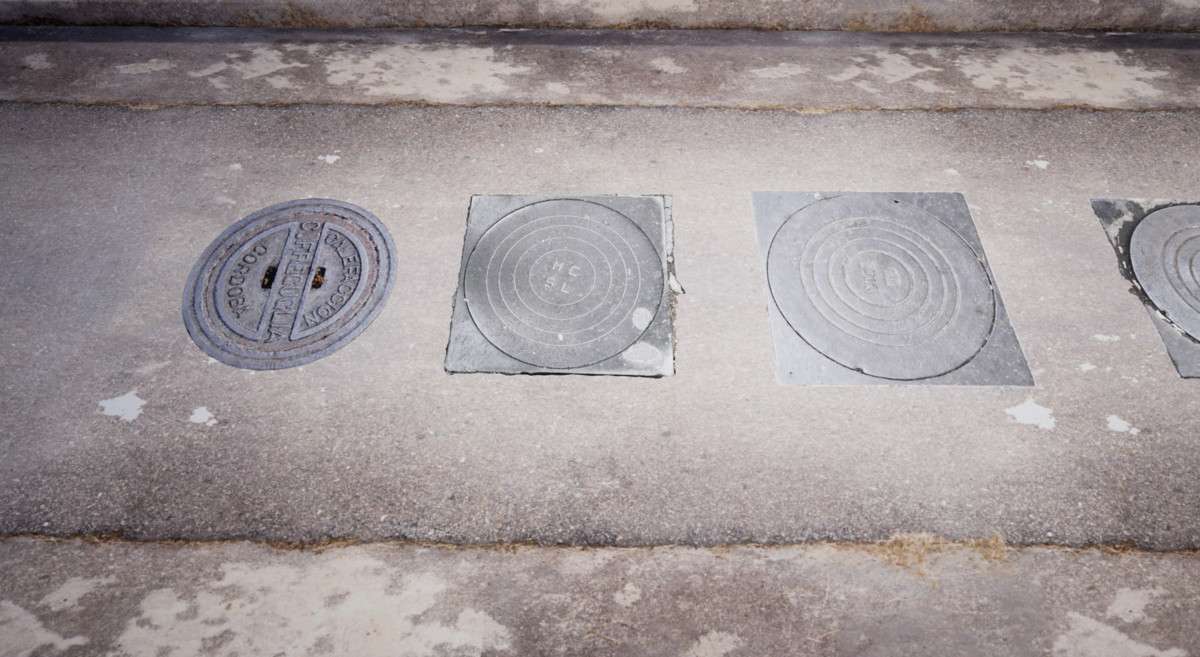
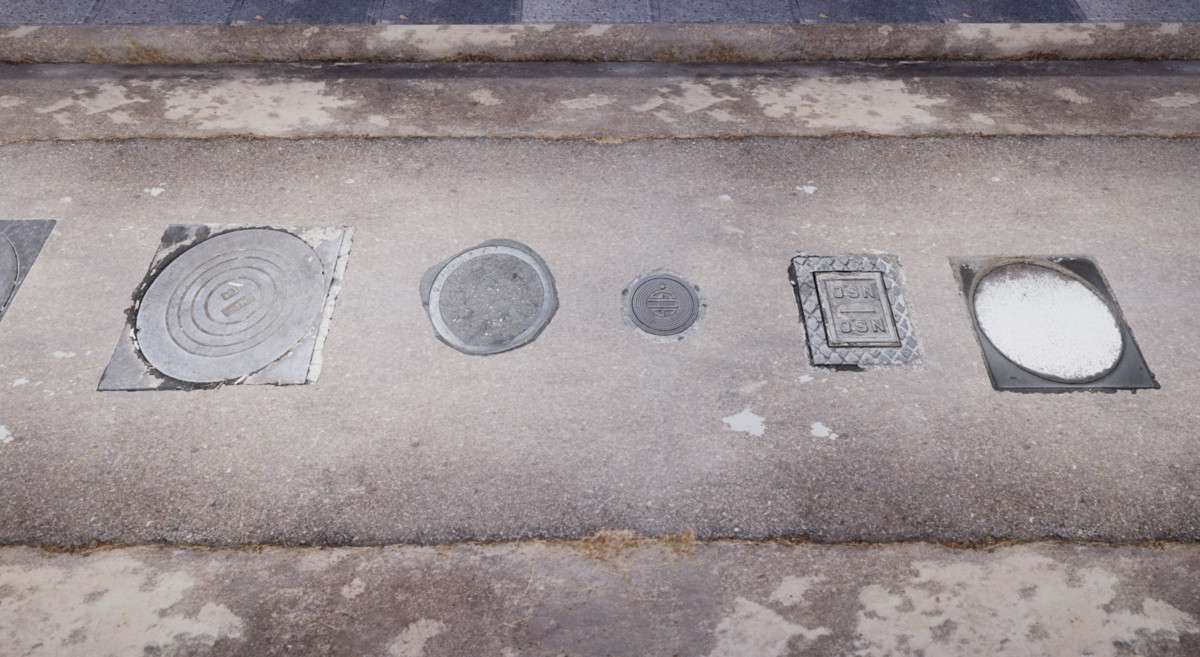
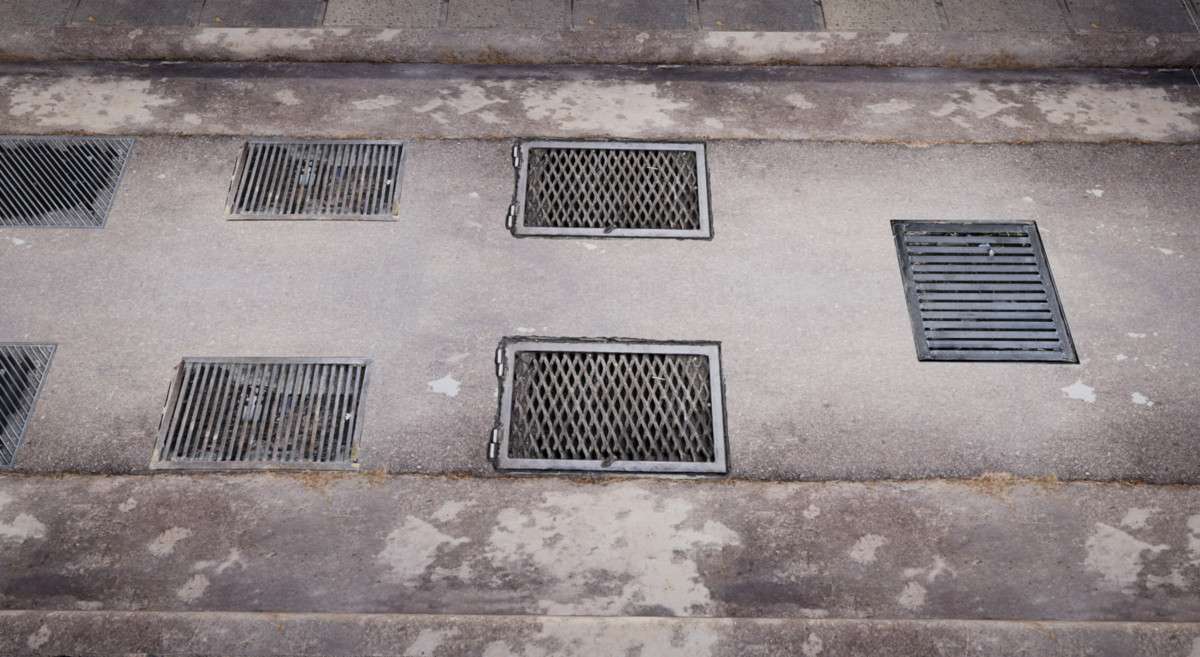
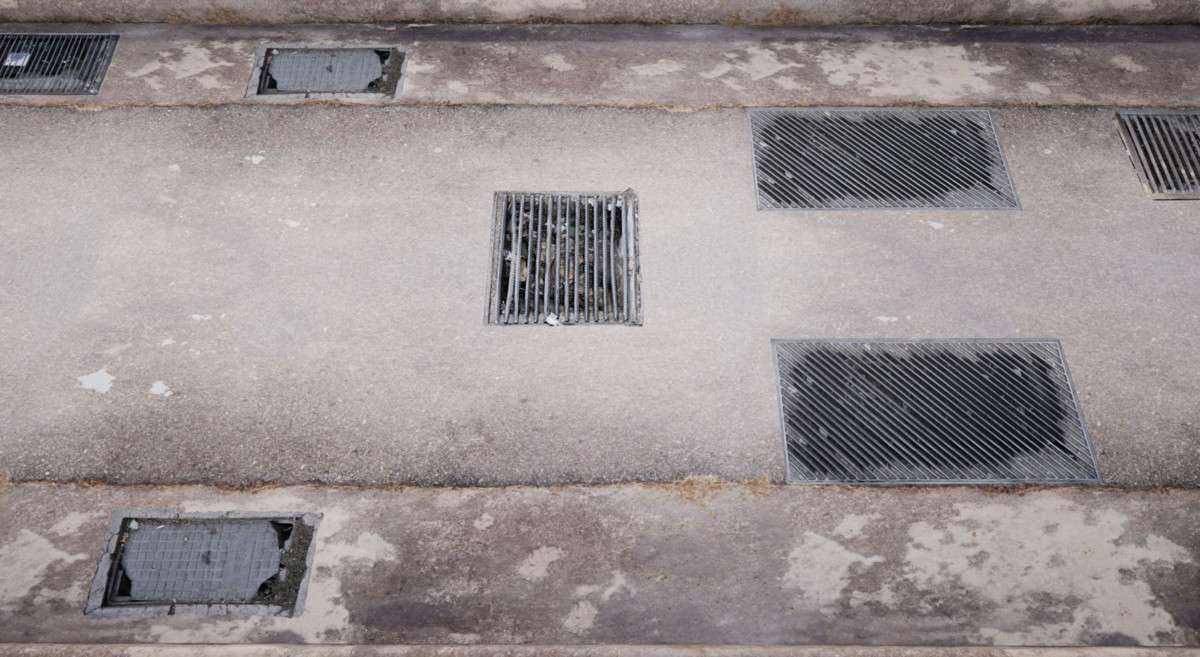
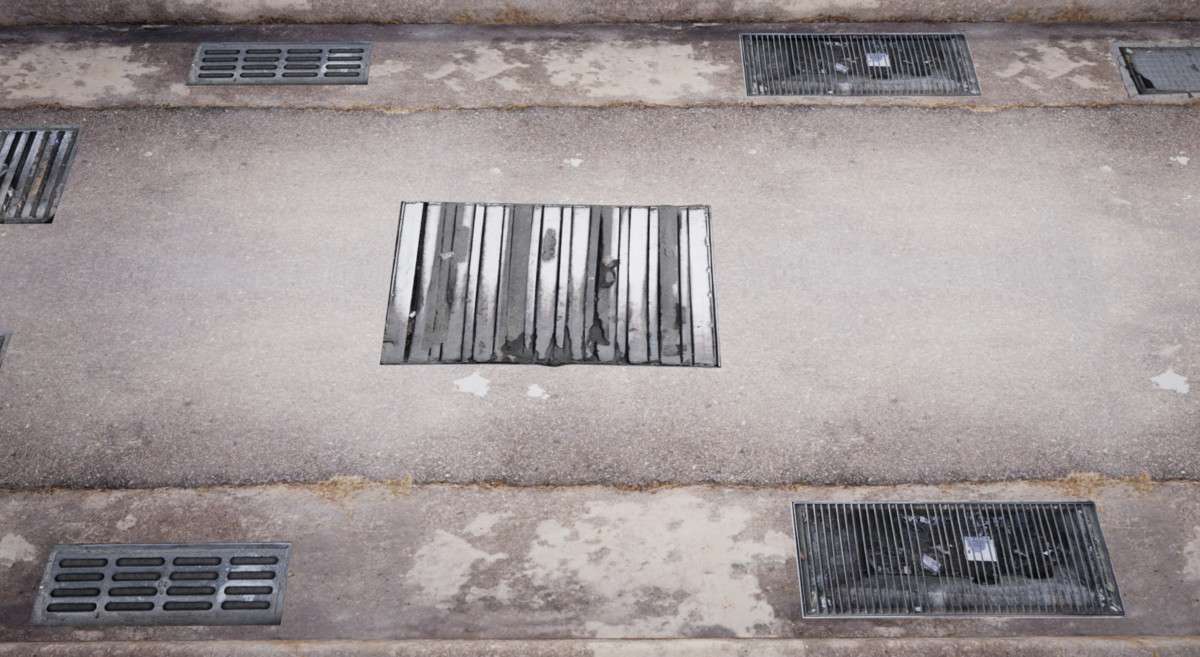
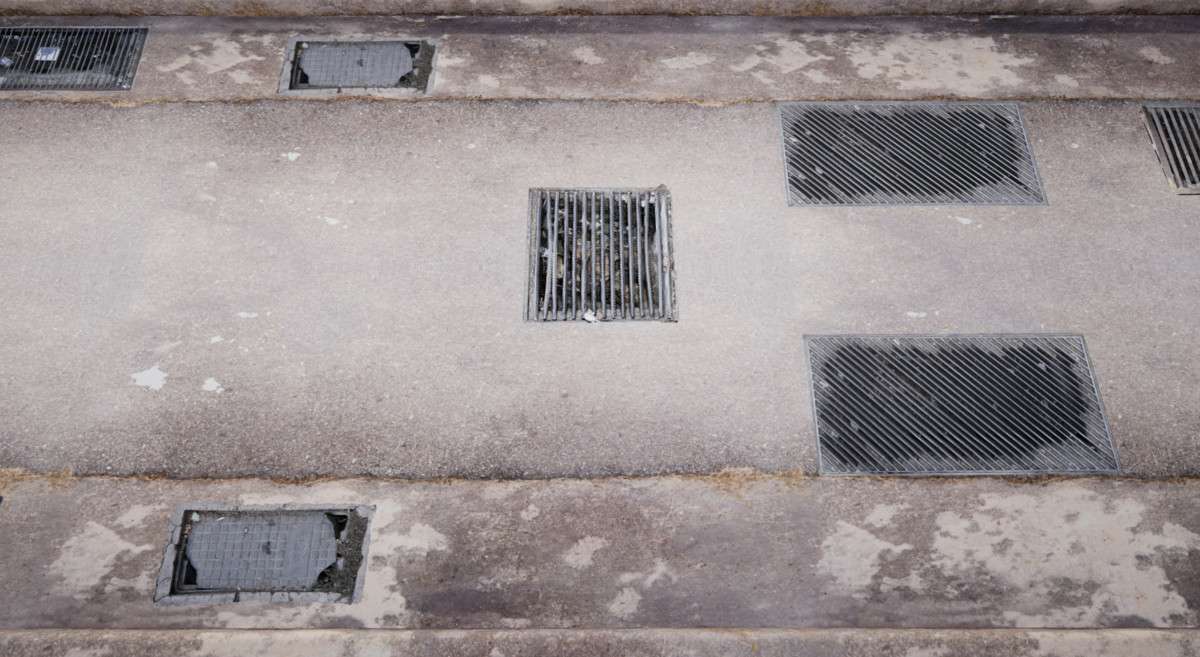
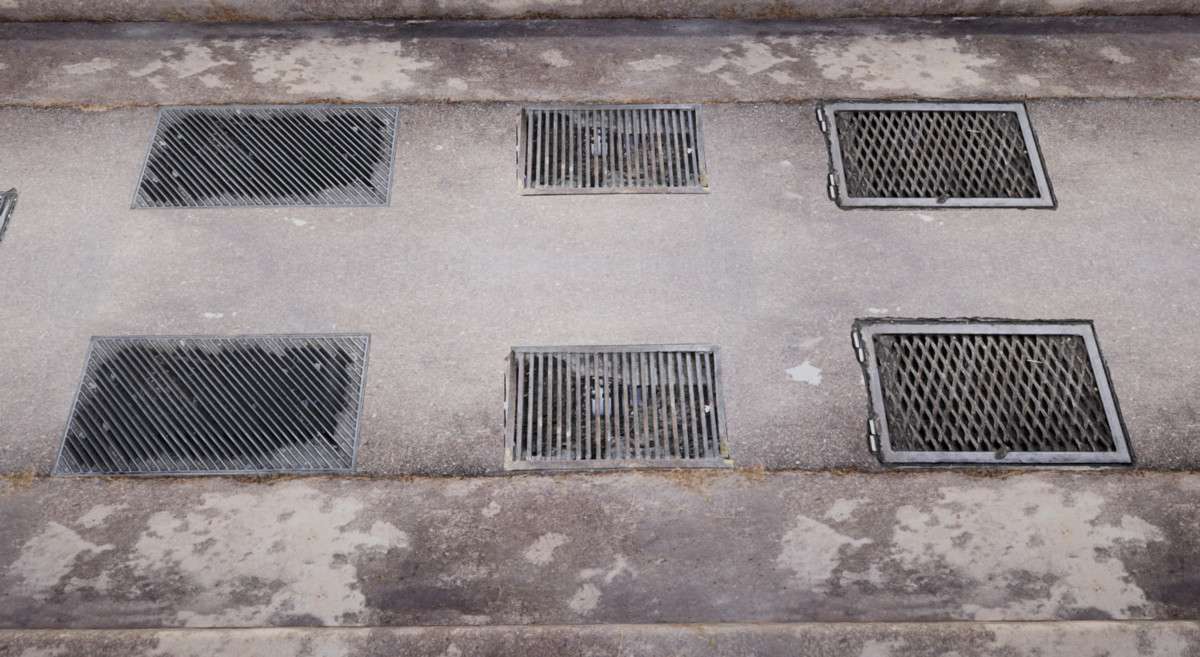
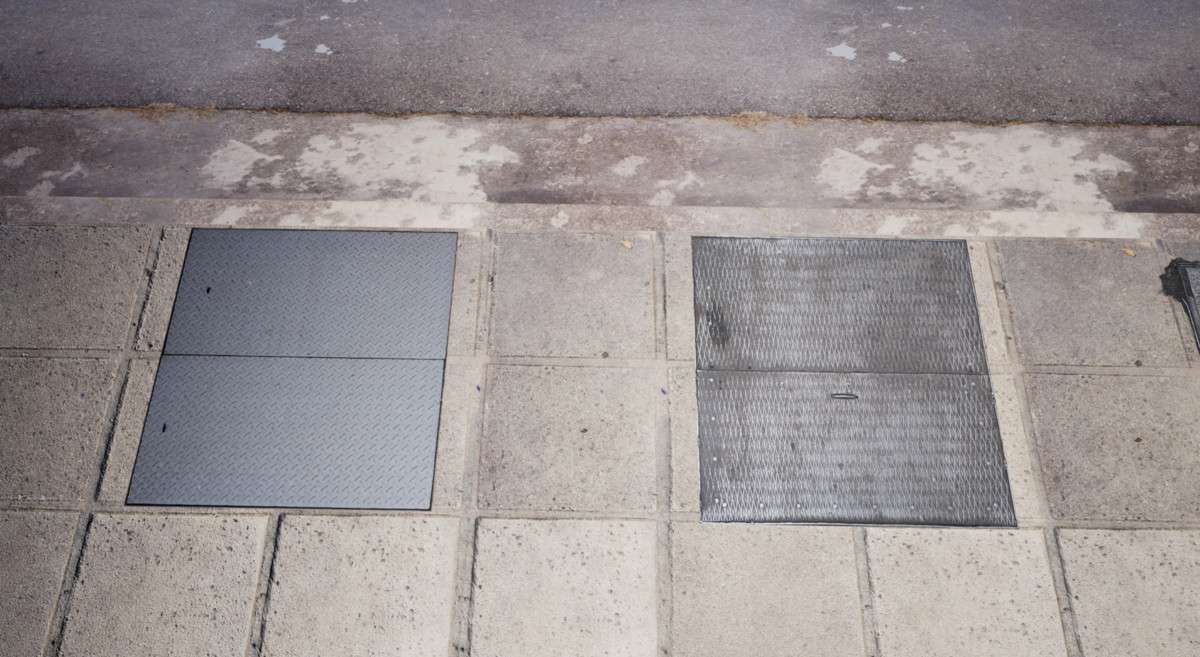
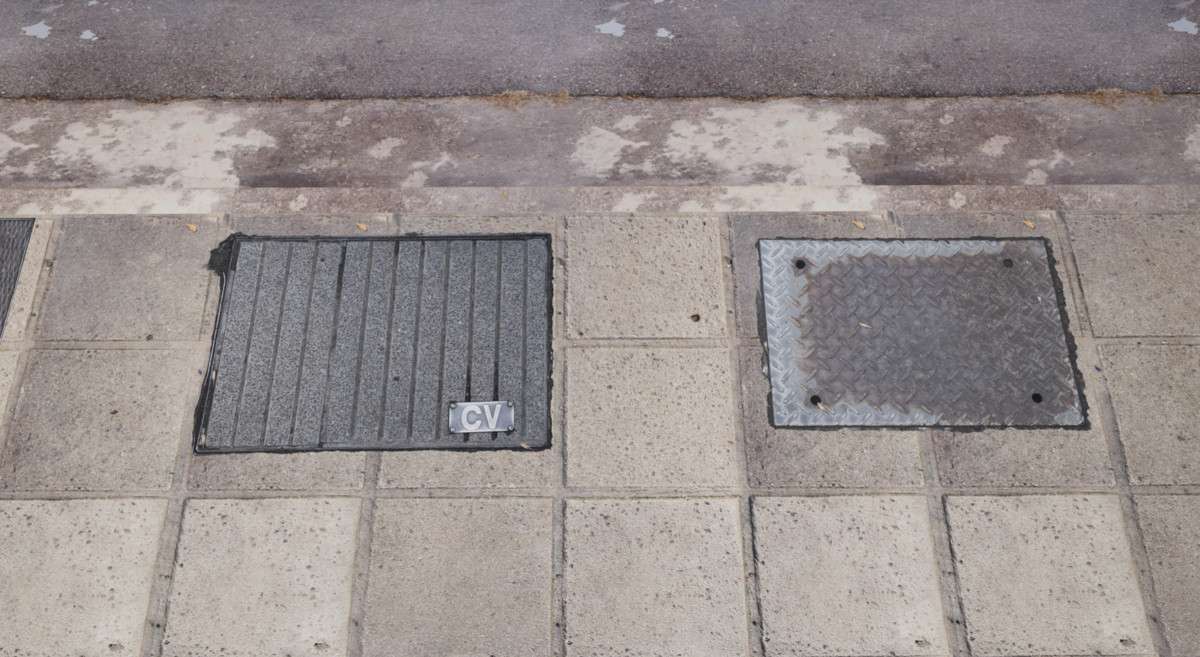
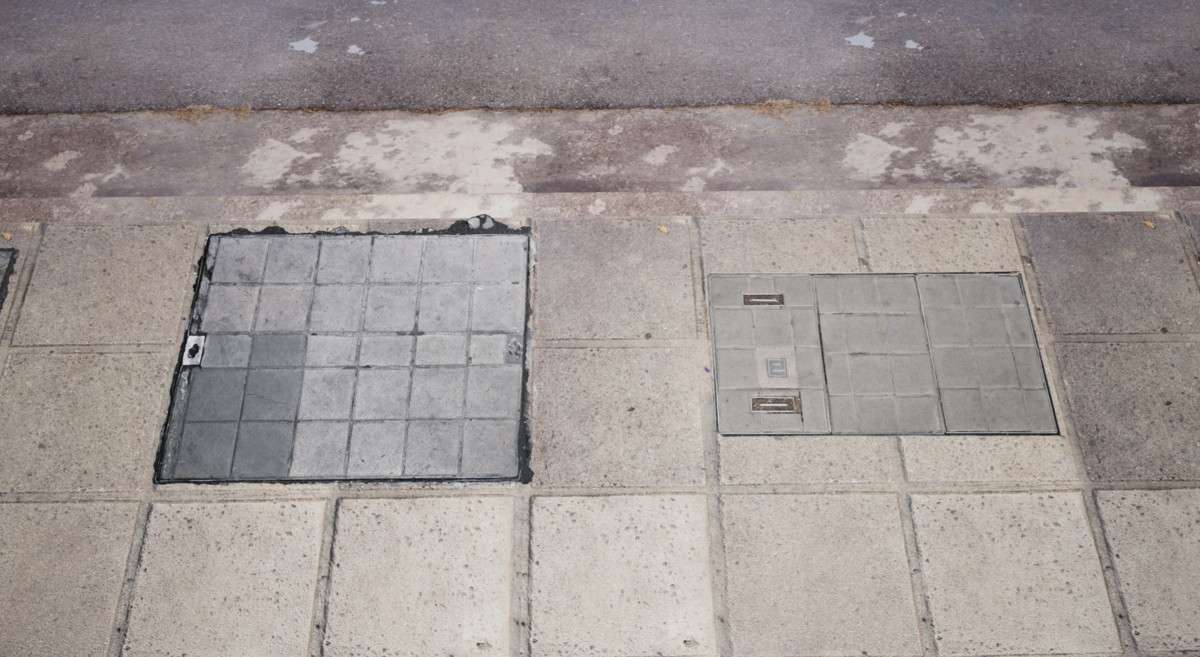
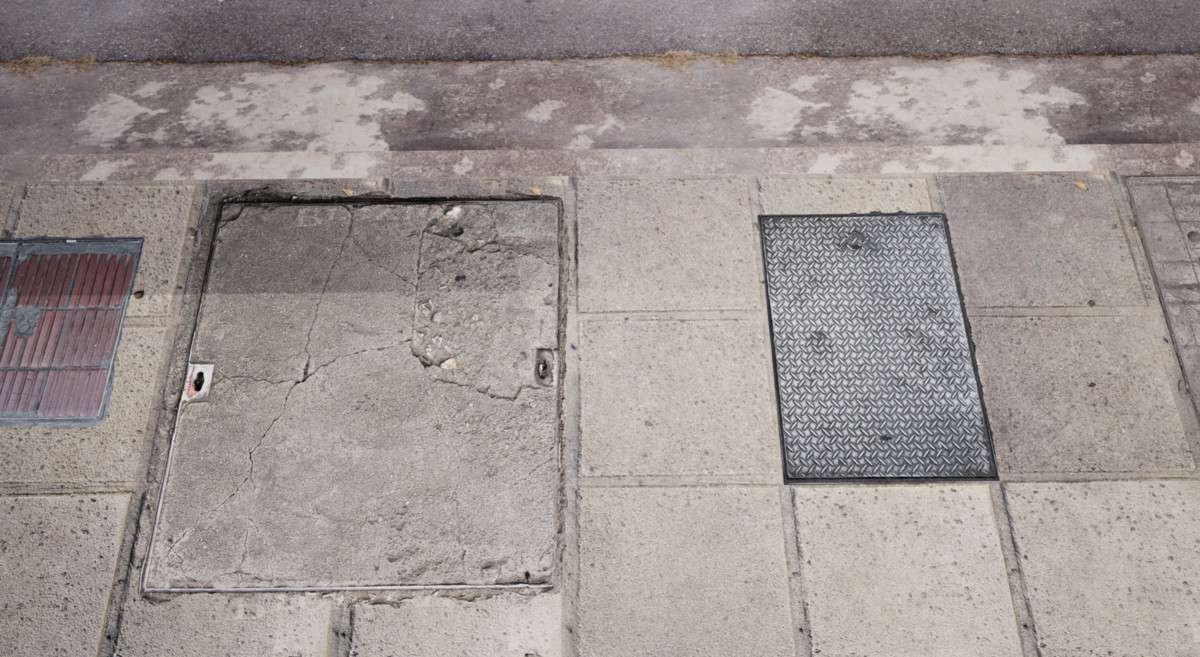
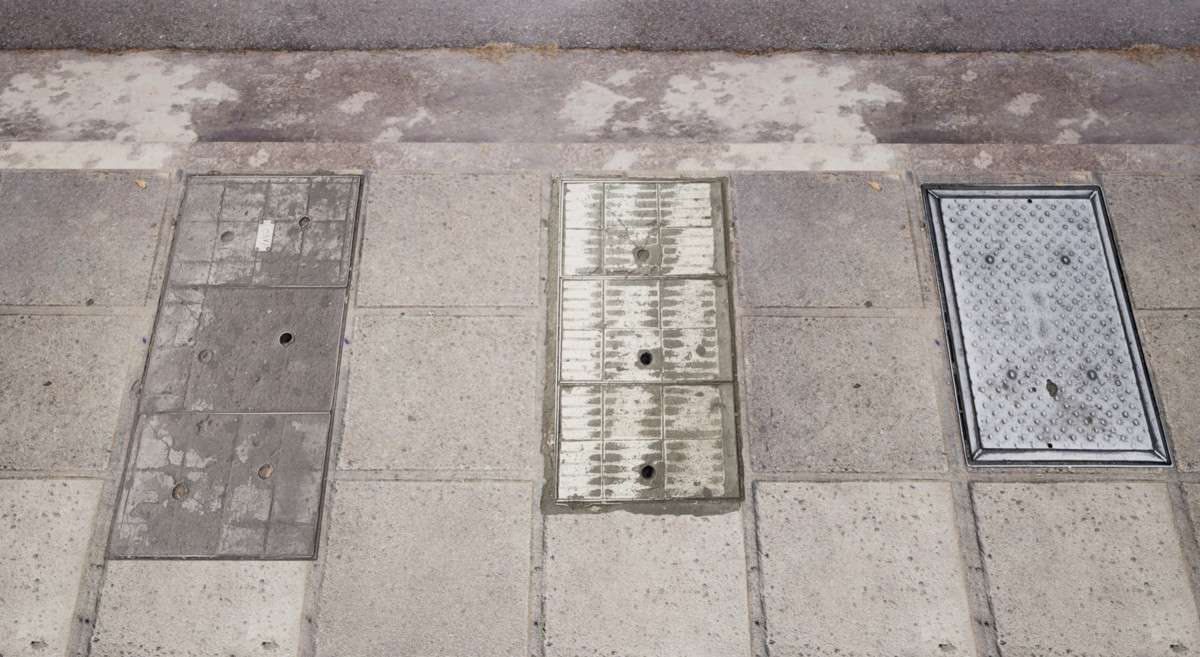
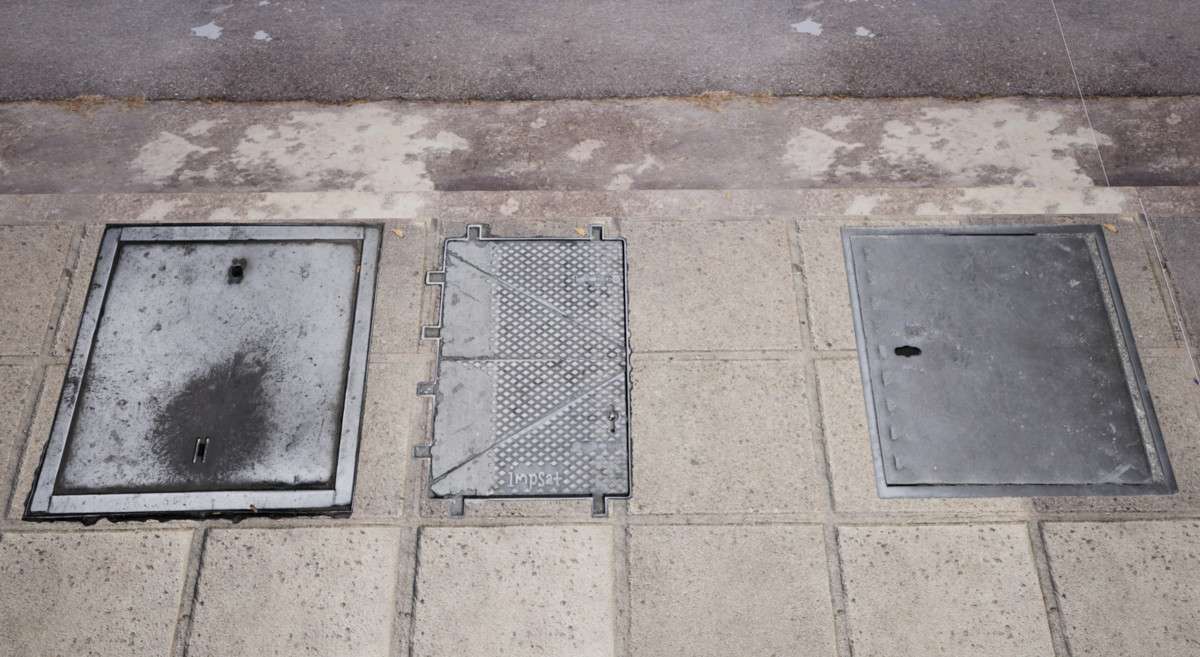
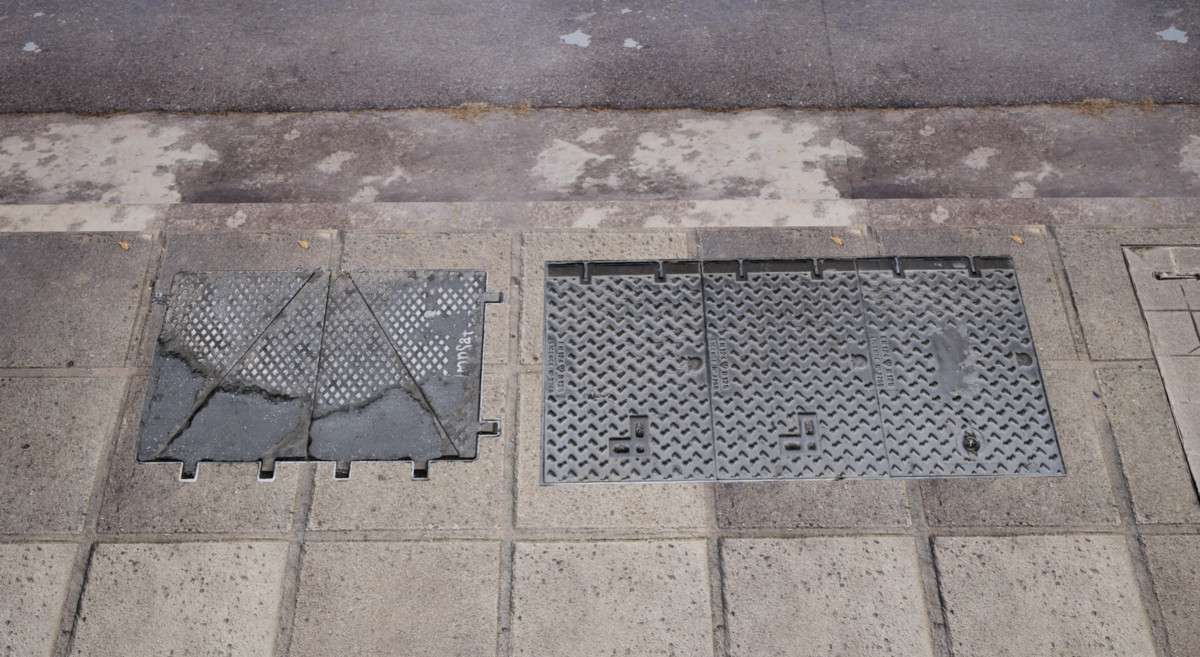
As of 1.0.0, Street Decals Vol. 1 Unity remains a vital tool for breaking up tiling textures and adding environmental storytelling to urban scenes. These aren’t just simple textures; they are high-resolution 4K PBR-ready scans that include proper roughness and normal maps to ensure they react correctly to lighting within the Universal Render Pipeline (URP) or High Definition Render Pipeline (HDRP). When dealing with large paved areas, these decals allow you to maintain high visual fidelity without the memory overhead of unique 1-to-1 textures for every square meter of your street geometry.
Integration Tips
- Decal Projector Setup: If you are using URP, ensure you have the ‘Decal’ renderer feature added to your Universal Renderer Data asset. This allows these materials to project correctly onto static and dynamic geometry.
- Draw Call Optimization: Group decals using the same Master Material. By using Material Instances for different textures (cracks, manholes, etc.), you can leverage Unity’s SRP Batcher to keep your draw call count low despite high decal density.
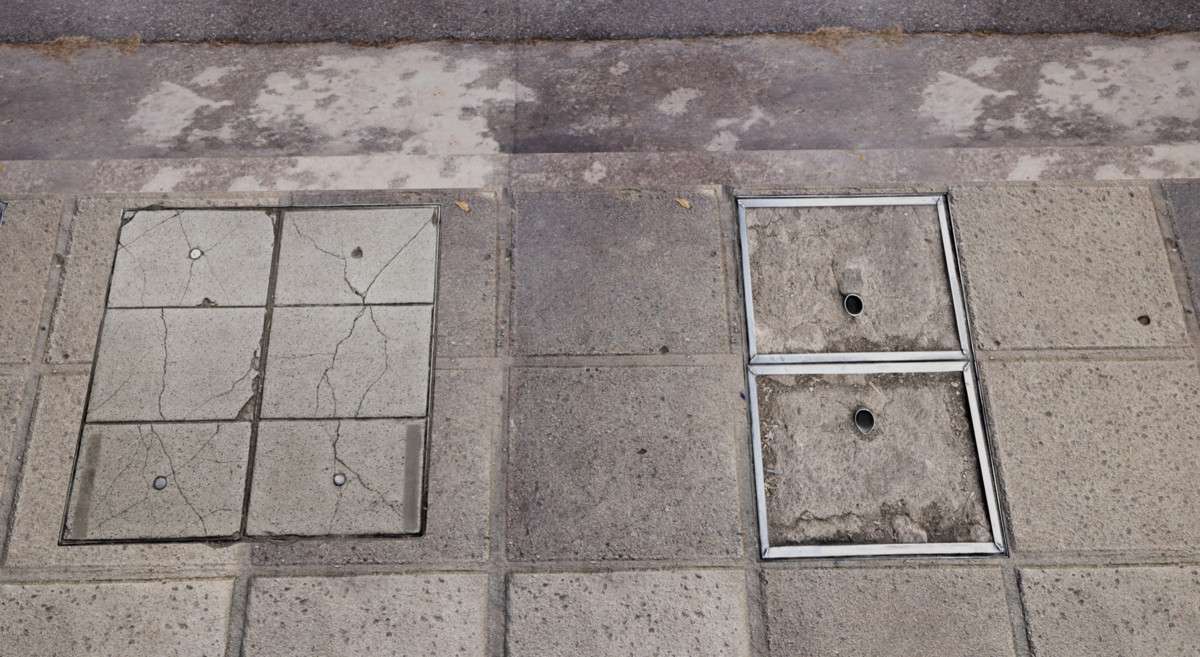
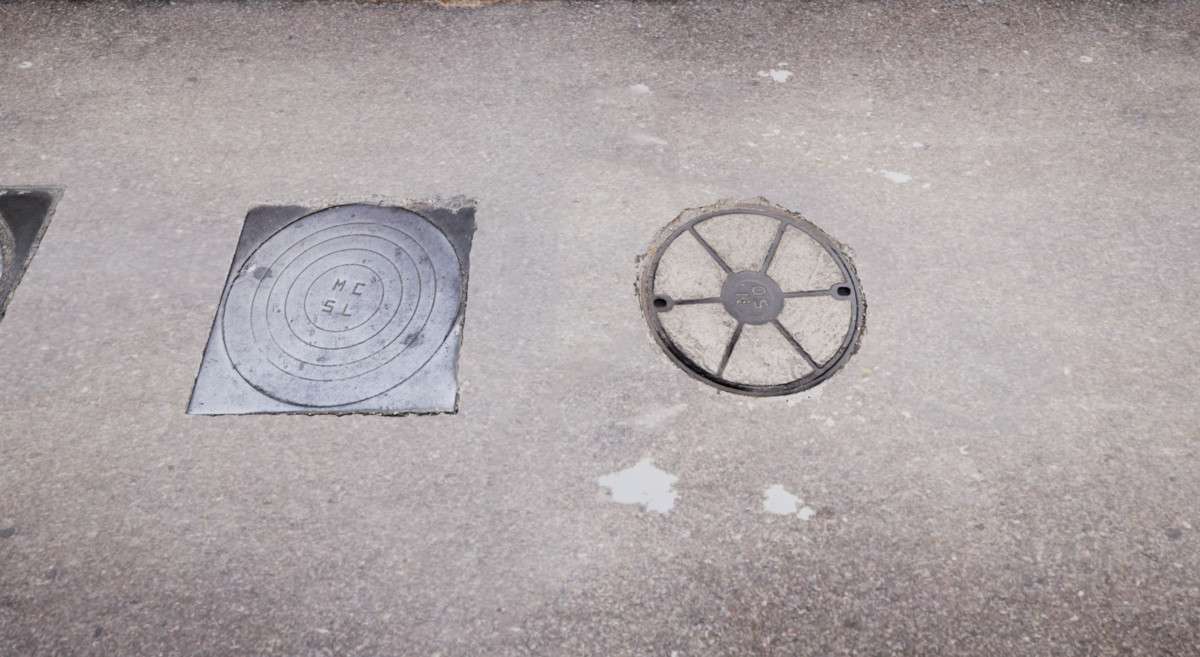
- Sorting Order: Pay attention to the ‘Priority’ or ‘Sorting Order’ on your decal components. Stacking a manhole cover over a pavement crack requires specific layering to prevent Z-fighting at grazing angles.
Best Use Cases
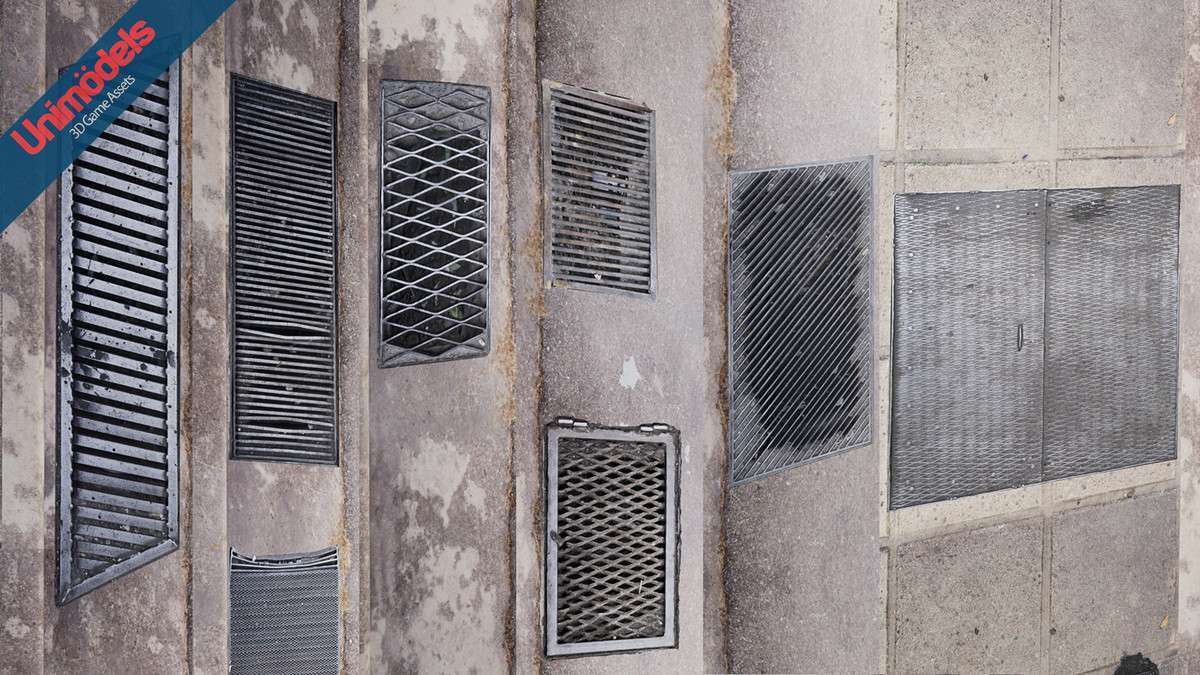
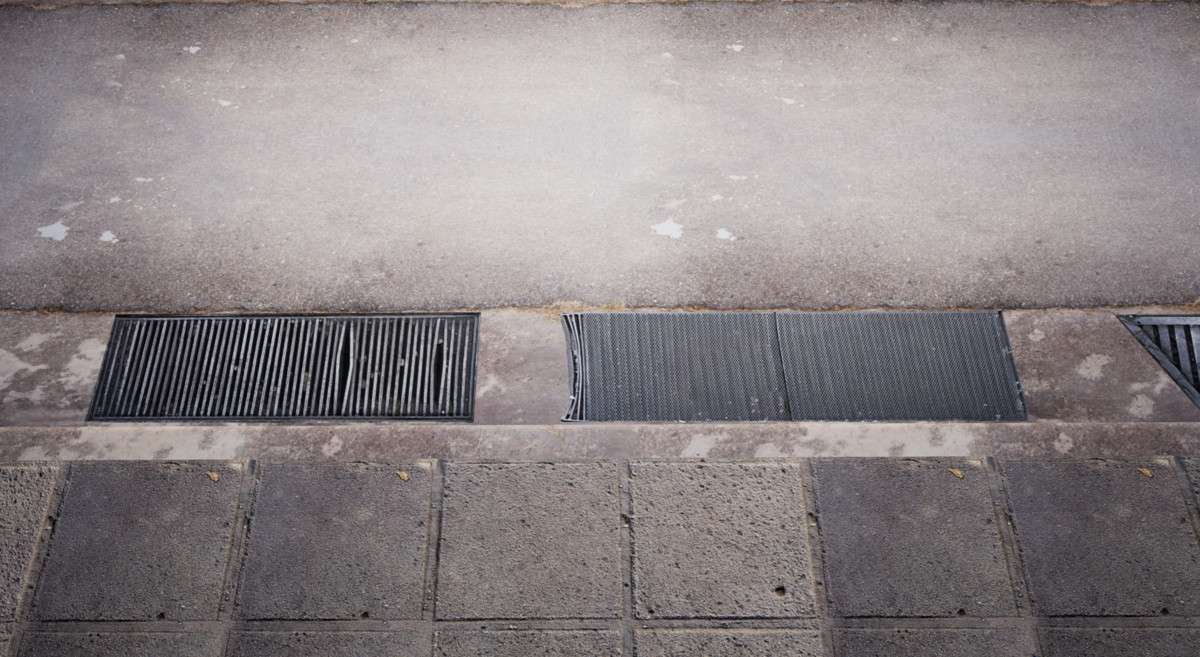
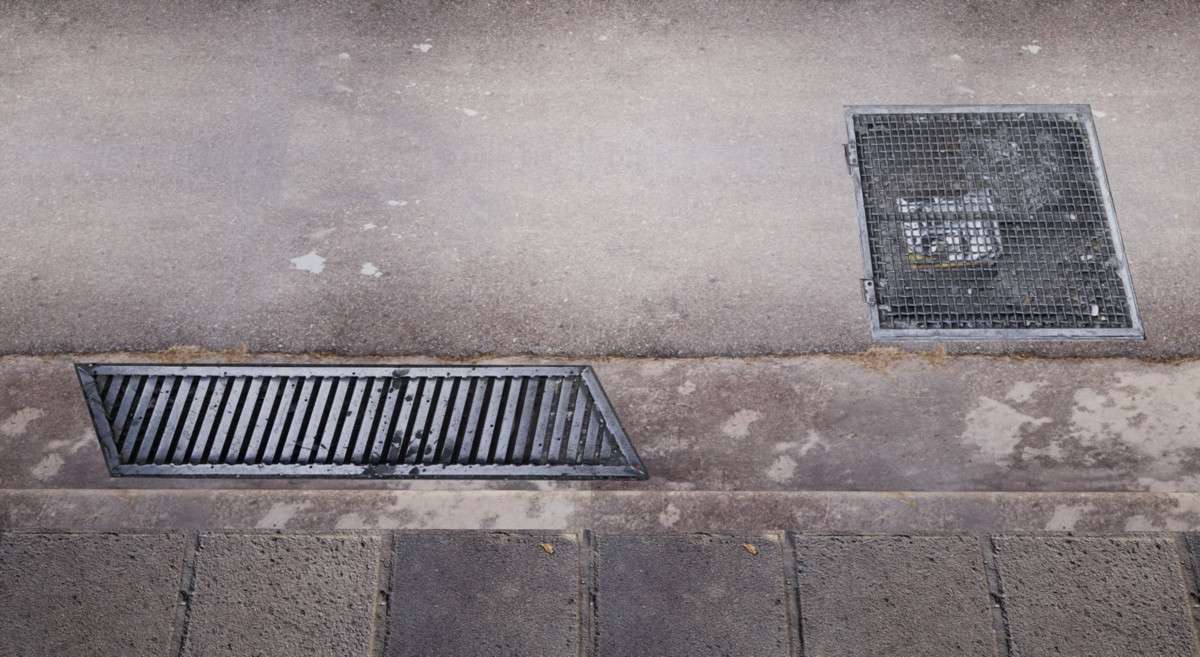
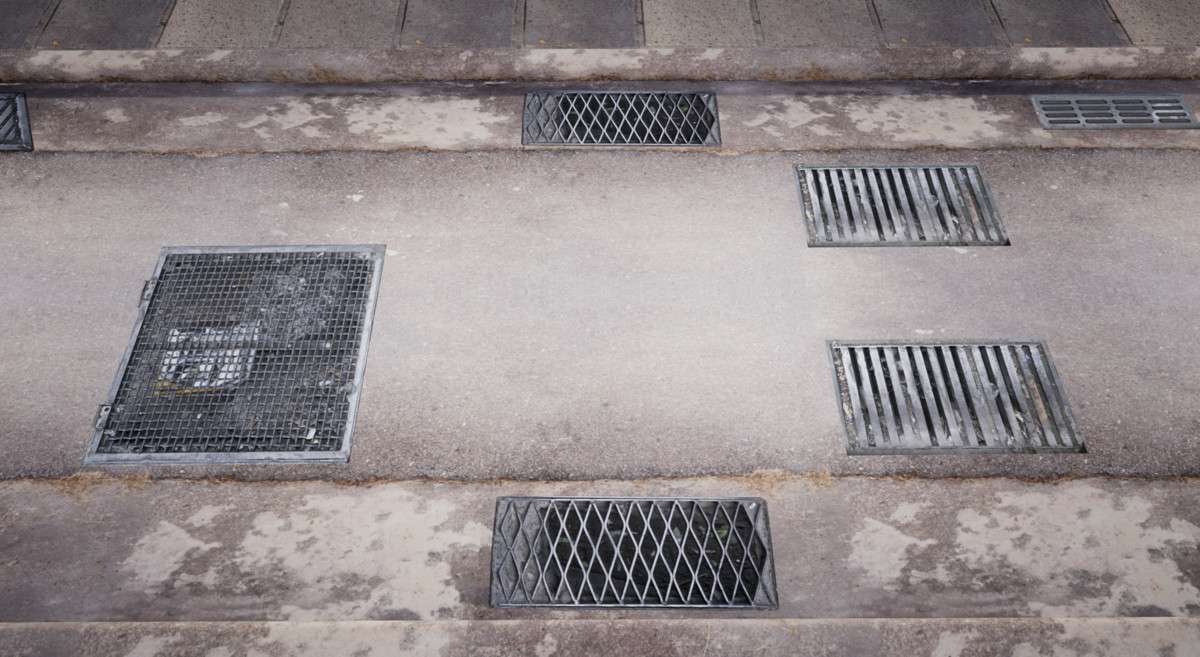
- Open World Urban Environments: Essential for adding localized detail like grates and oil spills without increasing the polycount of the base street mesh. It keeps the scene performant by utilizing GPU-instanced decal projectors.
- Cyberpunk/Gritty Shooters: The scanned quality of the cracks and stains provides the high-frequency detail needed for first-person perspectives where the player is close to the ground geometry.