
Technical Overview
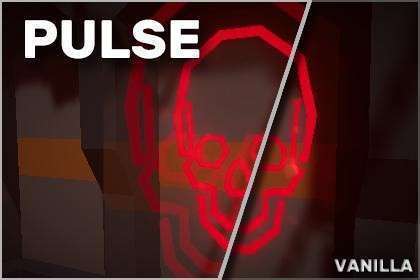
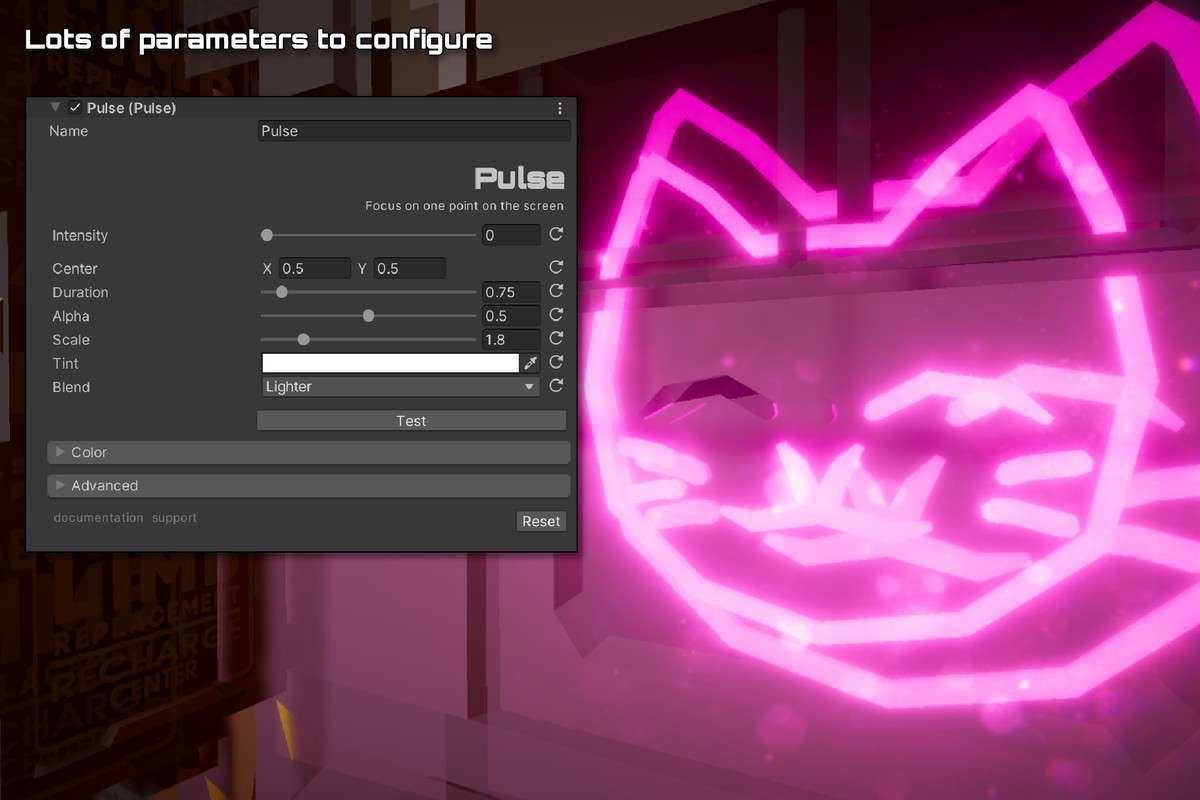
In our latest build using 2.1.1, we integrated Spice Up: Pulse Unity to handle feedback for critical health states and environmental triggers. This isn’t just a simple UI scale; it’s a shader-driven post-processing effect that manipulates screen coordinates to simulate a rhythmic expansion from a specific focal point. Because it operates within the Universal RP (URP) volume framework, it integrates cleanly into existing post-processing stacks without requiring custom render passes in most standard setups.
Integration Tips
When adding this to an existing URP project, ensure your Volume Profile is correctly assigned and that ‘Post Processing’ is enabled on your Main Camera. A common pitfall is attempting to trigger the pulse through simple script-based lerping of variables; instead, utilize the provided API to fire pulses based on game events to ensure the shader uniform updates are synced with the rendering thread. If you are using other screen-space effects like Lens Distortion or Bloom, place the Pulse effect higher in the stack to avoid artifacts where the pulse ‘tears’ the bloom threshold.
Best Use Cases
- Horror or Survival Titles: Perfect for simulating a heartbeat or adrenaline surge. By tying the frequency and intensity parameters to the player’s ‘Stamina’ or ‘Fear’ variable, you create a visceral connection between game state and visual feedback without cluttering the HUD.
- Sci-Fi Environmental Hazards: Use this to simulate EMP blasts or reactor instability. By setting the focal point to a world-space position converted to screen-space, you can make the pulse appear to emanate from a specific in-game object rather than just the screen center.