

Physics-Based Interaction Management
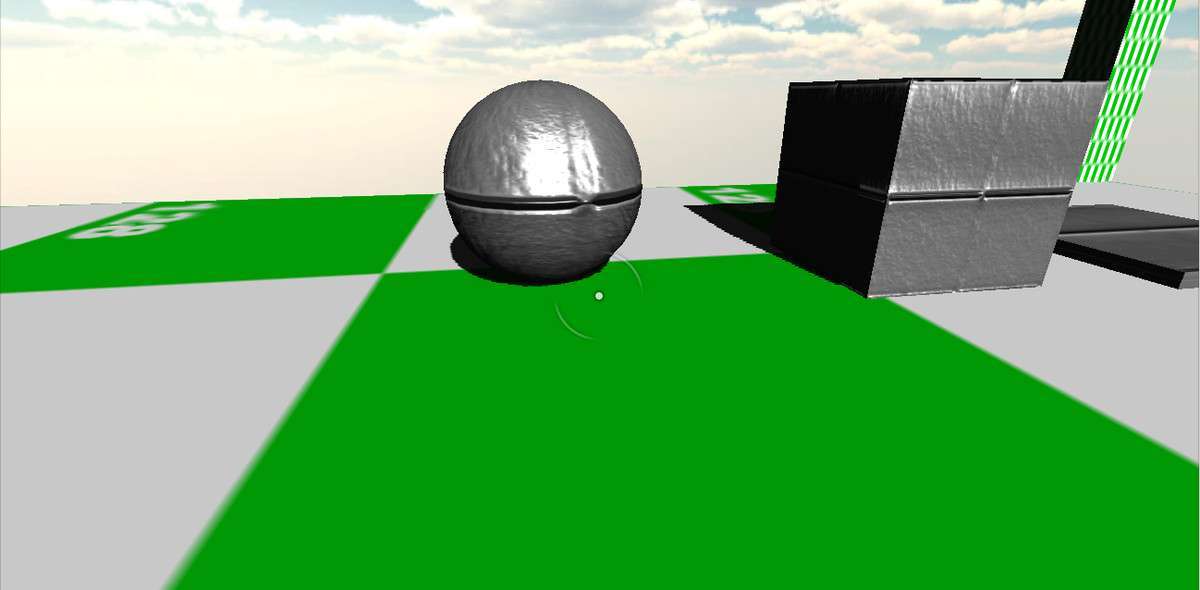
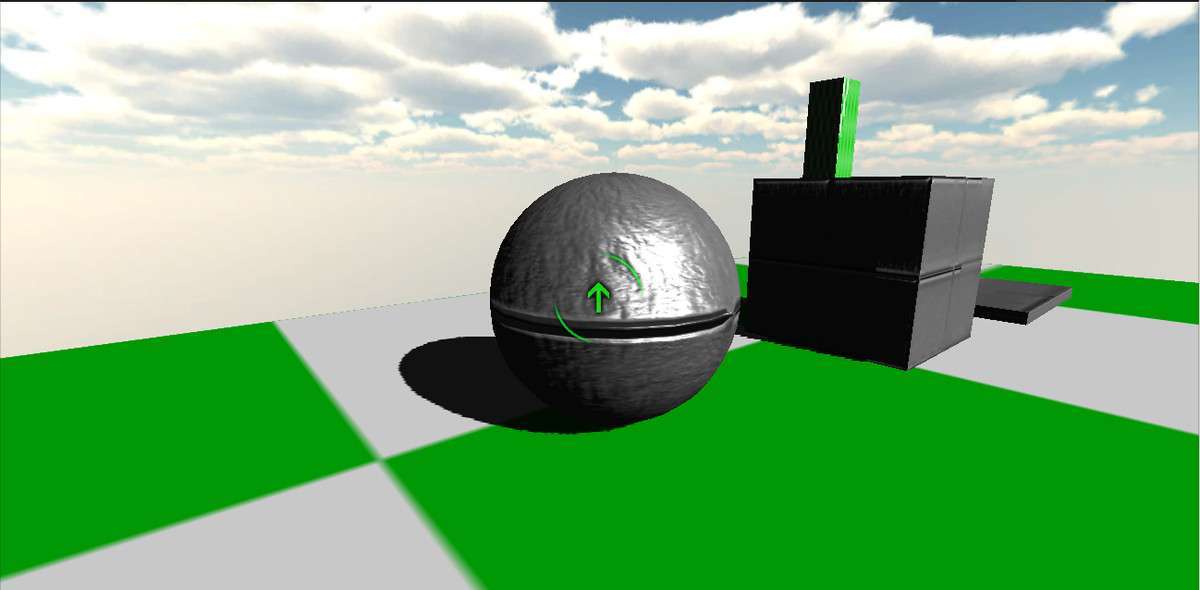
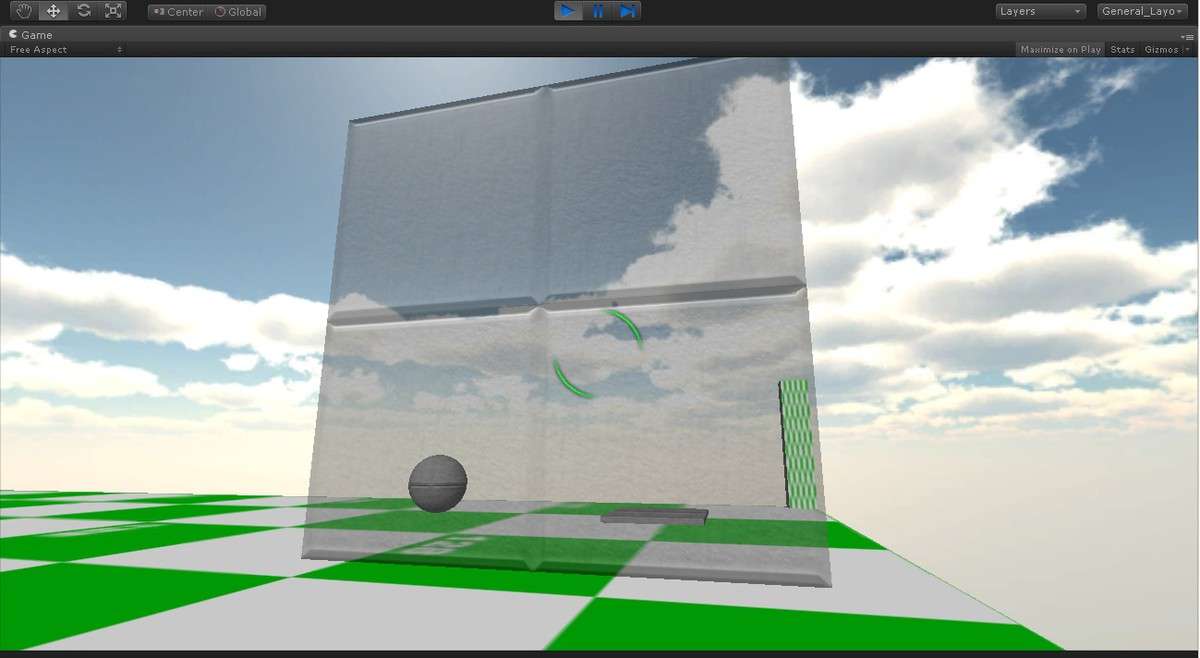
Implementing a robust Rigidbody Pick-Up Unity system is often more complex than it looks, especially when dealing with jitter and collision detection. This asset, currently at 3.8.0, provides a clean wrapper for Raycasting and joint-based movement that handles the heavy lifting of moving objects while maintaining physics consistency. By utilizing a configurable distance-based check, it prevents the player from clipping objects through geometry or pulling them through walls—a common issue in standard physics implementations.
Integration Tips
- Layer Collision Matrix: Ensure you create a dedicated ‘Pickup’ layer. Adjust your Project Settings > Physics to ensure picked-up objects don’t collide with the Player’s CharacterController to avoid erratic movement or ‘flying’ glitches.
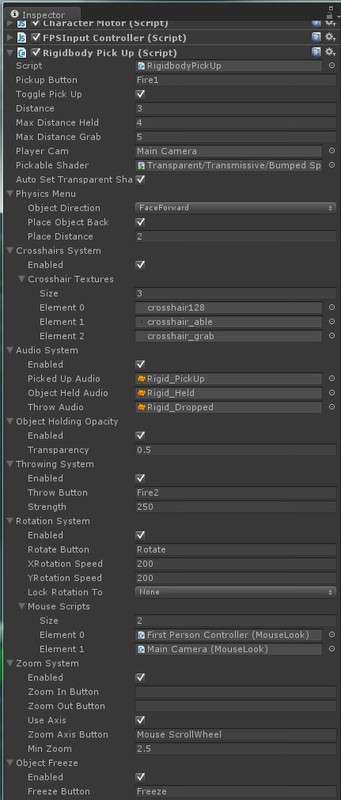
- Input System Compatibility: While the script supports standard button mapping, if you are using the new Input System Package, you will need to invoke the pick-up methods via C# events or a simple wrapper script as the default uses the legacy Input manager.
- FixedUpdate vs Update: Note that the position smoothing logic runs in a way that respects Rigidbody interpolation. If your player camera moves in Update but physics moves in FixedUpdate, you may need to toggle the interpolation settings on your picked-up prefabs to eliminate micro-stutter.
Best Use Cases
- Physics Puzzlers: The ability to constrain rotation to a single axis or use free-form movement makes this ideal for ‘Portal-style’ puzzles where object orientation is critical for triggering pressure plates or laser receivers.
- Immersive Sims: Because the system includes built-in crosshair state changes and audio triggers, it integrates perfectly into games like Amnesia or Gone Home where tactile interaction with the environment is a core gameplay pillar.