
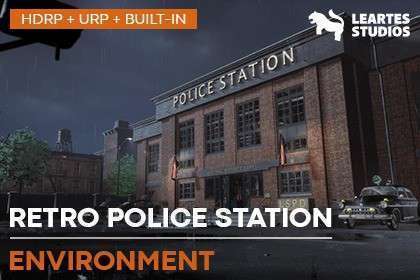
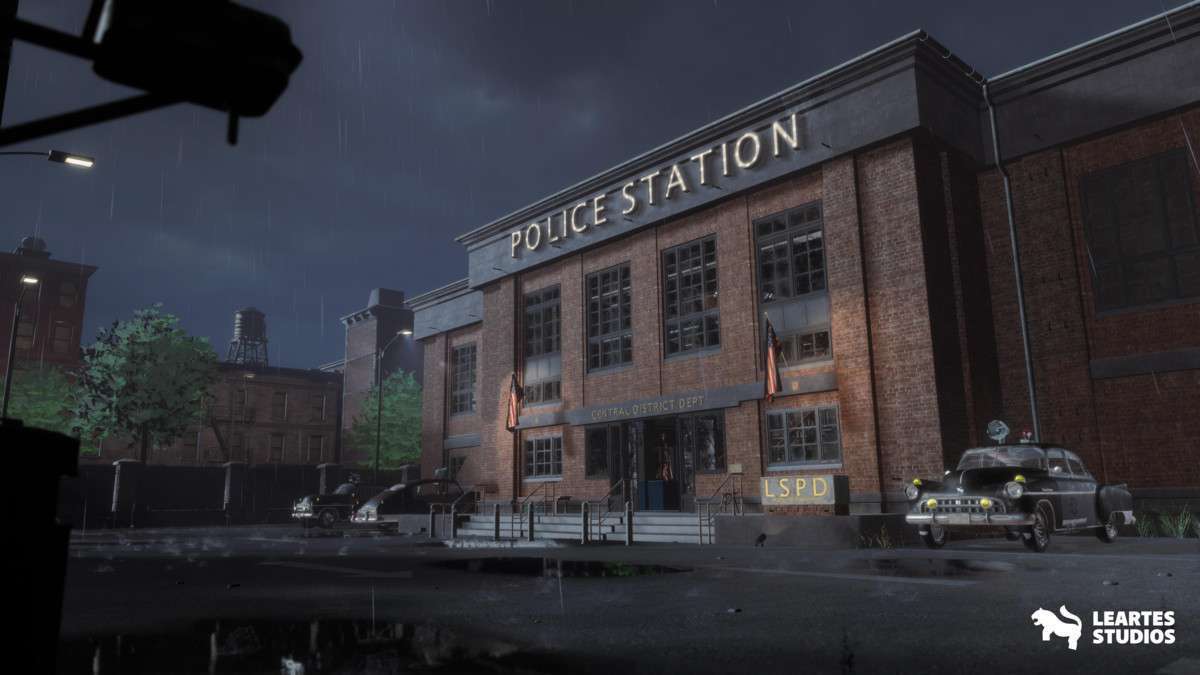
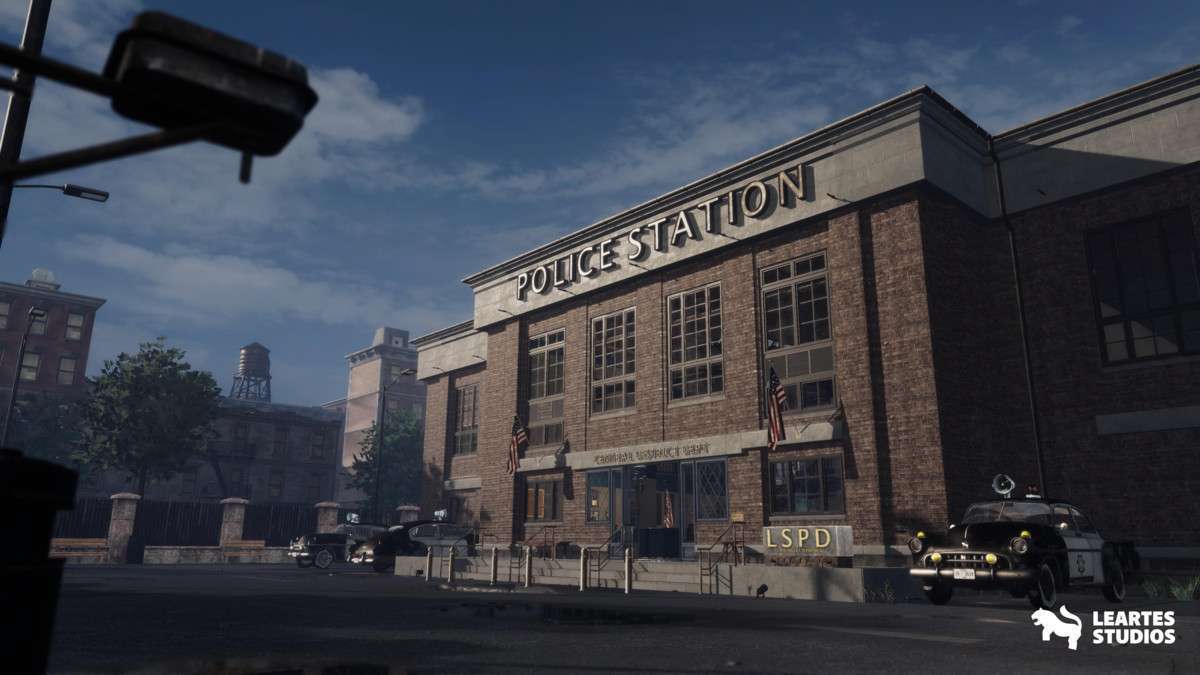
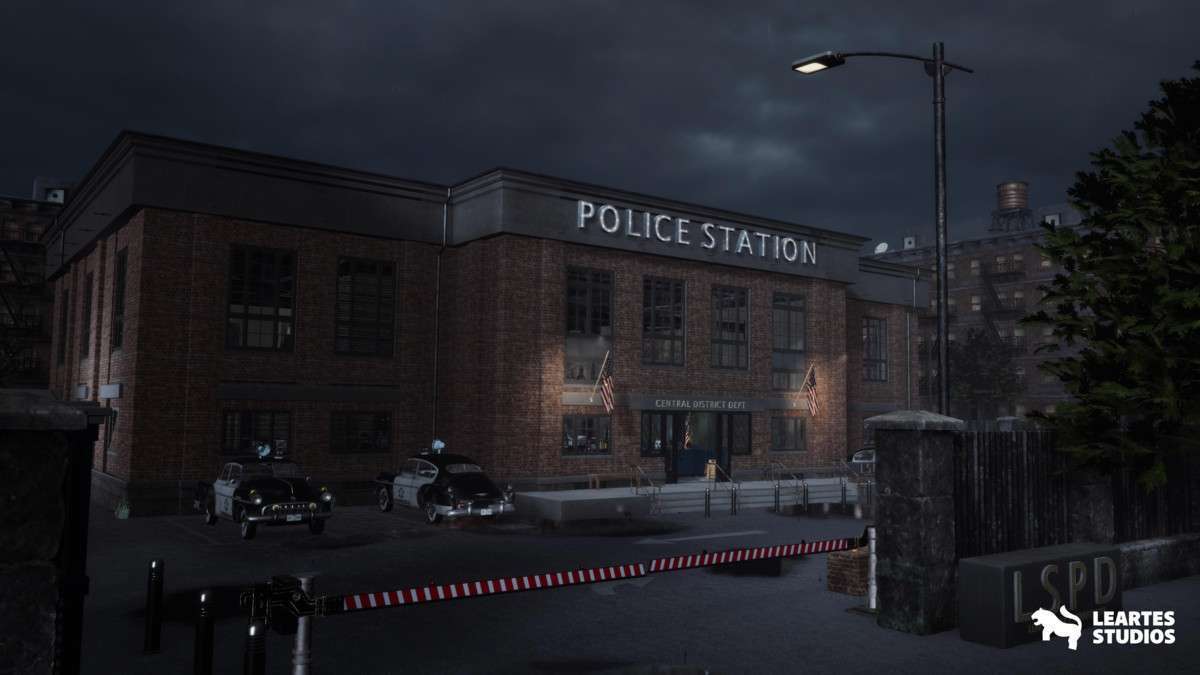
Technical Overview
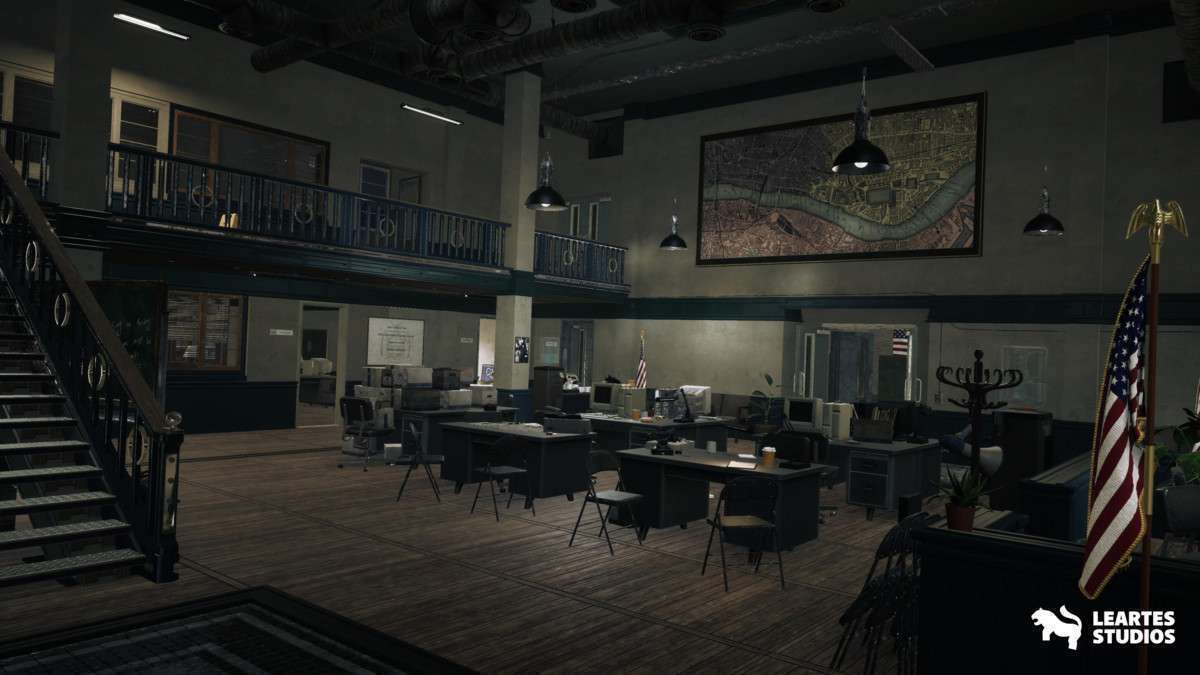
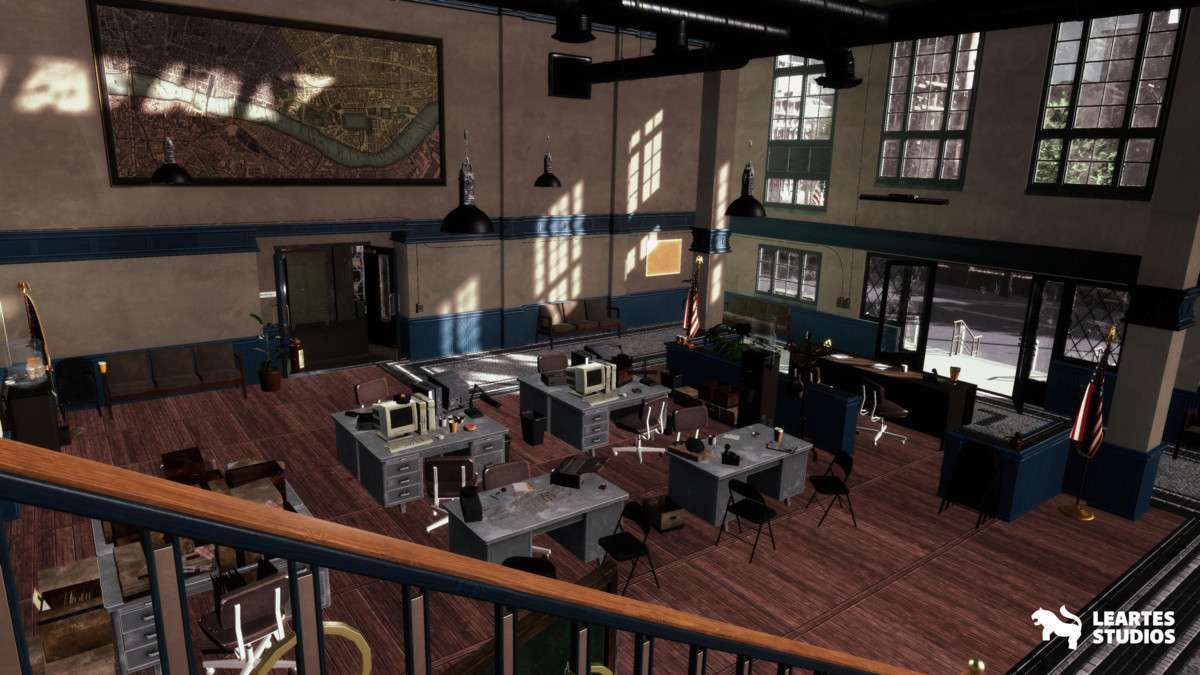
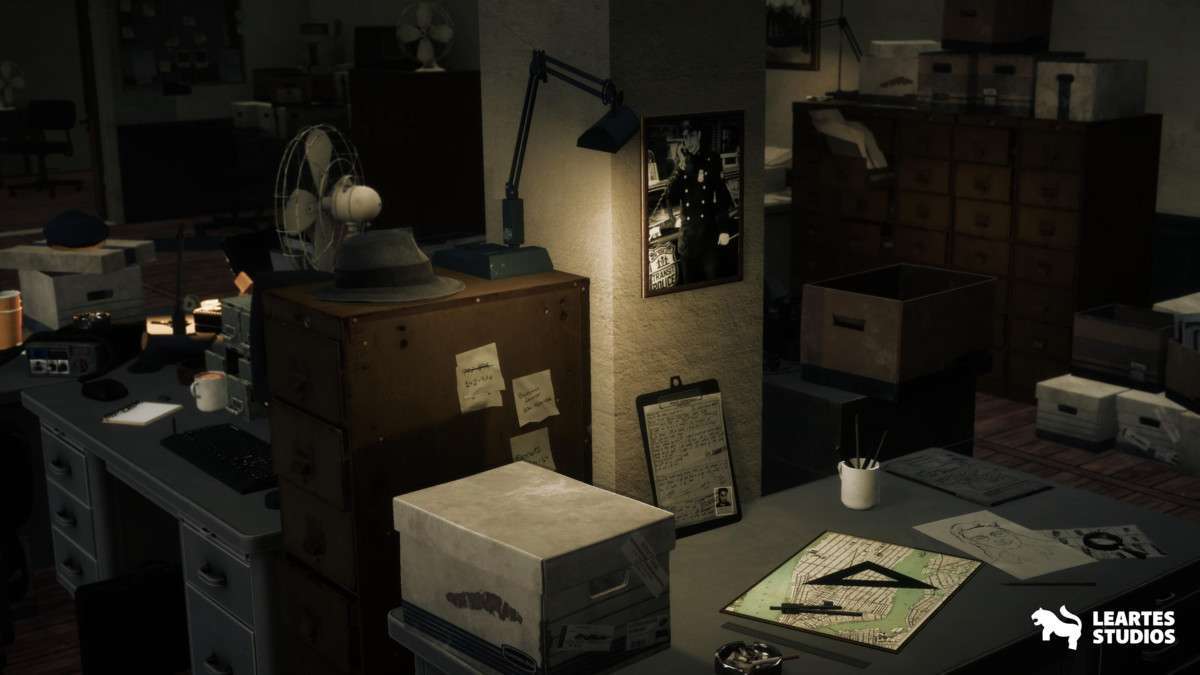
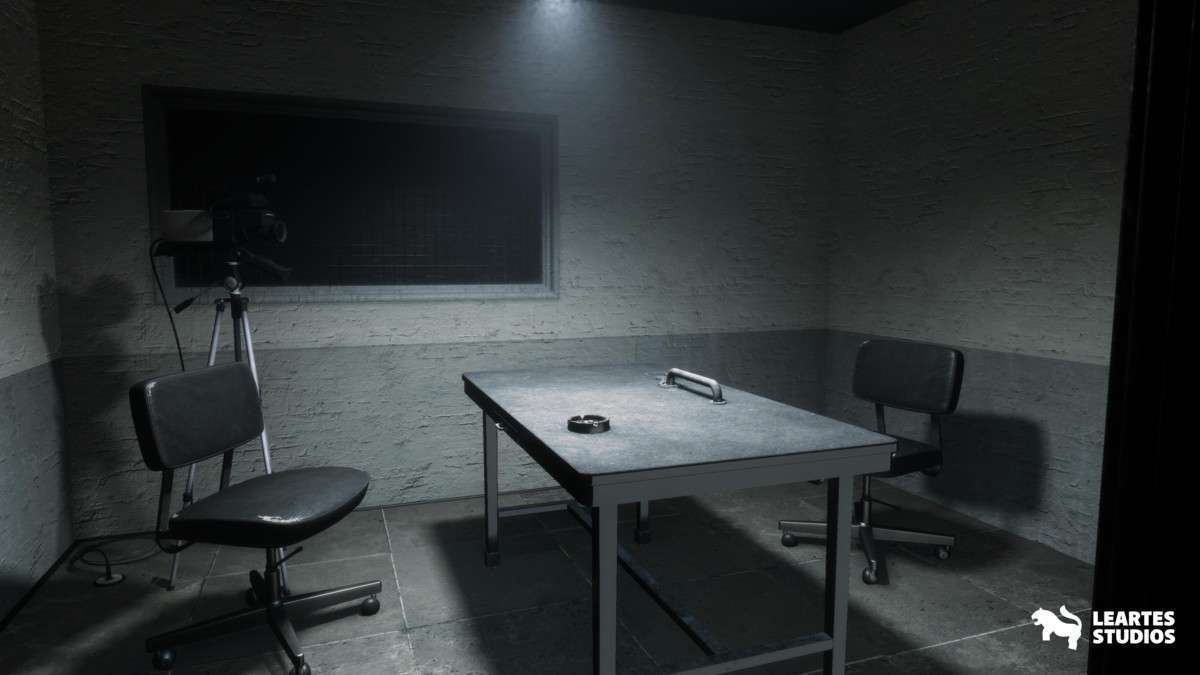
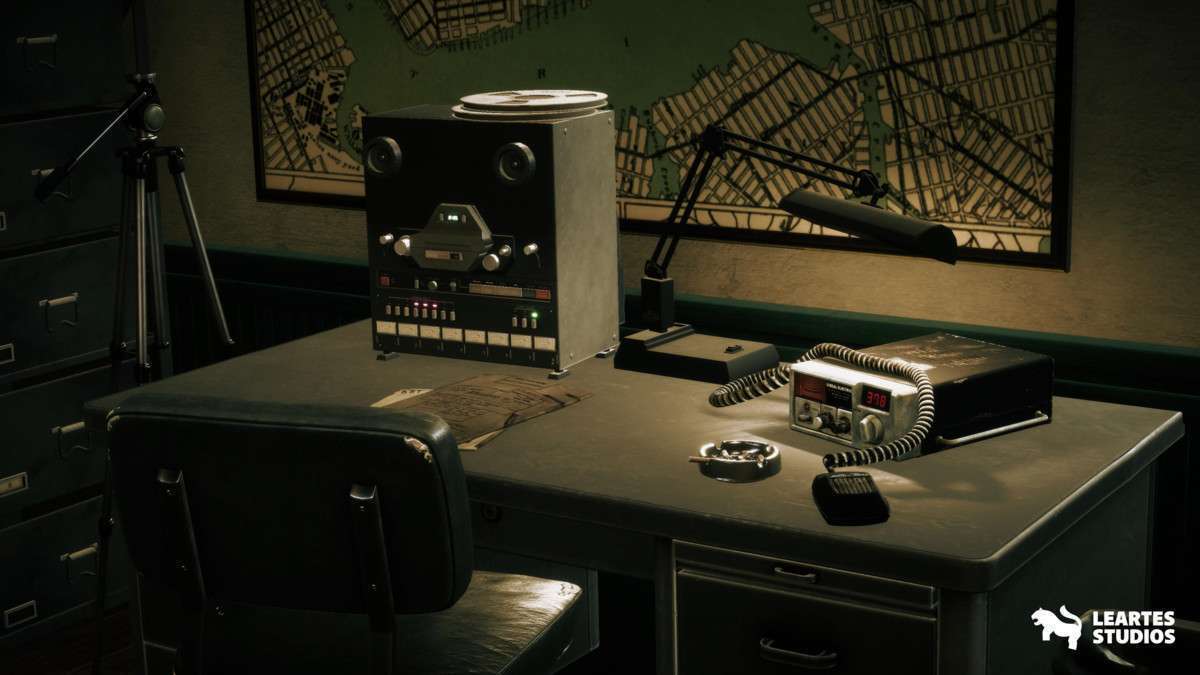
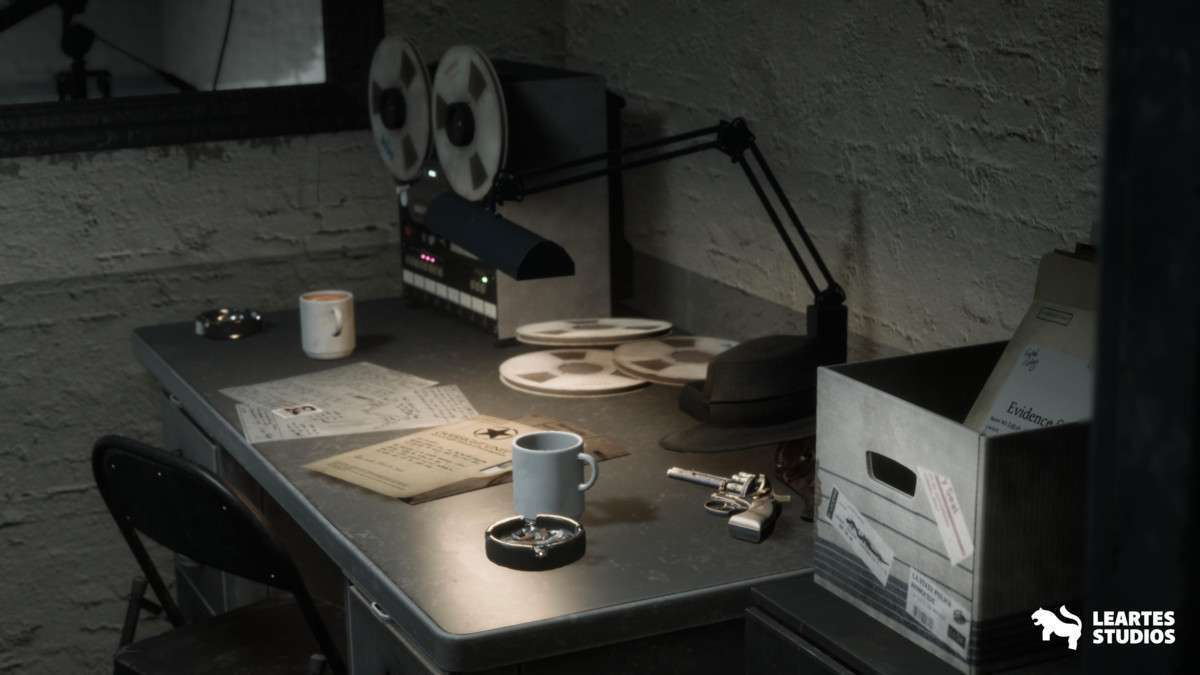
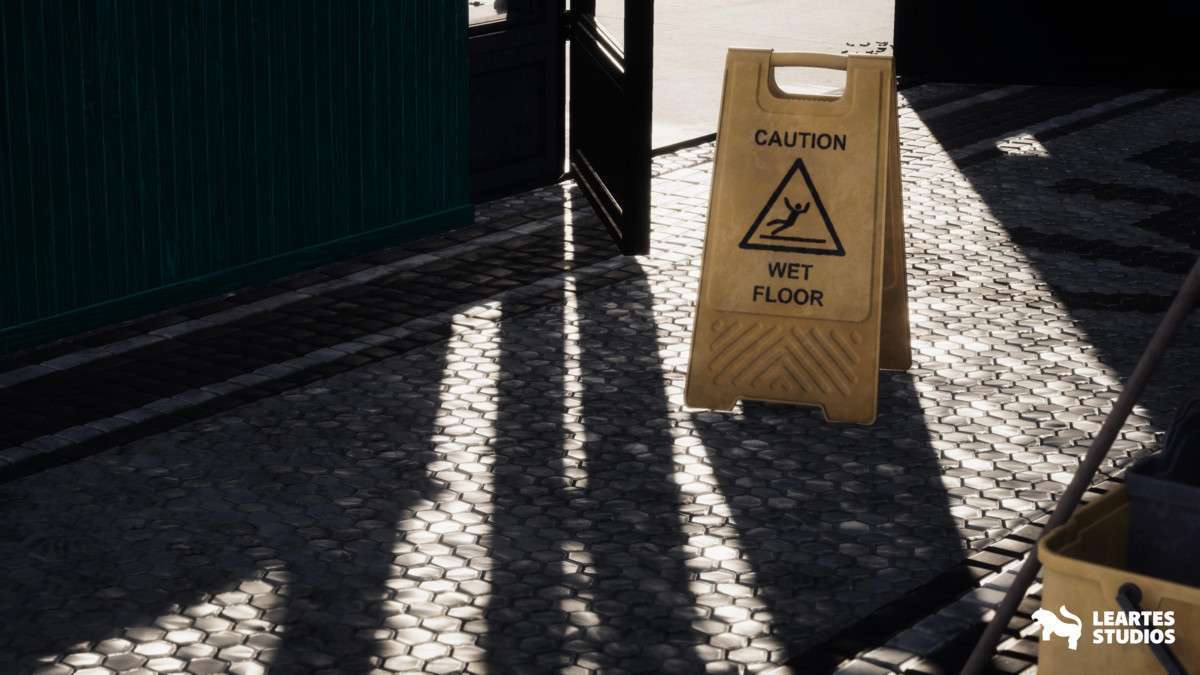
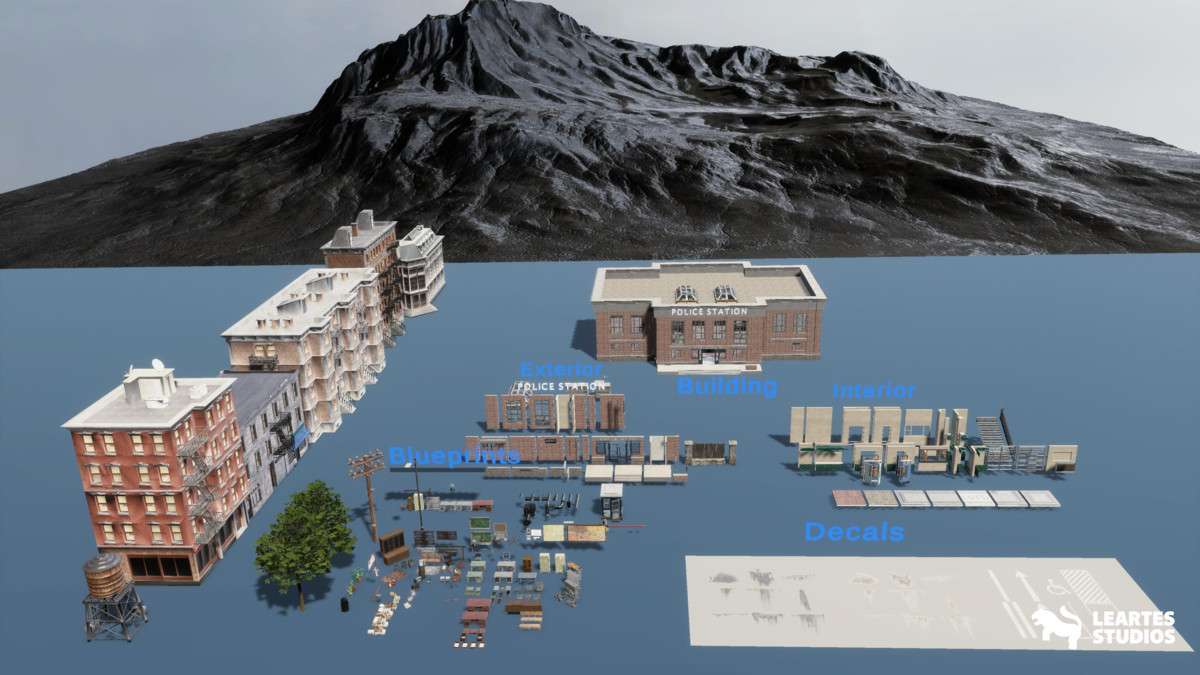
Managing the Retro Police Station Environment / Exterior + Interior Unity asset 1.0.0 requires a solid understanding of occlusion culling. With 476 unique meshes and some props reaching 280K polys, this is a heavy-duty asset designed for high-end systems. The Leartes Team has done a great job with the PBR-based material logic, but as a developer, you will want to lean heavily on the provided LODs and the SRP batcher to keep the draw call count manageable in the dense interior sections.
Integration Tips
- Occlusion Culling: This is mandatory for the police station interior. Ensure all static architecture (walls, floors, heavy furniture) is marked as ‘Occluder Static’ and ‘Occludee Static’ before baking your occlusion data to prevent the GPU from rendering the entire exterior and hidden rooms.
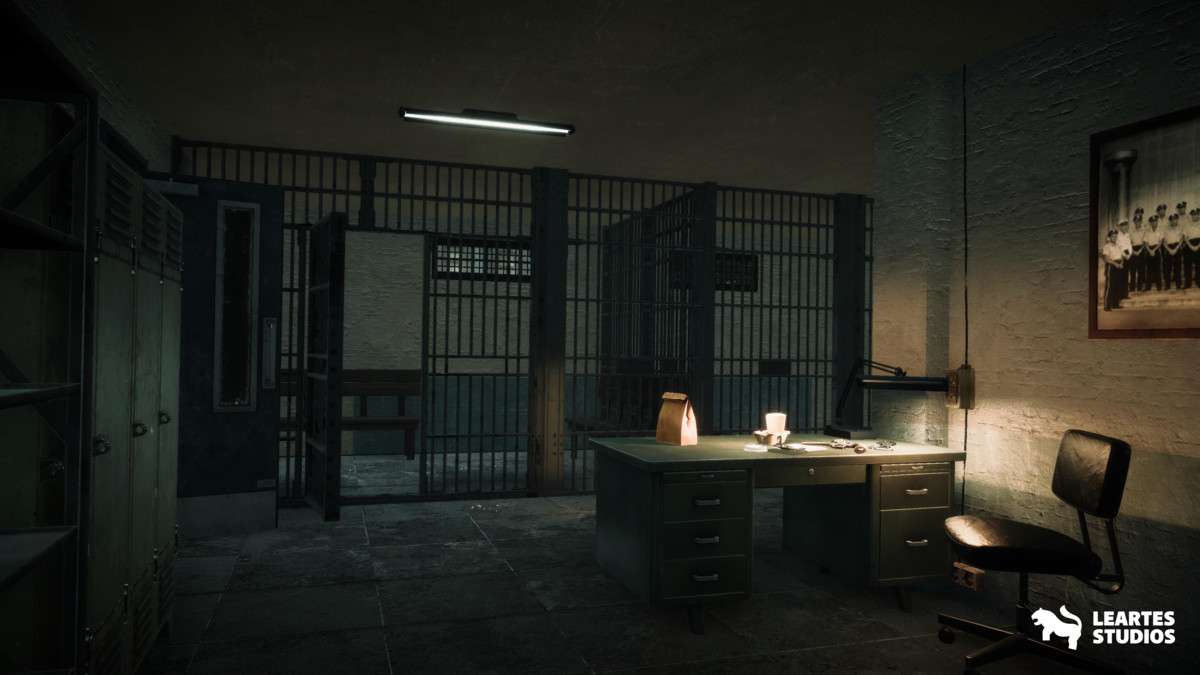
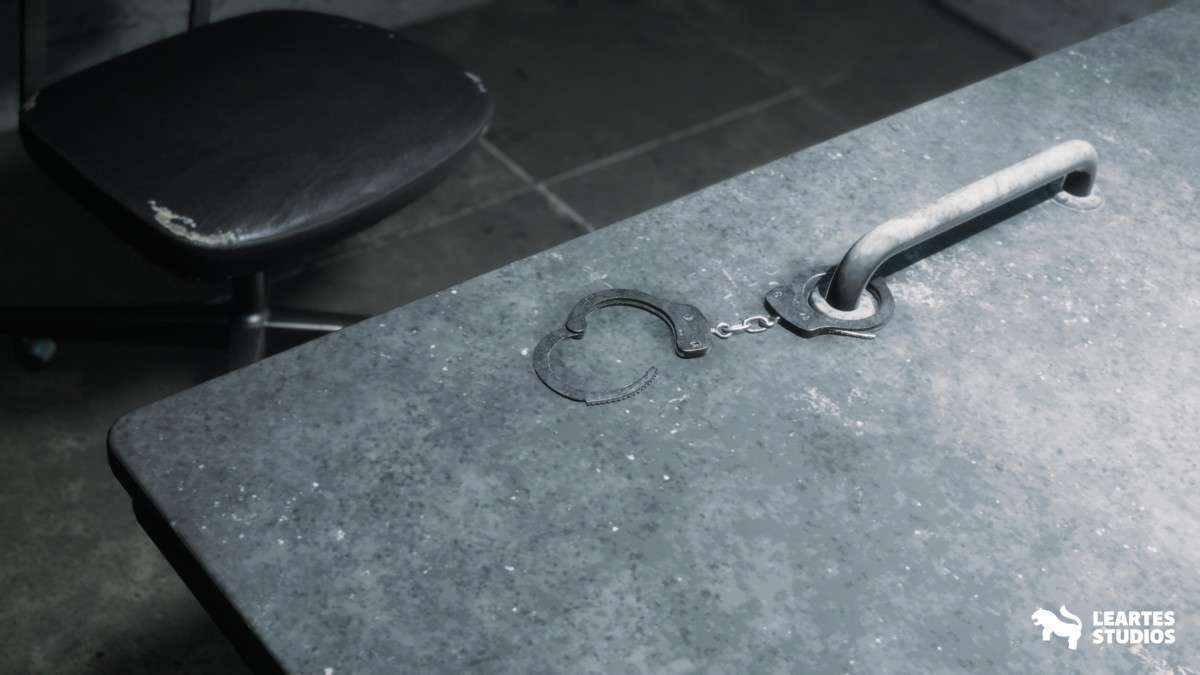
- Lighting Baked vs. Realtime: Given the complex iron bars and office props, I recommend a Mixed Lighting setup. Bake the static shadows for the architecture, but keep the police car and interior lamps as dynamic lights to maintain high-quality specular highlights on the metallic surfaces.
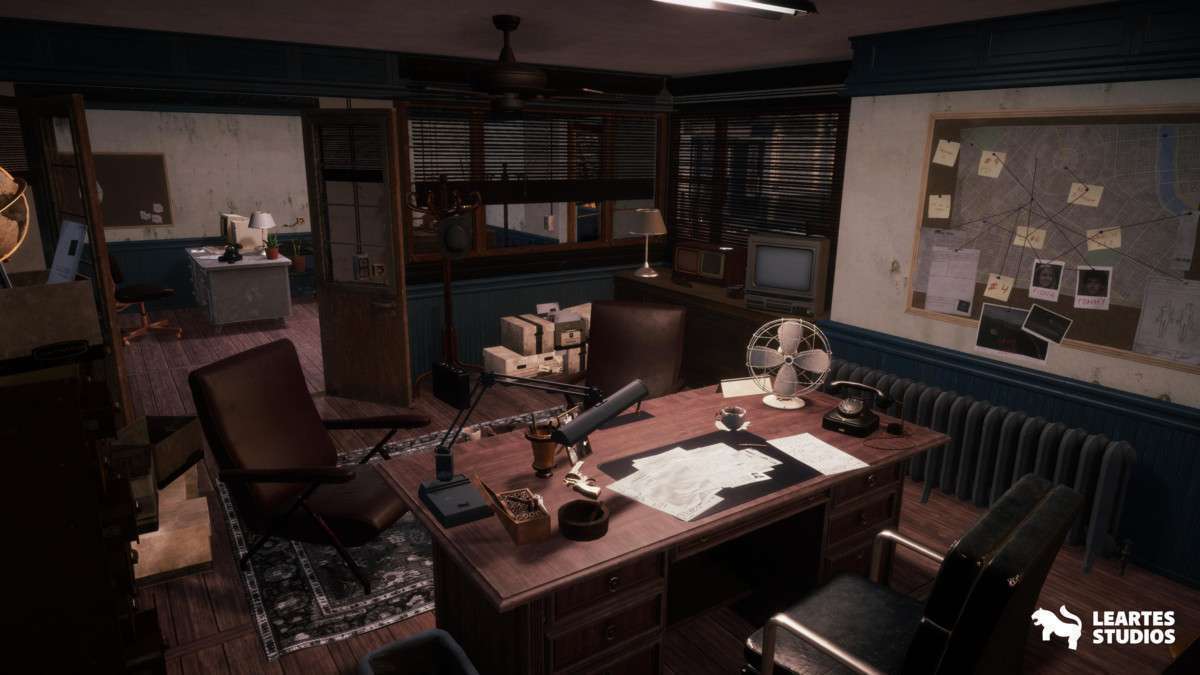
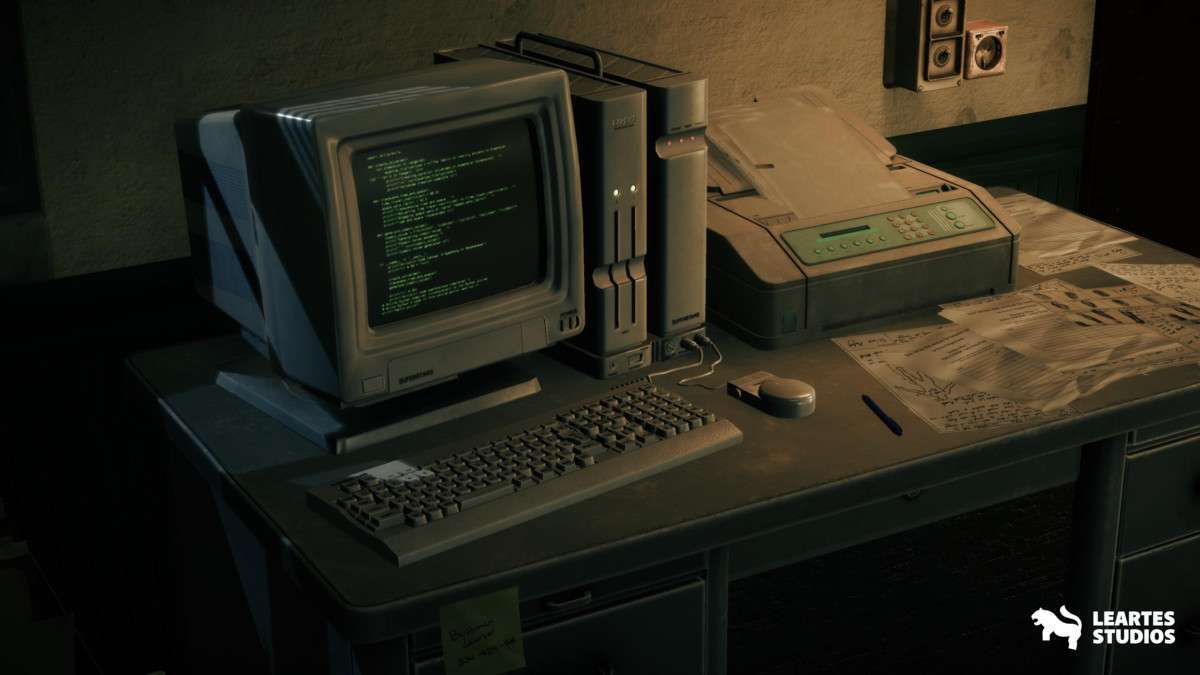
- Prefabs Management: The pack is highly modular. When building custom rooms, create ‘Nested Prefabs’ for common setups (like an office desk with a lamp, computer, and chair) to make scene-wide changes faster during the polish phase.
Best Use Cases
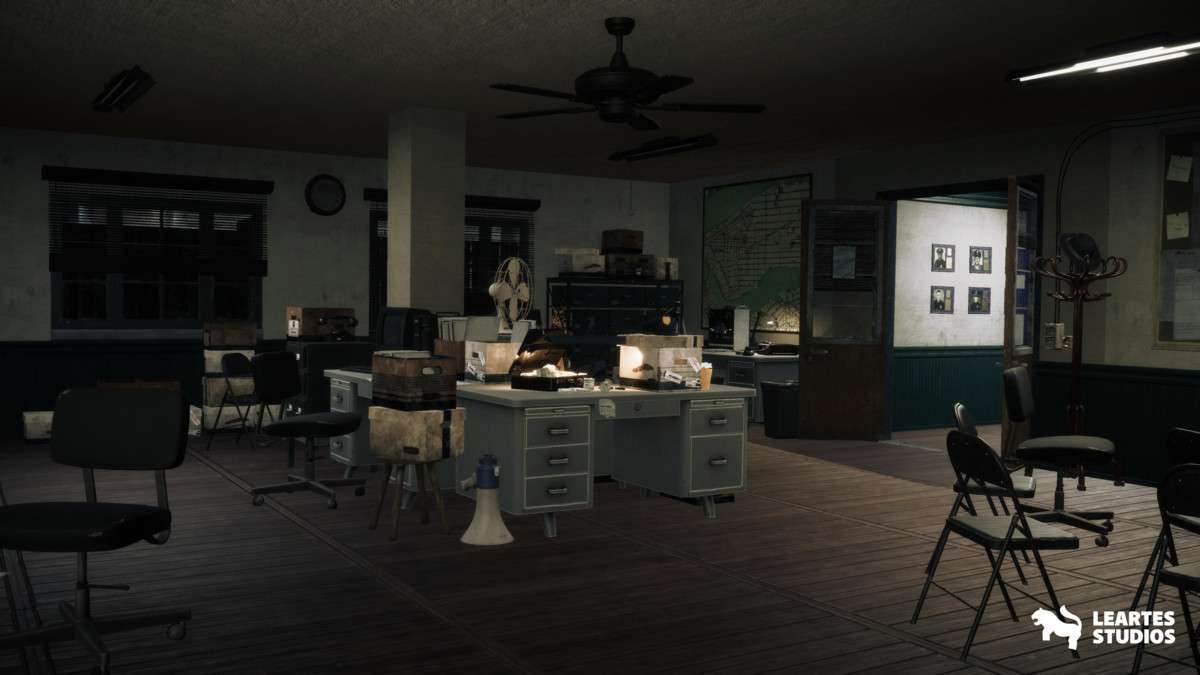
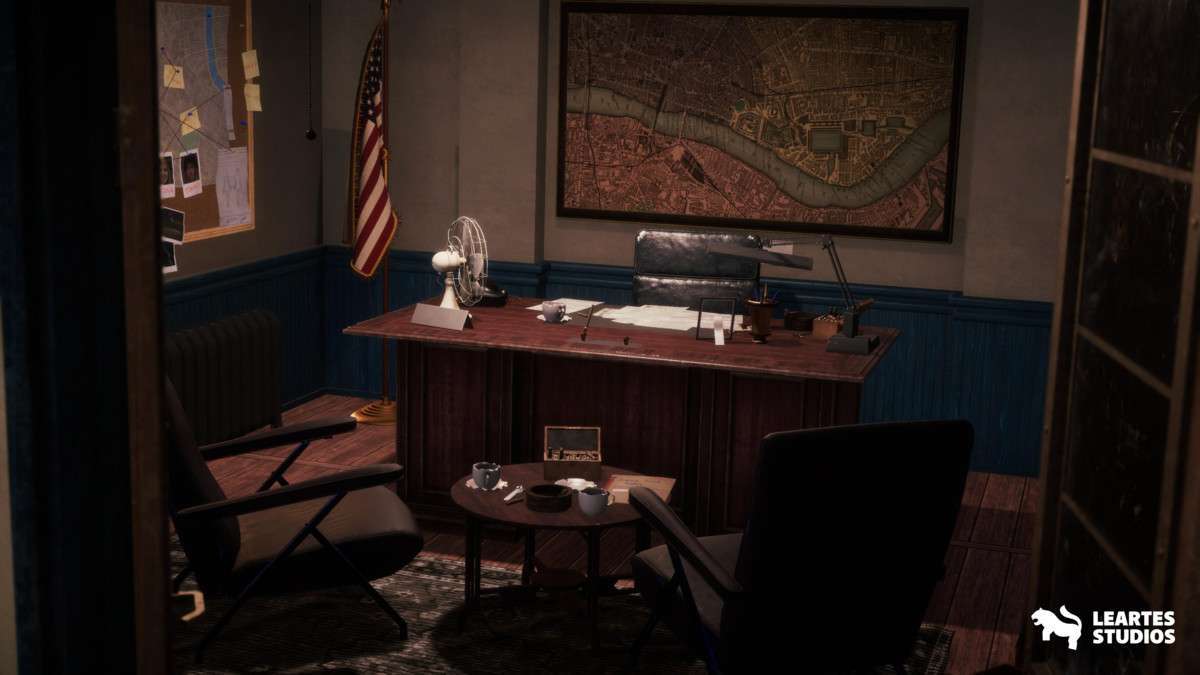
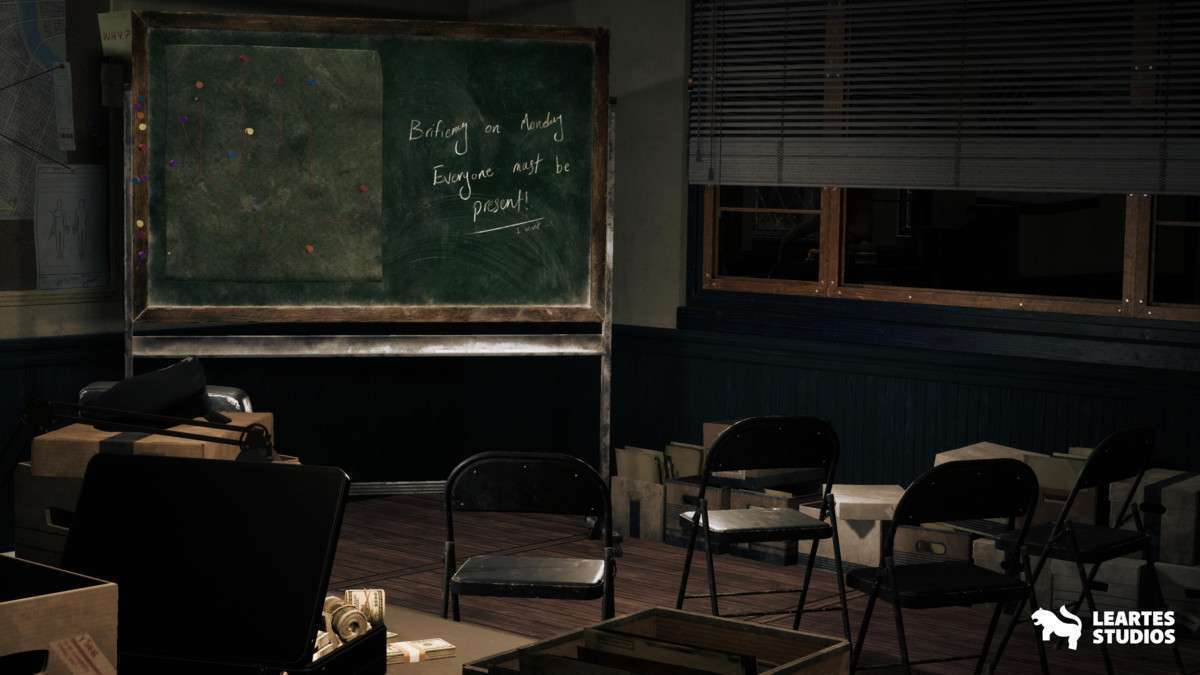
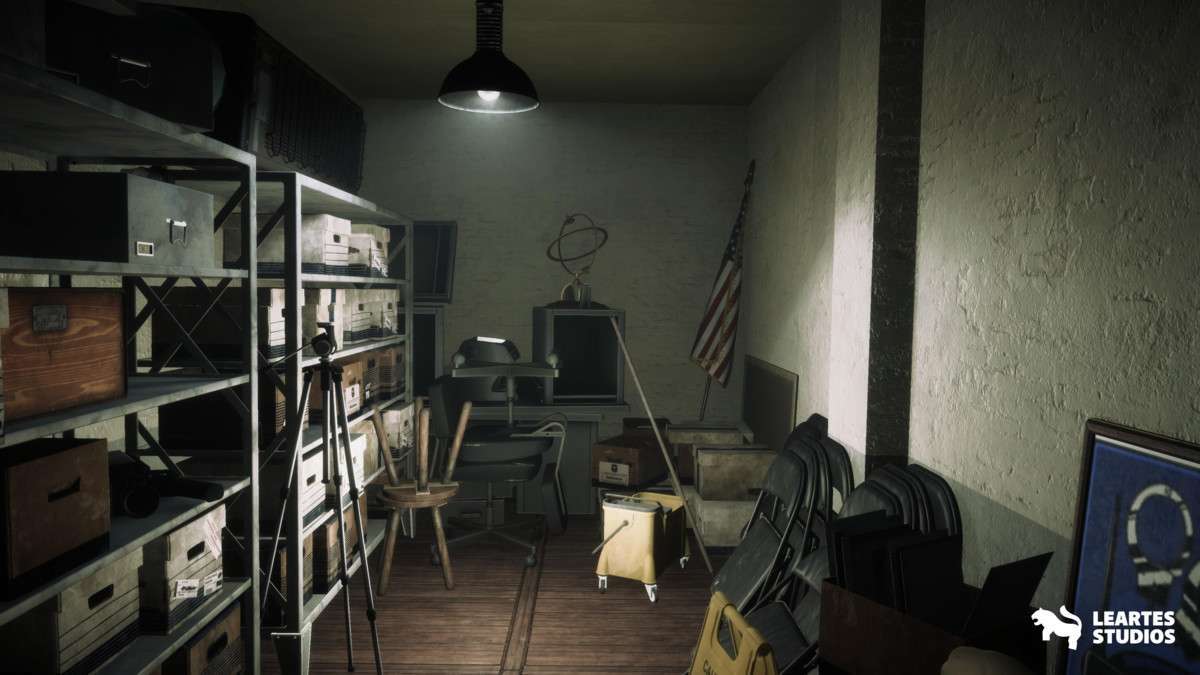
- Third-Person Mystery/Detective Games: The density of the props (Fax machines, Pinboards, Police Hats) allows for highly immersive environments where the player spends a significant time investigating small details.
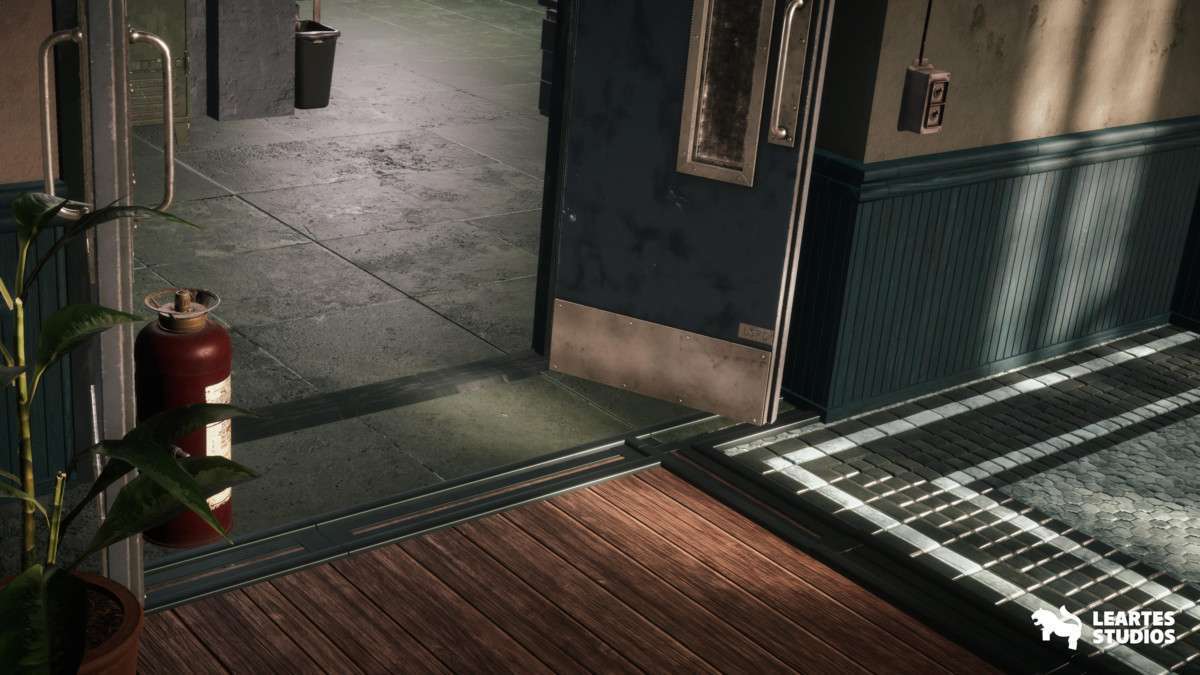
- Tactical Breach-and-Clear Shooters: The modularity of the walls and doors makes it easy to construct complex floor plans optimized for AI pathfinding and navigation meshes (NavMesh).