
Technical Overview
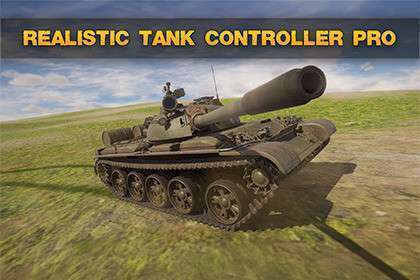
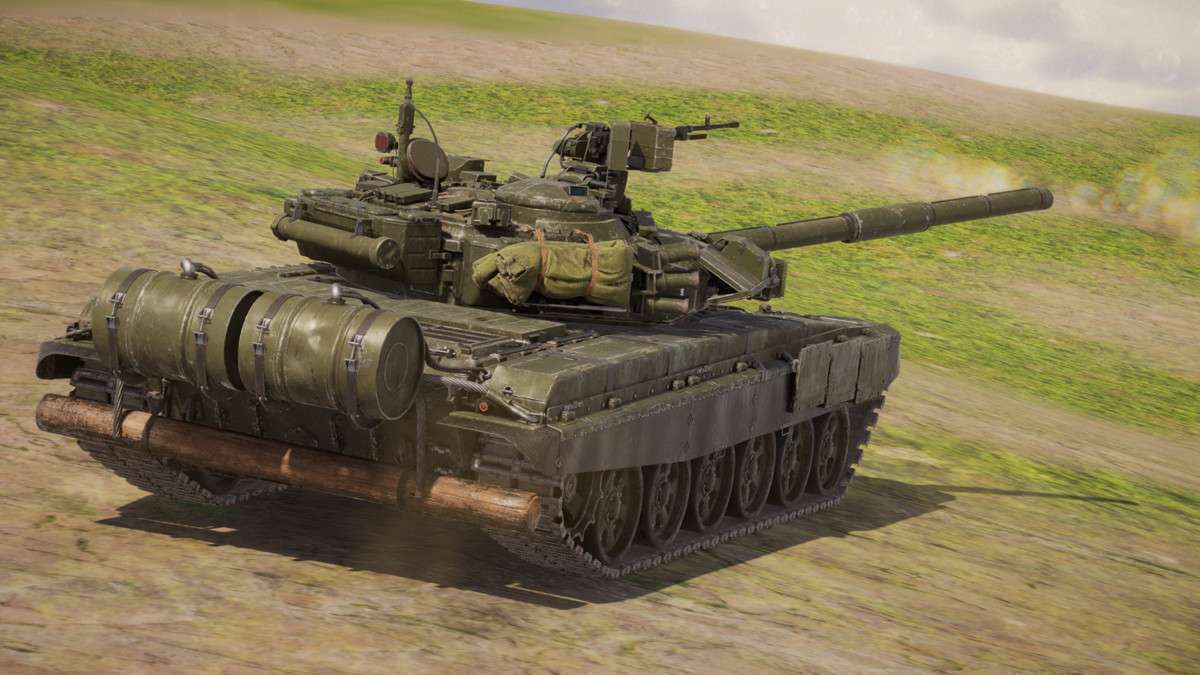
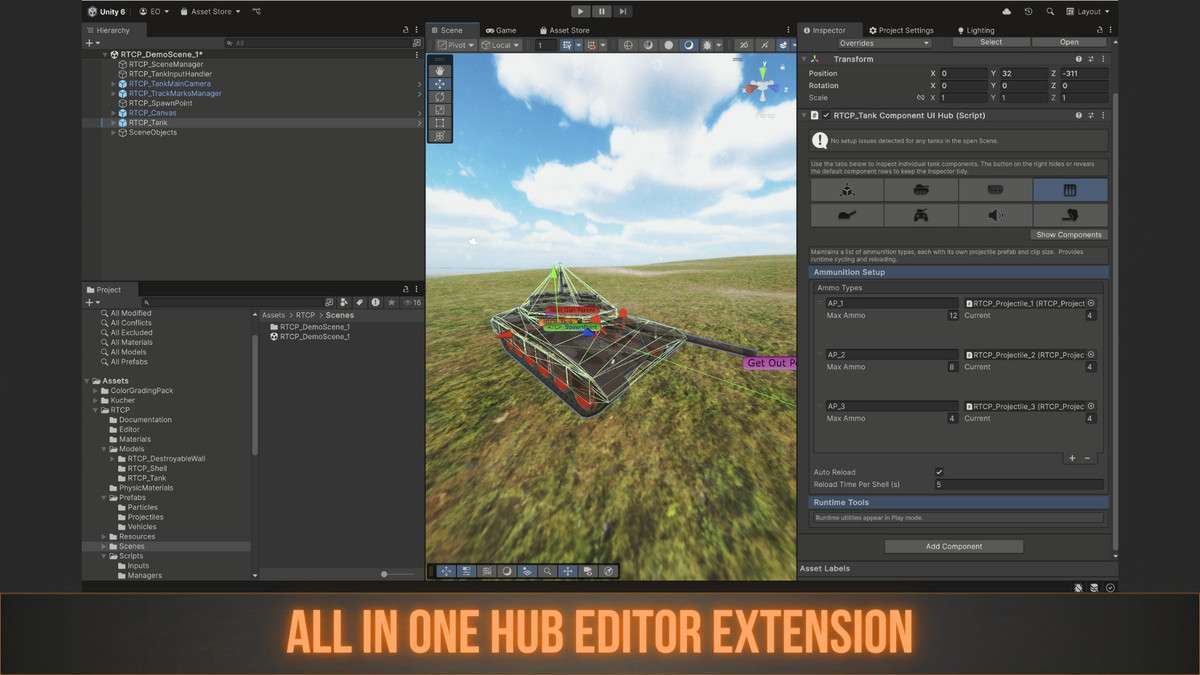
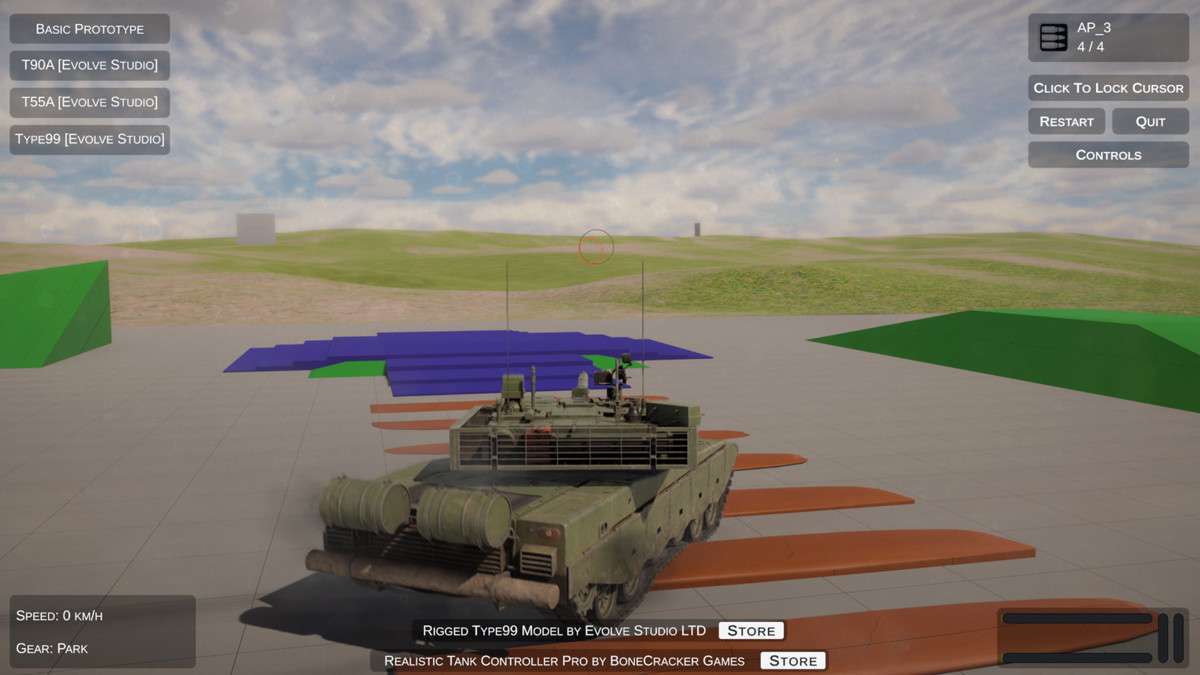
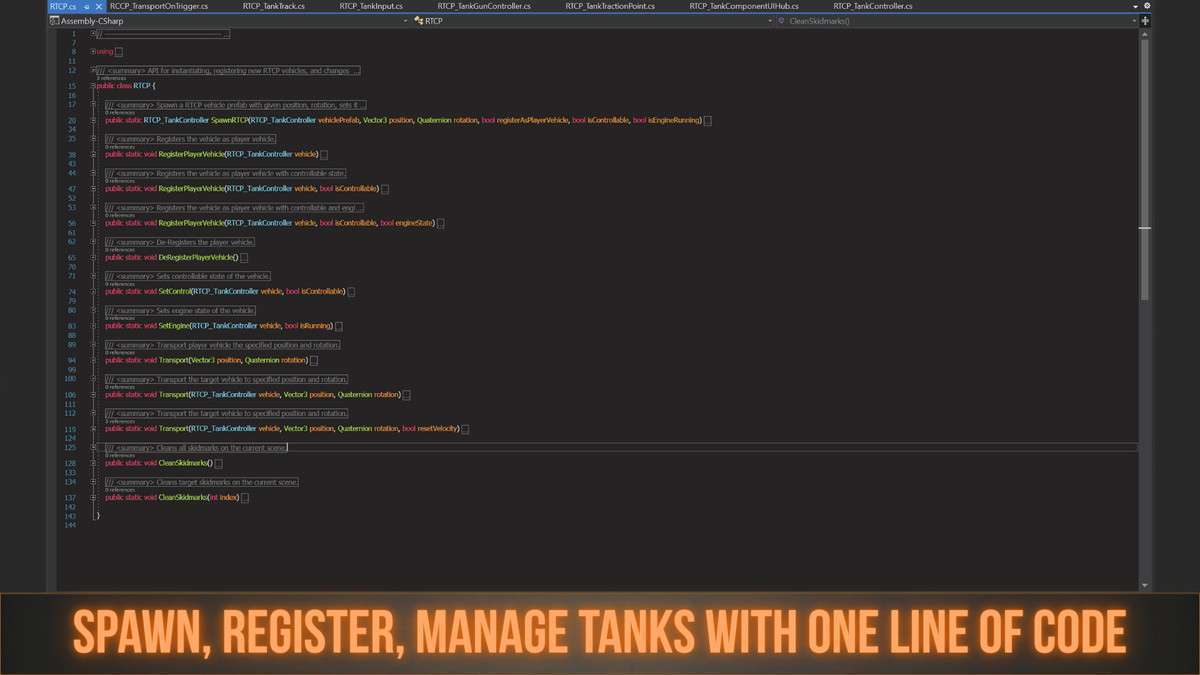
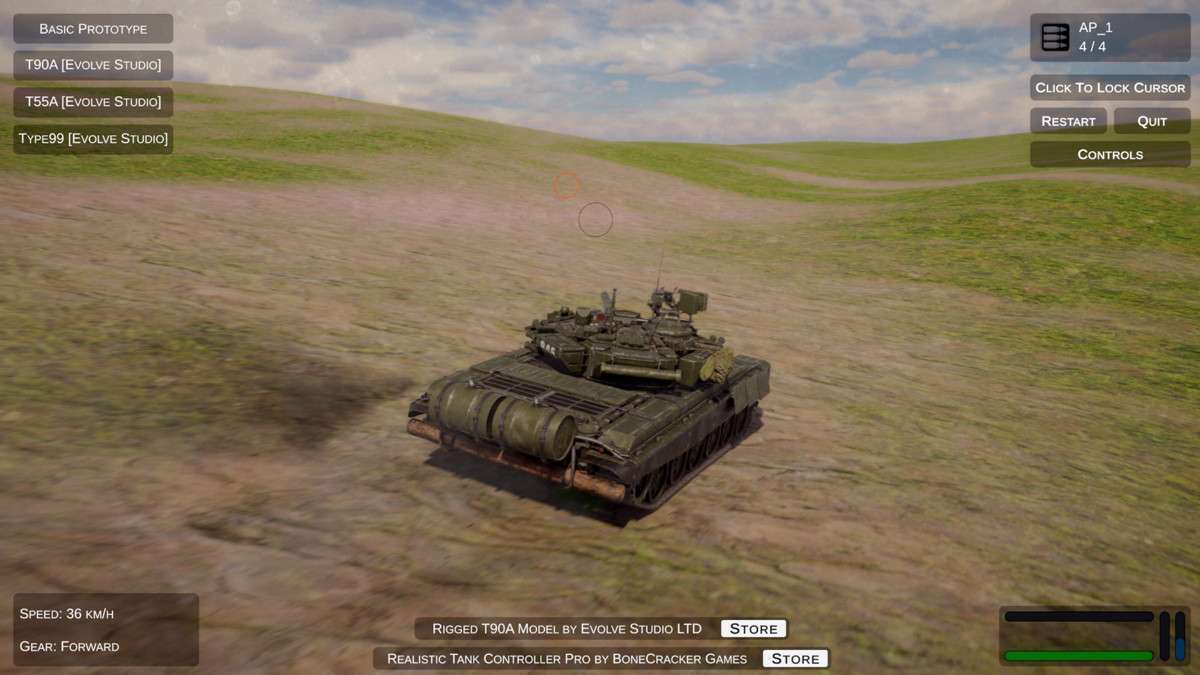
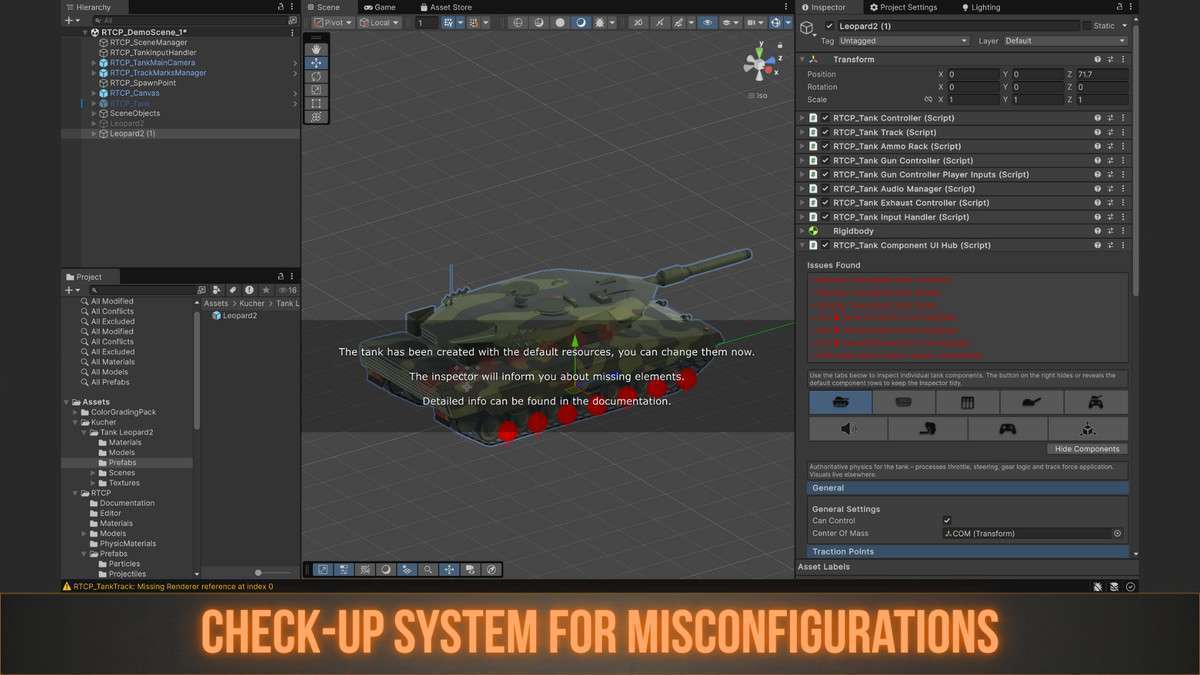
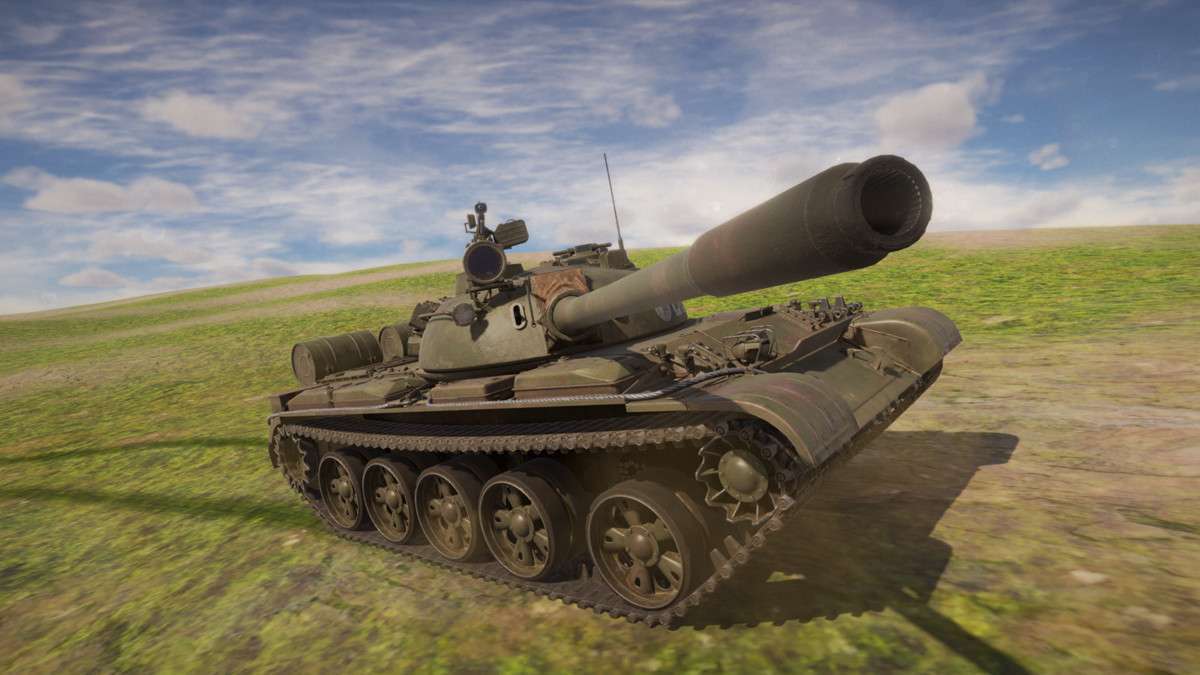
In our latest stress tests using 2.0.0, the Realistic Tank Controller Pro Unity framework has proven to be a robust solution for physics-heavy vehicular combat. Unlike many arcade-style controllers, this asset utilizes a sophisticated drivetrain simulation involving differential torque and authentic engine torque curves. From a lead developer’s perspective, the modularity of the RTCP_TankController is its strongest asset, allowing us to swap out projectile ballistics or track UV logic without breaking the core physics loop.
Integration Tips
- Layer Collision Matrix: Before dragging in your tank prefabs, ensure you have dedicated layers for ‘TankBody’, ‘Wheels’, and ‘Projectiles’. The asset’s physics drivetrain relies on accurate lateral friction calculations that can be skewed if your global collision matrix is cluttered.
- Input System Migration: While it supports the legacy system, I highly recommend using the included New Input System mappings. This allows for easier binding of multi-axle steering and turret rotation to modern gamepads without writing custom wrappers.
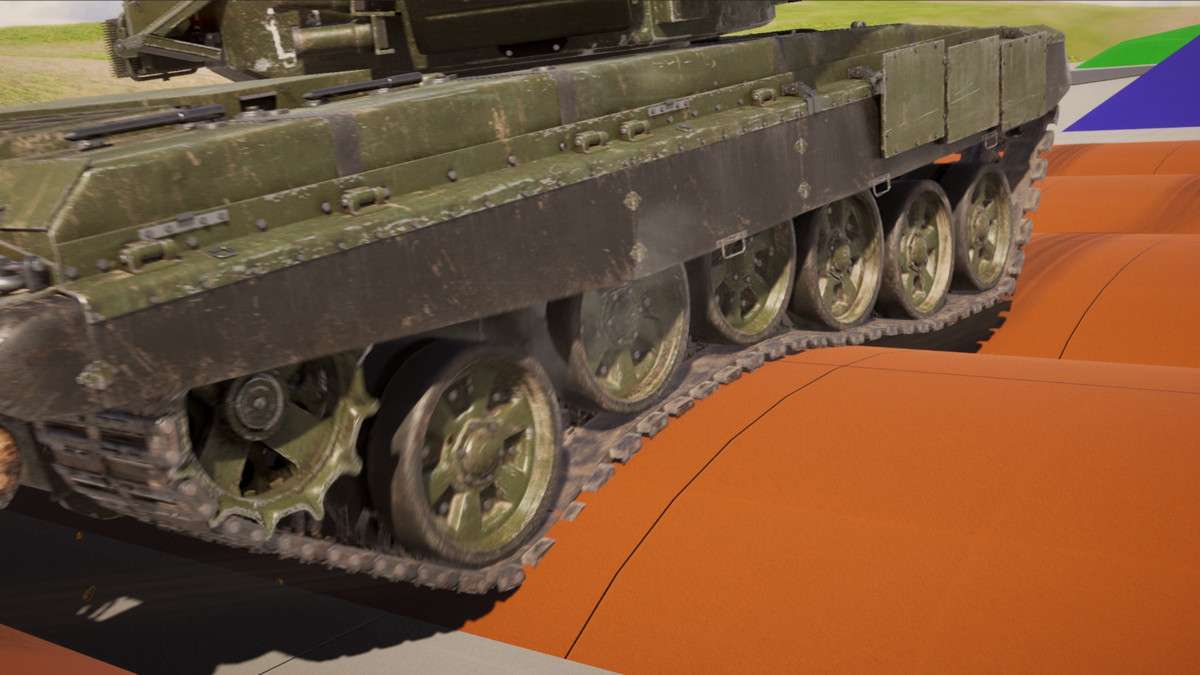
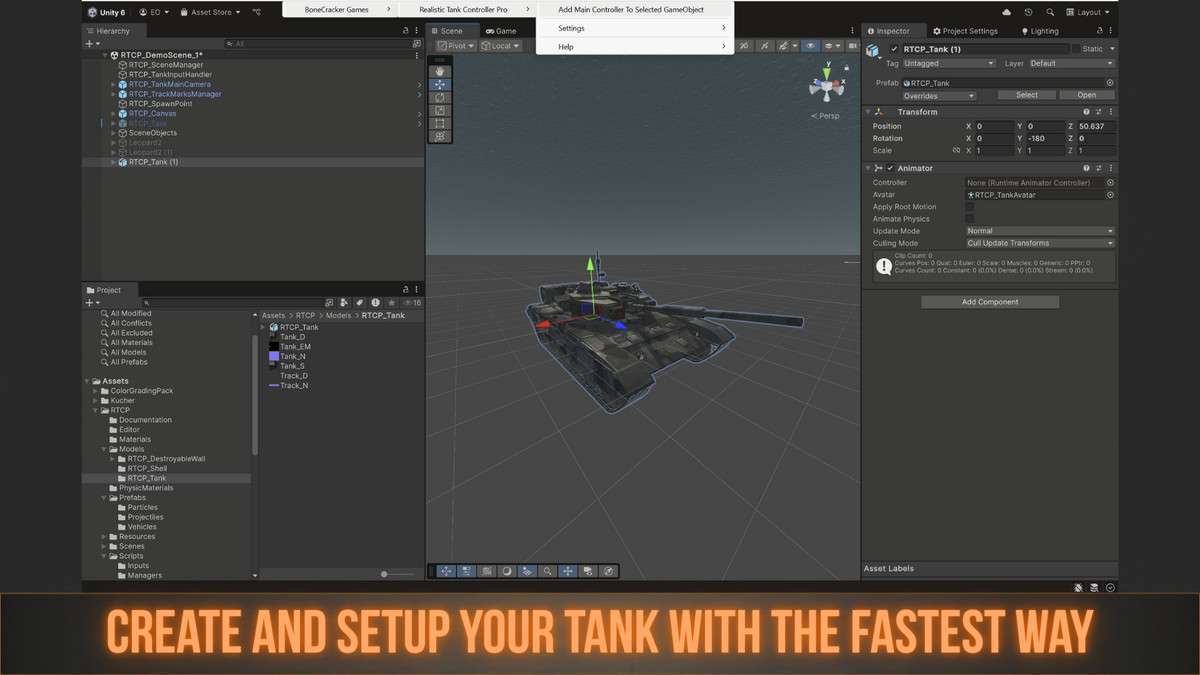
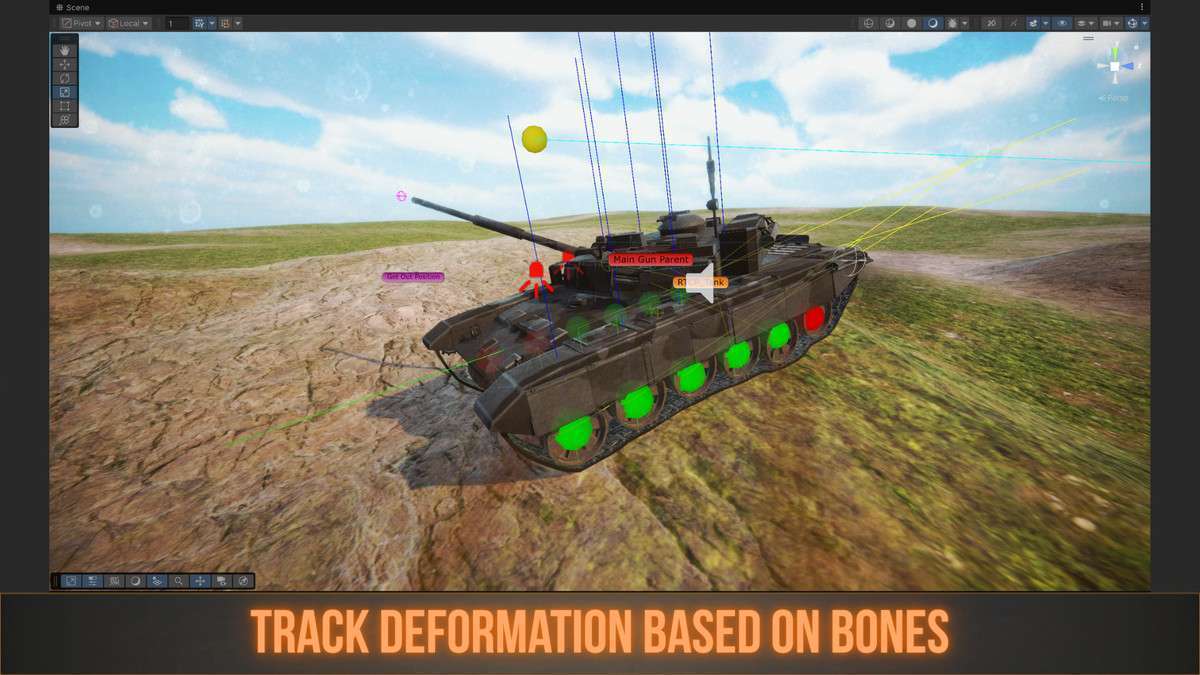
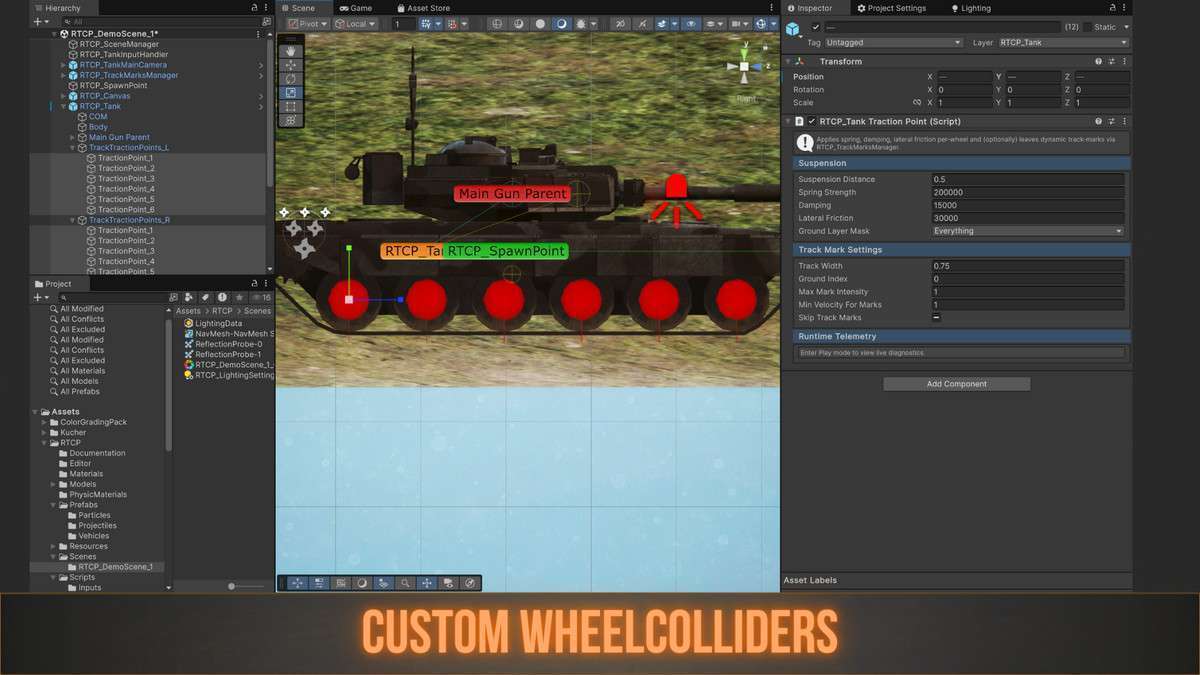
- Visuals vs. Physics: Remember that the track visuals (bone displacement) are decoupled from the physics wheels. When setting up custom models, use the ‘Setup Wizard’ to align the bone rig to the wheel colliders to prevent visual ‘floating’ on uneven terrain.
Best Use Cases
- Sim-Lite Combat Games: Perfect for projects requiring a balance between realism and playability. The engine load and gear-shifting logic provide a weightiness that is often missing from standard Rigidbody-based vehicles.
- Mobile Battlefield Games: Since the asset doesn’t override project settings and supports URP out of the box, it is highly optimized for mobile platforms where draw call batching is critical for maintaining 60 FPS during large-scale tank encounters.