
Advanced Vehicle Physics with Realistic Car Controller Unity
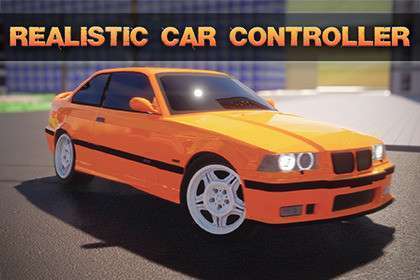
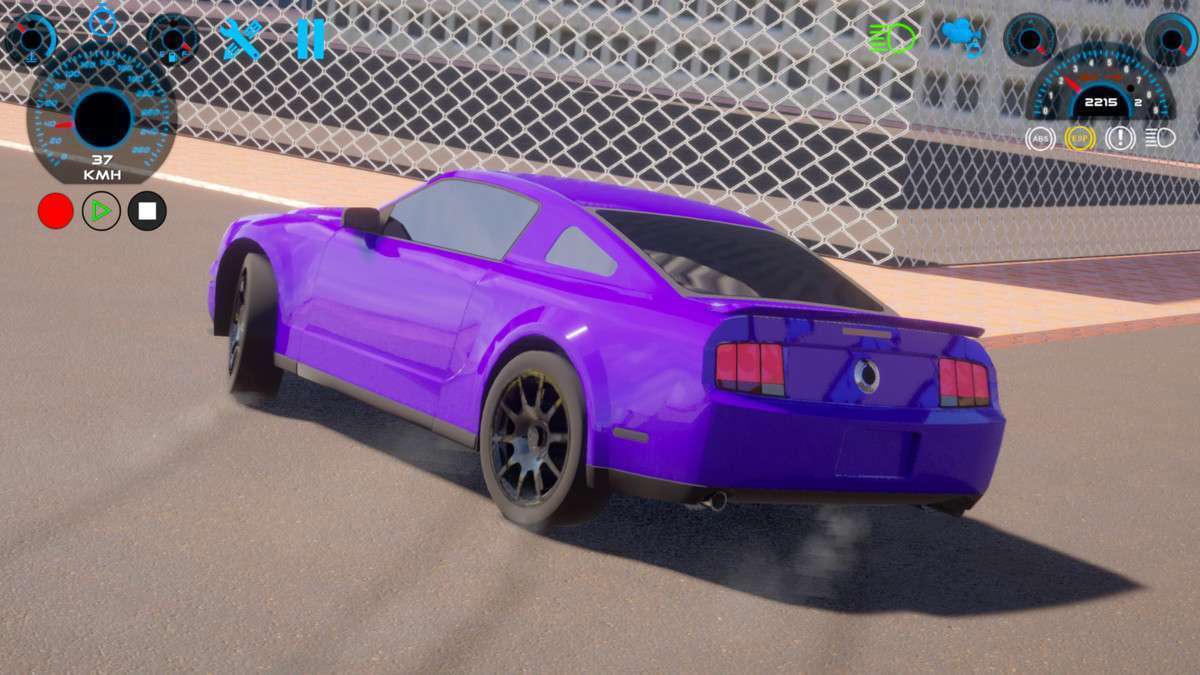
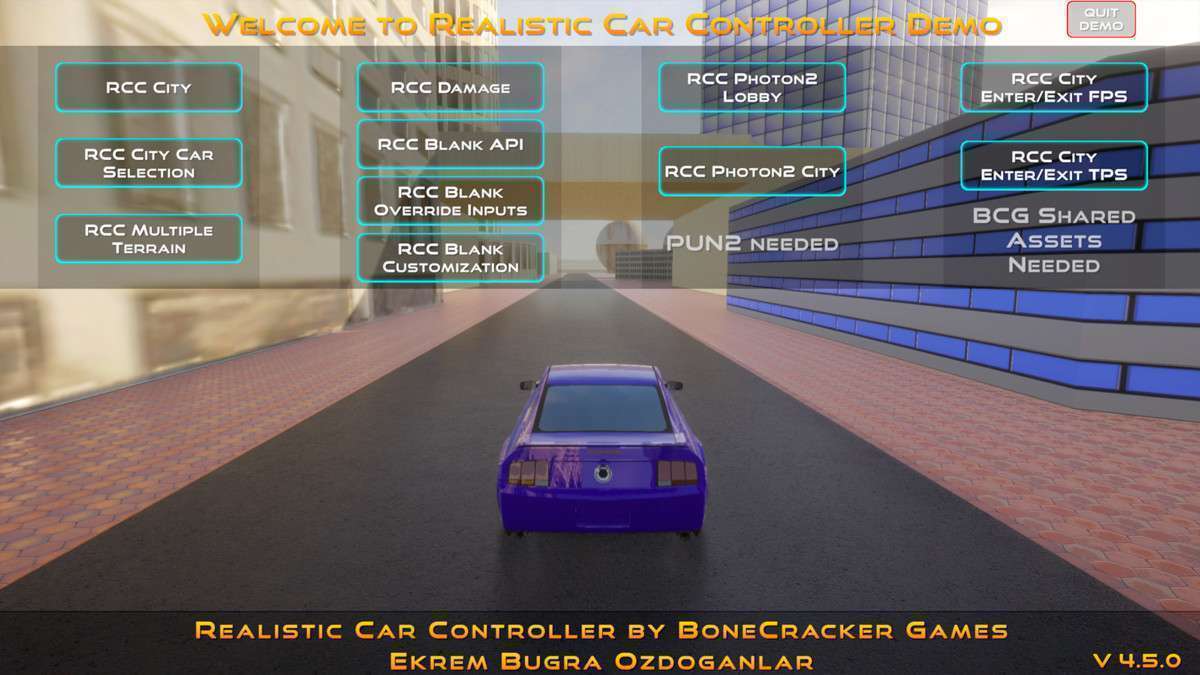
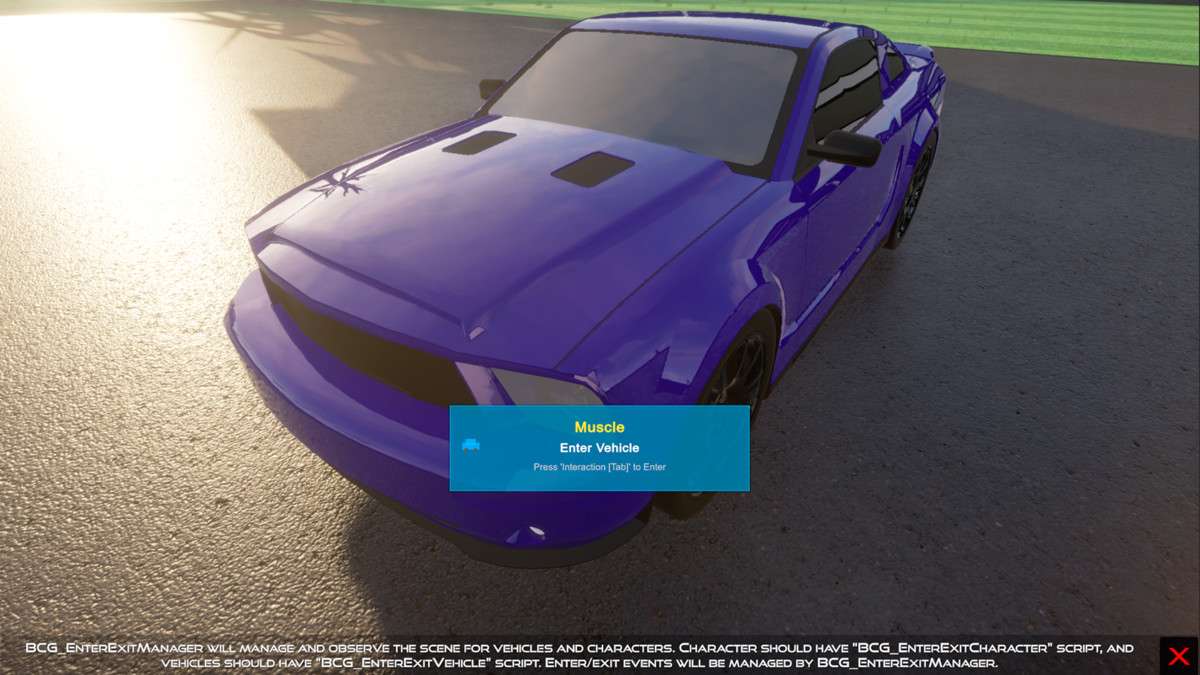
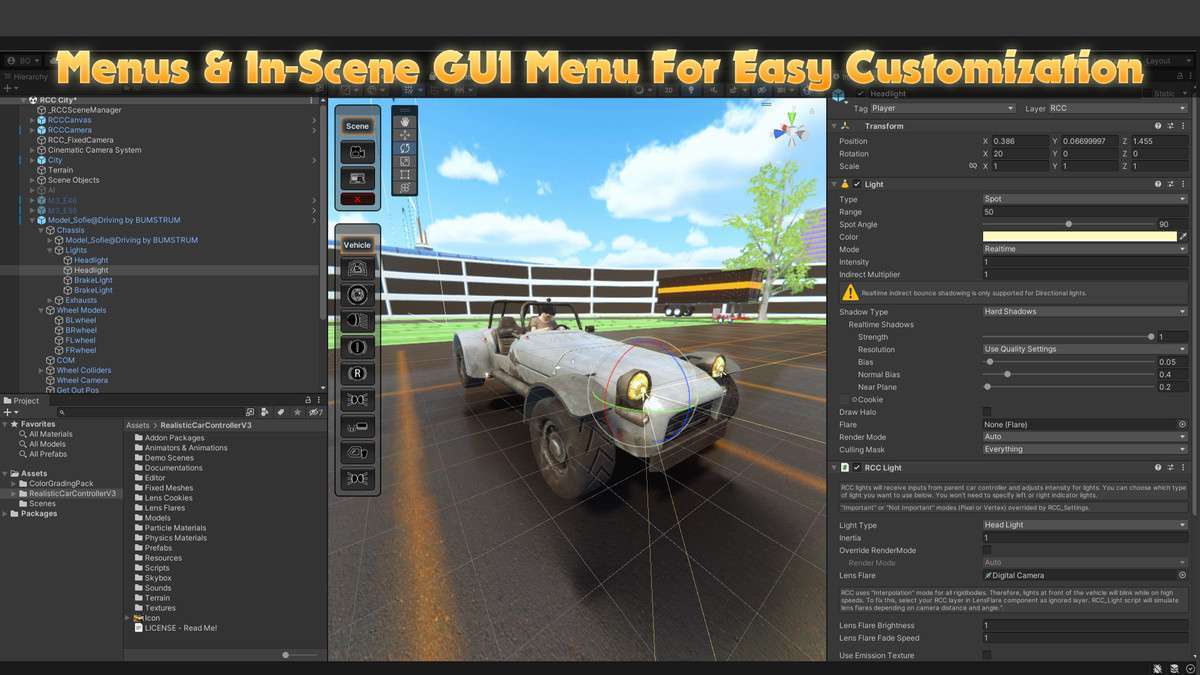
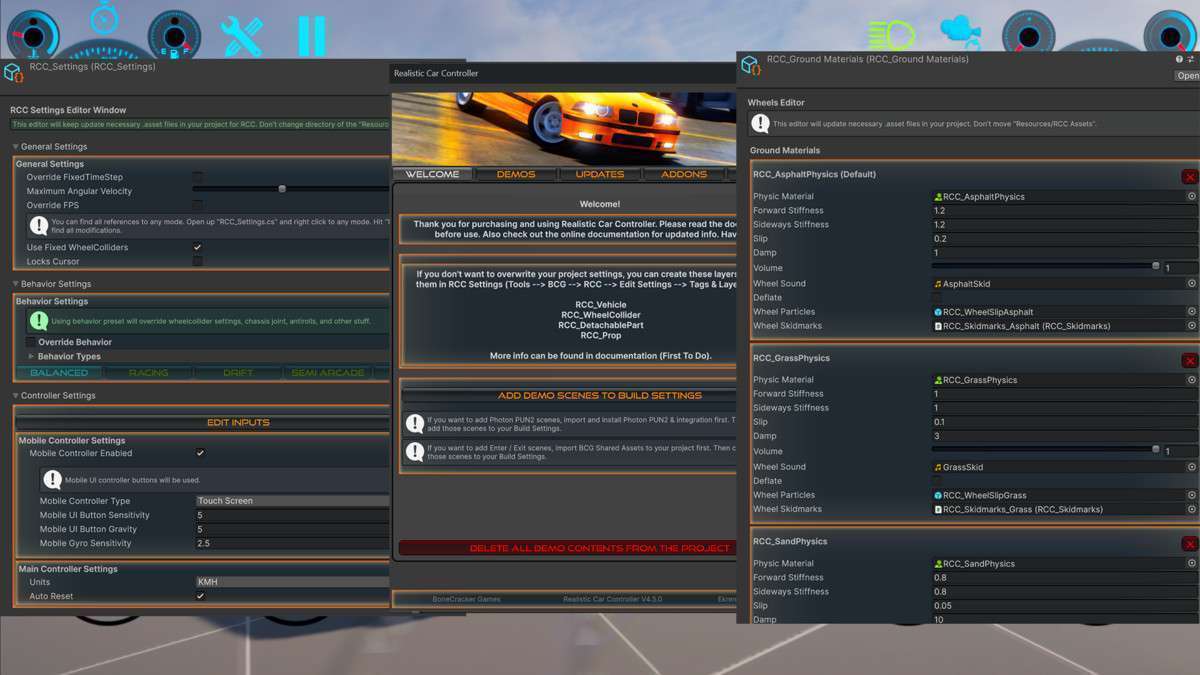
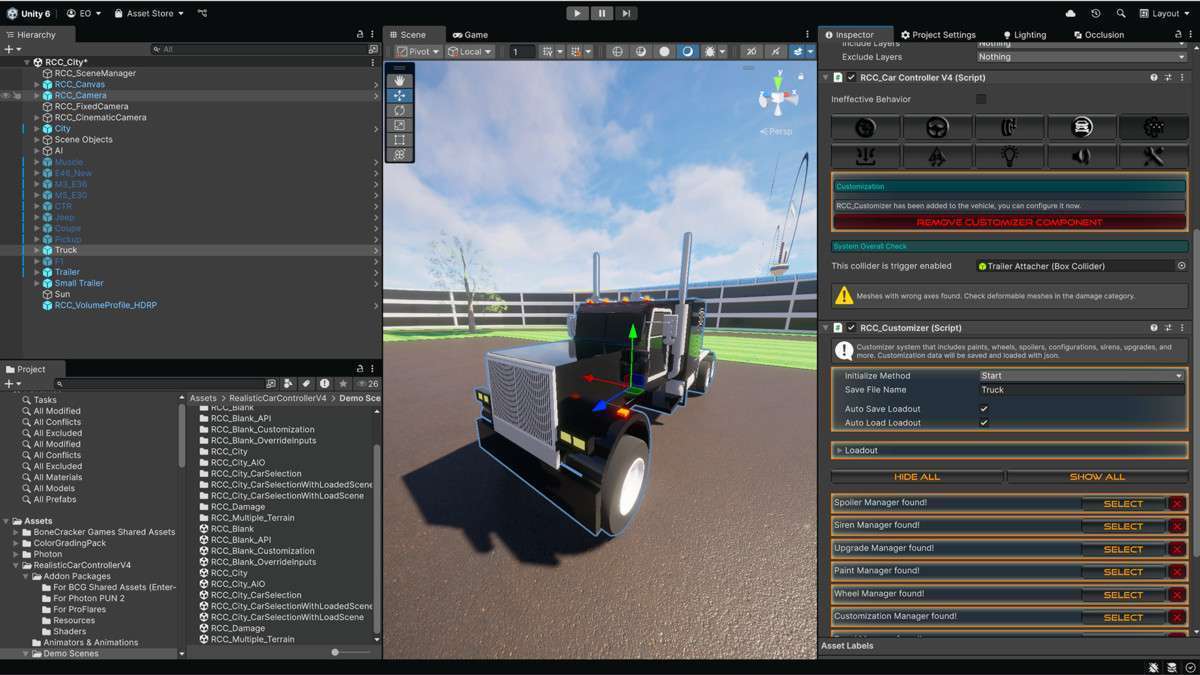
In the current state of version 3.51.0, Realistic Car Controller Unity remains the industry standard for developers needing to bridge the gap between arcade accessibility and simulation-grade physics. As a lead developer, I’ve found that the asset’s greatest strength isn’t just the one-click setup, but the underlying RCC_Settings ScriptableObject architecture which allows for global physics overrides without touching individual prefabs. It handles complex WheelCollider behavior, including longitudinal and lateral friction curves, far more gracefully than the native Unity implementation.
Integration Tips
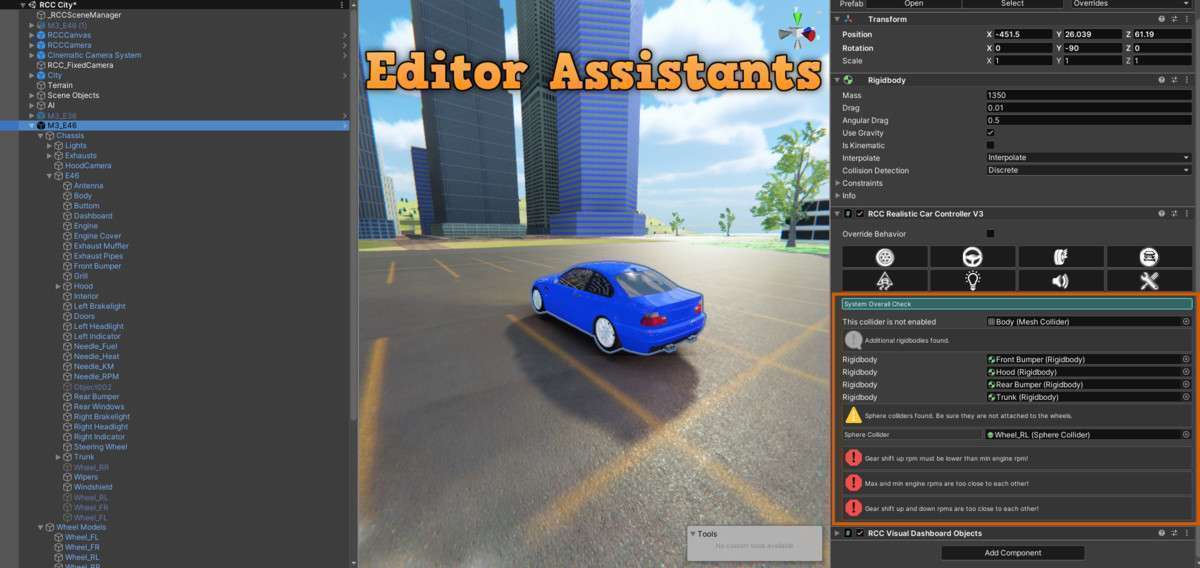
- Input System Dependency: This asset relies on the new Unity Input System. Ensure you have the package installed via the Package Manager before importing, or you will encounter several naming convention errors in the
RCC_InputManager. - Layer Management: Always assign your vehicles to a dedicated “Vehicle” layer. This prevents the Raycast-based ground detection from hitting the car’s own chassis or internal colliders, which can cause jitter or physics explosions.
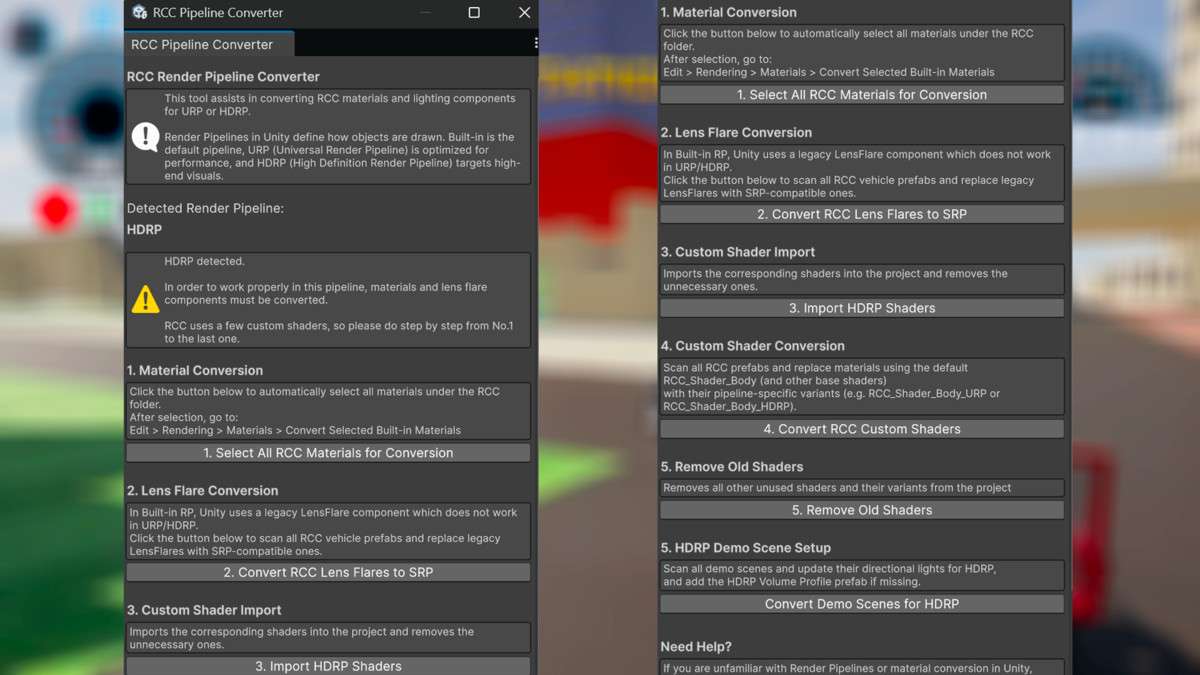
- URP/HDRP Shaders: While compatible across pipelines, the default vehicle materials are Standard. Use the included
Shadergraphconversion scripts to ensure your car paint and glass reflect properly under Scriptable Render Pipeline lighting.
Best Use Cases
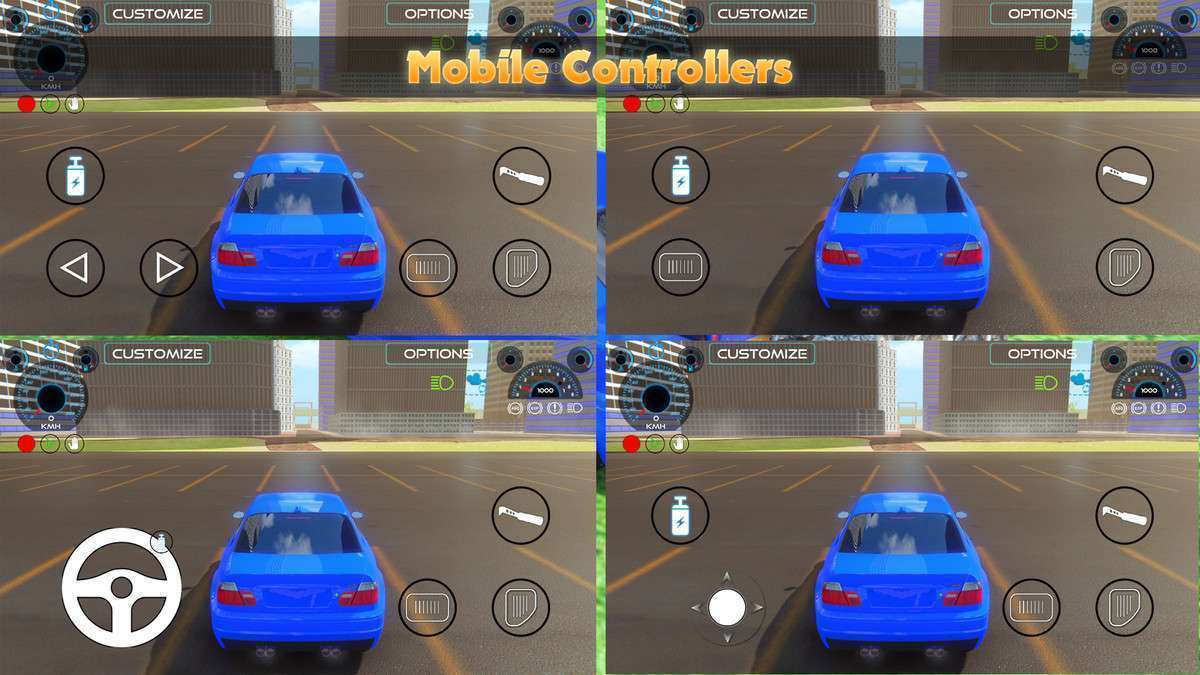
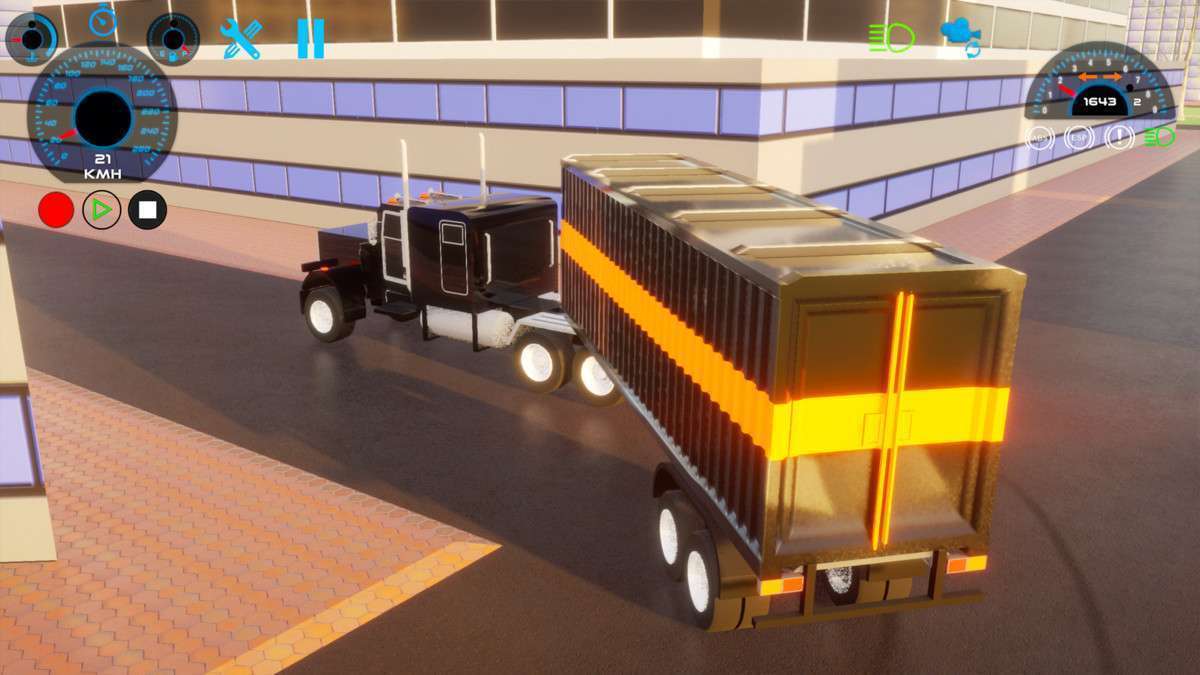
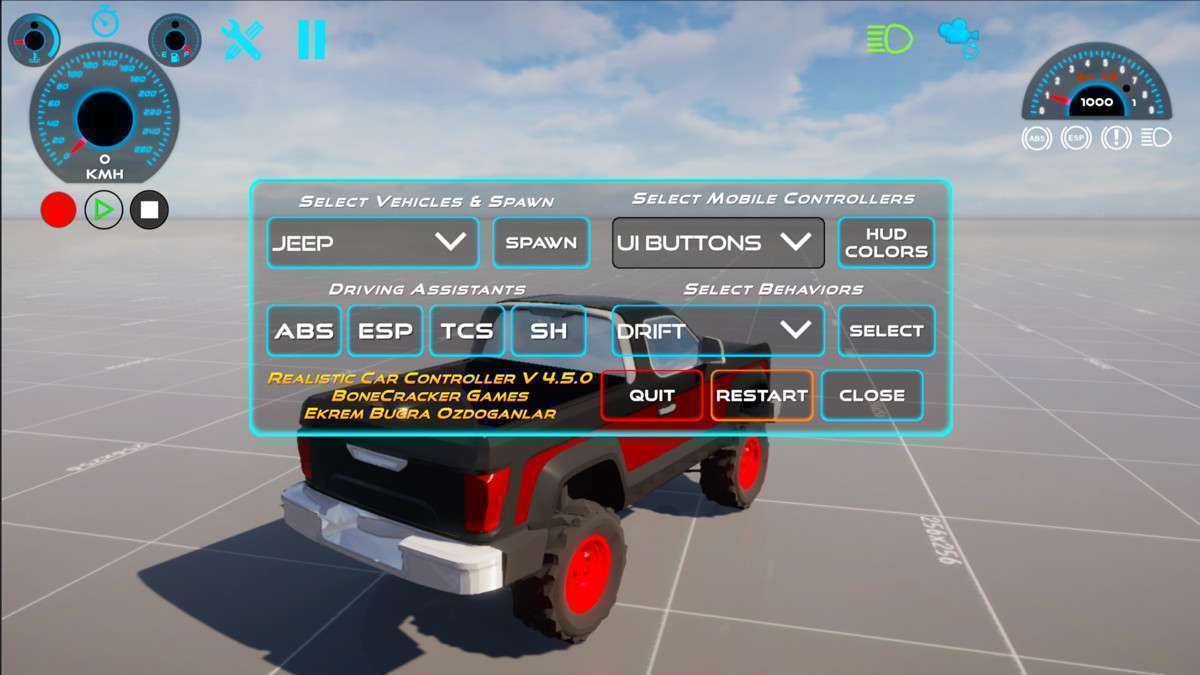
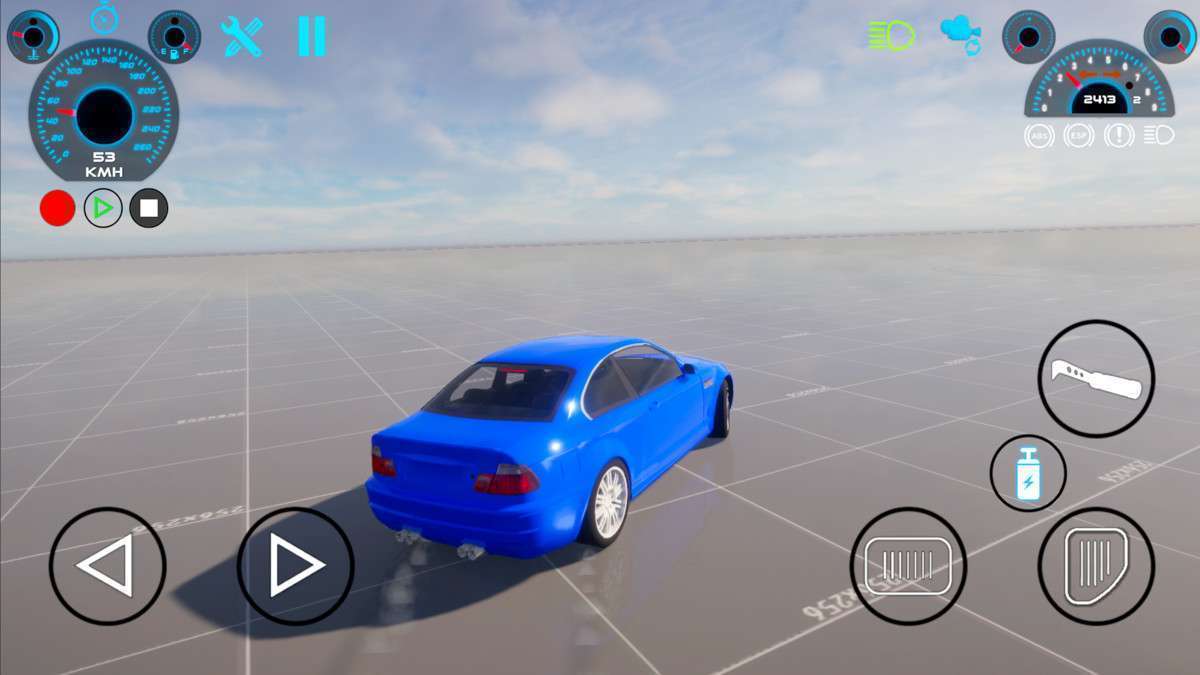
- Mobile Arcade Racers: The optimized UI management system and customizable mobile touch controllers allow for high-performance deployment on mid-range mobile devices where draw calls and CPU overhead for physics need to be strictly capped.
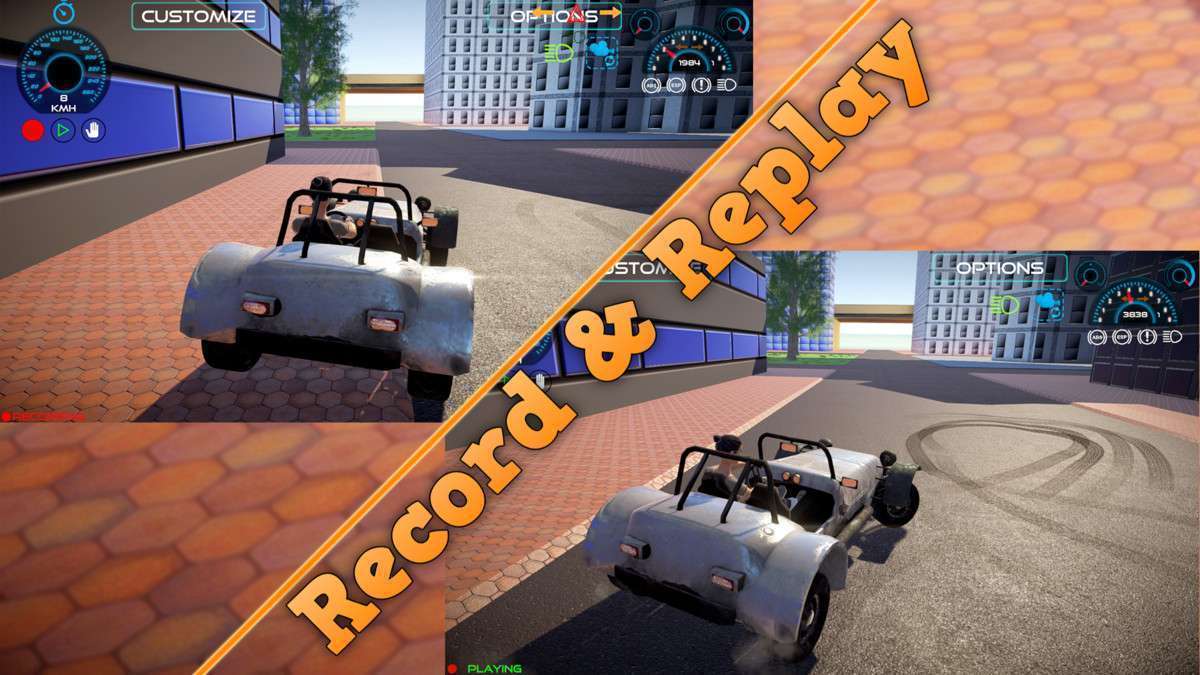
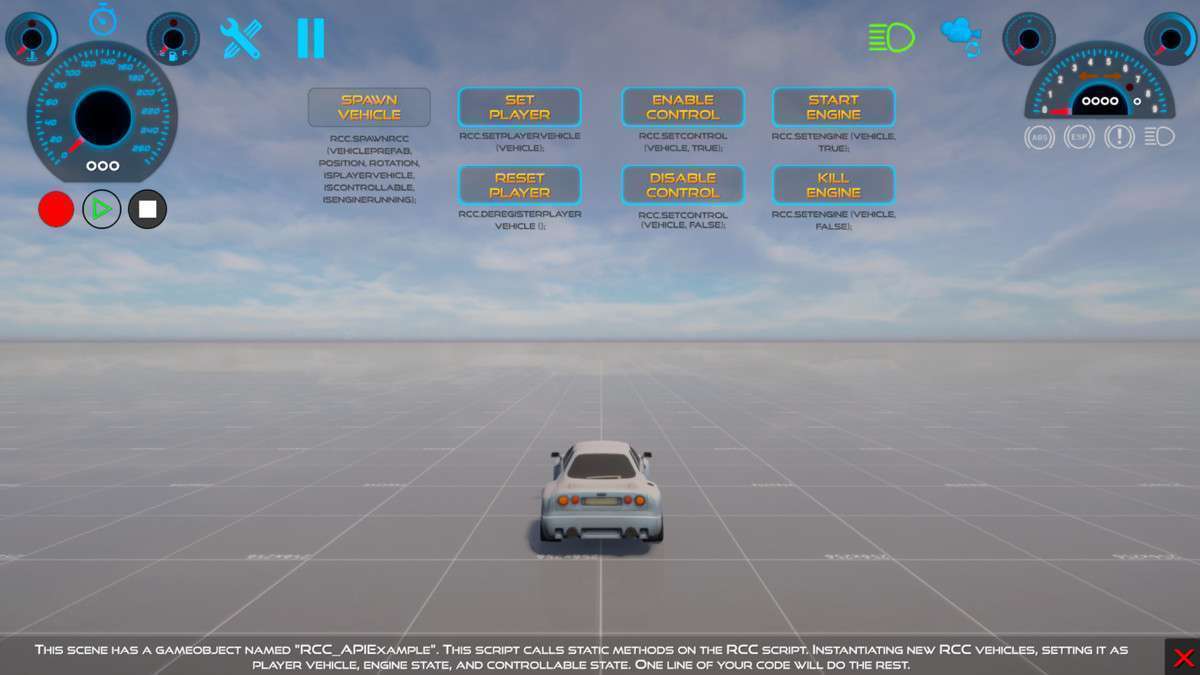
- Open-World Simulators: The record-and-replay system combined with the simplified API for runtime spawning makes it ideal for projects requiring traffic systems or complex scripted vehicle sequences.