
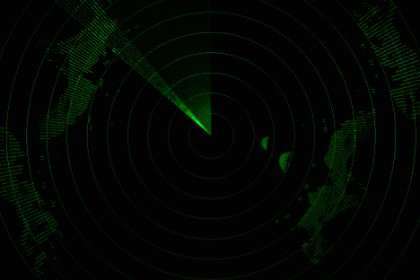
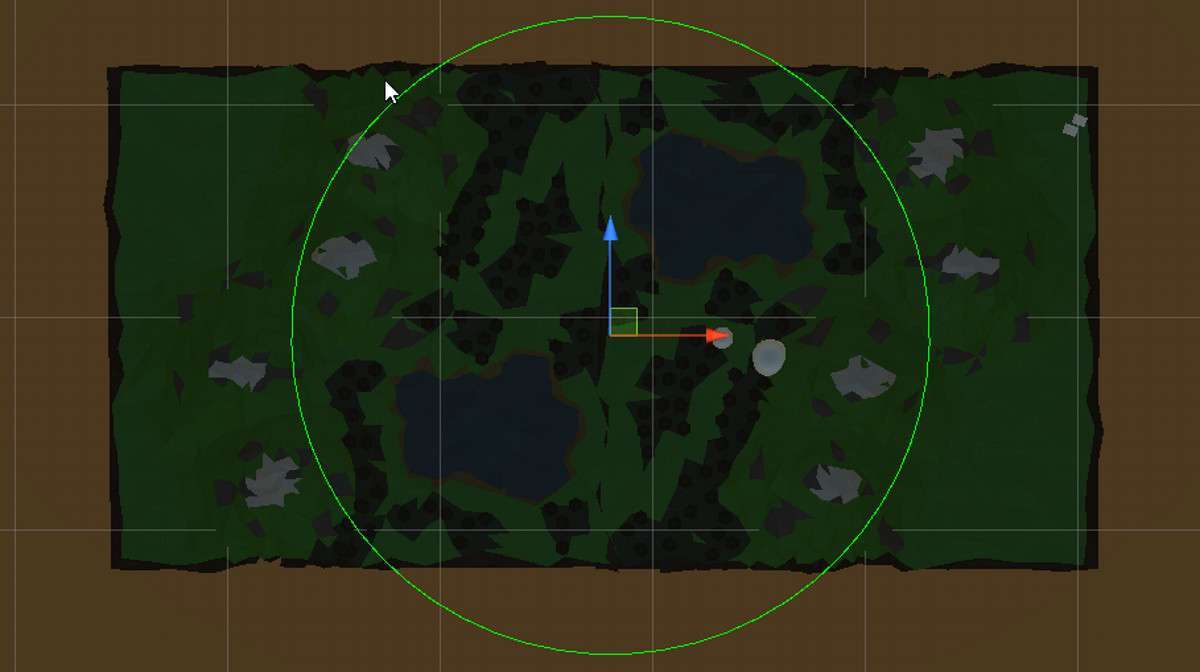
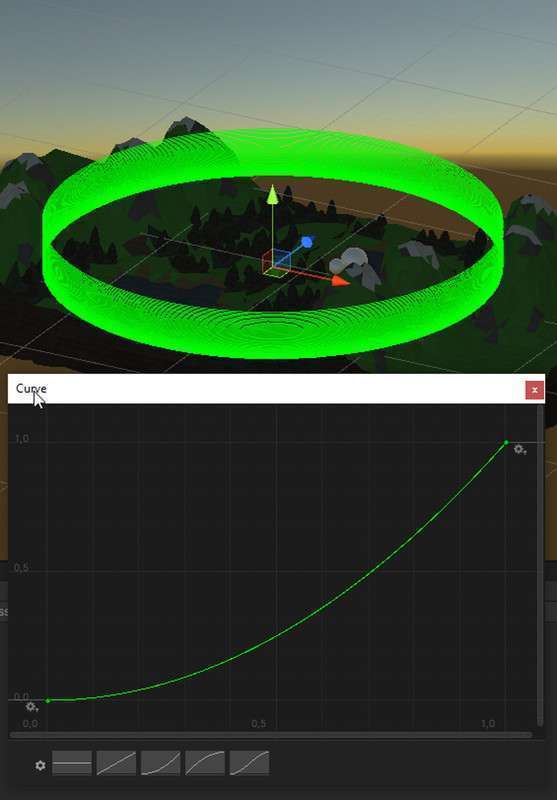
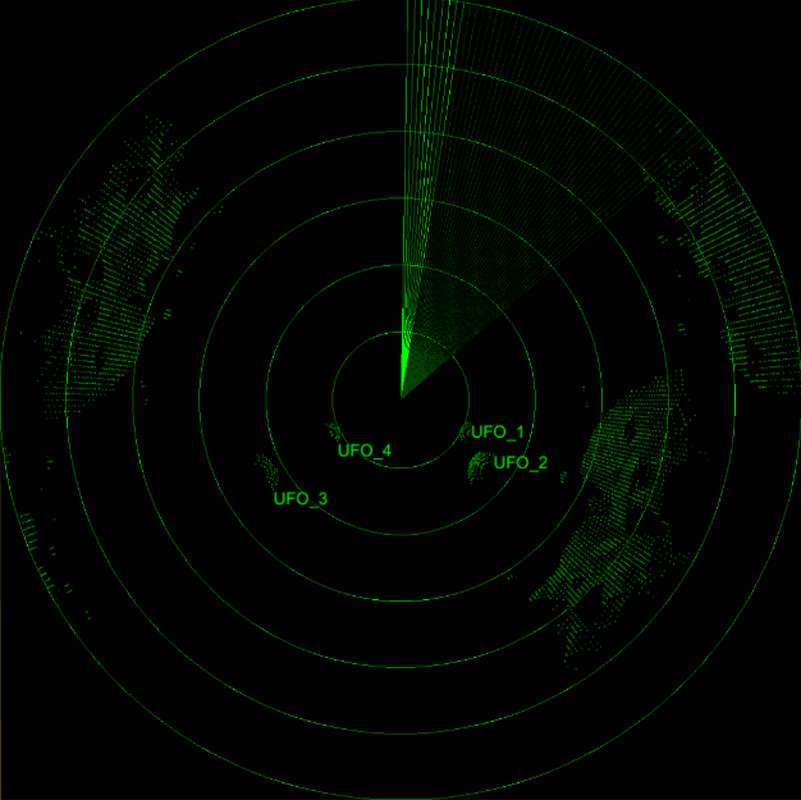
Technical Overview
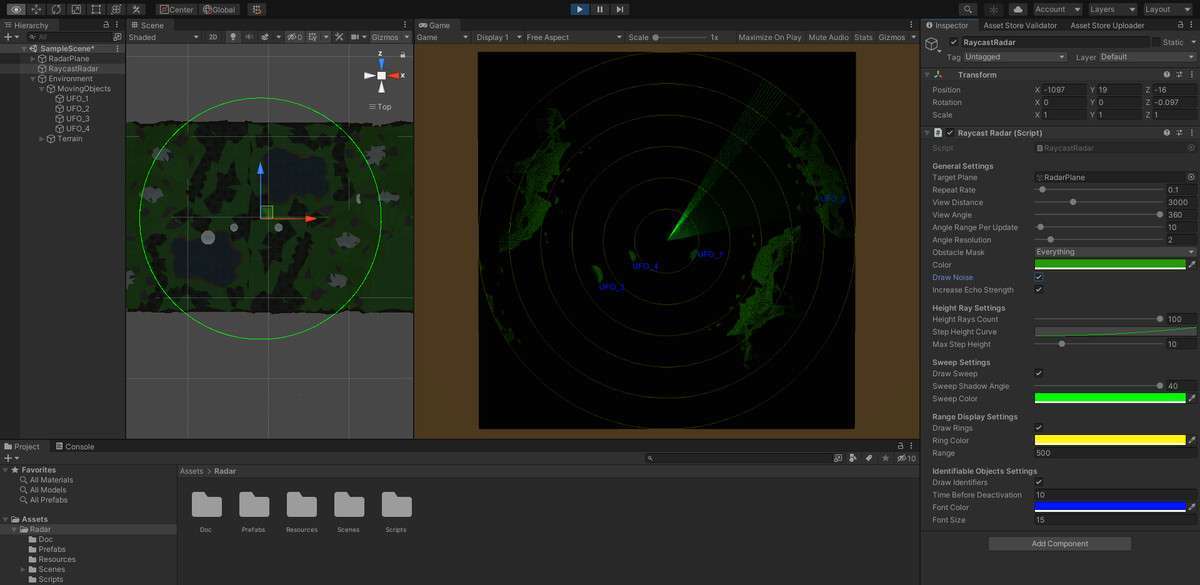
The RaycastRadar Unity module 1.1.0 offers a clever, lightweight approach to environment scanning by bypassing the heavy overhead of secondary cameras. Instead of a ‘render-to-texture’ approach with a separate scene camera, this script fires raycasts and writes the hits directly into a 2D-Texture. This is far more performant for UI-based radars where you only need to show structural outlines rather than a fully rendered top-down view.
Integration Tips
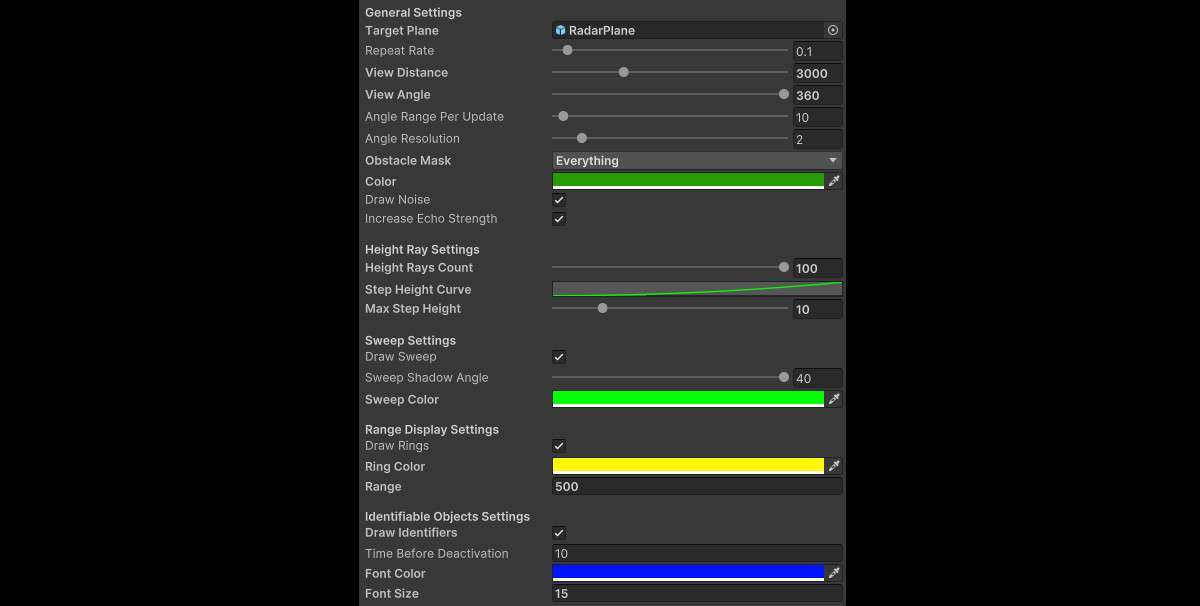
- Layer Masking: To avoid the radar showing ‘invisible’ triggers or volume colliders, ensure the RaycastRadar script is set to a specific LayerMask that only includes ‘Environment’ or ‘Default’ layers.
- Update Frequency: Don’t run the raycast loop every frame (Update). For a realistic radar feel and better CPU performance, trigger the scan via a Coroutine or a timed Interval (e.g., 0.1s to 0.5s) to simulate a rotating sweep.
- Texture Memory: Since it writes to a 2D-Texture, keep the resolution low (e.g., 256×256). The ‘grainy’ look of a low-res texture often adds to the radar’s realism while keeping the memory footprint negligible.
Best Use Cases
- Sci-Fi Exploration Simulators: Perfect for a ‘scanning’ mechanic where players must map out a dark cave or an asteroid surface without direct visibility.
- Stealth/Tactical Games: Use it to generate a ‘threat map’ where the raycasts only detect moving objects or specific layers, providing a non-cheating way to give players spatial awareness.