
Realistic Video and Image Projection
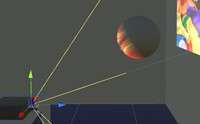
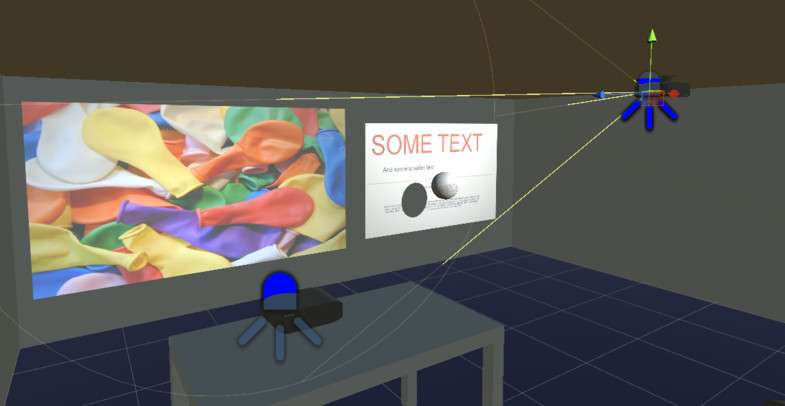
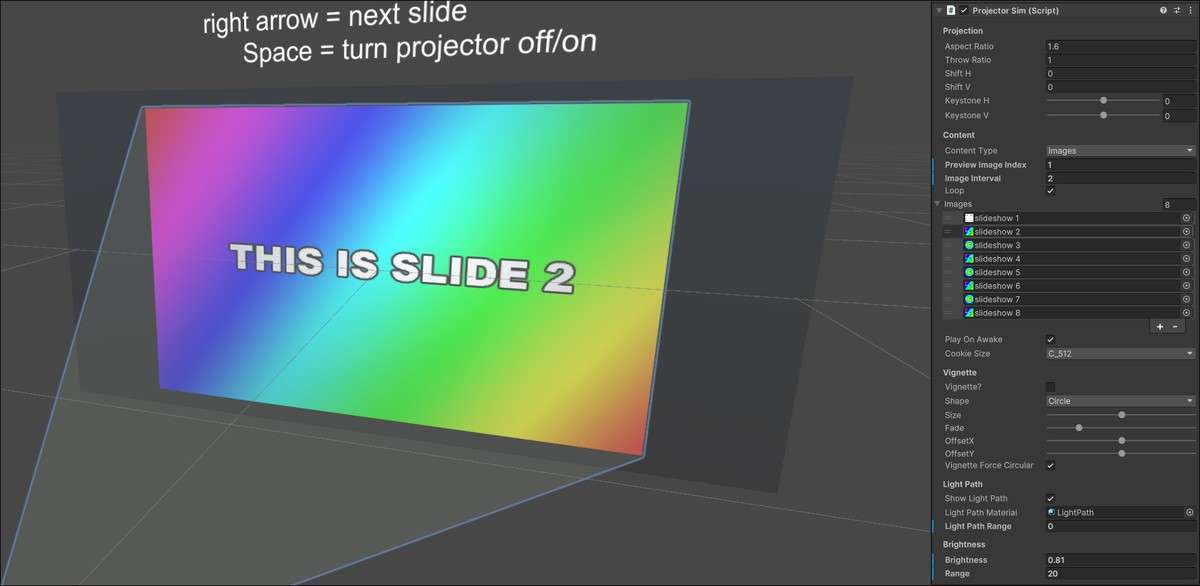
Standard Unity projectors often lack the physical accuracy required for specialized simulations. Projector Simulator Unity 1.52.0 solves this by implementing features like lens shift, keystone correction, and throw ratios. This is not just a texture decal; it’s a shader-based implementation that accurately simulates how light leaves a projector lens and hits a surface in 3D space.
Integration Tips
- RenderTexture Workflows: To project live gameplay or UI onto an in-game screen, pipe your source camera into a RenderTexture and assign that to the Projector Simulator component.
- Performance Tuning: You can adjust the internal projector resolution. For background elements, keep this low; for interactive ‘cinema’ screens, match the source video resolution.
- C# Playback Control: Use the provided API to trigger projection changes via script. This is much more efficient than toggling GameObjects, as you can simply swap the source texture in the material block.
Best Use Cases
1. Digital Twin and Simulation Projects
If you are building an app for an AV company to preview a real-world setup, the keystone and lens shift values provide mathematically accurate results that correspond to real hardware specifications.
2. Sci-Fi and Horror Environments
Use the RenderTexture support to project ‘security camera’ feeds onto walls. Because it handles shadows realistically, it adds a layer of immersion that static textures or simple light cookies cannot provide.