
Scaling Level Design with Rule-Based Logic
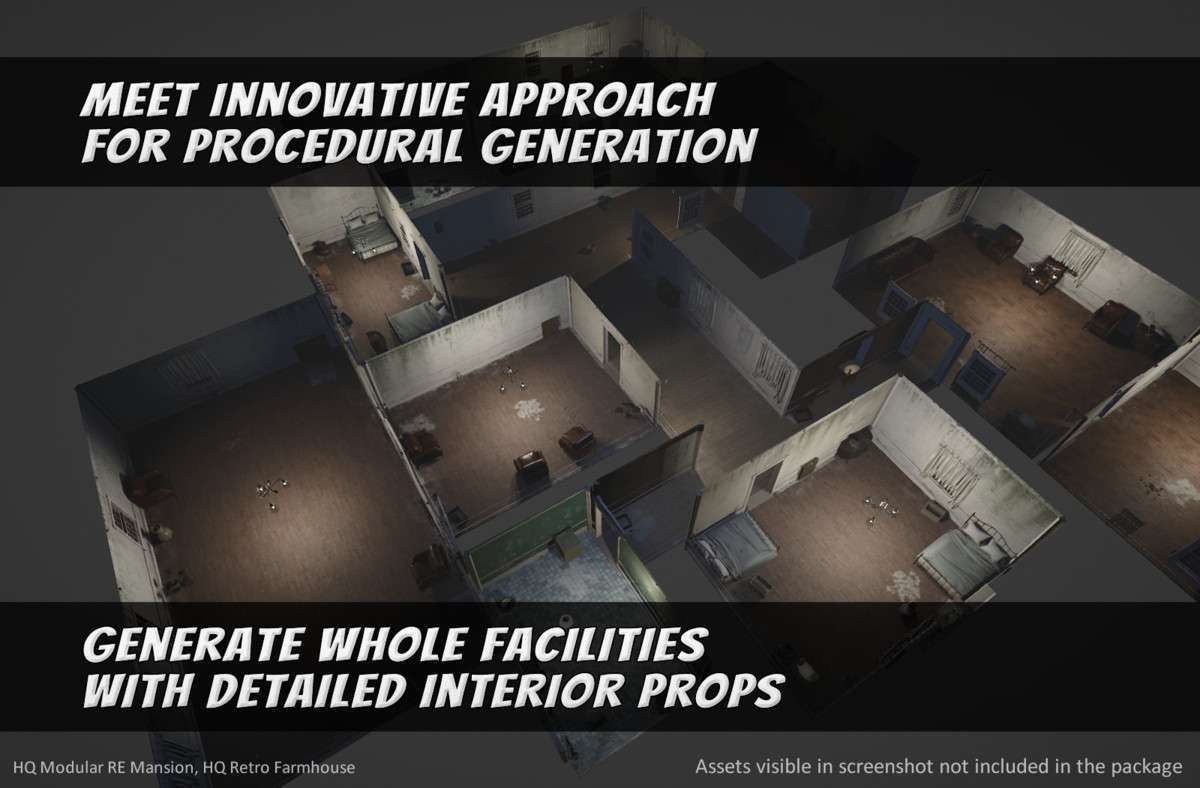
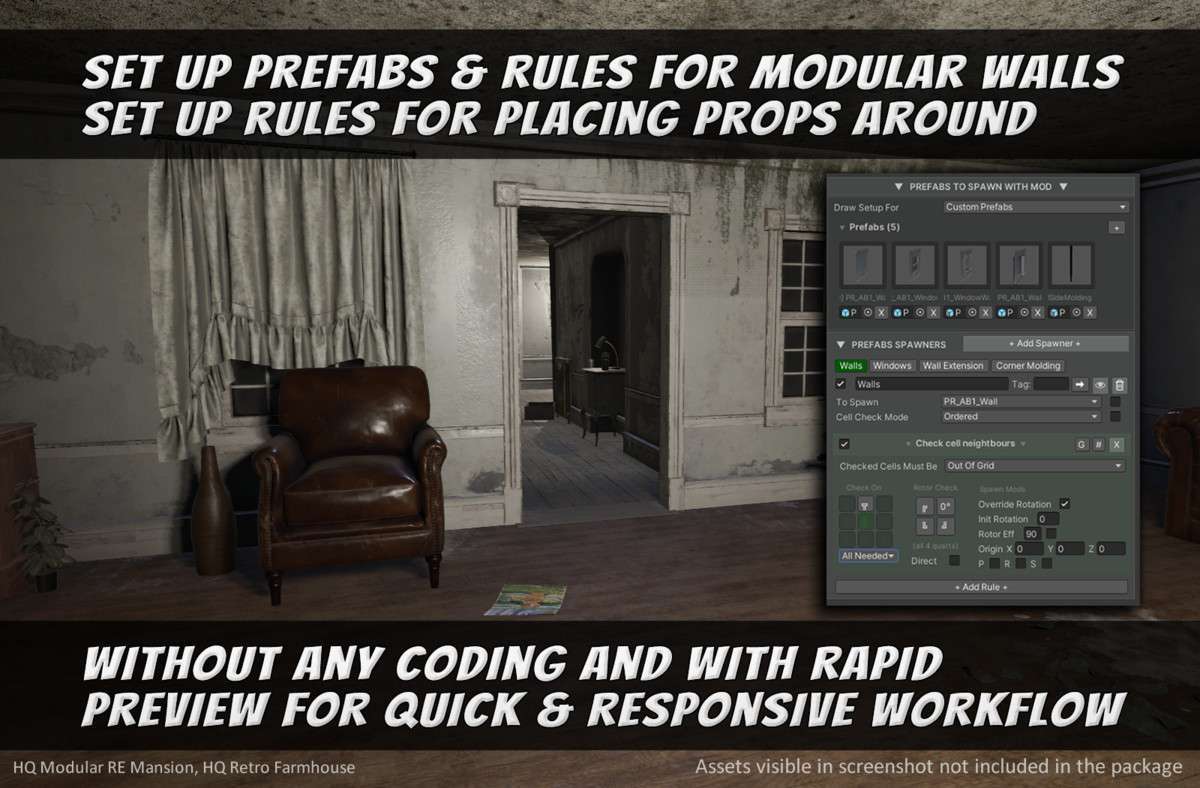
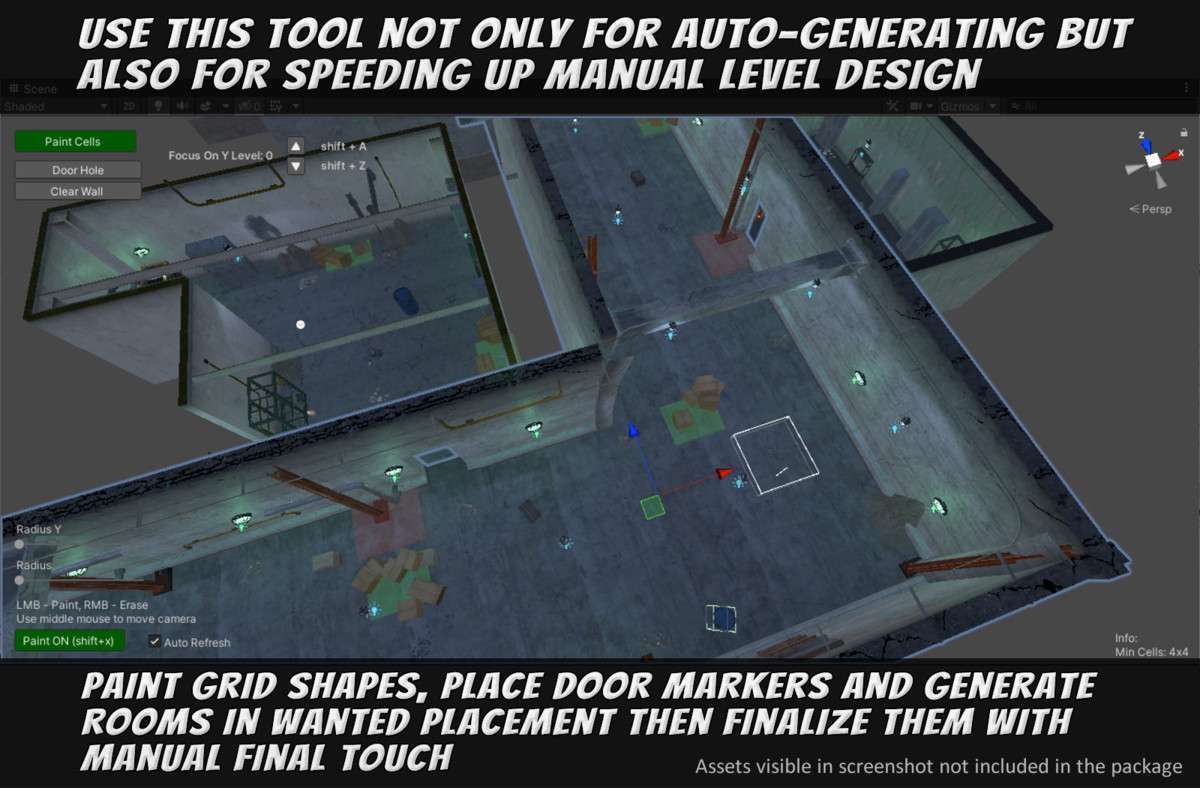
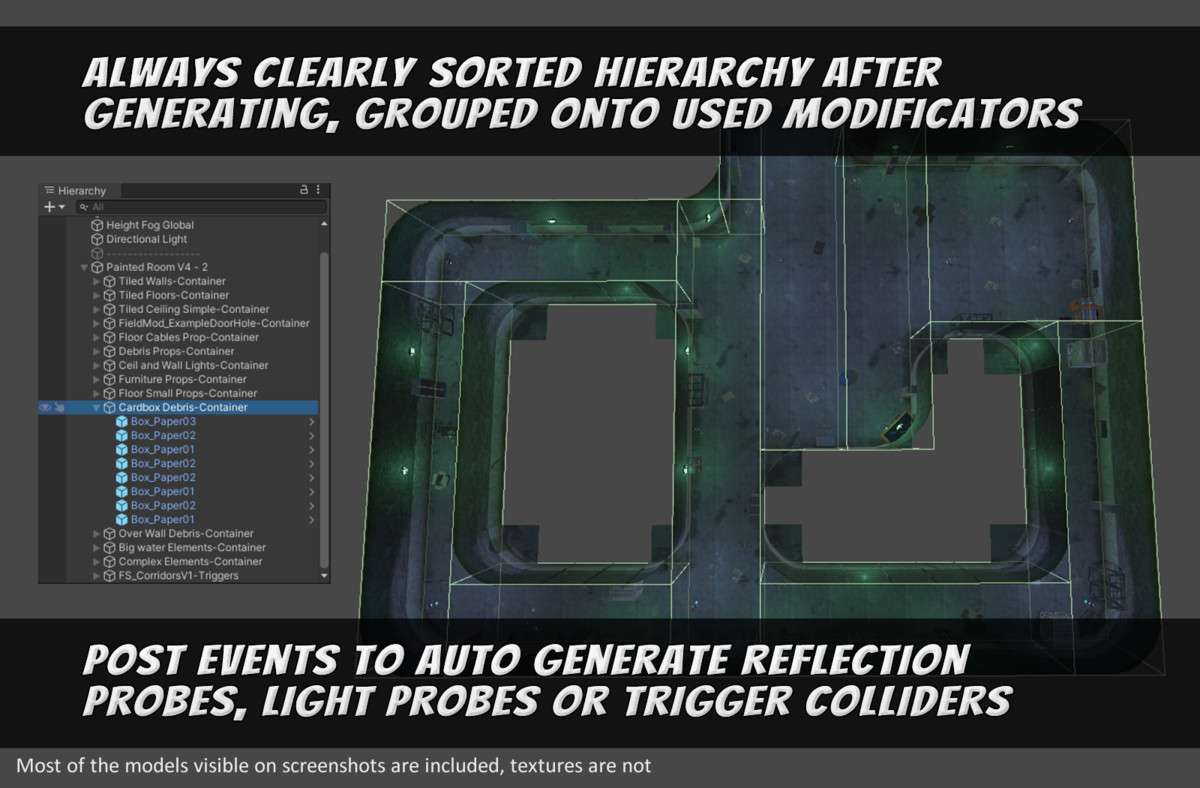
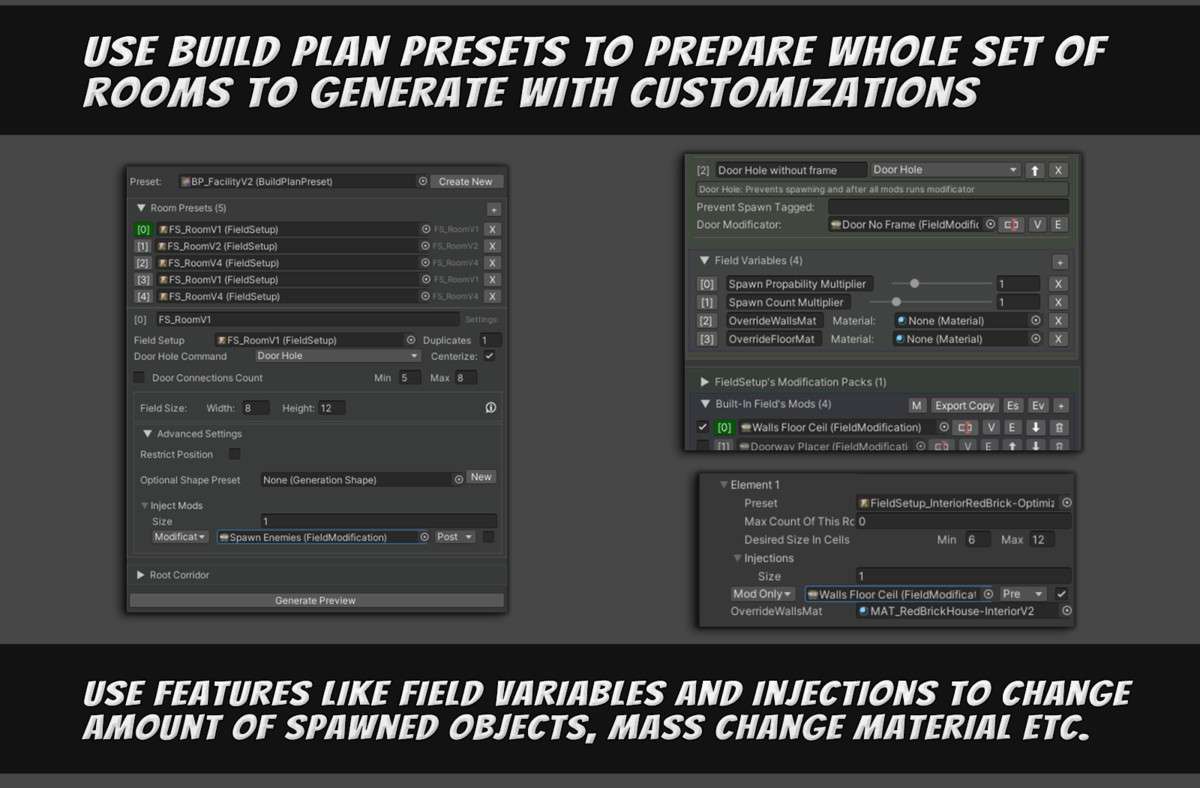
Using Procedural Generation Grid (Beta) Unity 1.0.4 requires a mindset shift from manual placement to logic-driven architecture. As a lead, I view this tool as a force multiplier for environment artists. It’s not just a randomizer; it’s a node-based rule engine that manages 3D grids to automate the tedious aspects of modular environment construction. The inclusion of the Tile Designer is a significant win, allowing for rapid mesh prototyping directly within the editor, which cuts down the iteration loop between Maya/Blender and Unity.
Integration Tips
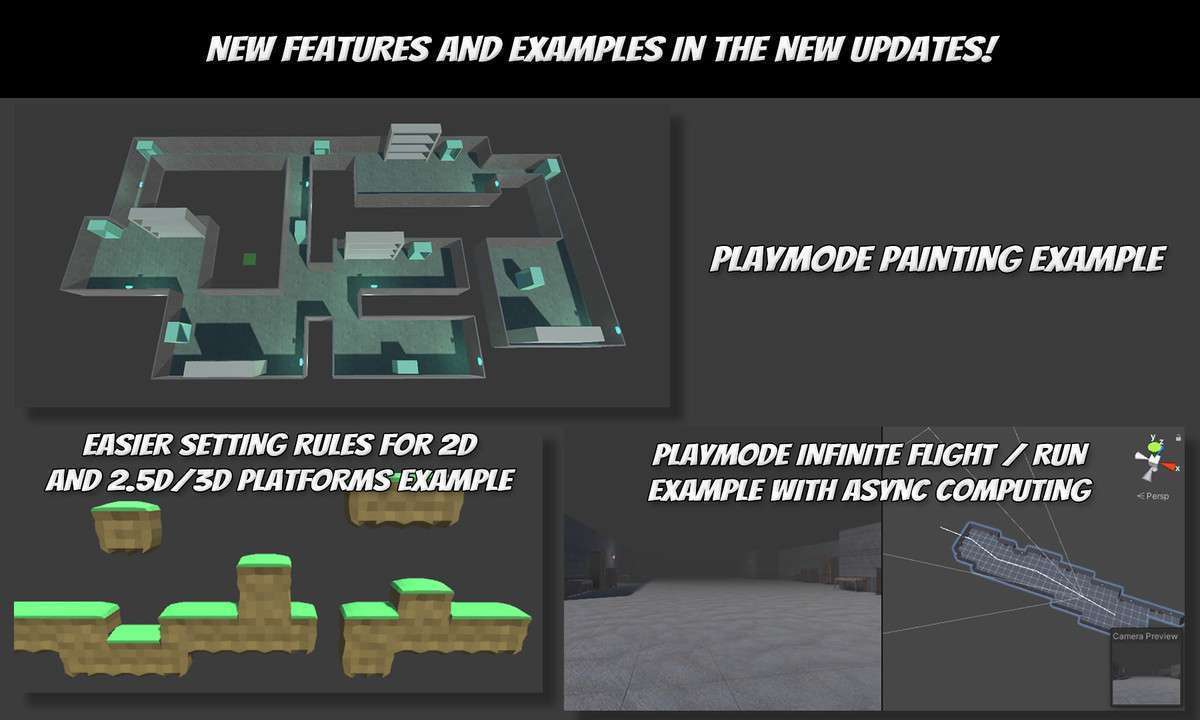
- Async Computation Handling: When generating large levels at runtime, utilize the async features introduced in version 1.1.0. This offloads the heavy grid calculations to worker threads, preventing the main thread from stalling and causing frame drops during world transitions.
- SRP Conversion: Since the demo assets are Built-in RP by default, run the URP/HDRP Material Upgrader immediately upon import. However, note that the core generation logic is render-pipeline agnostic as it operates on Transform and Prefab data, not shaders.
- Custom Rule Nodes: Don’t rely solely on the built-in nodes. The API is designed for extensibility. If you need specific logic for ‘room-to-corridor’ transitions, inherit from the base rule class to create custom constraints that fit your specific modular kit’s footprint.
Best Use Cases
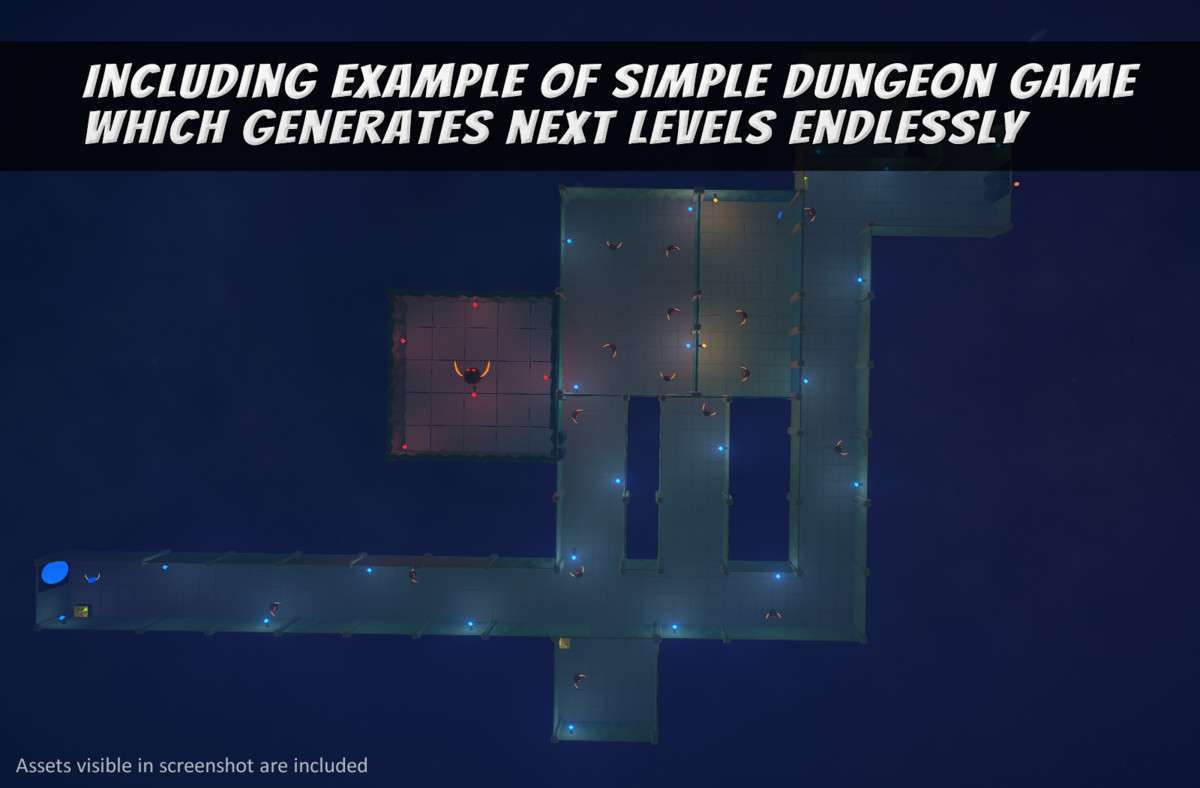
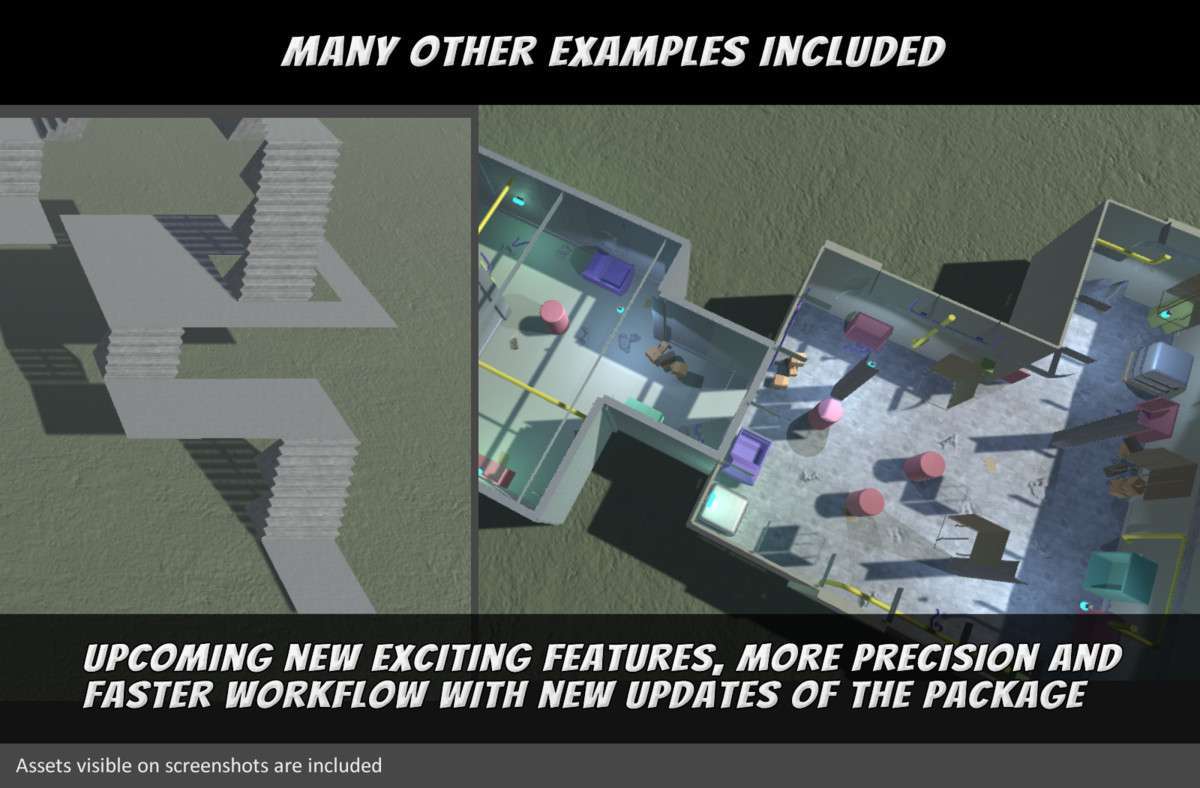
- Procedural Roguelikes: The Build Planner and Node Graph allow for the creation of complex, non-linear layouts that feel intentional rather than chaotic. It’s perfect for games requiring varied floor plans for every run without writing a custom BSP tree generator from scratch.
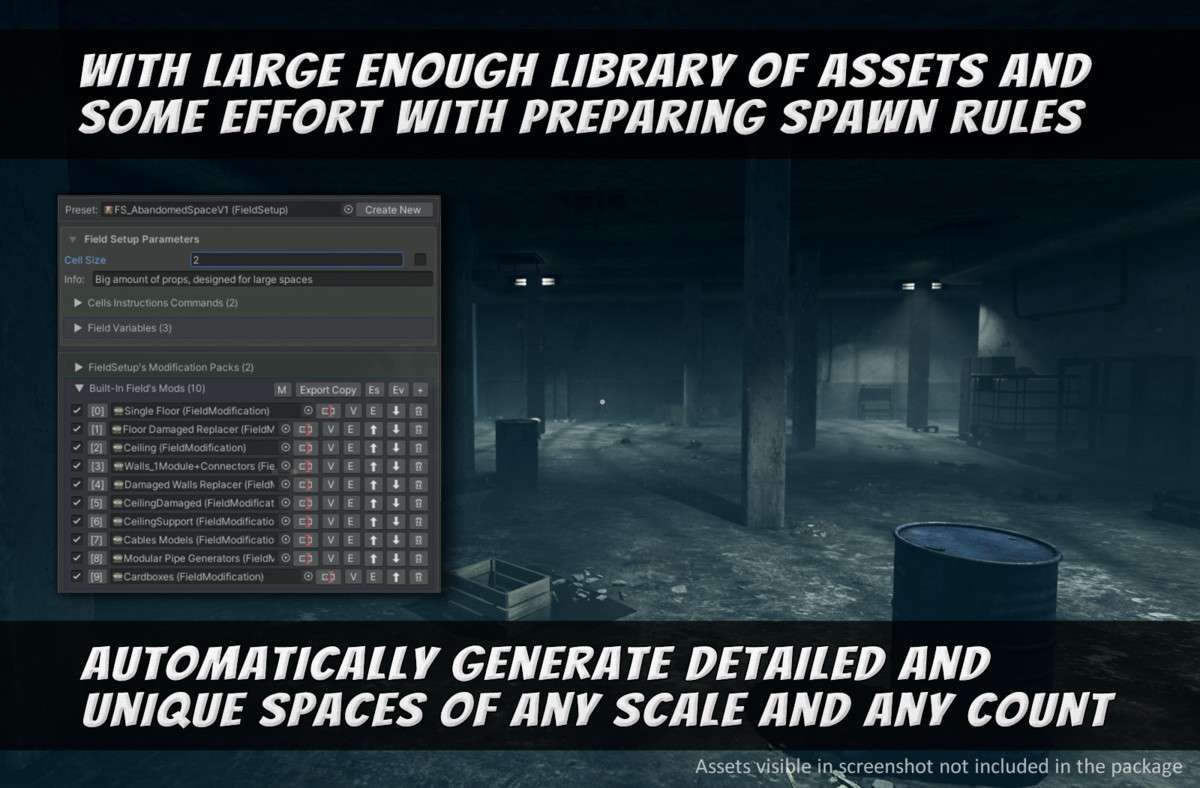
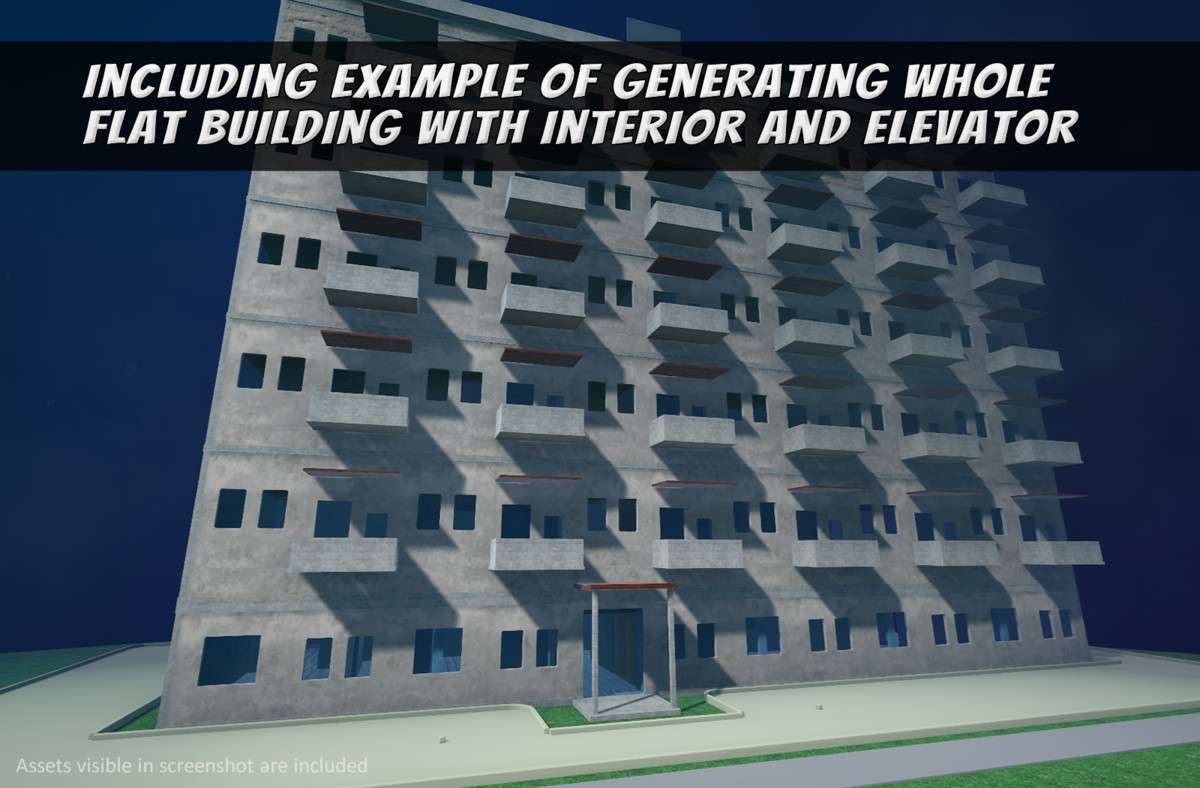
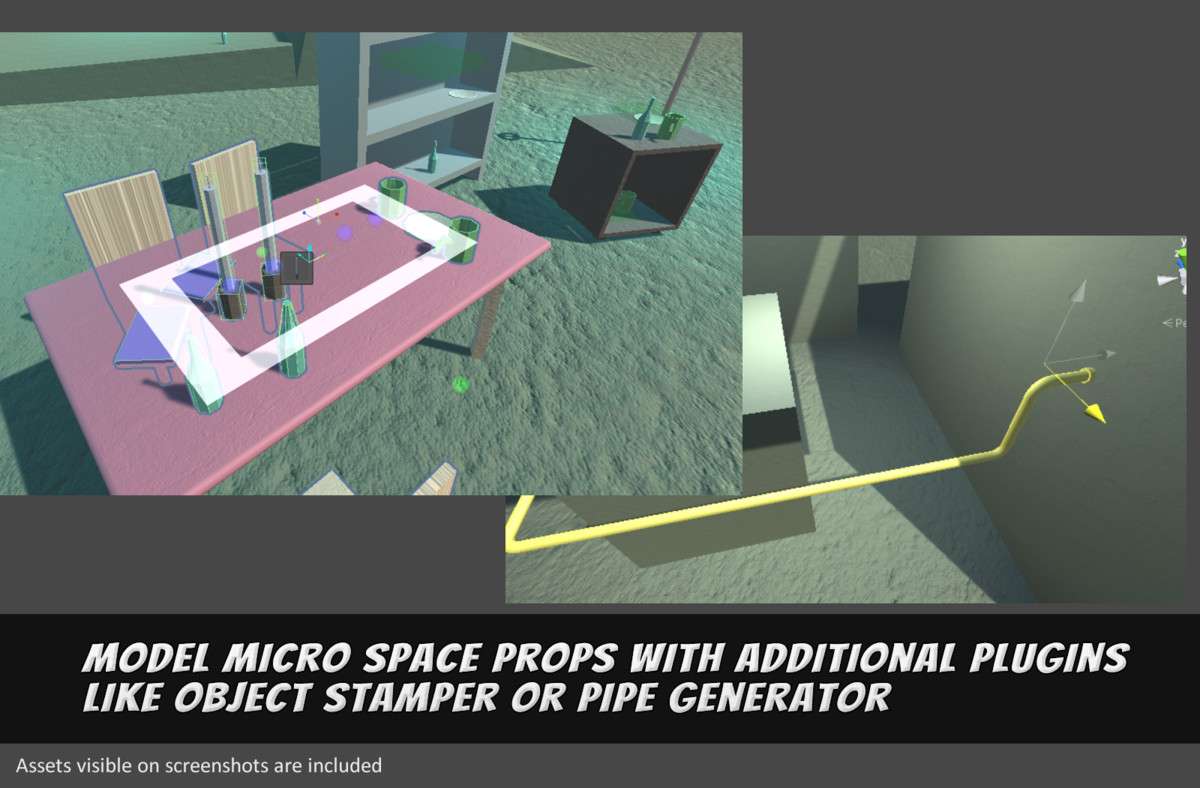
- Modular Urban Environments: For projects involving dense city blocks or interiors, the tool excels at ‘painting’ props—like books on shelves or pipes along walls—using collision detection to ensure assets don’t clip through the environment.