
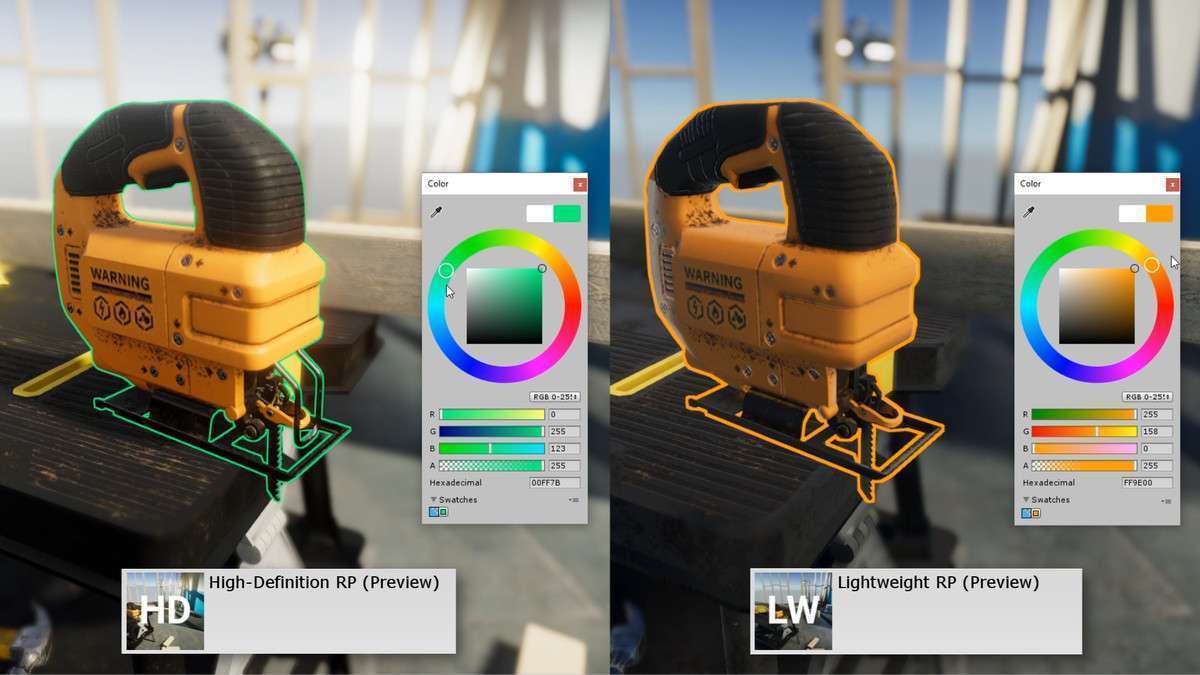
Professional Post-Process Outlining
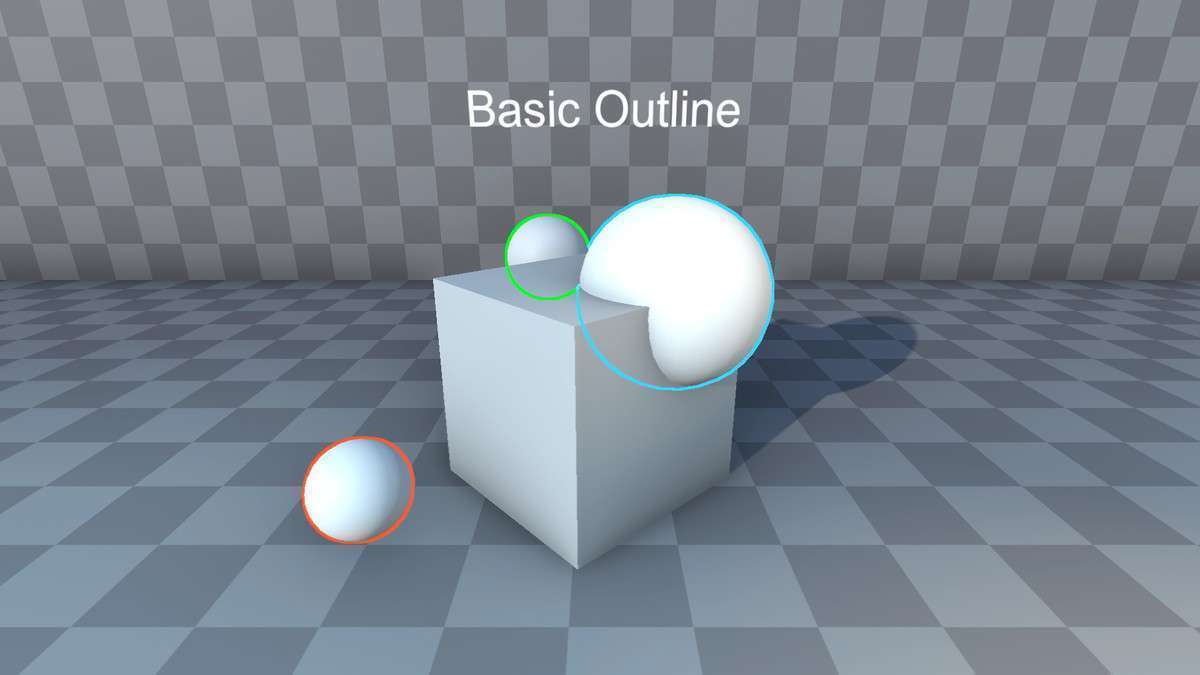
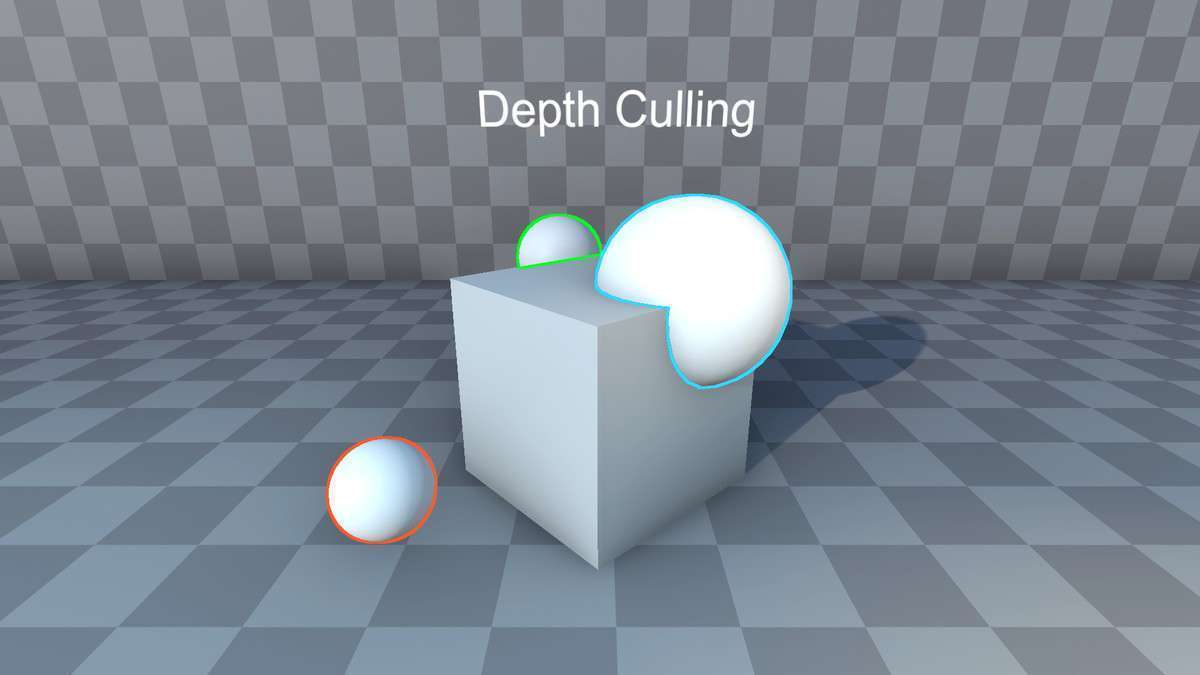
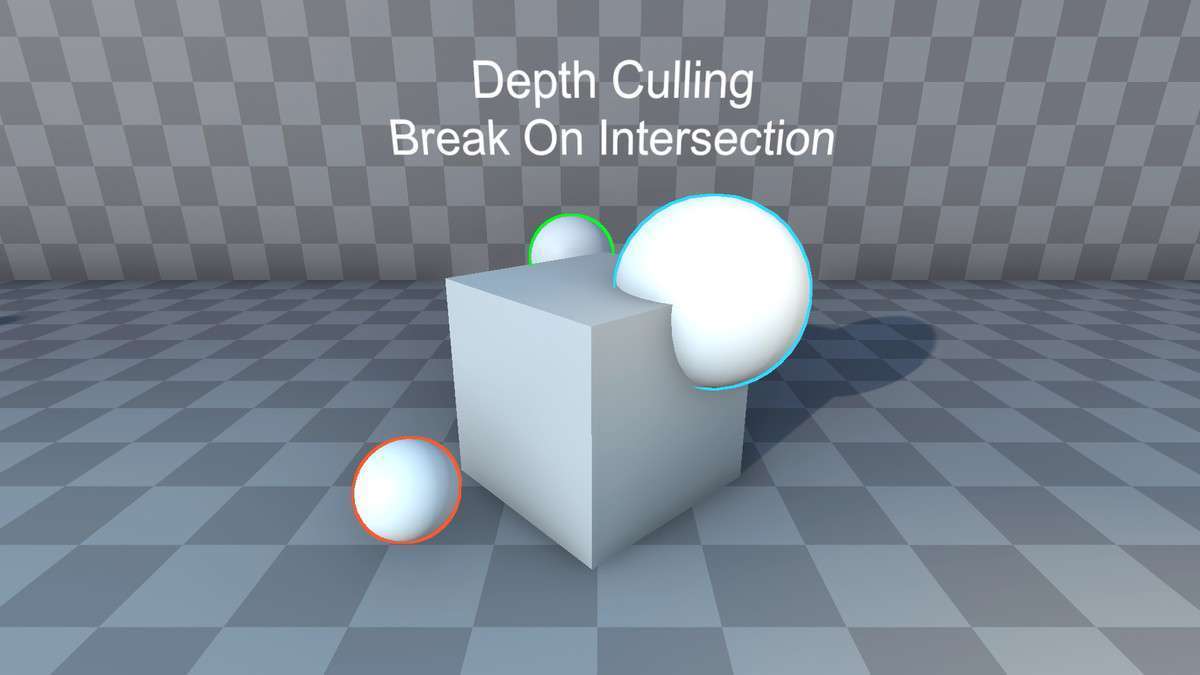
Adding visual clarity to interactable objects is essential for modern UX. PRO Outline Unity 1.0.0 provides a high-performance post-processing solution that avoids the common artifacts found in mesh-duplication methods. By leveraging the depth buffer and custom shaders, it allows for per-object coloring and fill effects without breaking batching for your primary opaque geometry.
Integration Tips
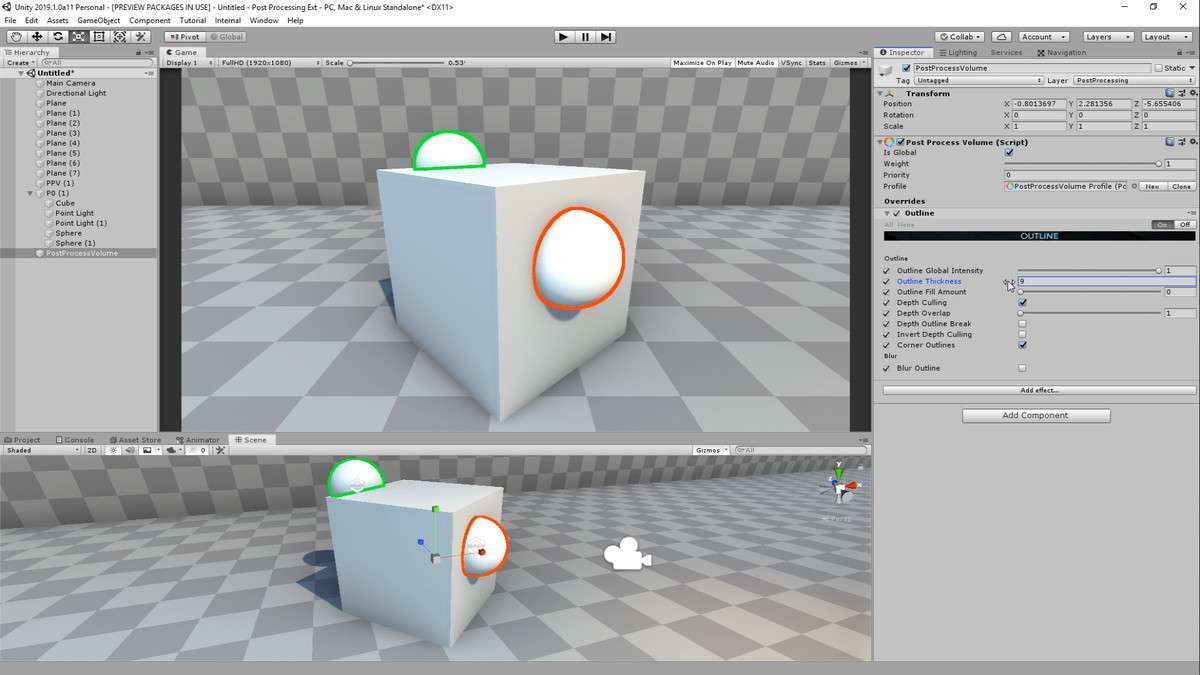
- Post-Processing Stack v2: Ensure you have the PPv2 package installed via Package Manager before importing. This asset is specifically designed for the volume-based workflow of that stack.
- Downsampling for Performance: Use the downsample option if you are targeting mid-range hardware. It reduces the resolution of the outline buffer, significantly lowering the GPU overhead of the blur iterations.
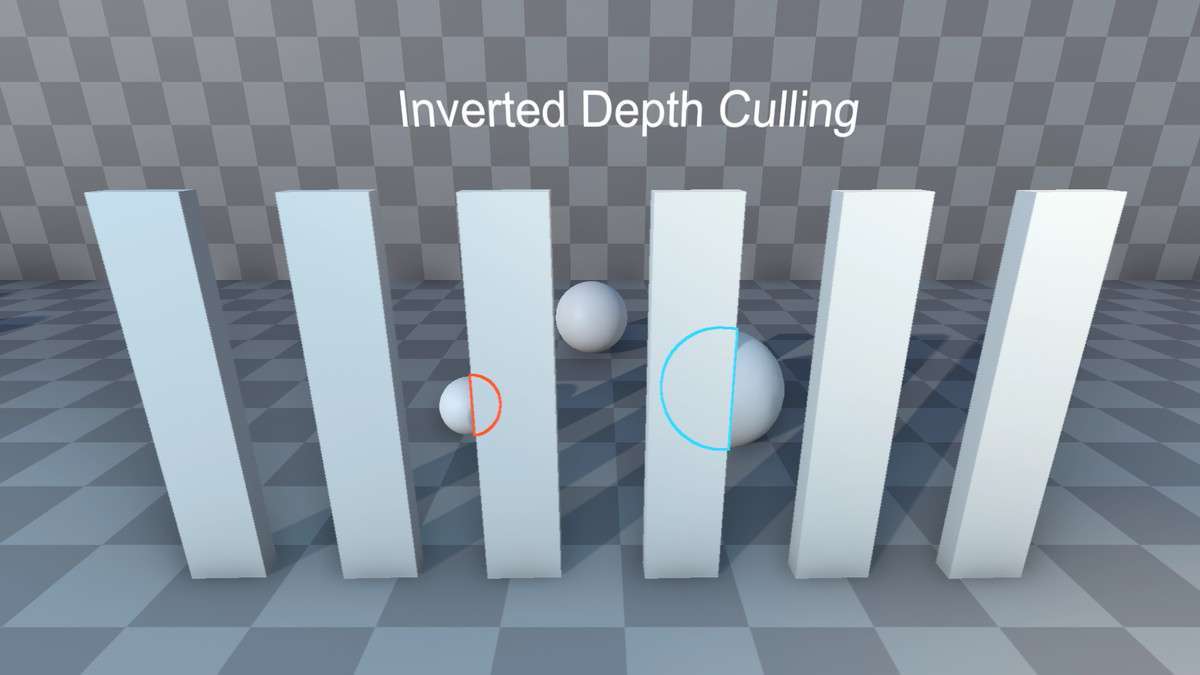
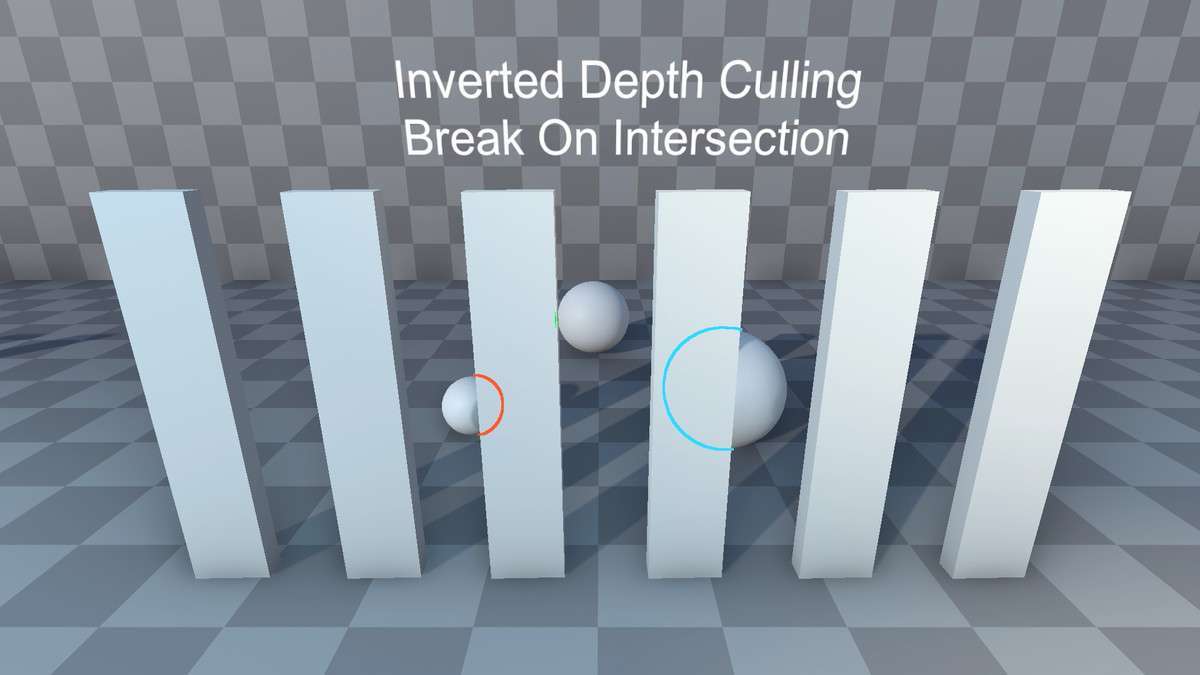
- Invert Depth Culling: This is a powerful feature for ‘X-Ray’ effects. By inverting the depth test, you can highlight enemies or objectives when they are occluded by walls.
Best Use Cases
1. RTS and Tactical Games
The per-object color support is perfect for distinguishing between friendly and enemy units. Since it works in the scene view, designers can verify unit visibility during level layout without entering Play mode.
2. Stylized Action-RPGs
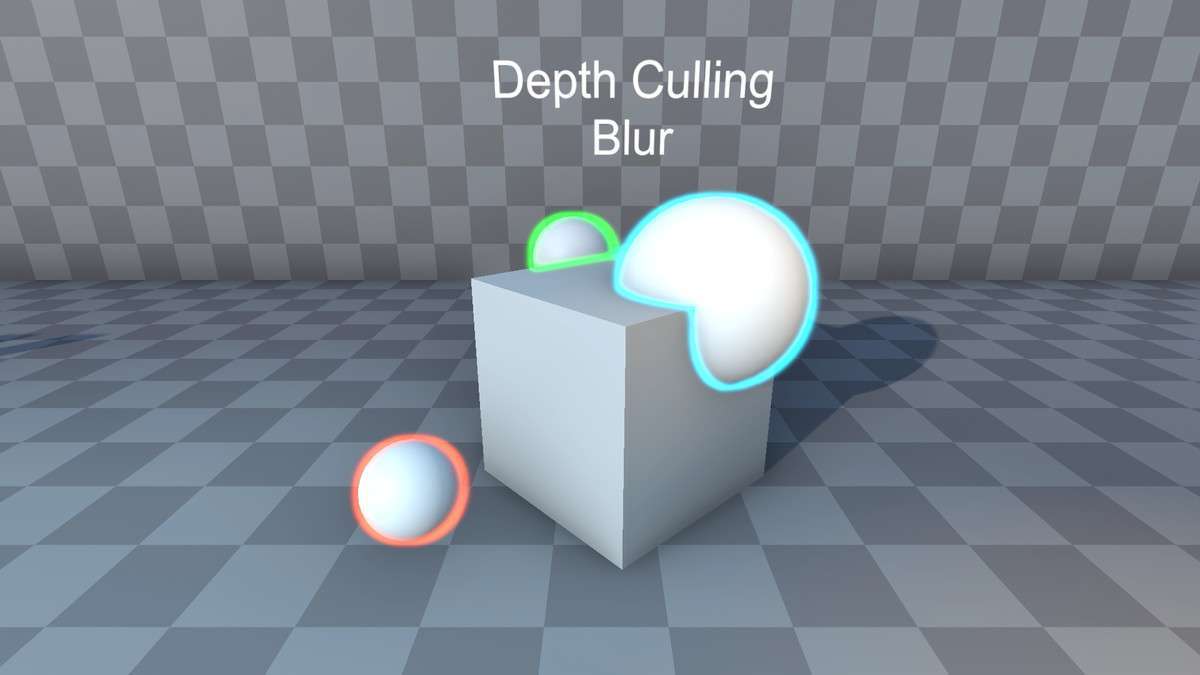
The blur and iteration settings allow for a ‘soft’ outline that mimics hand-drawn ink. This is technically superior for toon-shaded projects that require a consistent line weight regardless of the object’s distance from the camera.