

High-Performance Reflection Management
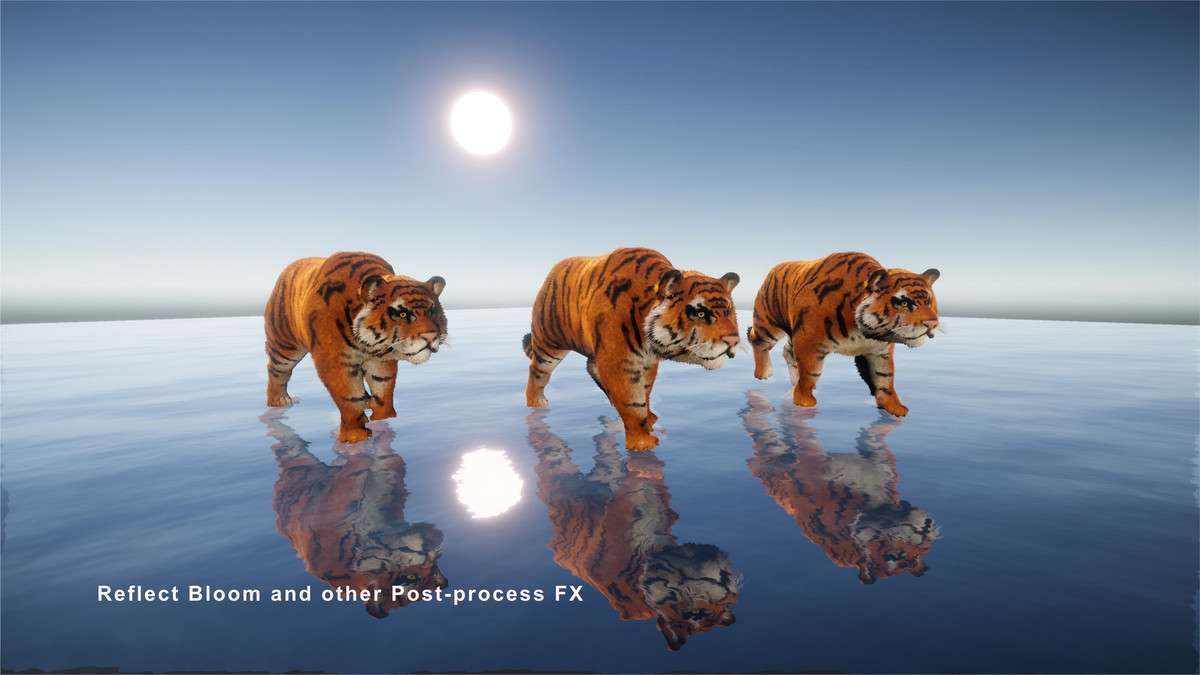
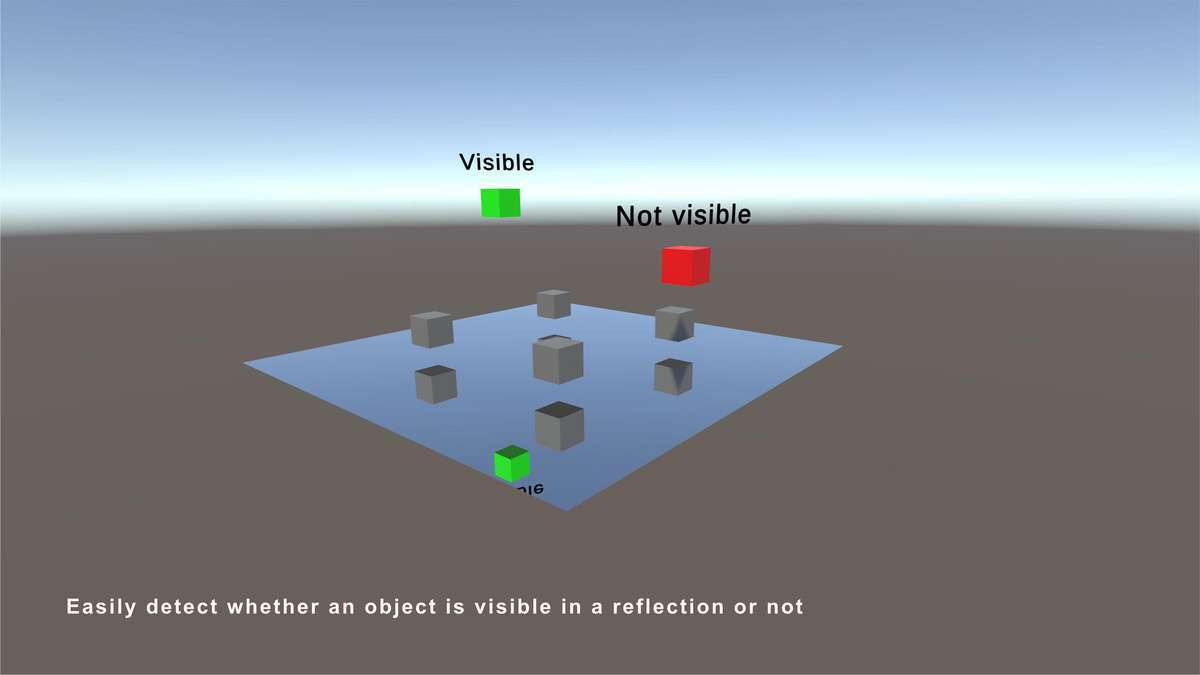
When implementing PIDI – Planar Reflections 6: Team Edition Unity 3.8.1, the primary architectural advantage is its visibility-based logic. Unlike standard reflection probes that can hammer the GPU with unnecessary draw calls, this system culls reflections based on camera frustum and occlusion. For our Unity 6 and URP projects, the inclusion of ShaderGraph nodes allows us to bridge the gap between custom PBR shaders and real-time planar data without writing custom depth-pass logic.
Integration Tips
- Layer Masking: To maintain a stable 60 FPS on mobile, explicitly exclude high-poly sub-meshes from the reflection layer mask. Only reflect the static environment and simplified proxy meshes for dynamic characters.
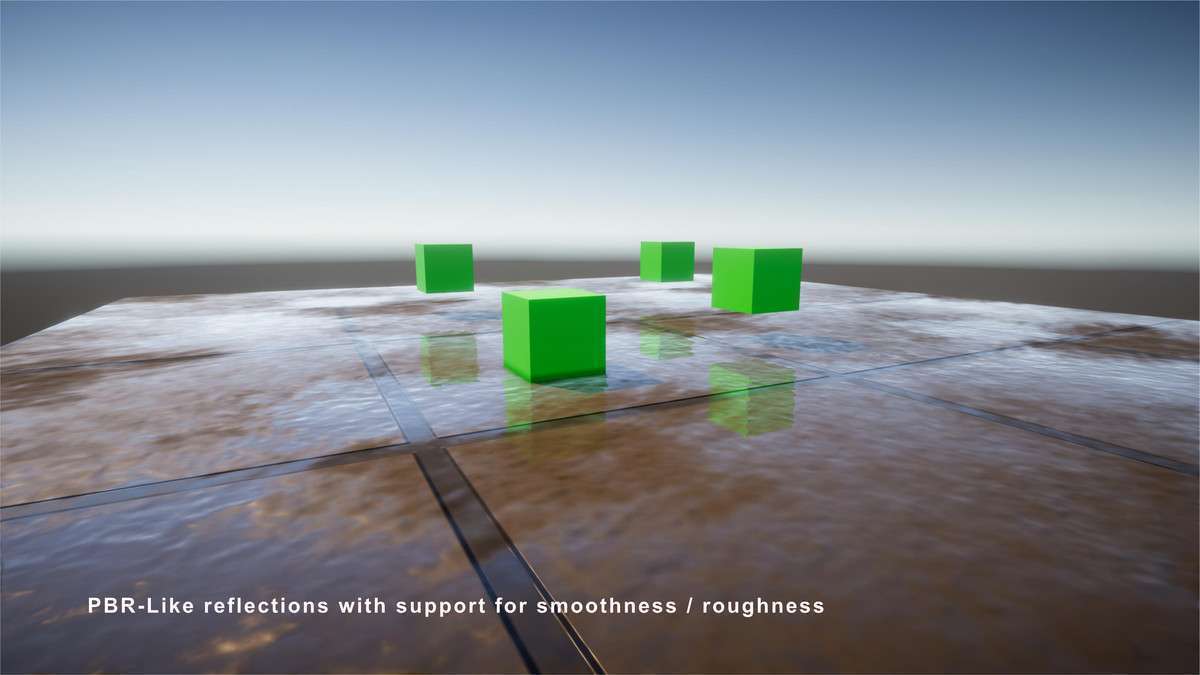
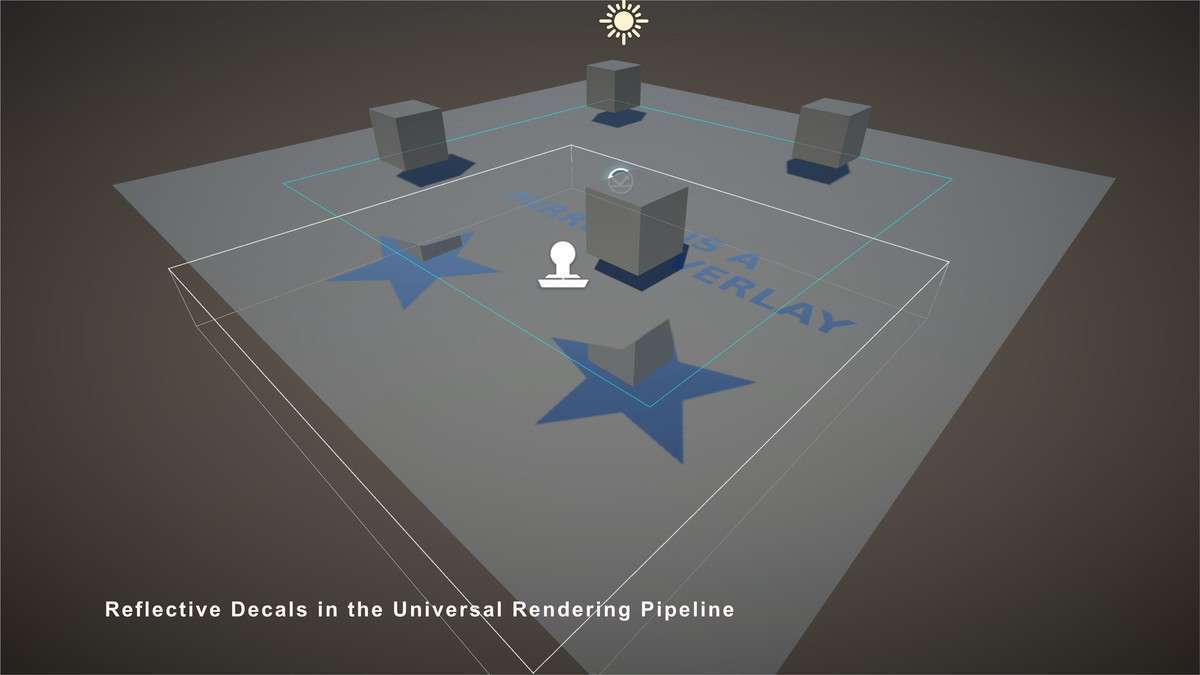
- Universal Render Pipeline (URP): Ensure the ‘Depth Texture’ and ‘Opaque Texture’ settings are enabled in your URP Asset, as the PBR-like roughness blurring relies on these buffers for calculating screen-space offsets.
- Draw Call Batching: Use the Team Edition’s ability to share reflection textures across multiple instances of the same material (e.g., several mirrors in a hallway) to prevent linear scaling of the render cost.
Best Use Cases
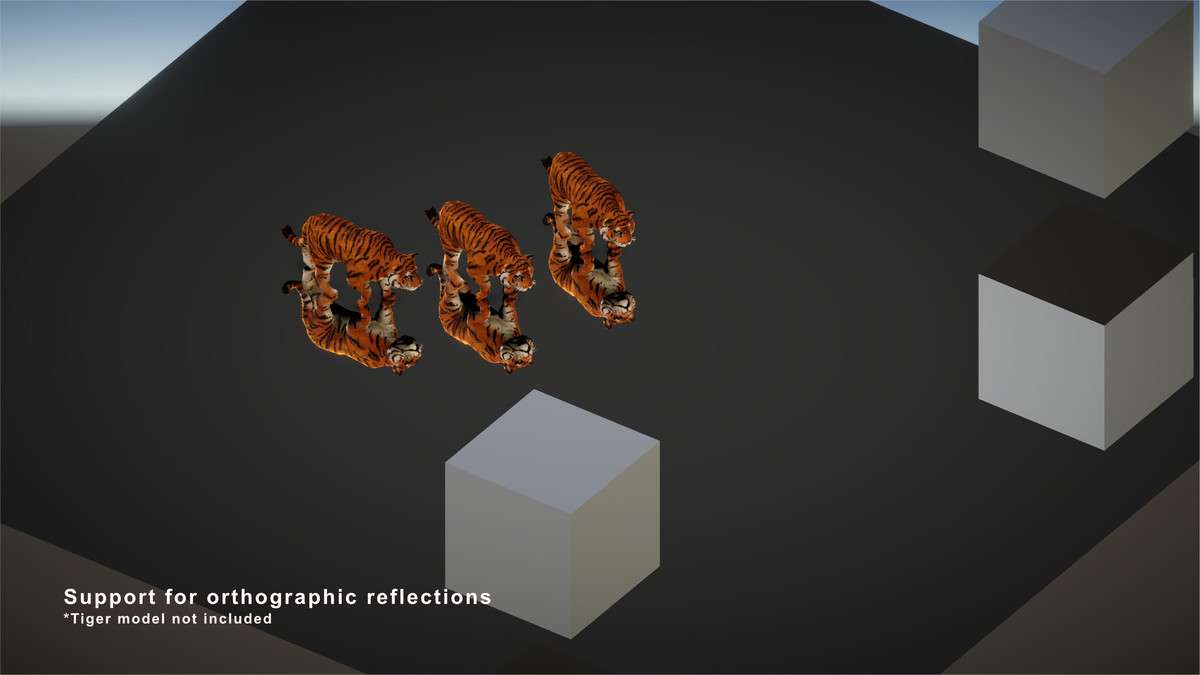
- ArchViz and Interior Simulations: The orthographic reflection support is critical for accurate mirror representations in confined spaces where perspective-based reflection probes often fail to align with the physical geometry.
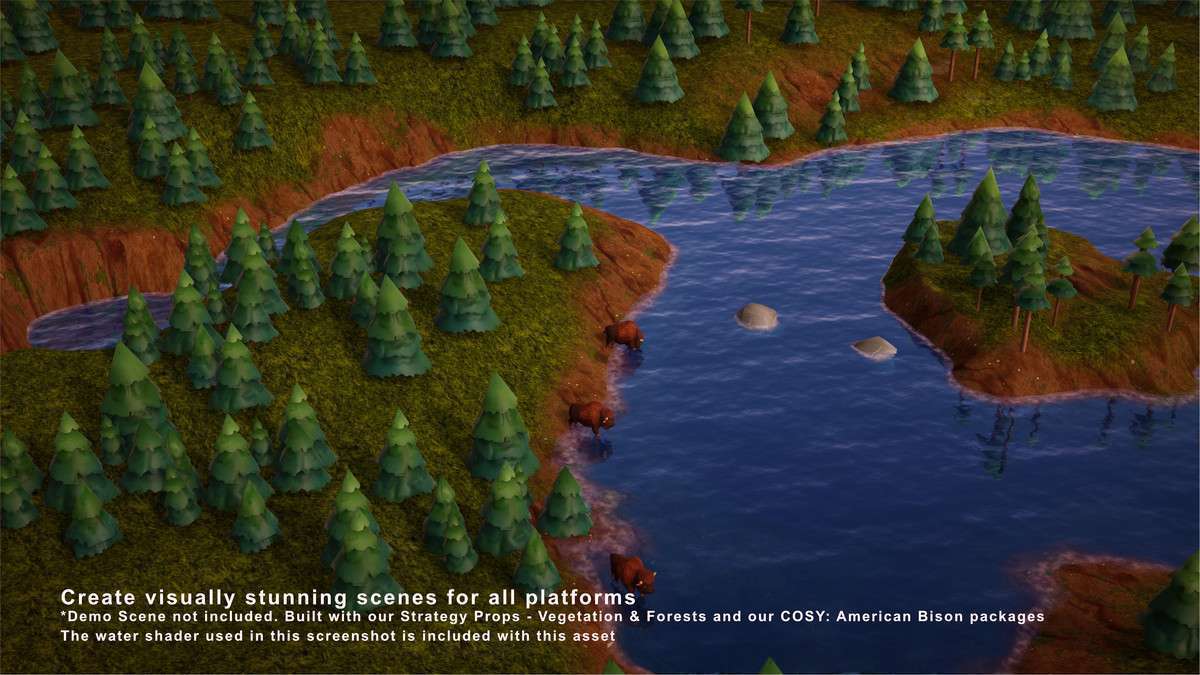
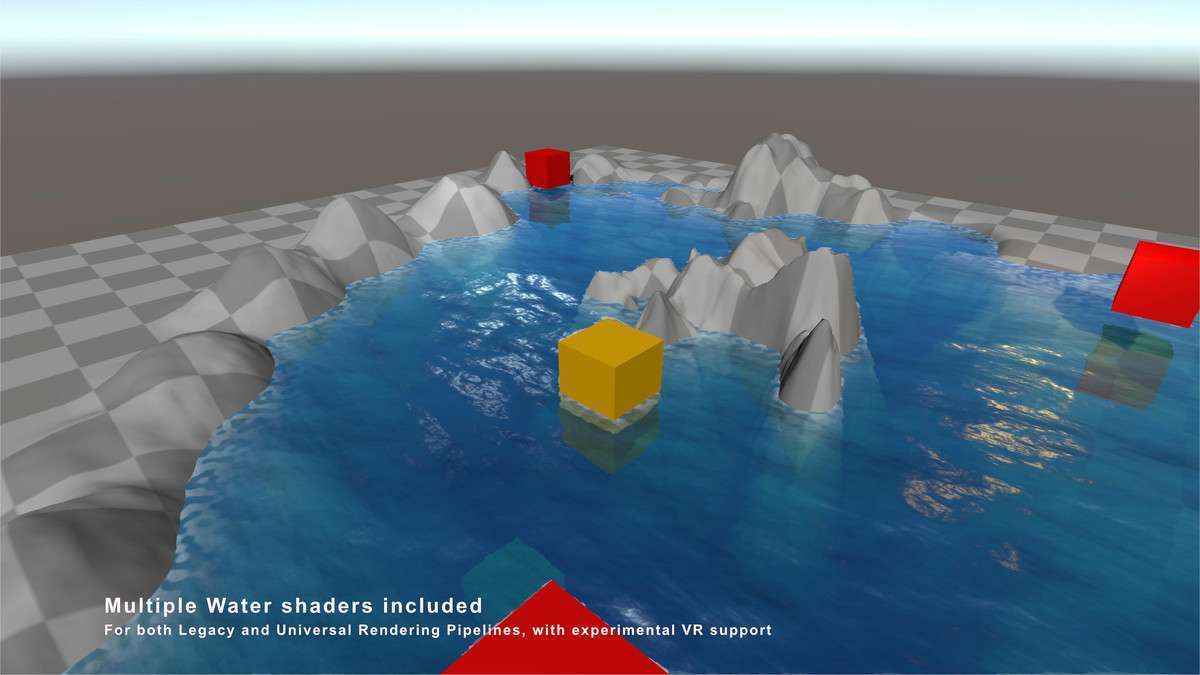
- Mobile Racing Titles: Use the specialized water shaders and visibility API to handle wet asphalt reflections; it provides a much lower memory footprint than maintaining a massive cubemap array for the entire track.