
Optimizing Enemy AI with PBR Horror (Pack) Unity
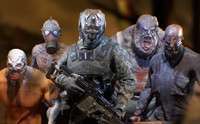
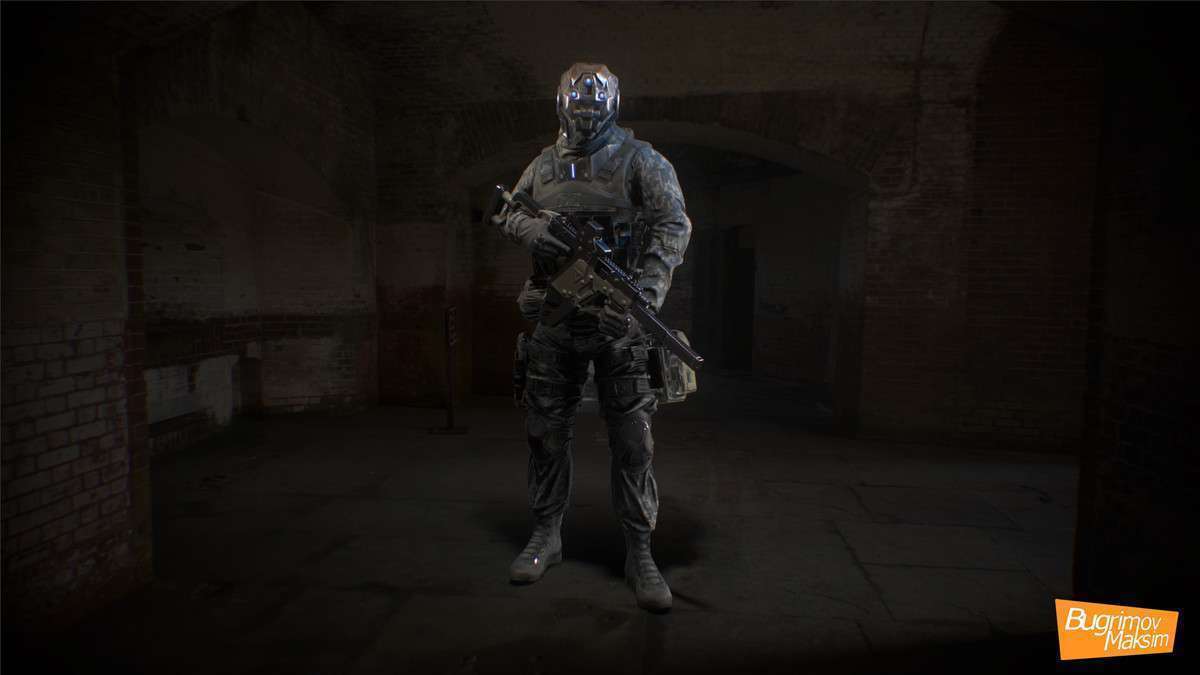
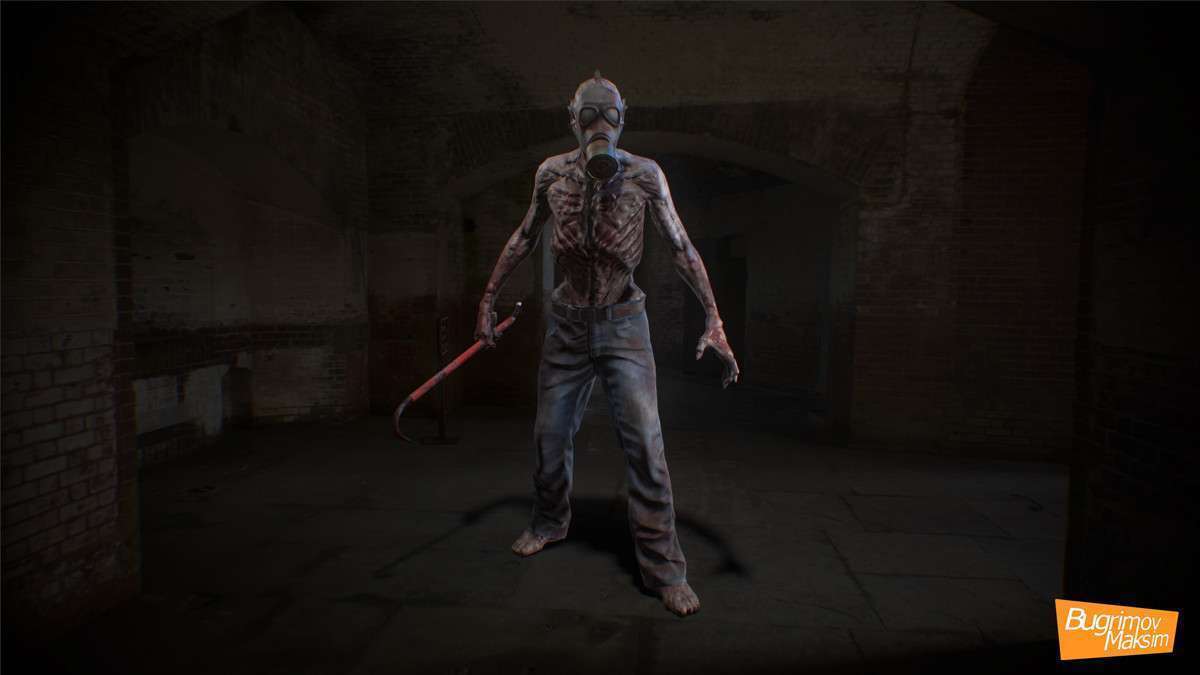
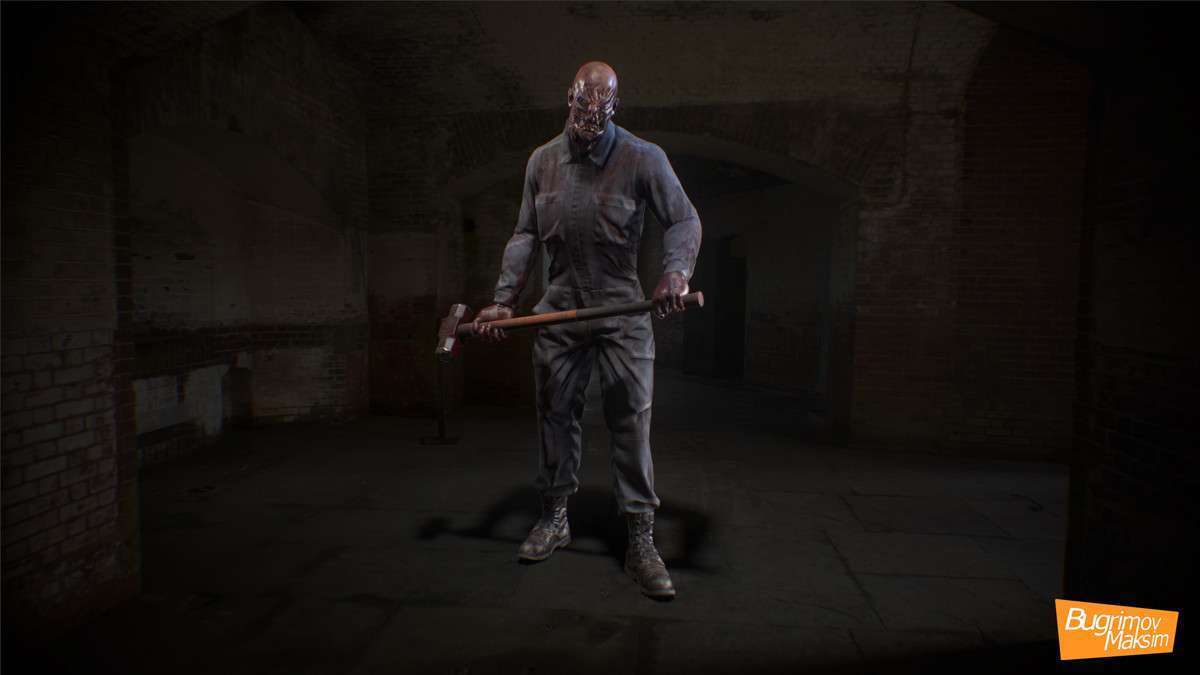
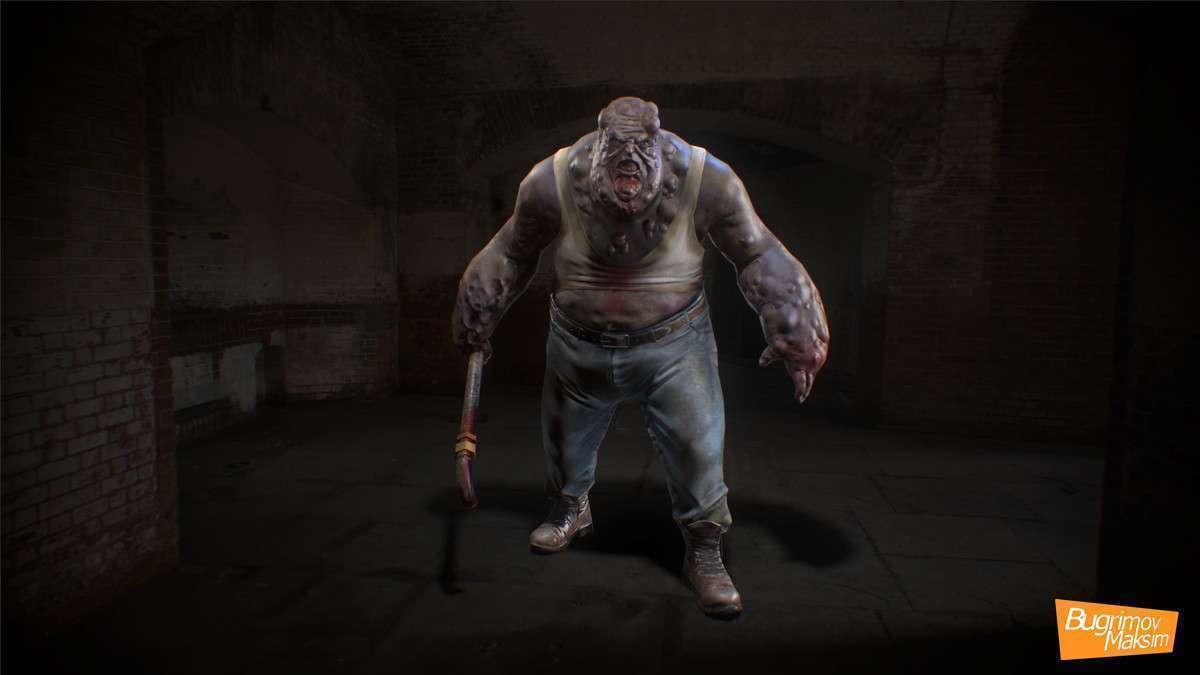
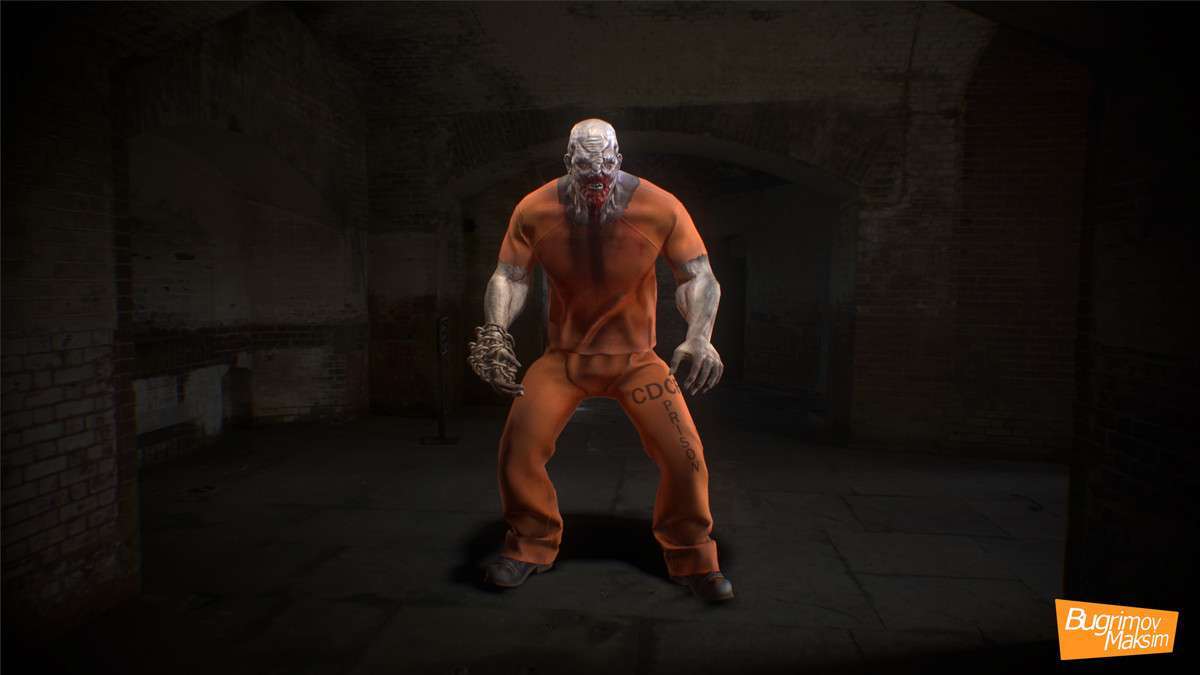
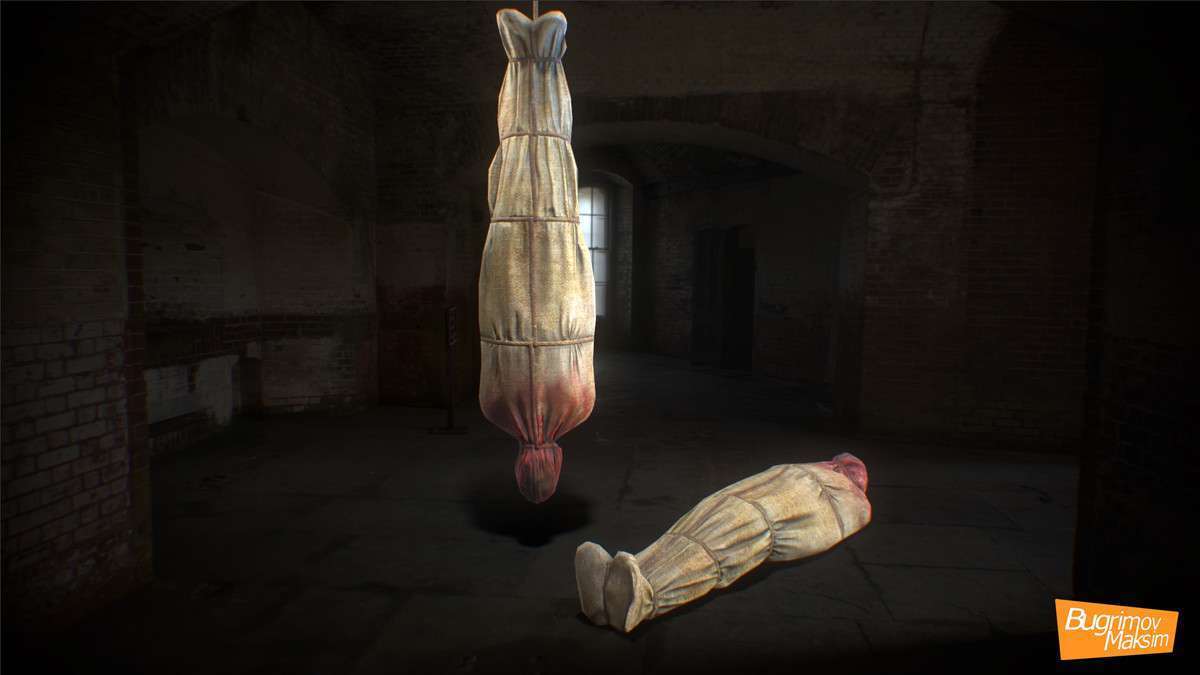
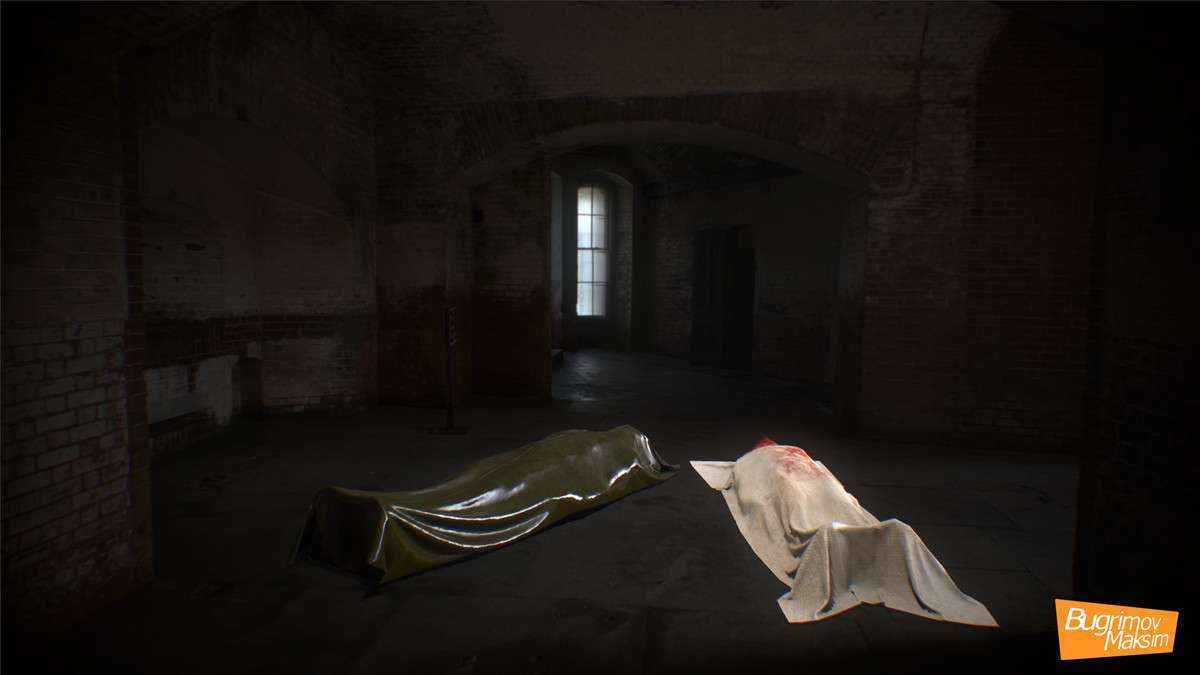
Working with the PBR Horror (Pack) Unity version 1.1.0 provides a highly optimized set of assets for developers targeting mid-to-low spec hardware. With vertex counts hovering between 4k and 15k, these models are perfect for high-density mob scenarios where draw calls and skinning overhead are critical. Each character uses a standard PBR Metallic workflow, making them easy to integrate into both Built-in and URP pipelines without significant texture rework.
Integration Tips
- Shader Conversion: The pack includes PBR and Legacy shaders. If you are working in URP or HDRP, you must use the ‘Upgrade Project Materials’ utility to convert these to the Lit shader, otherwise, characters will appear pink due to the legacy material references.
- Root Motion: Some animations in this pack work best with Root Motion enabled to prevent foot sliding during ‘Attack’ and ‘Shout’ sequences. Verify your Animator component settings after creating your Animation Controller.
- LOD Setup: Since these are optimized meshes, you can easily create LOD groups using Unity’s built-in LOD Group component. Use the 2048×2048 textures for LOD0 and consider downsampling to 512×512 for LOD1 to save VRAM on mobile.
Best Use Cases
- Mobile Survival Horror: The low poly-count and standard PBR maps allow for multiple monsters on screen without triggering the thermal throttling on mobile GPUs.
- VR Infiltration Games: The ‘Soldier’ character includes specific aiming and sit-walk animations, which are vital for tactical AI behavior in immersive virtual reality environments.