
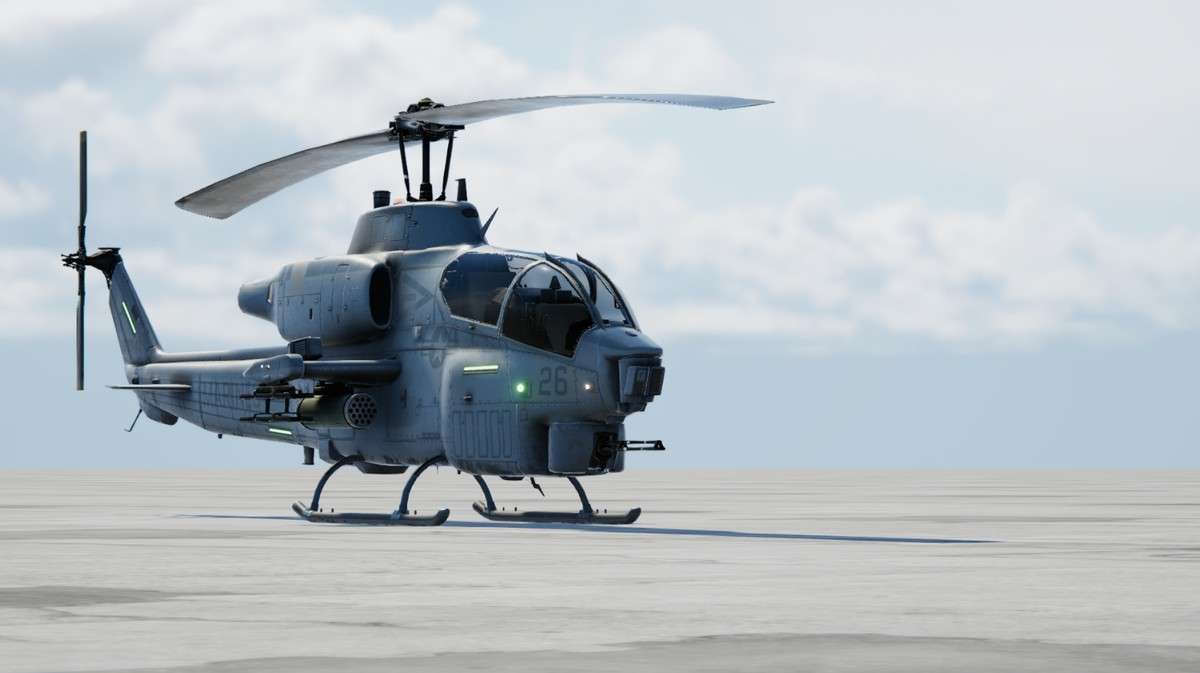
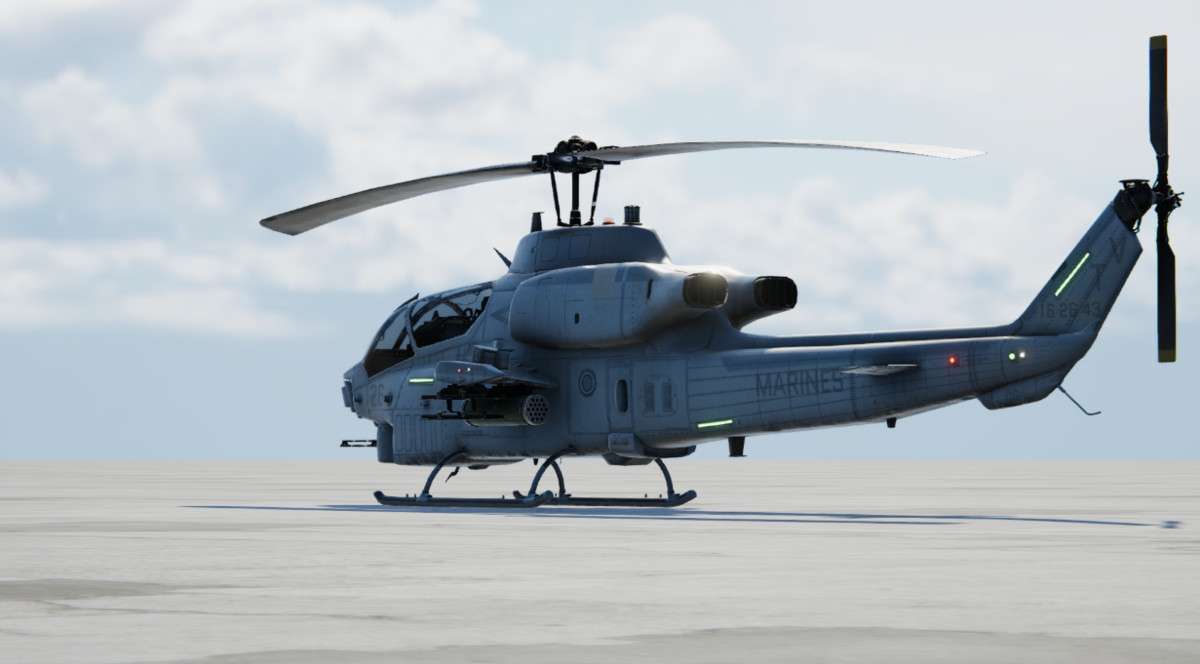
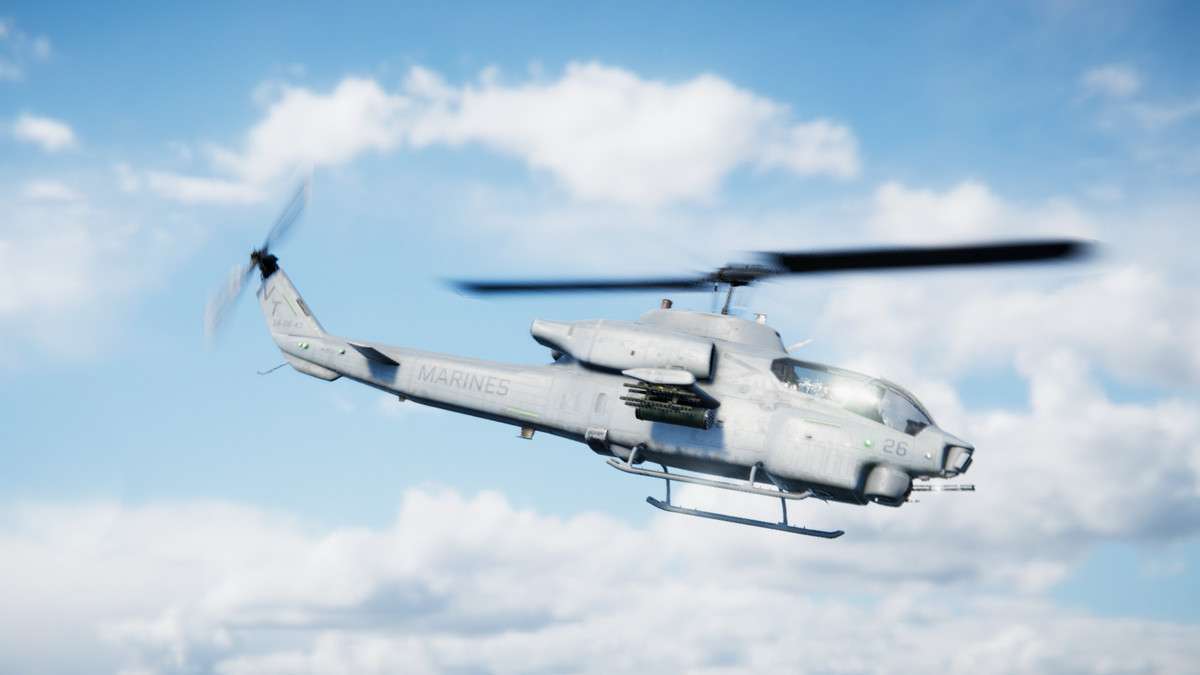
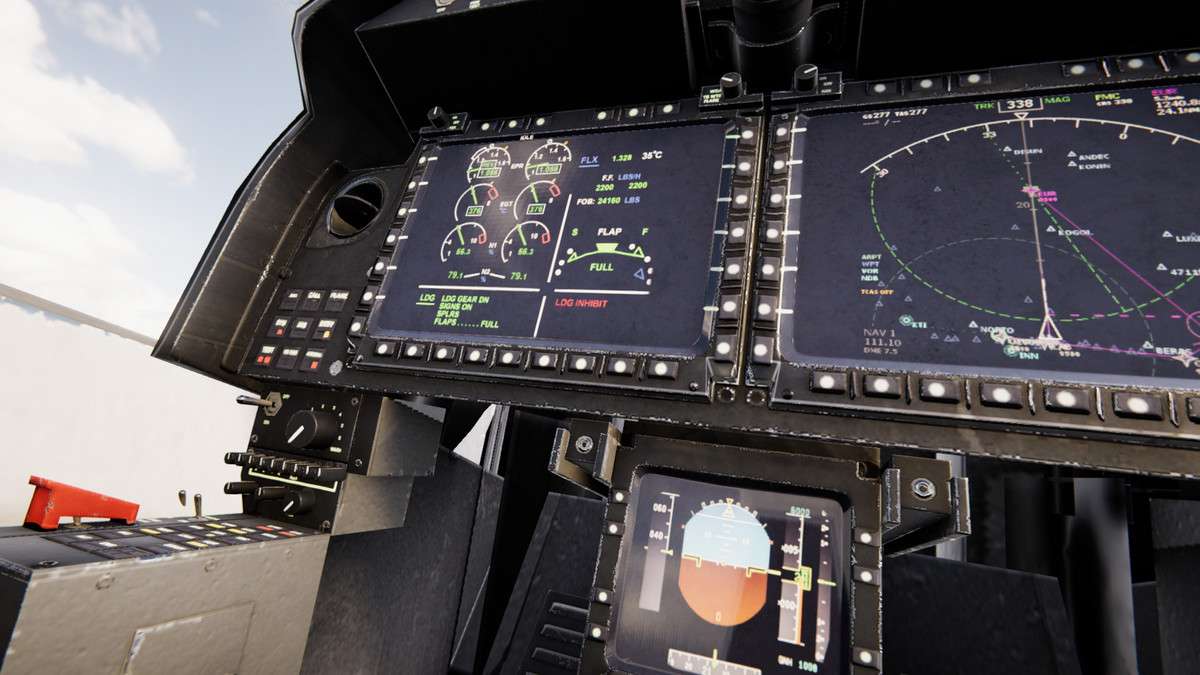
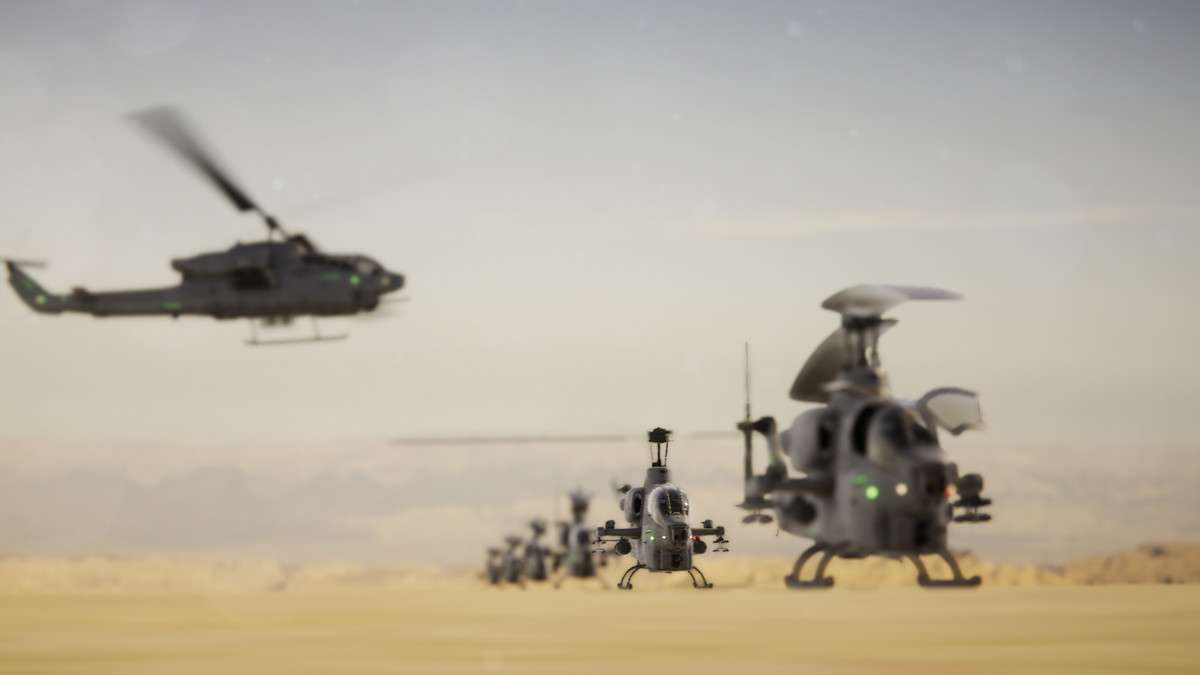
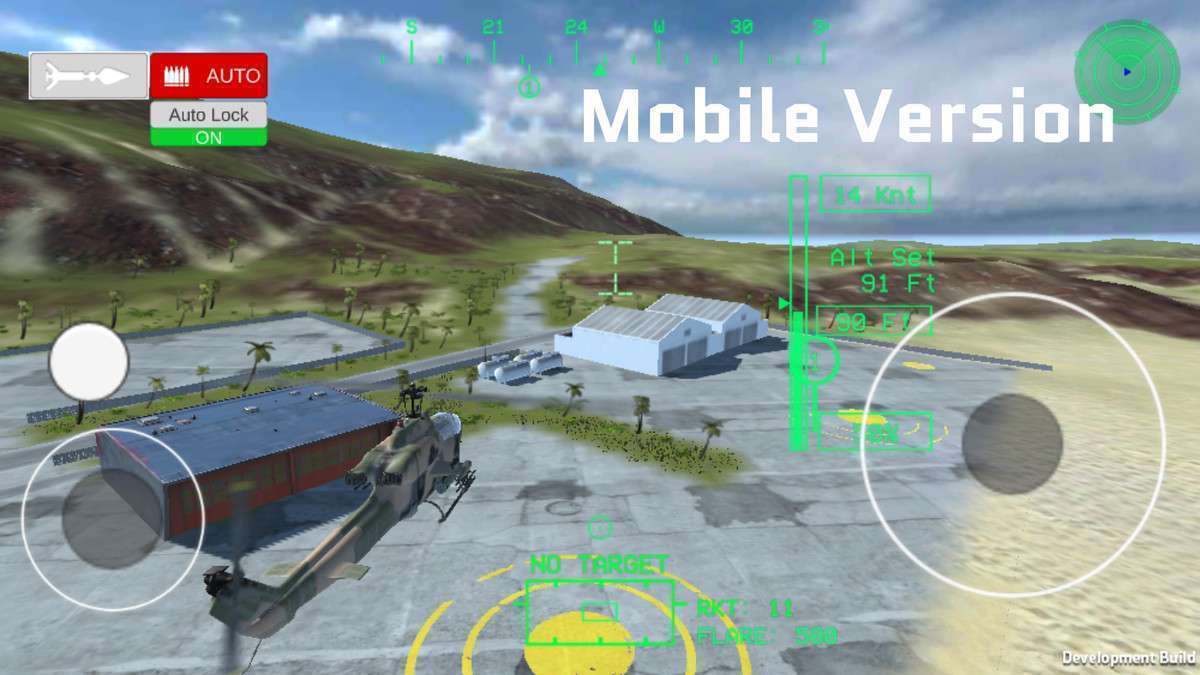
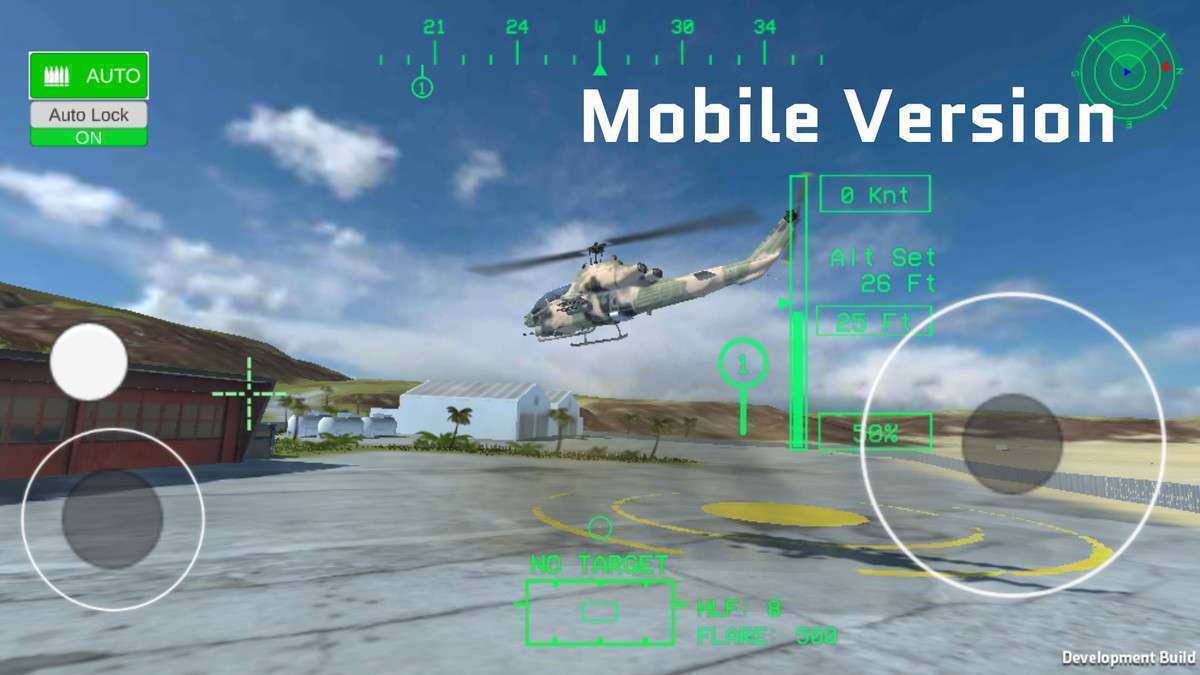
The PBR Helicopter AH-1W SuperCobra Unity asset, at version , provides a highly detailed, animated 3D model of the AH-1W SuperCobra, optimized for both mobile and desktop platforms. Leveraging a comprehensive PBR workflow with 2K textures, and including multiple Levels of Detail (LODs), this asset is geared towards projects requiring a visually stunning and performant vehicle. Its custom collider setup and included PSD files for texture modification offer significant flexibility for integrating it into complex gameplay systems, such as vehicular combat or flight simulators.
Integration Tips
Integrating the PBR Helicopter AH-1W SuperCobra into a Unity project requires careful consideration of its PBR materials, LODs, and animation setup:
- PBR Material Setup & SRP Compatibility: The asset ships with 2K PBR textures (Albedo, Normal, Metallic/Specular, AO). Upon import, ensure these are correctly assigned to your chosen rendering pipeline’s (URP/HDRP) PBR materials. If using the Built-in Render Pipeline, the Standard shader will work, but for URP or HDRP, material conversion is critical. For instance, in URP, you’ll want to use
Universal Render Pipeline/Litshaders. Verify that all texture channels (especially Metallic/Smoothness maps) are correctly sampled to achieve the intended metallic reflections and surface properties. - LOD Group Configuration: The asset provides three distinct LODs. After placing the prefab, locate the LOD Group component and configure the transition distances appropriate for your scene scale and target platform. For mobile, aggressively set LOD distances to switch to lower poly models sooner to reduce vertex processing and draw calls. Remember that each LOD has varying material counts; ensure your material sharing and batching strategies are optimized for each level.
- Animation System Integration: While animations are provided for doors, collective pitch, and rotor bending via Animation Clips, the turret and main/tail rotors are controlled by custom scripts (noted as “for testing purpose only”). For a production environment, re-implement these latter animations using Unity’s Animator Controller for blend trees, IK, or direct script control via
Transform.Rotatefor continuous rotor spin. This allows for better synchronization with physics, input, and networking, as well as easier extensibility. - Custom Collider & Damage Systems: The included custom colliders (Canopy, Body, Engine, etc.) are invaluable for creating sophisticated damage models. Instead of a single convex mesh collider, utilize these distinct colliders to implement hit detection for specific parts, trigger particle effects, or apply localized damage states. When integrating a damage system, attach scripts to these child colliders to manage health pools or structural integrity for each component, making collision detection precise and meaningful.
- Heat Distortion Effect: The provided heat distortion normal map is meant to simulate hot air. To integrate this effectively, apply it to a particle system’s custom vertex stream or a custom shader that displaces pixels based on screen-space distortion. This is typically achieved with a grab pass (in Built-in/HDRP) or by rendering to a temporary render texture (URP) and sampling it with a distorted UV. This is a post-processing effect that should be carefully layered to avoid over-distortion.
Best Use Cases
- Realistic Flight Simulators & Combat Games:
The PBR Helicopter AH-1W SuperCobra Unity asset is exceptionally well-suited for realistic flight simulators or vehicular combat games where visual fidelity and detailed models are paramount. The combination of high-resolution PBR textures, multiple LODs, and segmented colliders allows for immersive experiences, accurate damage systems, and scalable performance across different hardware. The provided animations for control surfaces and doors enhance realism, while the base model’s structure encourages robust integration with physics-based flight controllers and multiplayer networking, supporting complex combat scenarios and detailed cockpits.
- Cinematic Sequences & Propaganda Tools:
For in-game cinematics, marketing materials, or serious game applications (e.g., military training simulations), this asset delivers production-ready quality without requiring extensive modeling effort. Its detailed mesh, PBR textures, and included animations enable the creation of high-impact visual sequences. The customizability via PSD files means specific unit markings or weathered looks can be easily applied. The option to export with 2K textures for desktop use ensures maximum visual quality for rendered cutscenes or high-resolution screenshots, offering a strong foundation for visual storytelling or promotional content.