
Decoupling AI Logic from Physics Controllers
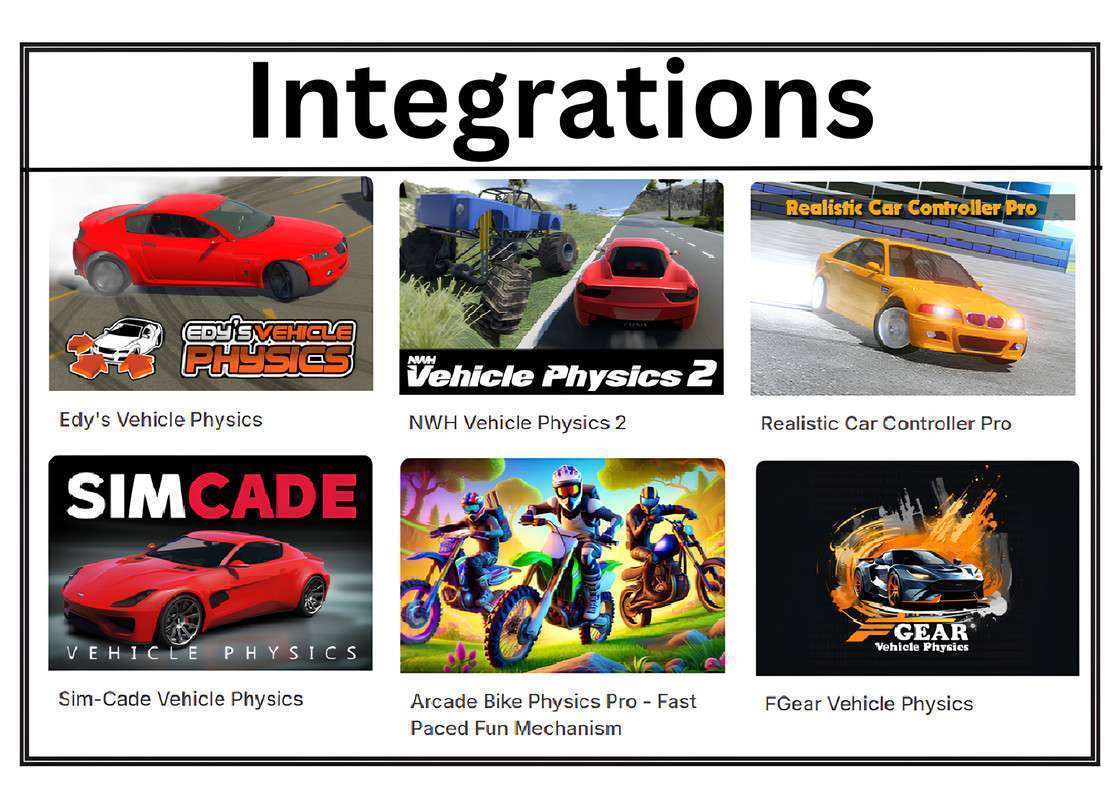
Implementing Omni Vehicle AI Unity 1.5.0 solves the common headache of writing custom navigation logic for every different vehicle asset in your library. It acts as an abstraction layer between the pathfinding data and the vehicle’s input system. By using an “Input Provider” pattern, it translates target vectors into throttle, brake, and steering float values that any physics-based controller can consume, regardless of whether you’re using RCCP, NWH, or a custom Raycast-based solution.
Integration Tips
The secret to smooth AI behavior with Omni is the Predictive Braking system. When setting up waypoints in a complex environment, ensure your path curves aren’t too sharp for the vehicle’s turning radius; if the AI consistently overshoots, you likely need to increase the sensor’s look-ahead distance. For projects using ProBuilder or custom meshes for roads, verify that your ground detection layers are correctly set in the Omni Global settings to avoid the AI floating or sinking during steep elevation changes.
Best Use Cases
- Urban Traffic Systems: The context-based steering and obstacle avoidance make it perfect for populating city streets where vehicles must navigate around players and static props dynamically.
- Combat Chase Sequences: Use the Target Follow mode for aggressive enemy AI; its ability to handle reversing and stuck-logic ensures NPCs don’t become useless after a collision.